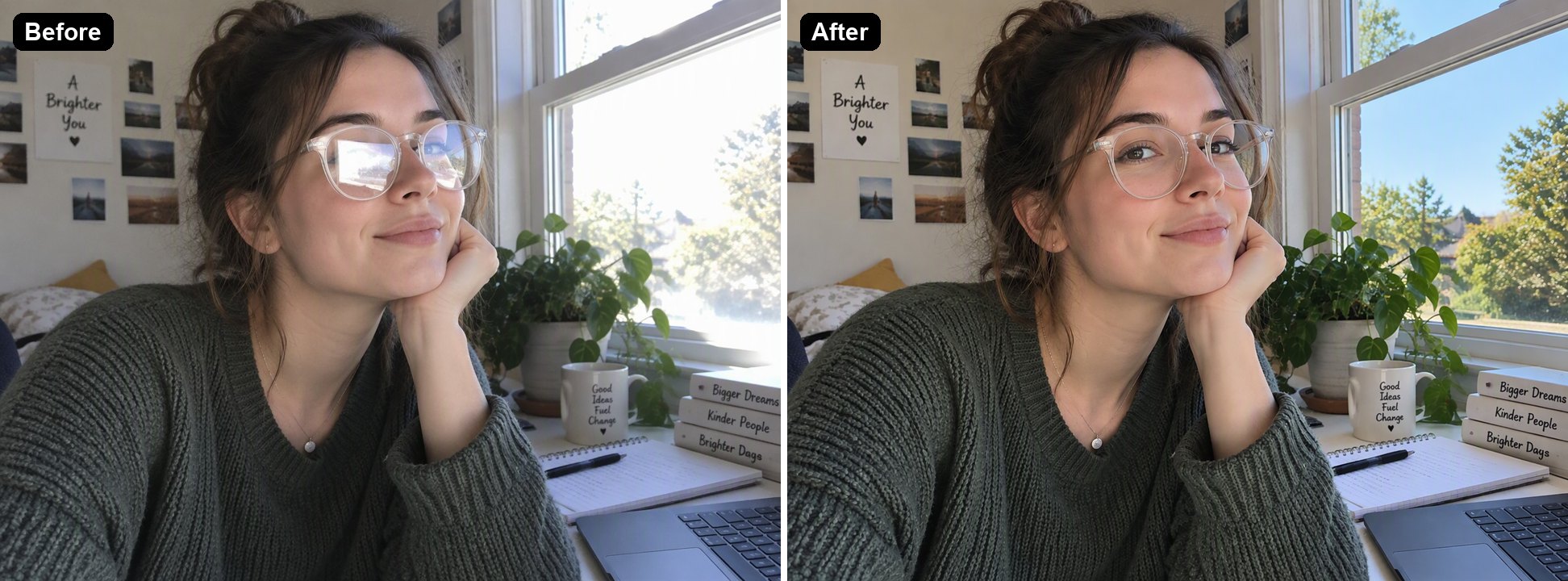
AI YouTube Thumbnail Maker

Turn a photo of yourself into a YouTube thumbnail. Upload the photo, write the title and the scene you want, and the AI builds a 16:9 thumbnail with your face, a bold headline and a matching background. The console below uses GPT Image 2.5 Sunburst, which spelled every title correctly in our tests, and each thumbnail costs 6 to 8 tokens at 1K.
Gaming

Gaming
Cooking
Cooking
Travel
Travel
Upload a photo of yourself
Describe your thumbnail
By uploading a file, you agree to GoEnhance's Terms of Use and Privacy Policy

How to Make a YouTube Thumbnail with AI

From a selfie to a 16:9 thumbnail.
01

Upload a clear photo of your face

A well-lit selfie or a frame from your video. The AI keeps your face and changes the rest.

02

Describe the thumbnail

Put the title in quotes, say where you stand, what expression you want and what is in the background. Pick an example above to start from its description. In our tests each image took 36 to 47 seconds.

03

Download and upload to YouTube

The result is 16:9. At 1K it was 1360×768 pixels and under 2 MB in our tests, which fits YouTube's thumbnail requirements.

Description Tips That Worked in Our Tests

TipExampleWhy
Put the title in quotes and say "exactly"reading exactly 'FINAL BOSS DOWN'All three titles came out spelled correctly
Keep the title to 2 to 5 words'15-MIN CRISPY CHICKEN'Short titles stay readable at small sizes
Say where you standPut the person on the leftLeaves room for the title on the other side
Ask for an expressiona shocked, wide-eyed expressionThe AI changes the expression and keeps the face
Ask to keep your faceKeep the person's face, hair and identity exactly the sameStops the AI from drifting to a different person

AI Thumbnail Maker vs Templates vs Photoshop

GoEnhance AI YouTube Thumbnail MakerThumbnail templates, such as in CanvaPhotoshop
Start fromYour photo and a descriptionA template you fill inA blank canvas
Cutting yourself outNot neededBackground remover, then place by handManual selection and masking
New scene and expressionGenerated to match your descriptionStock images you addComposited by hand
Control over every detailThrough the descriptionHighFull
Cost6 to 8 tokens per thumbnail at 1KFree and paid templatesPhotoshop subscription

Thumbnails Made from a Selfie

Gaming

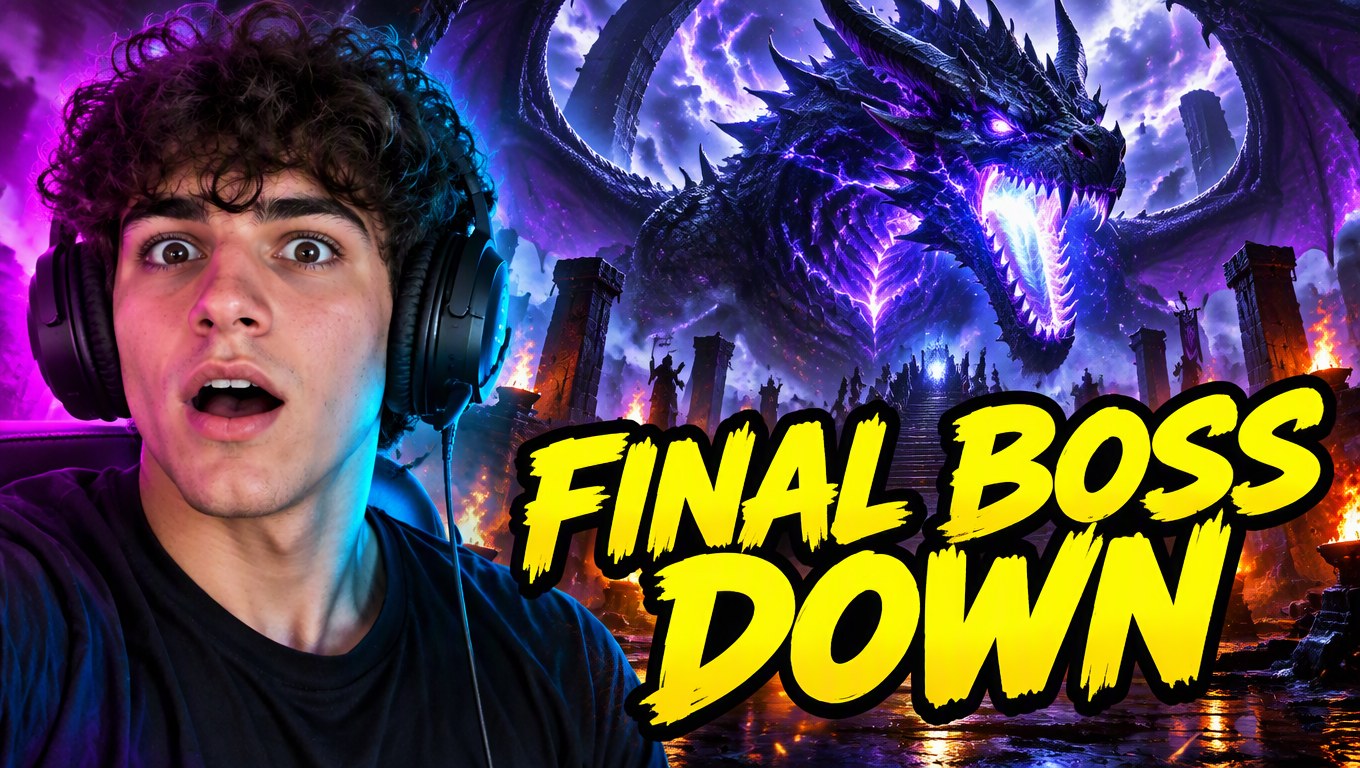
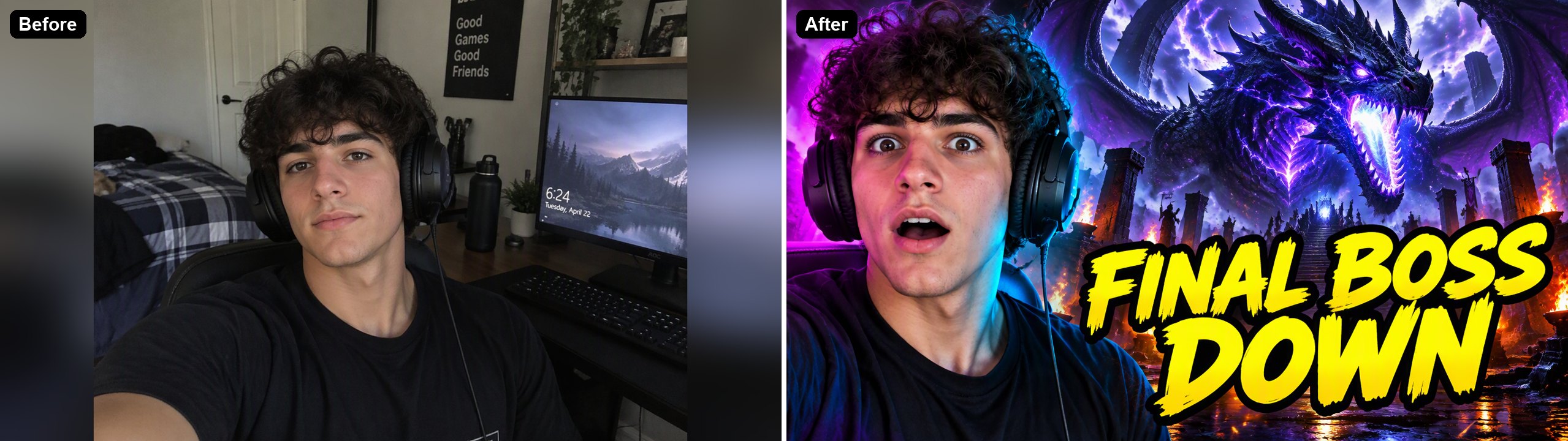
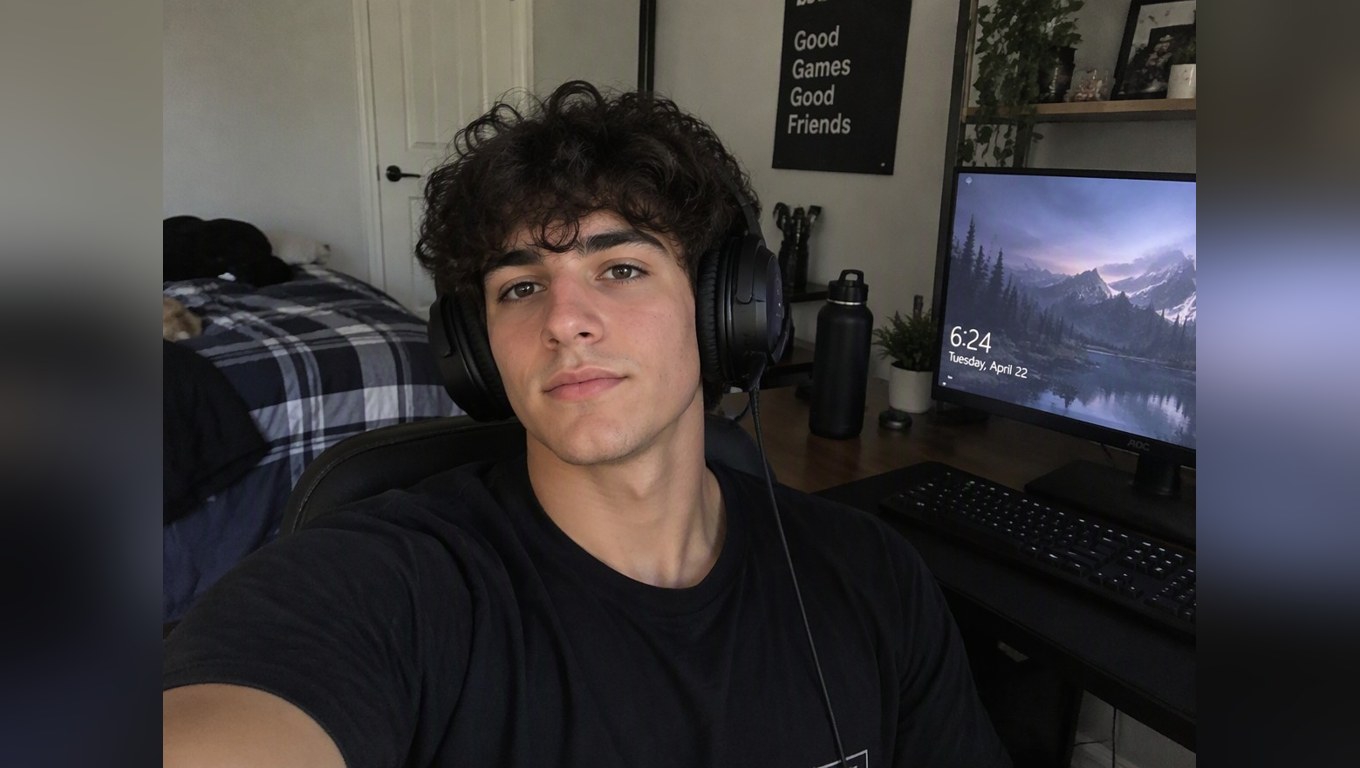
A plain desk selfie became a shocked reaction in front of a dragon, with RGB lighting and a yellow outlined title.

a gamer selfie turned into a boss fight YouTube thumbnail

Cooking

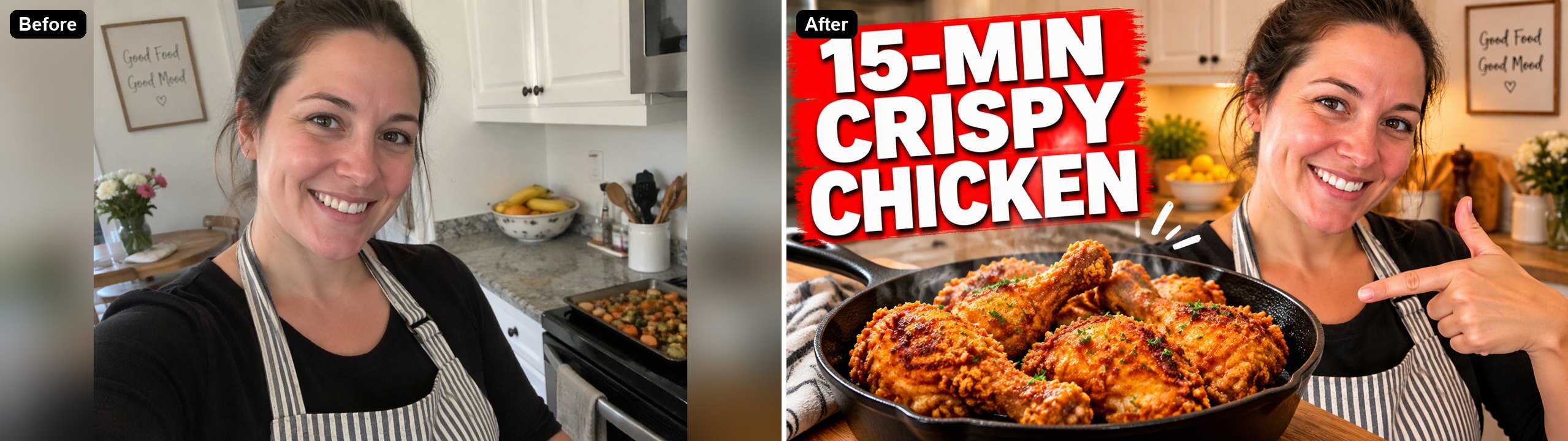
The same person, now pointing at a pan of fried chicken, with the recipe time on a red banner.

a kitchen photo turned into a fried chicken recipe thumbnail

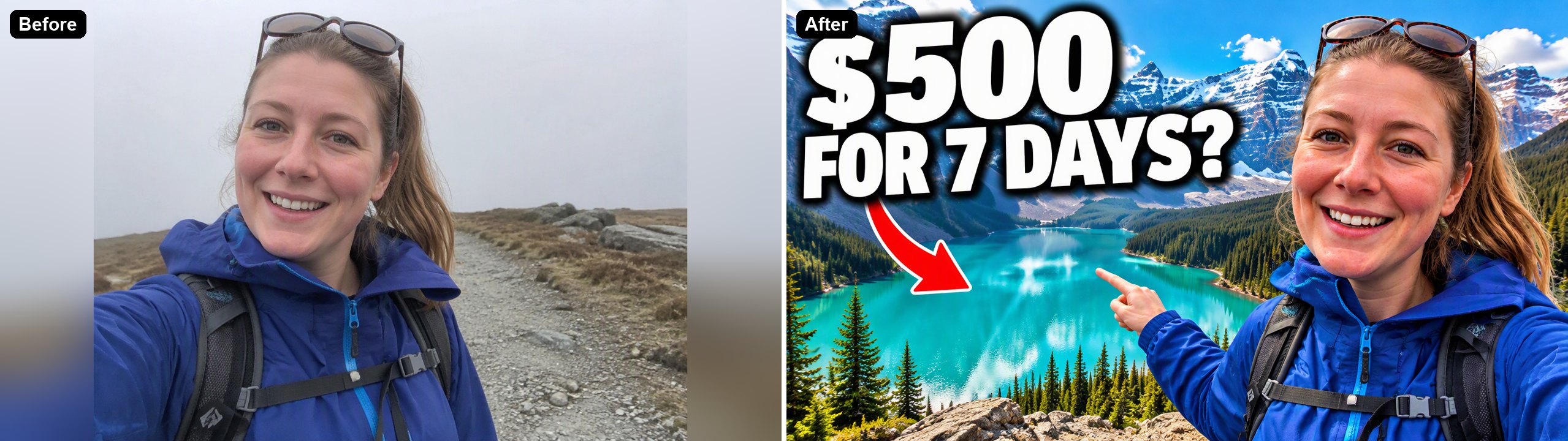
Travel

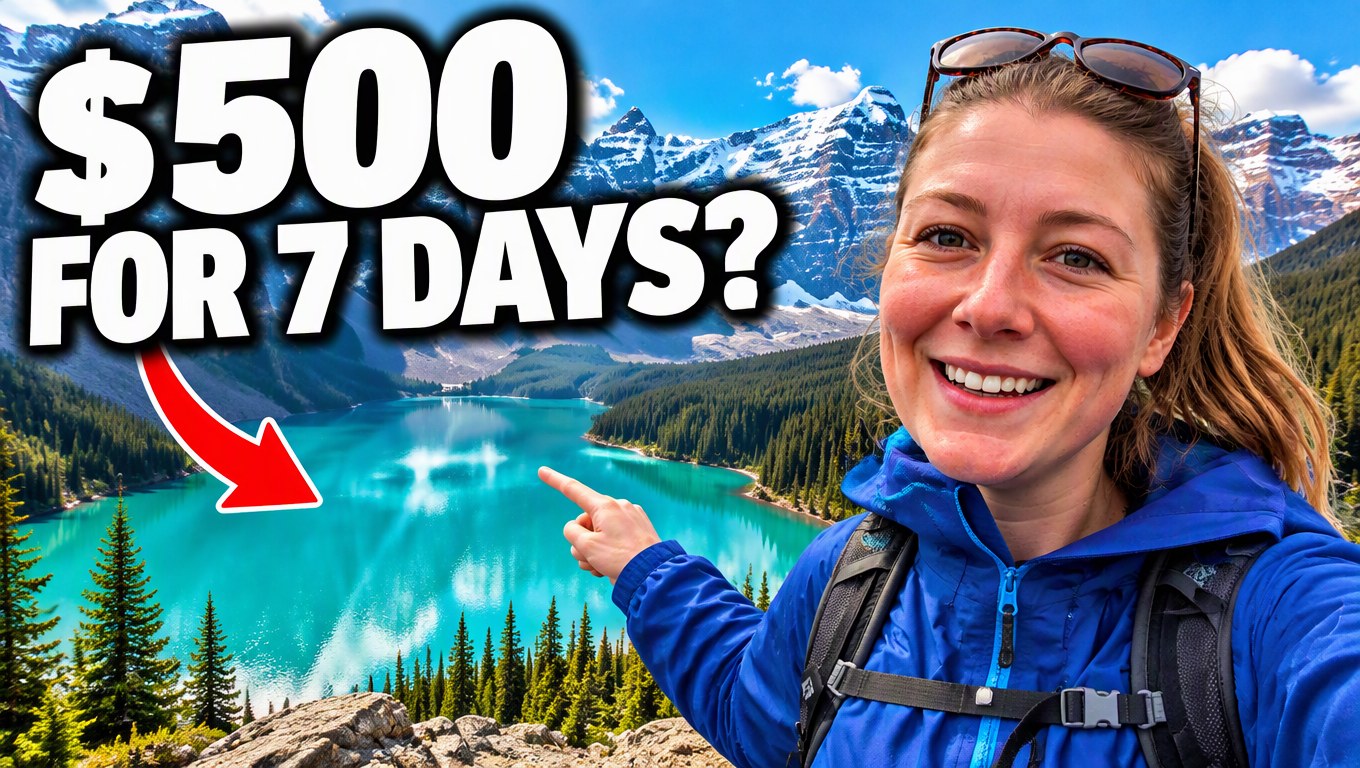
An overcast trail selfie became a turquoise mountain lake with a budget question and a red arrow.

a trail selfie turned into a travel budget thumbnail

Good to Know

Your Face Kept

The AI changes the expression and scene, not who you are.

Titles Spelled Right

Short titles in quotes came out correct in all our tests.

16:9 by Default

The console opens the editor at 16:9.

Up to 4K

Pick 1K, 2K or 4K in the editor.

AI YouTube Thumbnail Maker FAQ

How do I make a YouTube thumbnail with AI?

Upload a photo of yourself to the AI YouTube Thumbnail Maker above, describe the title and the scene, and click Make Thumbnail. The AI keeps your face and builds a 16:9 thumbnail around it. In our tests each image took 36 to 47 seconds.

What size should a YouTube thumbnail be?

YouTube asks for 1280×720 pixels (16:9), at least 640 pixels wide, as JPG, GIF or PNG, under 2 MB. At 1K this tool gives 1360×768, and our PNG files were 1.8 to 1.95 MB. 2K and 4K files are larger, so save them as JPG before uploading.

Will the thumbnail still look like me?

In our tests the face and hair stayed the same while the expression changed as described. Use a clear, well-lit photo, and keep "keep the person's face exactly the same" in the description.

Are the titles spelled correctly?

All three titles in our examples came out exactly right. Keep titles short, put them in quotes, and check the spelling before you publish.

Do I need a photo of myself?

The tool starts from an image, so you need to upload one. It does not have to be a selfie: you can upload a product photo or a game screenshot and describe the thumbnail around it.

Is it free?

Each thumbnail costs 6, 7 or 8 tokens at 1K, for Low, Medium or High quality (High is the default). 2K and 4K cost more. New accounts get free tokens when they sign up, so you can try it before paying. The examples on this page were made at Low quality, 1K.

Which AI model does it use?

This tool runs on GPT Image 2.5 Sunburst, the editing-focused version of OpenAI's GPT Image 2.5 image model, inside GoEnhance's image-to-image editor. GoEnhance is not affiliated with OpenAI.

Is my photo private?

We do not sell your content. Your image is processed to create the result, and the result stays in your account until you delete it. See our Privacy Policy for details.

Turn Your Next Selfie into a Thumbnail

Upload a photo, write your title and let the AI build the thumbnail.

Make a Thumbnail Now