goenhance logo

YouTube Profile Picture Maker


Create a custom YouTube profile picture that reflects your channel identity. Turn a portrait, mascot concept, brand color palette, or creator niche into a clear circular icon for videos, comments, Shorts, and channel pages.
Create Your Channel Icon
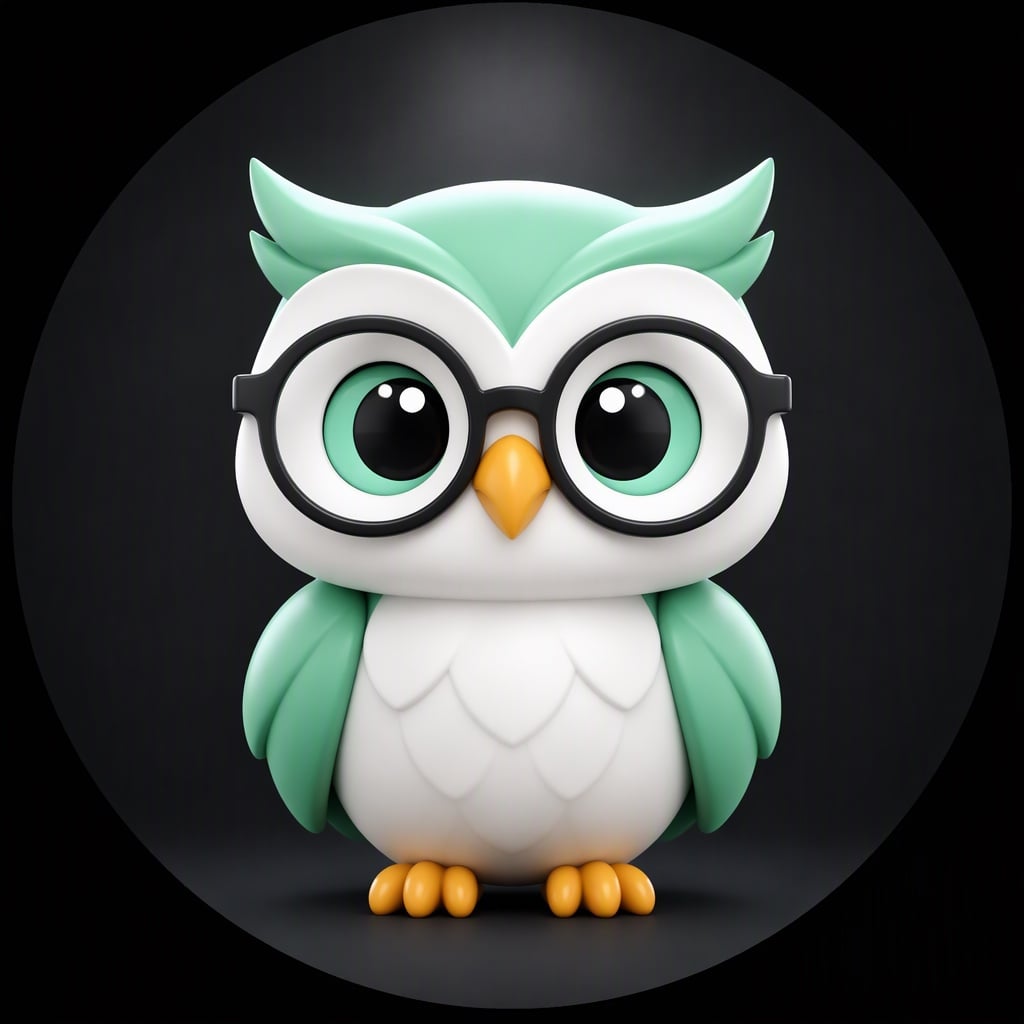
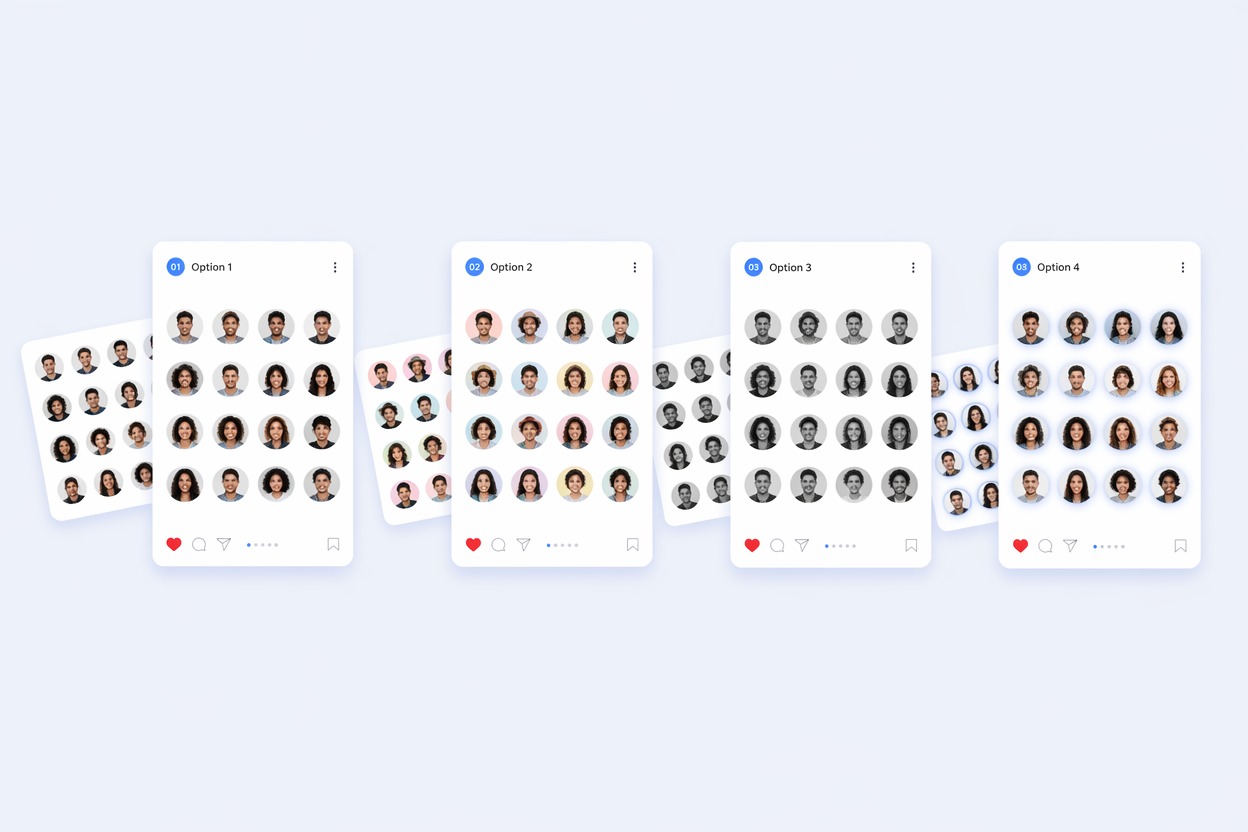
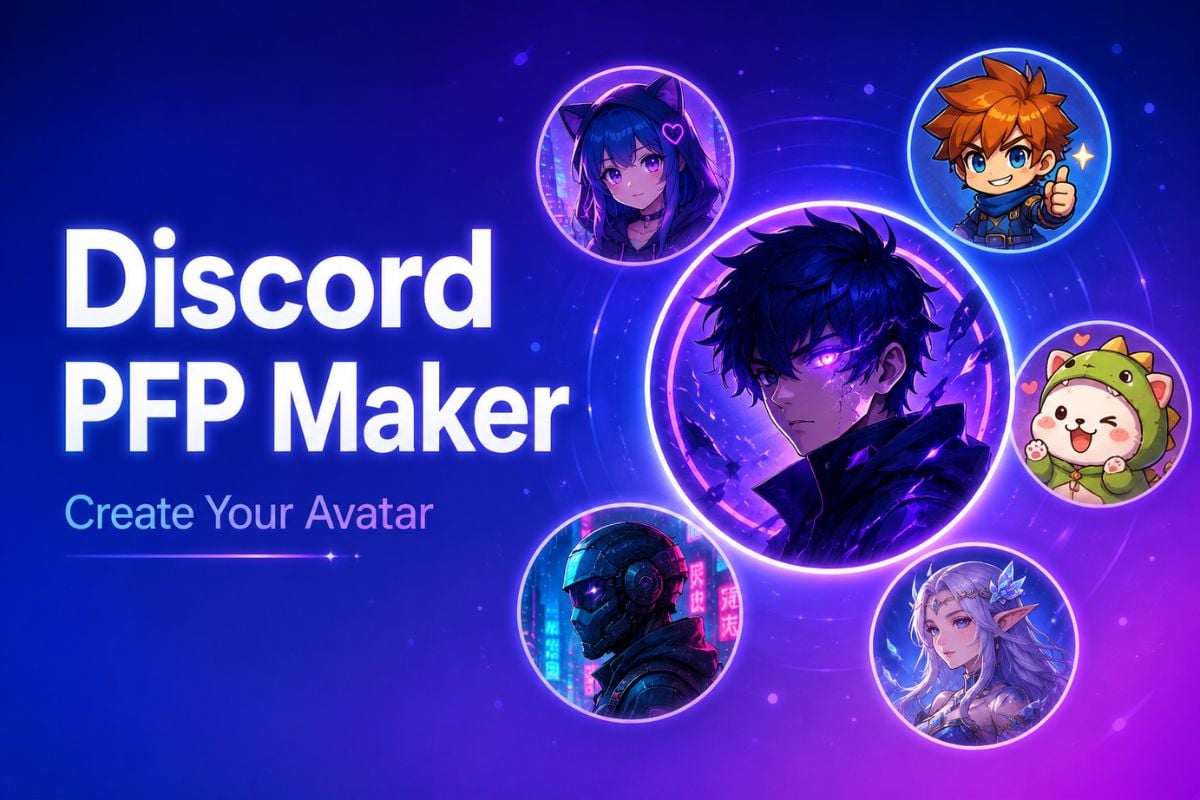
Creator channel icon design workspace with circular avatar previews

Create YouTube Profile Pictures for Any Channel Style

Build a Recognizable Channel Identity

Use a YouTube profile image creator to explore portraits, mascots, initials, brand colors, and niche-inspired symbols. A strong icon should match your content style and remain recognizable inside a small circular frame.

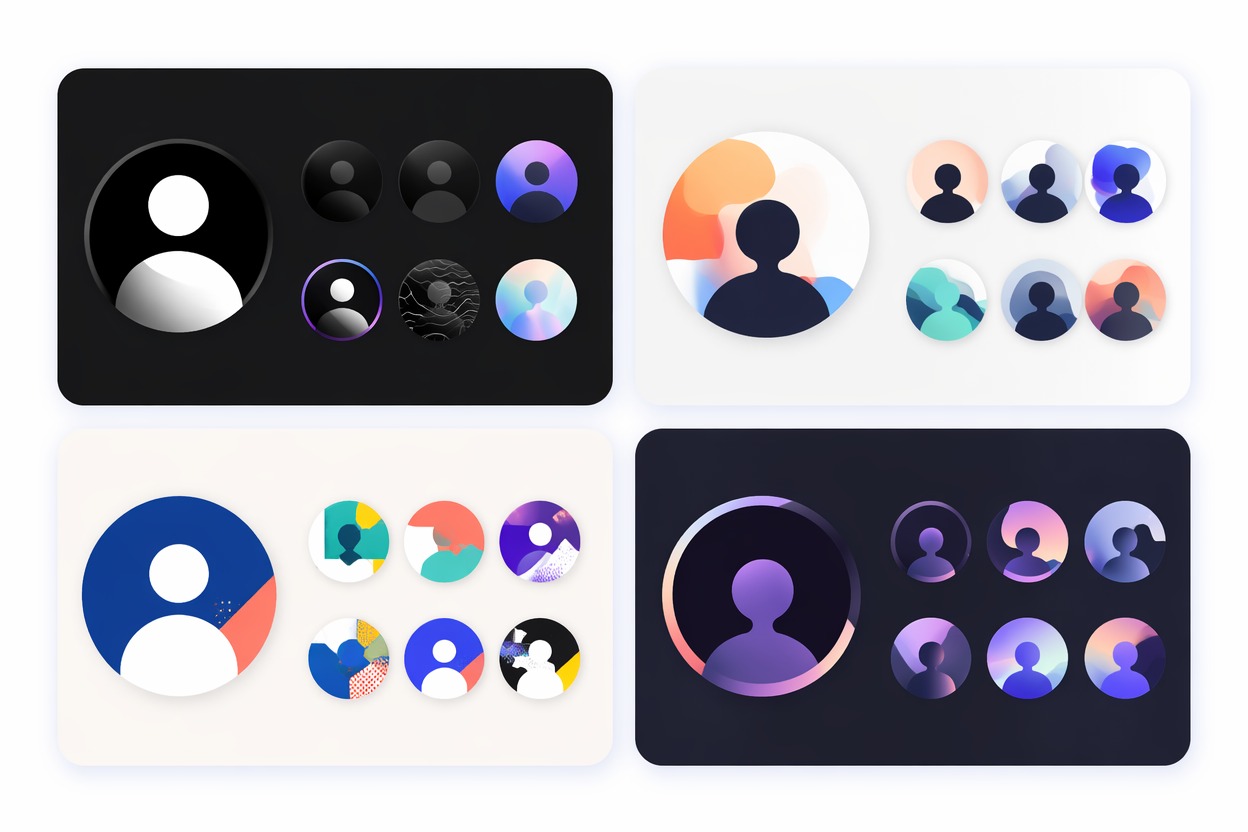
Channel identity board with circular avatar icon concepts

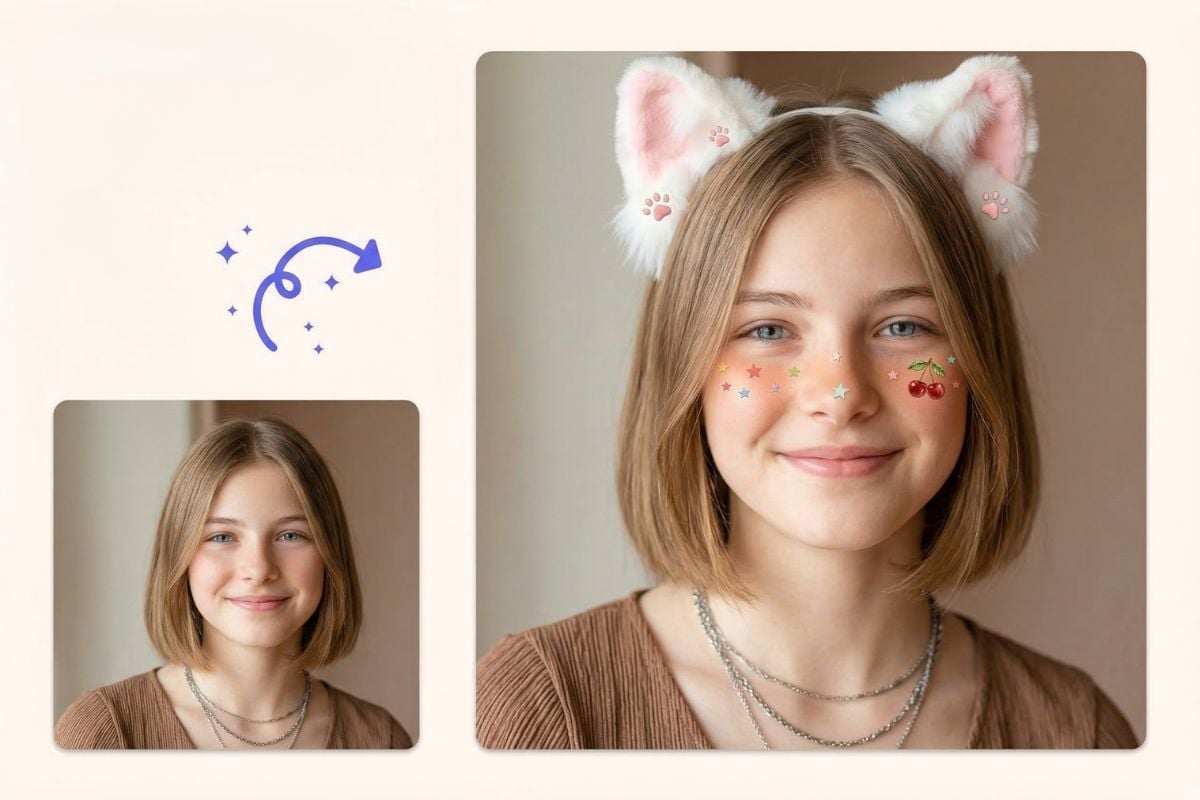
Create Polished Profile Photos

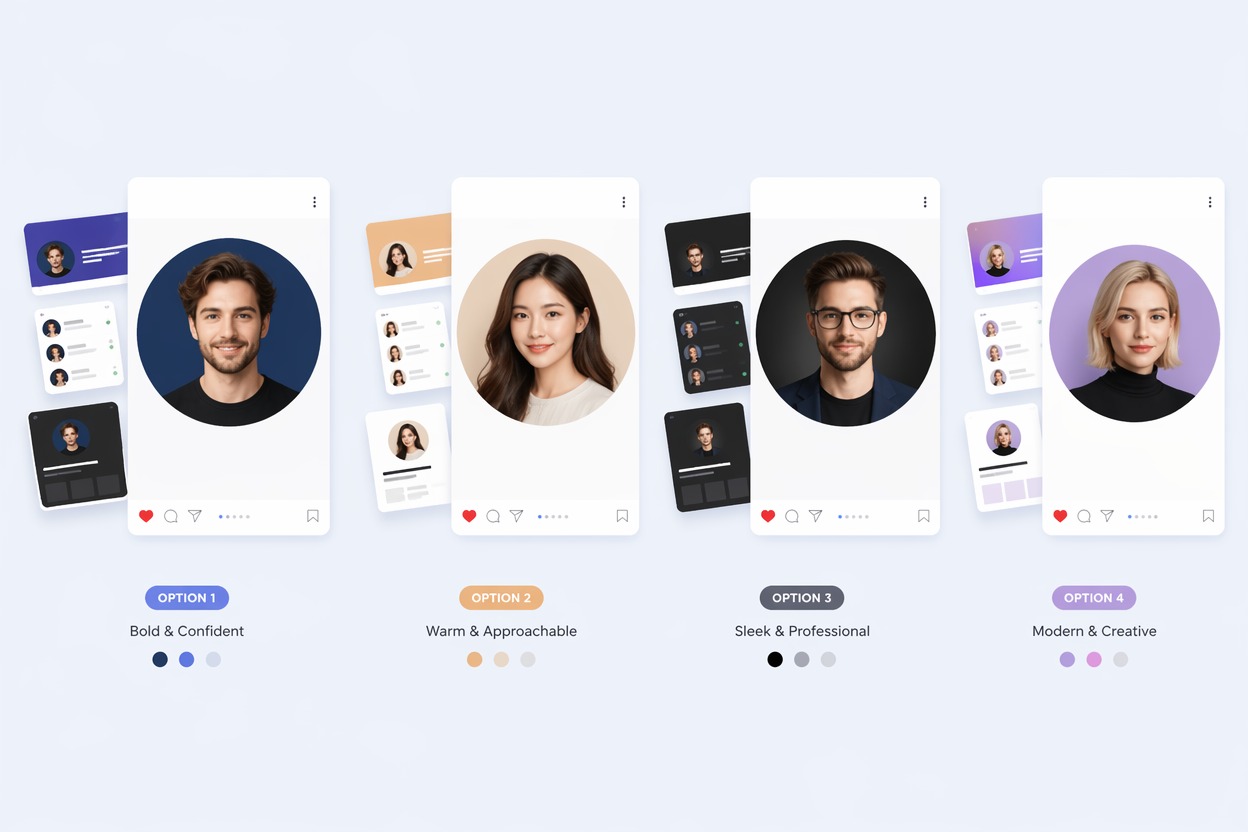
Turn a creator portrait or visual brief into a polished YouTube channel icon. Keep the face centered, the expression clear, and the background simple so viewers can recognize you beside comments, videos, and Shorts.

Polished creator portrait icon with a clean circular crop

Design Memorable Mascot Icons

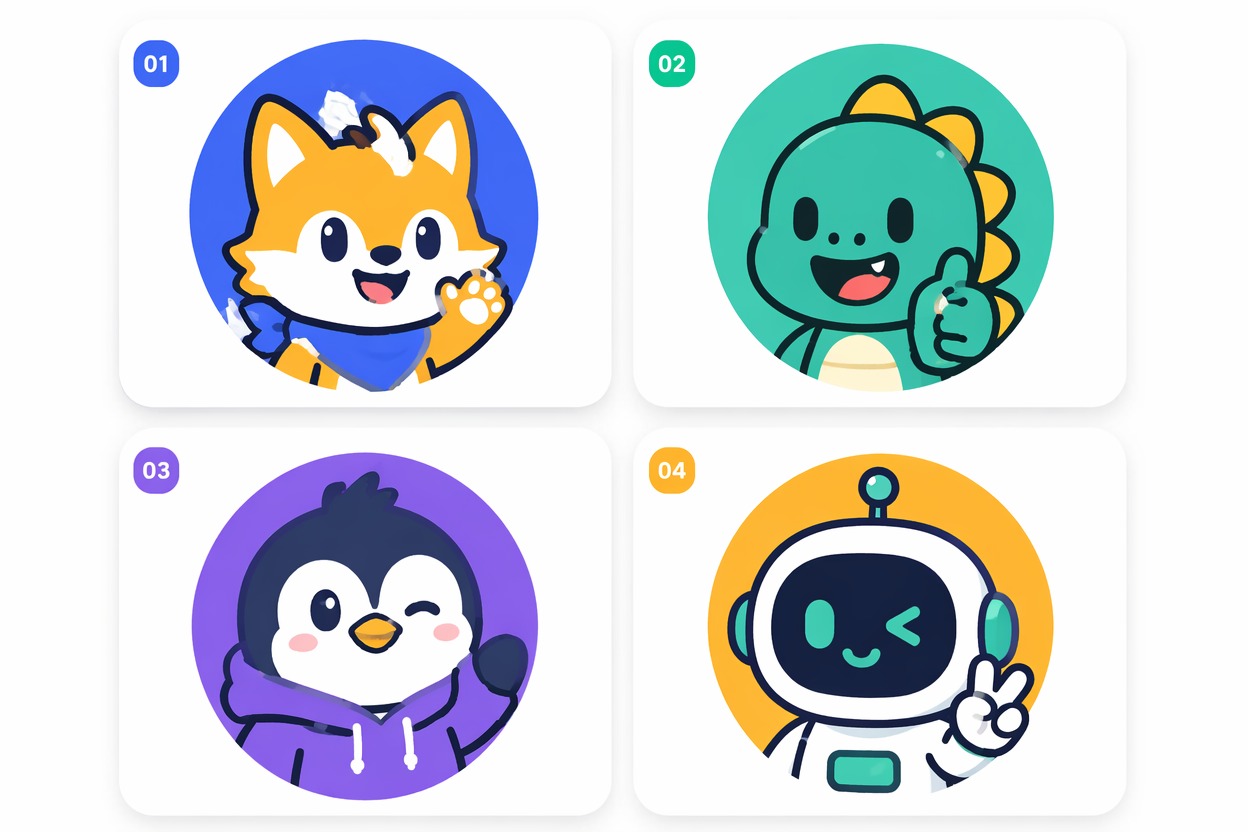
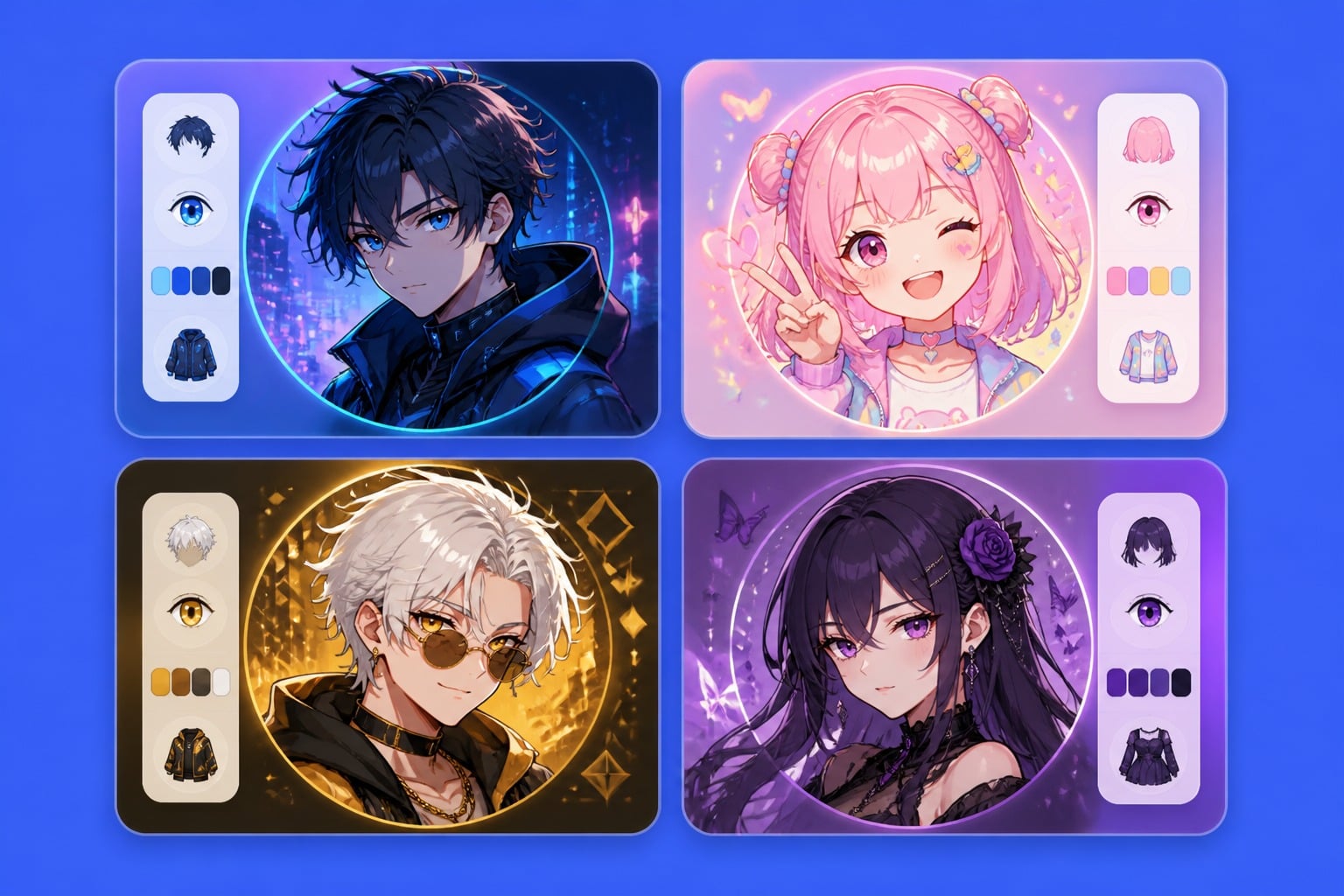
Create an original mascot-style icon for gaming, education, commentary, entertainment, or faceless YouTube channels. Use bold shapes, expressive features, and a focused composition instead of details that disappear on mobile.

Bold original mascot icon for a creator channel

Keep Every Icon Clear at Small Sizes

A useful YouTube profile picture must stay readable when displayed as a small thumbnail. Preview the design in a circular crop and check its contrast, silhouette, facial details, and background before publishing.

Small-size circular profile icon previews for a creator channel

Why Use a YouTube Profile Picture Maker?

Channel-Ready Circular Icons

Create profile pictures designed to look clear across channel pages, comments, videos, Shorts, and mobile screens.

A Stronger First Impression

Give new viewers an immediate sense of your channel style before they read your name or watch a video.

Flexible Visual Directions

Explore creator portraits, gaming avatars, mascots, initials, brand symbols, or niche-inspired icon concepts.

Better Small-Size Readability

Use clear focal points, bold contrast, and simple shapes that remain recognizable when the icon appears small.

Faster Brand Exploration

Compare different colors, expressions, character styles, and compositions before choosing your final channel identity.

Original AI-Generated Ideas

Use the <a href="/ai-image-generator">AI Image Generator</a> to explore original profile picture concepts that fit your content and creator brand.

How to Create a YouTube Profile Picture

Design your icon for a small circular crop from the beginning.
01

Describe Your Channel Identity

Enter your channel niche, visual mood, preferred colors, and whether you want a creator portrait, mascot, initials, gaming avatar, or symbolic icon.

02

Generate Multiple Icon Ideas

Create several visual directions with a centered subject, clean background, strong contrast, and minimal text or distracting details.

03

Preview and Choose Your Icon

Check each result inside a small circular crop, then select the profile picture that stays clear across comments, videos, Shorts, and channel pages.

FAQ

YouTube Profile Picture Maker FAQ

What is a YouTube profile picture maker?

A YouTube profile picture maker helps you create creator portraits, mascot avatars, gaming icons, initials, or branded channel images designed for YouTube’s circular profile display.

How can I create a YouTube profile image?

Describe your channel niche, preferred colors, visual style, and the type of icon you want. You can create a portrait, mascot, gaming avatar, initials, or a simple symbol that represents your content.

Can I create a YouTube profile photo from a portrait idea?

Yes. Describe the person’s appearance, expression, clothing, lighting, background, and overall creator style. Keep the face centered and the composition simple so it remains recognizable at small sizes.

Can I make a YouTube profile picture for free?

GoEnhance AI may provide free credits or trial access depending on the current account plan. Check the app for the latest credit limits, generation options, and upgrade details.

What size should a YouTube profile picture be?

YouTube displays profile pictures as circular icons in many different sizes. Use a centered subject, leave enough space around the edges, and avoid important details near the corners of the image.

Should I add text to my YouTube profile picture?

Use text sparingly because small words often become unreadable in comments and mobile views. A clear face, mascot, bold initial, or simple channel symbol usually works better.

Can I use copyrighted characters or logos?

Use original artwork or brand elements that you own or have permission to use. Avoid copying protected characters, official logos, or another creator’s visual identity.

What should I check before uploading my channel icon?

Preview the image inside a circular crop and review its contrast, composition, facial clarity, originality, brand consistency, and readability on both mobile and desktop screens.

Create a YouTube Profile Picture That Stands Out

Turn your creator identity, portrait idea, mascot concept, or channel niche into a clear and memorable profile icon for videos, comments, Shorts, and channel pages.

Start Creating Your Channel Icon