
goenhance logo

Add Text To Image

Upload an image or photo, enter the words you want to display, and build a clear text layout for social posts, announcements, product graphics, invitations, thumbnails, and campaign visuals.

Try It Free

Turn Photos Into Clear Text-Led Visuals
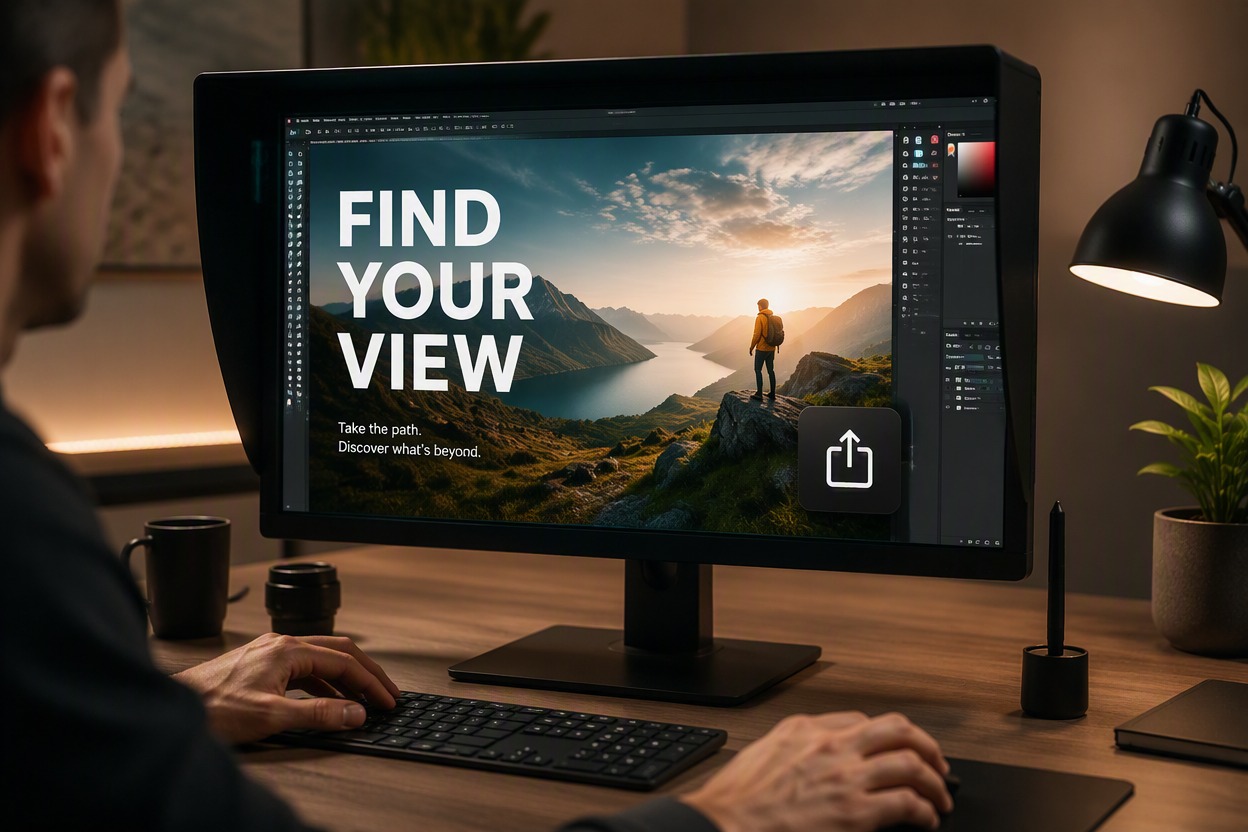
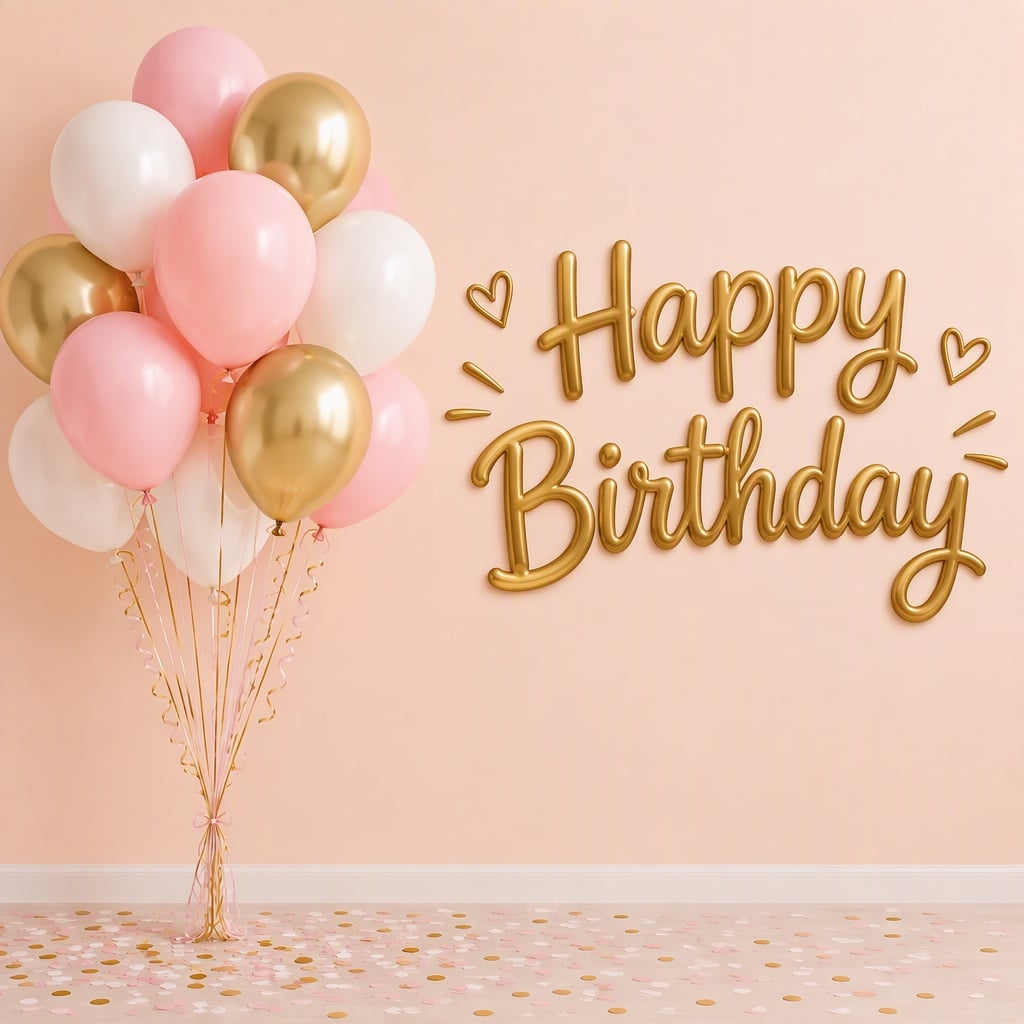
Add Headlines to Photos

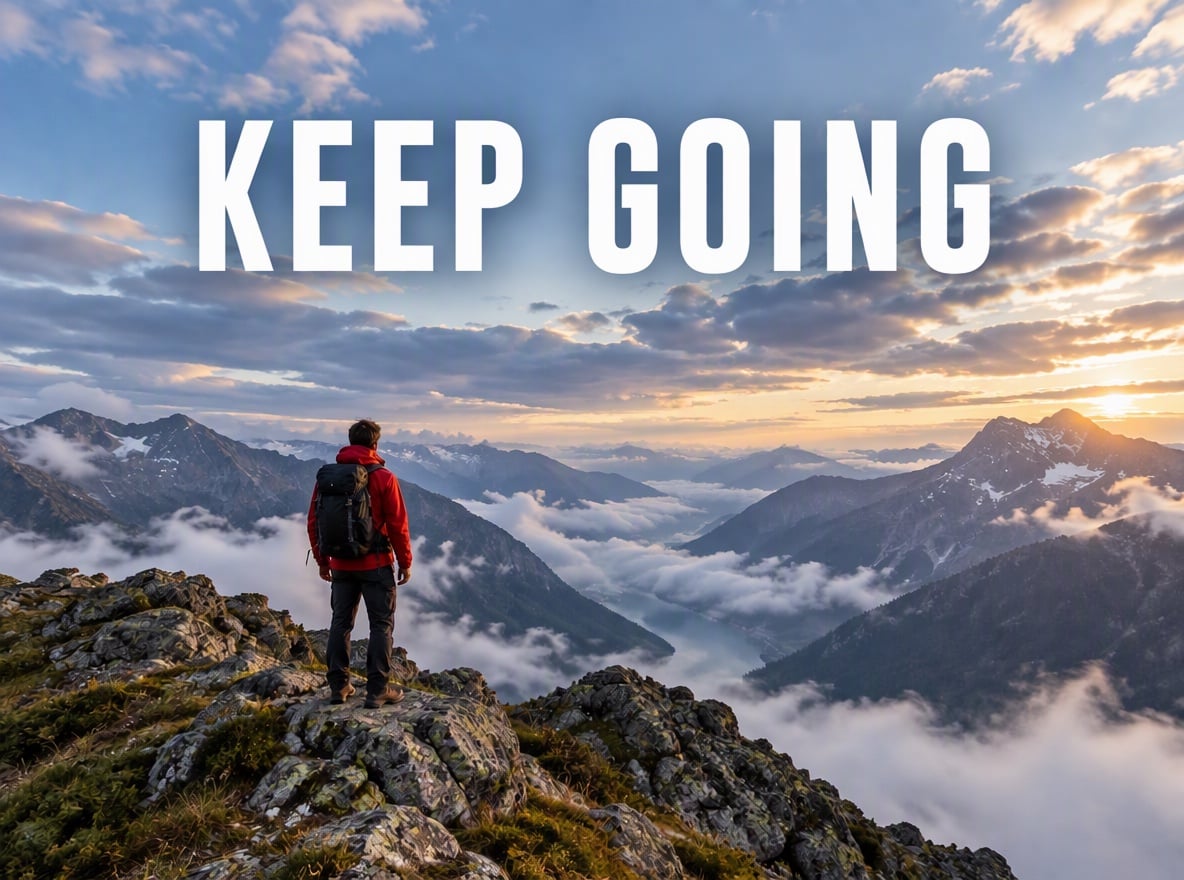
Place a short headline, announcement, quote, label, or call to action over an existing image. Choose a region with enough contrast and visual space so the words remain readable without covering the main subject.

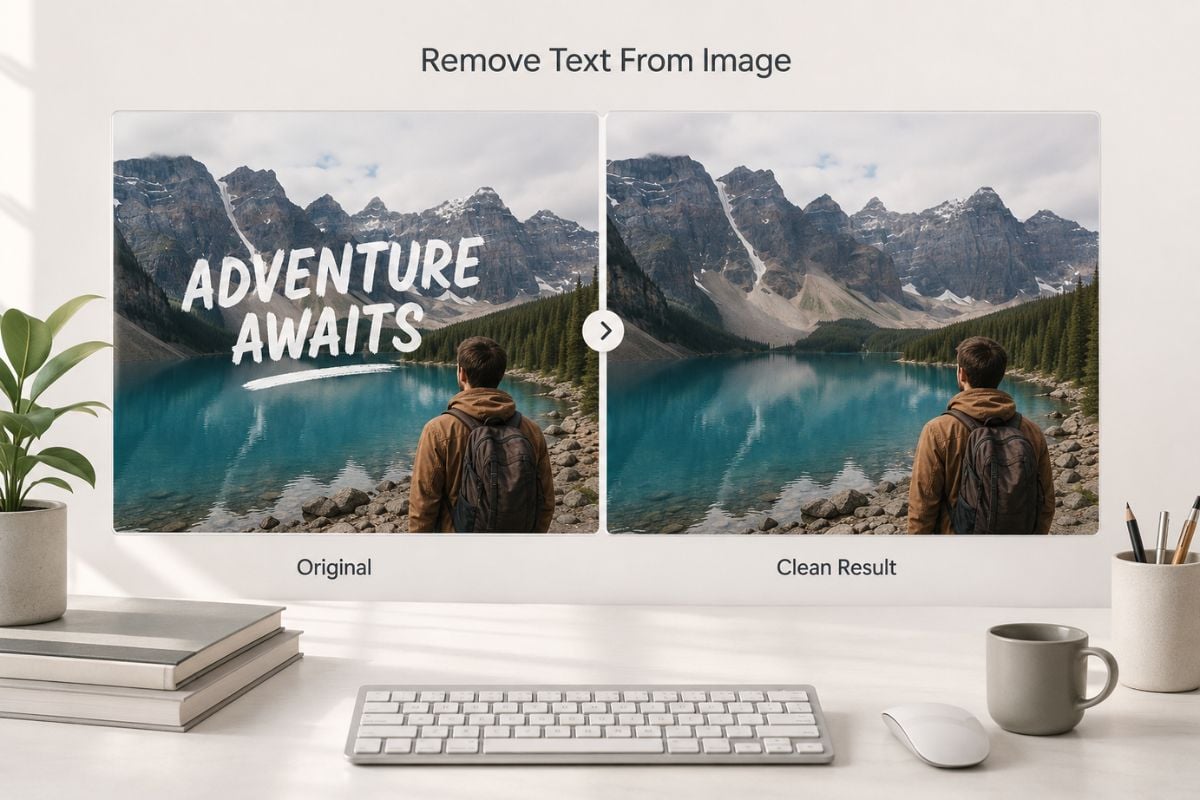
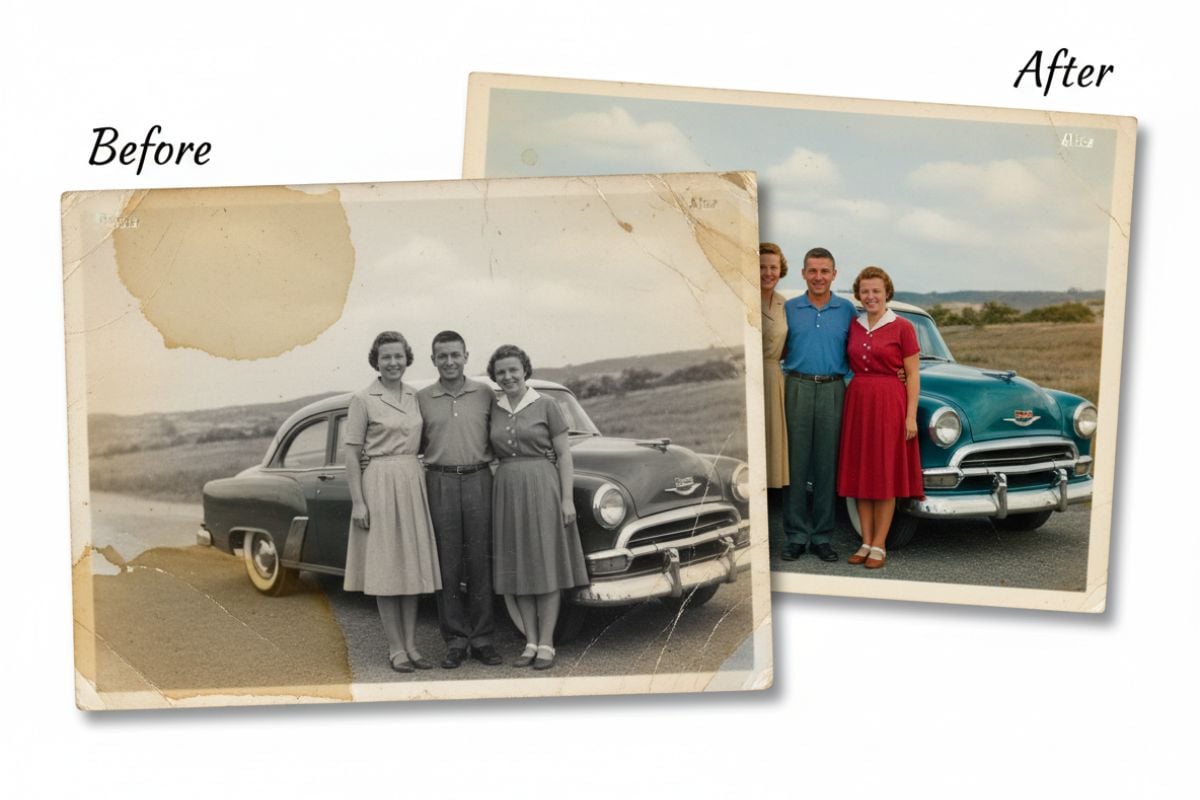
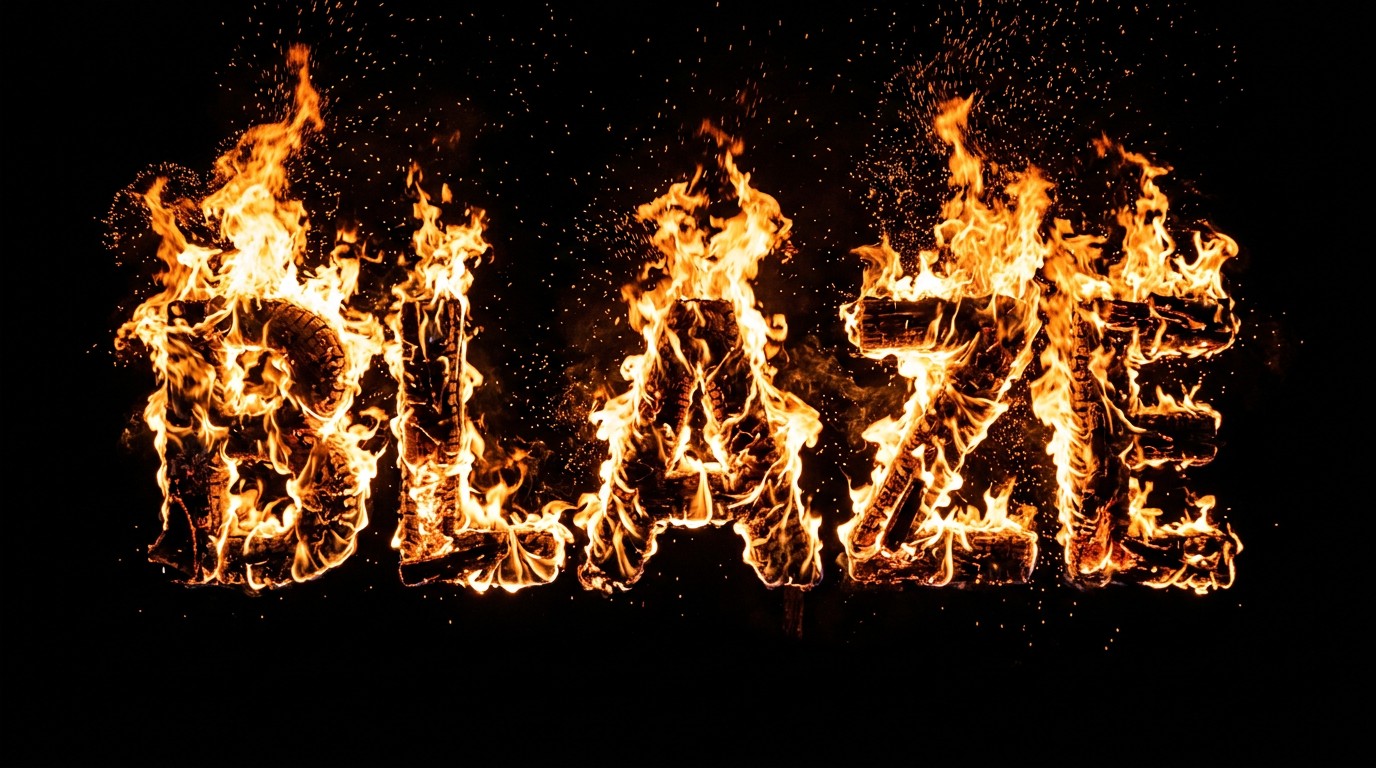
Add Text To Image example for add headlines to photos

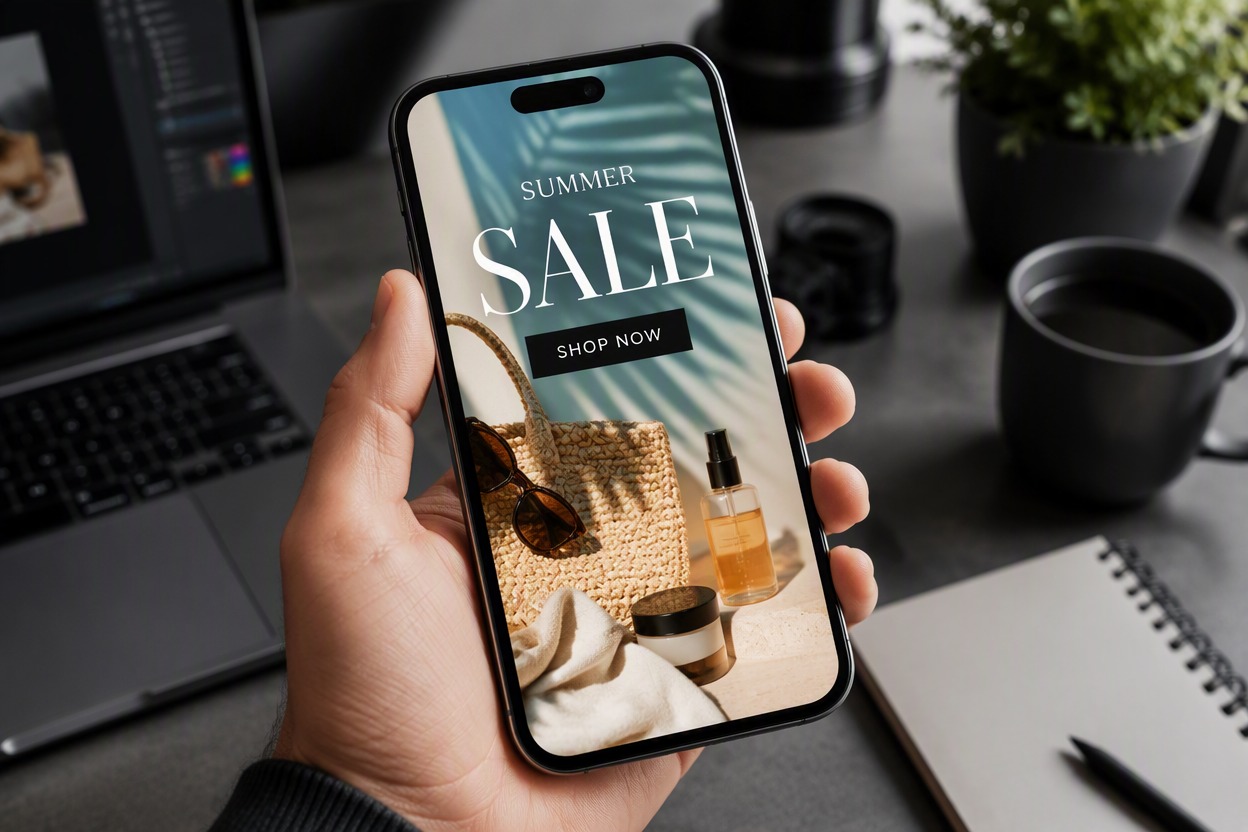
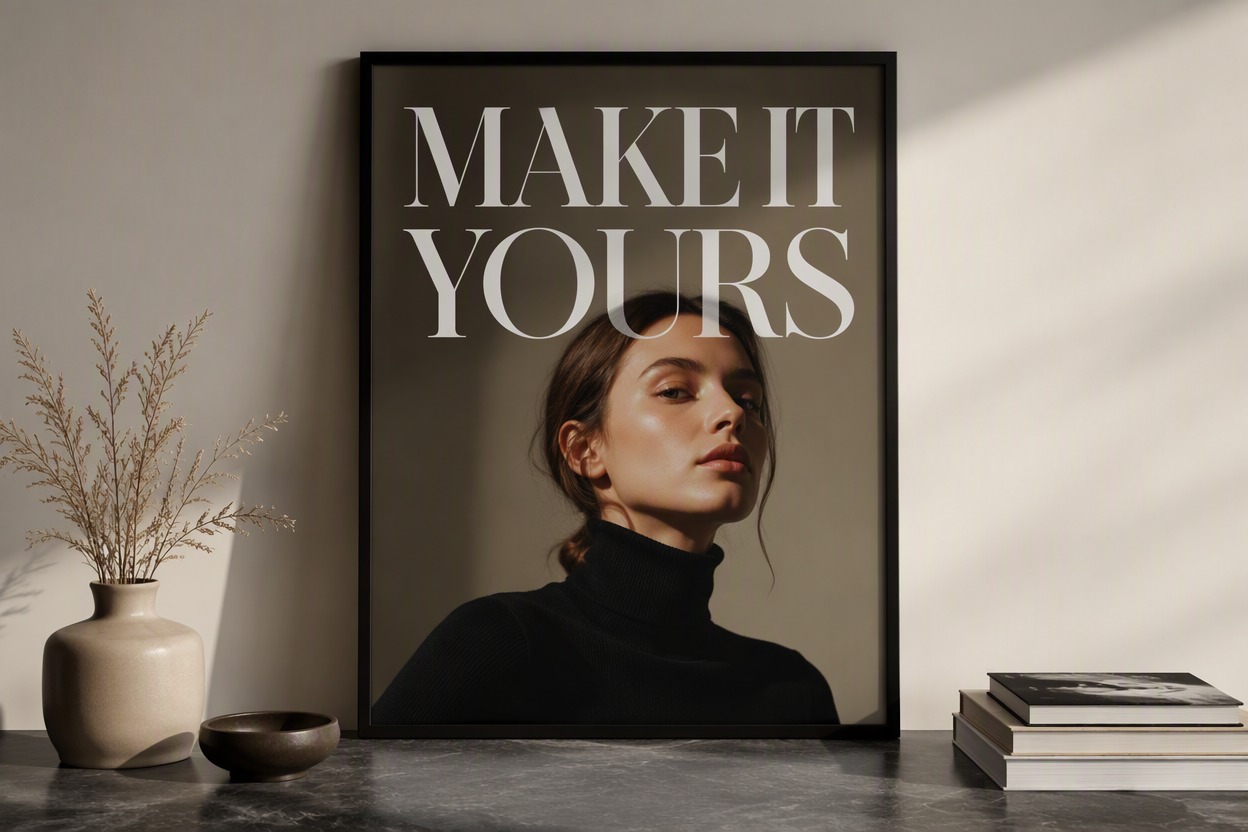
Build Social and Campaign Graphics

Create text-led visuals for posts, stories, thumbnails, product announcements, events, and lightweight ads. Keep the message concise and verify every word before using the image in a public campaign.

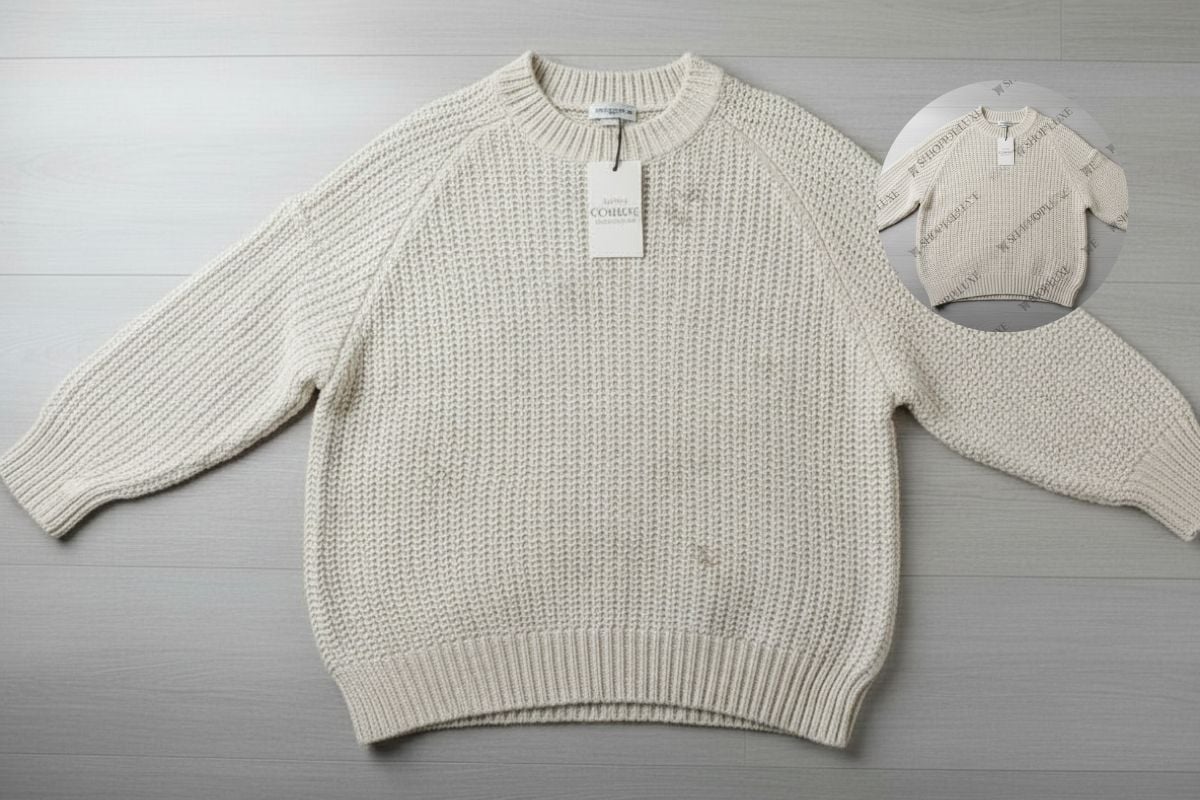
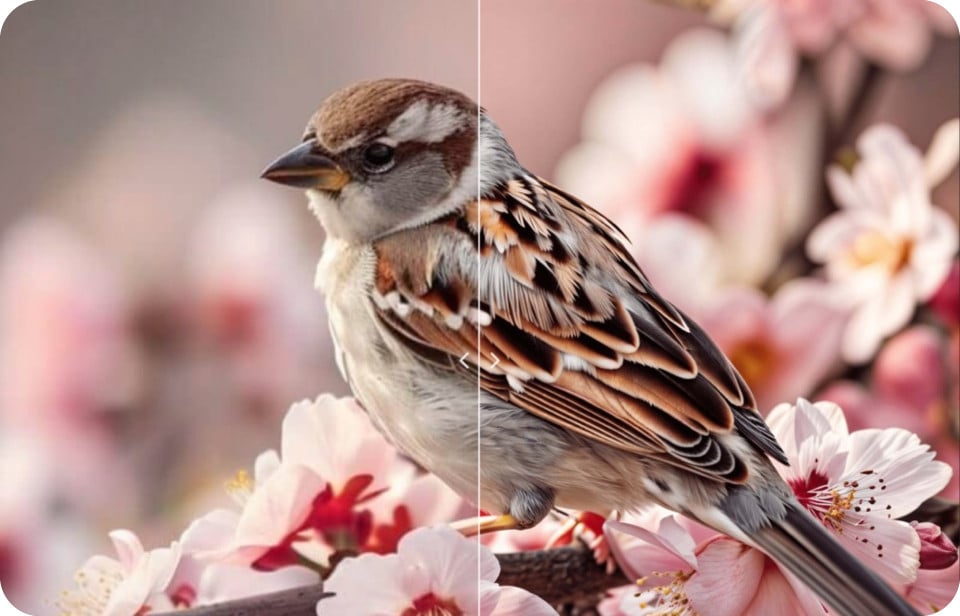
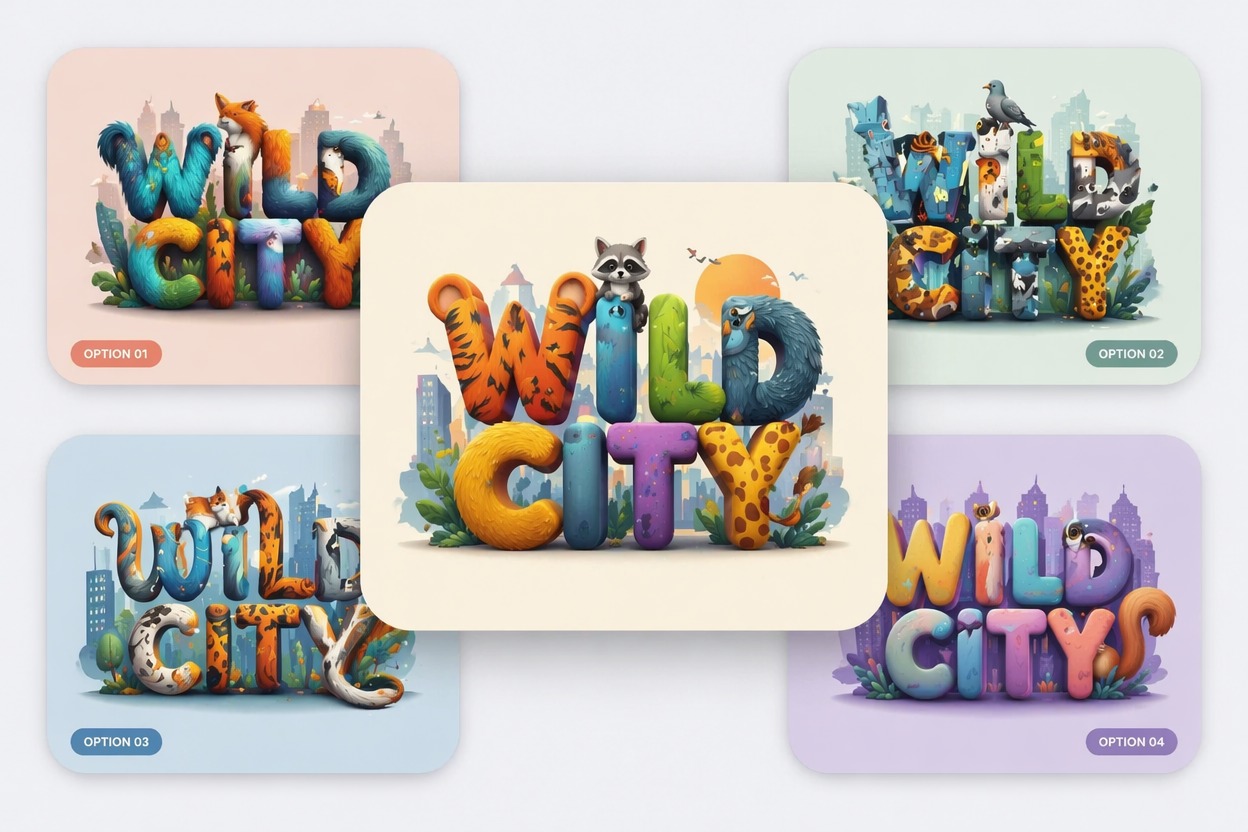
Add Text To Image example for build social and campaign graphics

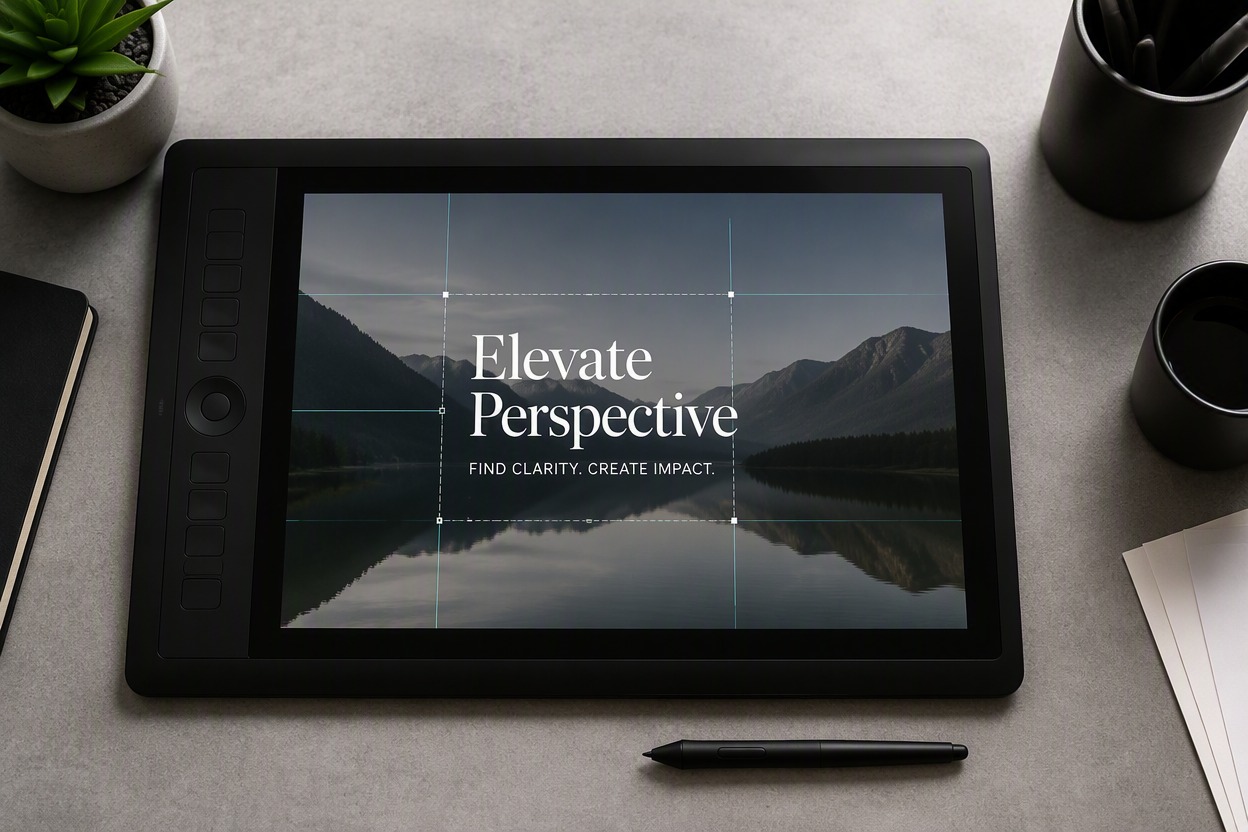
Plan Better Text Placement

Use subject position, negative space, crop, and visual hierarchy to decide where copy should sit. A strong layout keeps the image and message working together instead of competing for attention.

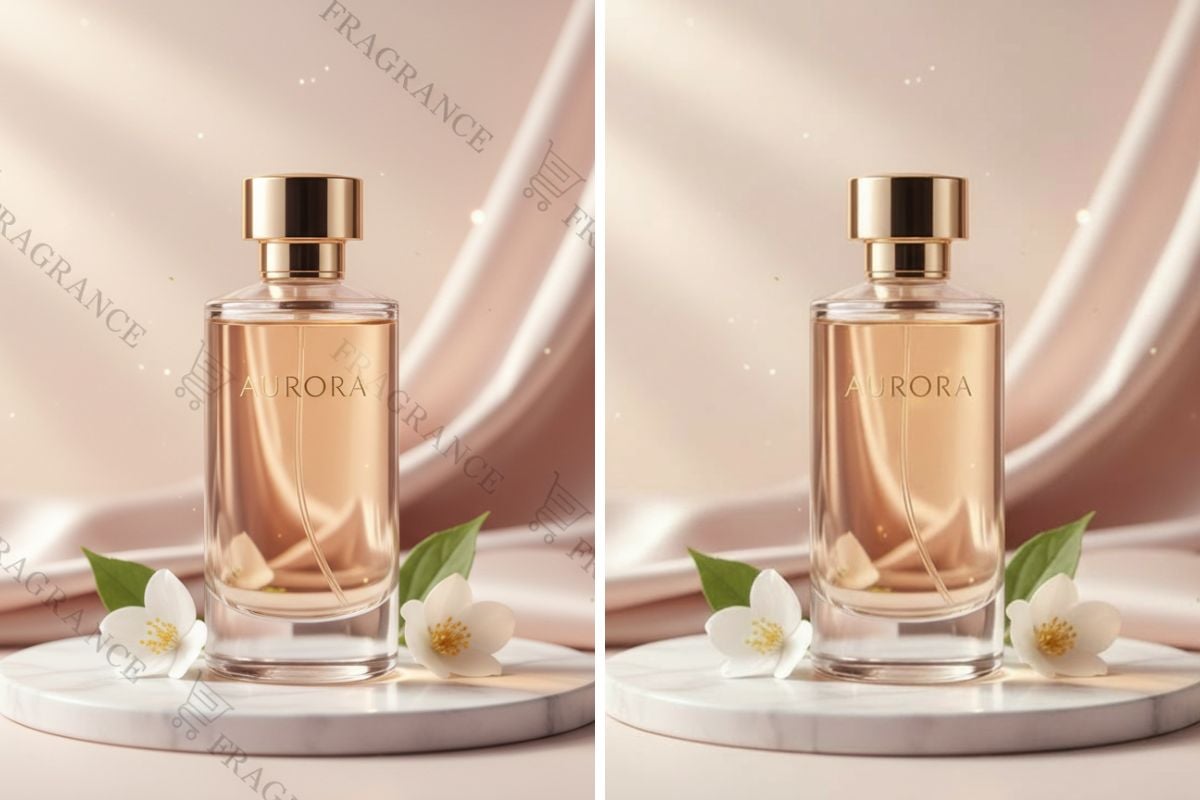
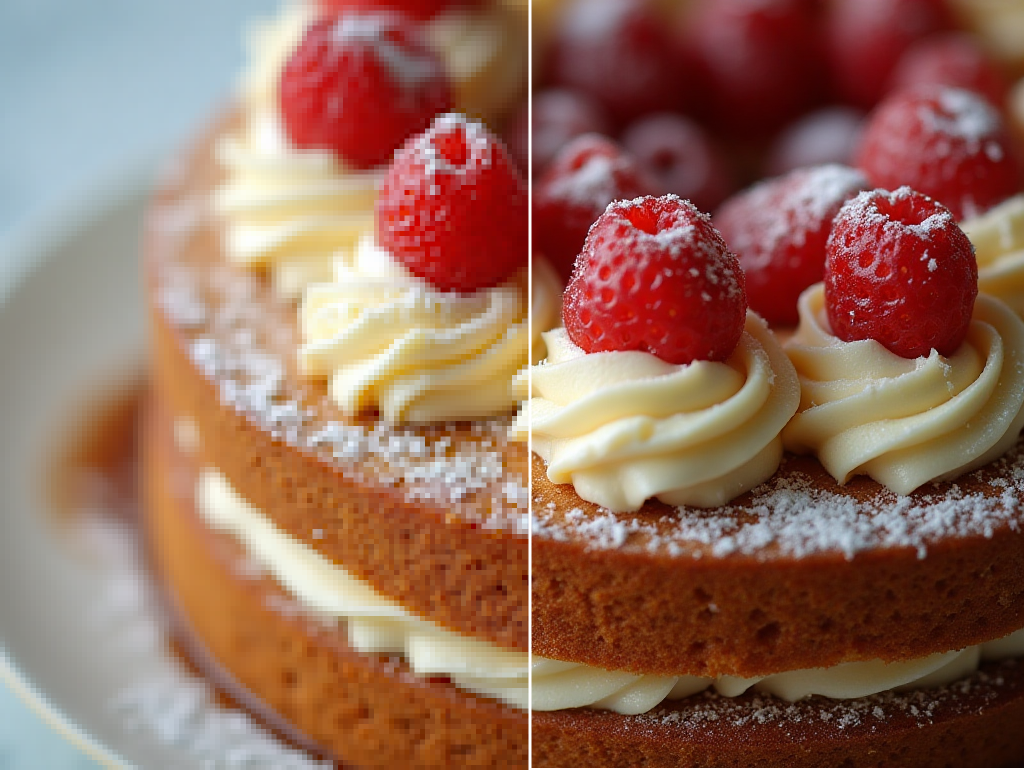
Add Text To Image example for plan better text placement

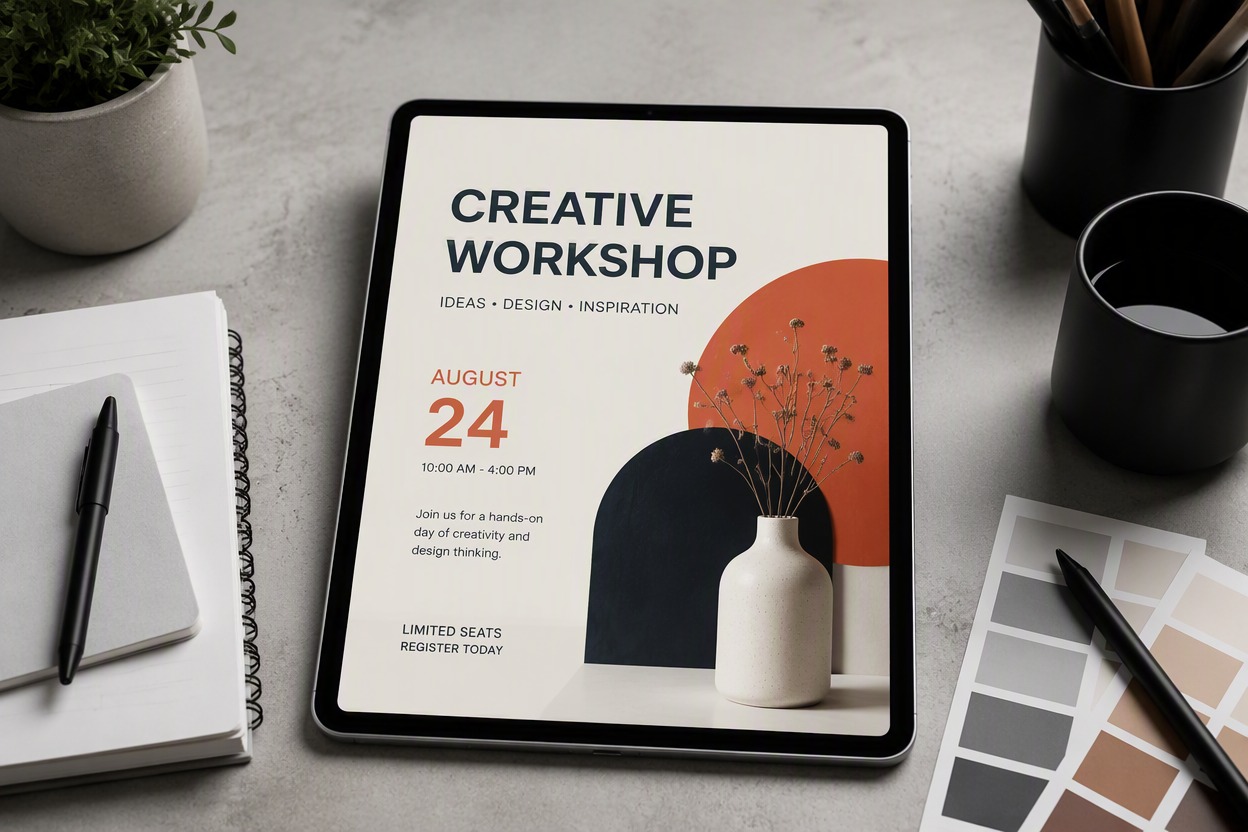
Create a Reusable Visual Layout

Prepare a photo with space for accurate names, dates, offers, titles, or translated copy. If the original image contains unwanted words, use remove text from image first.
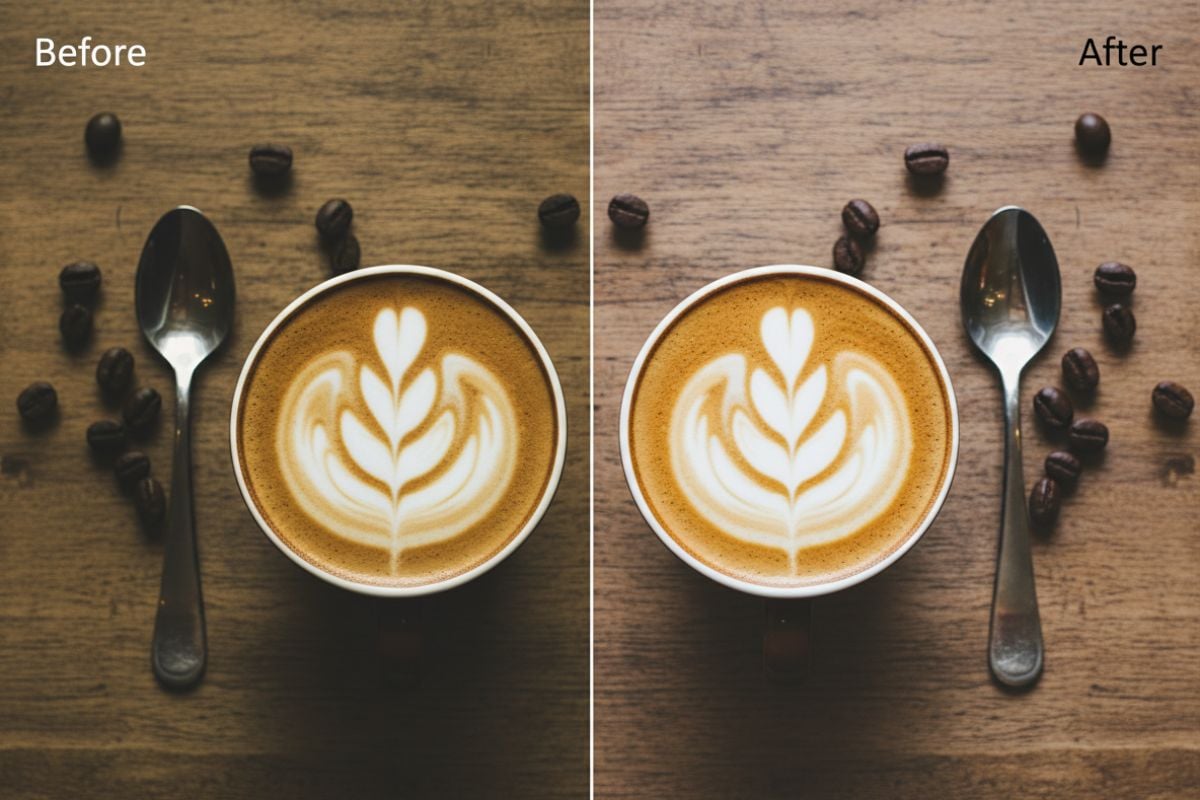
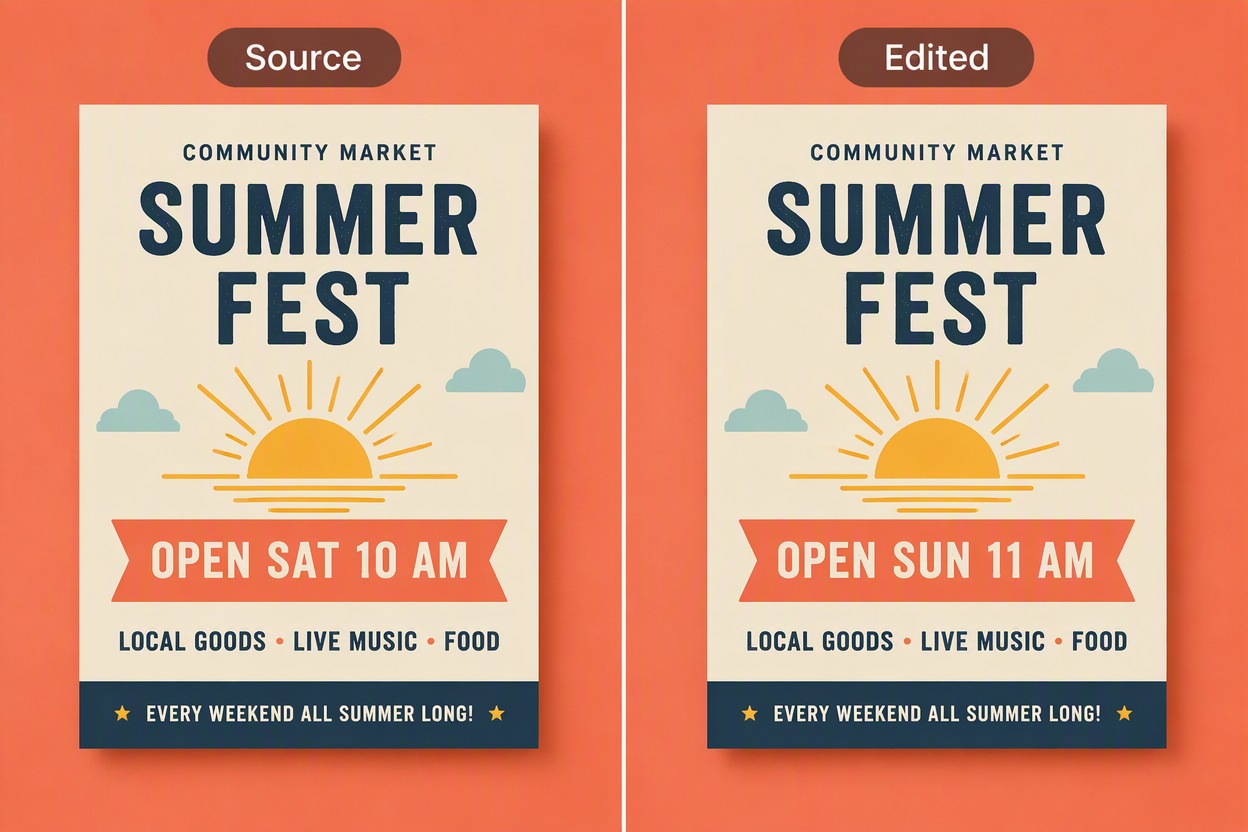
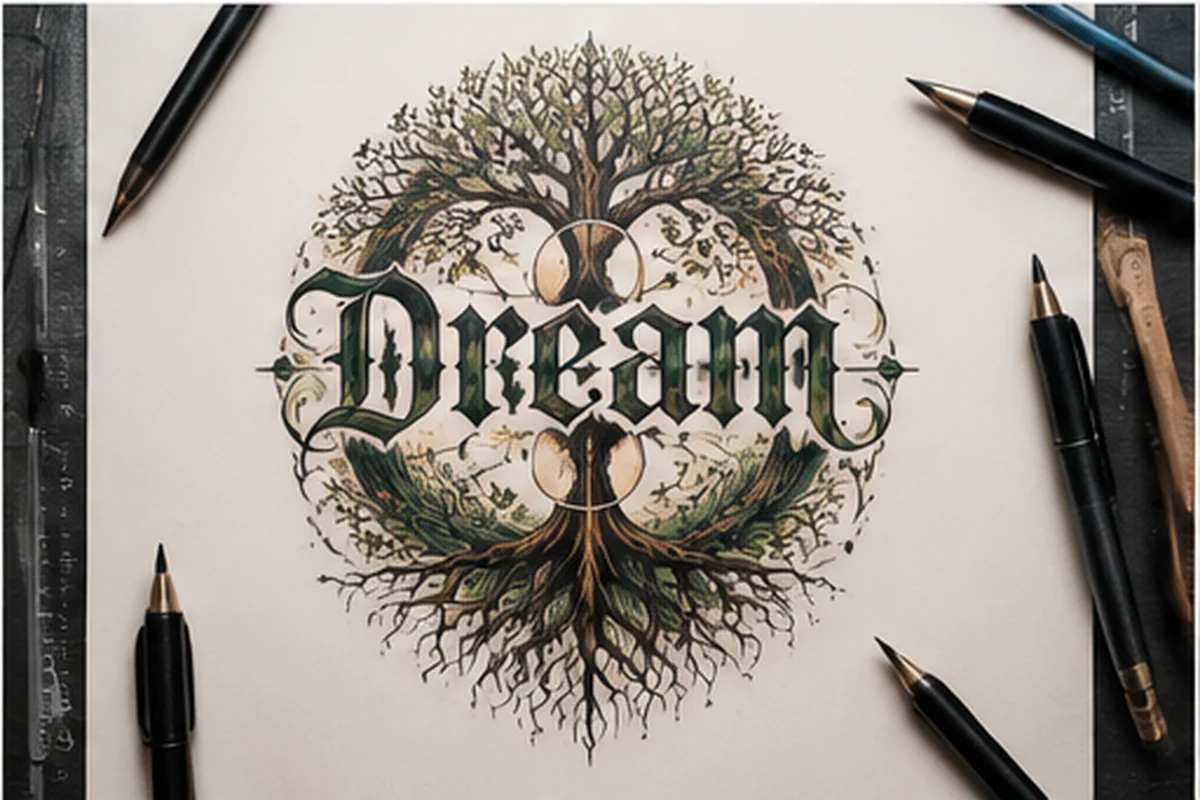
Add Text To Image example for create a reusable visual layout

How to Add Text To Image on GoEnhance AI
Step 1

Upload the Base Photo

Choose an image with a clear subject and enough open space for the amount of copy you want to add.
Step 2

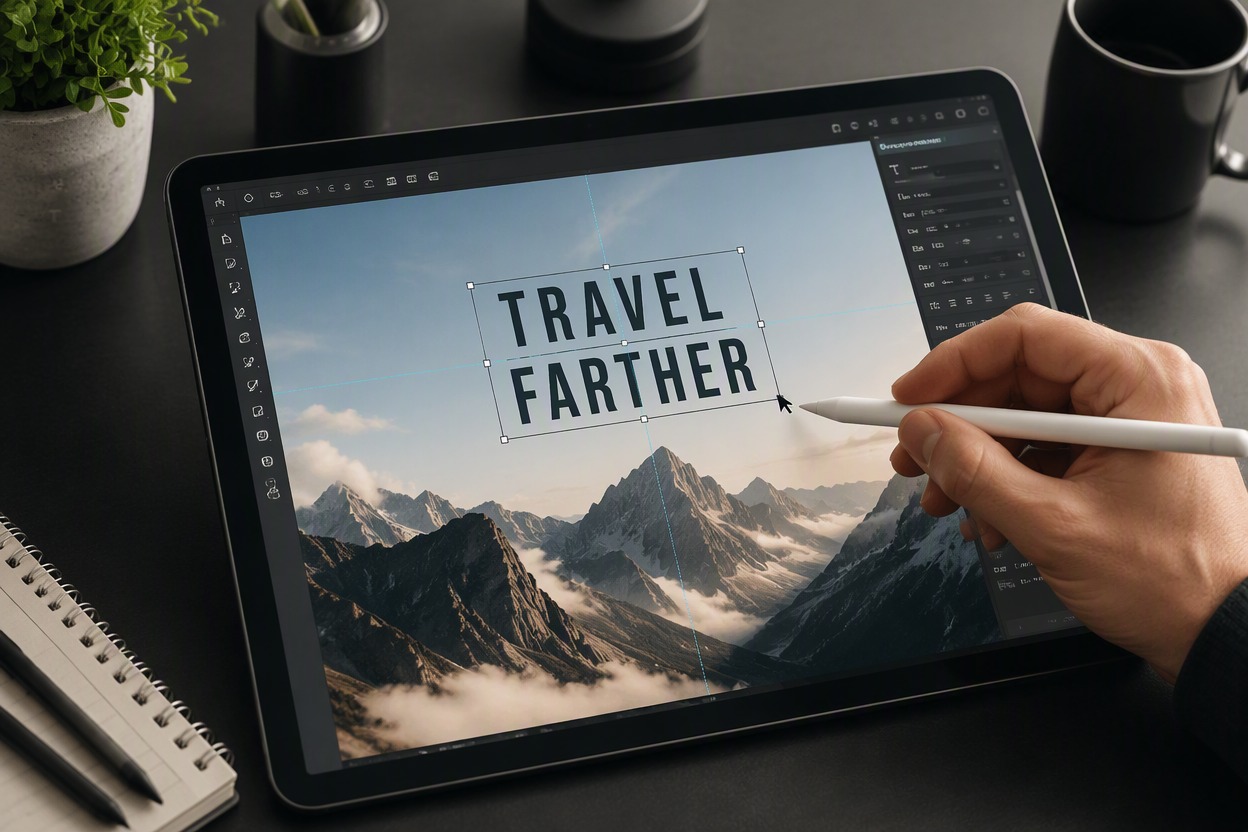
Enter and Position the Text

Write the exact wording, place it away from important details, and set a readable size, alignment, and contrast.
Step 3

Review and Export the Design

Check spelling, dates, prices, names, line breaks, mobile readability, and subject visibility before saving the final image.

Why Use Add Text To Image?

Turn Photos Into Finished Graphics

Combine an existing visual with a clear headline, label, announcement, or call to action.

Useful for Social Content

Create text layouts for posts, stories, thumbnails, updates, and event graphics.

Better Visual Hierarchy

Use placement, size, contrast, and spacing to guide attention through the image.

Reuse Existing Photography

Adapt approved photos for new messages without arranging another shoot.

More Campaign Variations

Create alternate layouts for different headlines, audiences, and placements.

Accurate Copy Review

Verify spelling, dates, prices, names, and claims before exporting or publishing.

Add Text To Image FAQ

How can I add text to photo files?

Upload the photo, enter the exact wording, position the text in a clear area, and review contrast, spelling, and subject visibility before export.

How do I add text to picture layouts?

Choose a short message, use available negative space, and build a clear hierarchy with readable size, alignment, spacing, and color contrast.

Can I add text to photograph content without covering the subject?

Yes. Place the copy in open background space, crop the image differently, or use a subtle overlay that improves contrast without hiding important details.

Can I add text to photo online free?

GoEnhance AI provides free image-generation credits. When available credits are used, additional editing may require more credits or a plan.

Can I add text to image online for social media?

Yes. You can prepare headlines, announcements, quotes, product messages, event graphics, and thumbnails, then adapt the layout for the target platform.

What should I check before exporting?

Verify spelling, names, dates, prices, offers, line breaks, contrast, mobile readability, safe margins, and whether the text covers any important subject detail.

Can AI generate exact brand typography?

Use official fonts, logos, and brand guidelines when accuracy matters. Generated lettering can be unreliable, so verify or add final text through controlled editing tools.

Start Creating With Add Text To Image and GoEnhance AI

Upload your image, complete the focused edit, review every important detail, and export a cleaner visual for your next design or content project.

Edit Your Image