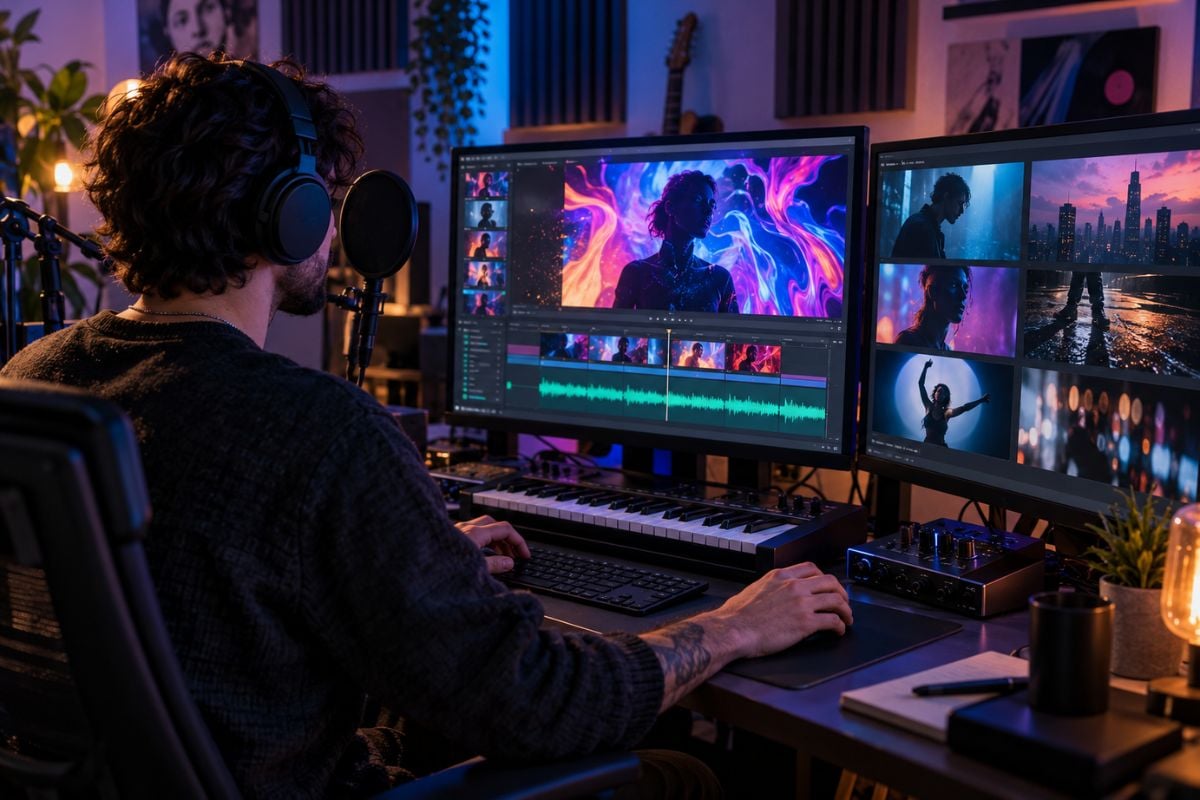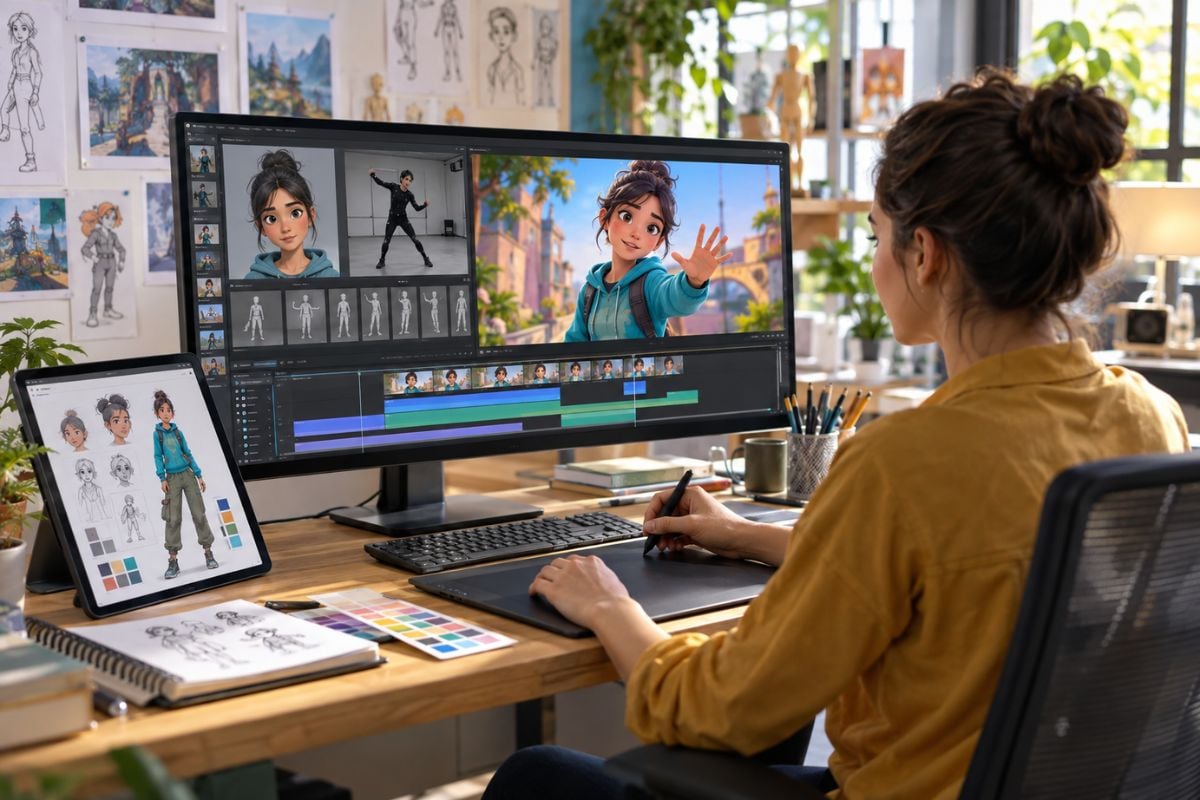
LitVideo AI Video Generator

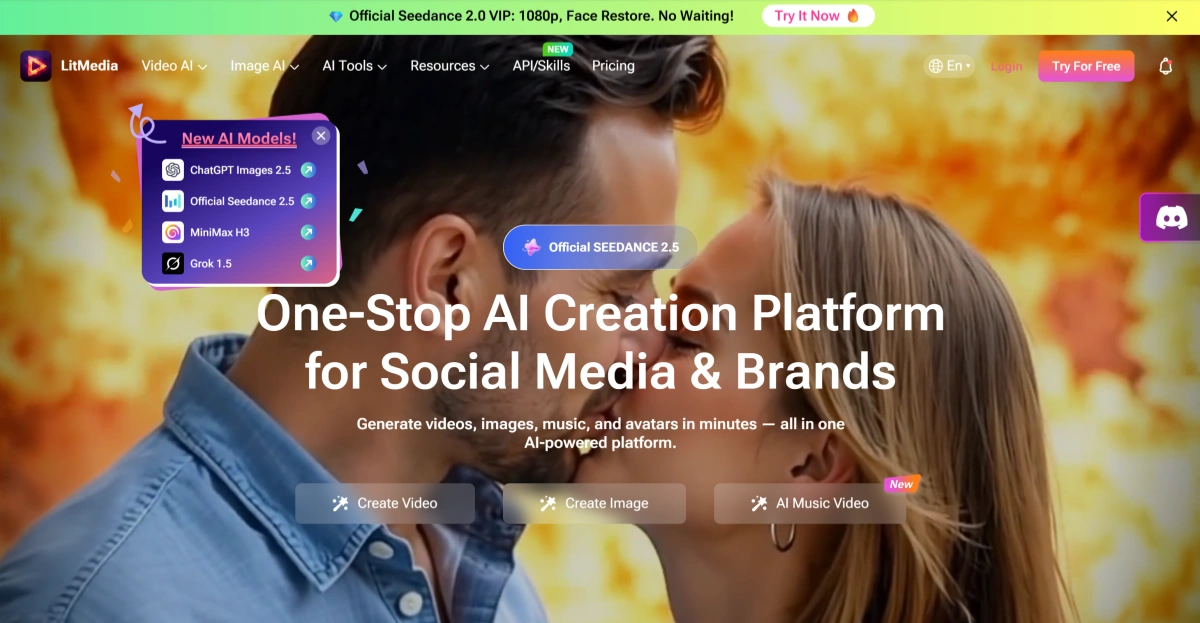
LitVideo is the AI creation suite inside LitMedia, bringing video, image, music, avatar, and effect workflows into one browser-based platform. Creators can generate from text, animate images, work from references, extend videos, build music videos, create avatars, and choose between multiple AI model families without relying on a single generator.

Key Features of LitVideo

Choose From 15+ AI Models Instead of Relying on One Generator

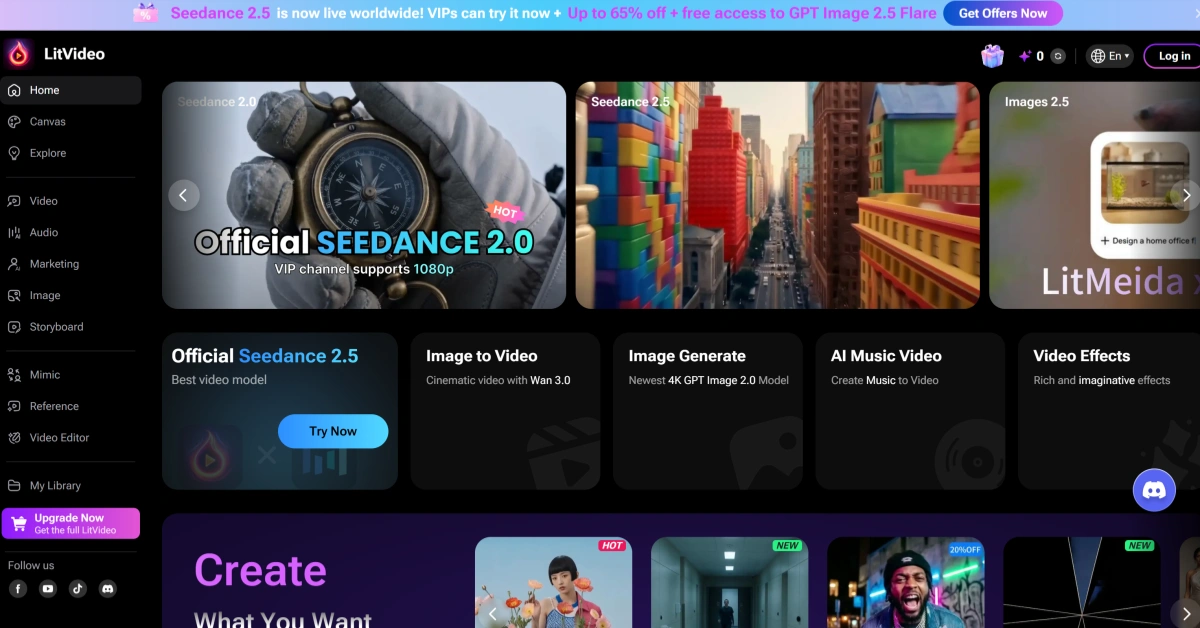
LitMedia continuously integrates multiple image and video model families into LitVideo. The current platform includes options from families such as Seedance, Sora, Veo, Kling, Wan, Hailuo, Vidu, PixVerse, GPT Image, Nano Banana, Seedream, and Flux, giving creators more flexibility to match the model to the project.

LitVideo multi-model library showing video and image models from Seedance, Sora, Veo, Kling, Wan, and other AI families

Start From Text, Images, References, or Existing Video

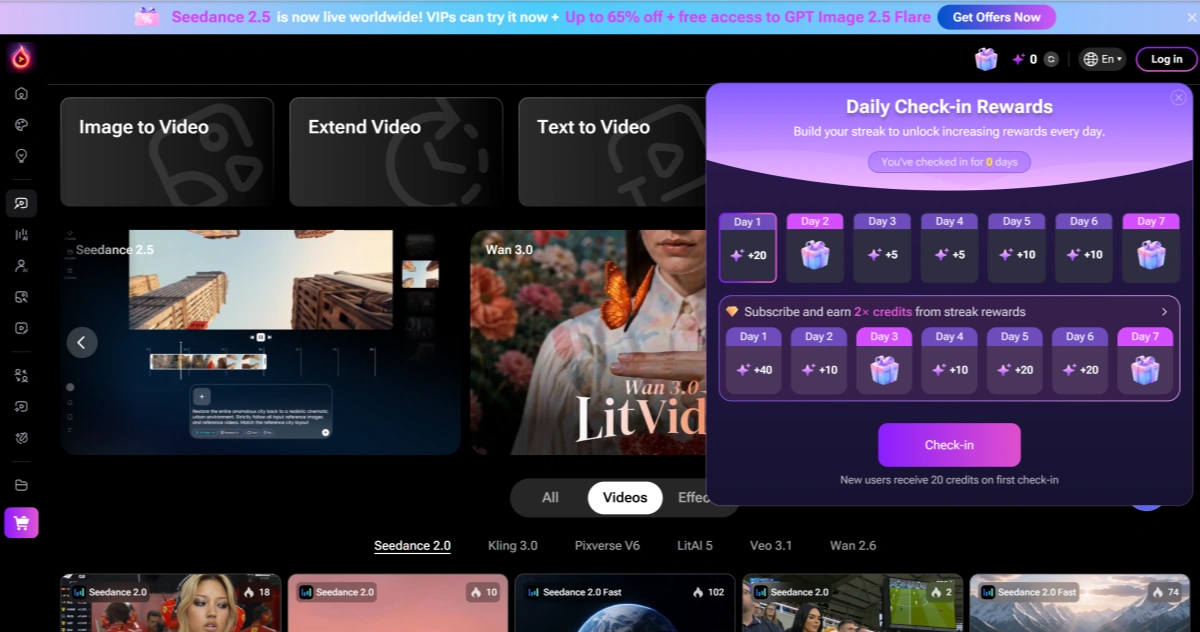
LitVideo supports more than one starting point. Creators can generate videos from text, animate a single image, guide generation with multiple reference files, use first and last frames, extend existing clips, or transform footage through dedicated video-effect and animation workflows.

LitVideo creation interface showing text to video, image to video, reference to video, and video extension workflows

Create More Than Video Without Leaving the Platform

LitVideo sits inside a broader LitMedia workflow that also includes AI image generation, AI music, music videos, avatars, lip sync, motion mimic, image enhancement, and creative effects. This allows creators to prepare more of the supporting assets around a video without constantly switching services.

LitMedia workspace combining LitVideo, AI image generation, music, avatars, lip sync, and creative effects

What Can You Create With LitVideo?

Use LitVideo for social campaigns, music-driven content, character videos, and other visual projects where images, audio, avatars, and video generation need to work together.
Social Media

Social Media

Create product clips, vertical ads, cinematic brand visuals, promotional videos, and short-form content for TikTok, Reels, Shorts, and other social channels without organizing a full production shoot.

Create Something That Moves

How to Use LitVideo?

01

Choose Your Starting Workflow

Start with Text to Video, Image to Video, Reference to Video, Extend Video, AI Music Video, Video Effects, AI Avatar, or another LitVideo workflow depending on the material you already have.

02

Select a Model and Creative Settings

Choose an available AI model, then add the prompt, reference assets, duration, aspect ratio, quality, sound, seed, or other settings supported by that generation mode.

03

Generate and Continue the Project

Review the output and either regenerate it, extend it, use another model, add music or avatar elements, apply effects, or move the asset into another LitMedia workflow.

LitVideo vs GoEnhance AI vs Pollo AI vs Runway

PlatformCore StrengthCreative RangeBest Fit
LitVideoMulti-model creative suite inside LitMedia combining video, image, music, avatars, effects, and supporting AI toolsText-to-video, image-to-video, reference-to-video, video extension, effects, image generation, music, music video, avatars, lip sync, and motion toolsCreators who want many media-generation tools and AI models inside one broad platform
GoEnhance AIVisual-first image and video workflow centered on generation, animation, and transformationText-to-image, image-to-image, text-to-video, image-to-video, video transformation, animation, enhancement, and creative effectsCreators who want to keep developing a visual asset through focused image and video workflows
Pollo AIMulti-model AI image and video generation with a large collection of visual effects and model integrationsText-to-video, image-to-video, video-to-video, image generation, effects, avatars, and multi-model workflowsUsers who want broad access to current visual-generation models and viral creative effects
RunwayGenerative filmmaking platform with stronger emphasis on shot creation, video editing, and production-oriented controlsText-to-video, image-to-video, generative editing, visual effects, transformation, and cinematic production toolsFilmmakers and visual creators who prioritize shot-level control and advanced generative production
LitVideo is strong when creators want video, image, music, avatars, and many models in one broad toolkit. GoEnhance AI is a better fit when the project is already visually defined and the priority is developing that image or video through a tighter creative workflow.

Why GoEnhance AI Can Be Better for Focused Visual Creation

Stay Focused on the Visual Instead of the Entire Media Stack

LitVideo covers music, avatars, effects, images, video, and other creative utilities. GoEnhance keeps the workflow more tightly centered on visual generation and transformation, which can feel more direct when the final deliverable is primarily an image or video.

Move From a Finished Image Into Motion More Directly

When the source image is already approved, GoEnhance offers a straightforward image-to-video path without requiring the creator to move through a broader music, avatar, or multi-media creation environment.

Put More Emphasis on Transforming Existing Footage

GoEnhance is especially useful when the creative task begins with video that already exists and the goal is to reinterpret its look, style, or visual treatment rather than create an entirely new asset from scratch.

Keep Characters and Visual Concepts Moving Across Formats

A character, product, illustration, or campaign concept can move from still-image development into animated content while staying inside the same visual-first production loop.

Spend Less Time Navigating Unrelated Creative Categories

A broad all-in-one platform is useful when many media types are needed. When the project only needs visual generation, animation, and transformation, a narrower workflow can make it easier to stay focused on improving the actual asset.

Build a More Continuous Image-to-Video Production Loop

GoEnhance is designed around the idea that one visual can continue evolving: first as an image, then as an animated shot, and later as transformed video. That continuity can be more valuable than having the largest possible collection of unrelated media tools.

LitVideo and LitMedia Discussions on Reddit

Frequently Asked Questions

LitVideo FAQ

What is LitVideo?

LitVideo is LitMedia's AI video and visual creation suite. It includes text-to-video, image-to-video, reference-to-video, video extension, video effects, AI music video, image generation, avatar tools, and access to multiple AI model families.

What is LitMedia?

LitMedia is the broader AI creation platform behind LitVideo. Its current website combines video generation, image generation, AI music, music videos, avatars, lip sync, motion tools, enhancement, effects, and other creative features for social-media creators and brands.

Is LitVideo free?

LitVideo offers free or trial access to selected features and limited credits, allowing users to test workflows such as text-to-video, image-to-video, and music-video generation before upgrading. Paid plans provide more credits, faster generation, watermark removal, broader feature access, and other benefits.

How much does LitVideo cost?

LitVideo currently lists multiple paid options. The live subscription page shows a Basic monthly plan at $14.99, a Standard annual plan equivalent to $7.50 per month when billed annually, and a Pro annual plan equivalent to $33.33 per month when billed annually. LitMedia also promotes lifetime-access options. Pricing, discounts, credits, and included unlimited models can change, so check the current pricing page before purchasing.

Is LitVideo safe?

LitMedia publishes privacy, acceptable-use, and data-processing policies and describes security and access-control measures for user information. Its privacy policy also explains that uploaded and generated content may be processed to provide the service, and some data may be retained for legitimate business, legal, or security purposes. For Face Swap, LitMedia says explicit consent is required and biometric information is not shared with third parties except under specified legal or rights-protection circumstances. No online AI service should be treated as completely risk-free, so avoid uploading highly sensitive material unless necessary.

What is the LitVideo AI video generator?

The LitVideo AI video generator is a multi-model video workspace rather than a single proprietary model. It currently provides text-to-video, image-to-video, reference-to-video, video extension, video effects, AI music video, avatar, and other workflows while exposing model families such as Seedance, Sora, Veo, Kling, Wan, Hailuo, Vidu, PixVerse, and LitAI.

Does LitVideo support image to video?

Yes. LitVideo has a dedicated image-to-video generator that supports source images, prompts, different generation modes, duration and quality settings, and multiple AI video model families including Veo, Sora, Hailuo, Wan, Vidu, Seedance, Kling, and PixVerse.

Can LitVideo use reference images for video generation?

Yes. LitVideo's Reference to Video workflow supports multiple reference files and is designed to use those images as guidance for characters, scenes, styles, composition, and transitions. The current interface supports up to 10 reference files, including images and one video.

Can LitVideo create AI music videos?

Yes. LitVideo includes an AI Music Video Generator that can start from an uploaded audio file, analyze rhythm, tempo, and mood, and generate matching visuals for music videos, PMVs, lyric-style content, and social posts.

Can LitVideo create AI avatars?

Yes. LitVideo includes an AI Avatar workflow where users can select or upload an avatar, optionally upload a product, provide a script or audio, choose a voice, and generate a talking avatar video.

What AI models does LitVideo support?

LitMedia currently advertises more than 15 integrated AI models across image and video creation. Its current model library includes families such as Seedance, Sora, Veo, Kling, Wan, Hailuo, Vidu, PixVerse, LitAI, GPT Image, Nano Banana, Seedream, and Flux. Model versions and availability can change frequently.

Can LitVideo videos be used commercially?

LitVideo's paid subscription page currently lists commercial use as a paid-plan benefit. LitMedia's legal terms also place responsibility on users to ensure they have rights to uploaded images, music, faces, brands, and other source material. Commercial rights can depend on the selected plan and underlying model, so check the current subscription and license terms before publishing commercial work.

How do I cancel LitVideo?

LitMedia's Terms state that users may cancel a subscription at any time. The current subscription remains active until the end of the billing period, after which paid access ends and the account returns to the available free level.

How do I delete my LitMedia data?

LitMedia's privacy policy says users can request deletion of personal data by emailing [email protected] with the subject line 'Data Deletion Request'. The request should include the account email and any information needed to verify and locate the data. LitMedia states that verified requests are generally deleted or anonymized within 30 days unless certain records must be retained for legal, contractual, tax, security, or similar obligations.

How is LitVideo different from GoEnhance AI?

LitVideo is a broad multi-media platform that combines video, images, music, avatars, effects, and many AI models. GoEnhance AI is more tightly centered on visual generation and transformation, making it useful when a creator wants to stay focused on developing images, animation, image-to-video, and video transformation rather than manage a larger media-tool ecosystem.

Already Have the Visual? Make It the Star of the Video.

LitVideo gives you a wide media toolkit. When your strongest asset is already an image, character, product shot, or visual concept, bring it into GoEnhance AI and focus the next step entirely on motion, animation, and visual transformation.

Animate Your Best Visual