
Remove People From Photos: One Click, Only You in the Shot
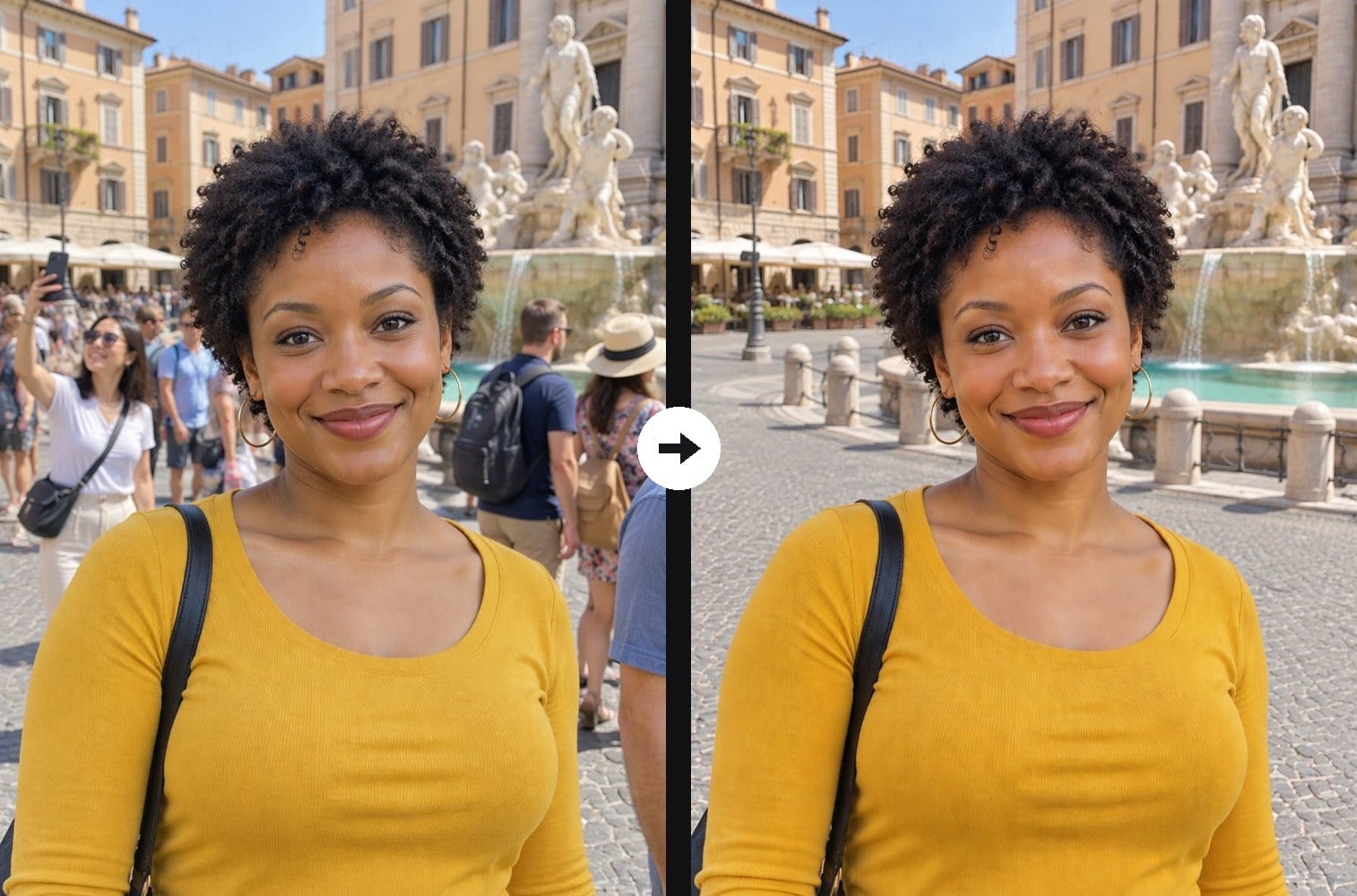
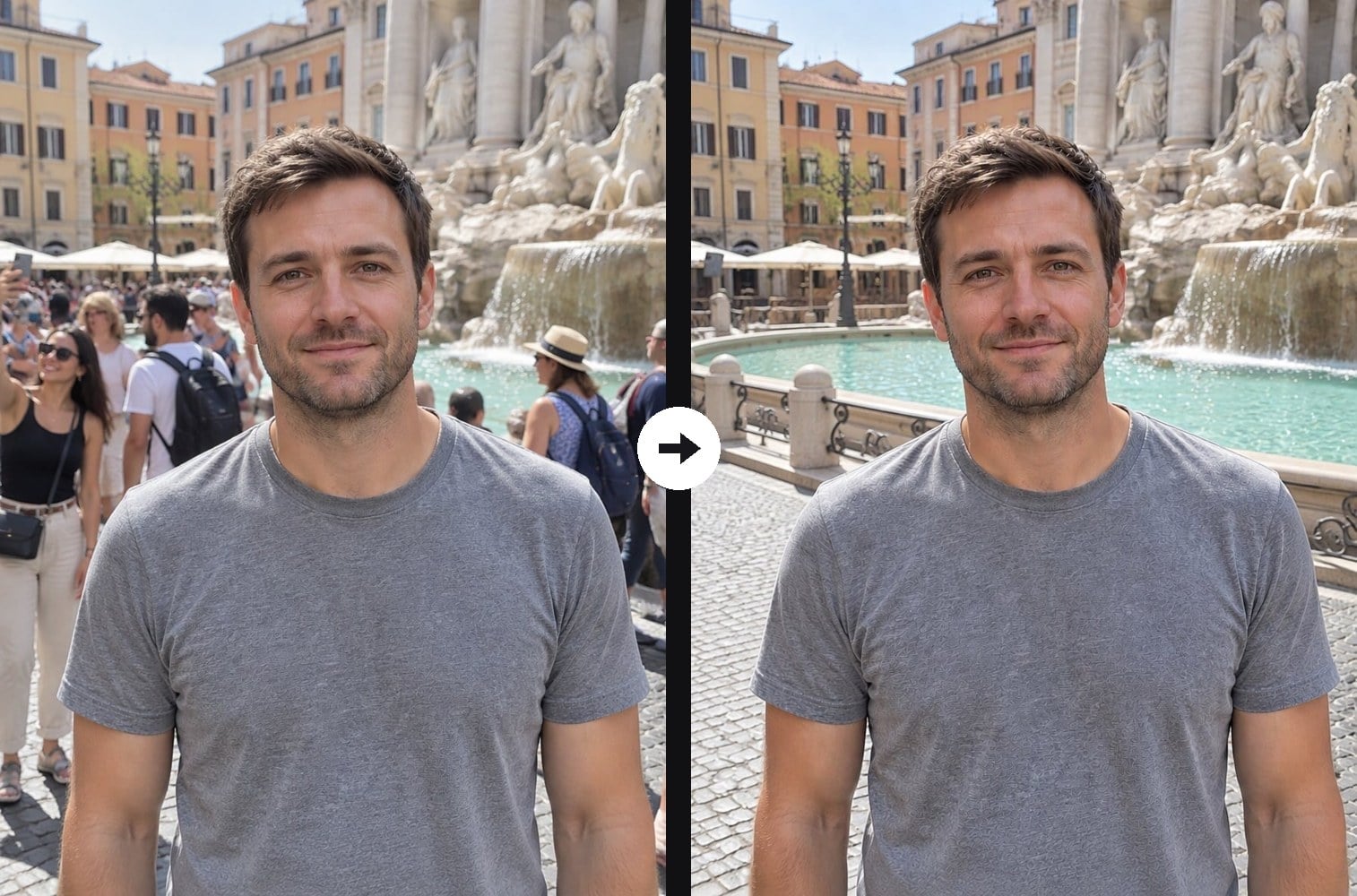
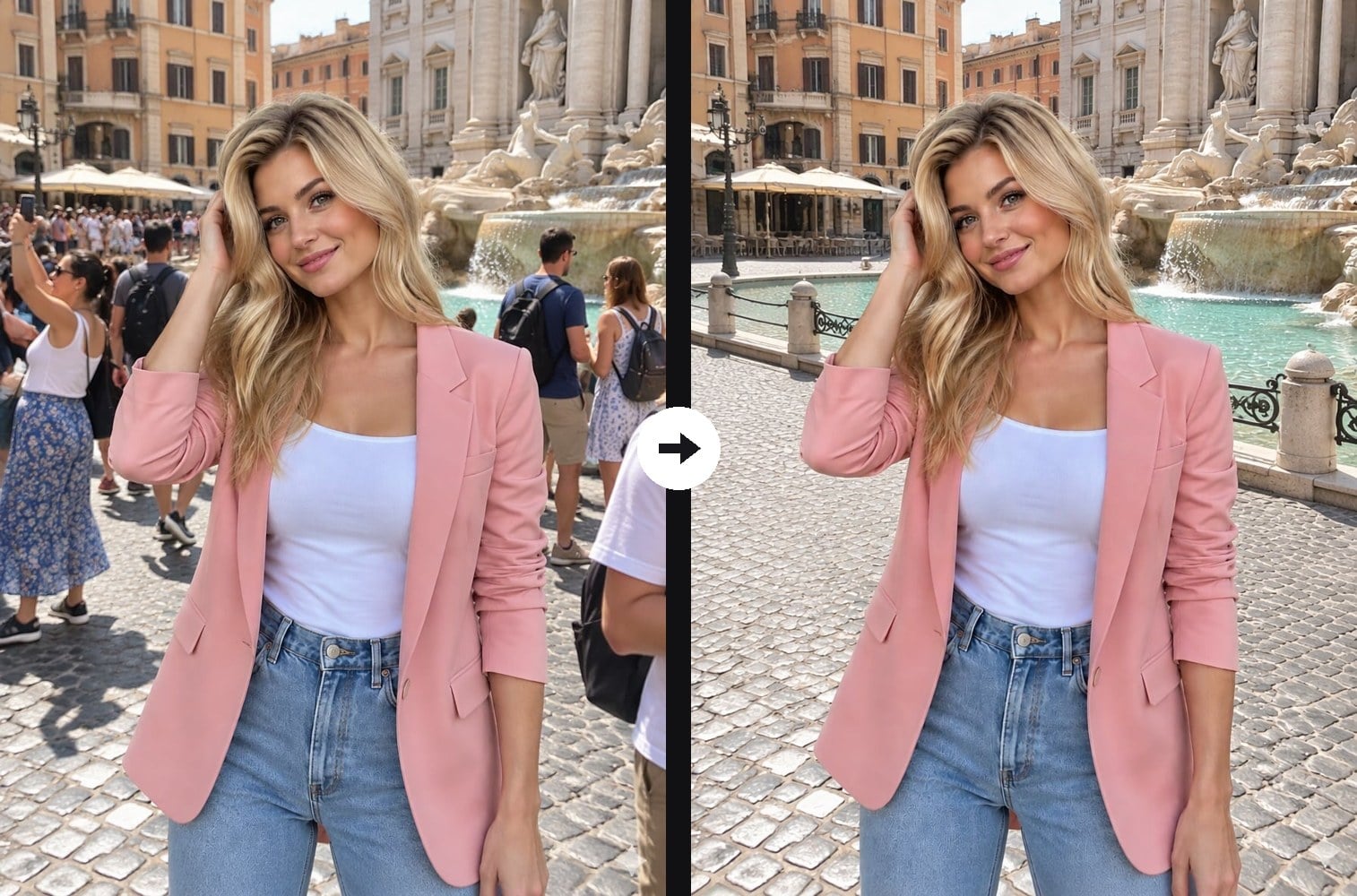
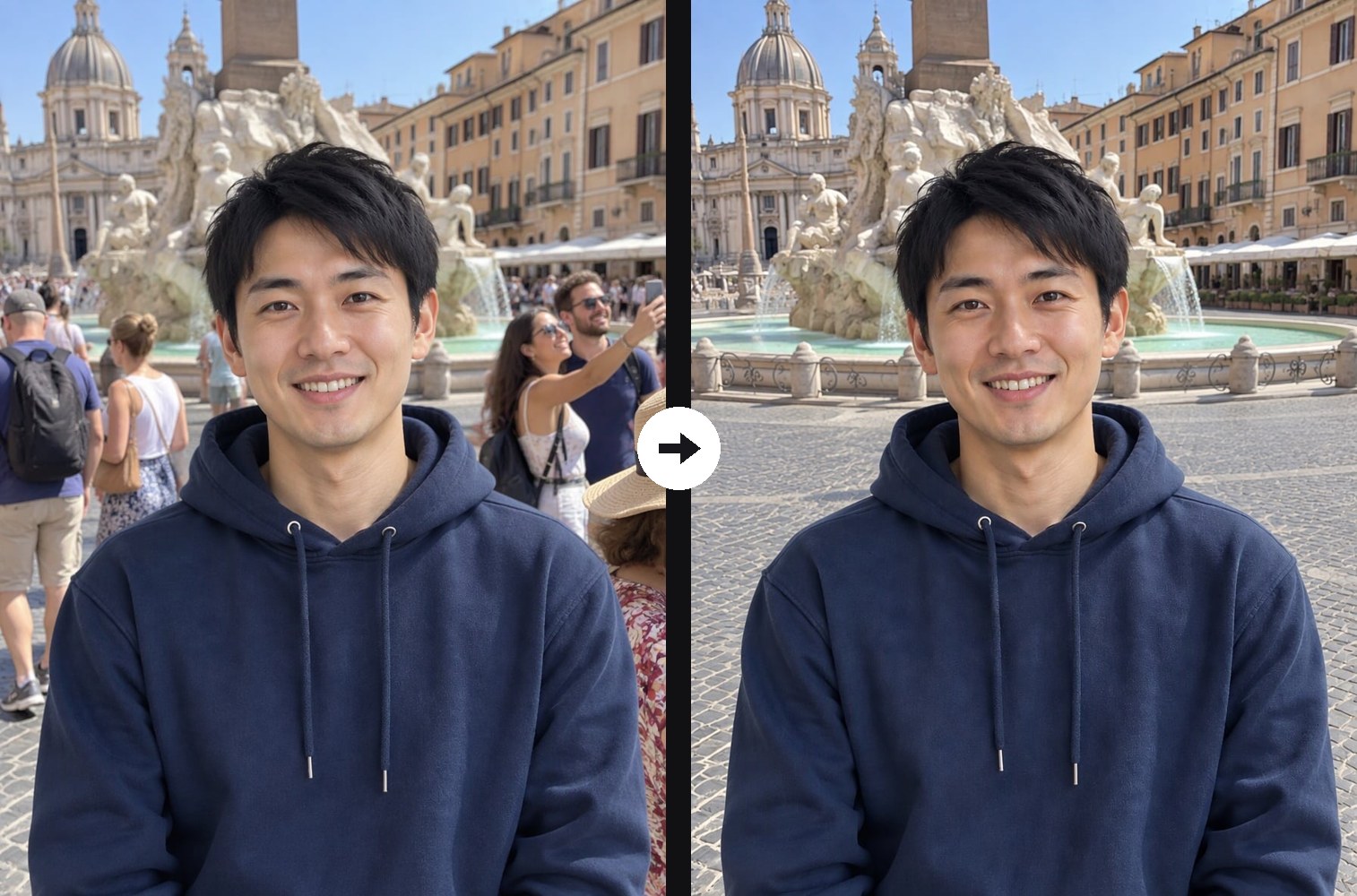
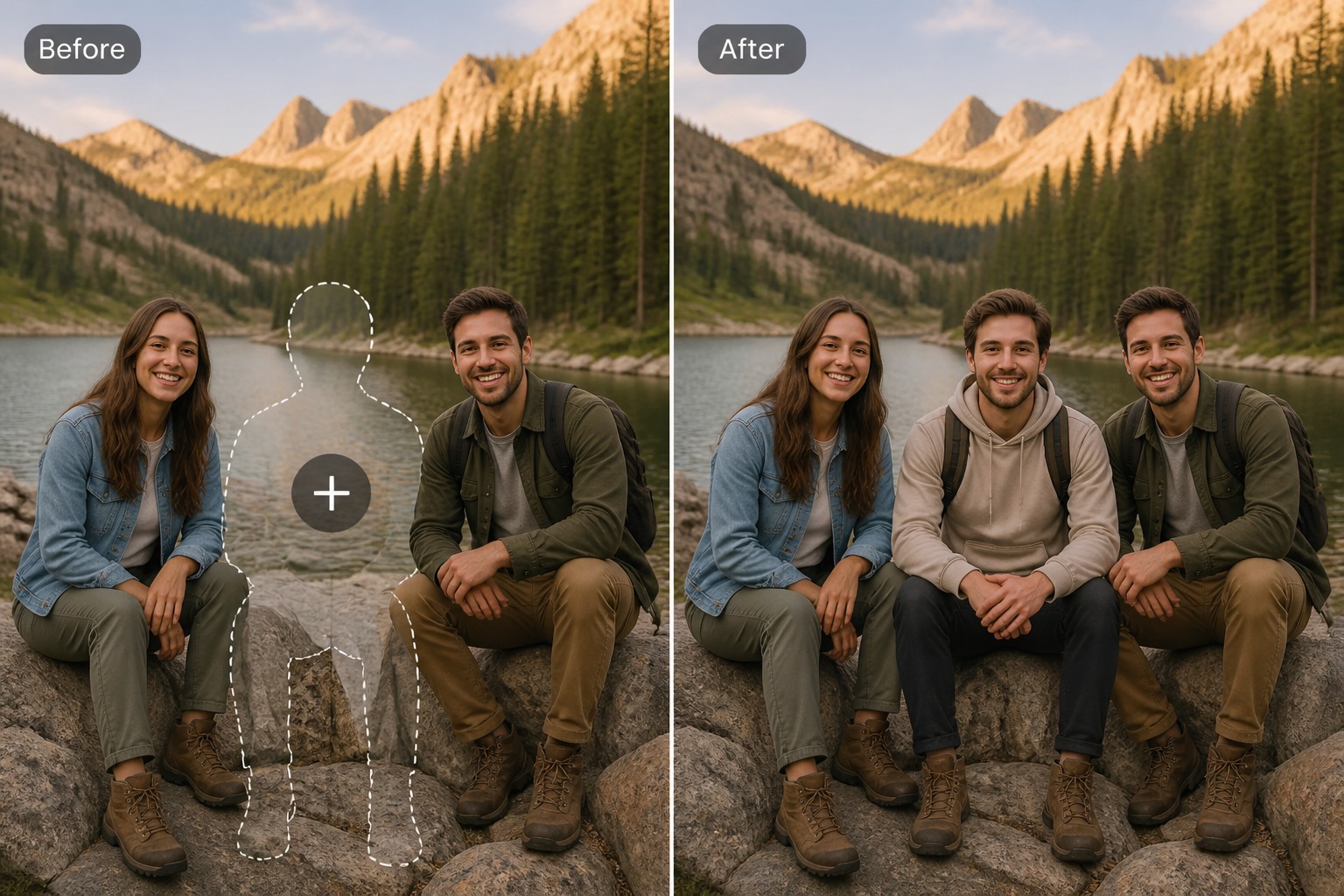
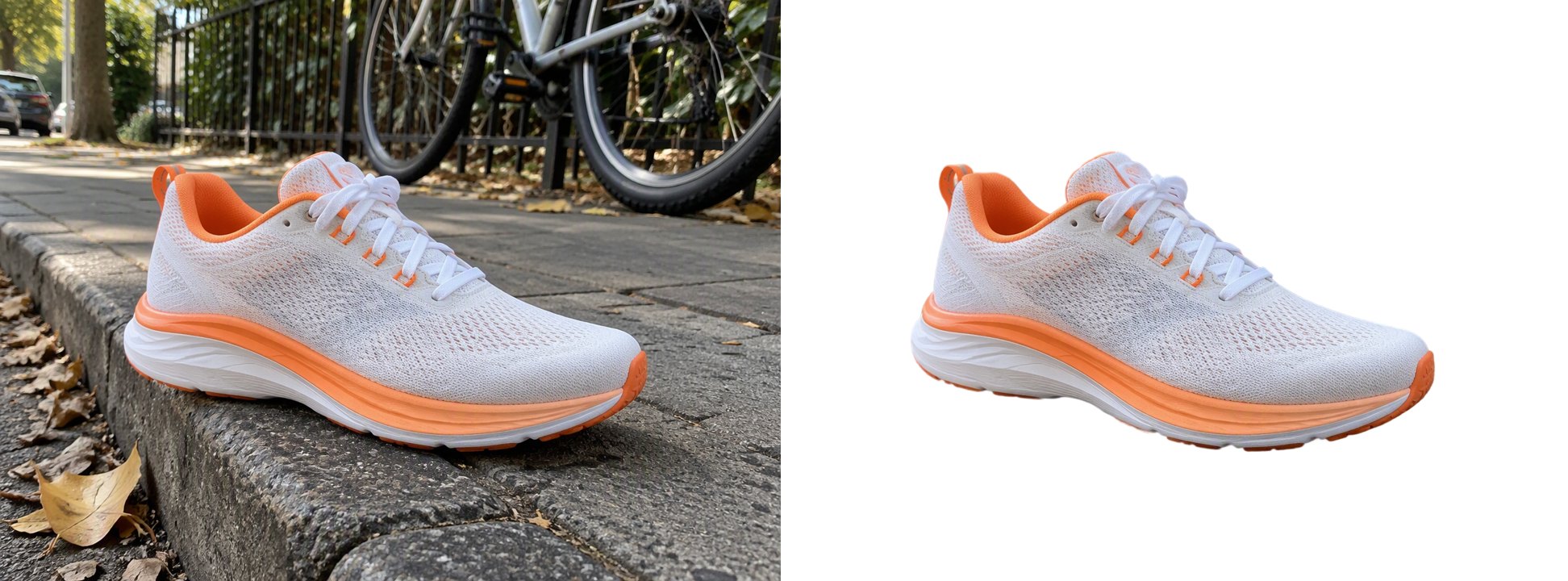
Got the perfect pose at a famous fountain, a beach or a busy street, but strangers fill the background? Upload the photo and the AI removes all the background people at once: tourists walking past, people taking selfies, couples with backpacks and anyone cut off at the edge of the frame, along with their shadows. It then rebuilds what was behind them, continuing the pavement, buildings, water and sky with the same light and perspective, so there are no smudges or ghost outlines. You, the main subject, stay exactly the same: face, hair, outfit, pose and position do not change. You do not need to brush over anyone or describe who should go. If you only want to erase one specific person and keep the others, use the Remove Person from Photo tool instead, where you describe who to remove. The console below runs on GPT Image 2.5.
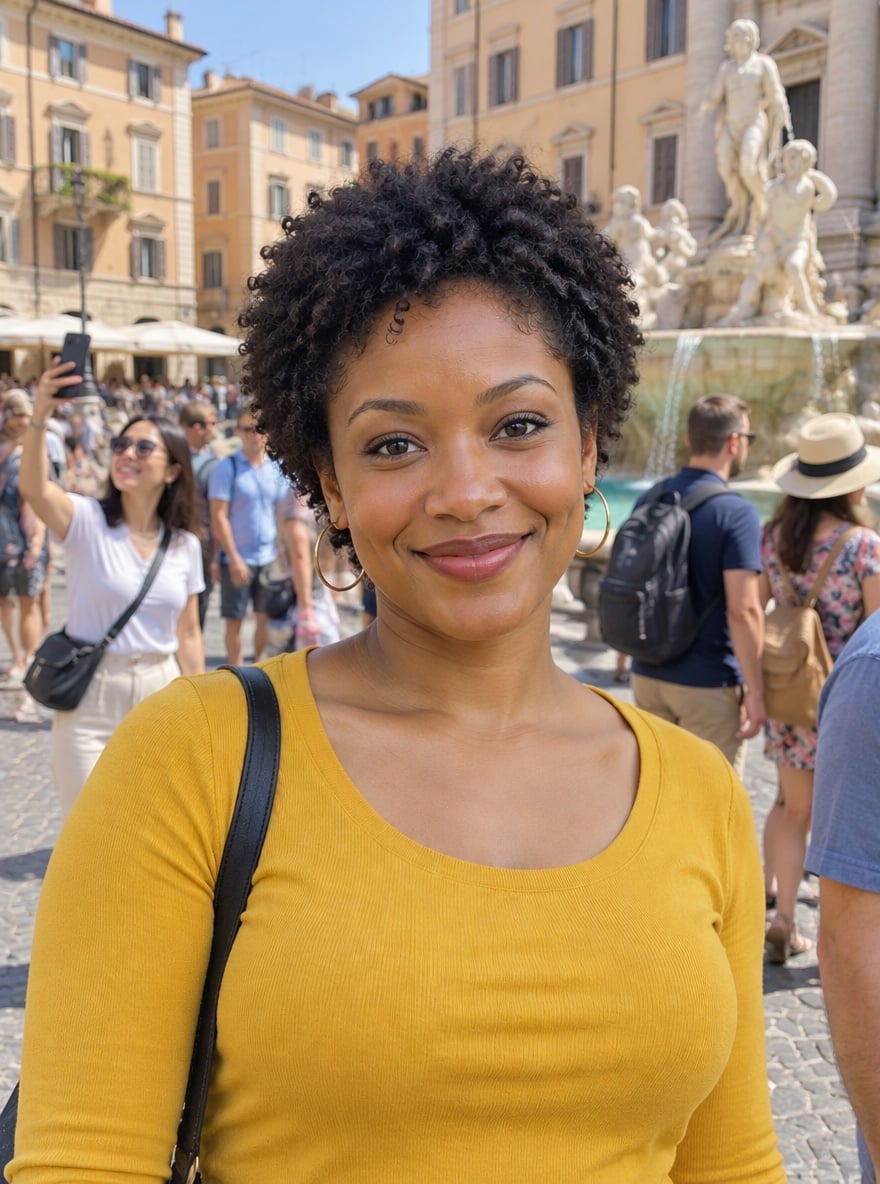
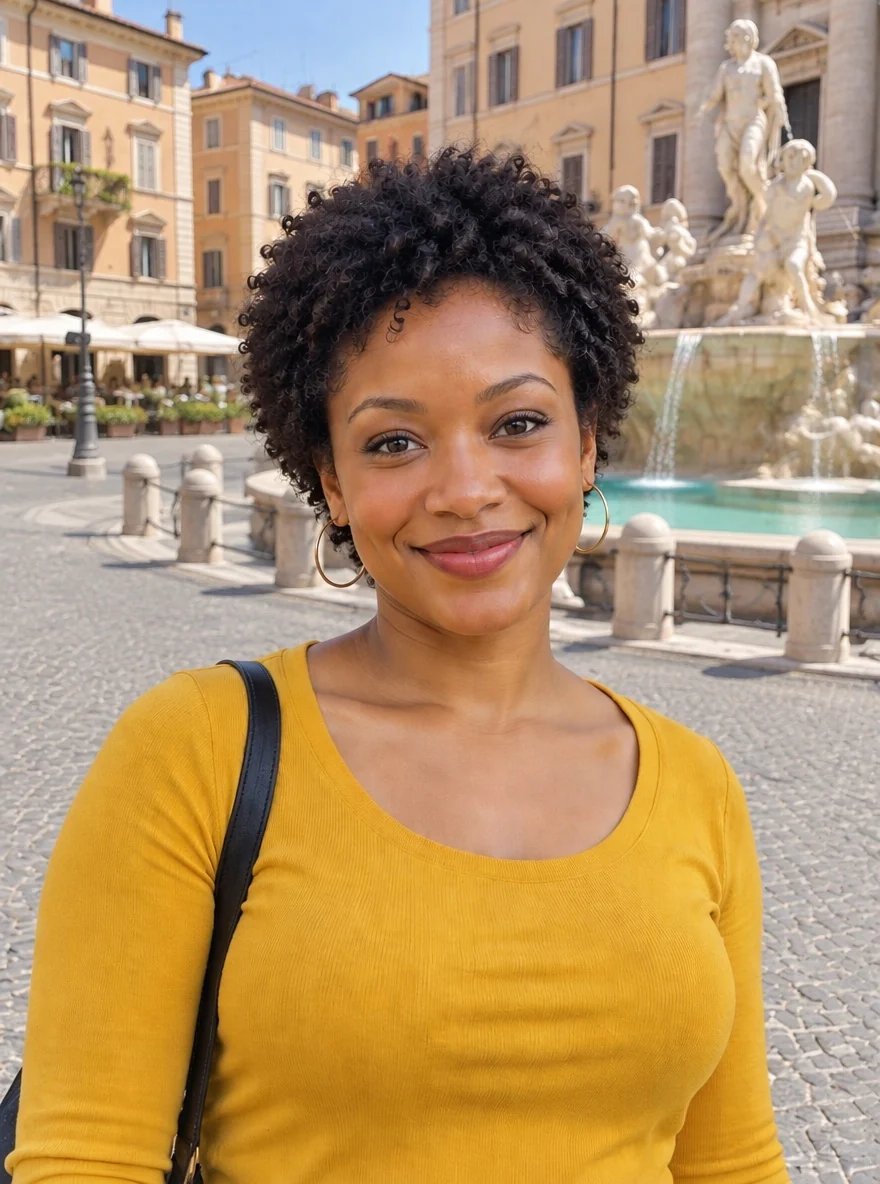
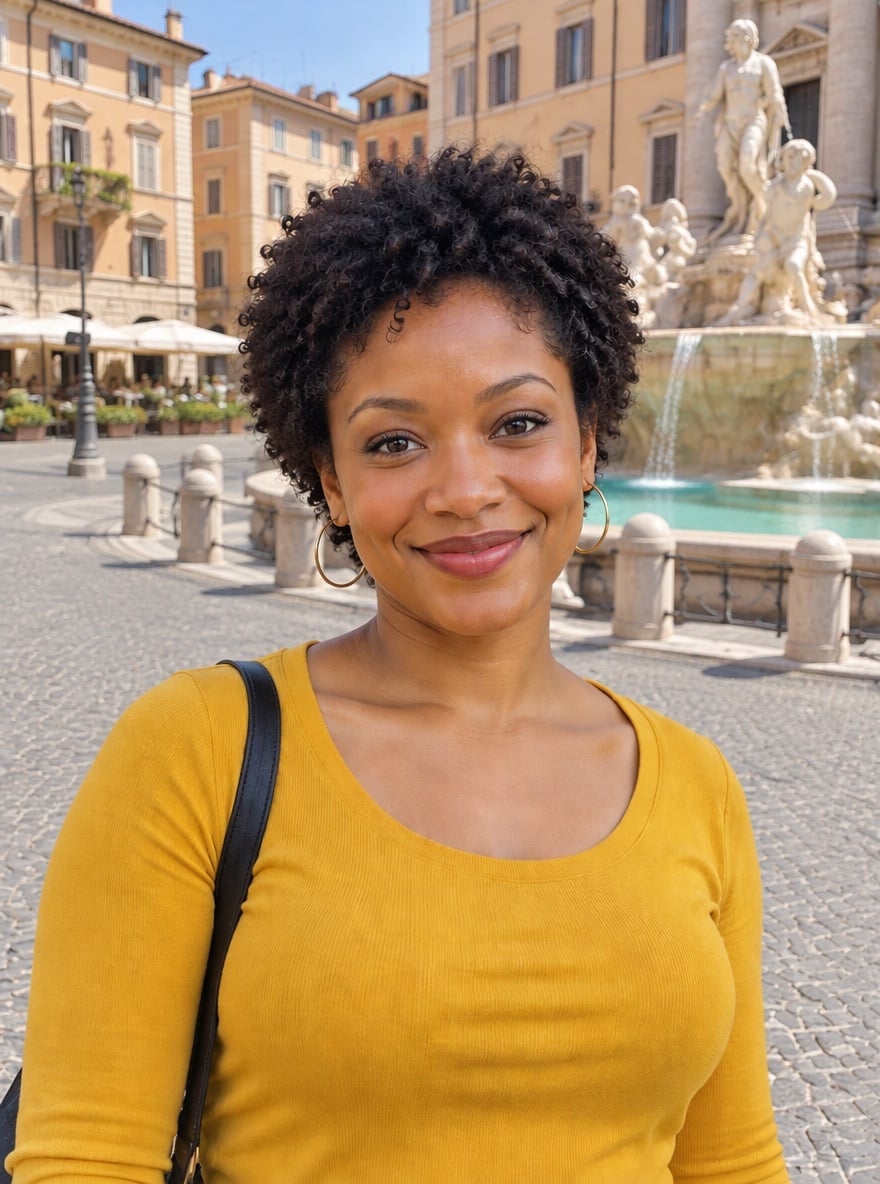
Crowded Fountain Square, Now Just Her

Tourist Rush Cleared from a Travel Portrait

Busy Piazza Turned into a Private Photoshoot
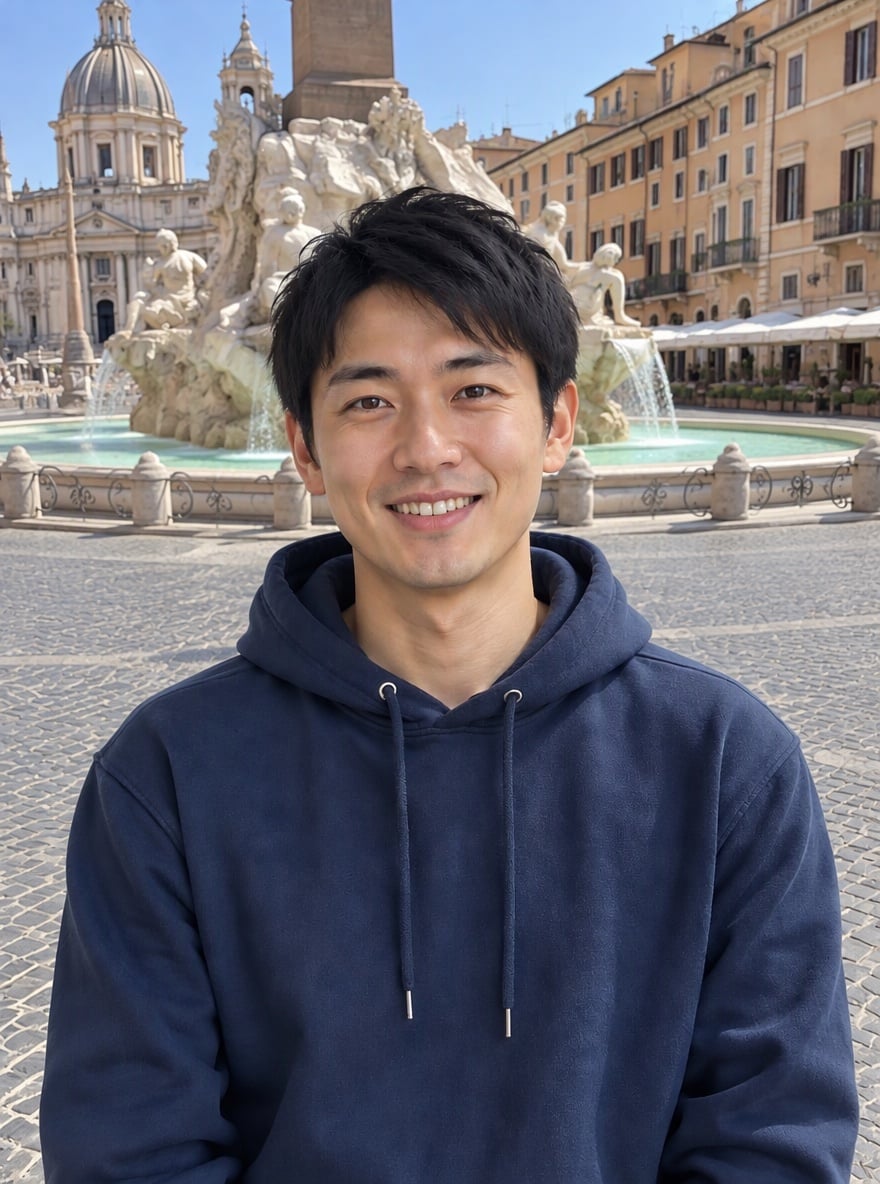
Selfie Crowd Erased Behind a Vacation Shot
Upload files
Upload a photo with one clear main subject
Effect prompt
By uploading a file, you agree to GoEnhance's Terms of Use and Privacy Policy
Before and After: Background People Removed
Each result comes from one upload with the prompt above. The main person is kept from the original photo; the people behind them are removed and the background is filled in.
Crowded Fountain Square, Now Just Her
Tourist Rush Cleared from a Travel Portrait
Busy Piazza Turned into a Private Photoshoot
Selfie Crowd Erased Behind a Vacation Shot
How to Remove People From Photos
01
Upload your photo
A travel, vacation or street photo where you are the main subject in the foreground works best.
02
Generate
The removal prompt is already filled in. Press the button and every passerby in the background is erased.
03
Download and share
Save the clean shot for your feed, a travel album or a print, with only you in front of the view.
Why Use This People Remover
More Photo Cleanup Tools

Remove People From Photos FAQ
How do I remove people from a photo with AI?
Which people get removed?
Will it change my face or outfit?
What photos work best?
Is it a photo effect or a video effect?
Can I remove only one specific person?
Ready for a Crowd-Free Photo?
Upload one photo and get the background people removed in under a minute.
Remove Background People