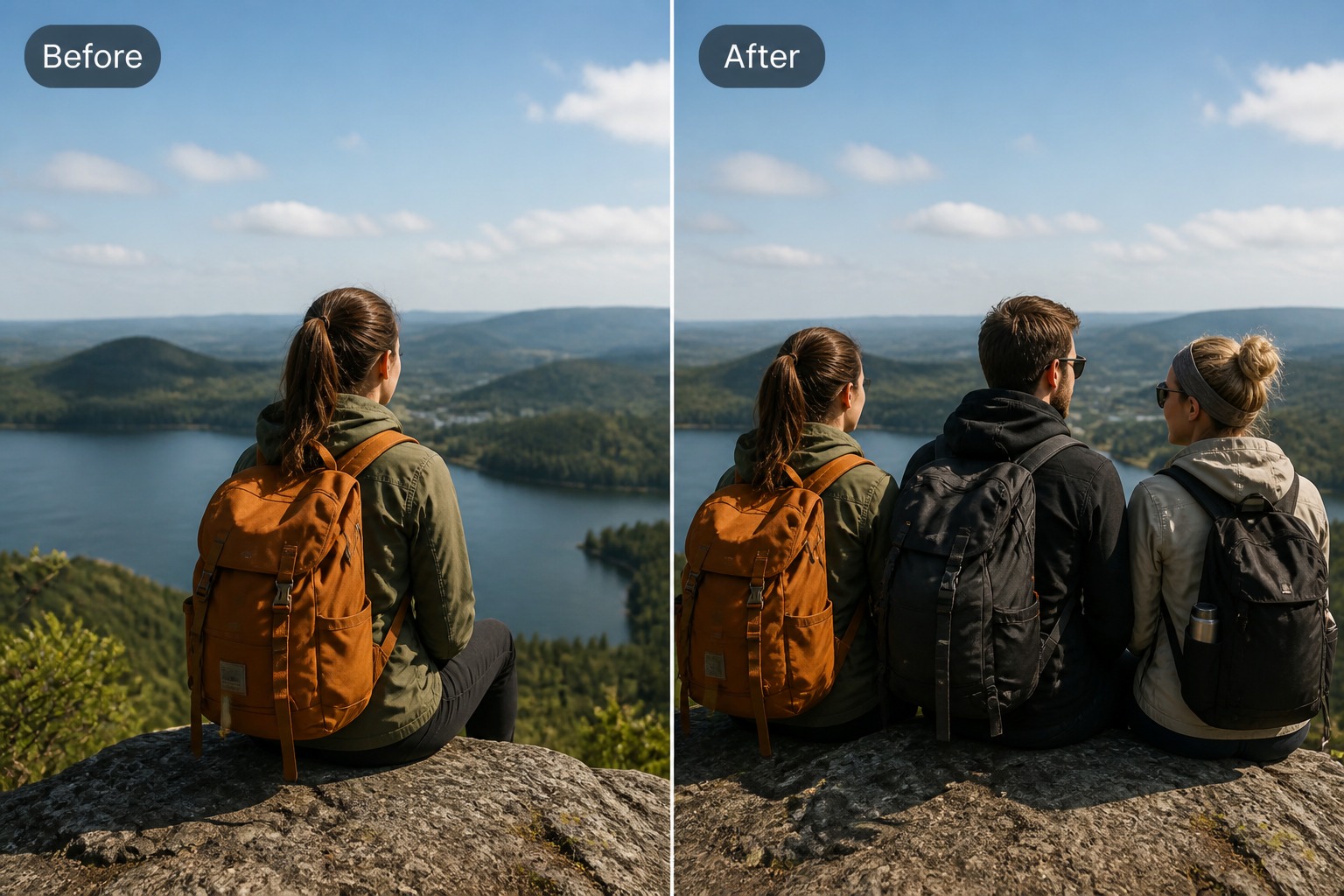
Add People To Photos
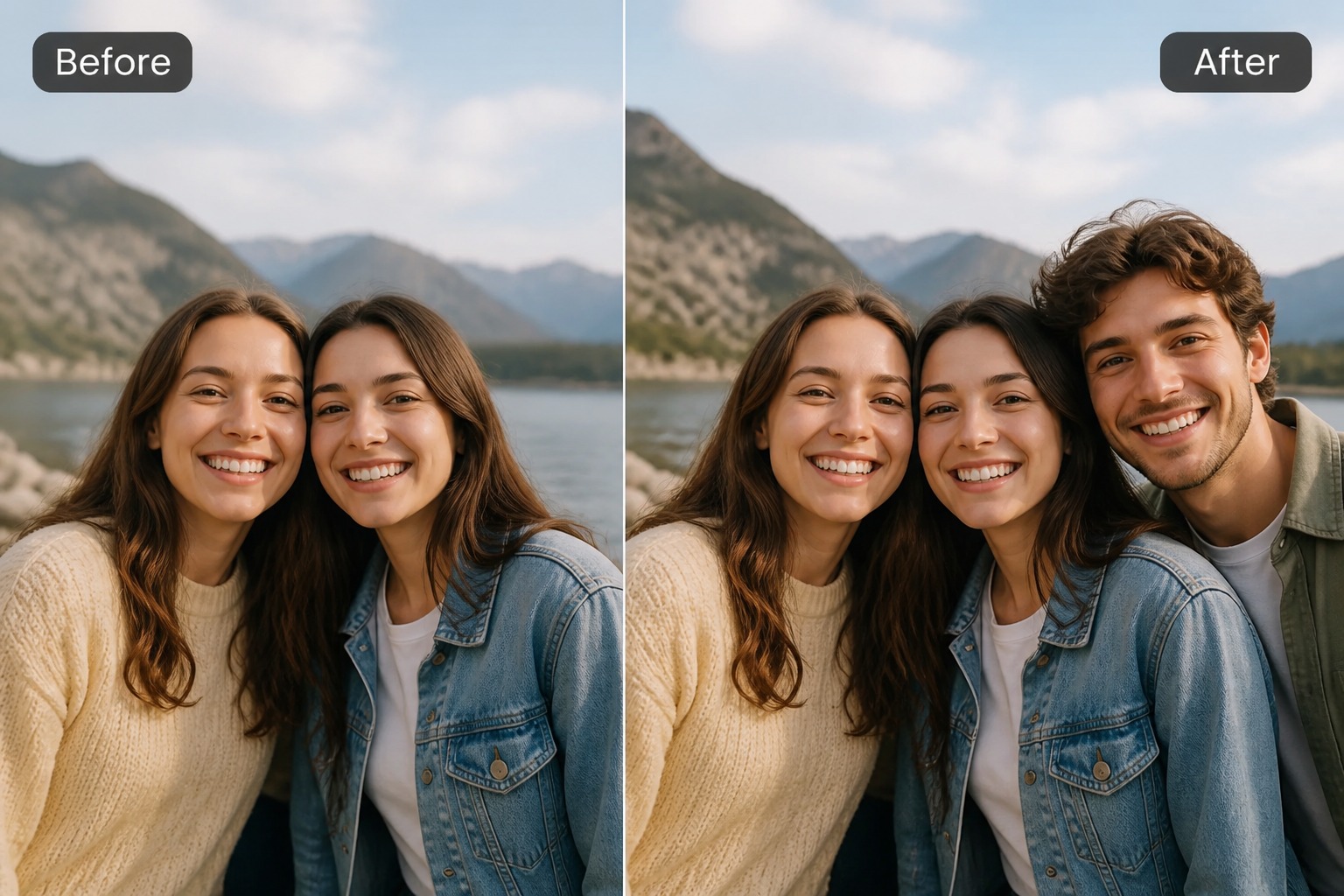
Upload a base photo and describe the person you want to add, including position, pose, clothing, and scene context. Use it for family pictures, team shots, event drafts, or social images where the added person should fit naturally.
Add Someone to a Photo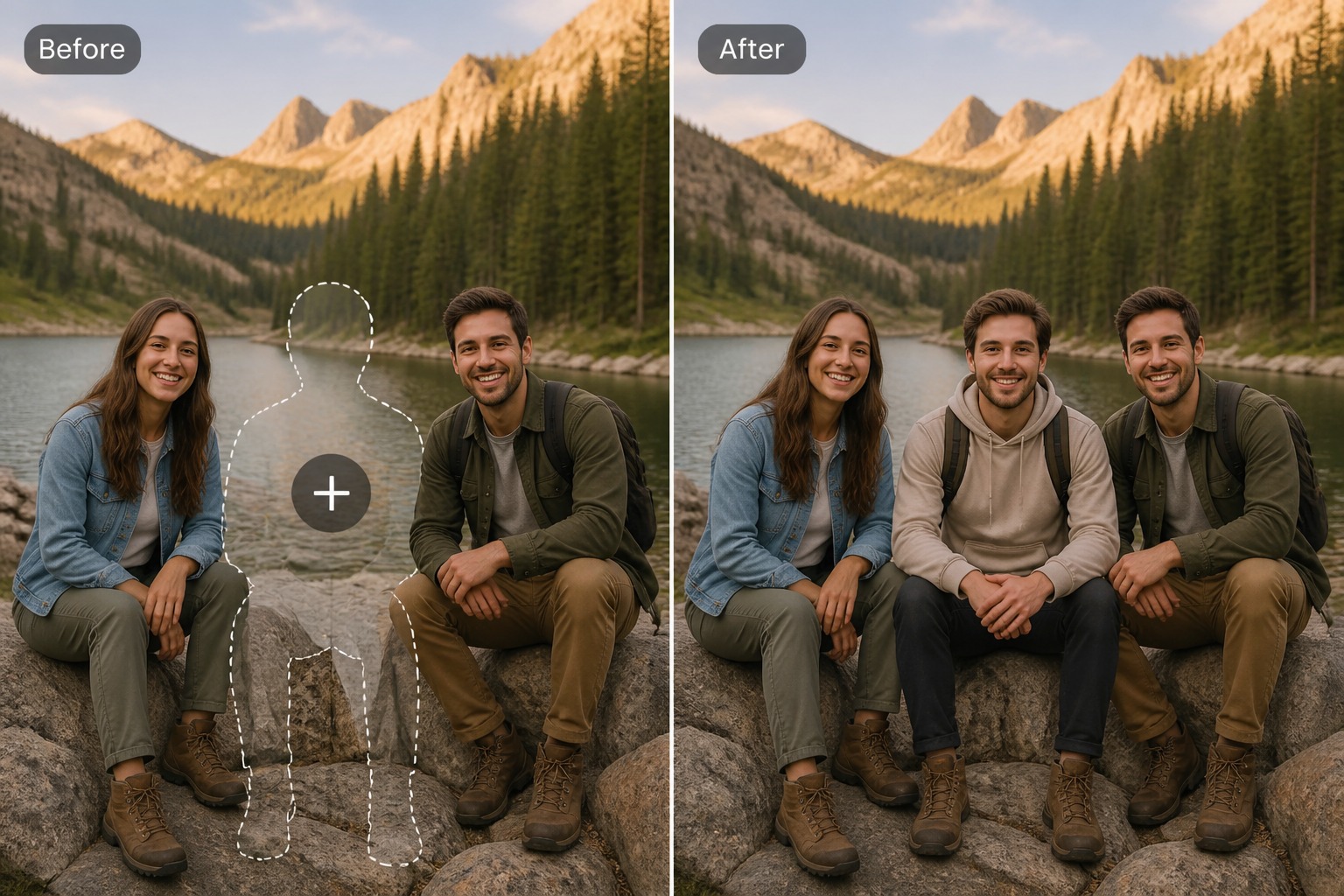
How to Use Add People To Photos
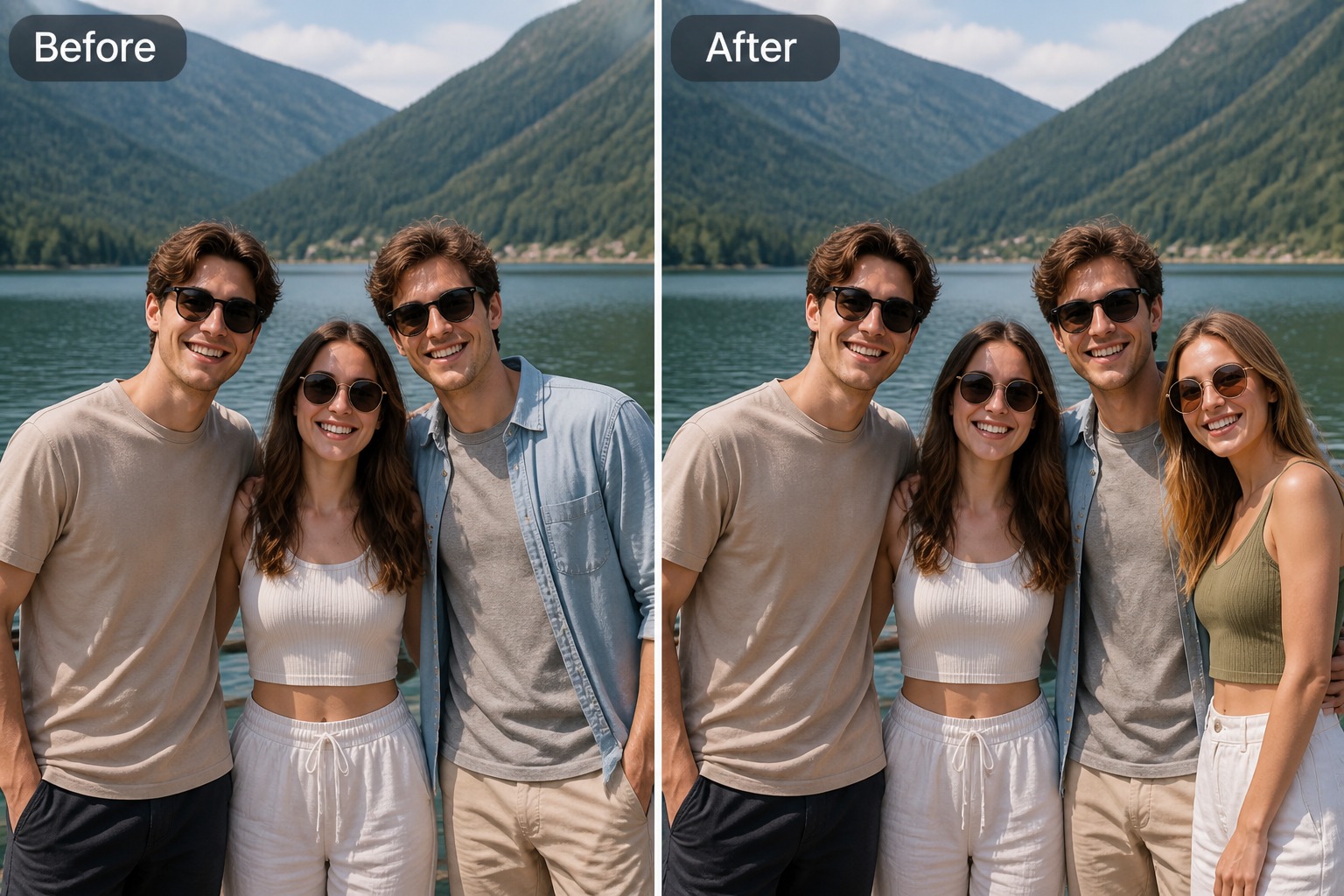
Step 1
Upload the Base Photo
Choose the image where you want to add someone. A scene with visible space, clear lighting, and an easy-to-read camera angle gives the edit a better starting point.
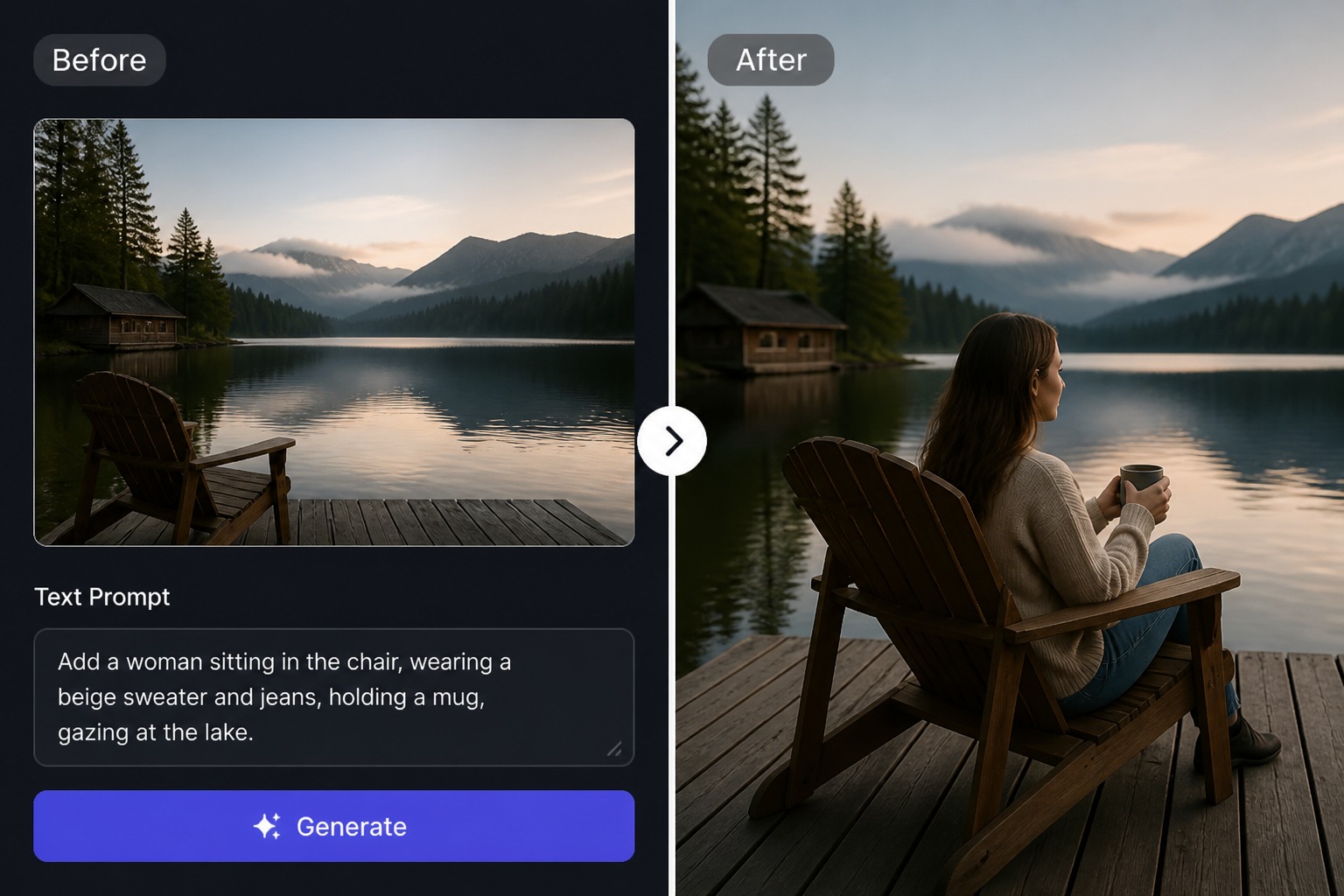
Step 2
Describe the Person and Position
Explain who should be added, where they should stand or sit, what they wear, and how they should face the camera or group.
Step 3
Check the Final Placement
Review scale, shadows, skin tone, hands, edges, and eye direction. Regenerate or refine the edit if the added person does not match the original scene.
Add People Without Breaking the Scene
Bring Someone Back Into the Moment
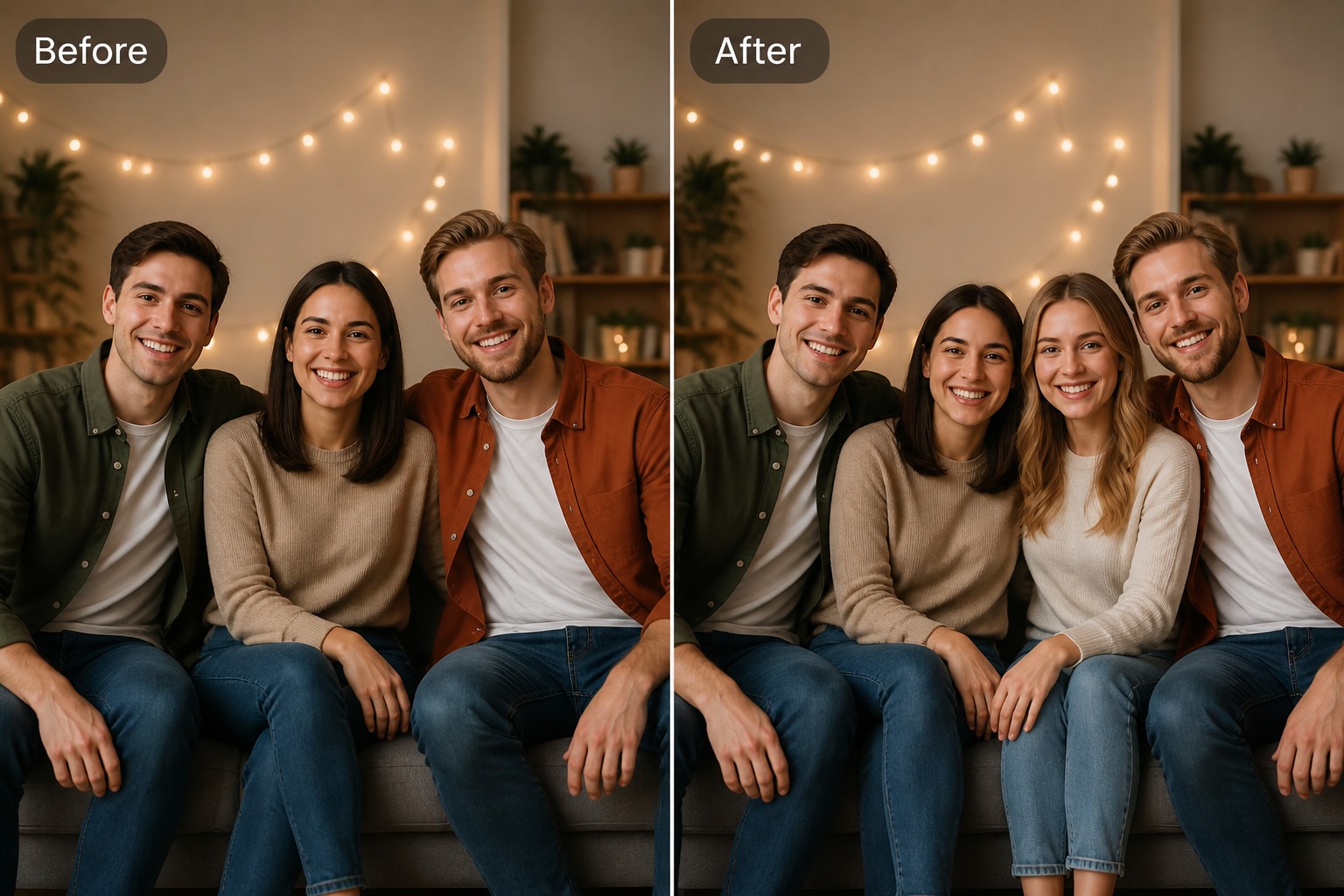
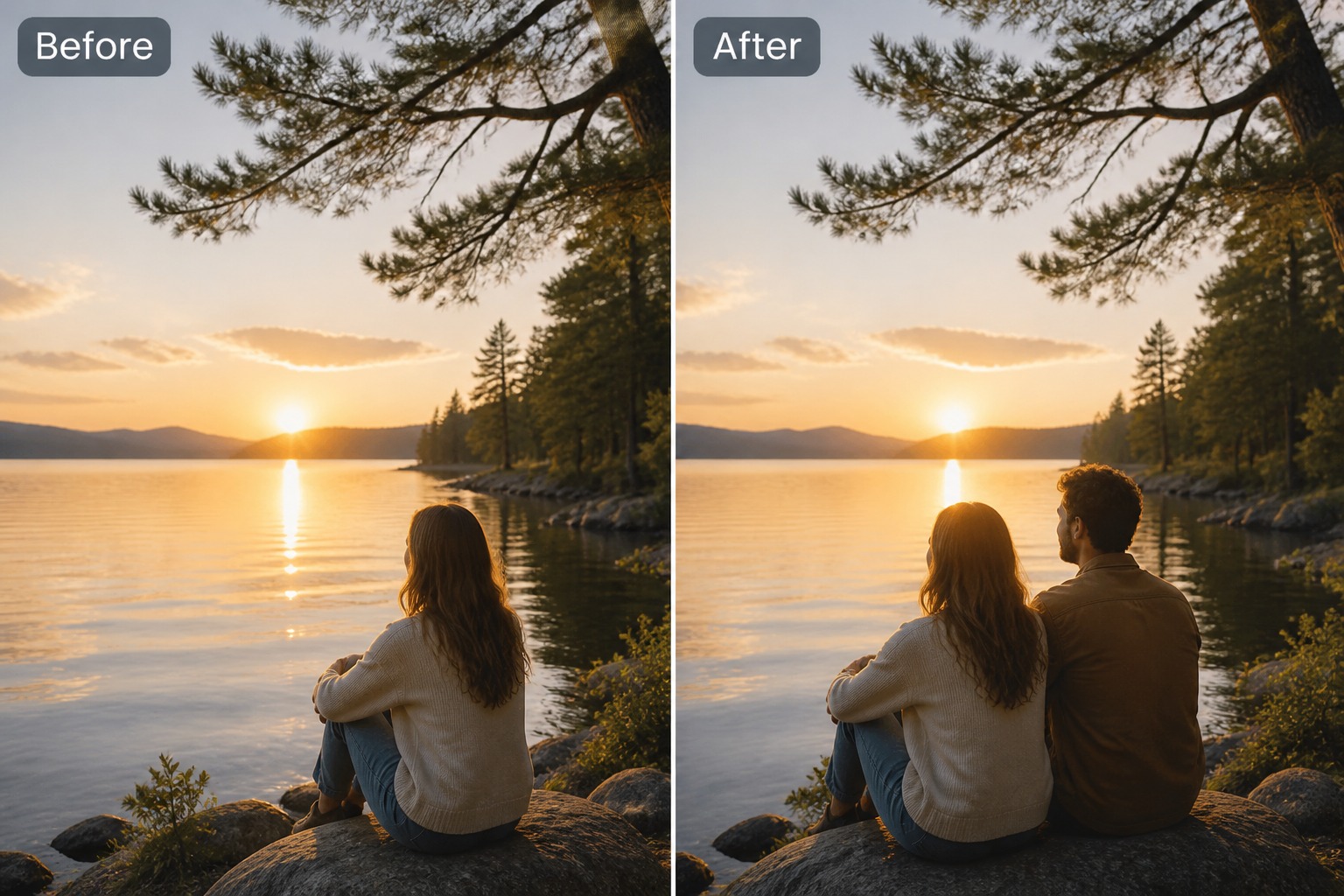
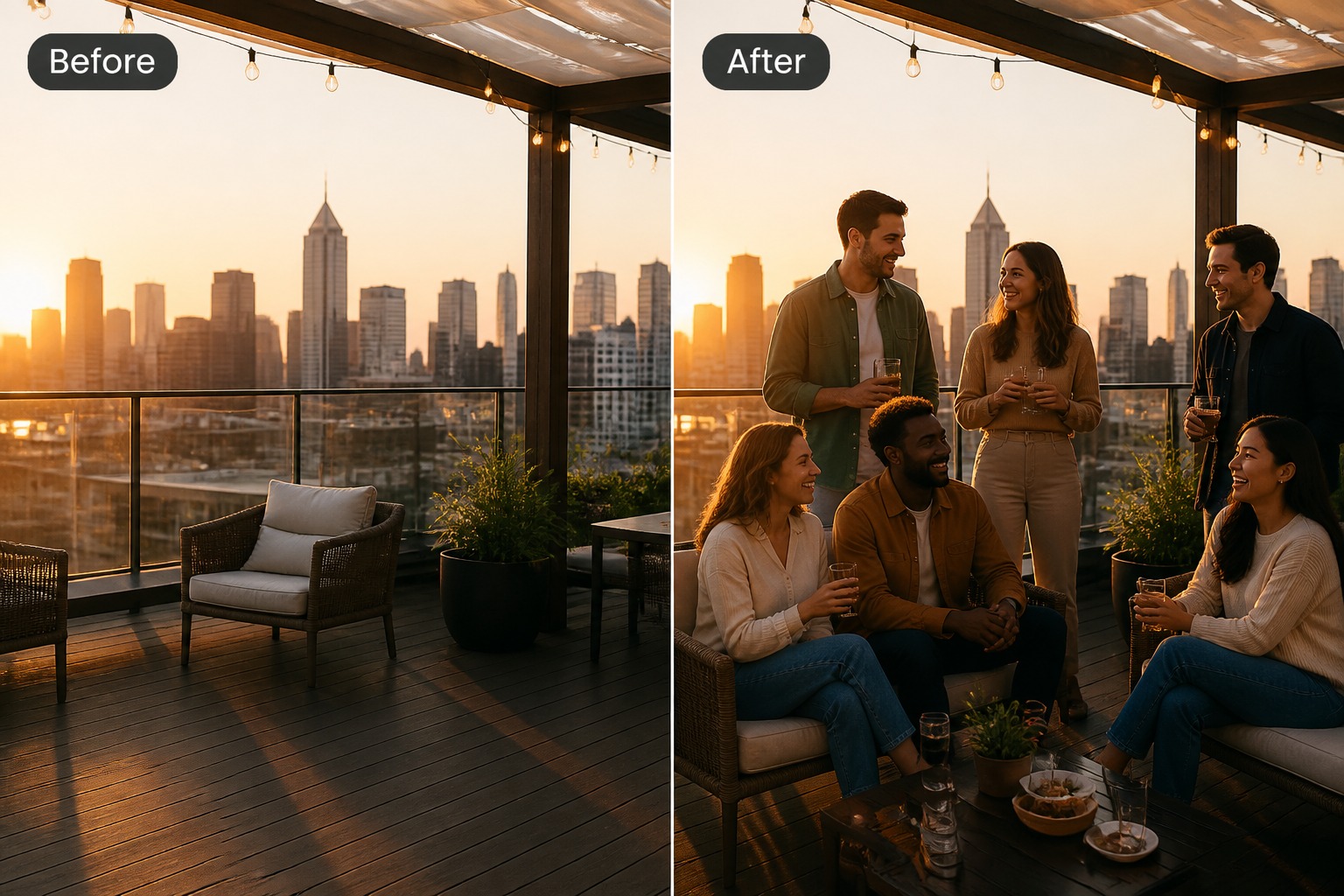
Seamlessly add friends, family members, or teammates into photos with our image to image tool so the moment feels complete, while keeping the original mood, scale, and composition intact.
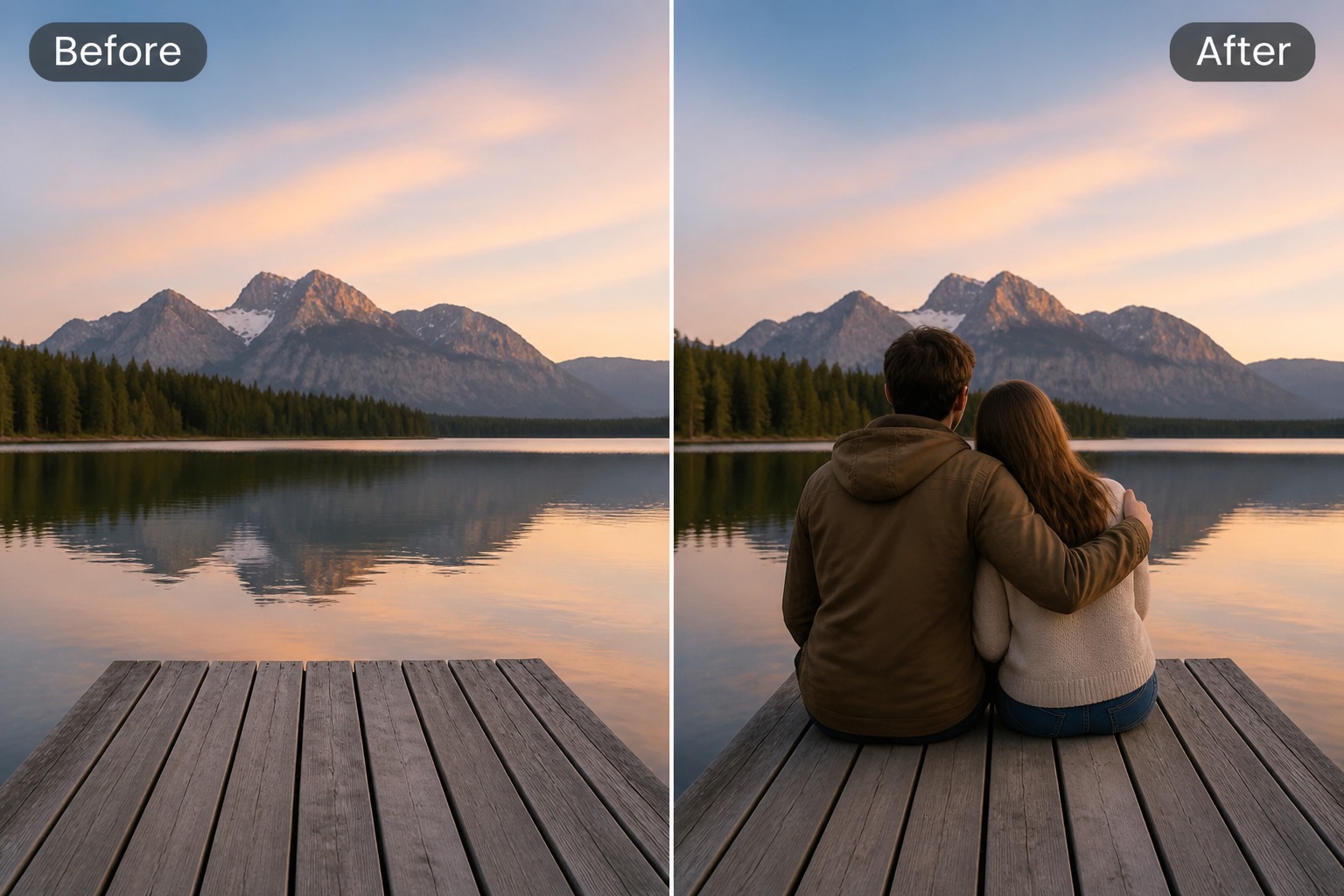
Natural AI edits that restore missing moments
Why Use Add People To Photos?
No Photoshop Skills Needed
Quickly create polished, natural-looking edits without complex manual editing or software experience.
Natural Scene Blending
AI automatically matches light, shadow, color, and perspective, making added people look like part of the original photo.
Make Memories Complete
Restore missing participants in family, travel, team, school, or event photos to capture moments fully.
Flexible for Personal and Creative Uses
Perfect for social posts, creative projects, marketing visuals, or personal keepsakes.
Preserve the Original Scene
Keep the background, existing people, and composition intact while adding new subjects naturally.
What Our Users Say?
FAQ
Add People To Photos FAQ
How do I add a person to a photo with AI?
What photos work best for adding people?
Can I add someone to a family or event photo?
How can I make the added person look natural?
Can I use free credits for this edit?
What should I avoid when adding people to photos?
Can I use the result commercially?
Add Someone to Your Photo
Upload a photo, describe who should appear, and generate a group edit that matches the scene more naturally.
Add a Person