AI Background Remover

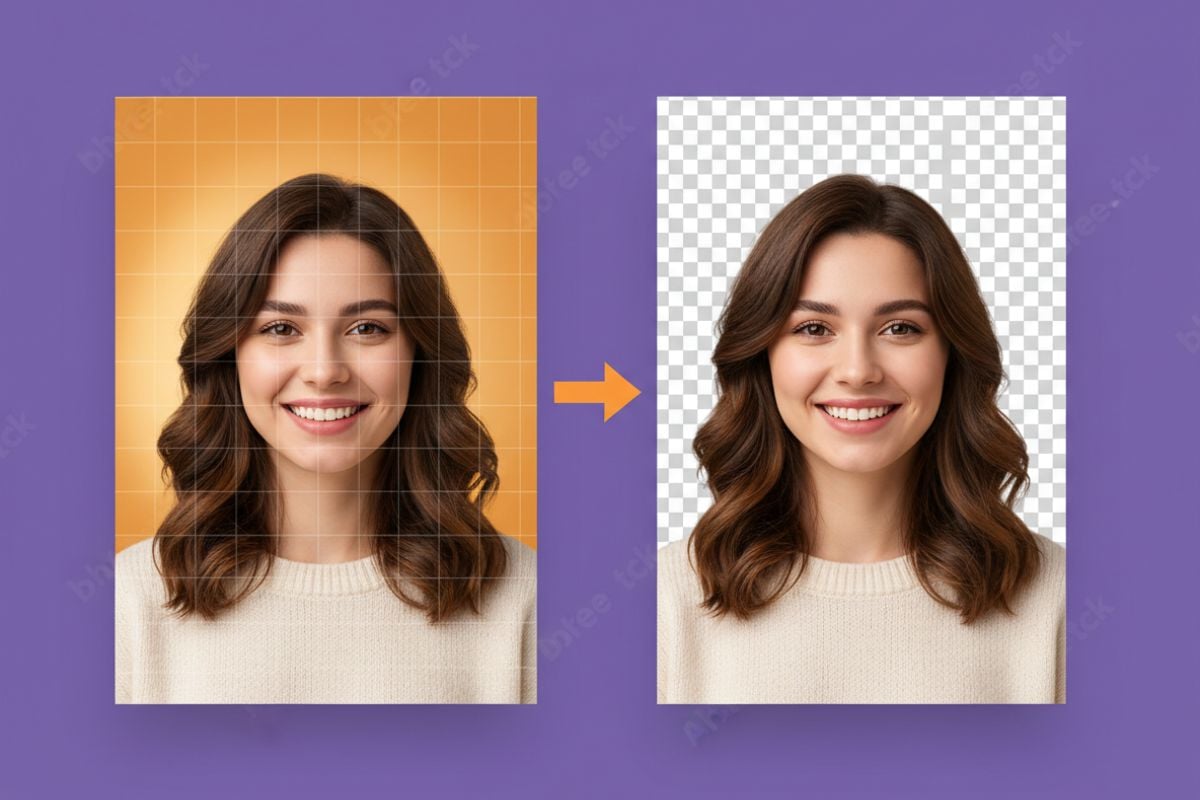
Remove the background from any image in one click. Upload a photo, product shot, pet or anime illustration and get a transparent PNG at the same size, with soft edges like hair and fur kept natural. Need a solid background instead? Choose white or any color. Each image costs 4 tokens.
Portrait
Portrait
Product
Product
Pet
Pet
White background
White background
Upload an image
By uploading a file, you agree to GoEnhance's Terms of Use and Privacy Policy

How to Remove the Background from an Image

Three steps, nothing to trace.
01

Upload your image

JPG, PNG or WebP, up to 50 MB. Photos, product shots, logos on a background, pets and illustrations all work.

02

Pick the image type and background

Choose Photo or Anime / illustration, then Transparent, White or a custom color. There is nothing to select or brush.

03

Download the PNG

You get a PNG at the same size as your upload. In our tests results were ready within a minute.

Transparent, White or Custom Color

BackgroundWhat you getGood for
TransparentPNG with no background; hair and fur keep soft, partly see-through edgesLogos, stickers, design layers, thumbnails, collages
WhitePNG on pure white (#FFFFFF)Marketplace product listings, catalogs, resumes
Custom colorPNG on any solid color you pickBrand colors, profile pictures, social posts

What It Handled in Our Tests

ImageResultWorth checking
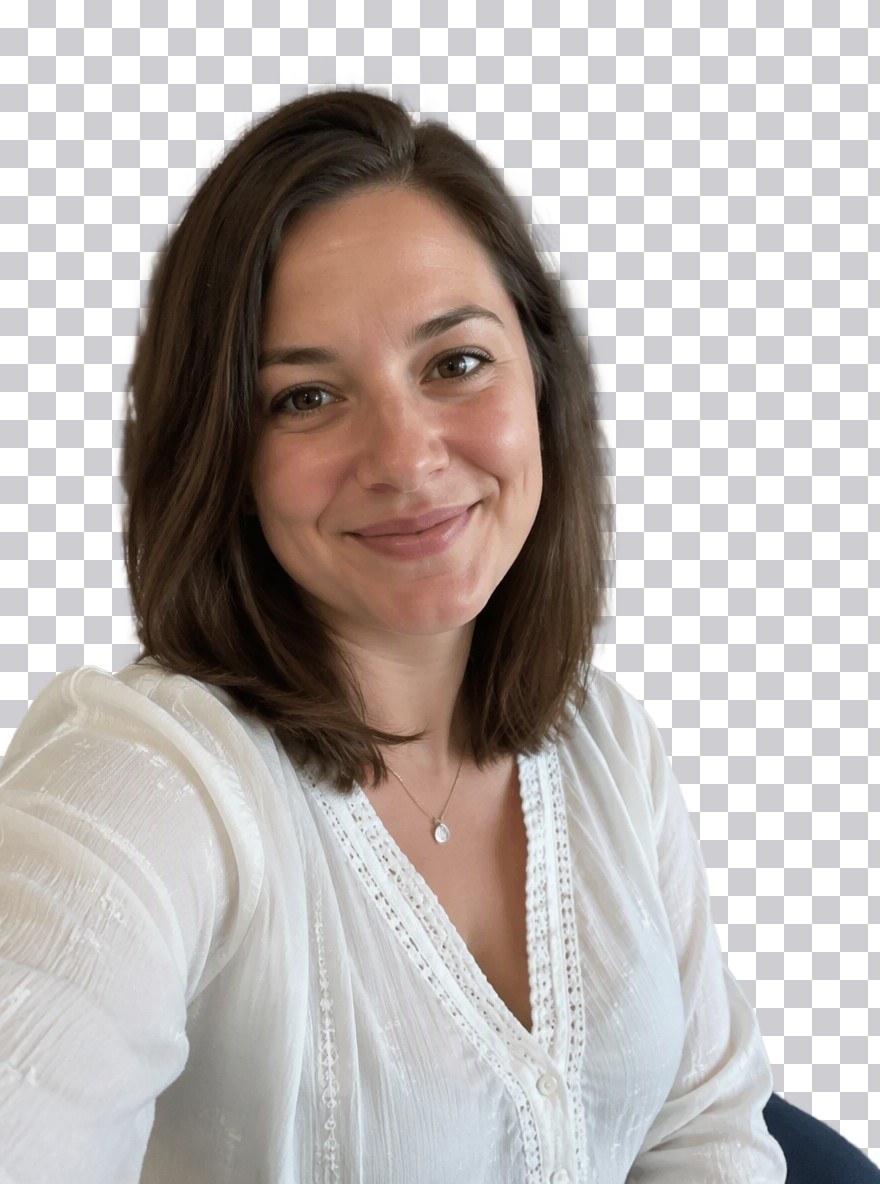
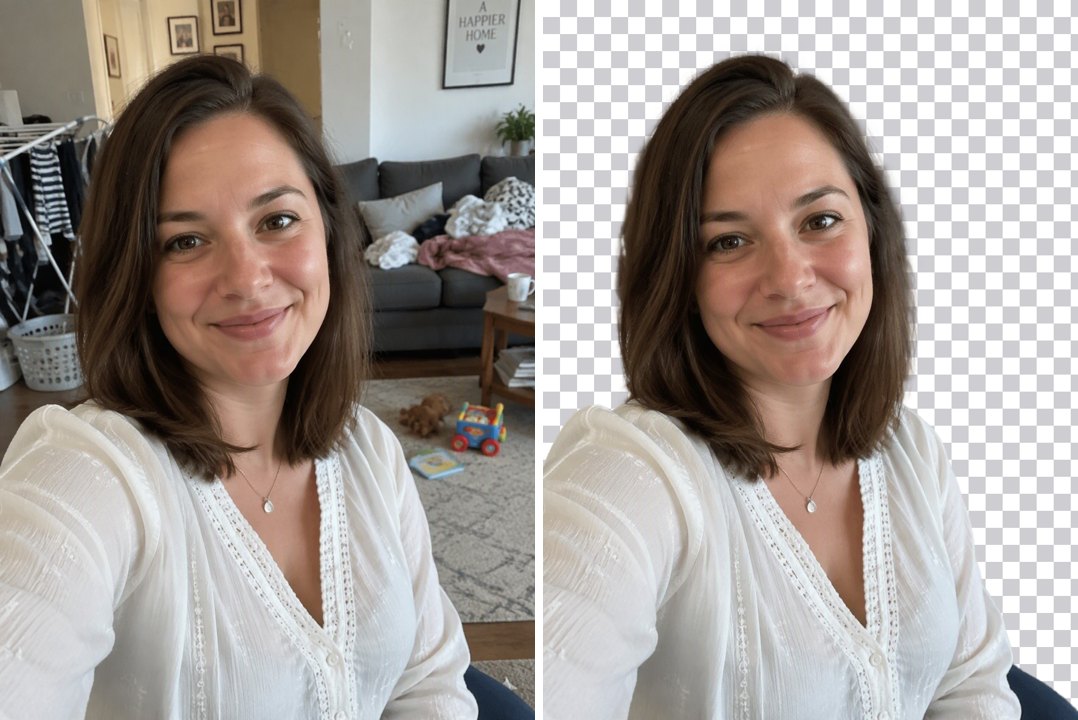
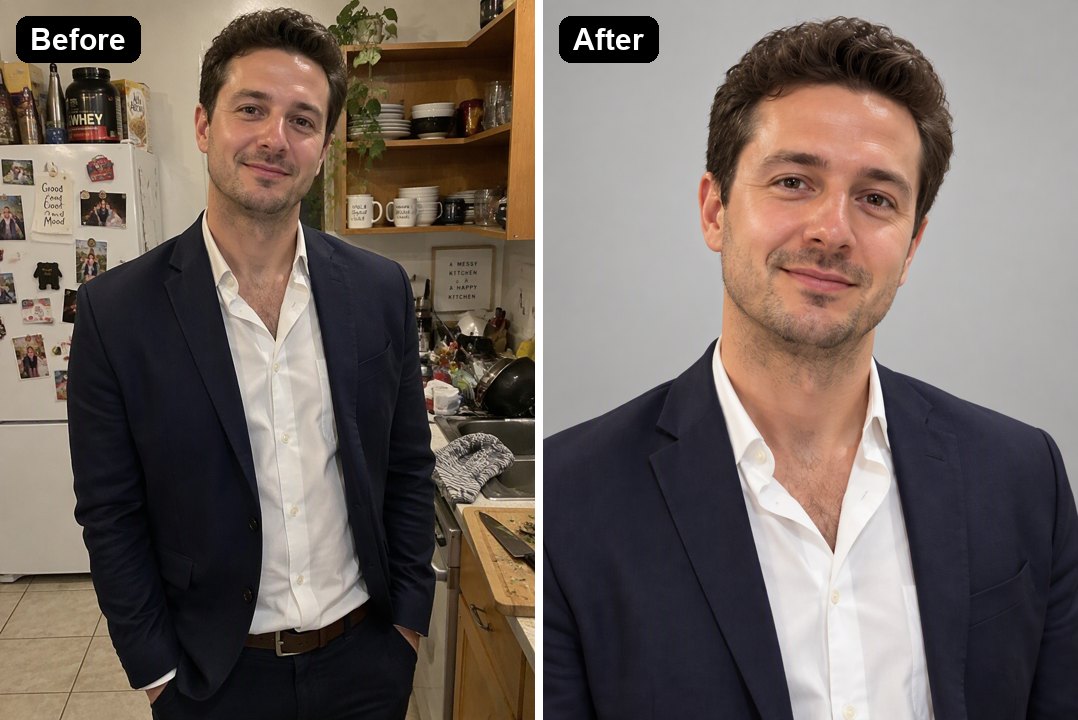
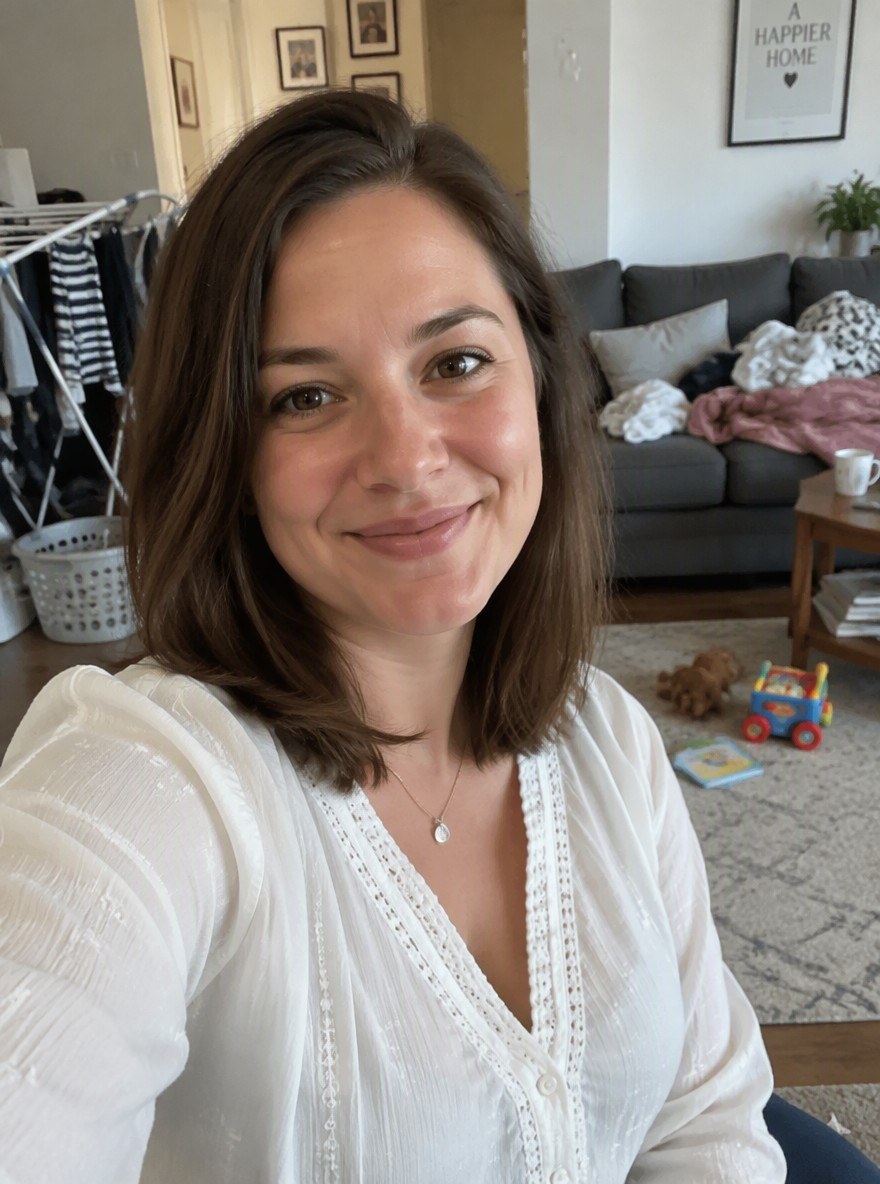
Portrait with long hair in a messy living roomClean cut-out; hair edges soft with no white haloVery fine flyaway hairs can fade into the background
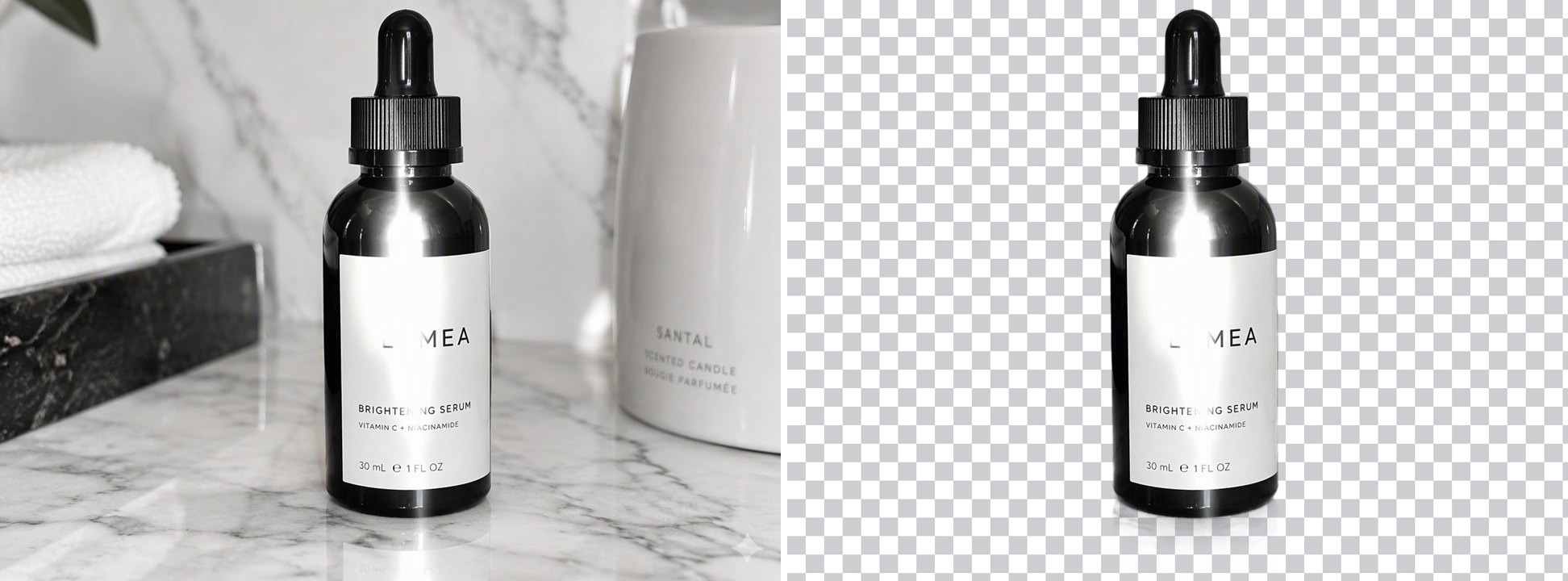
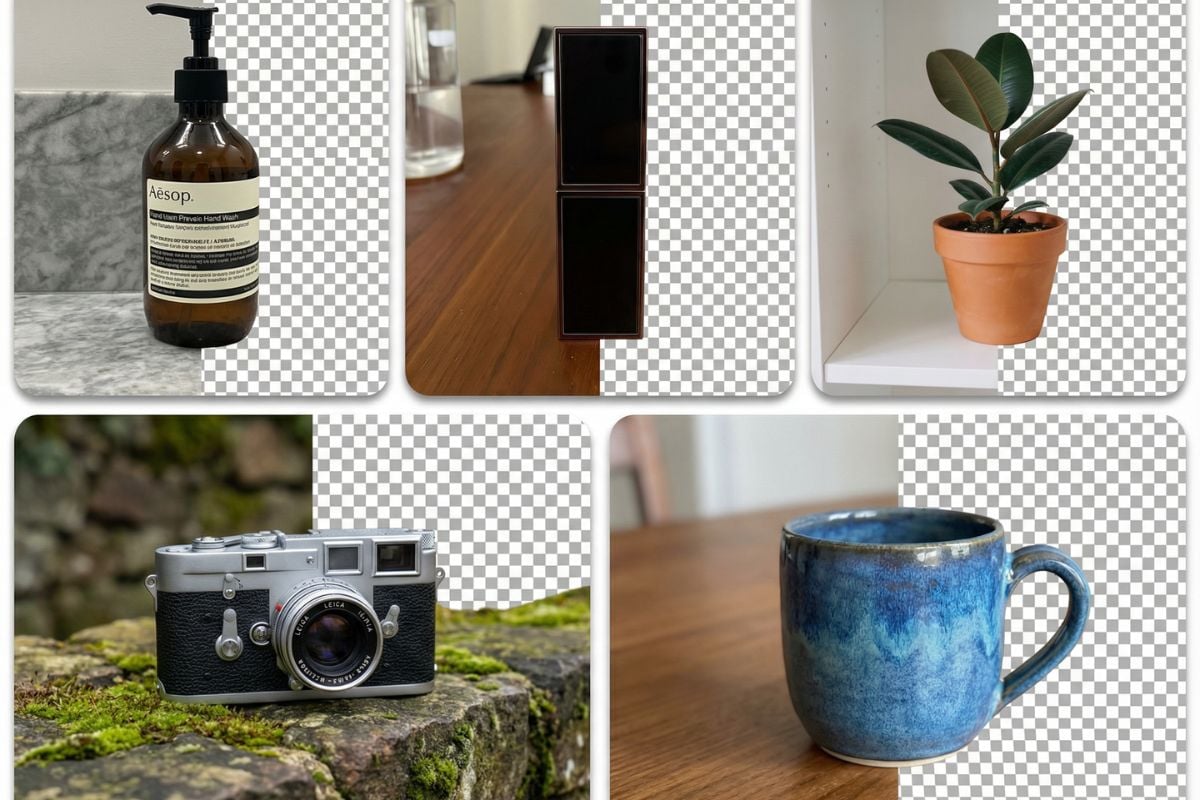
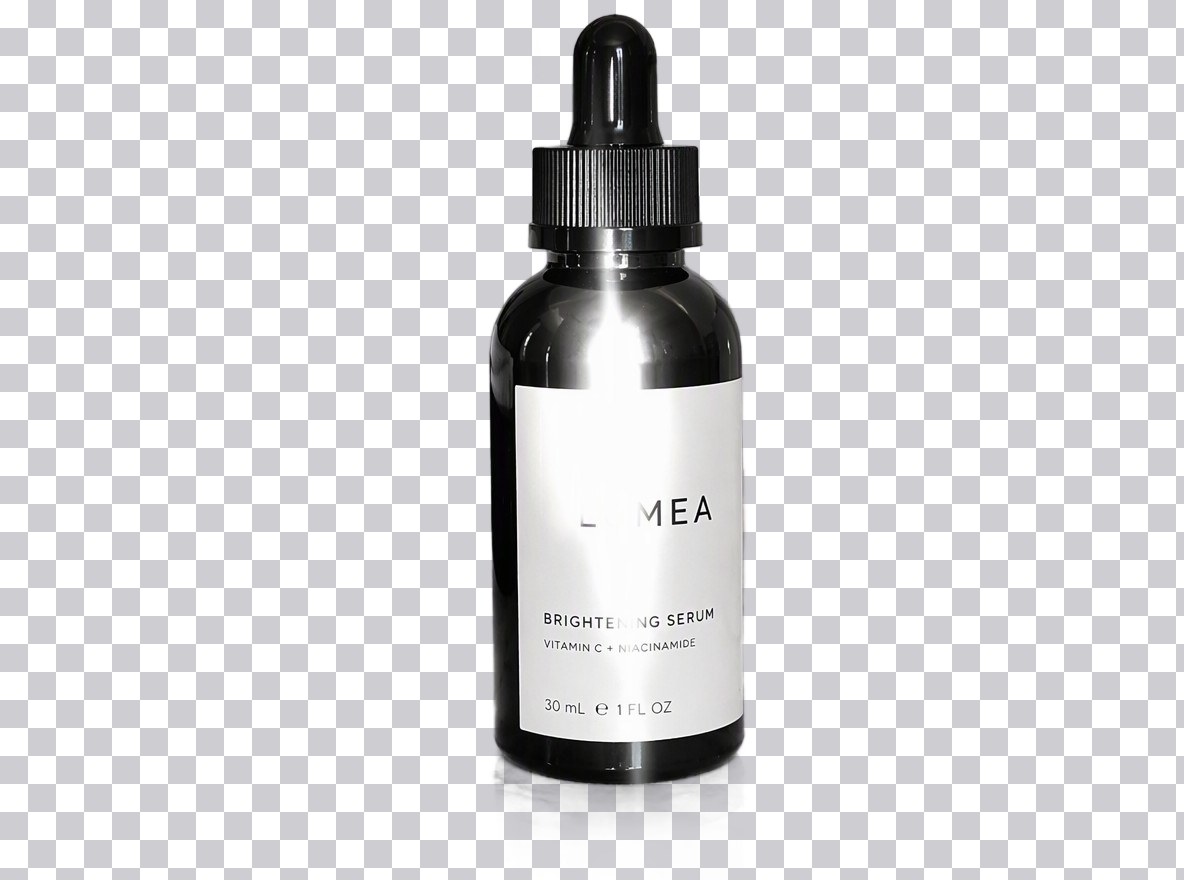
Glossy glass bottle on marbleSharp outline; label keptReflections that were part of the scene are removed with it
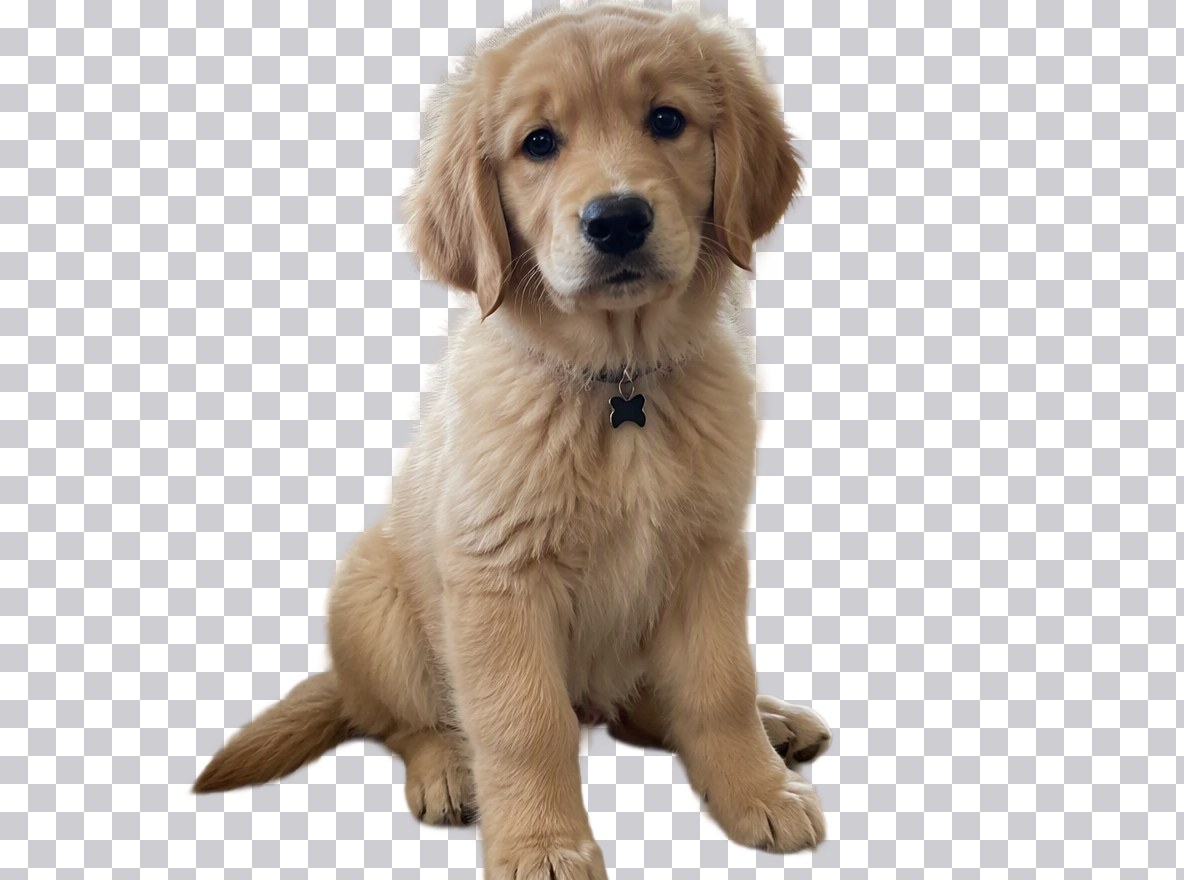
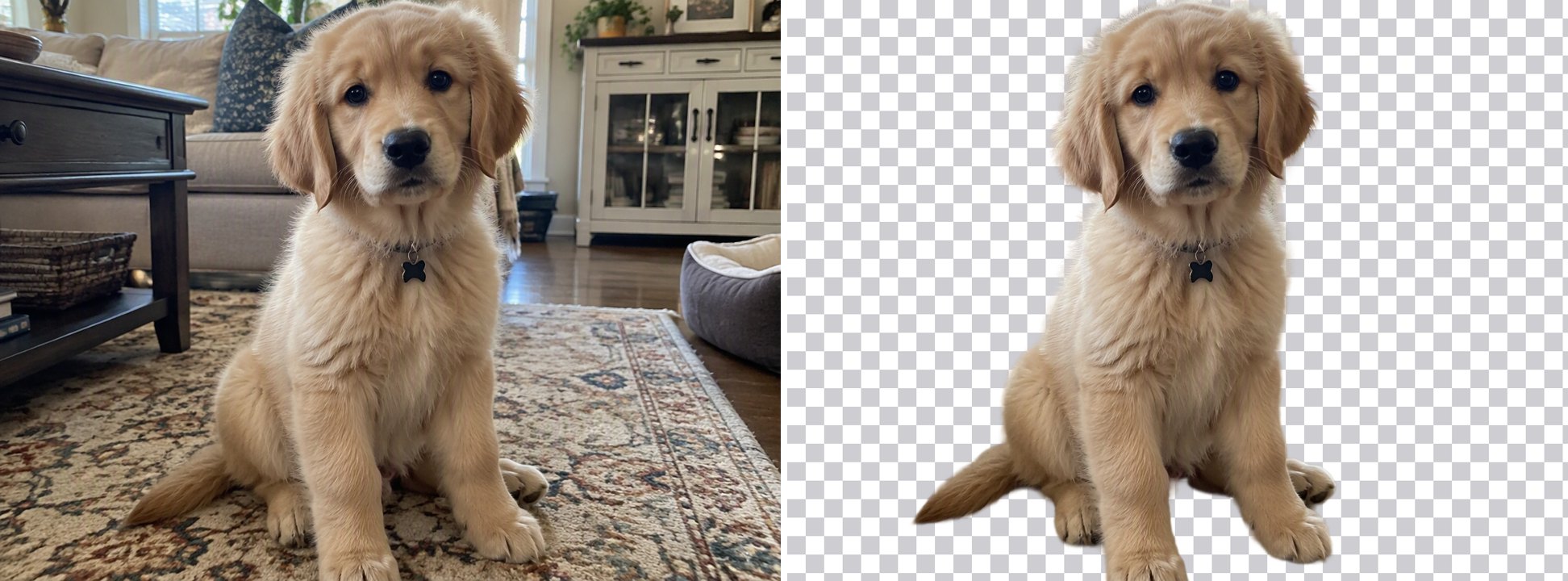
Fluffy puppy on a patterned rugFur edges kept soft; the rug removedLong whiskers are the hardest part
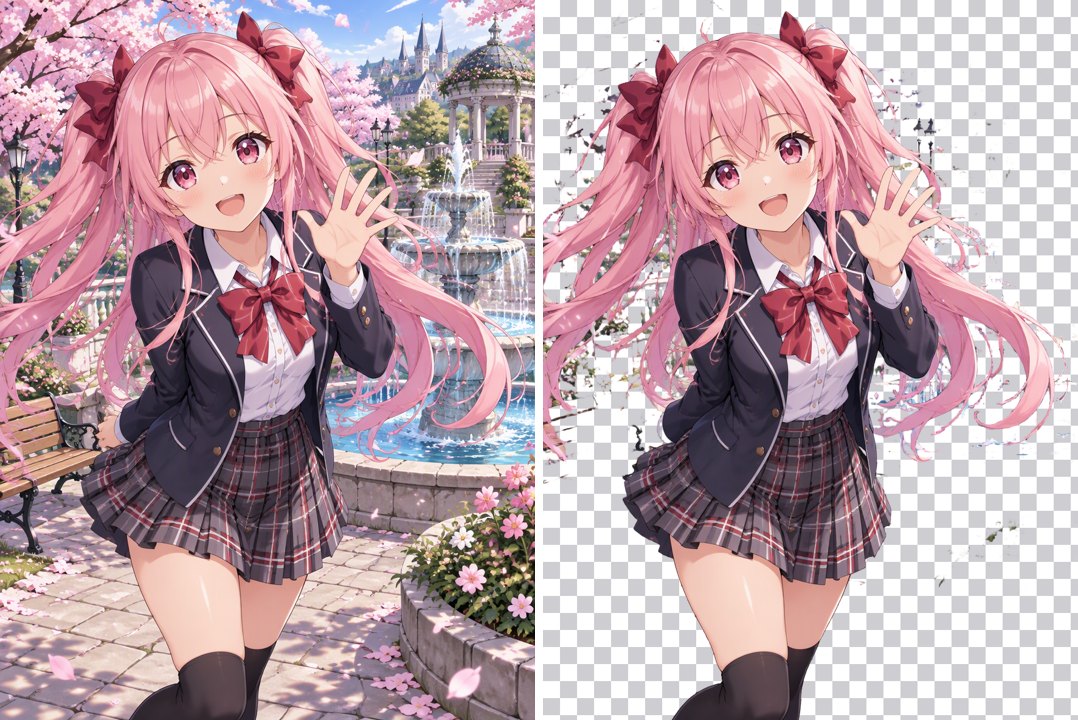
Anime girl in a park (Anime mode)Clean outline around hair and uniformA few falling petals near her hair were kept
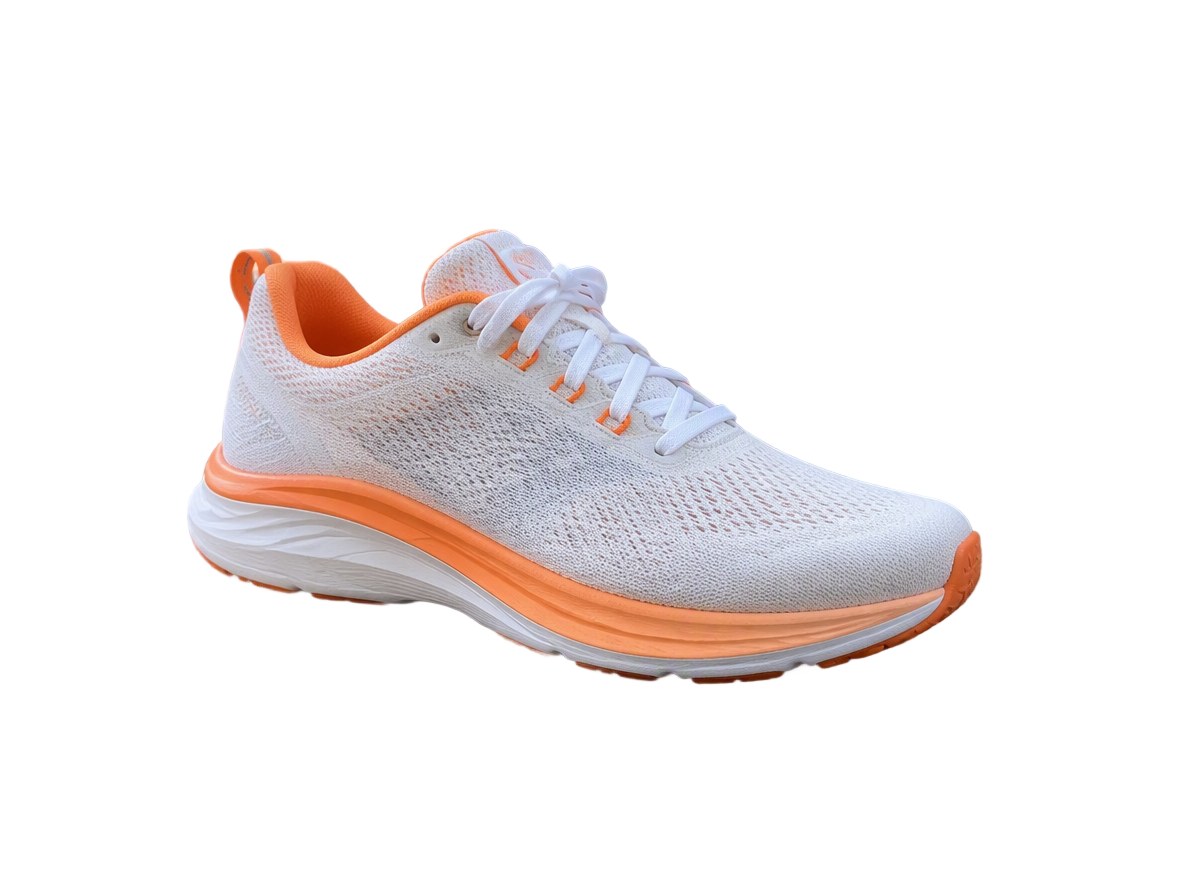
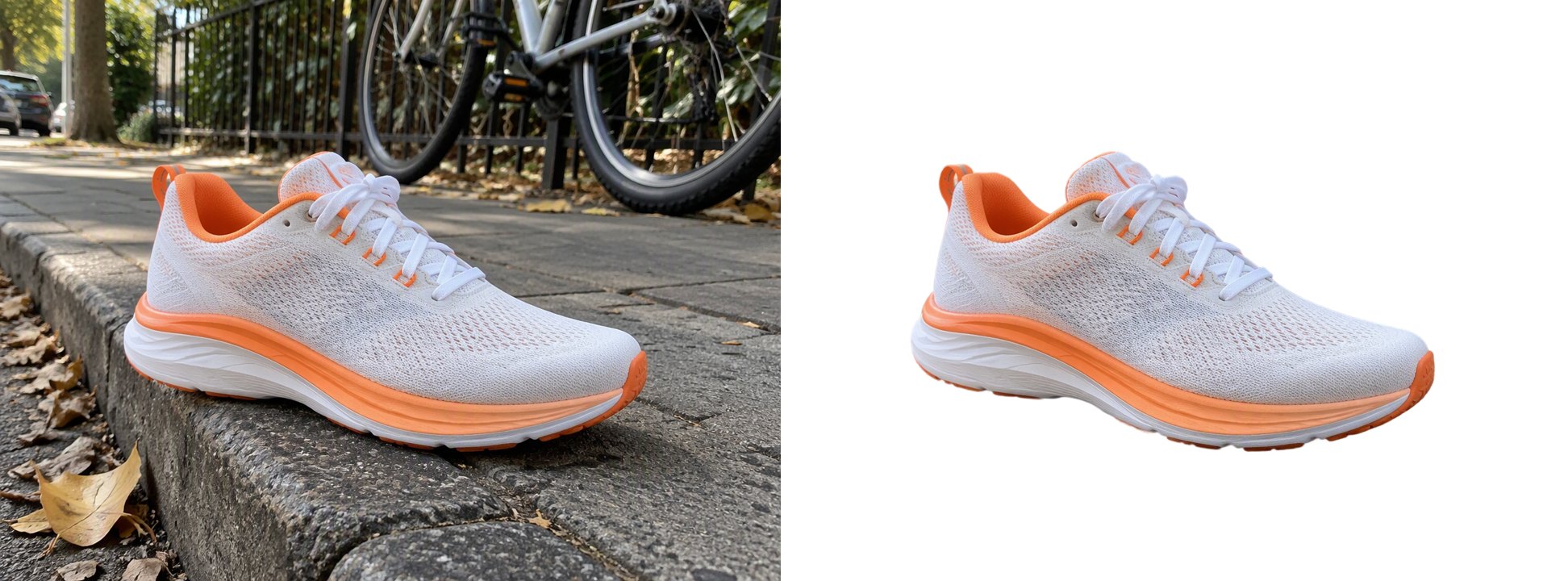
Sneaker on a street curb (White)Pure white background, ready for a listingThe shadow under the shoe is removed too
Family at a birthday tableAll three people, the cake and the cups kept; the table removedIn group shots, decide what counts as the subject

Backgrounds It Removes

People and Portraits

Cut yourself out of a messy room for a profile picture, a thumbnail or a resume photo. Hair keeps soft edges instead of a hard outline.

a portrait with the background removed and hair edges kept

Products for Listings

Shoot a product anywhere and put it on pure white for marketplace listings, or keep it transparent to place on your own designs.

a sneaker photo turned into a white-background product image

Pets and Fur

Fur is one of the hardest edges to cut out by hand. The AI keeps the soft outline of a fluffy coat.

a puppy photo with the background removed and fur edges kept

Anime and Illustrations

Choose Anime / illustration for drawn characters. The outline follows line art and flat colors cleanly, ready for stickers and fan edits.

an anime illustration with the background removed

Glass and Glossy Products

Transparent and shiny products keep a sharp outline and readable labels.

a glass bottle with the background removed

Good to Know

Same Size Out

The PNG matches your upload's pixel size.

Soft Edges Kept

Hair and fur stay partly see-through, not cut flat.

Photo or Anime Mode

Pick the mode that matches your image.

One Flat Price

4 tokens per image, any background.

Background Remover FAQ

How do I remove the background from an image?

Upload it to the AI Background Remover above, pick Photo or Anime / illustration and choose Transparent, White or a custom color. The AI removes the background and you download a PNG at the same size. There is nothing to trace or brush.

How do I make a background transparent?

Choose Transparent before you generate. You get a PNG with an alpha channel, so it can be placed on any color or design. Soft edges like hair and fur keep their partial transparency.

Can I put my product on a white background?

Yes. Choose White and the background becomes pure white (#FFFFFF), which is what many marketplaces ask for in main product images. Check your marketplace's own image rules for size and framing.

Does it work on anime and drawings?

Yes. Choose Anime / illustration for drawn or cel-shaded characters. In our test the outline was clean; a few small floating details, like falling petals, were kept.

Will it lower the quality of my image?

No resizing happens: the PNG has the same pixel size as your upload. Images can be up to 50 MB and 36 megapixels.

Can I remove the background from many images at once?

Not yet. It handles one image per run, and each run costs the same 4 tokens.

Is it free?

Each image costs 4 tokens, whatever its size and whichever background you choose. New accounts get free tokens when they sign up, so you can try it before paying.

Is my image private?

We do not sell your content. Your image is processed to remove the background, and the result stays in your account until you delete it. See our Privacy Policy for details.

Get a Clean Cut-Out in One Click

Upload an image and download it with a transparent, white or custom background.

Remove a Background