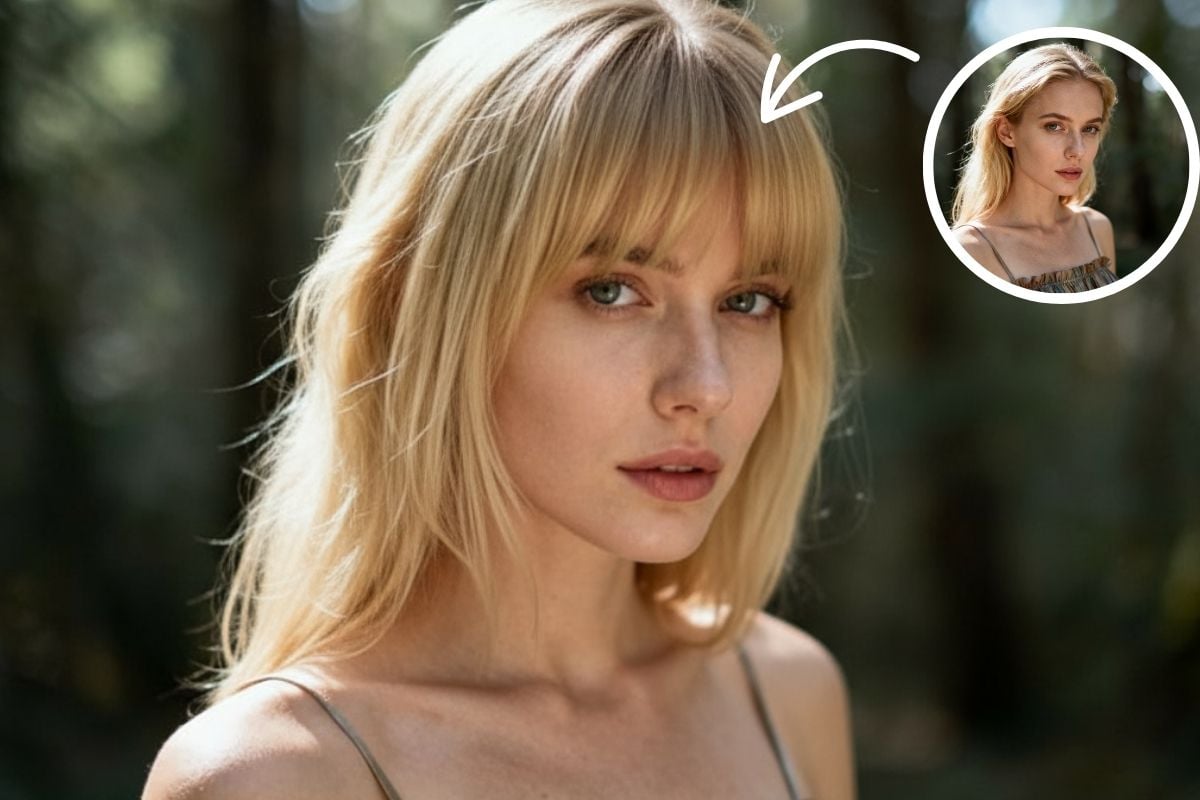
Bangs Try-On: Compare Curtain, Wispy & Side-Swept Bangs
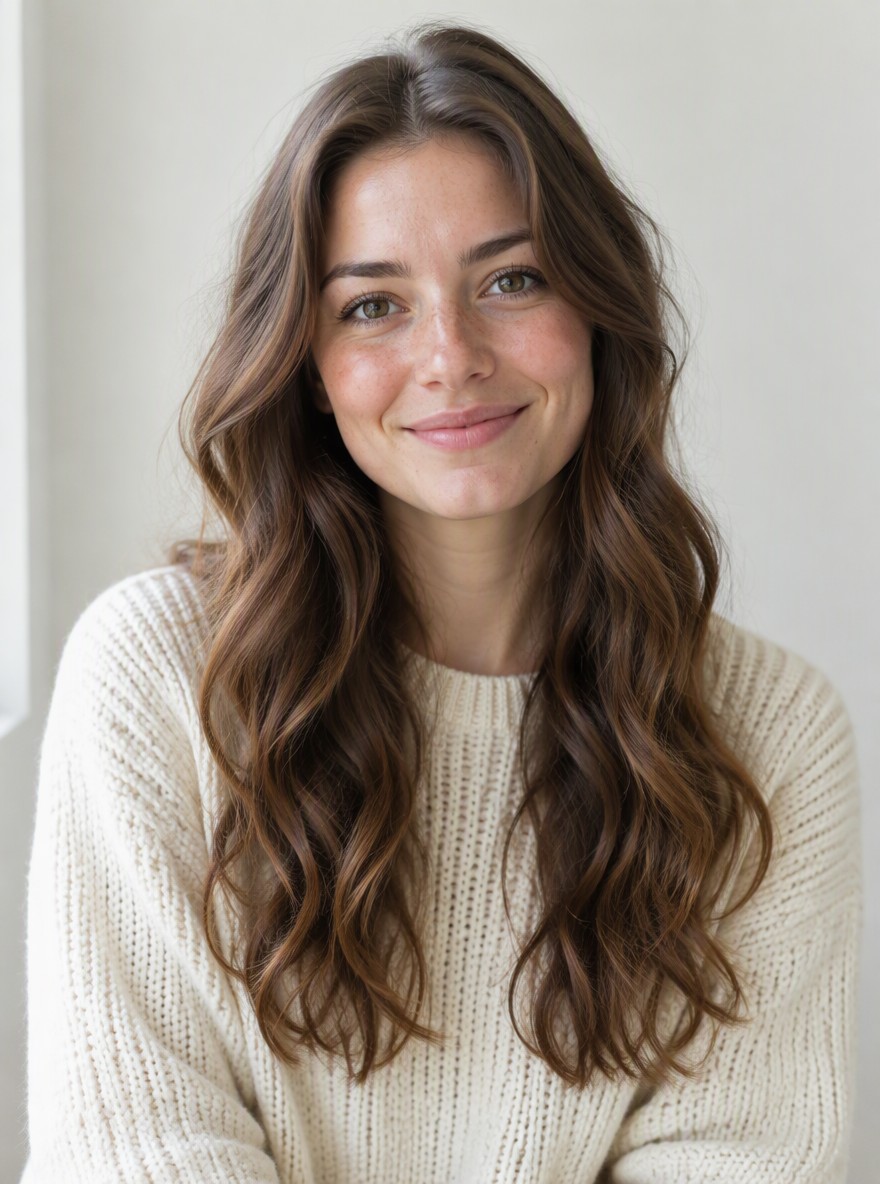
Try a fringe before cutting your hair. Choose curtain, wispy, side-swept or textured curly bangs, upload your portrait and edit the preset if needed. This page focuses on comparing fringe options while keeping your face, hair color and the rest of your look as close to the original as possible.
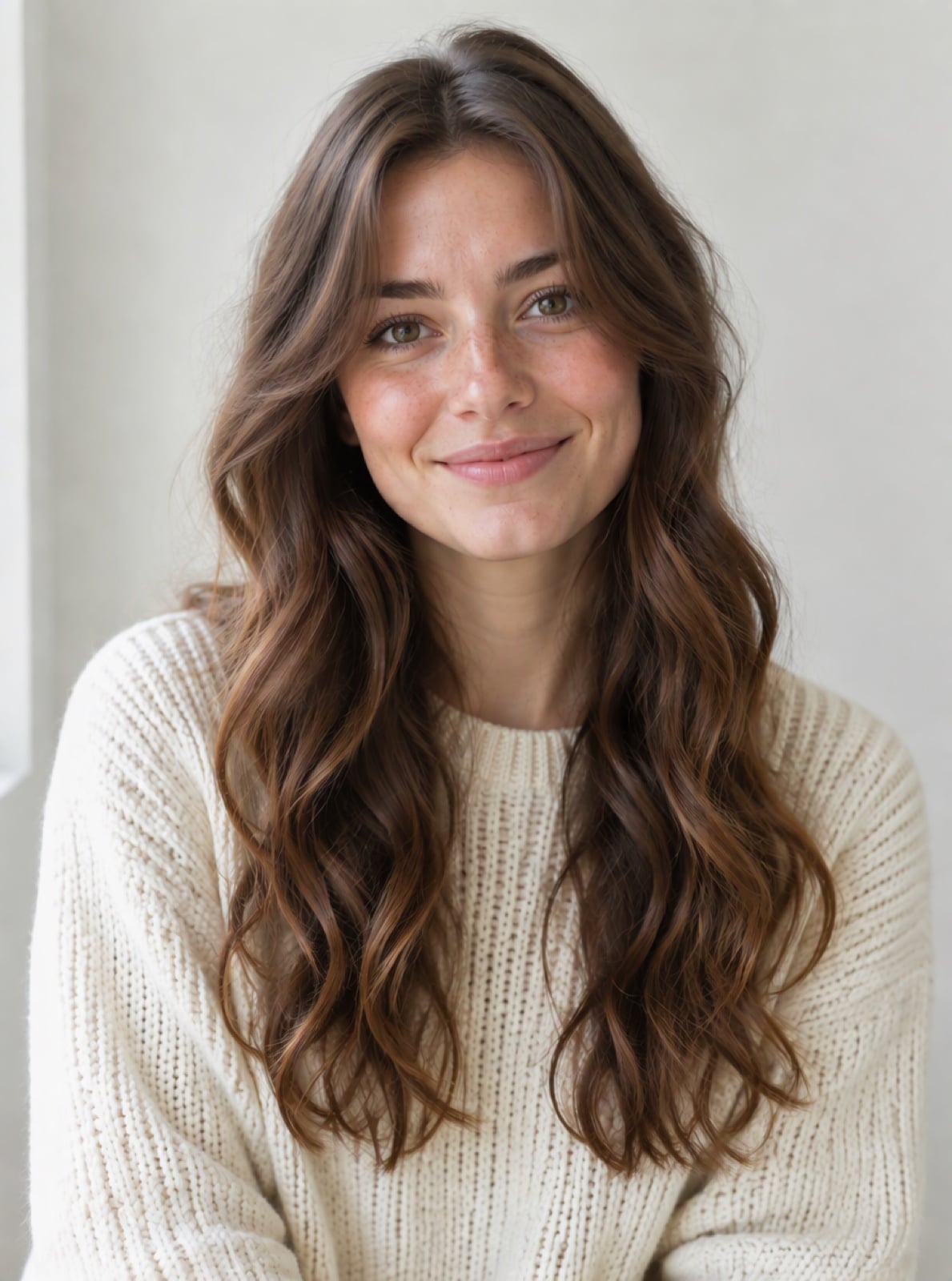
Curtain fringe that frames the face
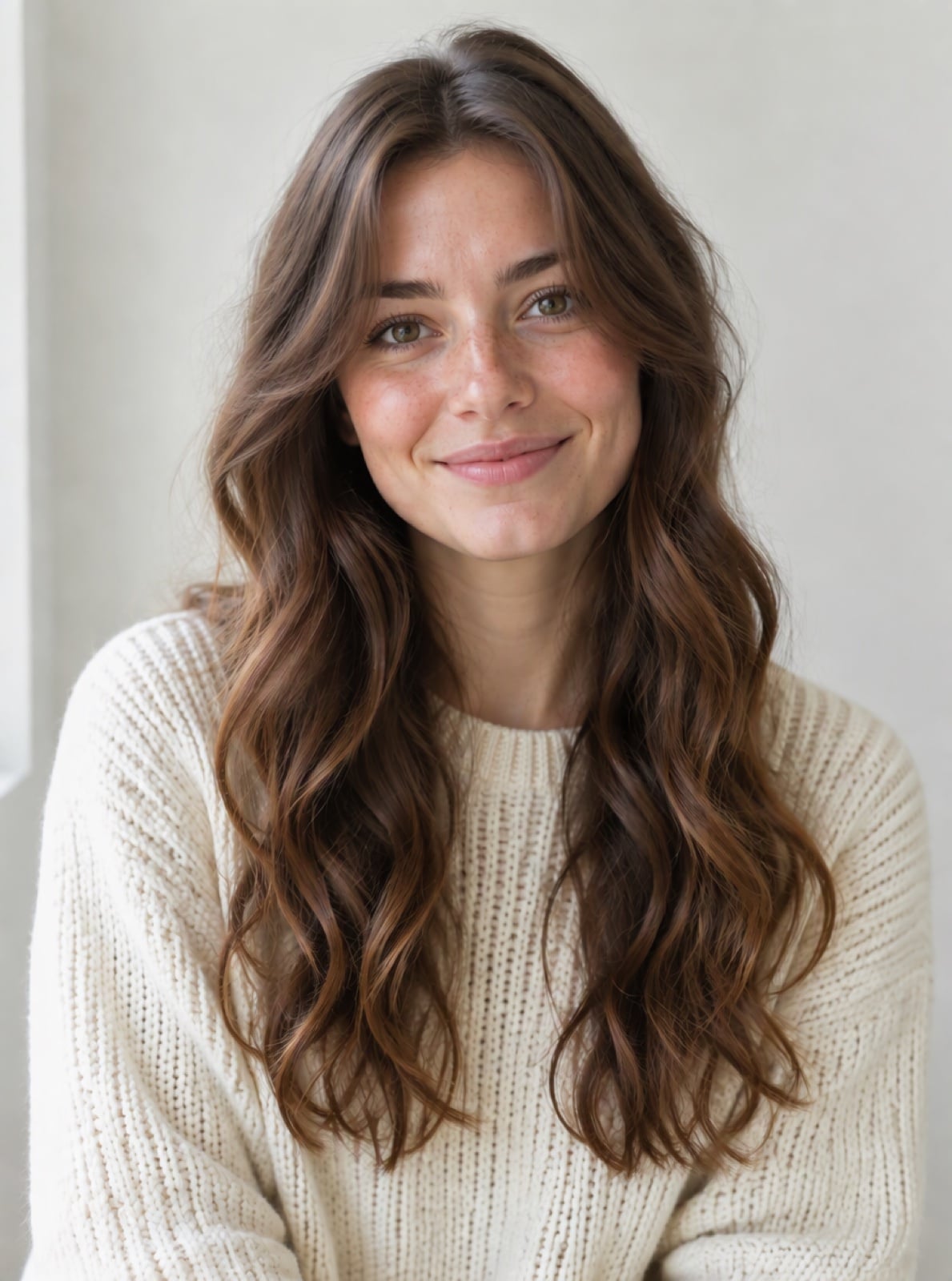
A light, textured fringe
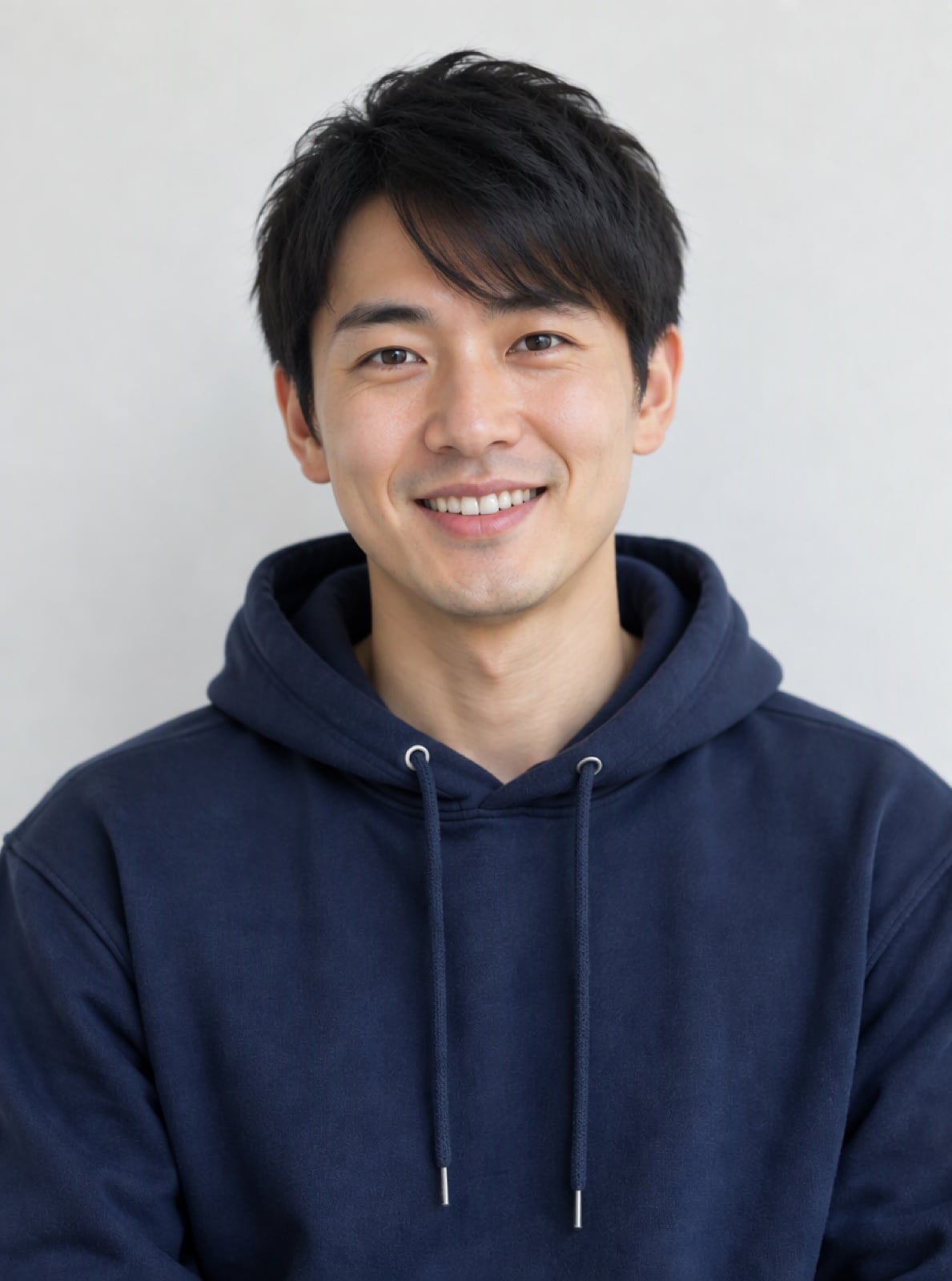
Side-swept fringe
Side-swept fringe
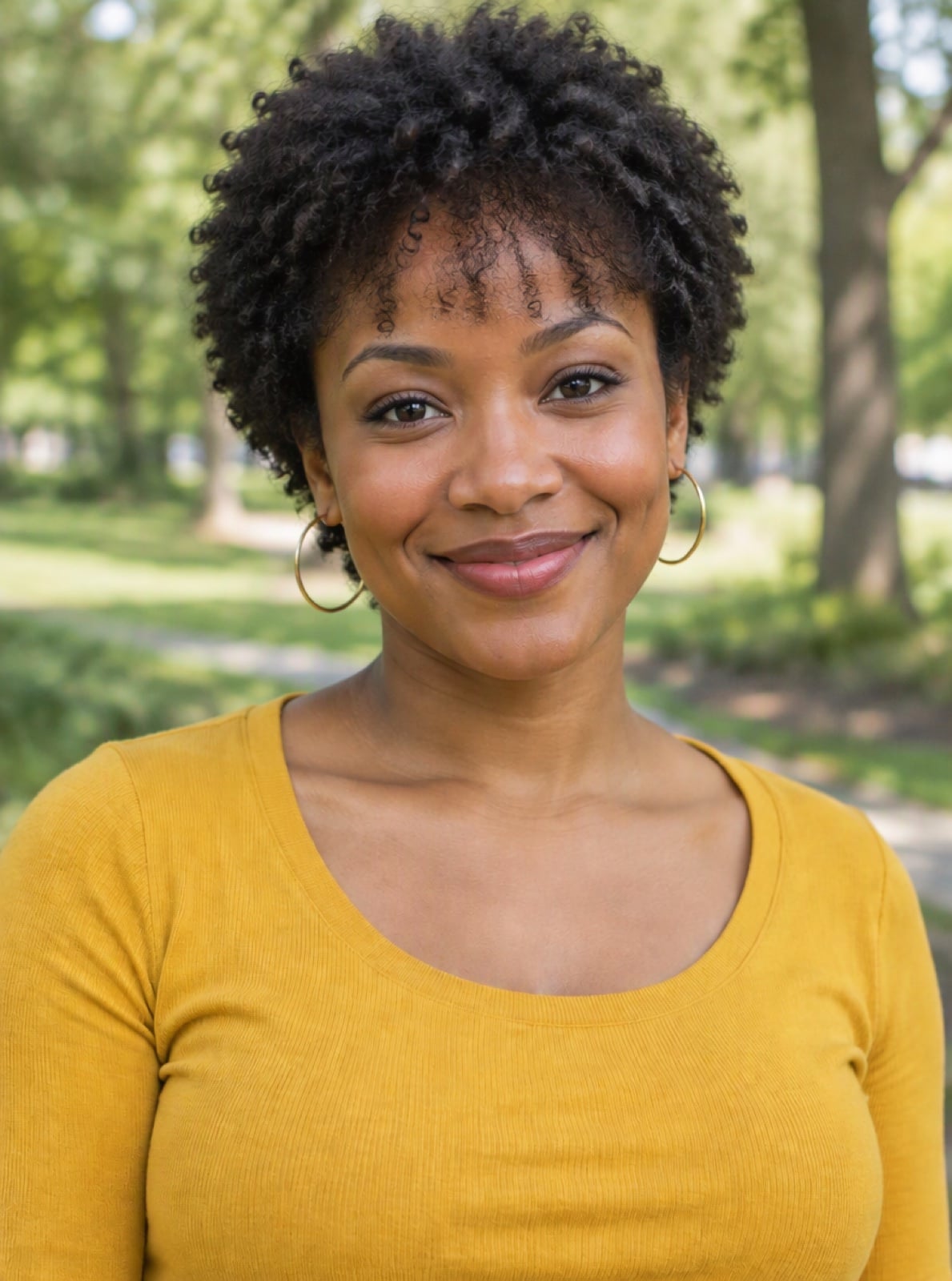
A fringe with natural curls
One face, looking straight ahead. Keep the forehead and jaw visible. JPG, PNG or WebP, up to 5 MB.
Explore your next haircut
By uploading a file, you agree to GoEnhance's Terms of Use and Privacy Policy

Before and after examples

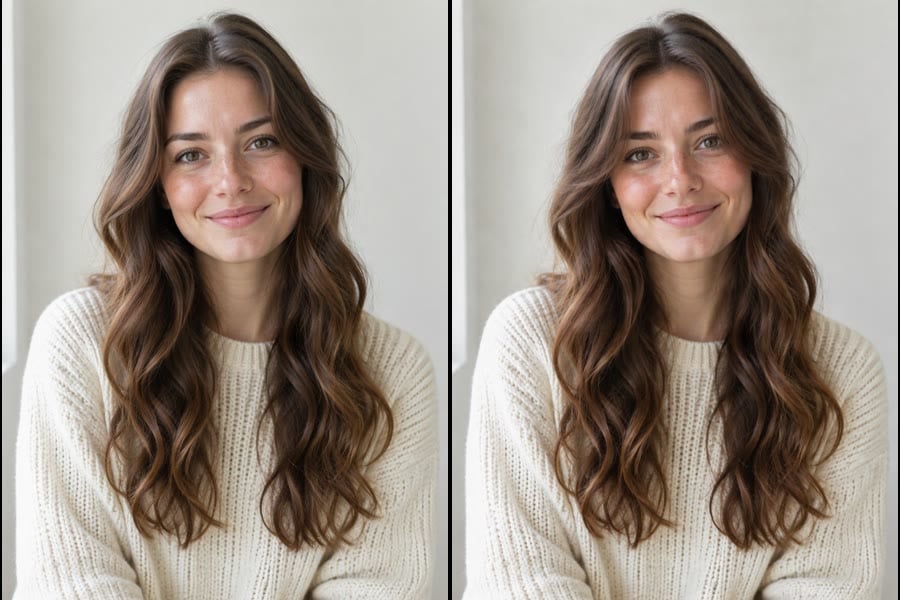
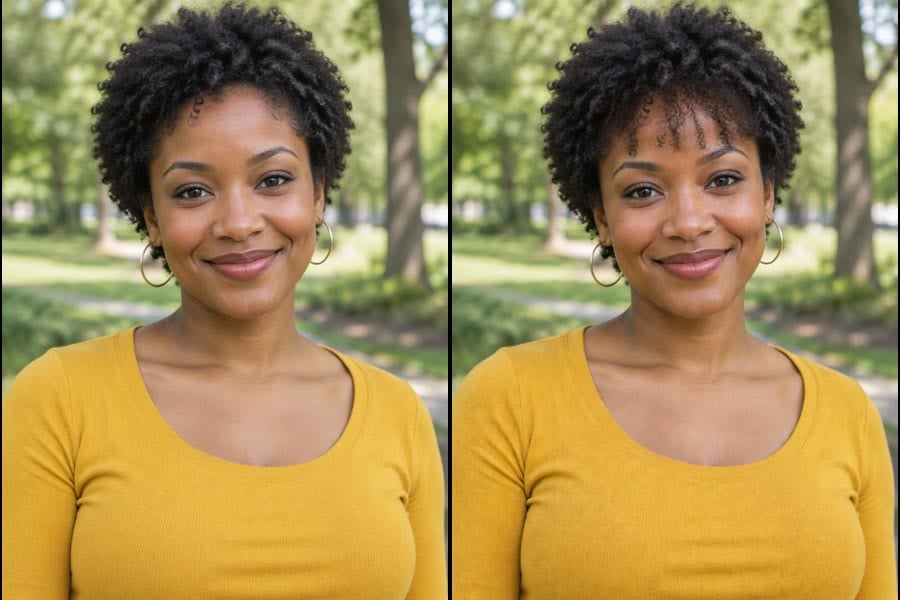
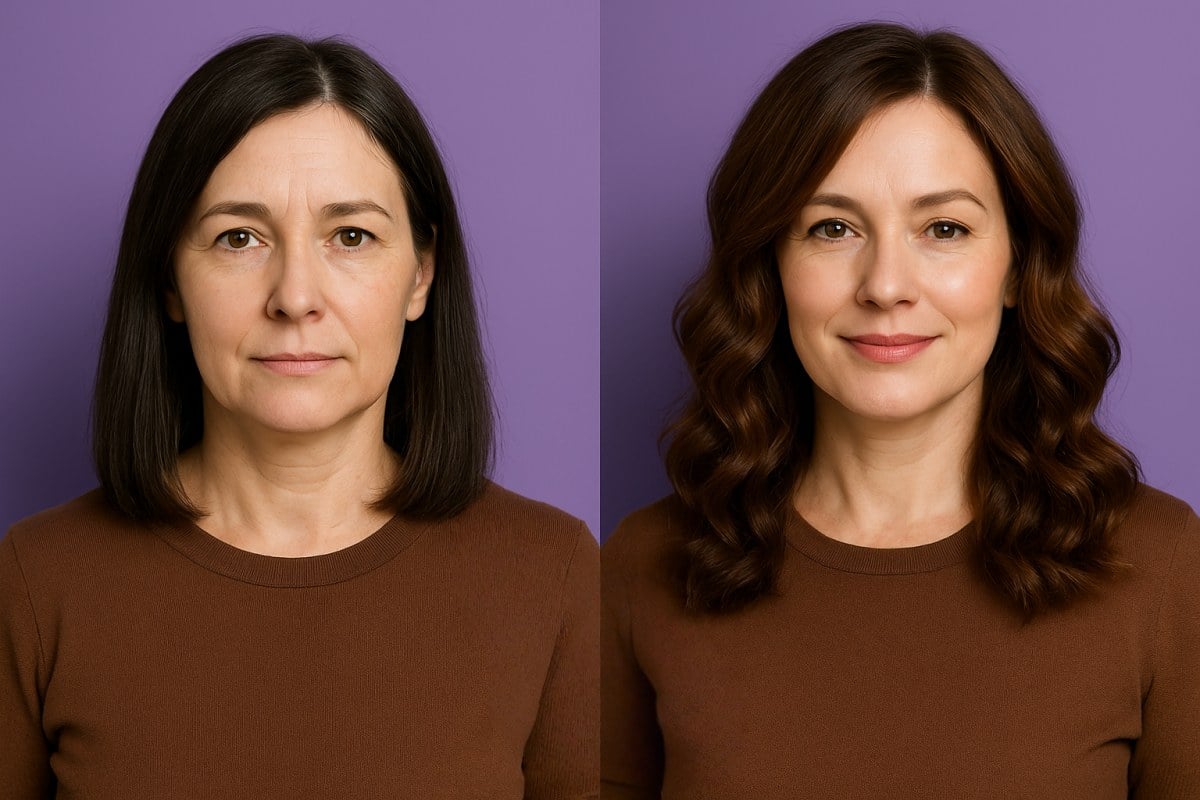
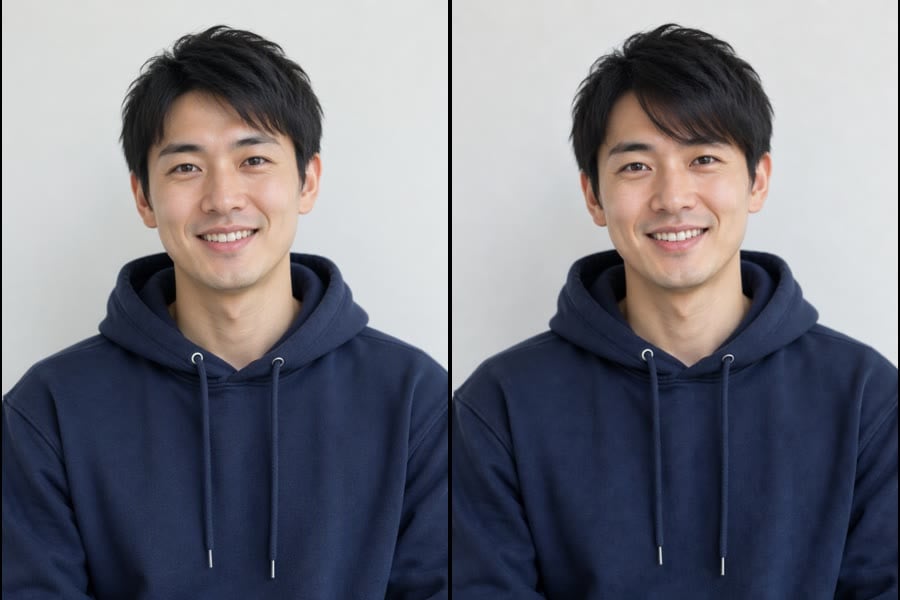
Four real outputs from the presets below, shown beside their source portraits. The change can be subtle when the original hair already has a similar fringe.
Curtain fringe that frames the face

Curtain fringe that frames the face

A light, textured fringe

A light, textured fringe

Side-swept fringe

Side-swept fringe

How it works

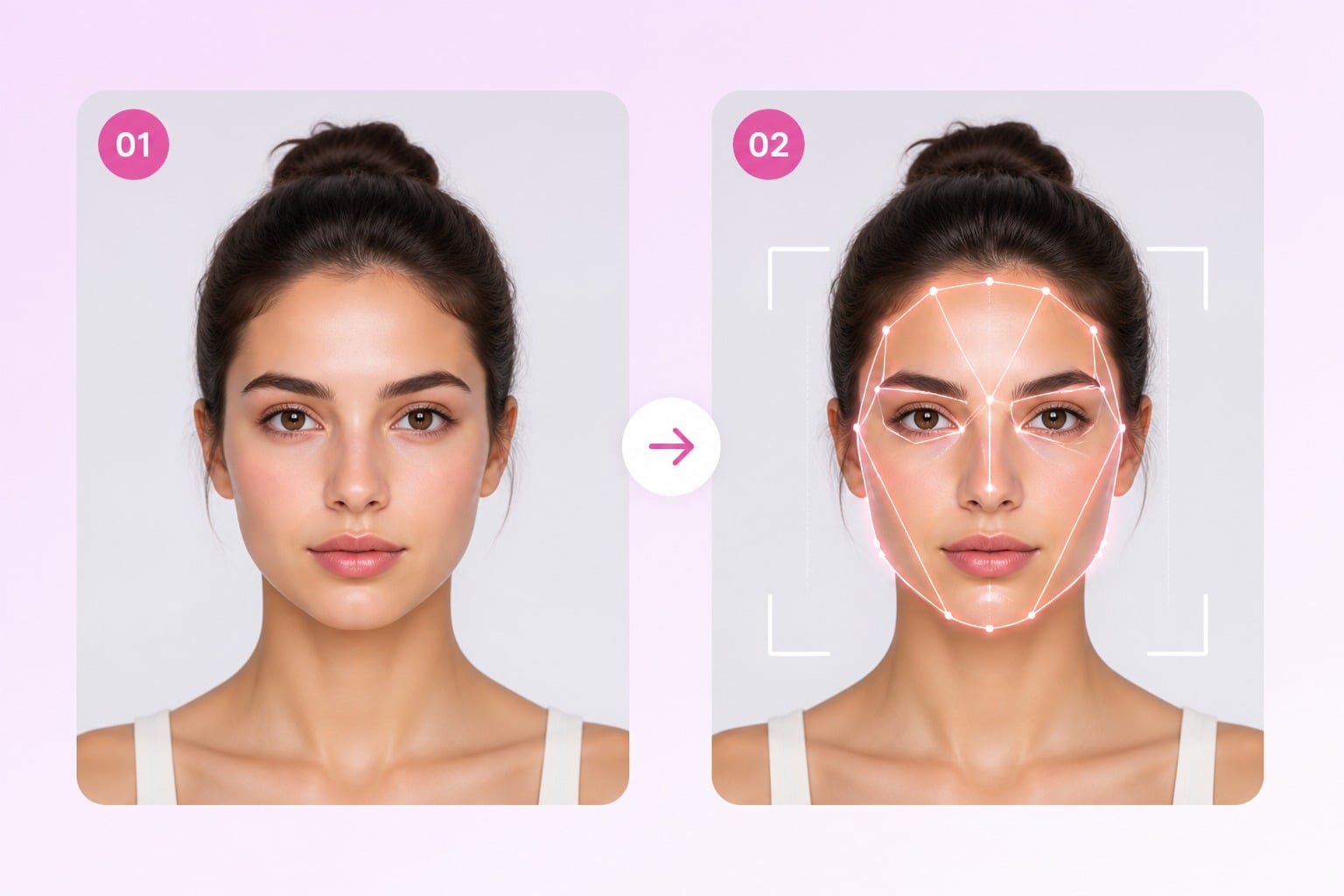
01

01

Choose a fringe preset and upload a clear portrait.

02

02

Adjust the prompt for your preferred length or fullness, then continue to the workbench.

03

03

Check the credit cost, generate and compare the preview with your original photo.

Explore your next haircut

Curtain fringe that frames the face

Four real outputs from the presets are shown beside their source portraits, and the change can be subtle when the original hair already has a similar fringe. The curtain preset adds soft, center-parted bangs that frame the cheekbones, while hair length, texture and color outside the fringe stay as they were.

Curtain fringe that frames the face

A light, textured fringe

Adjust the prompt for your preferred length or fullness, then continue to the workbench. A light, textured fringe is a good starting point if you want something airy rather than heavy, and you can describe it as shorter, longer, thinner or fuller before generating.

A light, textured fringe

Side-swept fringe

Use a clear photo of one person, facing forward, with the forehead and jaw visible, and avoid filters, hats and hair covering the face. That gives the side-swept preset room to show how the fringe falls across your forehead, without the AI reshaping or beautifying your face.

Side-swept fringe

A fringe with natural curls

The image is an AI preview, not a guarantee of a salon result: hairline, growth direction, shrinkage and styling all affect what is achievable. With curly hair, bring the preview to a stylist as a reference, so they can judge how much length the fringe needs once the curls spring up.
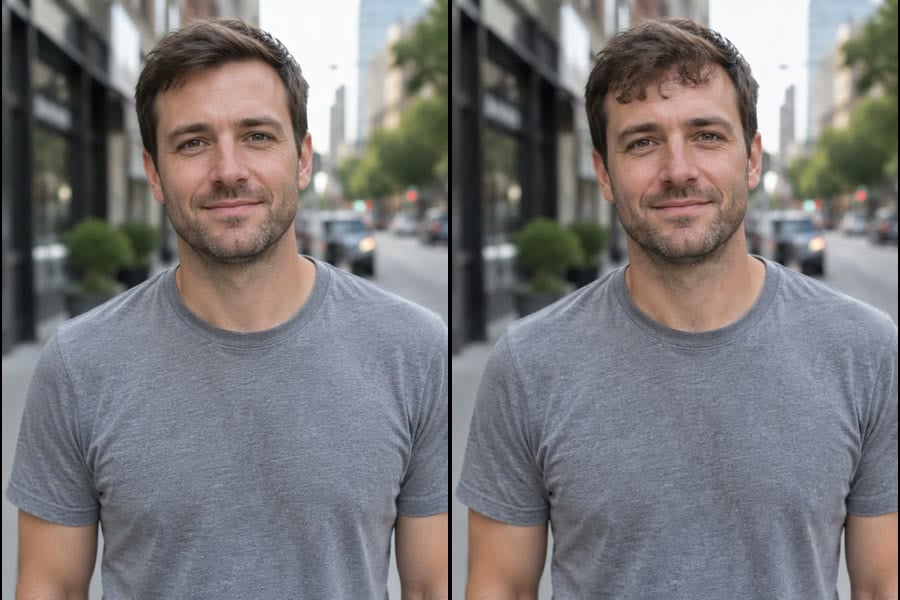
A fringe with natural curls

Frequently asked questions

How is this different from the existing bangs filter?

This page provides four selectable fringe presets with their own example and prompt, making it easier to compare different bangs. The existing bangs filter remains available for a quick general edit.

Which photo should I use?

Use a clear photo of one person, facing forward, with the forehead and jaw visible. Avoid filters, hats and hair covering the face.

Will the result match a real haircut?

The image is an AI preview, not a guarantee of a salon result. Hairline, growth direction, shrinkage and styling affect what is achievable. Discuss the reference with a stylist.

Does this cost credits?

Photo try-on uses GPT Image 2.5; the workbench shows the cost before you generate.

What else can I try?

You can also use the AI bangs filter for a general fringe edit.

Compare bangs before your next haircut

The image is an AI preview, not a guarantee of a salon result. Hairline, growth direction, shrinkage and styling affect what is achievable. Discuss the reference with a stylist.

Start here