
Bangs Try-On: Compare Curtain, Wispy & Side-Swept Bangs
Try a fringe before cutting your hair. Choose curtain, wispy, side-swept or textured curly bangs, upload your portrait and edit the preset if needed. This page focuses on comparing fringe options while keeping your face, hair color and the rest of your look as close to the original as possible.
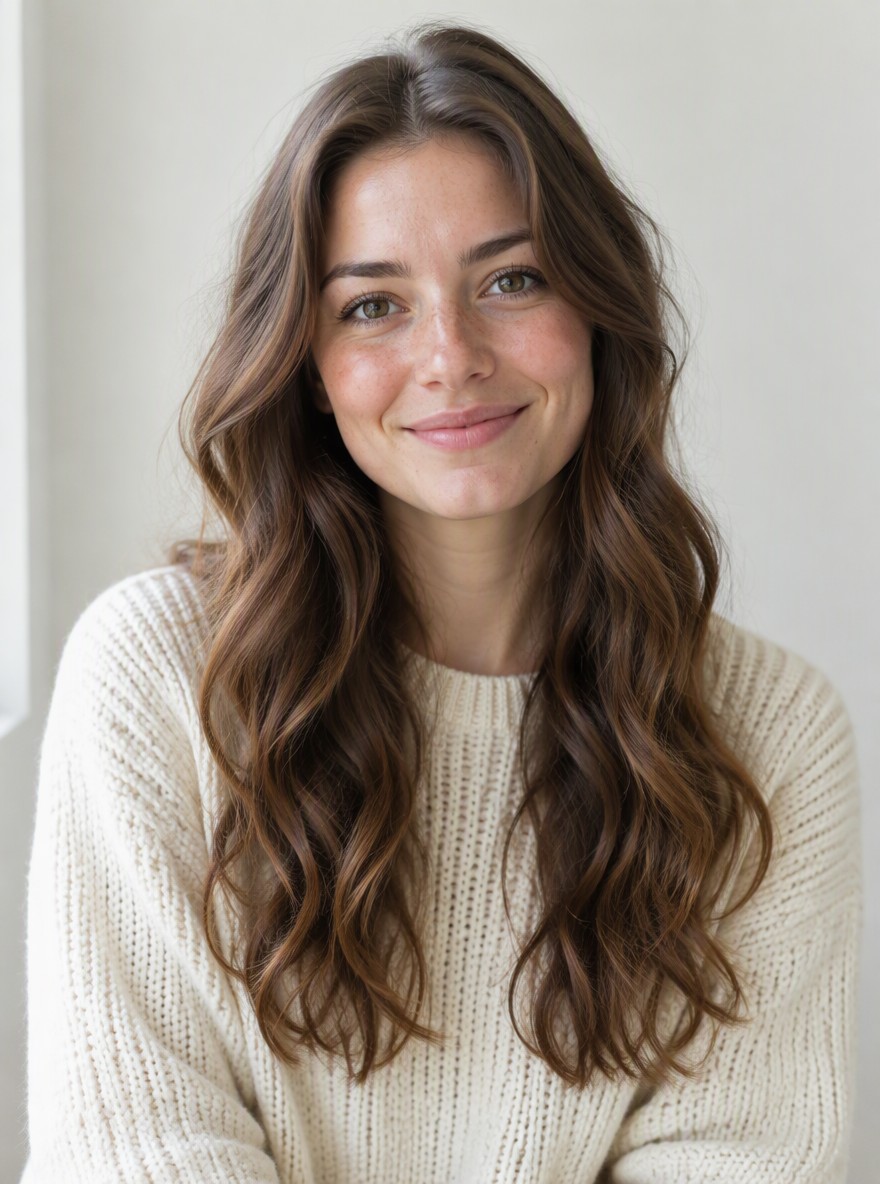
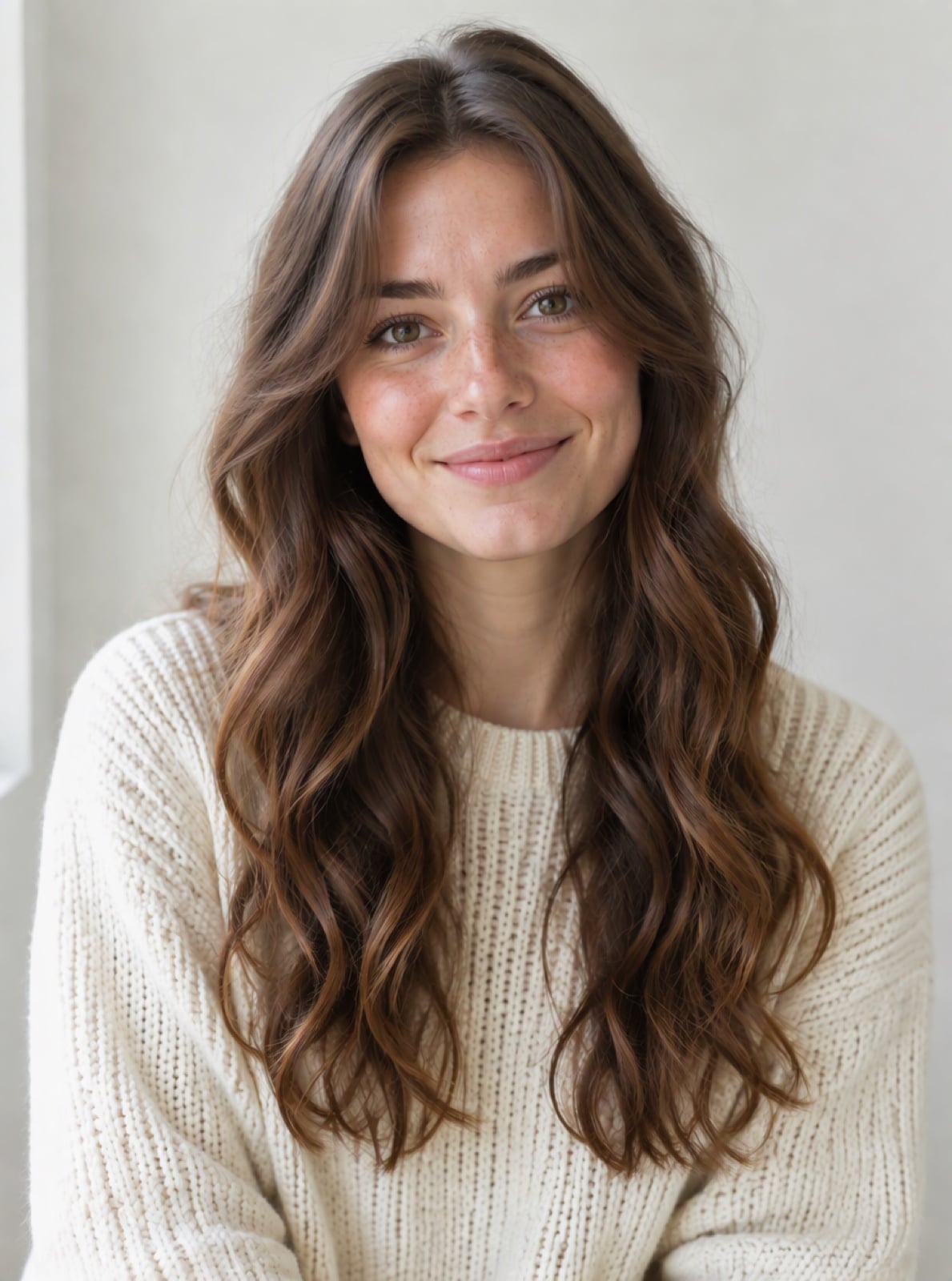
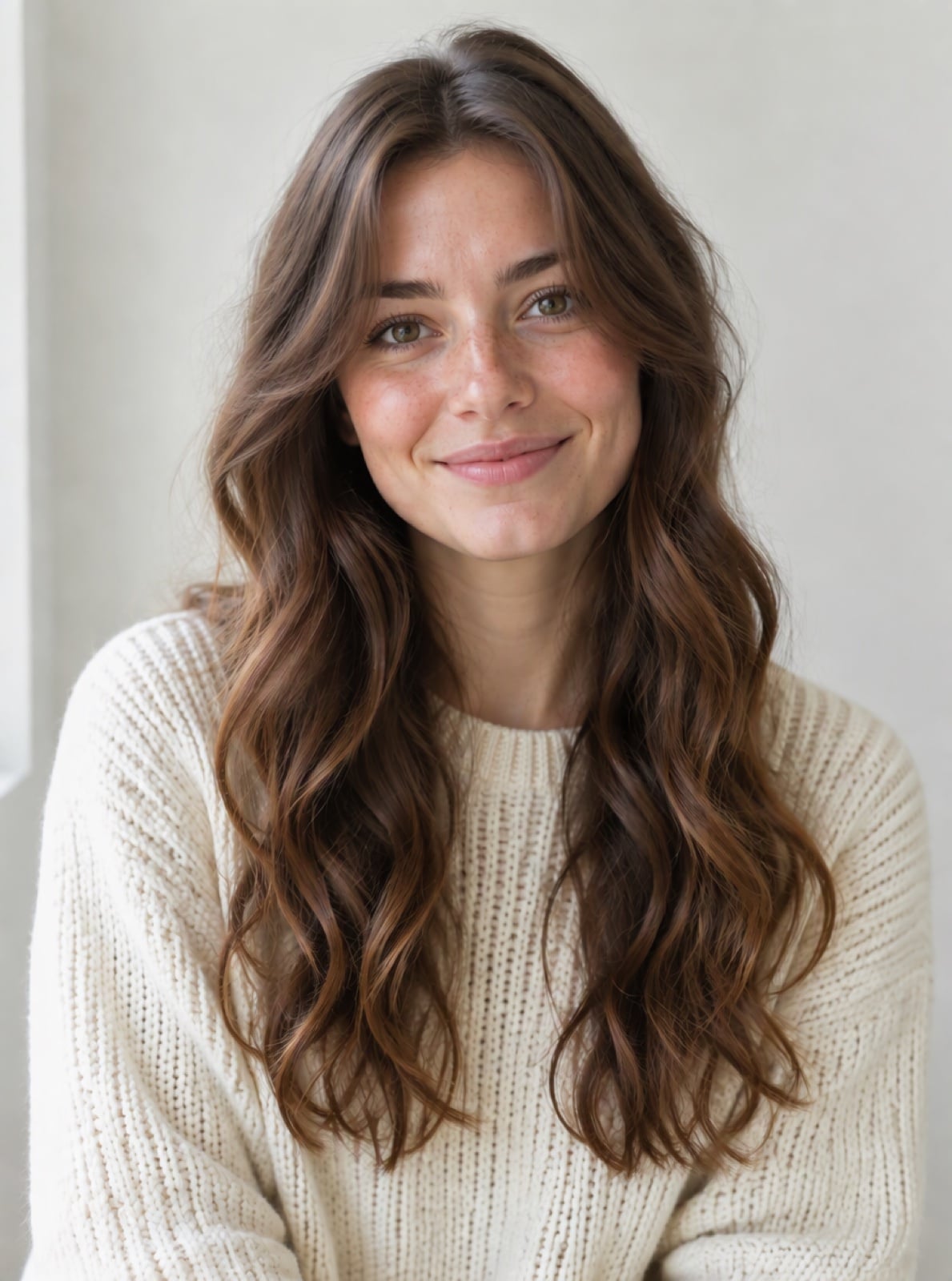
Curtain fringe that frames the face

A light, textured fringe

Side-swept fringe

A fringe with natural curls
Upload files
One face, looking straight ahead. Keep the forehead and jaw visible. JPG, PNG or WebP, up to 5 MB.
Explore your next haircut
By uploading a file, you agree to GoEnhance's Terms of Use and Privacy Policy
Before and after examples
Four real outputs from the presets below, shown beside their source portraits. The change can be subtle when the original hair already has a similar fringe.
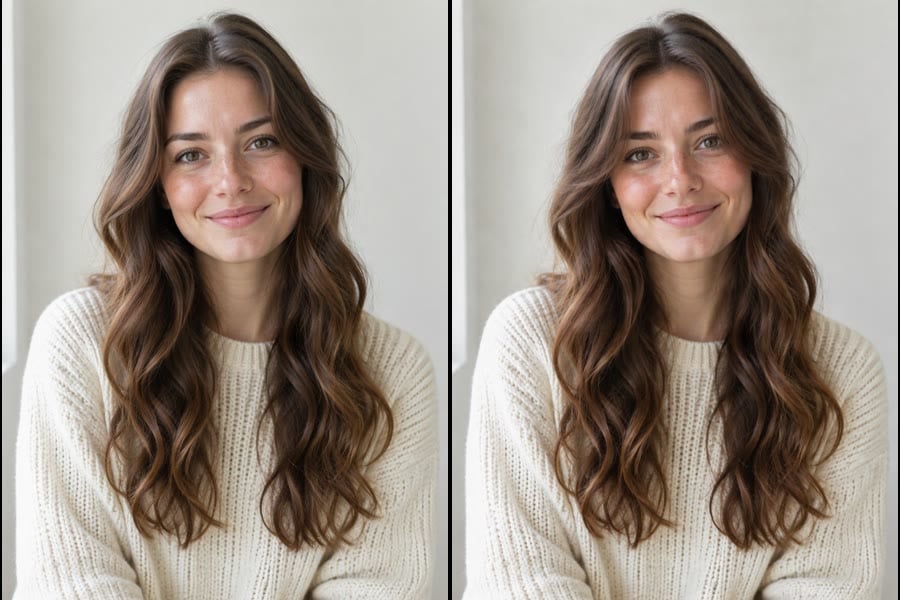
Curtain fringe that frames the face
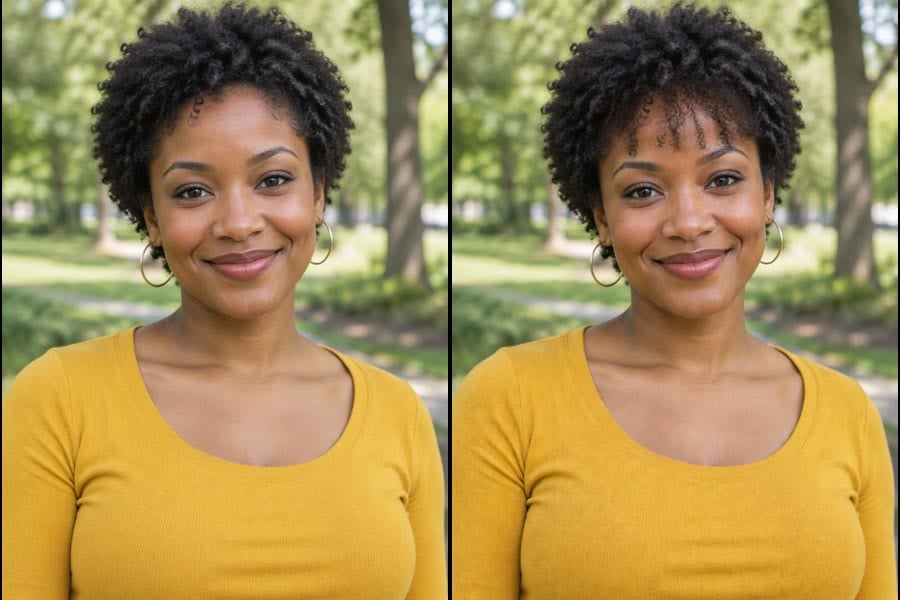
A light, textured fringe
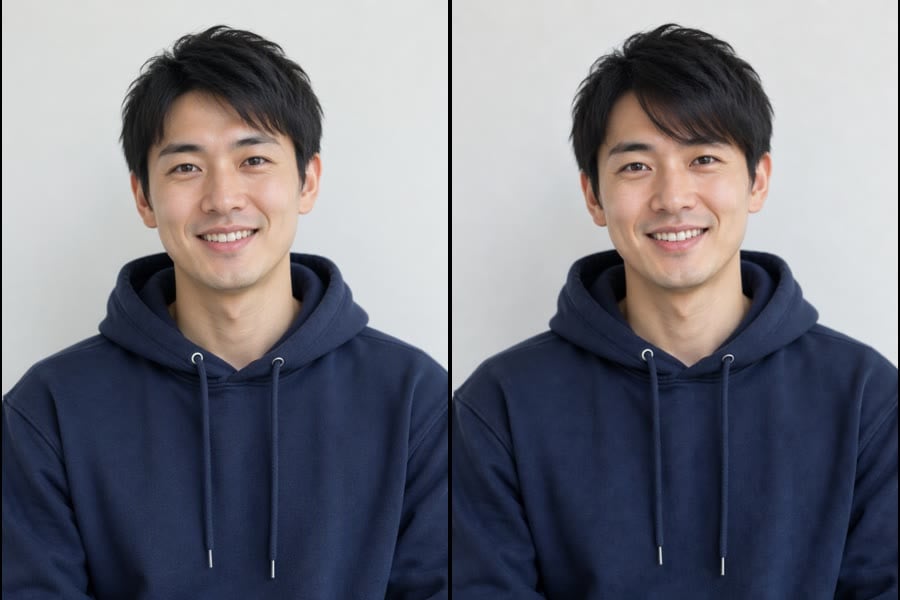
Side-swept fringe
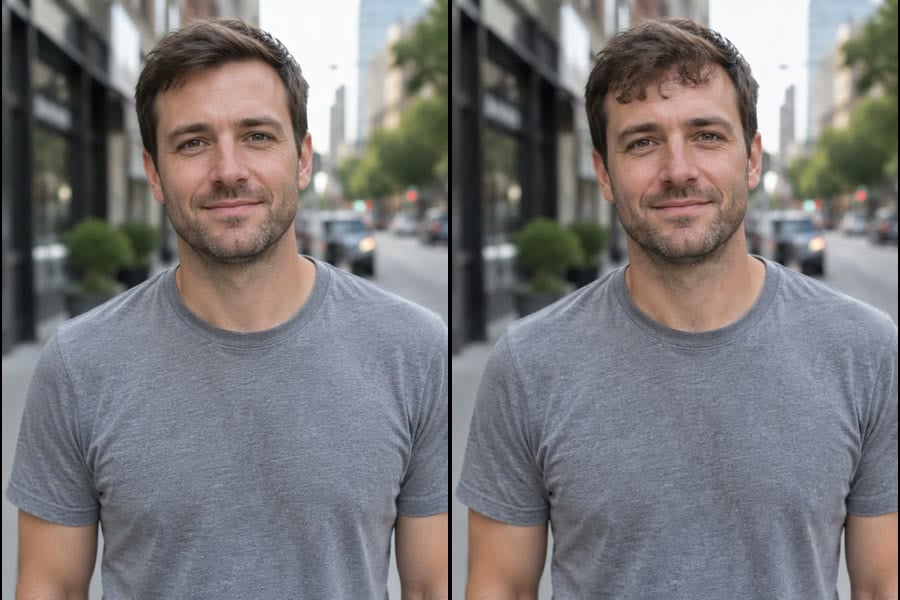
A fringe with natural curls
How it works
01
01
Choose a fringe preset and upload a clear portrait.
02
02
Adjust the prompt for your preferred length or fullness, then continue to the workbench.
03
03
Check the credit cost, generate and compare the preview with your original photo.
Explore your next haircut
Related hair tools


Frequently asked questions
How is this different from the existing bangs filter?
Which photo should I use?
Will the result match a real haircut?
Does this cost credits?
What else can I try?
Compare bangs before your next haircut
The image is an AI preview, not a guarantee of a salon result. Hairline, growth direction, shrinkage and styling affect what is achievable. Discuss the reference with a stylist.
Start here