goenhance logo

Face Shape Detector

Use AI face shape detection to review a clear portrait and plan hairstyle, glasses, and makeup ideas with GoEnhance AI.
Start Creating
face shape detector hero visual for face shape guidance and visual references

How to Use Face Shape Detector

Step 1

Upload a Clear Portrait

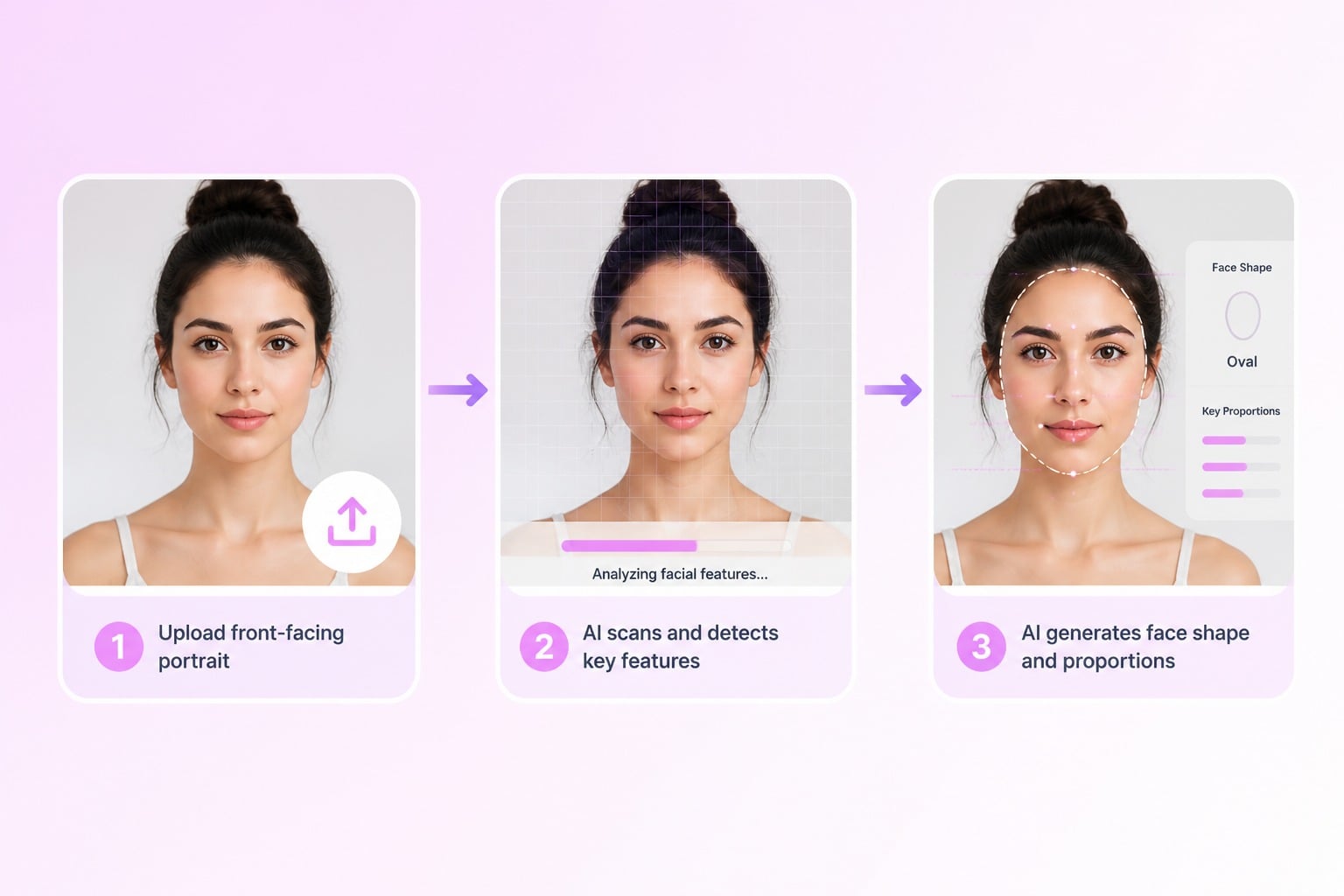
Start with upload a clear front-facing portrait and keep the goal specific enough for the AI to understand the main subject.
Step 2

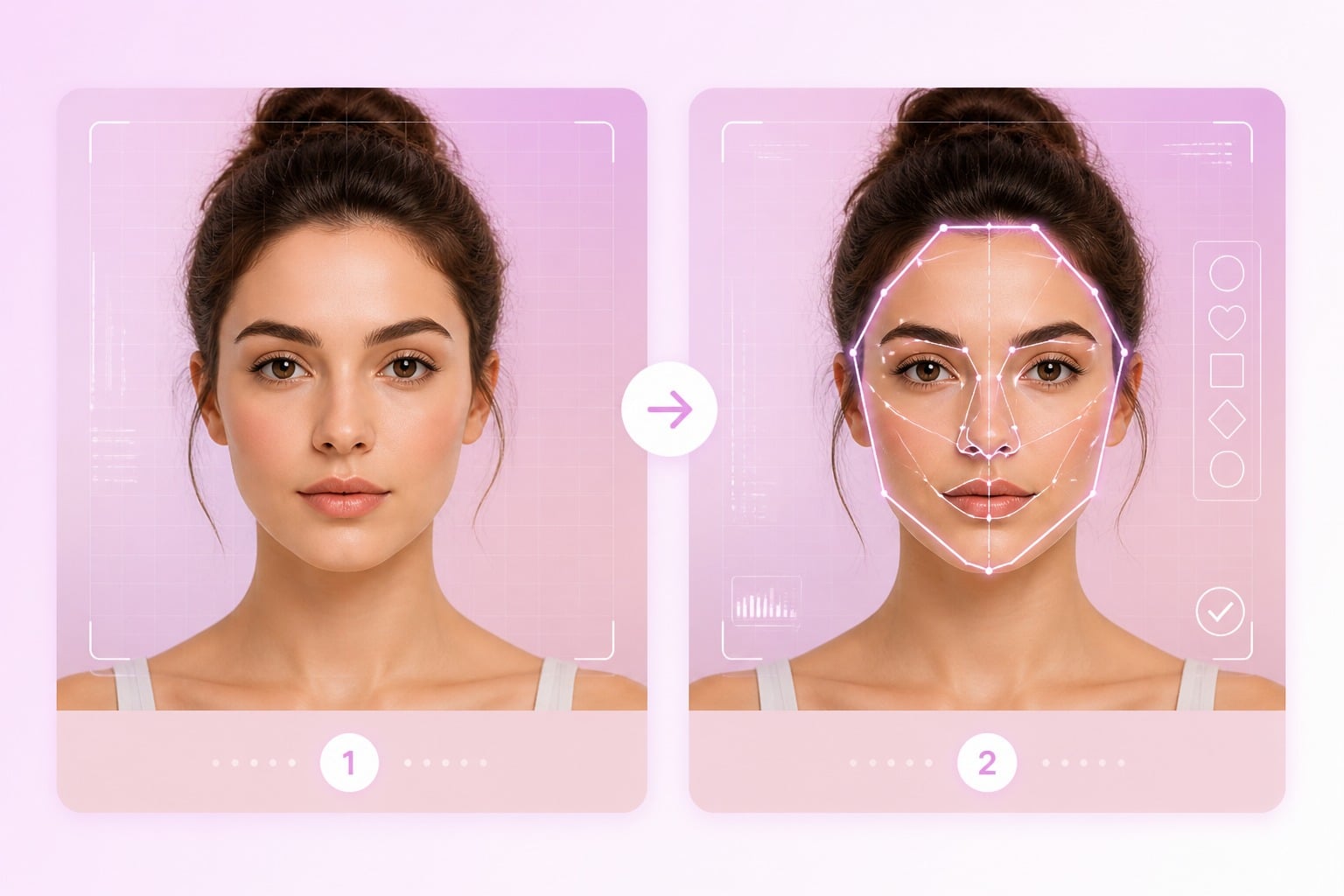
Check the Face Outline

Check the detected outline, forehead width, cheekbone area, jawline, and overall face proportion so the result works as a practical style-planning reference.
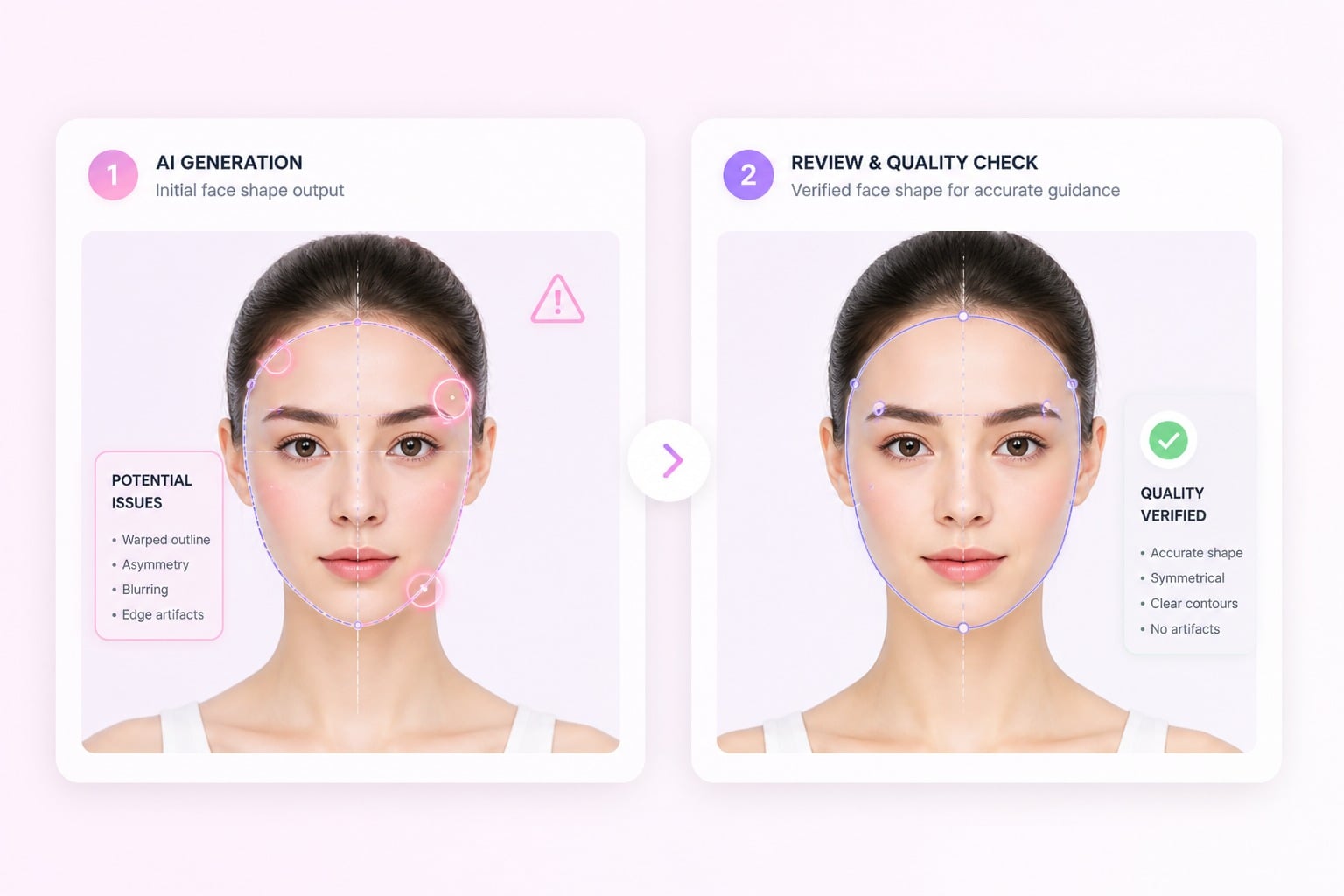
Step 3

Use Results Carefully

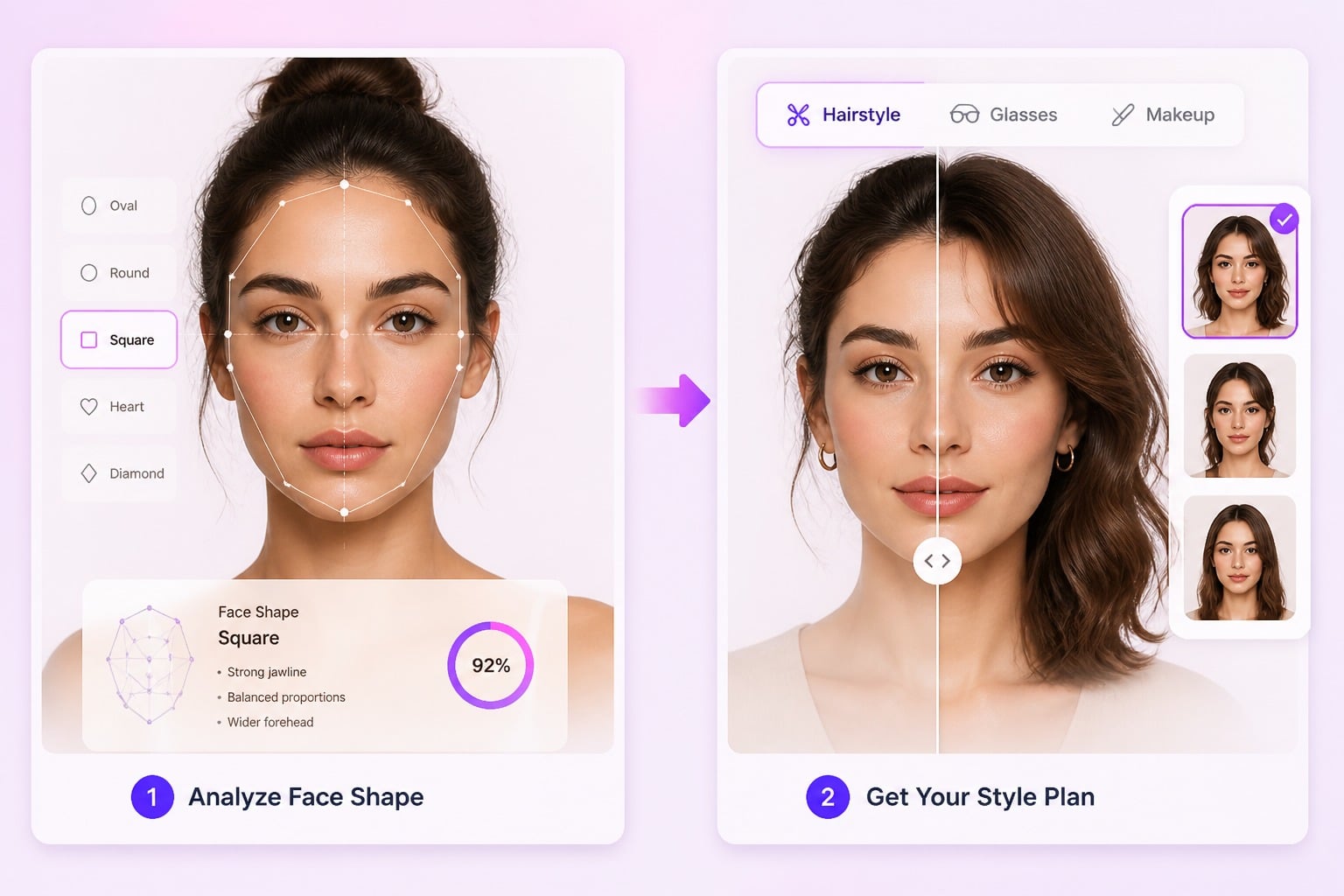
Use the face shape reference to compare hairstyle ideas, glasses frames, makeup direction, or profile-photo improvements, then review a few options before choosing the best fit.
Start Creating

Create Better Face Shape Detector Results
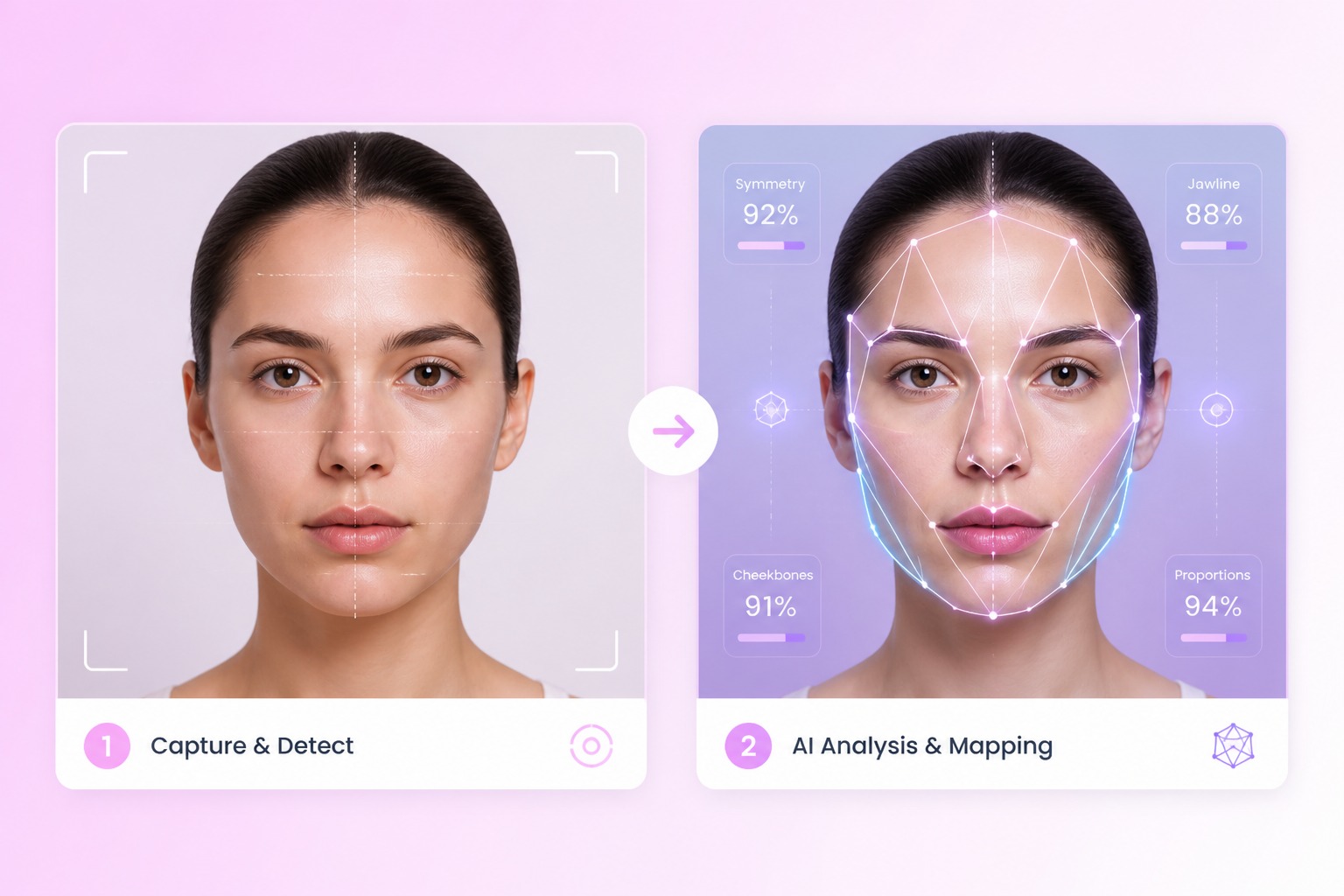
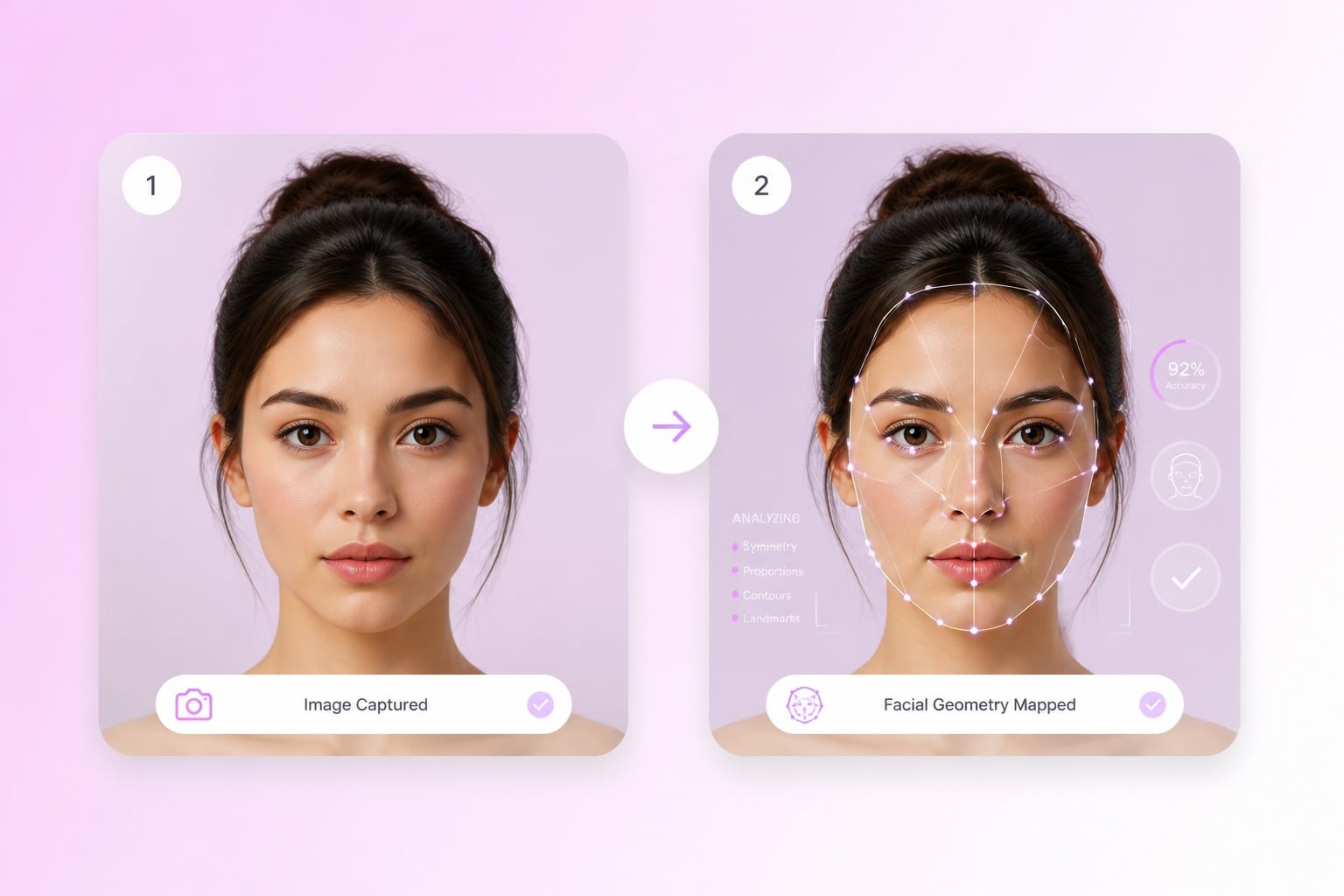
Face Shape Recognition

Shape face shape guidance and visual references around a clear subject and purpose instead of accepting a generic first draft. This works best when your input states what should stay recognizable and what can be stylized.

Face Shape Recognition example for face shape detector

Style Planning Guidance

Explore a focused creative direction for face shape analysis, from mood and color to setting and composition.

Style Planning Guidance example for face shape detector

Glasses and Hair Ideas

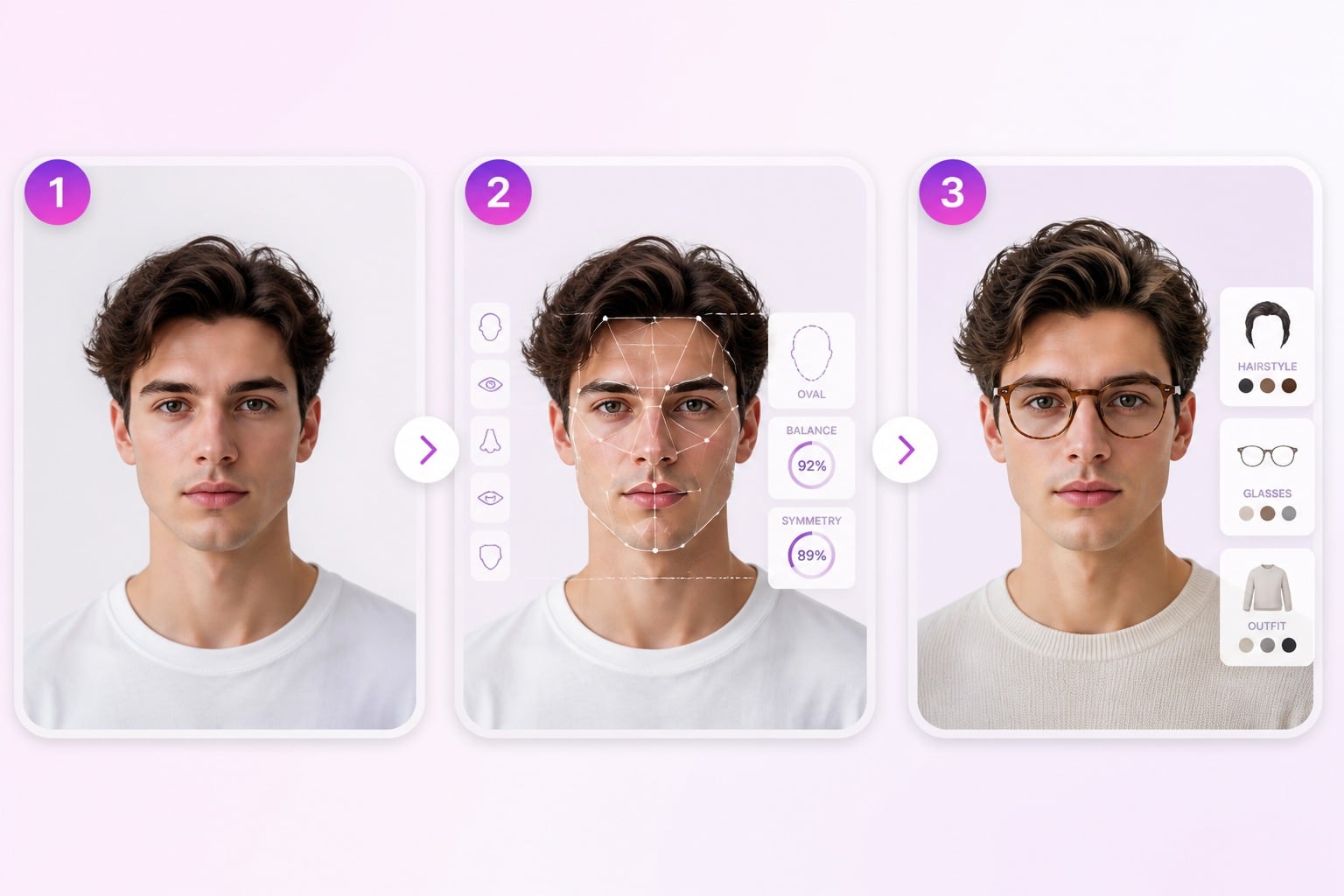
Prepare visuals for hairstyle planning with AI hairstyle changer, glasses choice with Try on AI glasses, makeup reference, and profile improvement with enough polish for review.
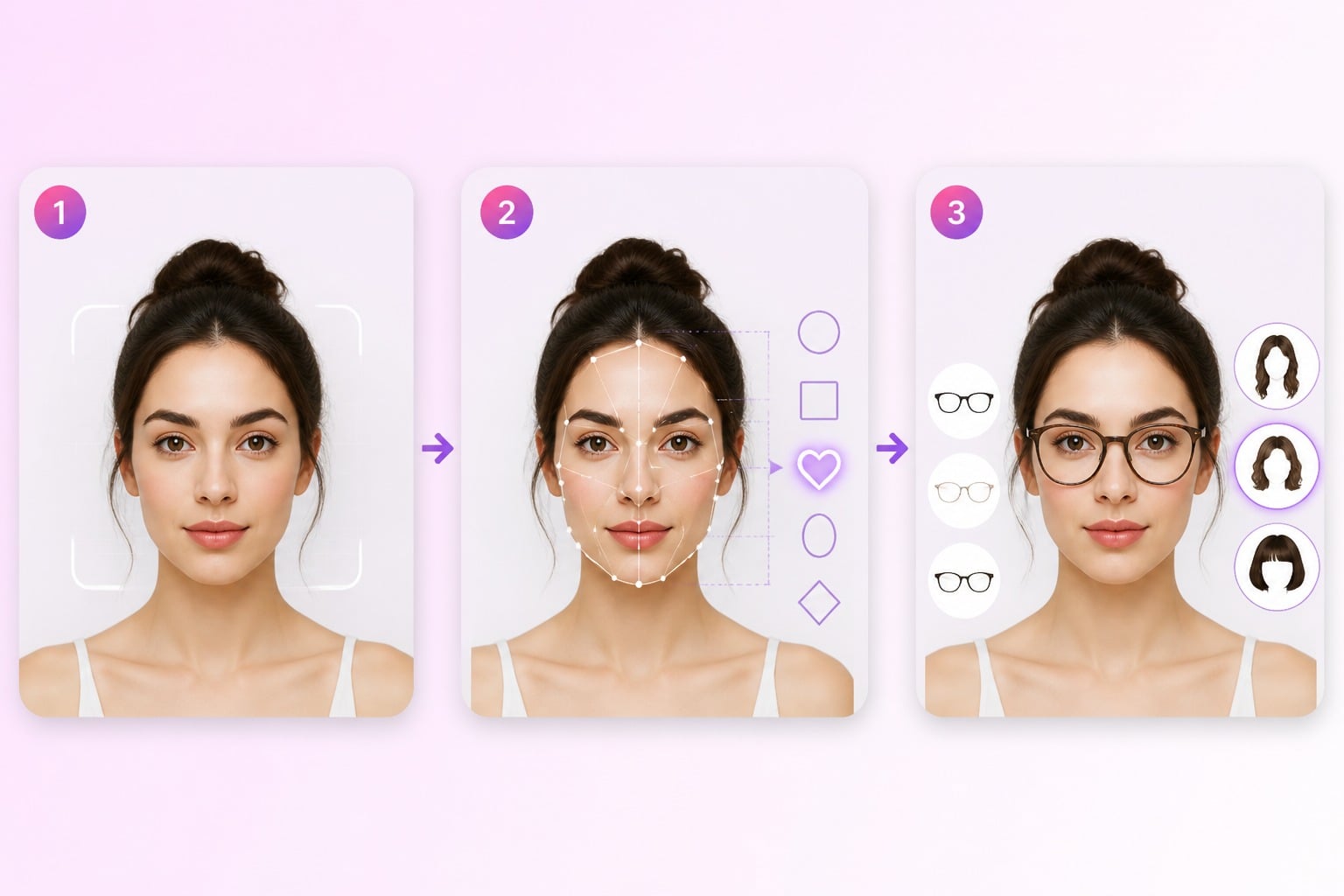
Glasses and Hair Ideas example for face shape detector

Clear Photo Requirements

Use GoEnhance AI to test variations quickly without rebuilding the concept from scratch. The stronger fit is creative exploration; the weaker fit is final approval without human review.

Clear Photo Requirements example for face shape detector
FAQ

Frequently Asked Questions About Face Shape Detector

What is face shape detector?

Face Shape Detector is an AI tool for creating face shape guidance and visual references. It works best when you provide a clear goal, useful references, and a focused description of the style, subject, and final use case.

How does face shape detection work?

Face shape detection workflows usually start with upload a clear front-facing portrait. The practical review step is checking whether the result fits the intended use: hairstyle planning, glasses choice, makeup reference, profile improvement. If details look off, refine the prompt or input and generate another version.

Can I use face shape detector with free credits?

GoEnhance AI provides free credits that can be used to generate images, so you can test face shape detector before committing to a larger workflow. After the free credits are used, continuing to generate more images requires adding credits or upgrading based on the current plan options.

What inputs produce better results?

Strong inputs are specific and not overloaded. Describe the subject, style, background, mood, and any must-keep details. Weak inputs ask for too many changes at once or use blurry references that make the AI guess important visual information.

What should I review before downloading?

This tool is strongest for hairstyle planning, glasses choice, makeup reference, profile improvement; it is weaker for medical, biometric, or identity verification decisions.

Can I use the results commercially?

Commercial use depends on the current GoEnhance AI terms and the rights attached to your uploaded references, prompts, brands, people, pets, products, and source images. Review permissions before using outputs in ads, client work, or resale materials.

How do I make the result look less generic?

Add concrete visual direction: subject details, scene type, color palette, camera angle, mood, and what should stay unchanged. A short but precise prompt usually beats a long list of vague adjectives.

Create Face Shape Detector Results With GoEnhance AI

Use clear prompts or references to generate face shape guidance and visual references, then review details before sharing or publishing.

Try GoEnhance AI