
Free Nano Banana Face Swap
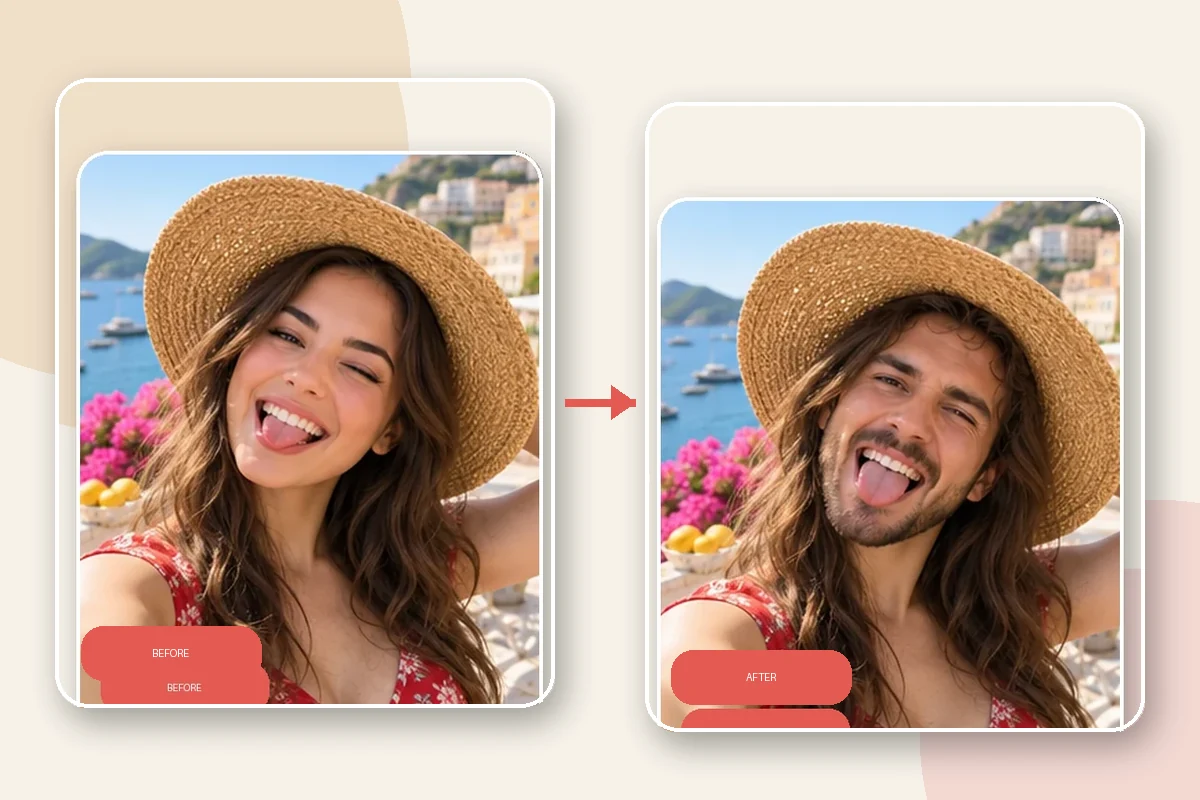
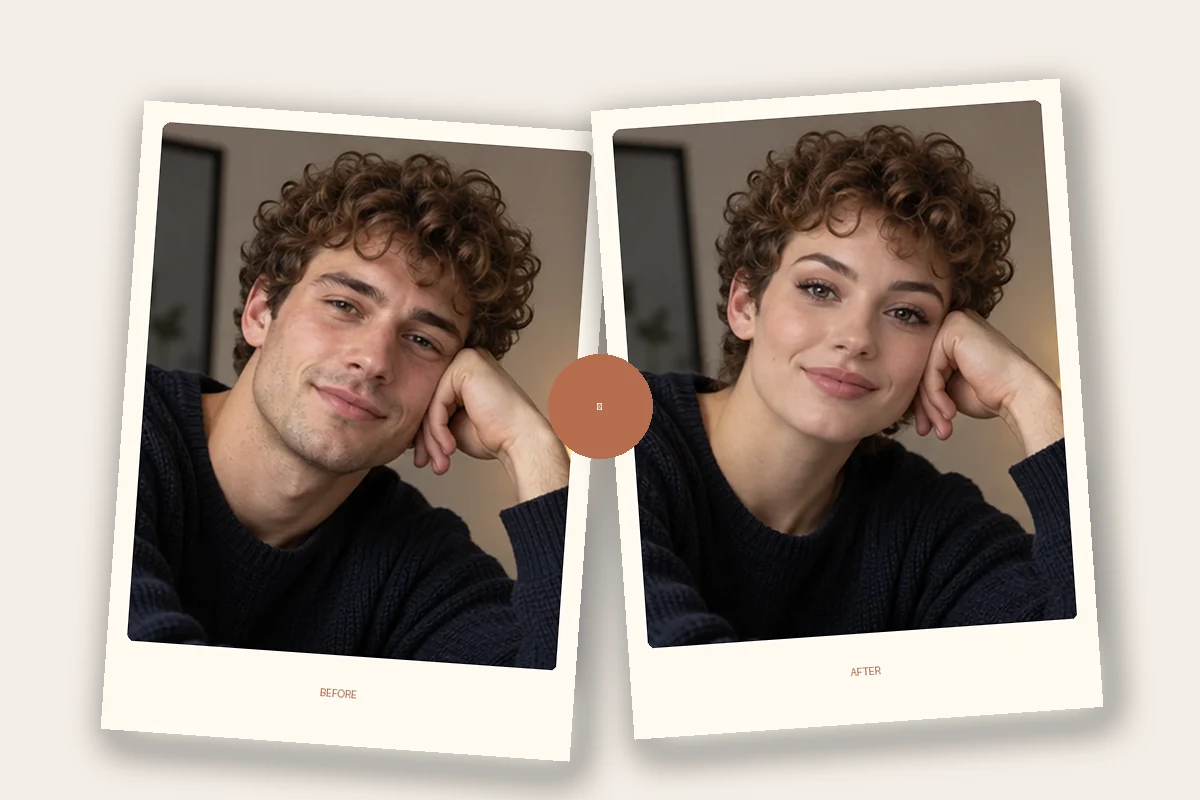
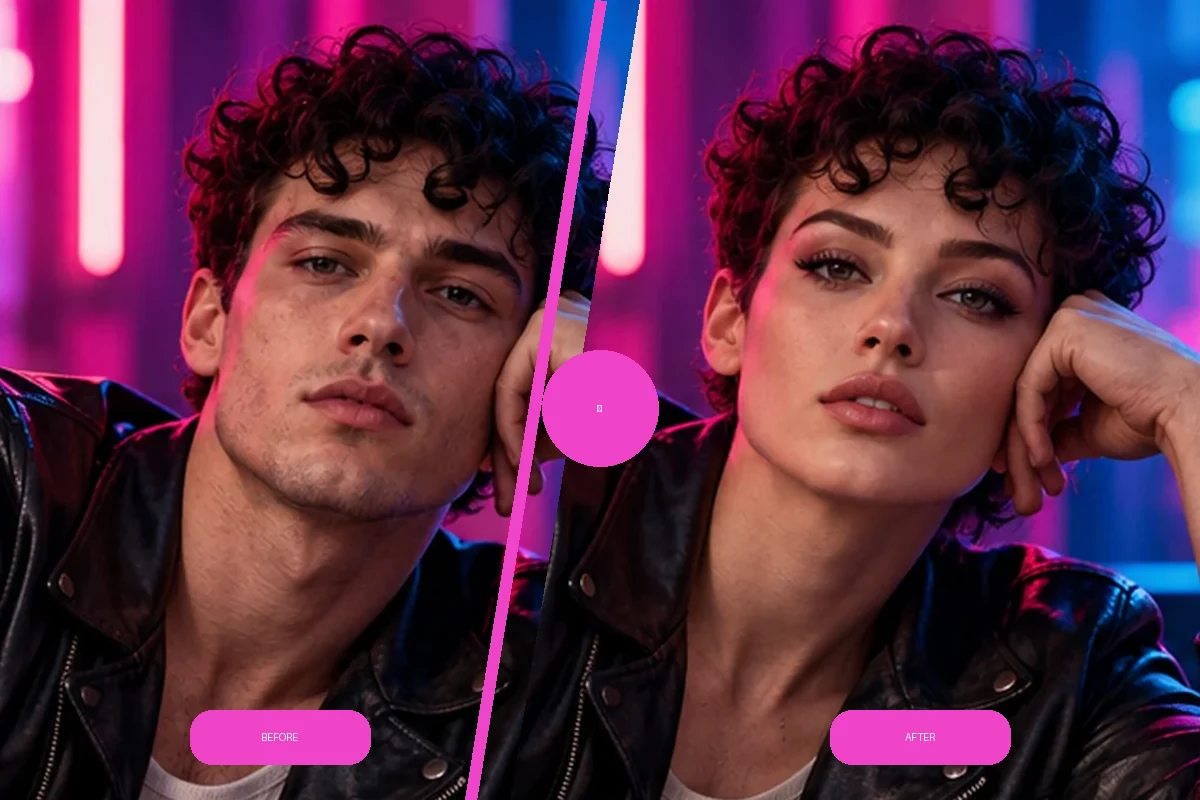
Nano Banana Face Swap uses a face reference to transform the identity in a target portrait while keeping its pose, hairstyle, clothing, and background as the visual foundation. Describe the details that matter for a cohesive, personalized photo edit.
Try Photo Face Swap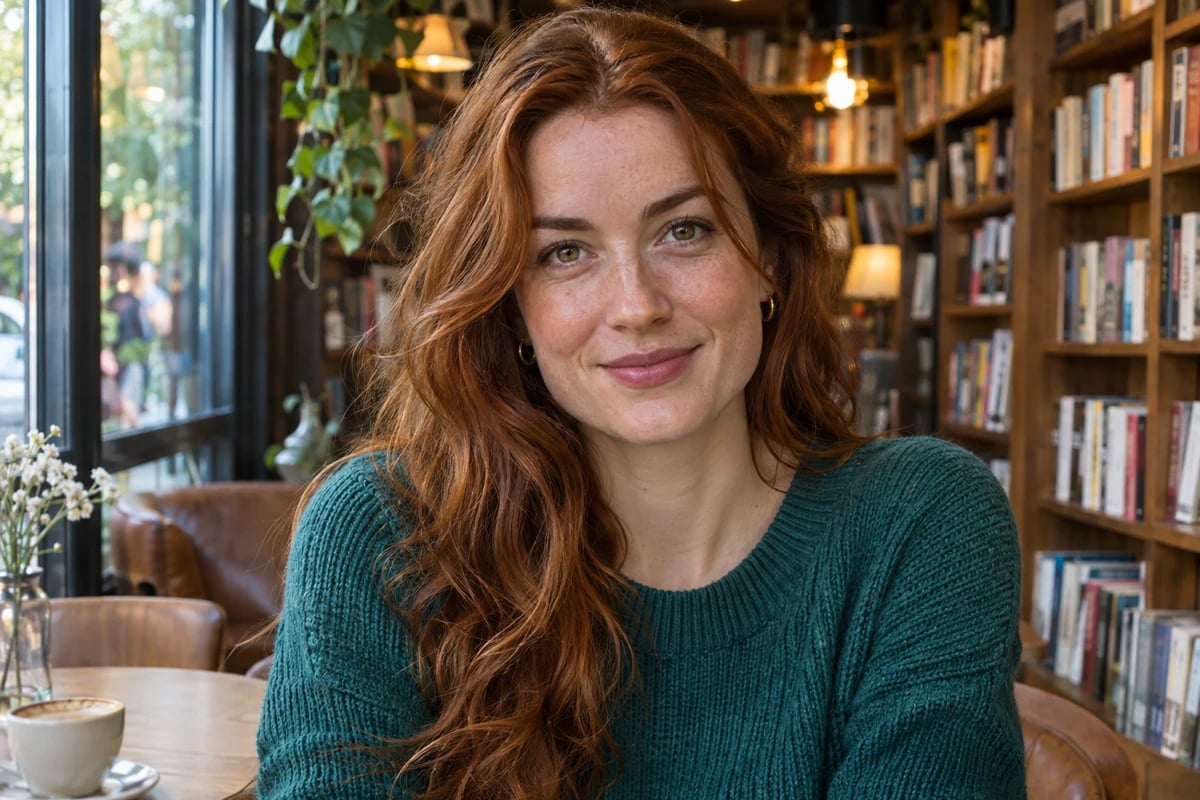


City Cafe Portrait
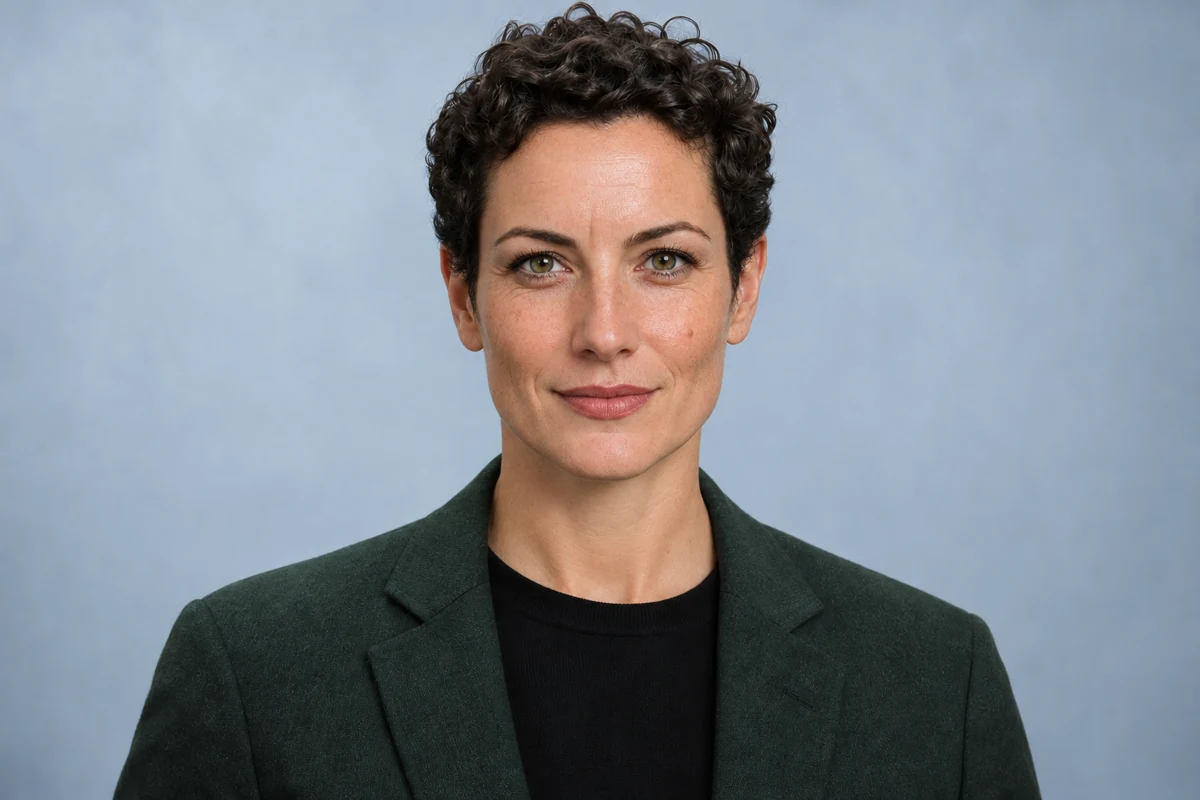
Studio Headshot
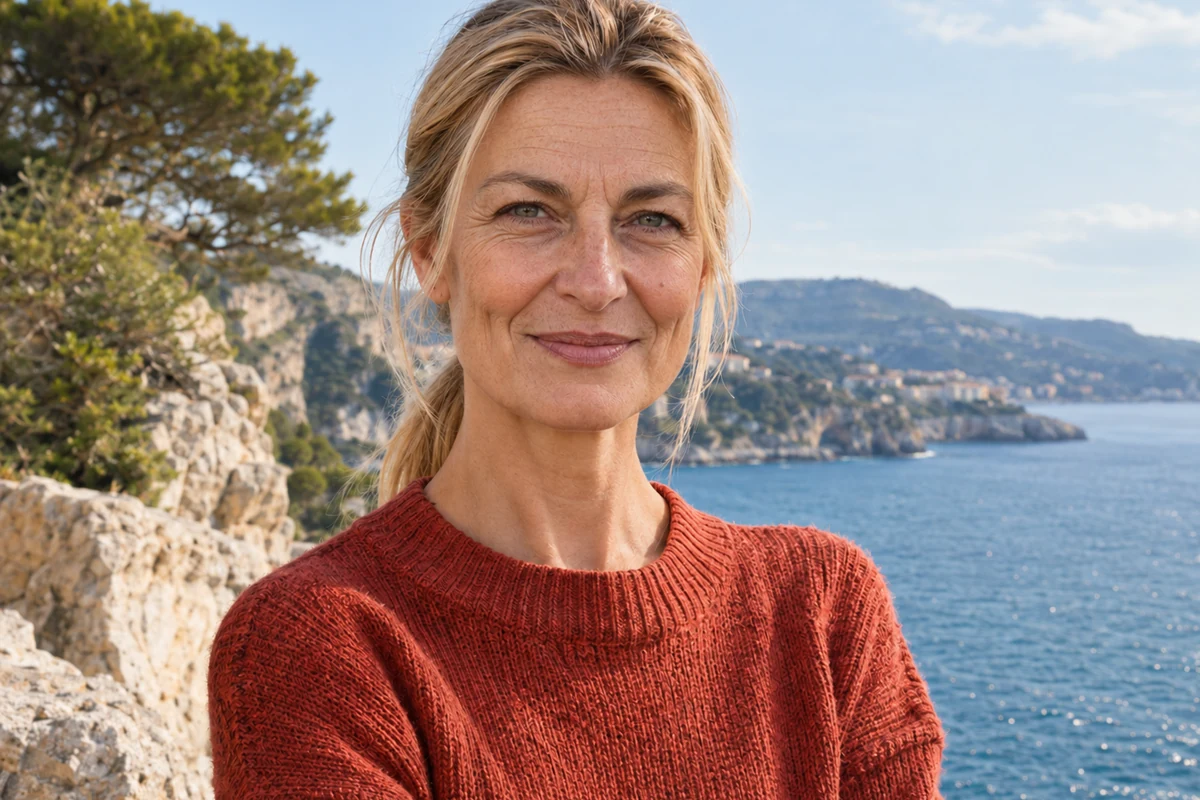
Garden Portrait
Upload files
Upload a face reference and a target portrait to personalize a face swap
By uploading a file, you agree to GoEnhance's Terms of Use and Privacy Policy
Nano Banana Face Swap Features
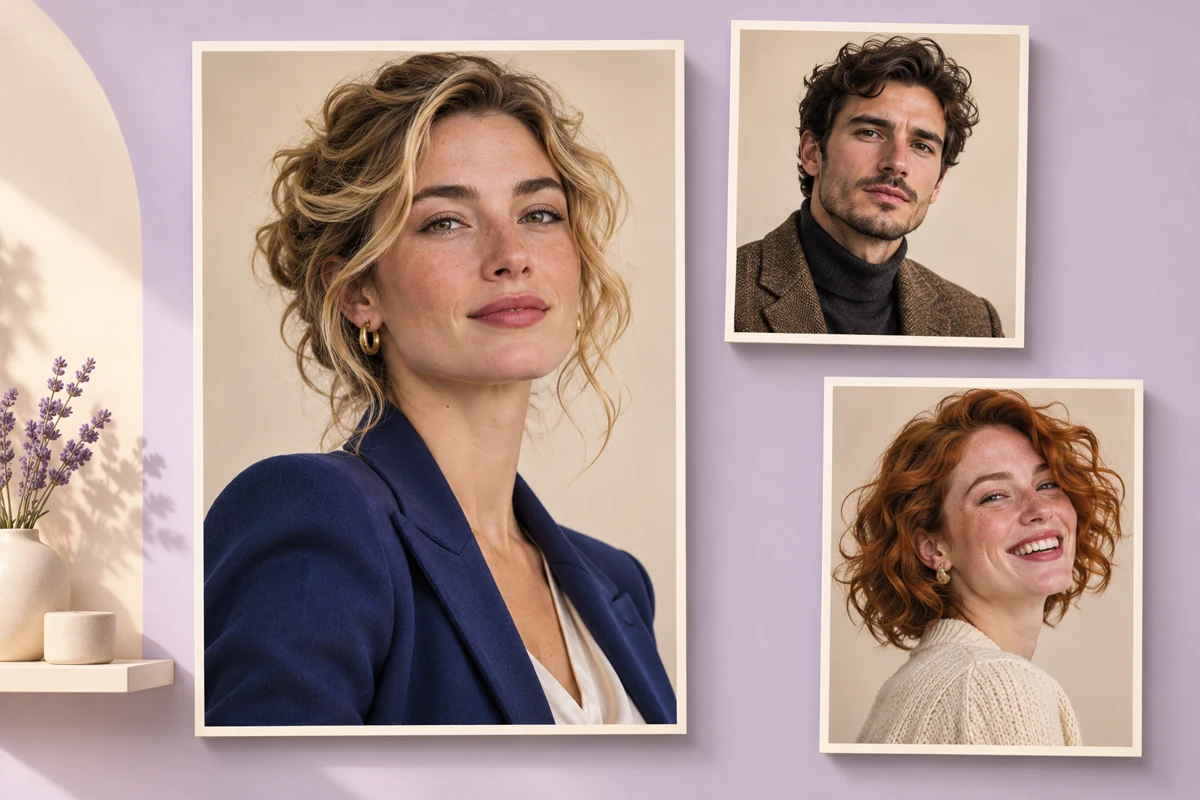

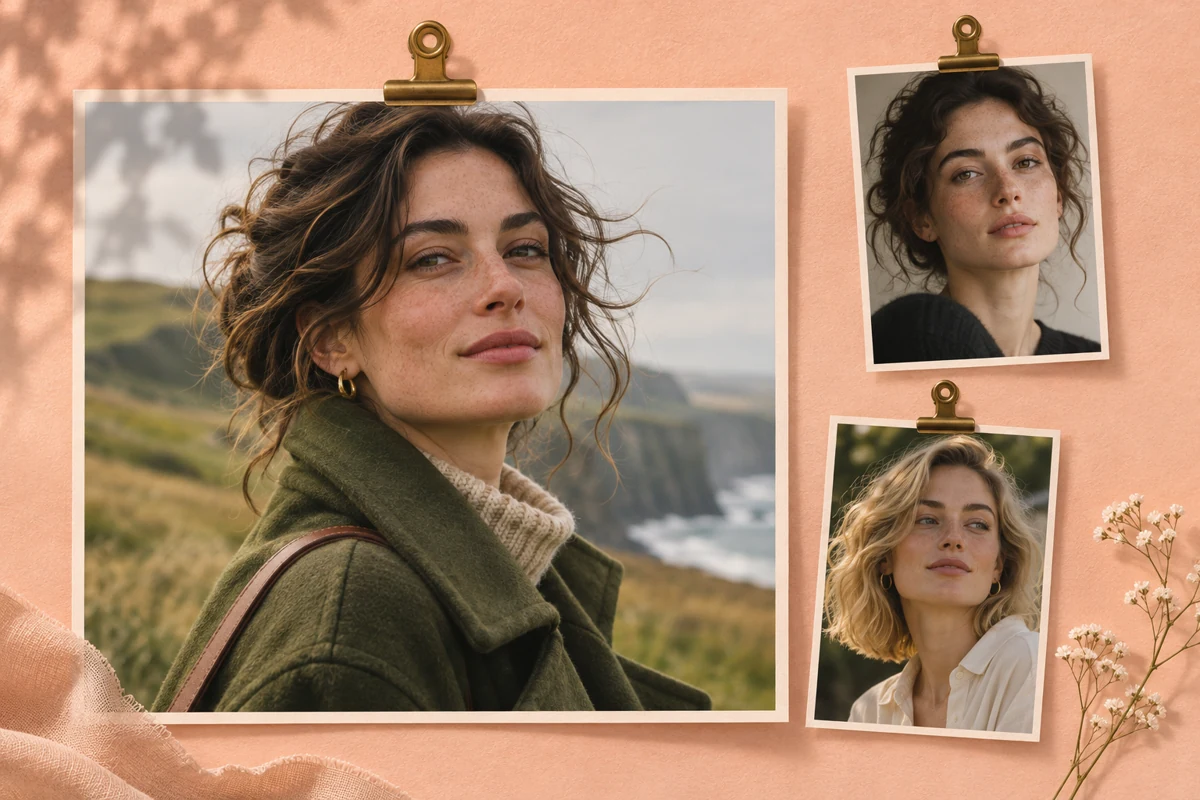
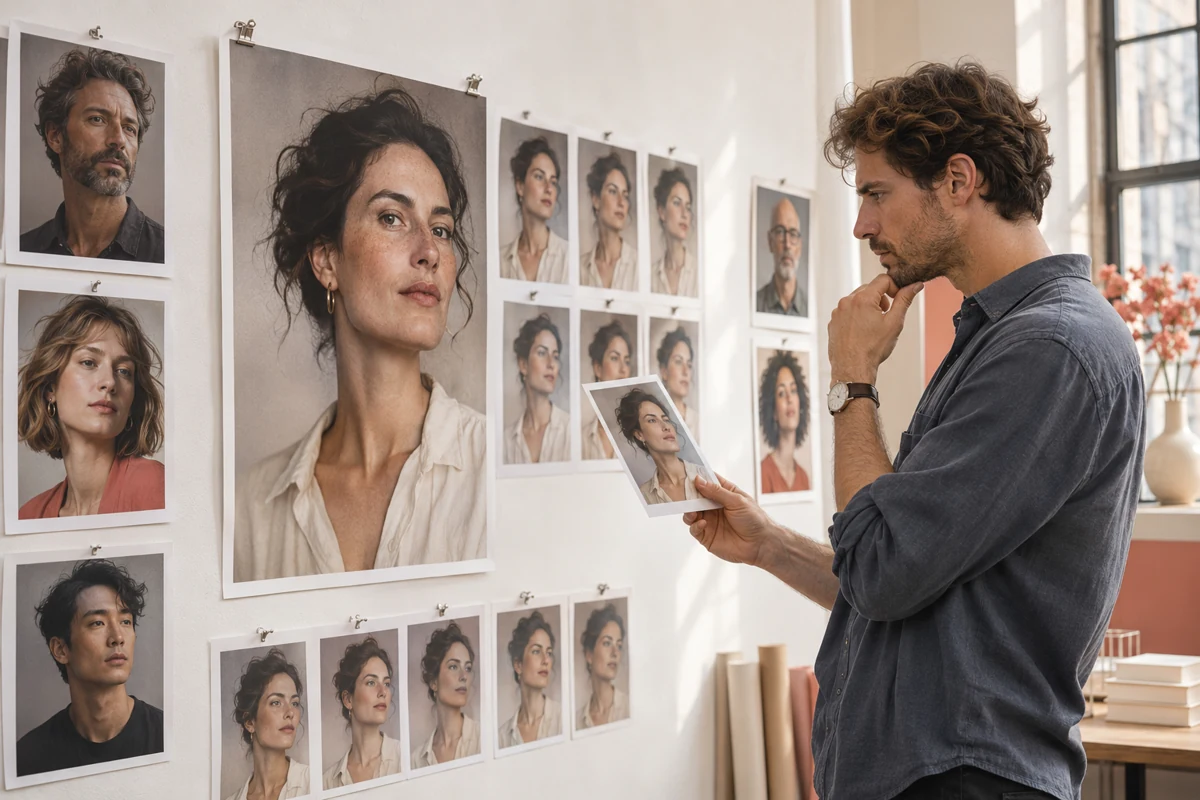
How to Use Nano Banana Face Swap
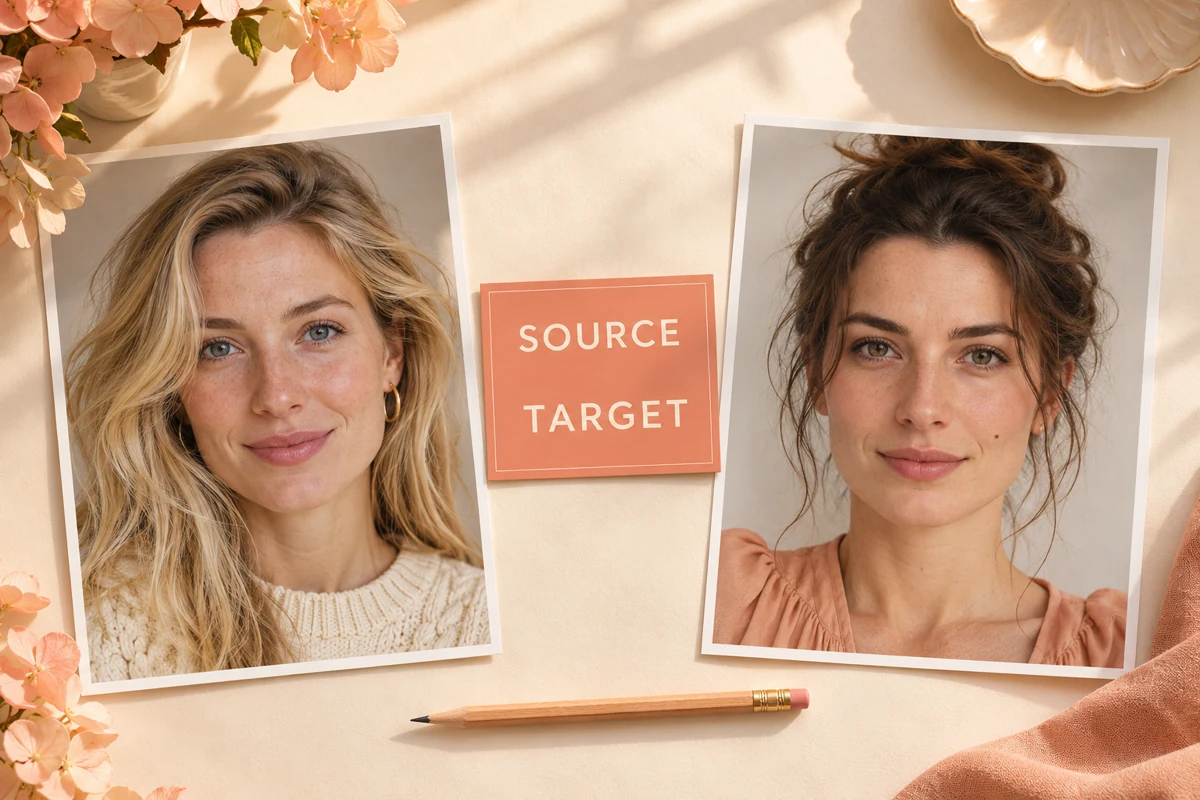
Choose a Face Reference and Target
Use a clear reference face and select the target photo whose pose, outfit, and setting you want to carry into the edited image.

Set the Face-Swap Direction
Identify the person to edit, then state which details should stay consistent, including hair, clothing, expression, lighting, and background.
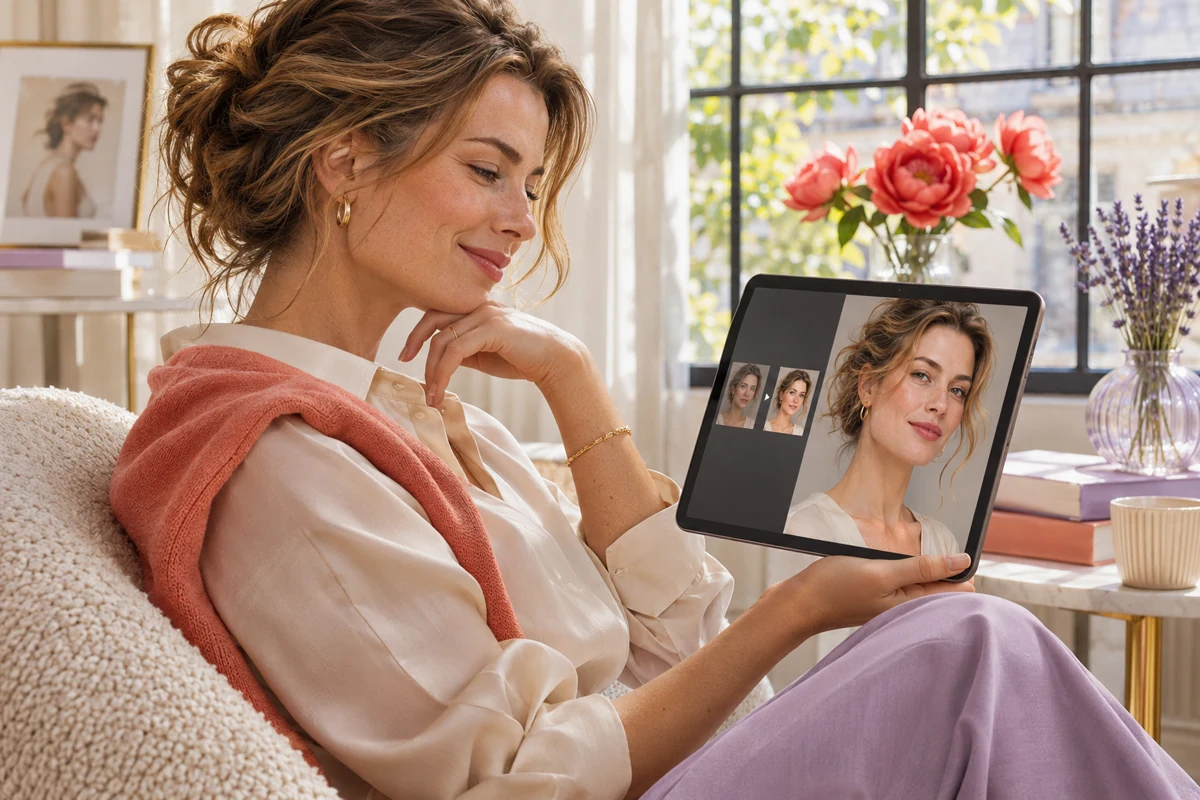
Review the Edited Portrait
Check the facial details and the parts of the target photo you wanted to preserve. If something needs adjustment, give a focused follow-up instruction and review the new result.
Explore More Face Swap Tools
Why Choose Nano Banana Face Swap
Reference-Guided Identity Transfer
Use a separate face reference to guide the identity in the target portrait, giving Nano Banana Face Swap a clear visual source for the edit.
Face-Focused Adjustments
Direct the edit toward facial identity while keeping the target's hairstyle, clothing, pose, framing, and backdrop as the visual context.
Preserve the Target Photo's Visual Context
The target image provides the scene, angle, lighting, and background for the face swap, so the result remains grounded in the portrait you selected.
Natural-Language Control
Describe who to edit and which details matter in plain language. Specific instructions help keep the face-swap request focused on your intended changes.
Works Across Portrait Styles
Use Nano Banana Face Swap with studio headshots, cafe portraits, garden photos, and other personal portraits while letting the target image define the overall look.
Focused Refinements
Ask for a small follow-up change to clarify the subject or adjust a facial detail, helping you refine the result without restating the entire scene.
Nano Banana Face Swap FAQs
What Is Nano Banana Face Swap?
Is Nano Banana Face Swap Free?
How Do I Use Nano Banana Face Swap?
Can Nano Banana Face Swap Preserve Hair and the Background?
What Kind of Photo Works Best for Nano Banana Face Swap?
Can I Choose One Person in a Group Photo?
Can I Refine a Nano Banana Face Swap Result?
Can I Use a Nano Banana Face Swap Image Commercially?
Create a Personalized Face Swap
Bring a face reference and a target portrait together, then shape the edit with clear instructions about the identity and details you want to preserve.
Try Nano Banana Face Swap