
Pica AI Face Swap for Photos and Videos
Pica AI lets you add a face to photos, artwork, or video scenes. Upload the original media, add one or more face photos, and generate a swap for a portrait, group picture, or short clip.
Try Face Swap Online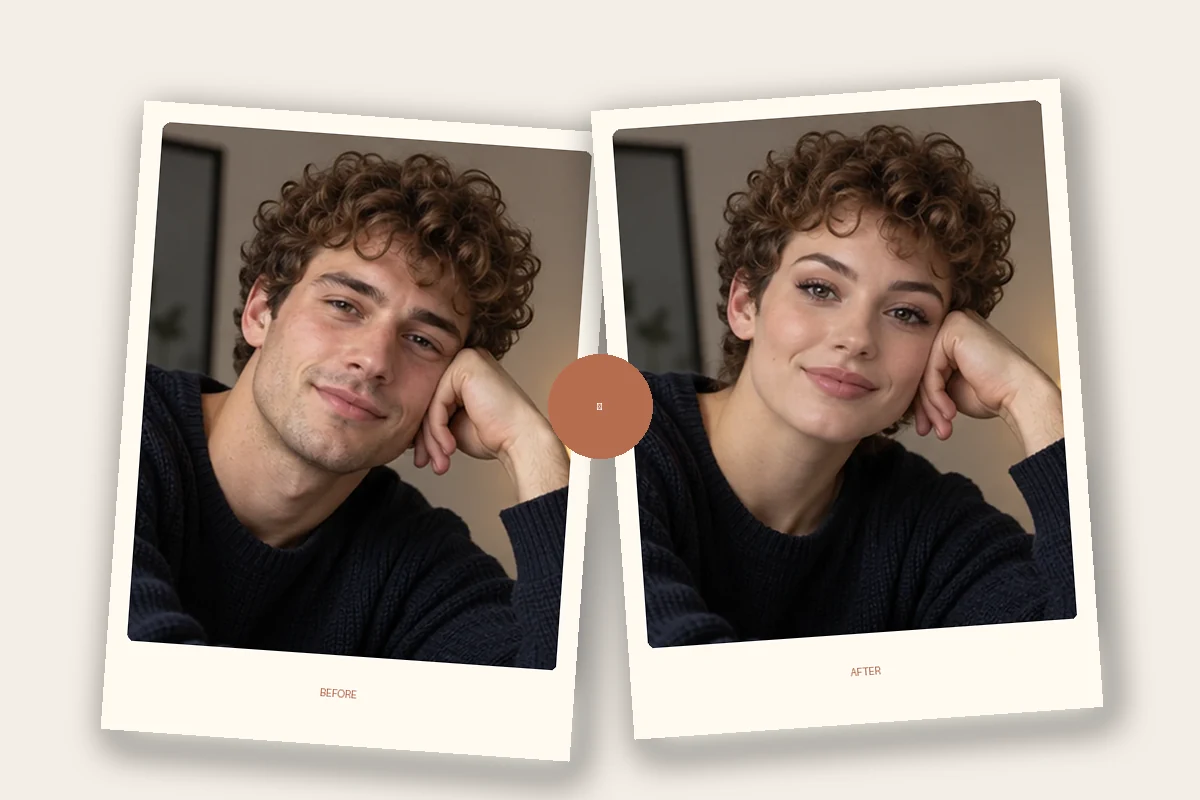
How to Use Pica AI Face Swap
Step 1 1
Upload a Photo or Video
Choose your target image or clip, or begin with one of the available templates.
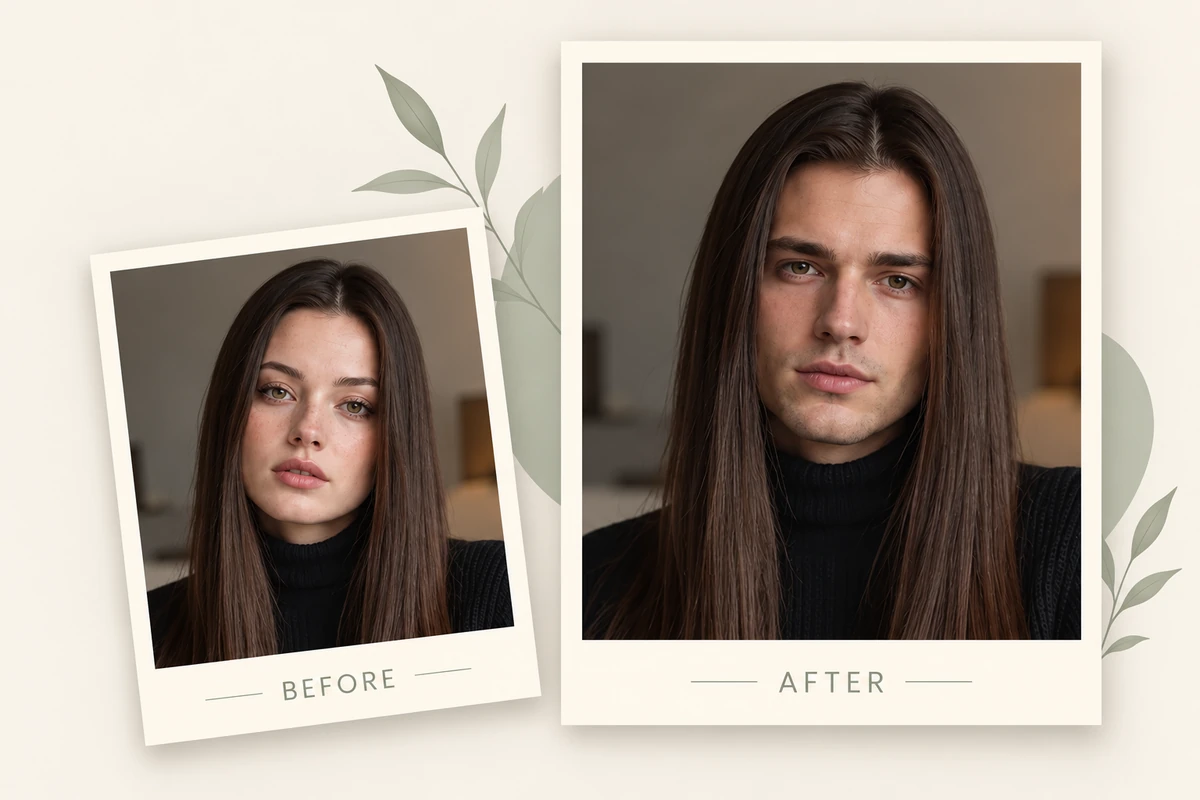
Step 2 2
Add the Face Photos
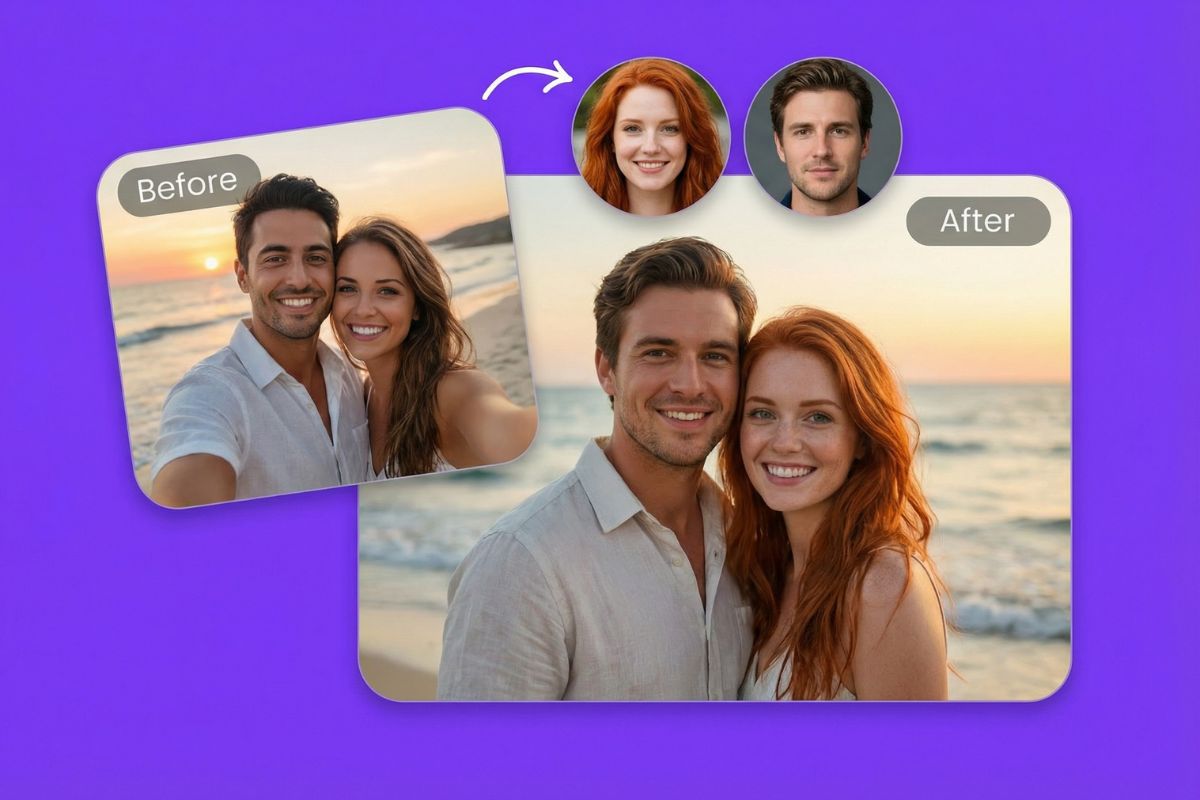
Upload the face or faces you want to use and match each source to the intended person in the target.
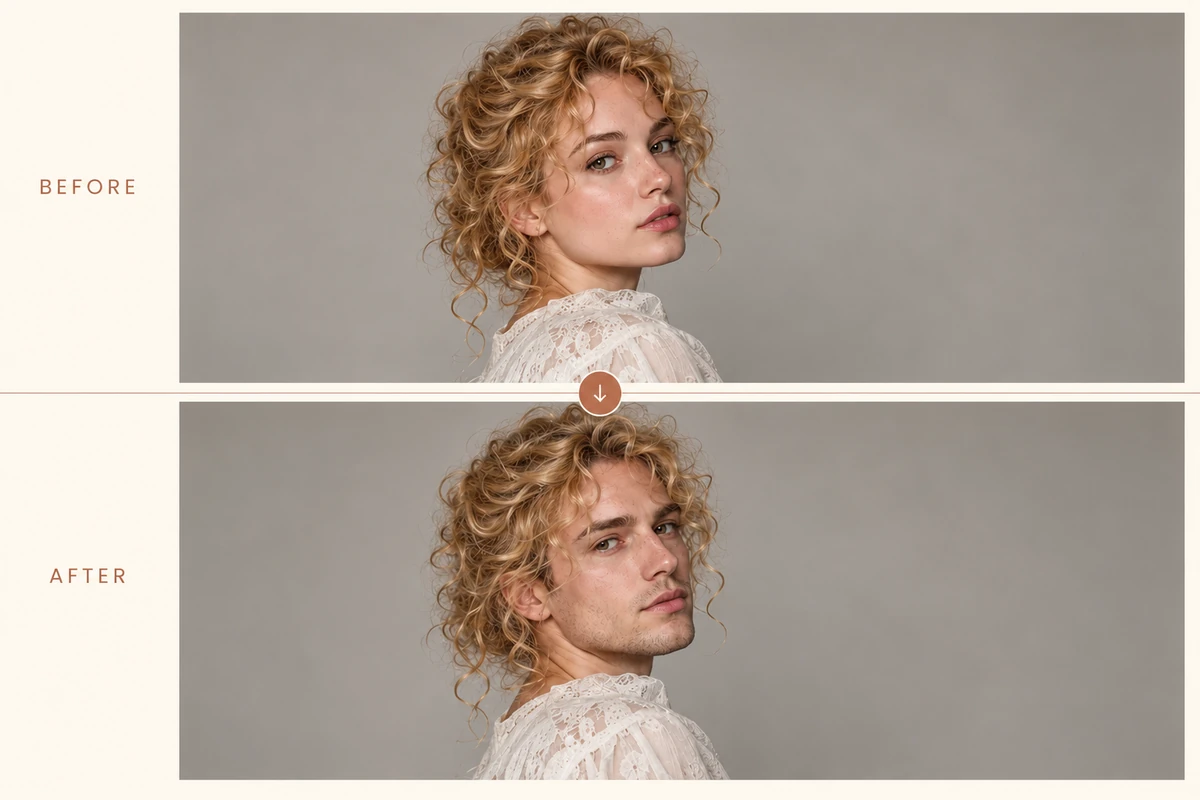
Step 3 3
Generate and Save
Start the swap, review the output, then return to download it when processing is complete.
Pica AI Face Swap Features
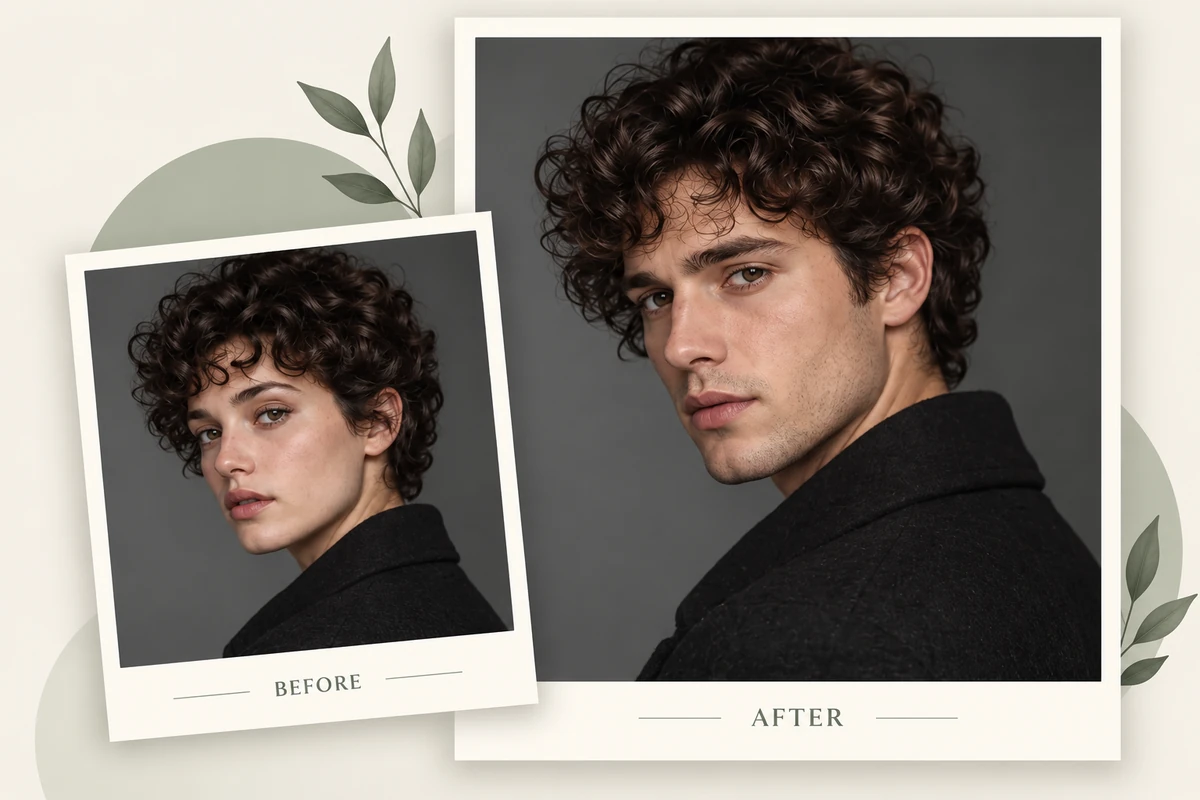
Swap Faces in Photos and Artwork
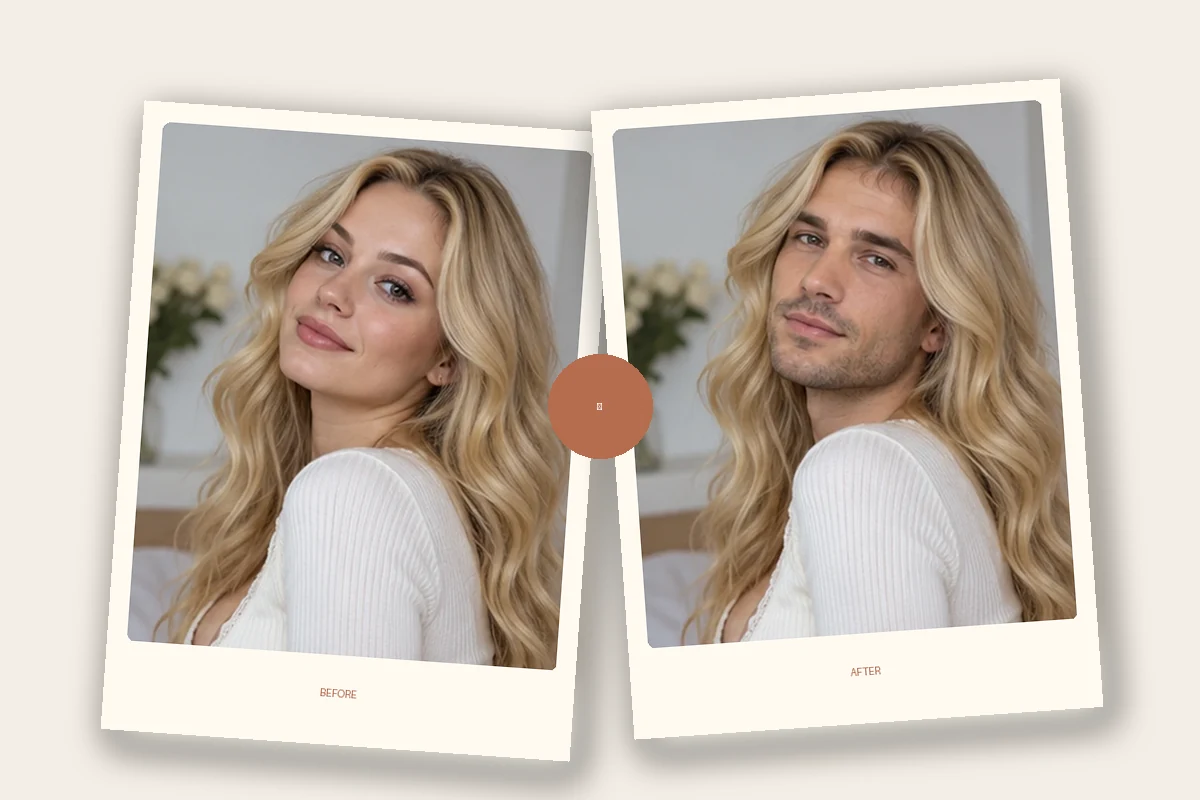
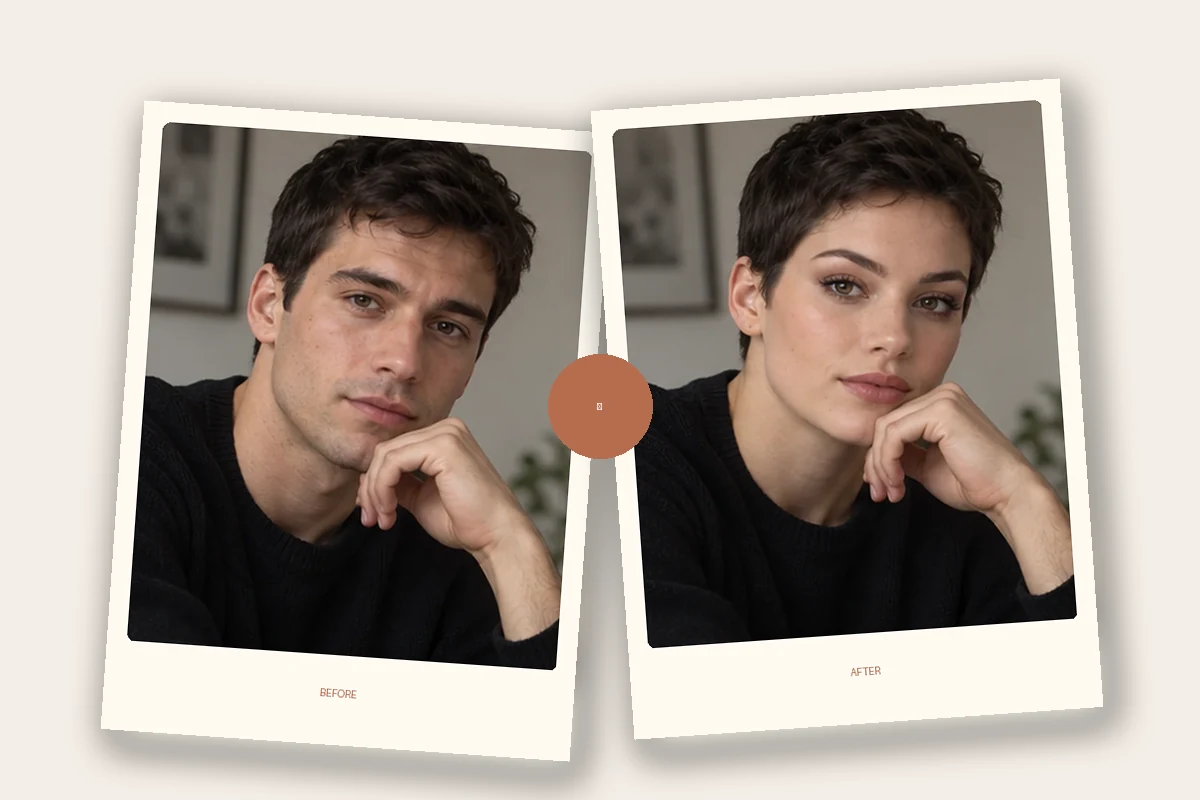
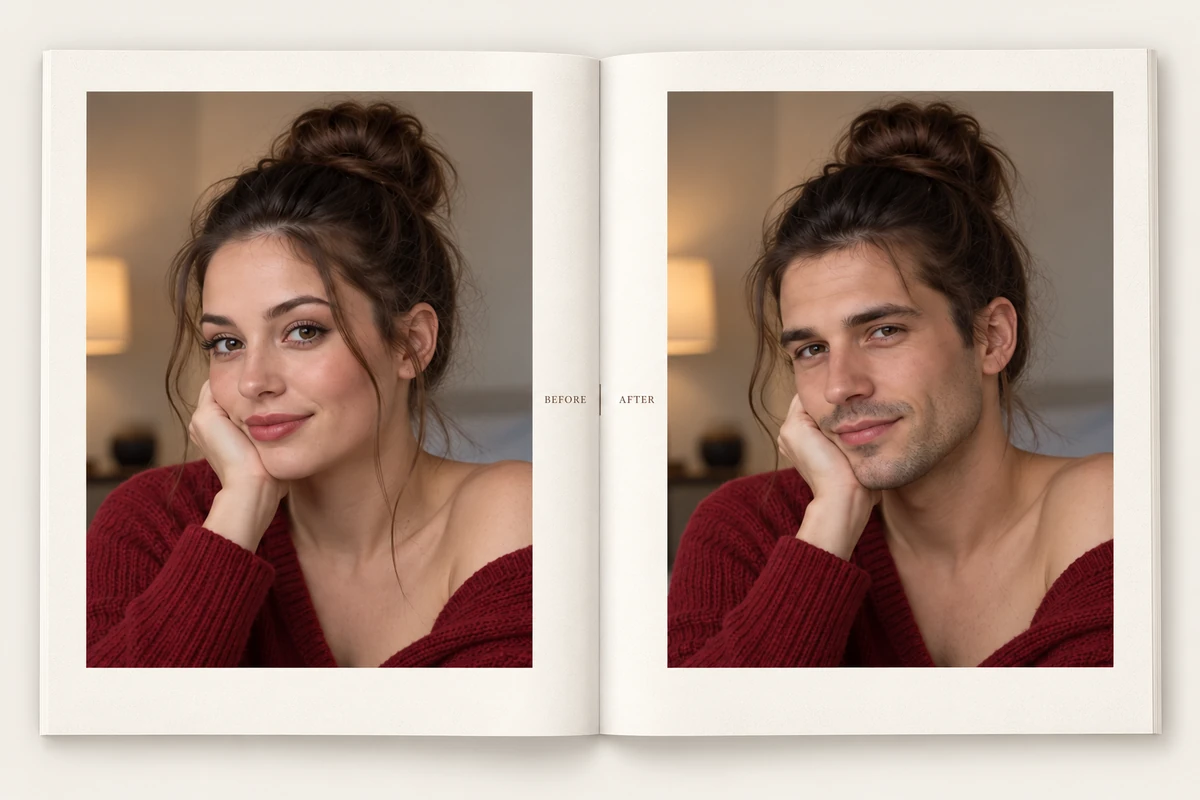
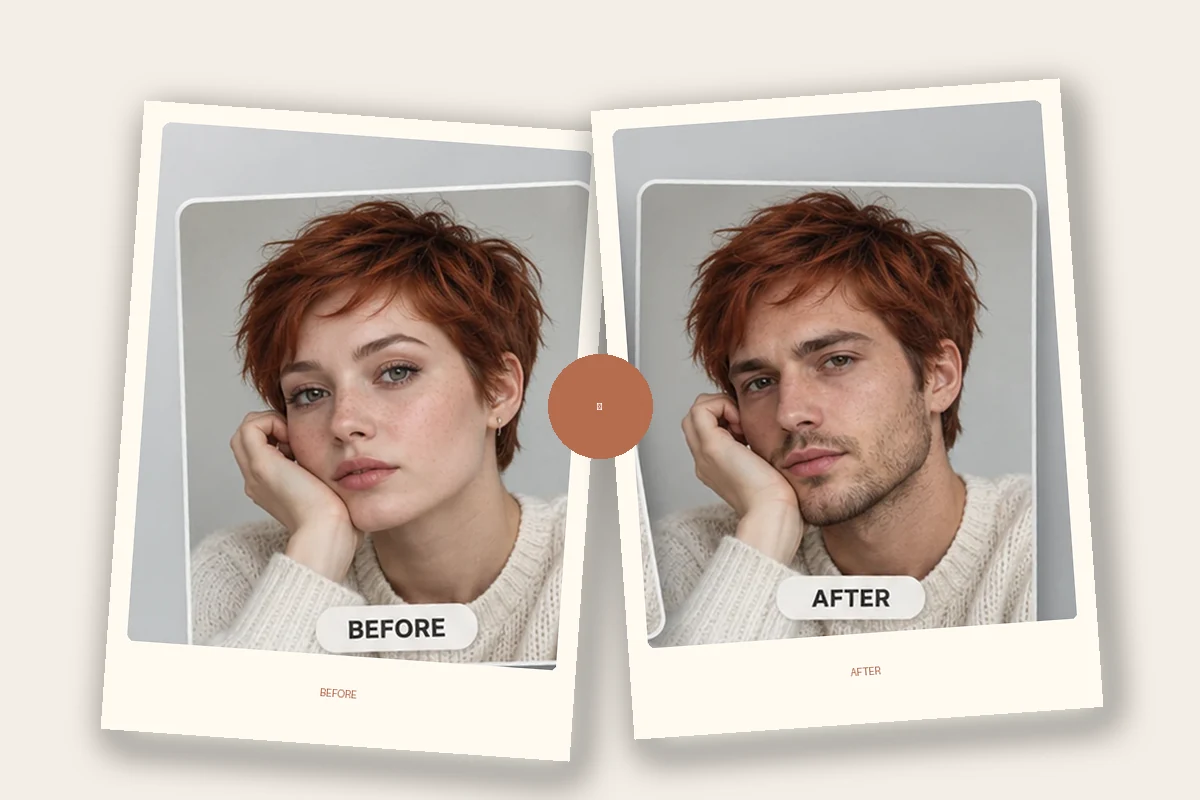
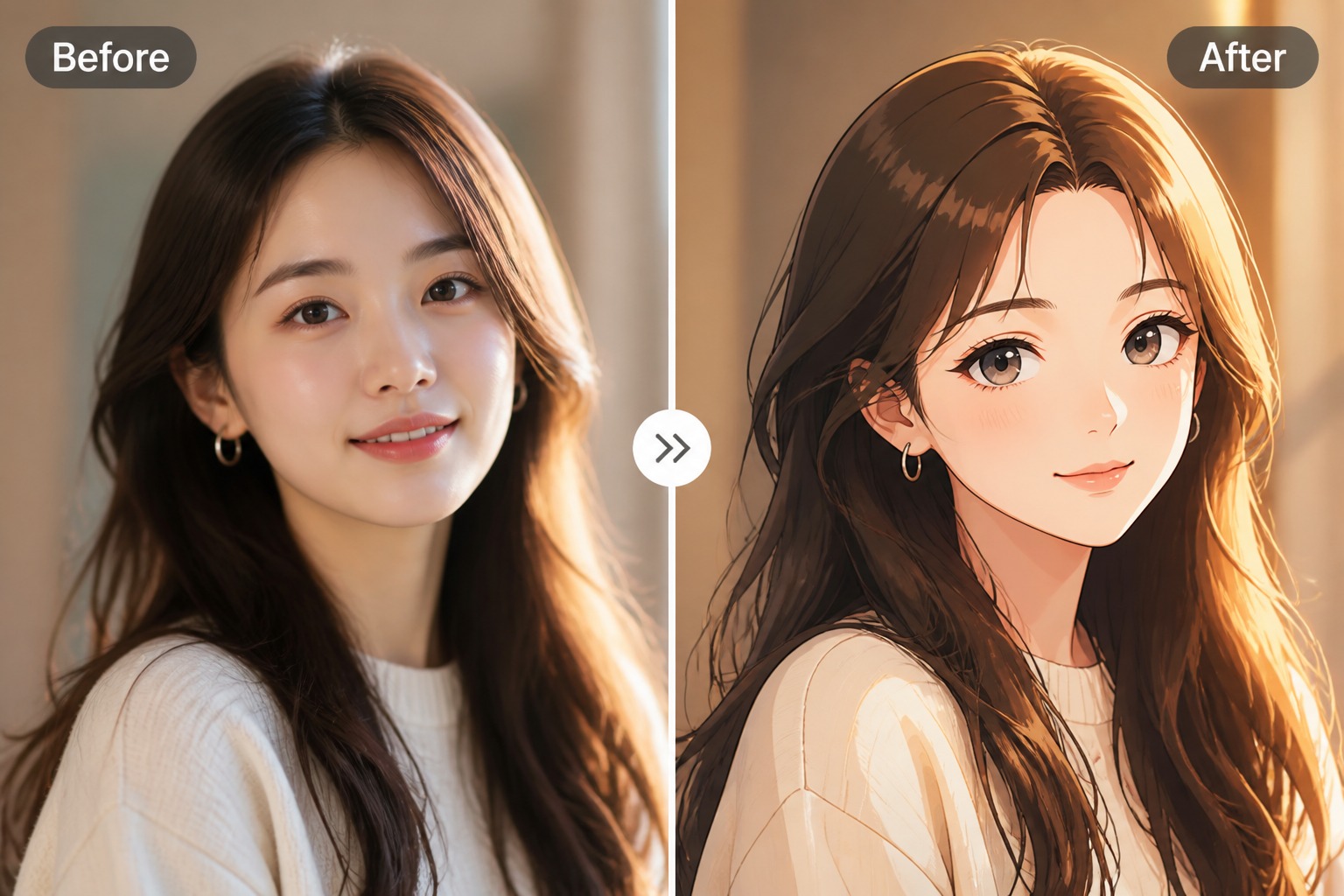
Combine a source face with a target photo, cartoon, or artwork to explore a different portrait or scene. The face swap tool lets the target image provide the pose, background, and overall composition while the inserted face changes the subject’s identity.
Explore More Face Swap Tools
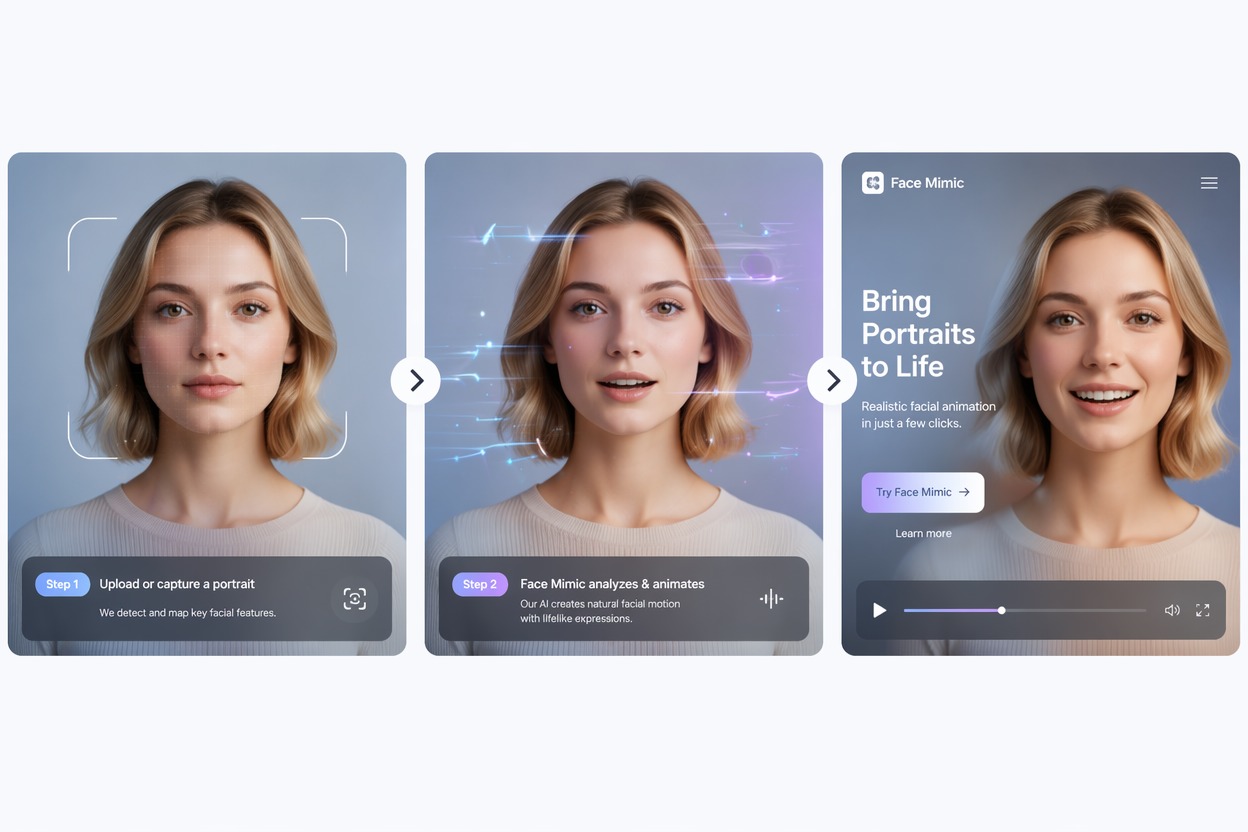
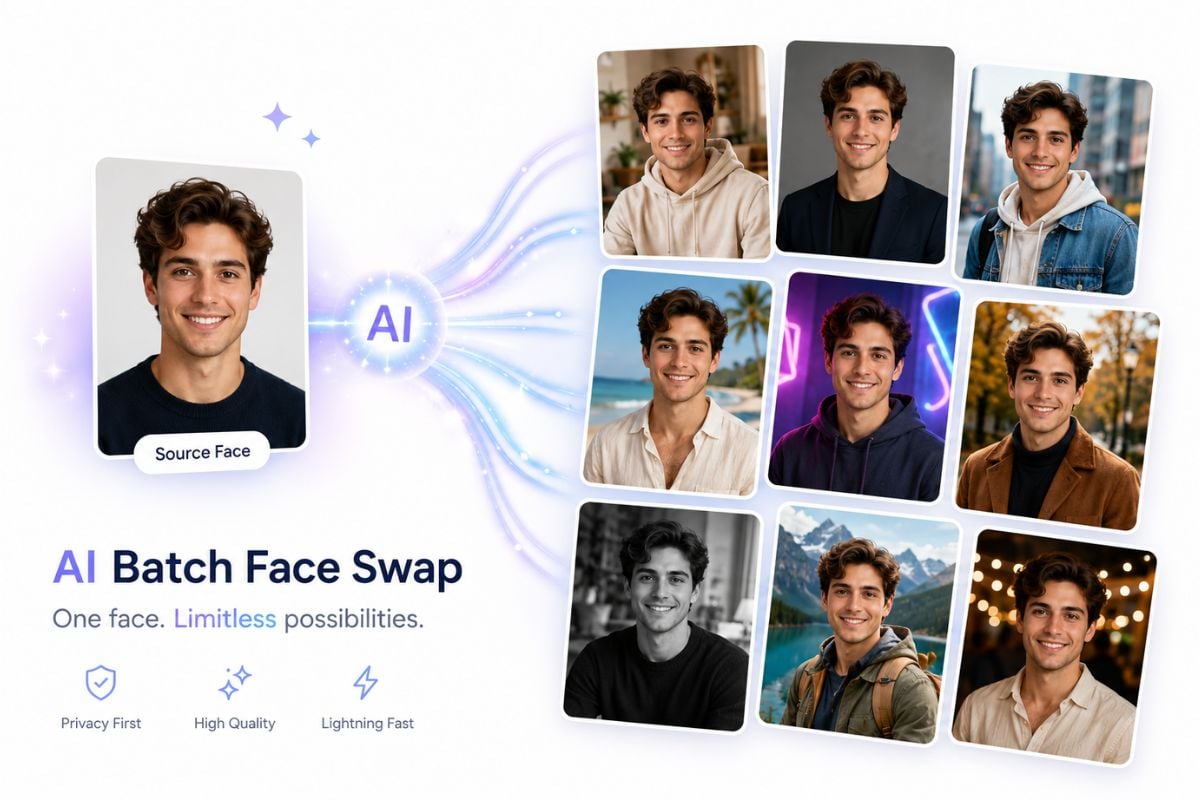
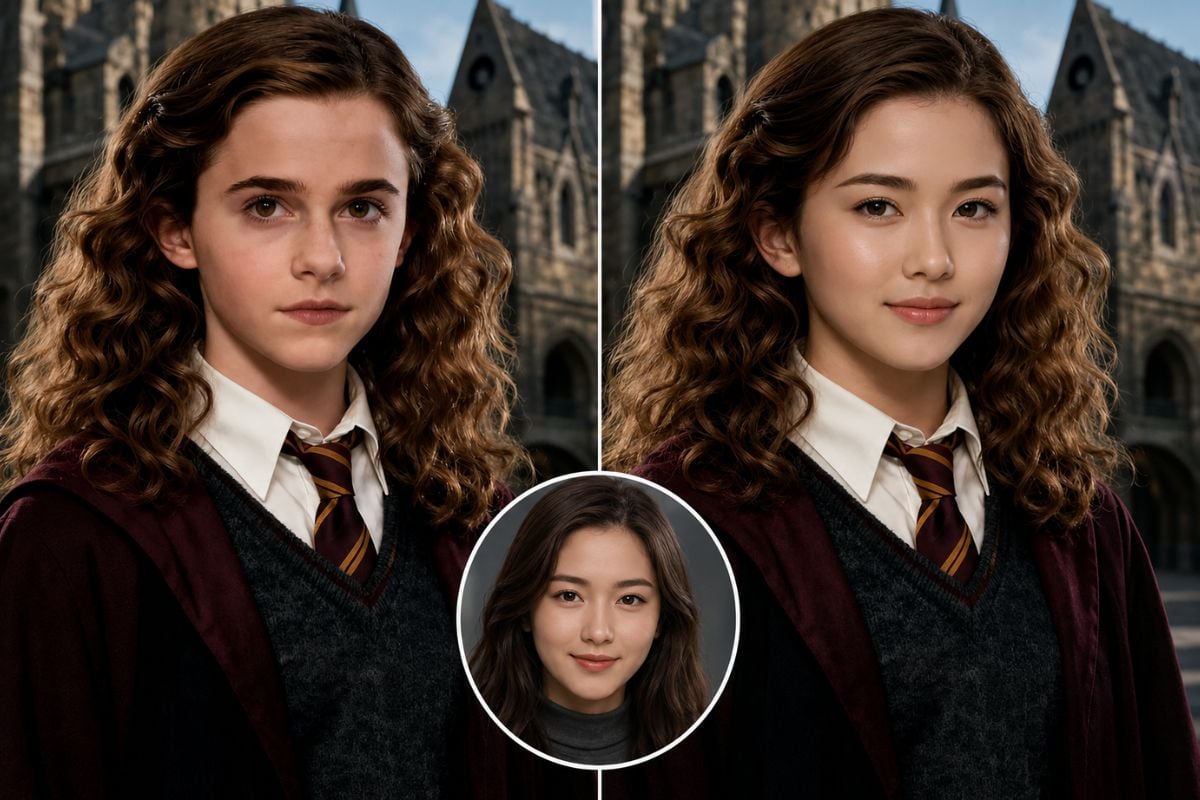
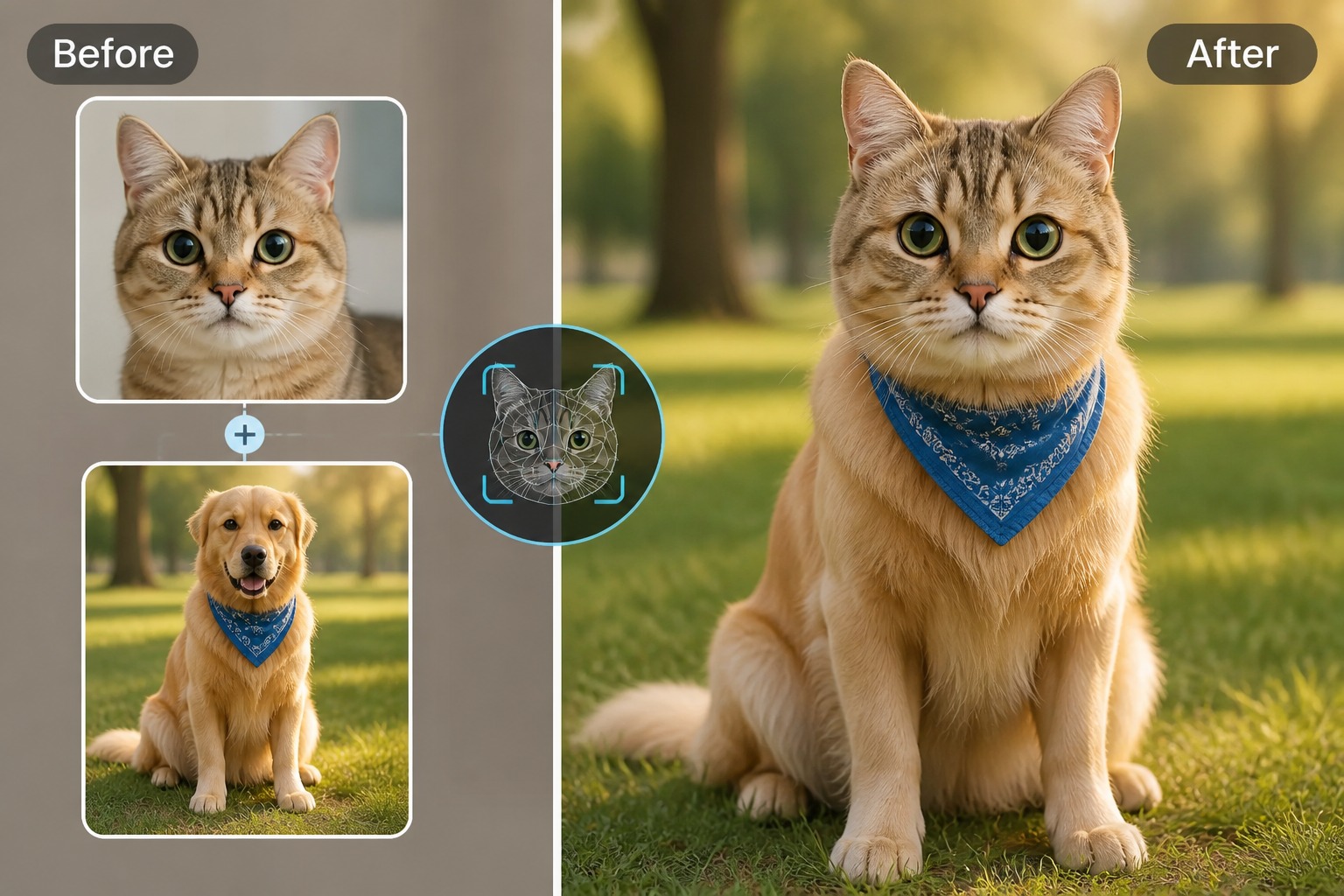
More Face-Swap Formats with GoEnhance
GIF Face Swap in the Same Toolset
GoEnhance includes a dedicated GIF face-swap workflow alongside image and video tools for short animated posts.
Browse More Named Modes
GoEnhance lists options such as Faces & Heads, Male/Female, Famous Face, and Portrait Painting for different creative directions.
A Focused Face-Swap Workflow
Move from a source face to a target image or clip in a clear upload-and-generate flow, then review the result.
Video-Swap API Access
GoEnhance documents an Open API for connecting video face-swap generation with a product or production workflow.
Try Before Choosing a Plan
GoEnhance lists 30 free tokens for trying face-swap images and videos.
Connect to Related GoEnhance Tools
Continue into related face-swap options such as GIF Face Swap or Multiple Face Swap when the output needs a different format.
Pica AI Face Swap: FAQs
What is Pica AI face swap?
Can Pica AI swap faces in a video?
Can I swap multiple faces with Pica AI?
What formats can Pica AI export?
How do I start a Pica AI face swap?
Can I use a template with Pica face swap?
What makes a good face source image?
What can I use instead of a photo-only workflow?
Create a Photo or Video Face Swap
Choose a target image, video, or GIF and try a face swap with GoEnhance.
Try GoEnhance Face Swap