
Reface Face Swap for Photos, GIFs, and Videos
Reface turns a source selfie into a playful face swap for a photo, GIF, or video. Start with a preset scene or bring your own media, then create a shareable edit in the Reface app or web experience.
Try Face Swap Online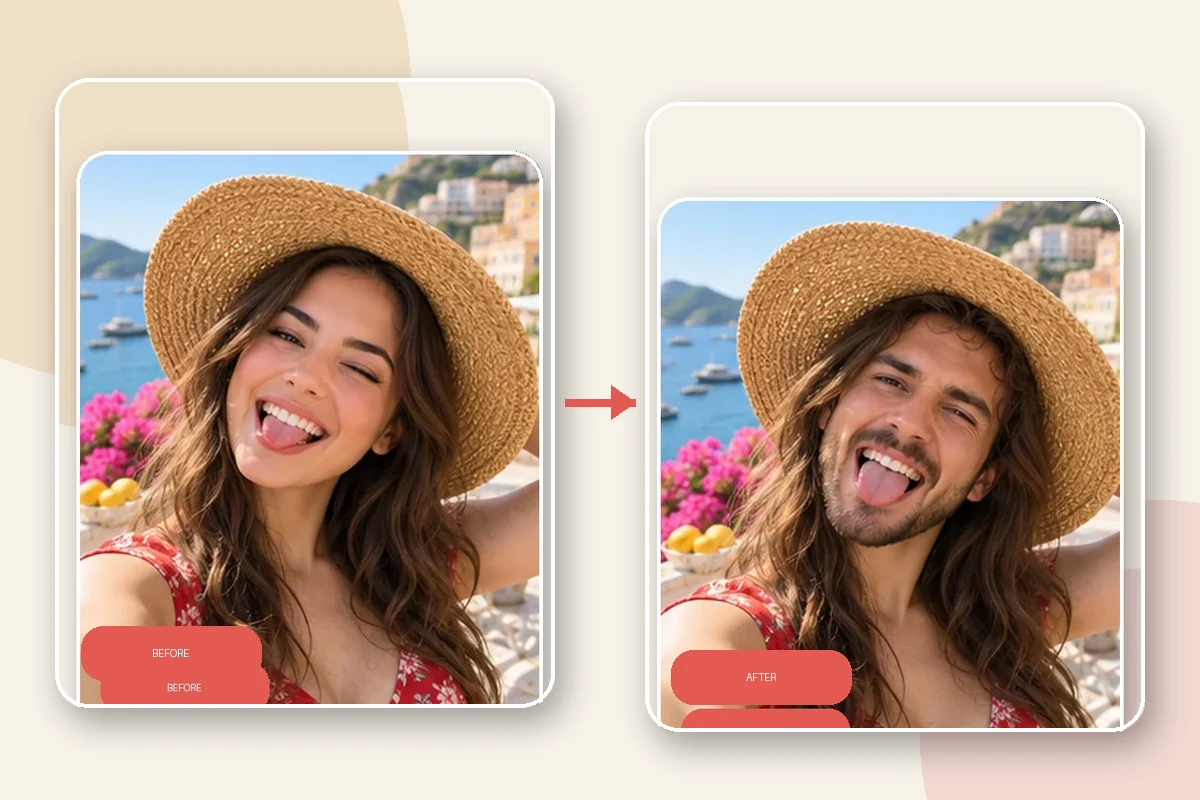
Reface AI Face Swap Features
Put Your Selfie into a Photo
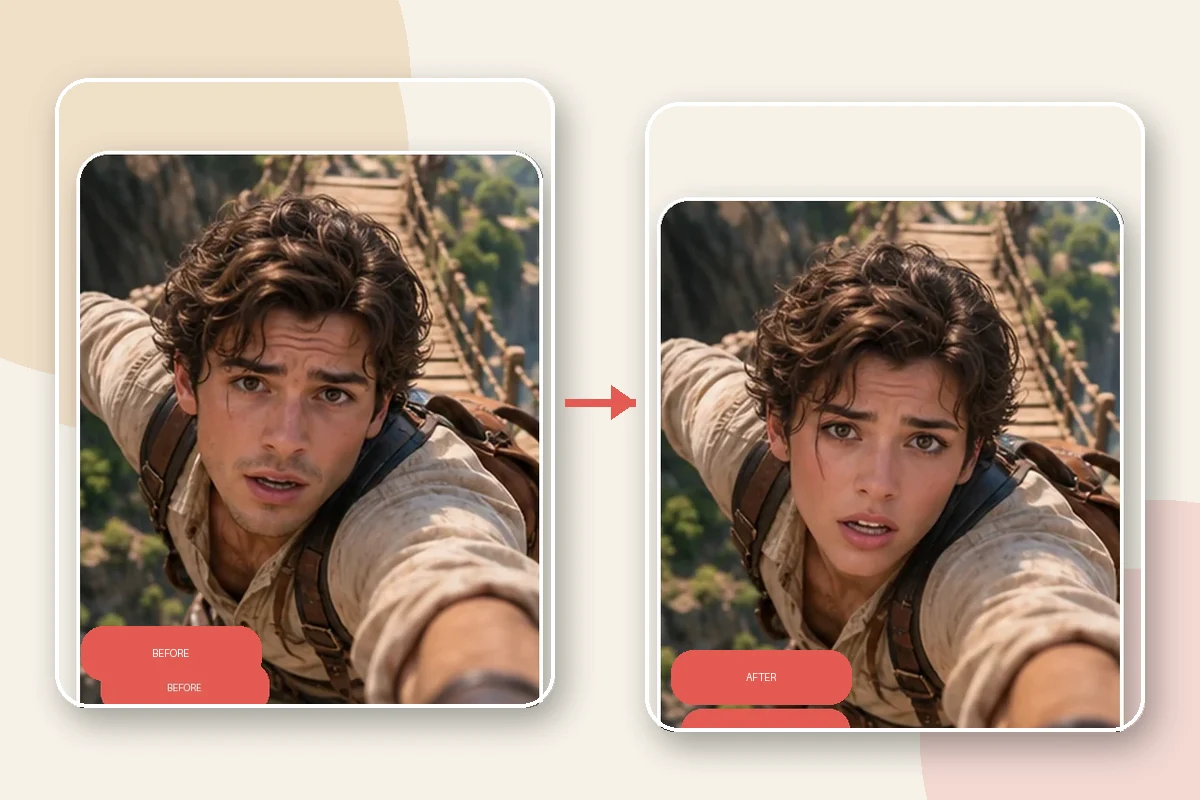
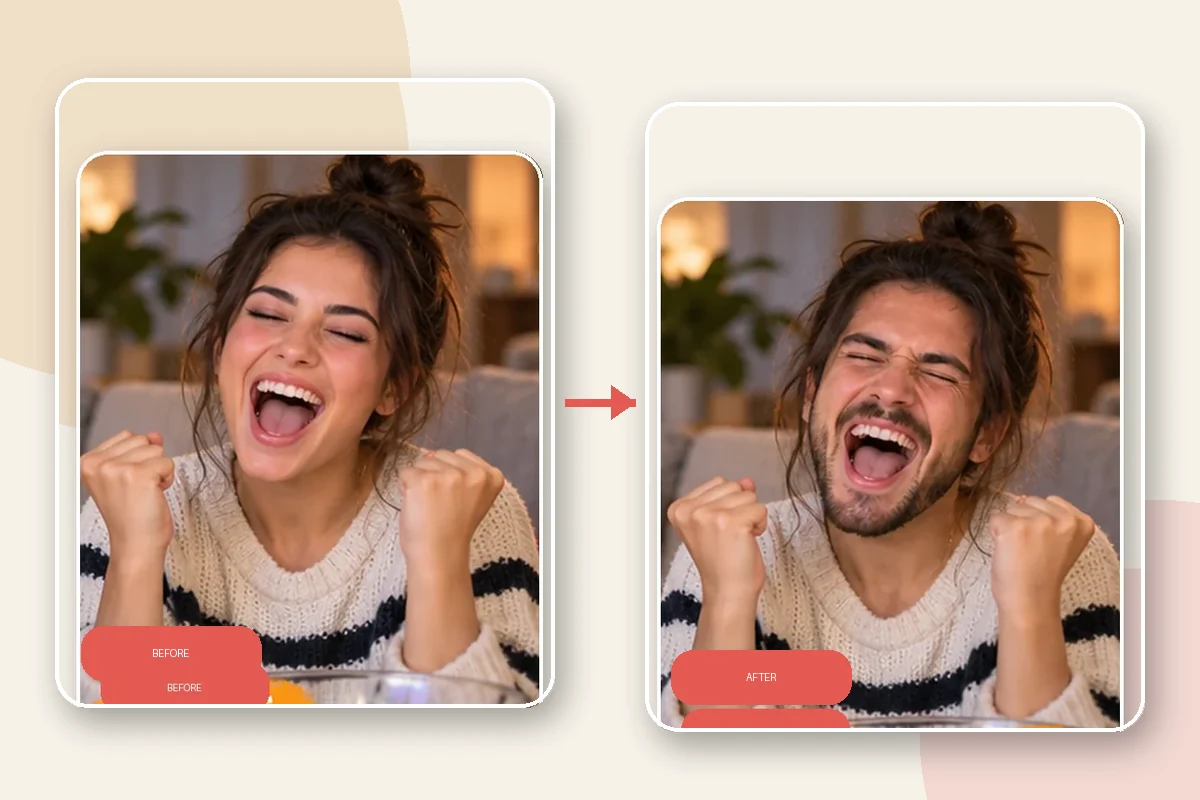
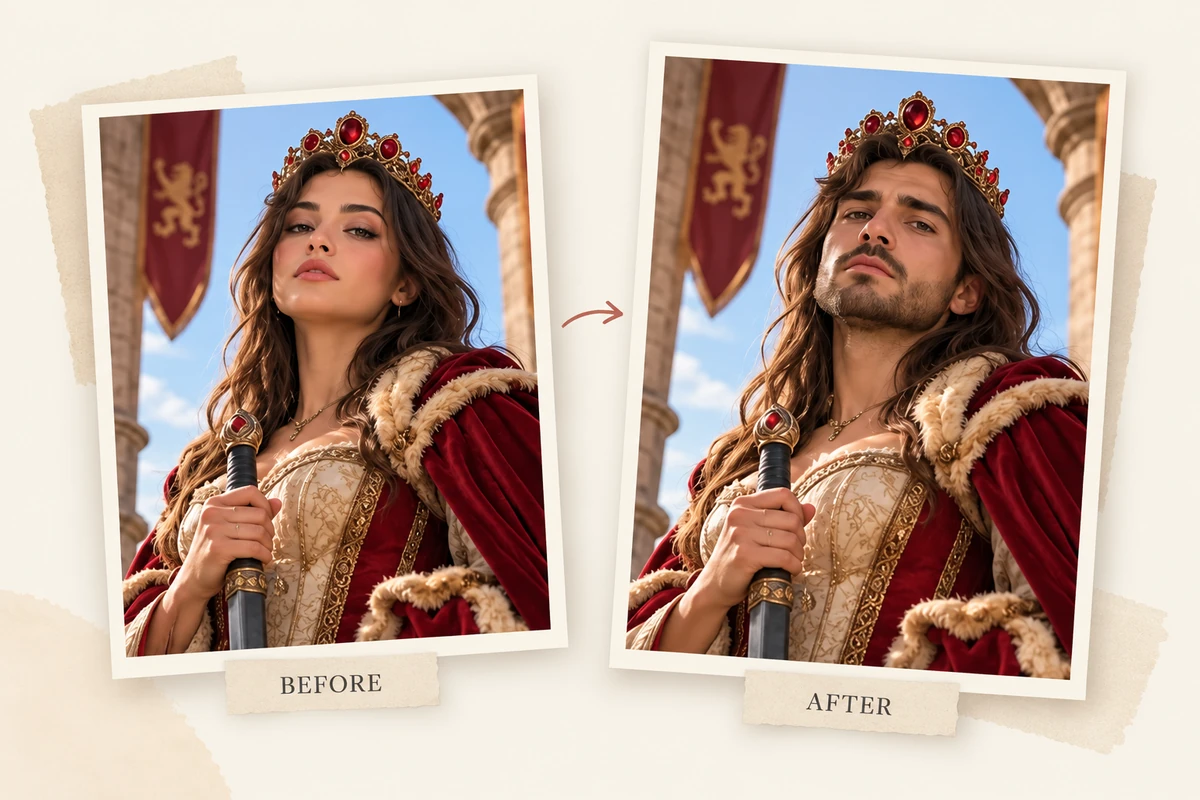
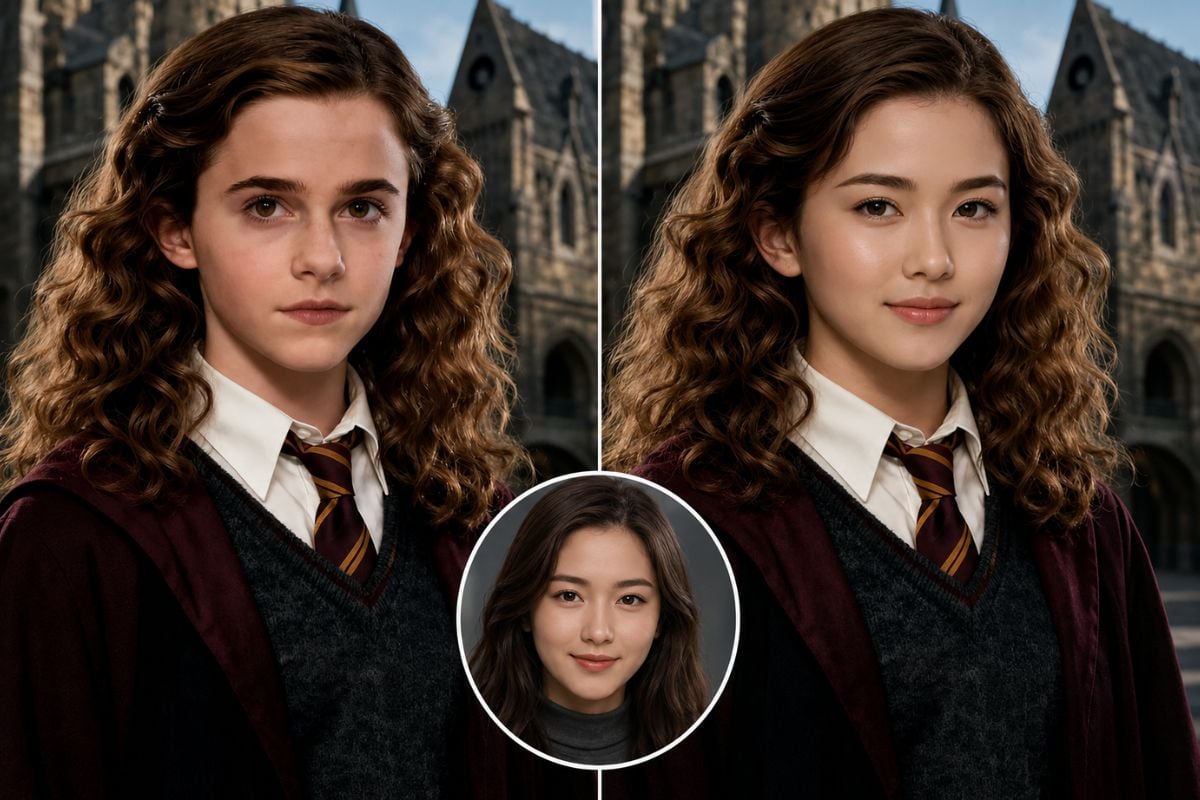
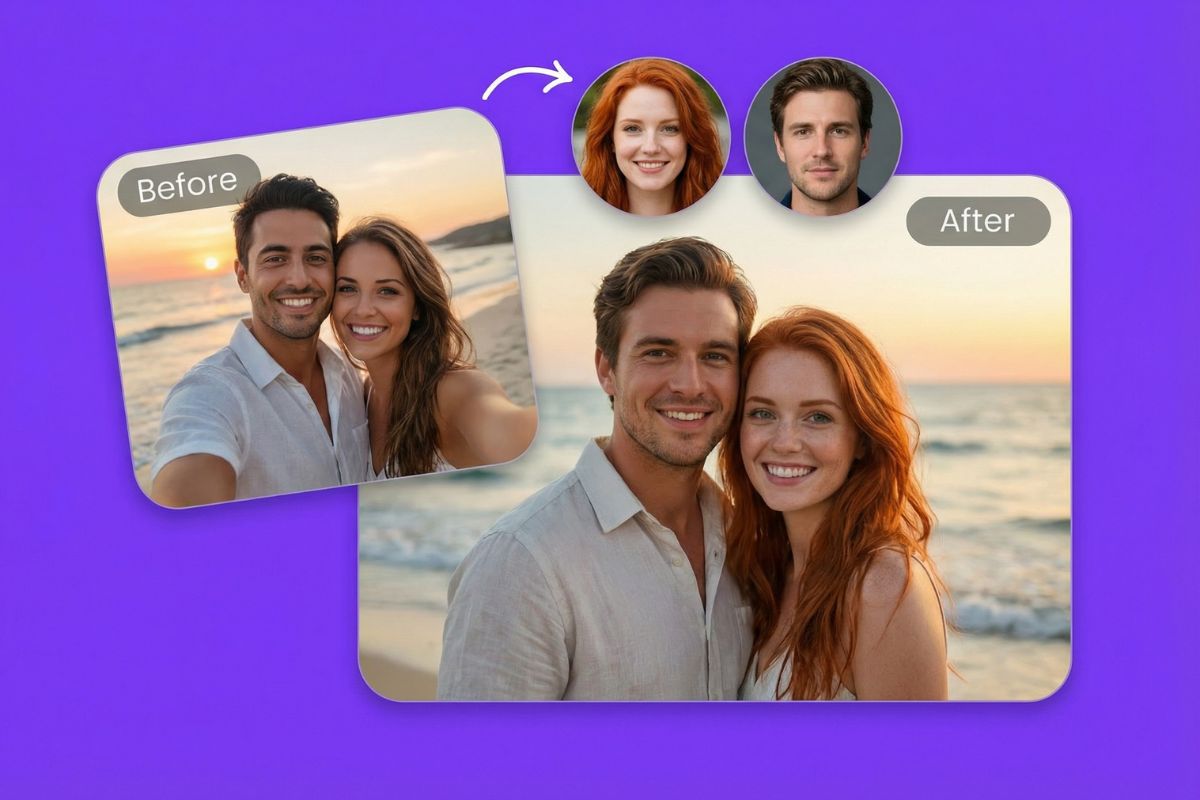
Choose a face photo and pair it with a still image to place the person in a new portrait, character scene, or social post. Use this face swap tool when you want to preview how the identity fits a different composition.
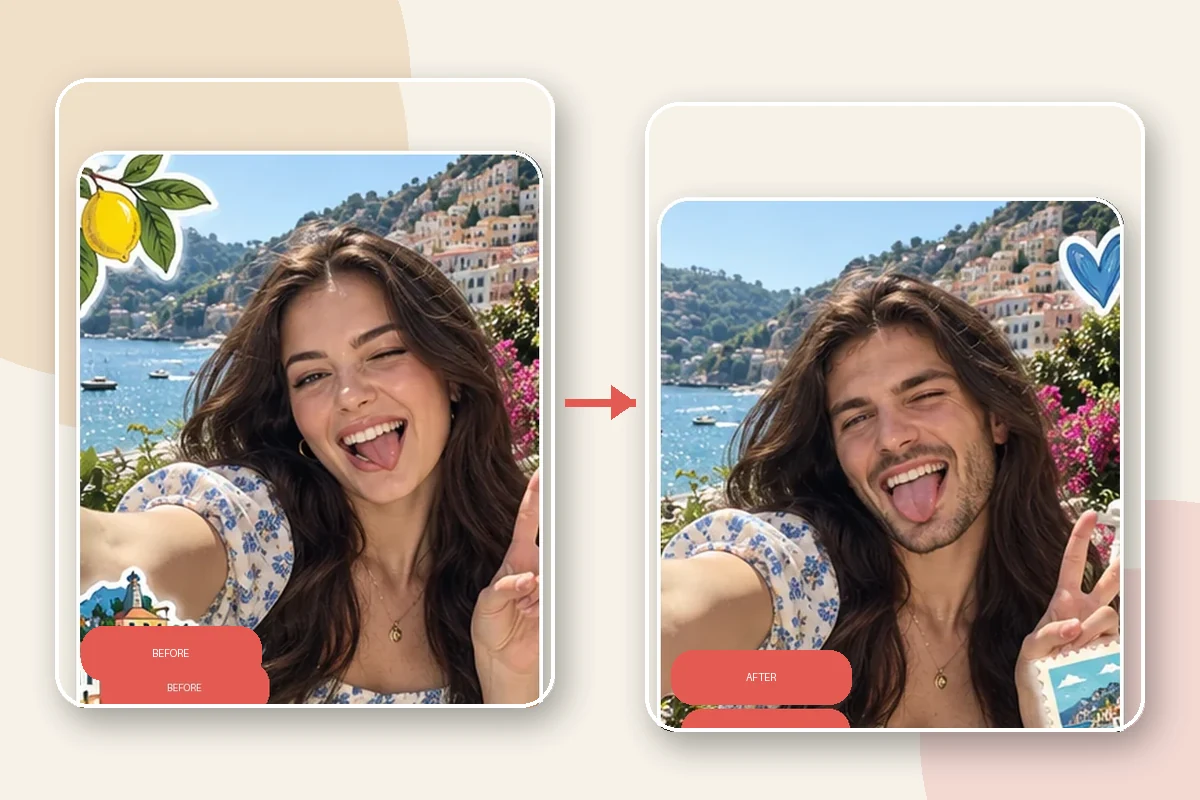
How to Use Reface Face Swap
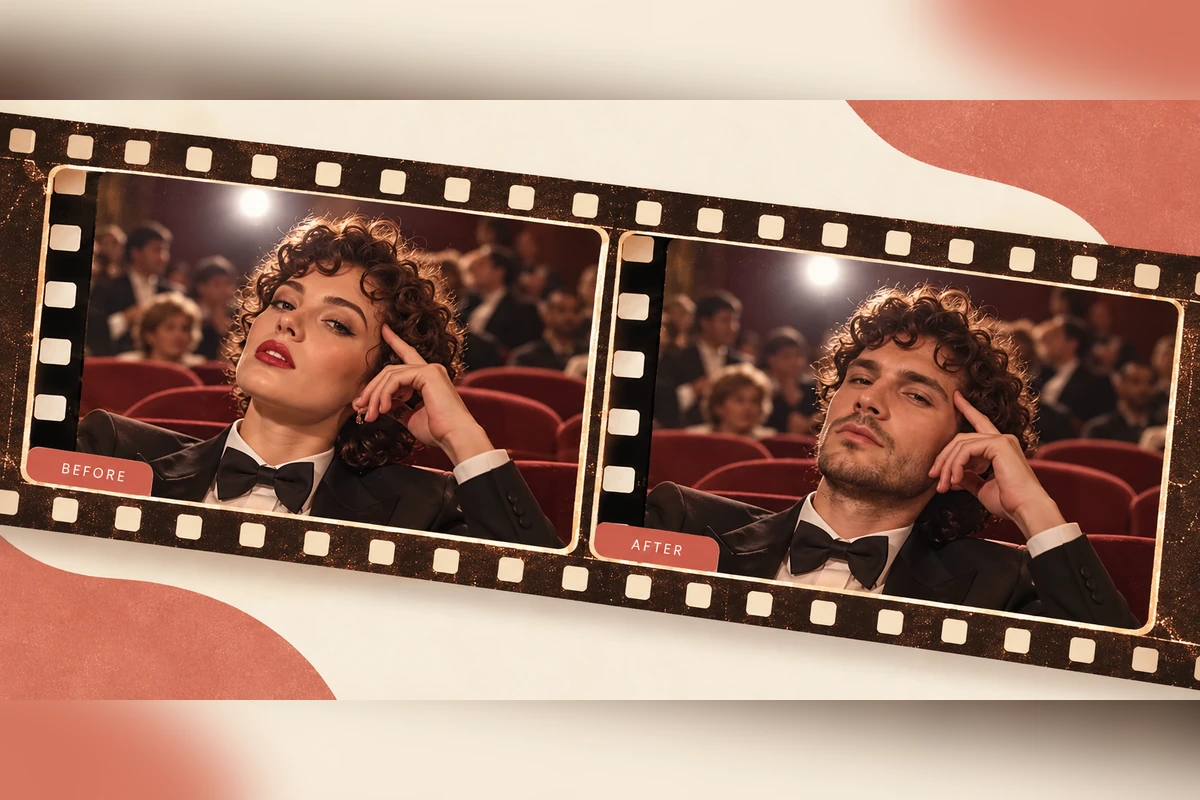
Step 1 1
Pick a Reface Scene or Upload Media
Choose a photo, GIF, or video as the target, or start from a scene in the Reface catalog.
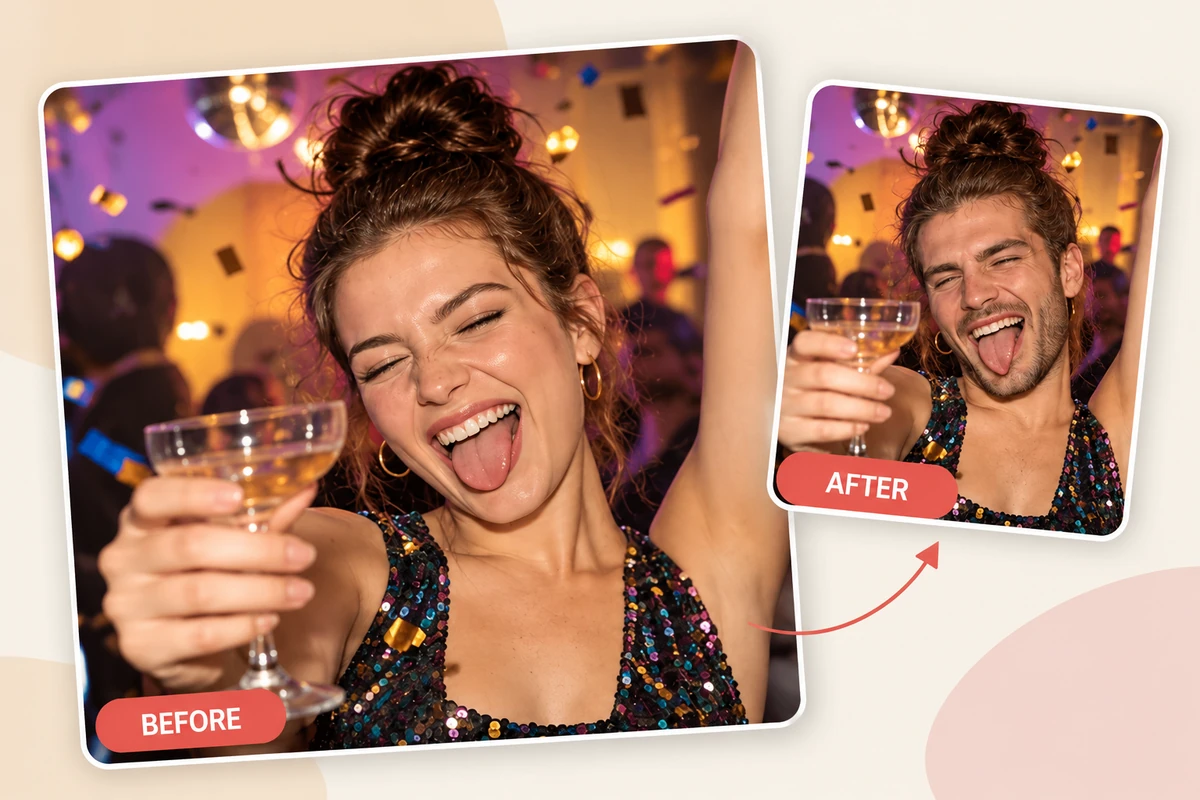
Step 2 2
Add a Clear Face Photo
Select a well-lit selfie with the face visible so Reface can map it onto the chosen scene.
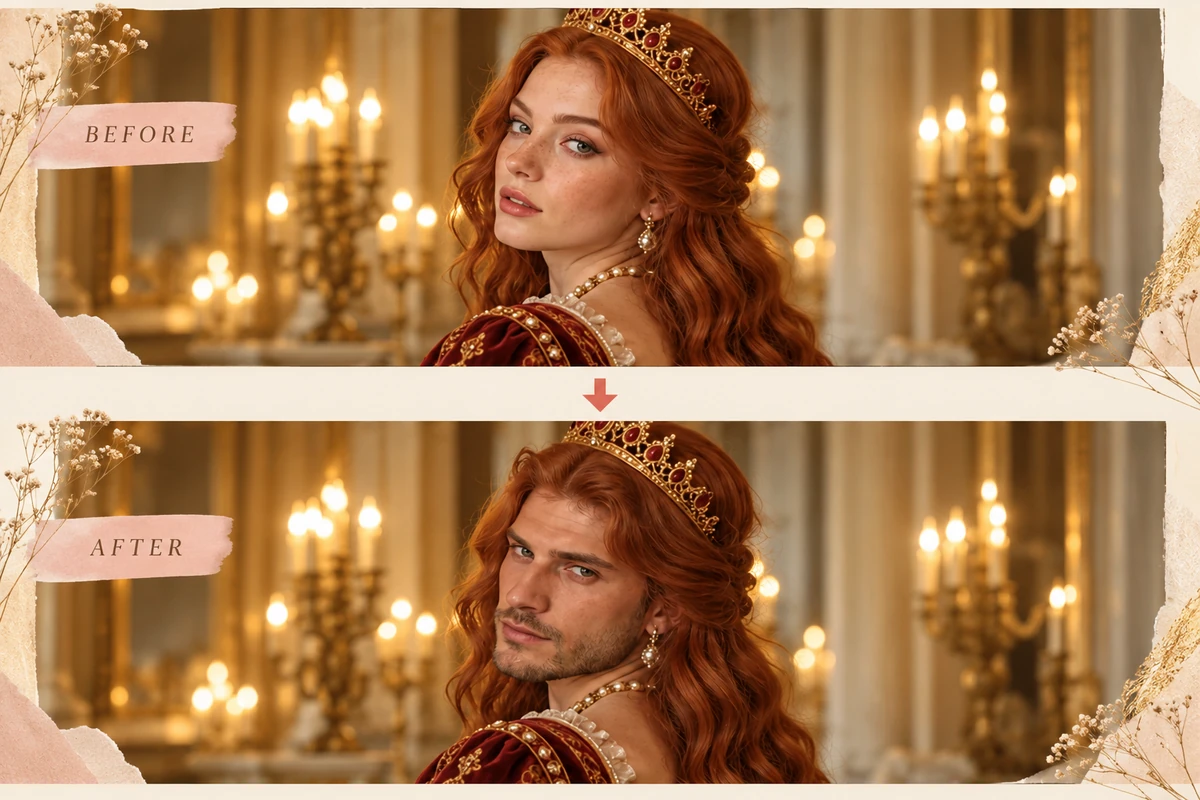
Step 3 3
Generate and Preview
Run the face swap, check the result, then save or share the version that fits your idea.
Explore More Face Swap Tools
More Ways to Create with GoEnhance Face Swap
One Workflow for Images, Videos, and GIFs
GoEnhance brings photo, video, and GIF face swaps together in one web workflow, so you can match the output to a still post, clip, or reaction loop.
Choose a Face-Swap Direction
Explore named options such as Faces & Heads, Male/Female, Famous Face, and Portrait Painting when you want a more specific starting point.
Use Your Own Target Clip
Upload a video and source face to build a swap around the footage you already have, instead of starting only from a preset scene.
Try the Workflow Online
Open the browser-based GoEnhance tool and make a face swap without first installing a dedicated mobile app.
Explore API Access
GoEnhance documents an Open API for teams that want to connect face-swap generation with a larger workflow.
Start with 30 Tokens
GoEnhance lists 30 free tokens for trying its face-swap image and video workflow.
Reface Face Swap App: FAQs
What is the Reface face swap app?
Can I use Reface AI face swap for photos and videos?
How do I use the Reface face swap app?
Does Reface have face swap templates?
Can I make a Reface face swap GIF?
What kind of selfie works well for a face swap?
Can I use a browser instead of the Reface app?
What can I try if a Reface swap looks off?
Make a Face Swap from Your Own Photo or Clip
Bring a clear face photo and a target image or video, then create a face swap in GoEnhance.
Try GoEnhance Face Swap