Headshot Background Changer

Change your headshot background in one step. Upload a photo taken anywhere, at home, in the car or in a parking lot, and the AI swaps the background for a professional one, such as a light grey studio, plain white, a blurred office or navy blue, while keeping your face, hair and outfit the same. You can also type any other background. The tool below runs on GPT Image 2.5 Sunburst, and each image costs 20 tokens.

Grey studio
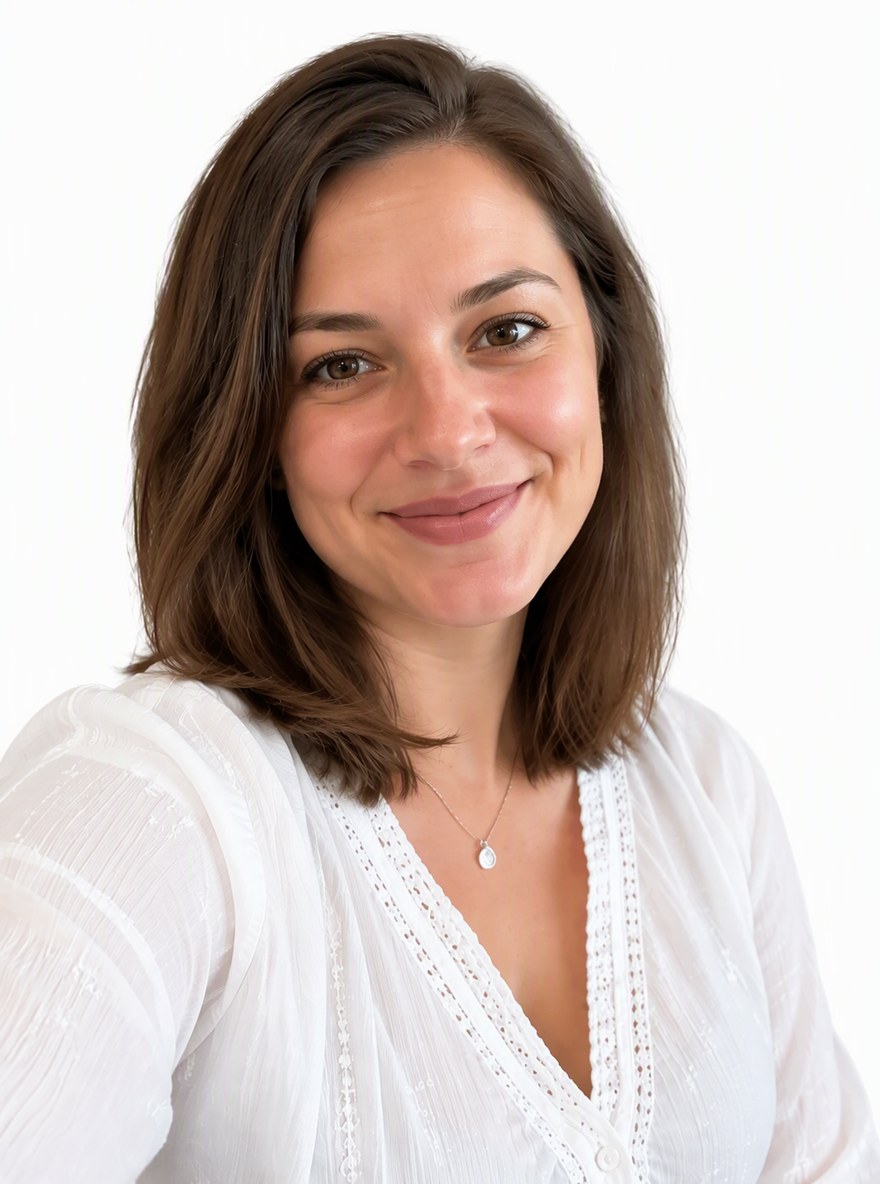
Grey studio
Plain white
Plain white
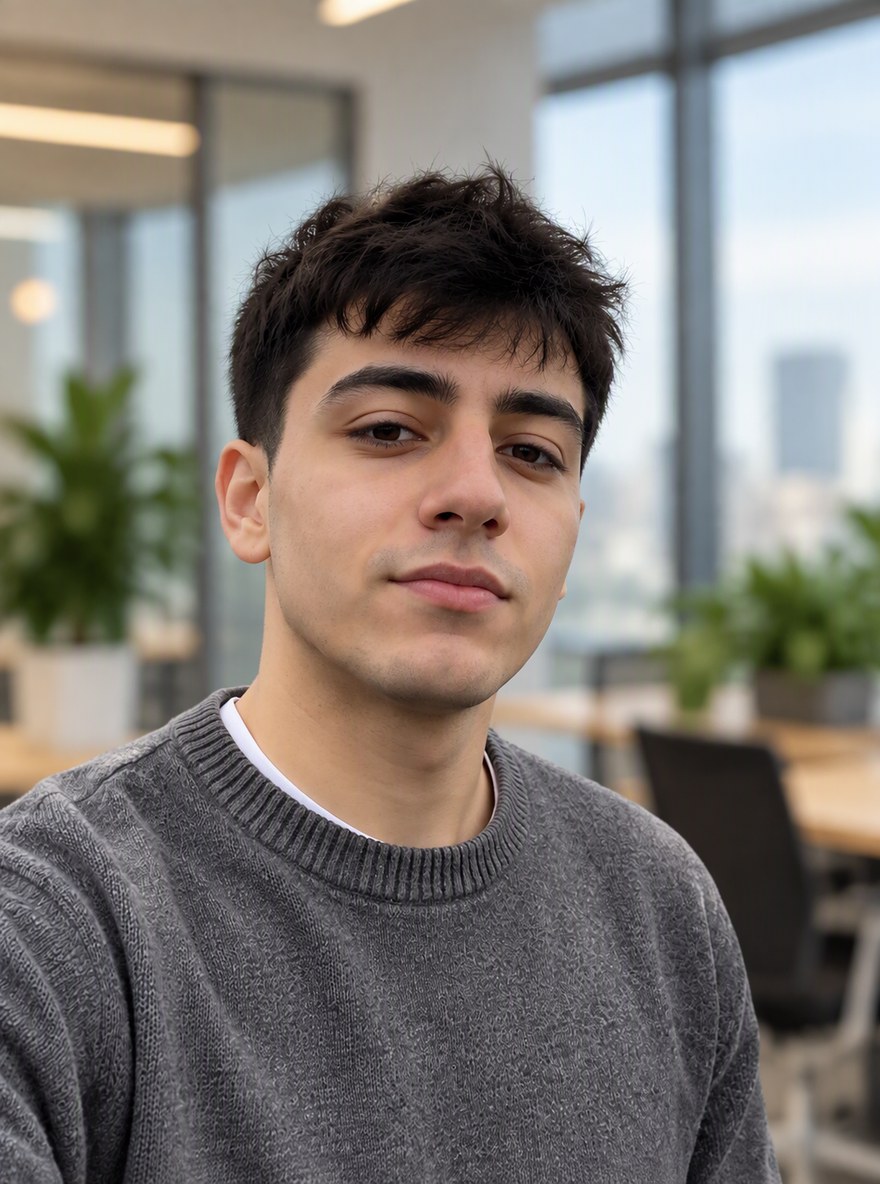
Blurred office
Blurred office
Upload a photo of yourself
By uploading a file, you agree to GoEnhance's Terms of Use and Privacy Policy

How to Change a Headshot Background

From a casual photo to a professional headshot.
01

Upload a photo of yourself

JPG, PNG or WebP. A clear photo from the chest up, facing the camera, works best.

02

Pick or type the background

Choose Grey Studio, Plain White, Blurred Office or Navy Blue, or type your own in the box, for example a bookshelf. In our tests each image took under a minute.

03

Download your headshot

The AI also crops it as a head-and-shoulders headshot, at 1081×1455 pixels in our tests.

Which Headshot Background to Use

BackgroundGood forNotes
Light grey studioCorporate profiles, company websites, pressThe safest choice; works with most outfits
Plain whiteLinkedIn, resumes, online applicationsCheck your country's rules before using it for an official ID photo
Blurred officeStartups, consultants, team pagesLooks like an on-site photo shoot
Navy blueFinance, law, healthcareA darker, more formal look

AI Headshot Background vs a Background Remover vs a Photo Shoot

GoEnhance Headshot BackgroundBackground remover plus a stock backdropStudio photo shoot
Edges around hairRedrawn naturallyOften jagged or haloedPerfect
Light on your face matches the backgroundYesNo, it keeps the old lightYes
TimeUnder a minuteSeveral steps in an editorAn appointment
Cost20 tokens per imageFree to paid toolsA photographer's fee

Headshot Backgrounds in Our Tests

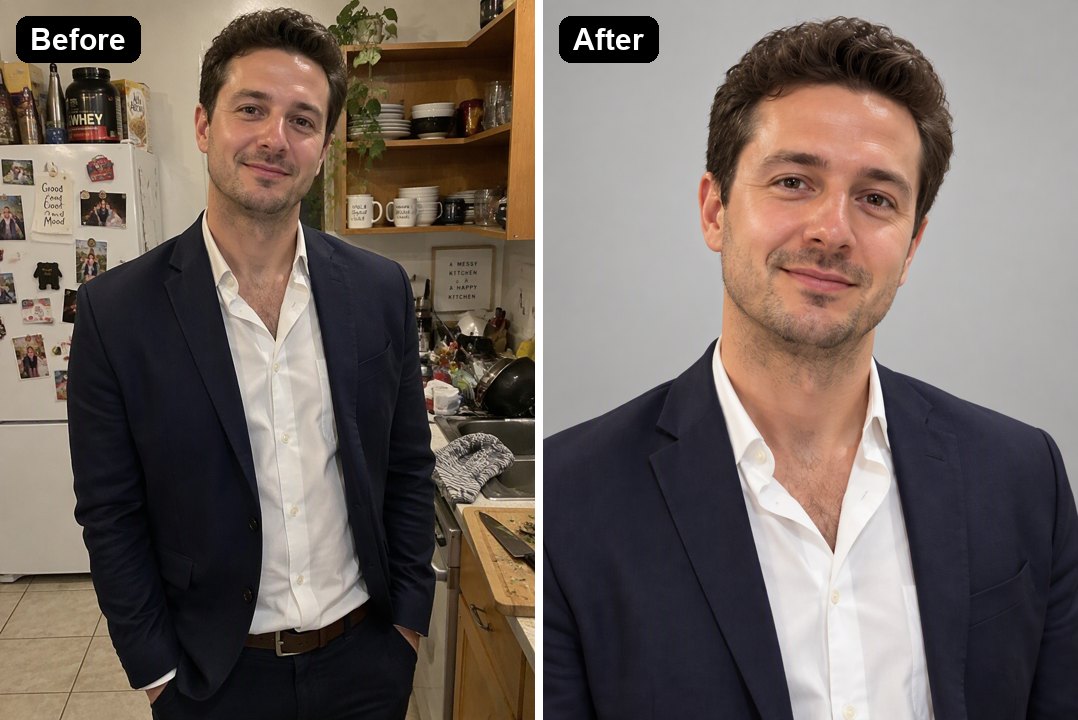
Grey Studio Background

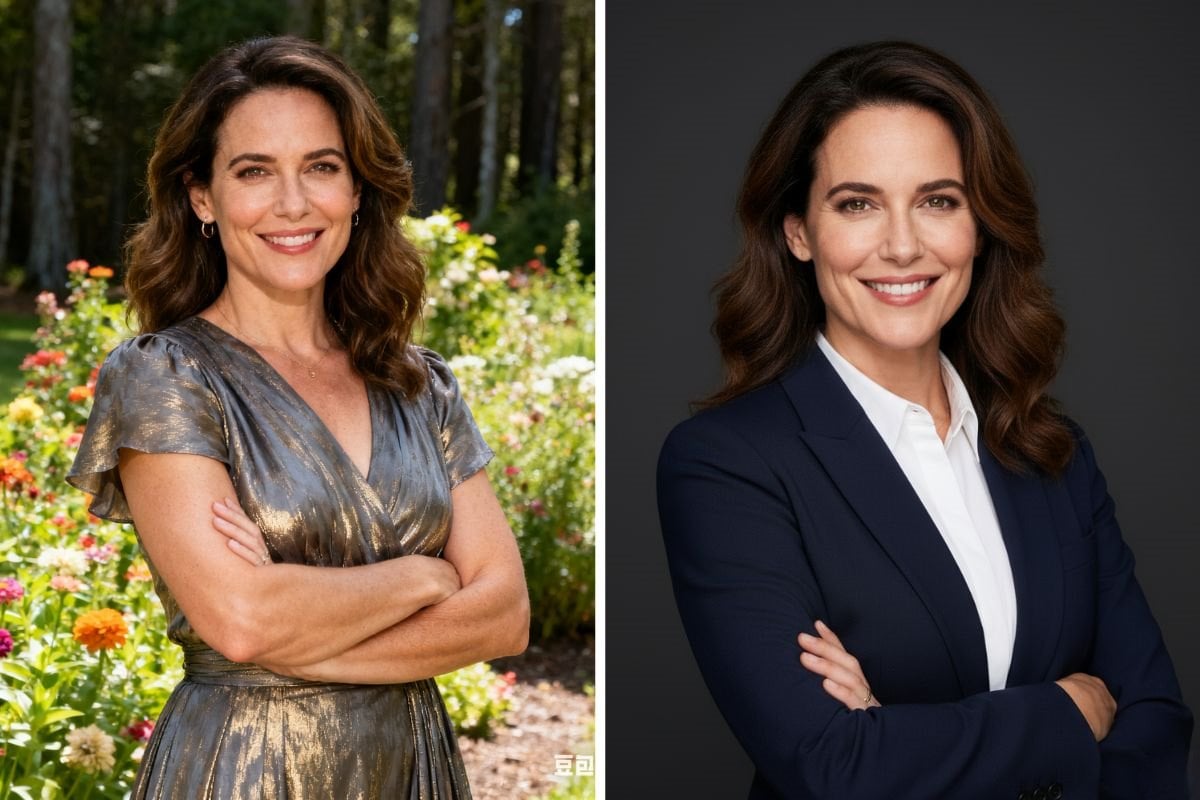
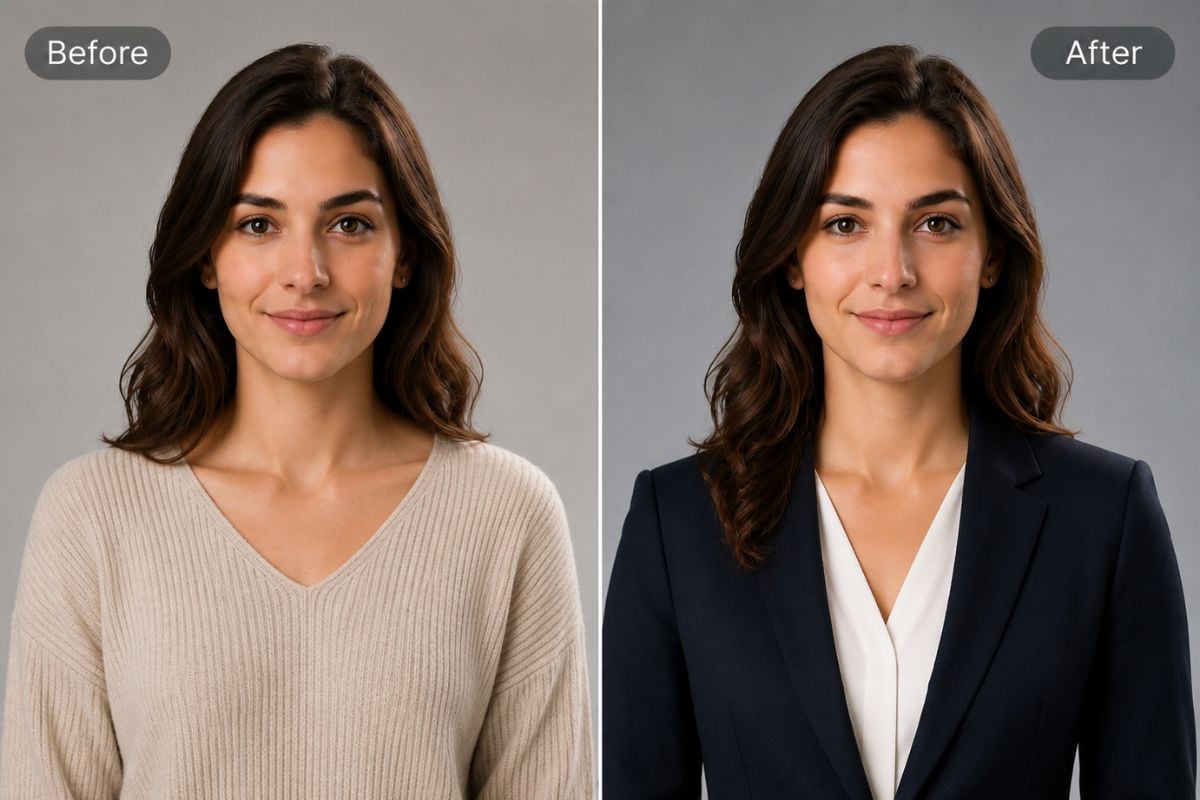
A photo taken in a cluttered kitchen became a clean corporate headshot on light grey, cropped to head and shoulders.

a kitchen photo turned into a grey studio headshot

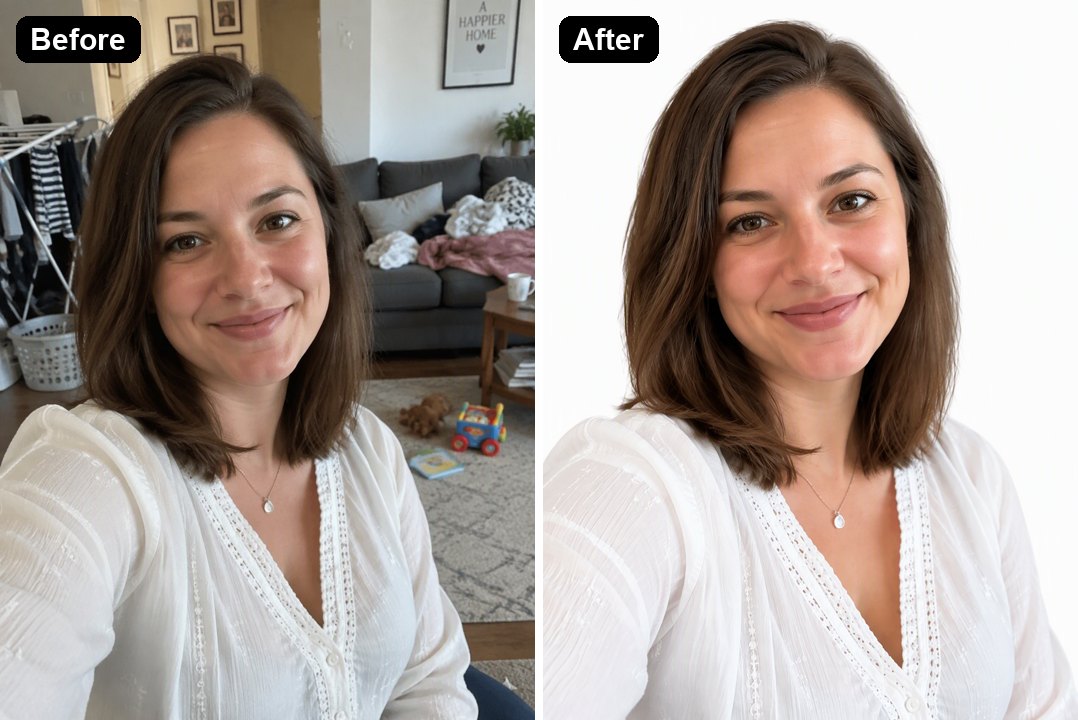
White Background for LinkedIn

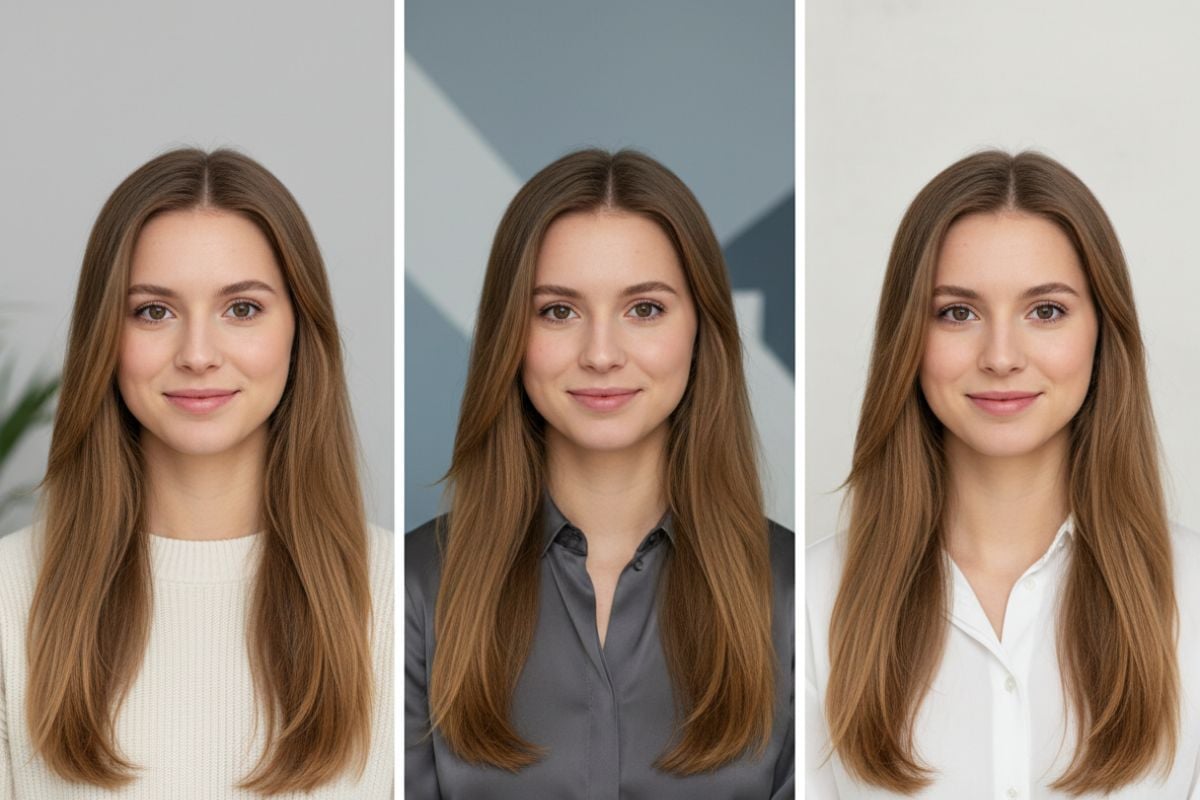
The laundry and toys behind her are gone; her hair edges and blouse stayed natural on plain white.

a living room selfie turned into a white background headshot

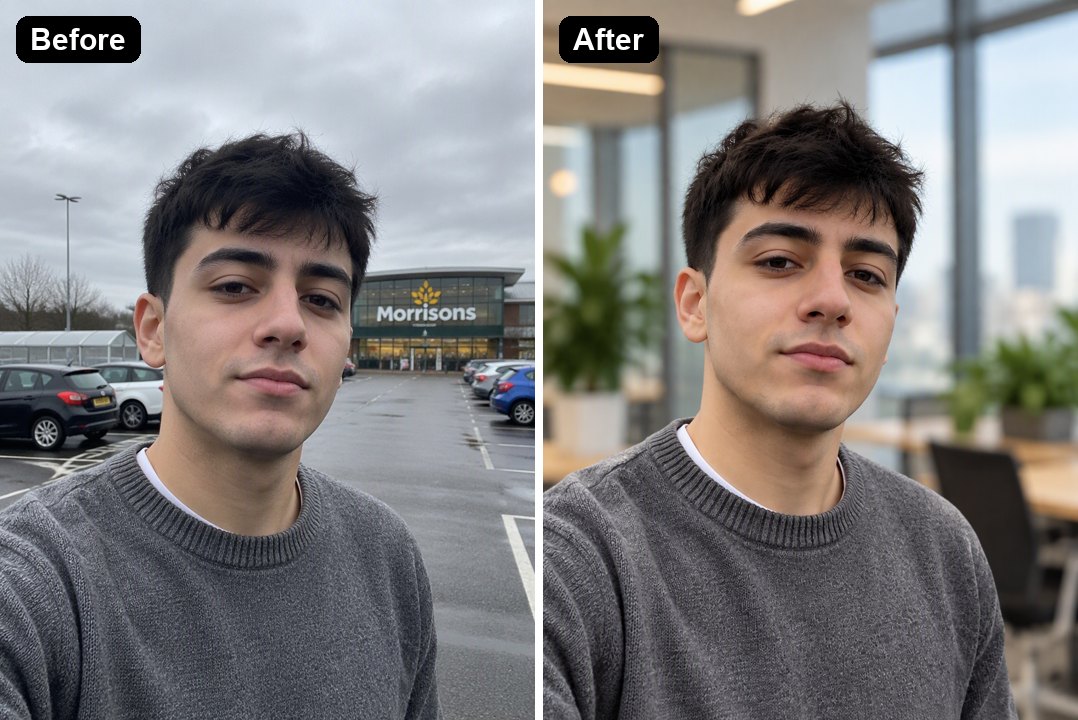
Blurred Office Background

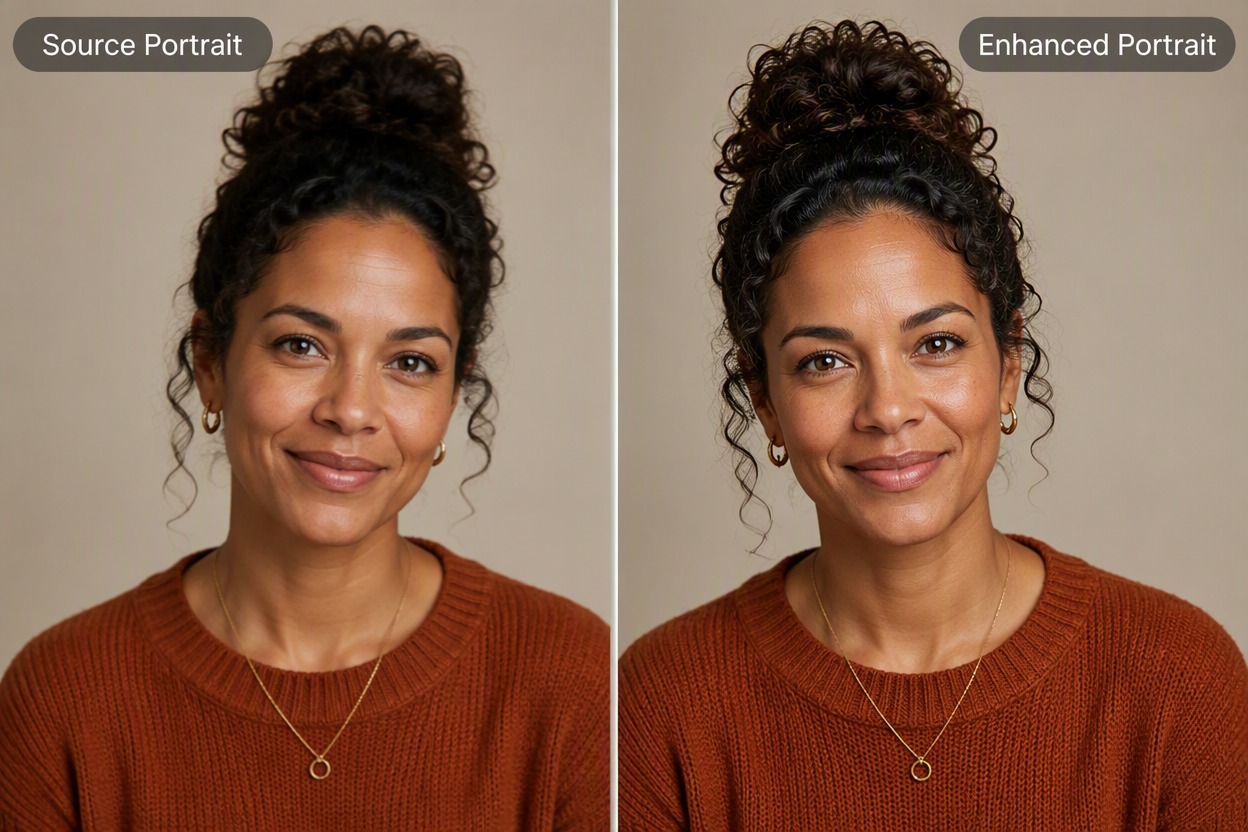
A selfie in a supermarket parking lot now looks like it was taken in a bright office, store sign and cars gone.

a parking lot selfie turned into a blurred office headshot

Good to Know

Same Face and Outfit

Only the background and framing change.

Natural Hair Edges

No cut-out halo around your hair.

Light Matched

The light on you is adjusted to fit the new background.

Four Backgrounds or Your Own

Grey, white, office, navy, or type another.

Headshot Background FAQ

How do I change my headshot background?

Upload your photo to the Headshot Background Changer above, pick a background or type your own and click Change Background. The AI replaces the background and keeps your face, hair and clothes. In our tests each image took under a minute.

What is the best background for a professional headshot?

A light grey or soft neutral studio backdrop is the most widely used, because it works with most outfits and skin tones. White is common on LinkedIn and resumes, and a blurred office suits startup and team pages.

Can I use it for a passport or ID photo?

Official photos have strict rules on size, head position and lighting. For those, use the AI Passport Photo Maker and check the rules for your country.

Will it change my face?

It is told to keep your face, hair, expression and clothing the same, and in our three tests the people looked the same. Compare the result with your photo before you use it.

Can it also make my photo look like a professional headshot?

It changes the background and crops to head and shoulders. If you also want a new outfit or studio lighting on a casual photo, try the AI Headshot Generator.

Is it free?

Each image costs 20 tokens. New accounts get free tokens when they sign up, so you can try it before paying.

Which AI model does it use?

This photo effect runs on GPT Image 2.5 Sunburst, the editing-focused version of OpenAI's GPT Image 2.5 image model. GoEnhance is not affiliated with OpenAI.

Is my photo private?

We do not sell your content. Your image is processed to create the result, and the result stays in your account until you delete it. See our Privacy Policy for details.

Get a Professional Headshot Background

Upload a photo and pick the background you want.

Change My Background