
Add White Background to Photo: Product, ID and Profile Shots on Pure White
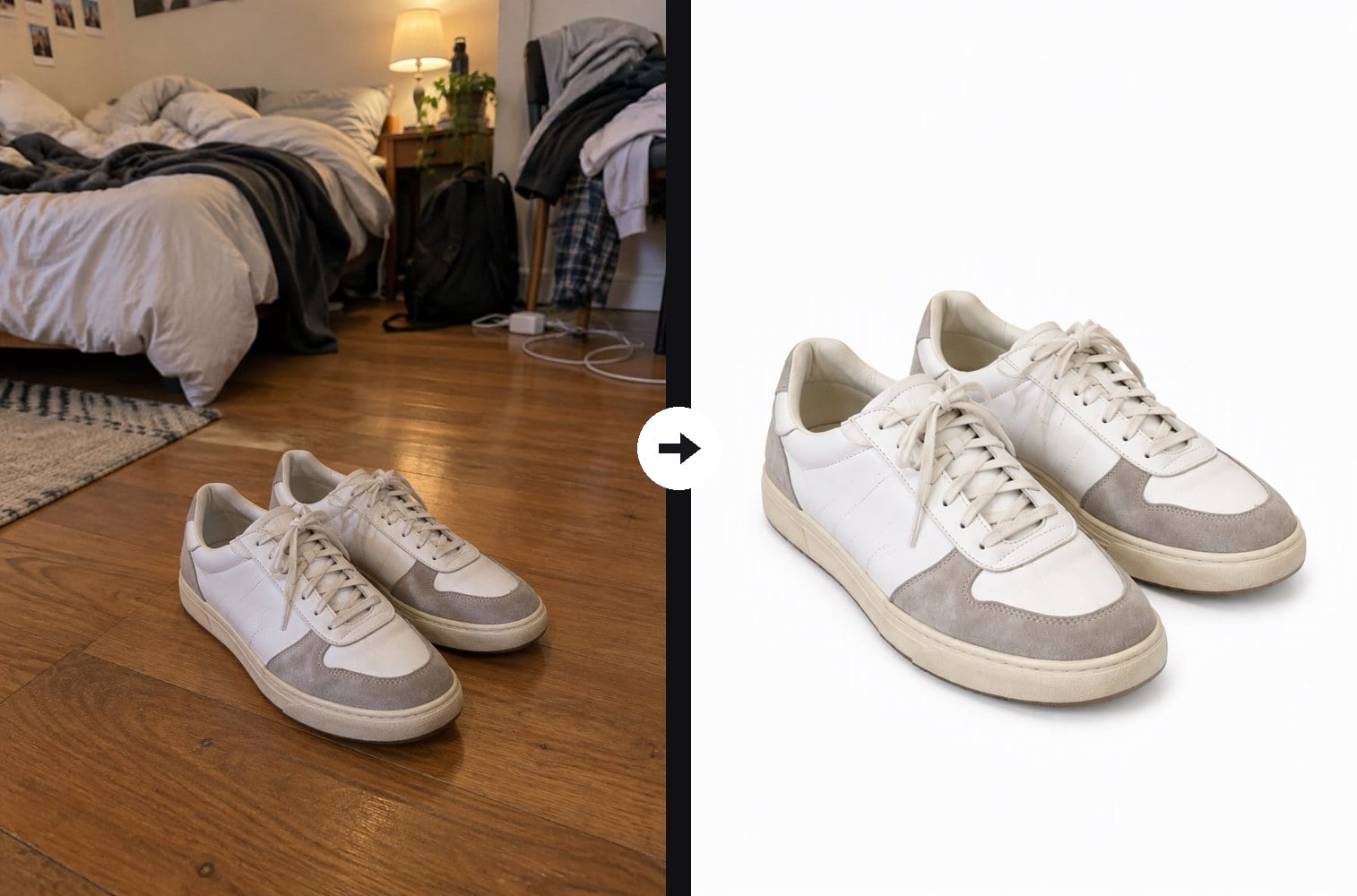
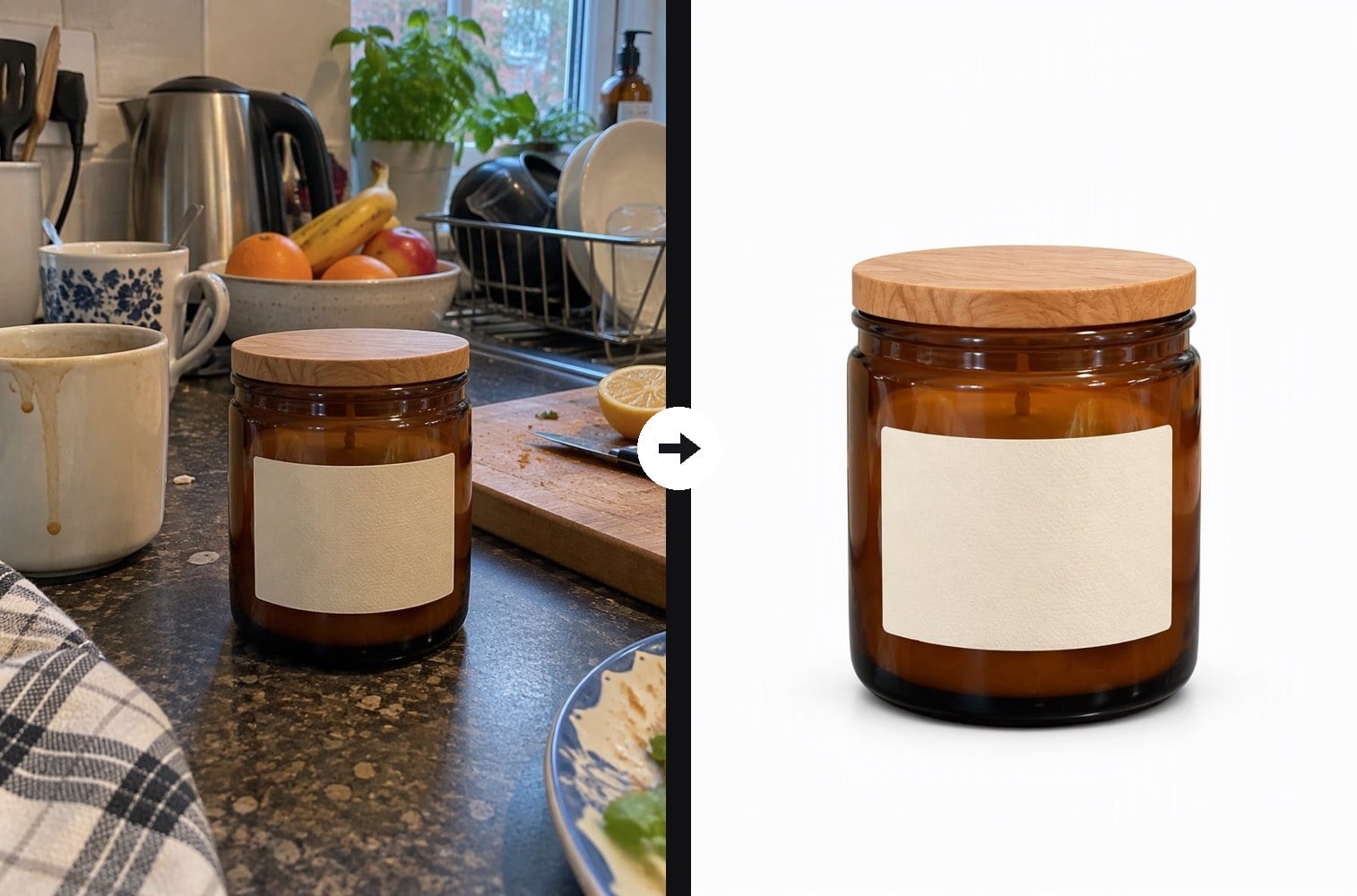
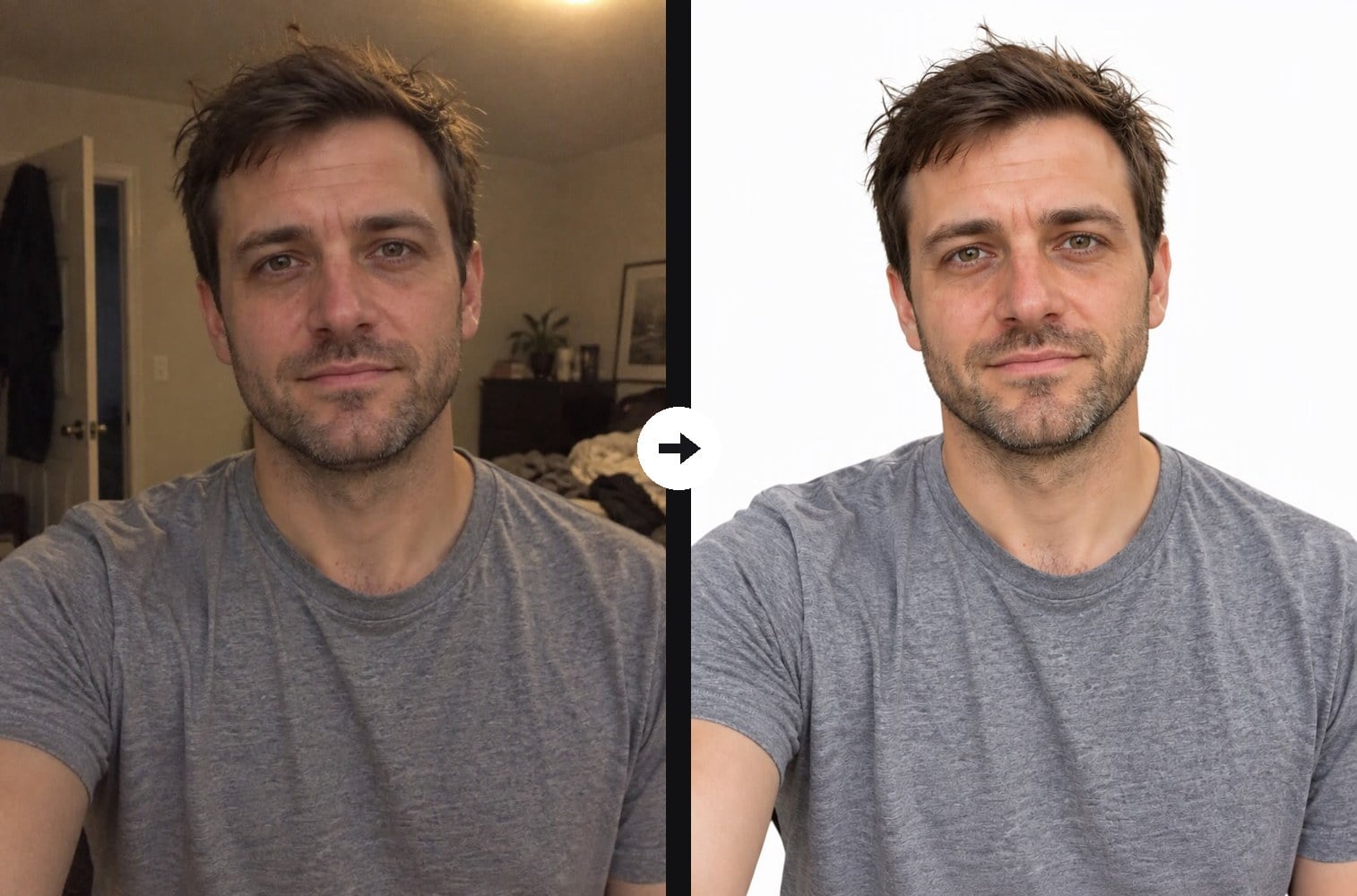
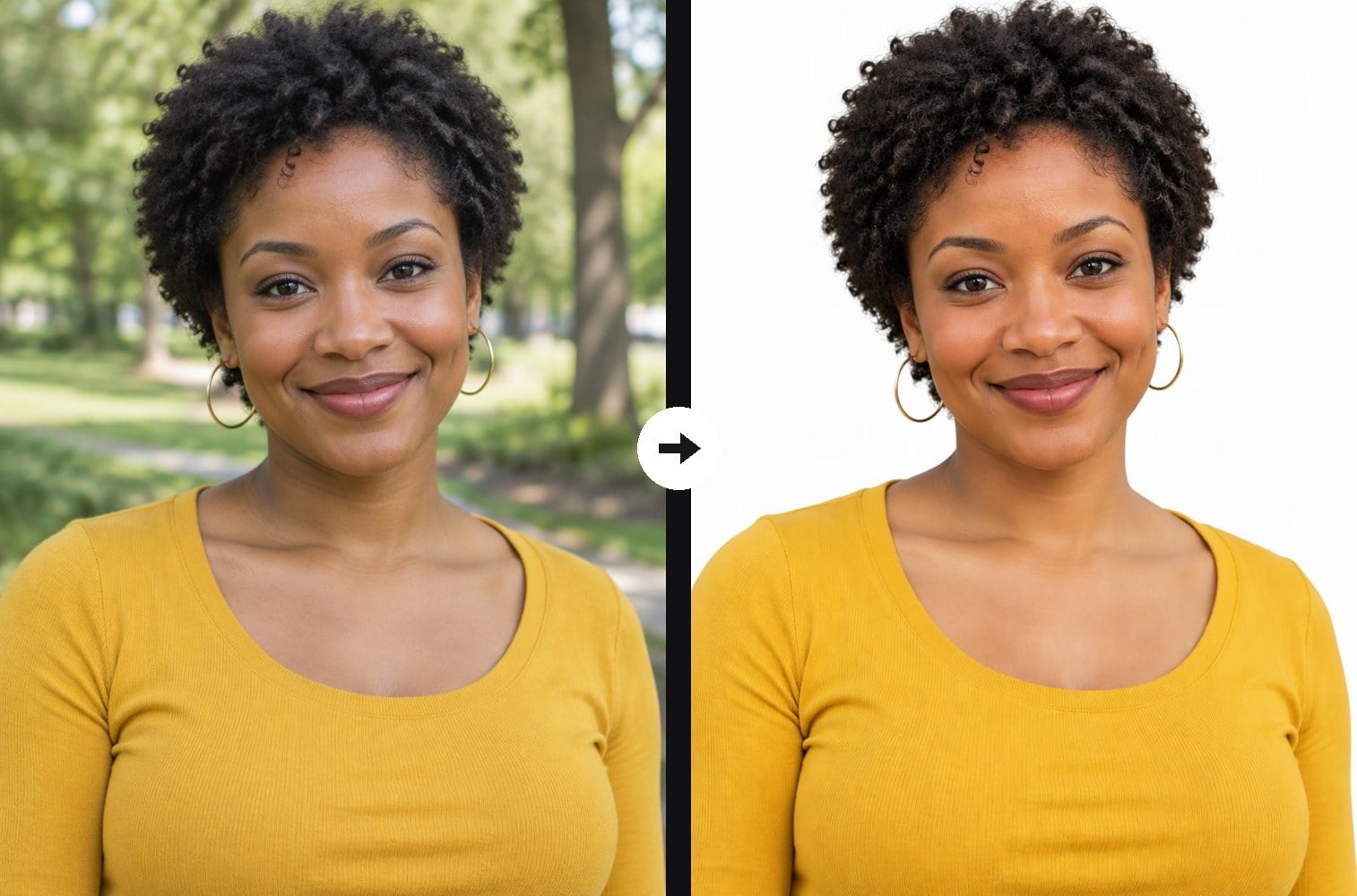
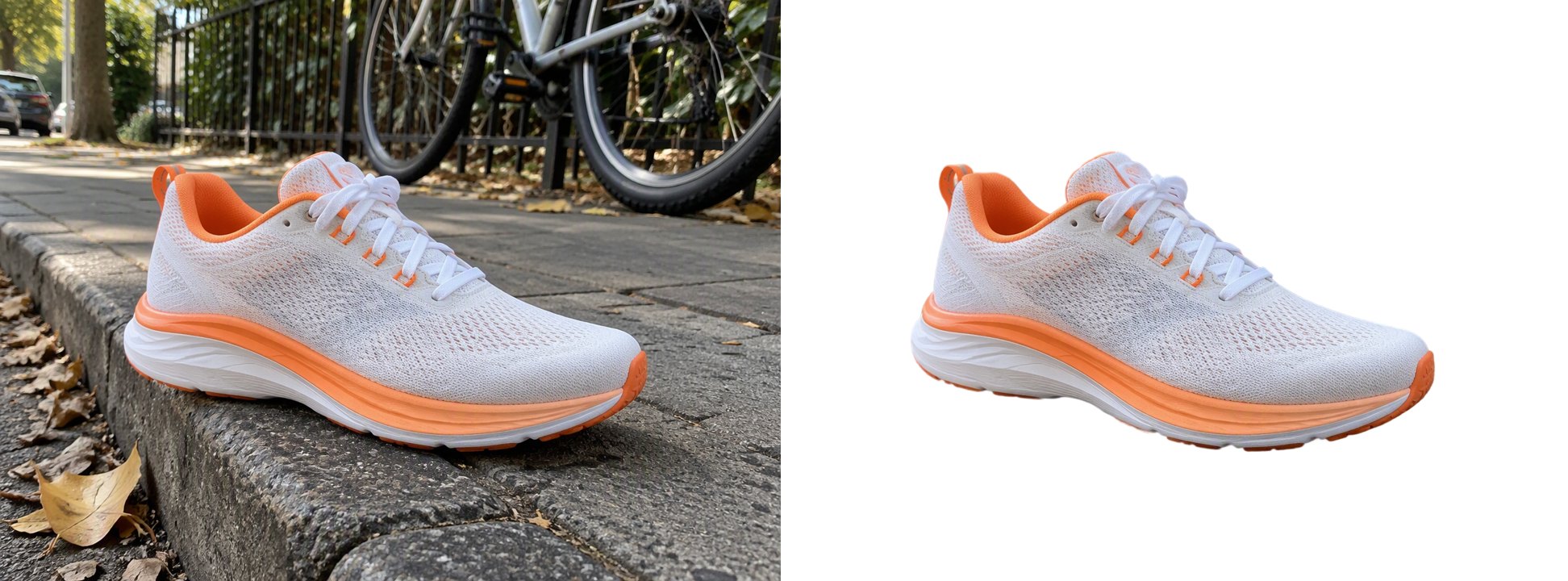
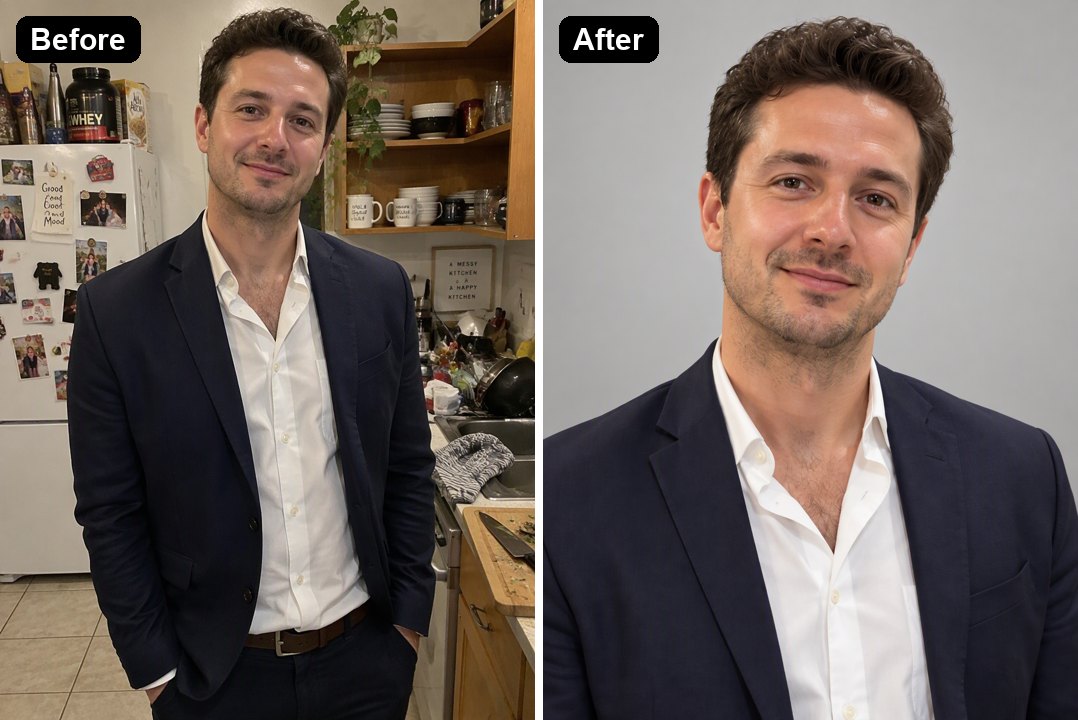
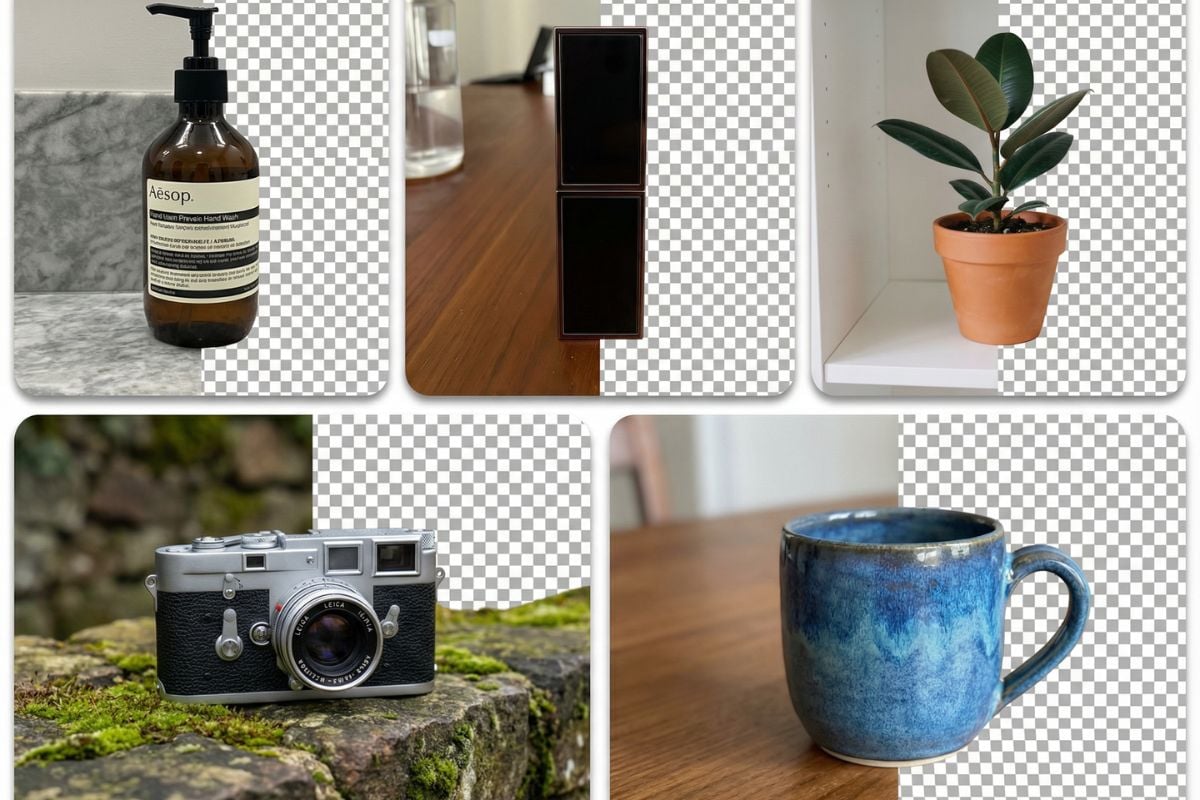
Upload a photo taken anywhere, on a messy desk, a kitchen counter, a bedroom or a street, and the AI places the subject on a seamless pure white studio backdrop. Edges stay clean, including hair strands and laces, and a soft contact shadow keeps products and full-body shots grounded instead of floating. The subject itself does not change: the same product shape, colors and label, or the same face, hair, clothes and pose. Unlike the background remover, which gives you a transparent PNG cutout, this effect returns a finished white-background image that is ready for an online store listing, an ID-style photo or a profile picture. The console below runs on GPT Image 2.5.
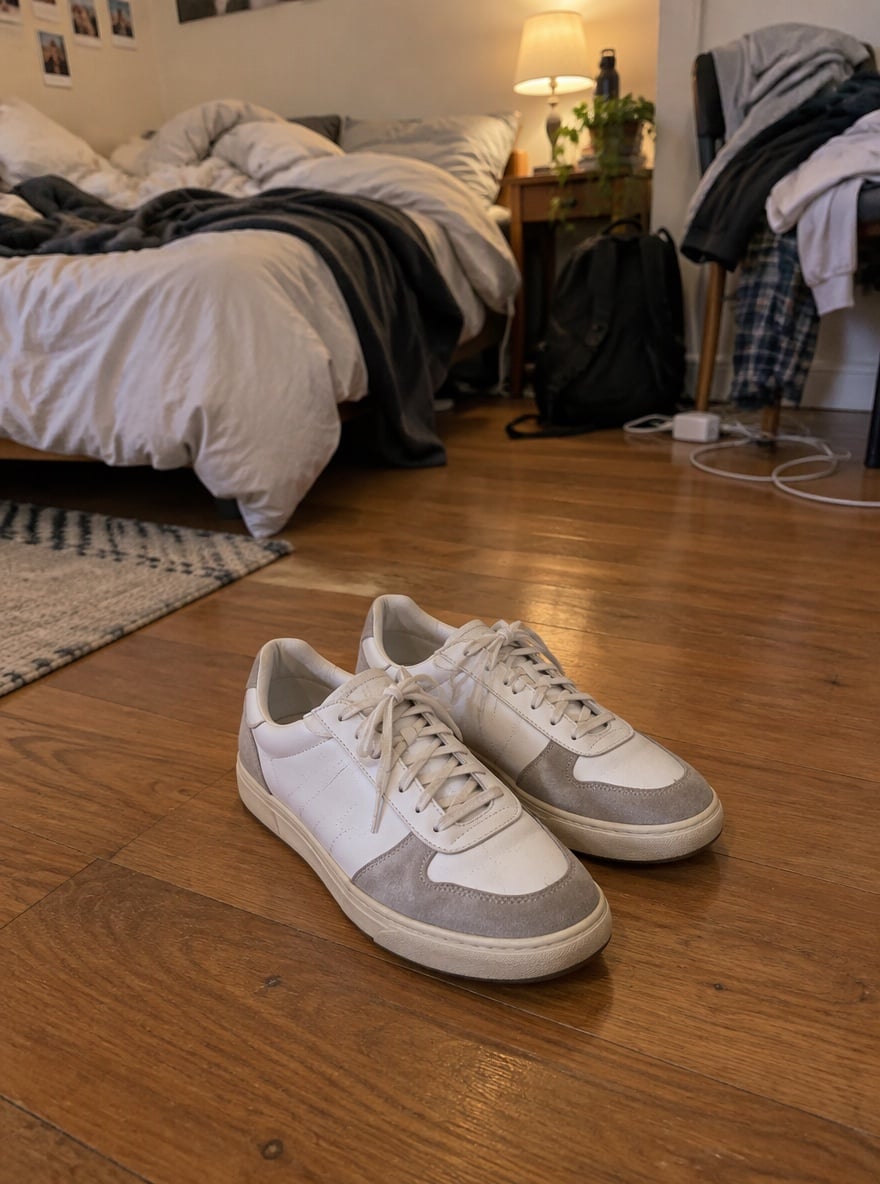
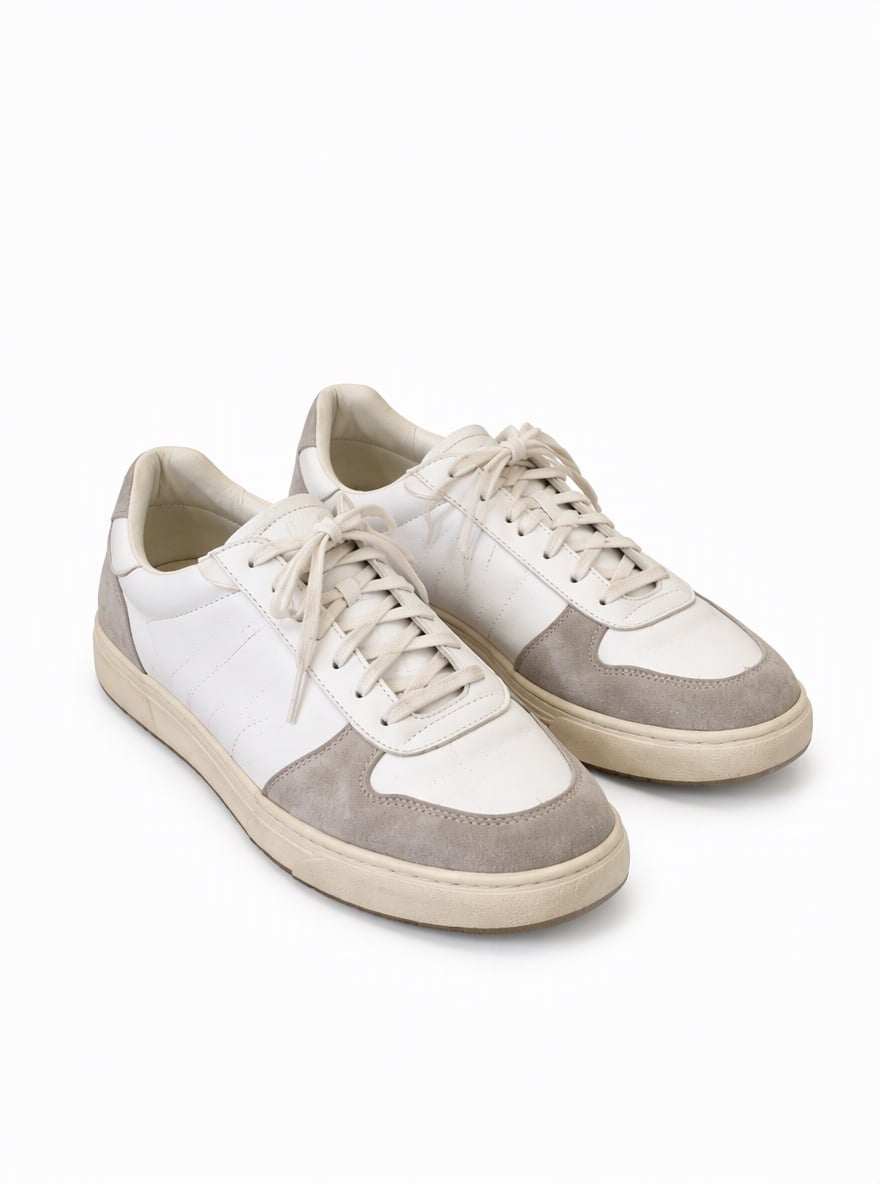
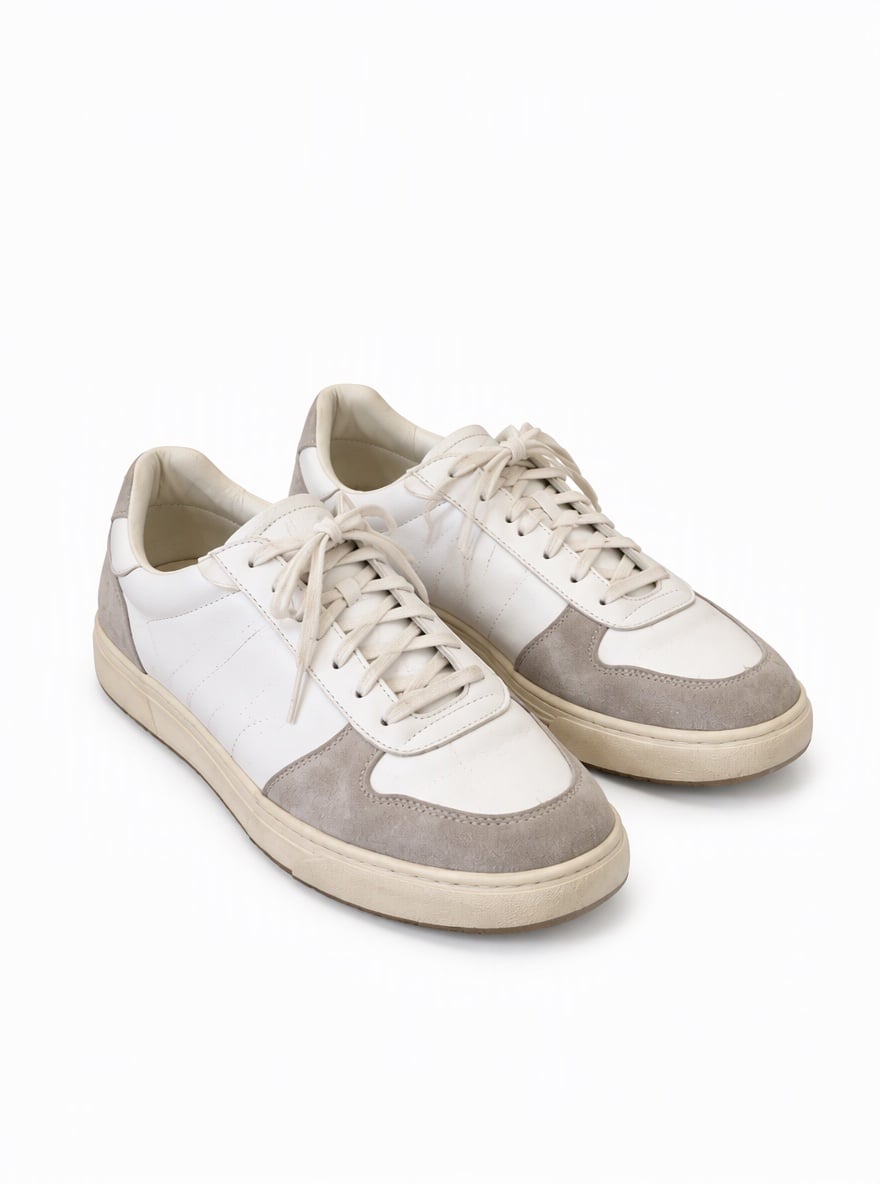
Sneakers from a Bedroom Floor to Pure White
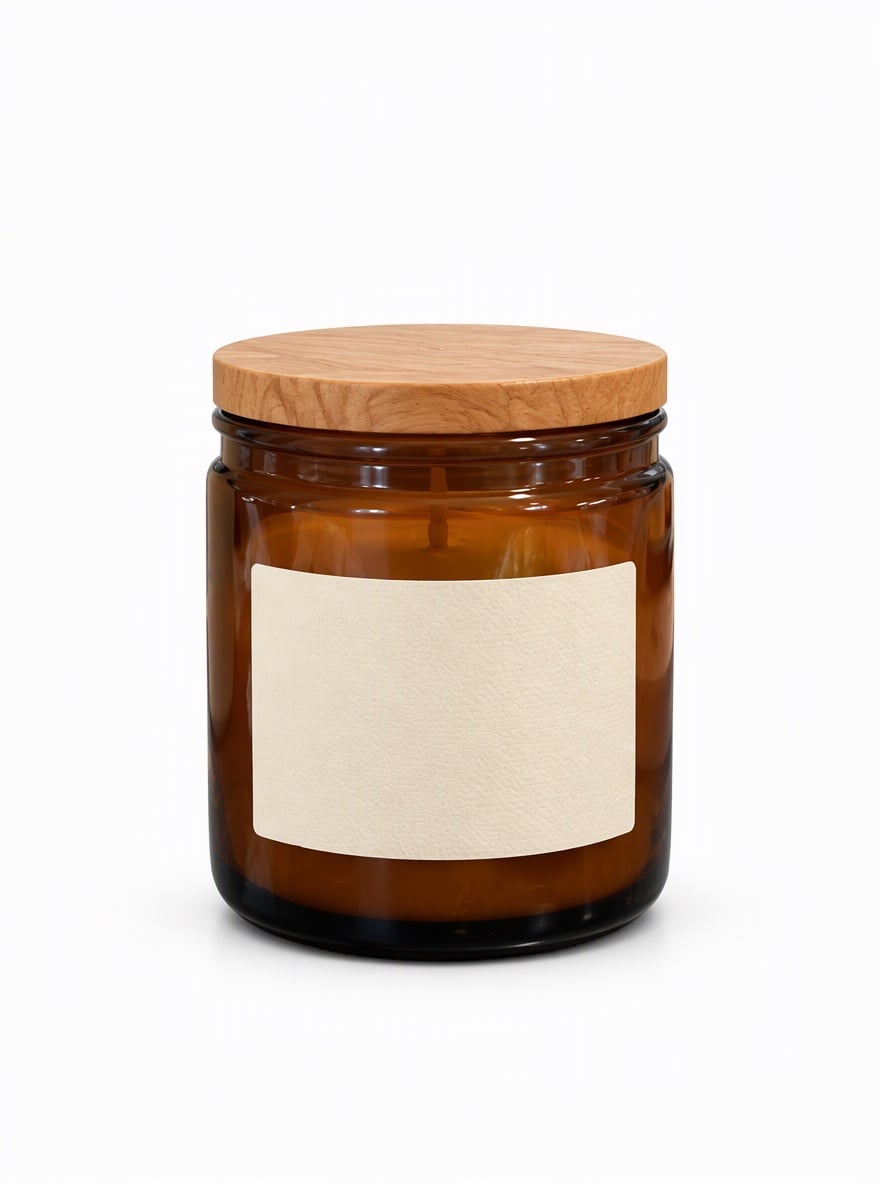
Candle Jar from a Busy Kitchen to a Studio Shot

Bedroom Selfie to an ID-Style White Background

Park Portrait to a Clean White Headshot
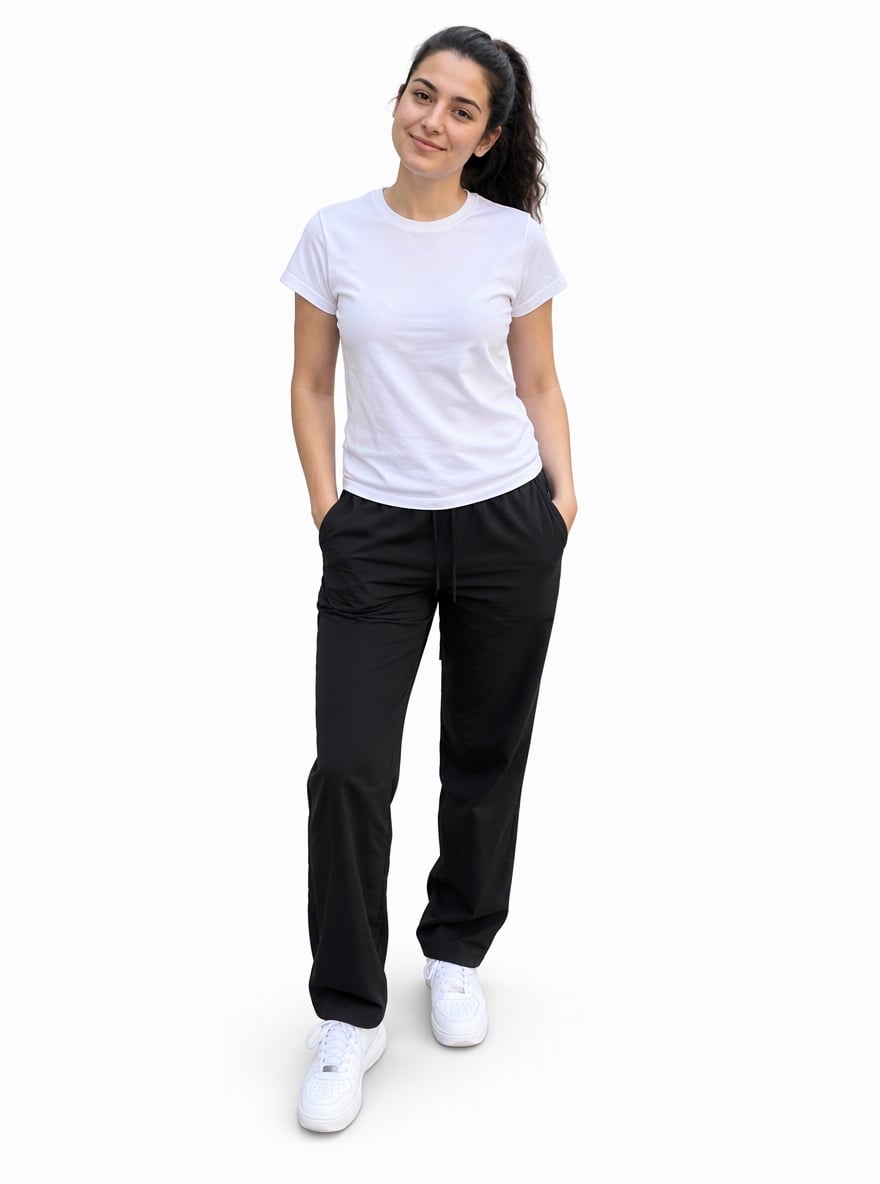
Street Photo to a Full-Body Studio Shot with Soft Shadow
Upload files
Upload a photo with the subject clearly visible
Effect prompt
By uploading a file, you agree to GoEnhance's Terms of Use and Privacy Policy
White Background Photos from the Console
Each result comes from one upload with the prompt above. The subject comes from the original photo; the white backdrop, lighting and soft shadow are generated.
Sneakers from a Bedroom Floor to Pure White
Candle Jar from a Busy Kitchen to a Studio Shot
Bedroom Selfie to an ID-Style White Background
Park Portrait to a Clean White Headshot
Street Photo to a Full-Body Studio Shot with Soft Shadow
How to Add a White Background to a Photo
01
Upload your photo
Any product shot, selfie, portrait or full-body photo works. The background can be as cluttered as it likes; just keep the subject in focus.
02
Generate
The white background prompt is already filled in. Press the button, or edit the prompt to remove the shadow or ask for a light grey backdrop instead.
03
Download and use
Save the white-background image for a product listing, a catalogue, a resume, an online profile or a print layout.
Why Use This White Background Tool
More Background and Product Photo Tools
Add White Background to Photo FAQ
How do I add a white background to a photo?
Can I use it for product photos and online store listings?
Does it work for ID photos and profile pictures?
Will the product or my face change?
Can I remove the shadow or choose another color?
What if I need a transparent PNG instead?
Ready for a Clean White Background?
Upload one photo and get a pure white studio image in under a minute.
Add White Background