
Desktop Wallpaper Creator
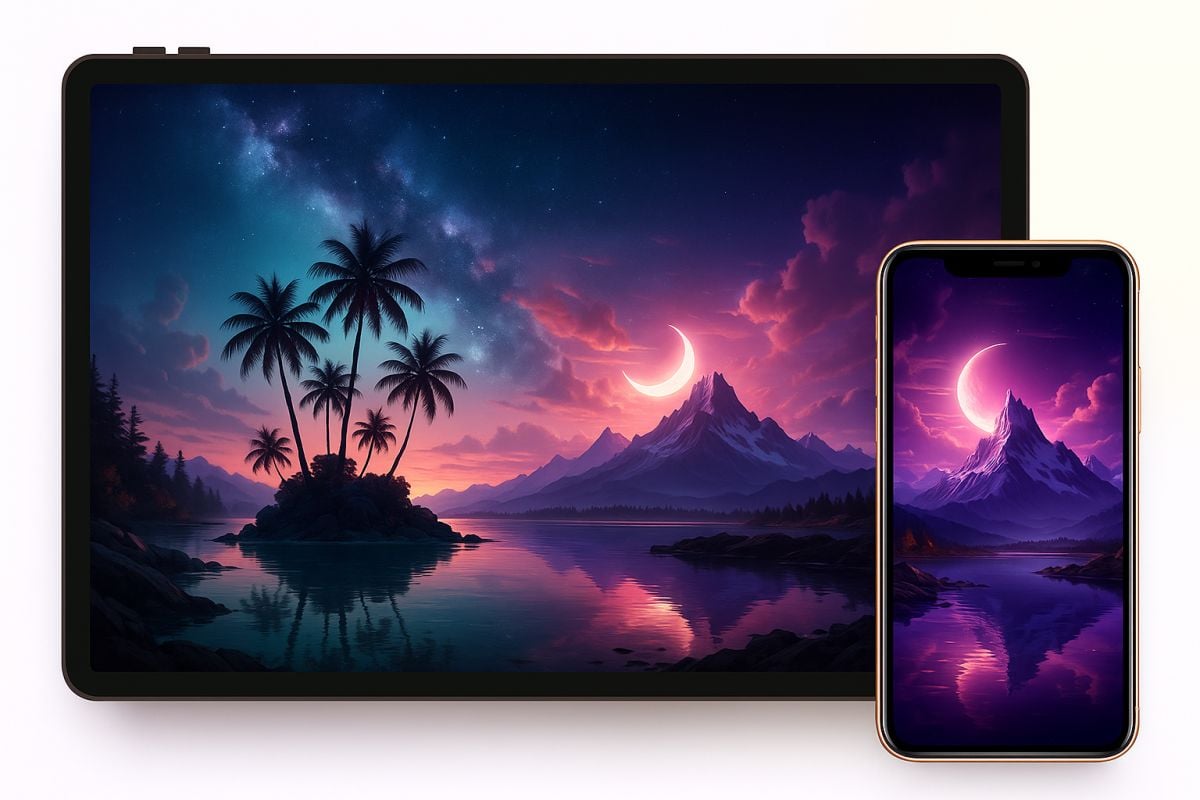
Create desktop wallpapers from prompts, moods, colors, scenes, or reference ideas. Use it for clean work backgrounds, aesthetic setups, gaming screens, study spaces, and branded desktop visuals without starting from a blank canvas.
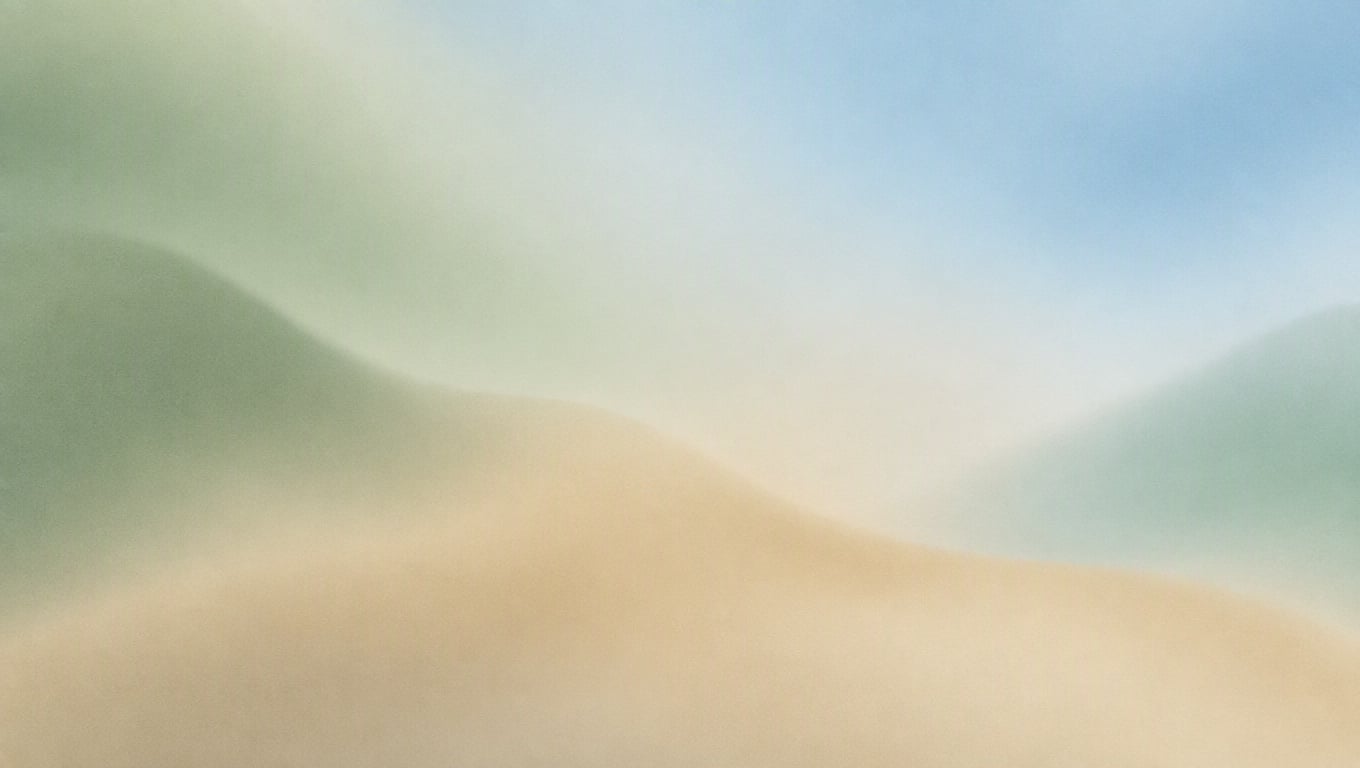
Calm Work Gradient
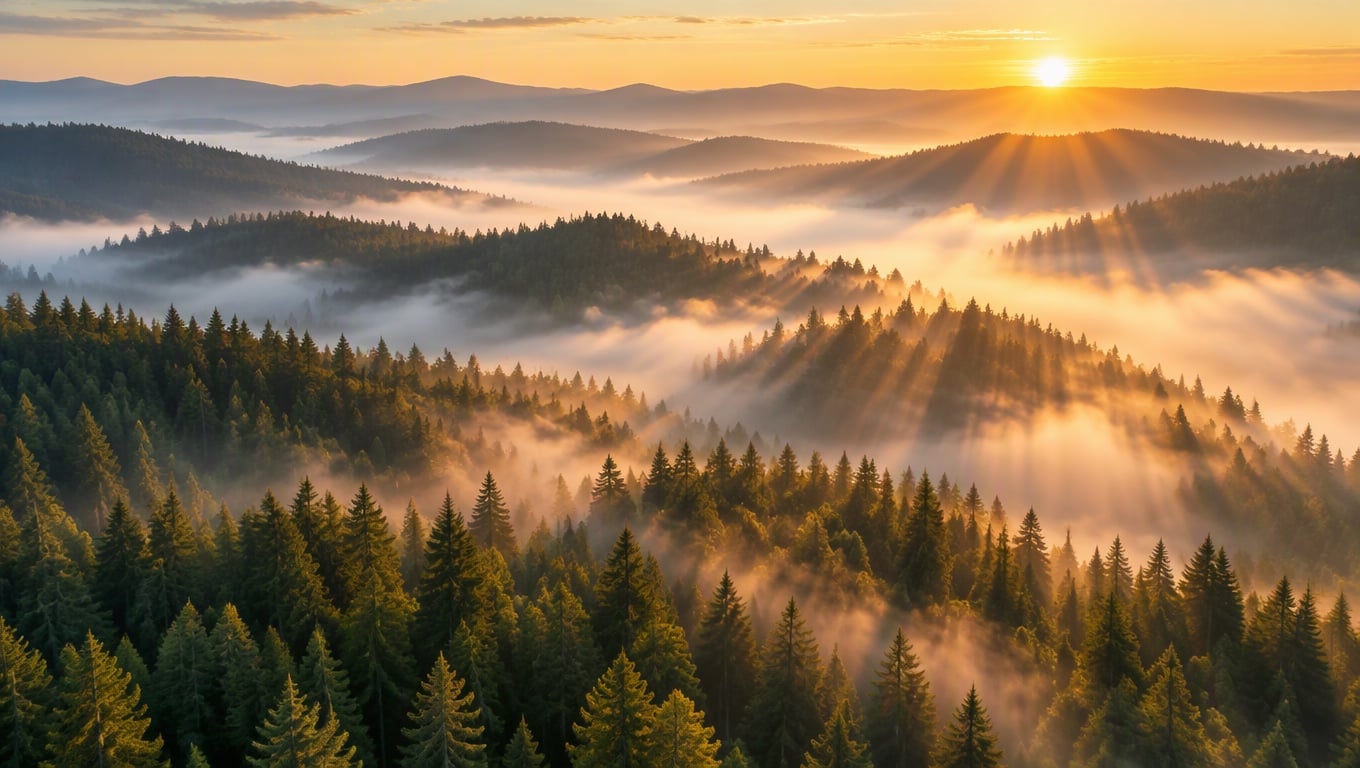
Misty Forest Aerial
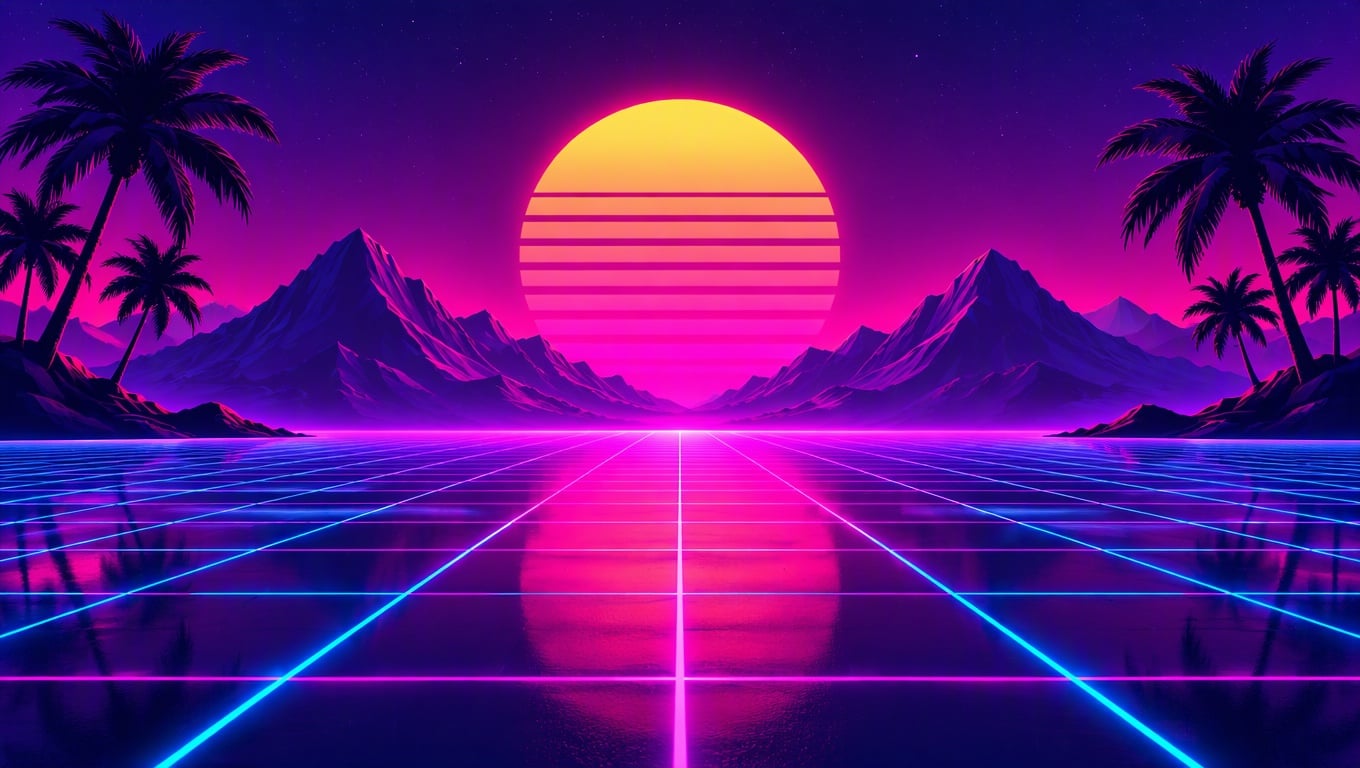
Synthwave Horizon
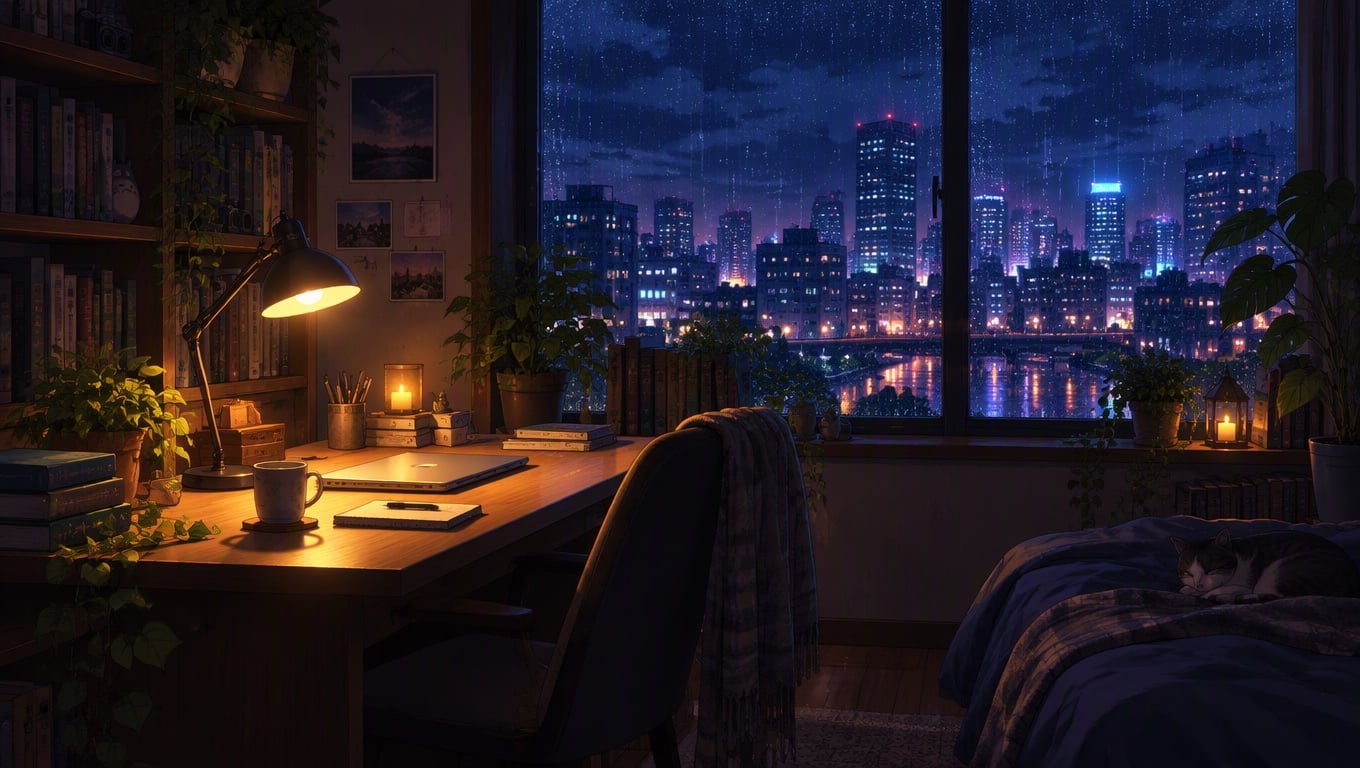
Lo-fi Study Room
GoEnhance 2.0 Lite
Prompt
Example prompts
Opens the GoEnhance editor with this model and prompt ready.
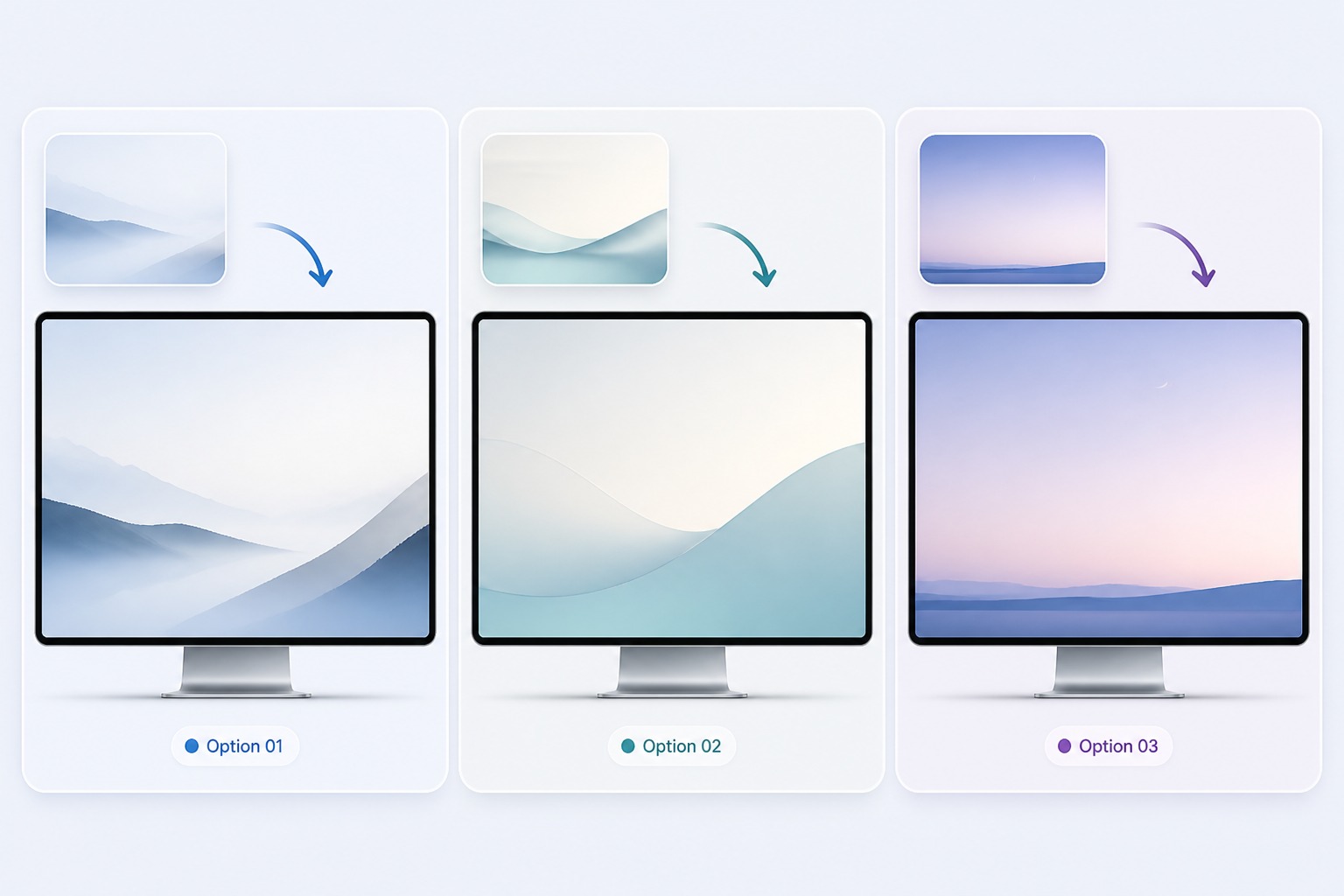
Wallpaper Styles You Can Generate
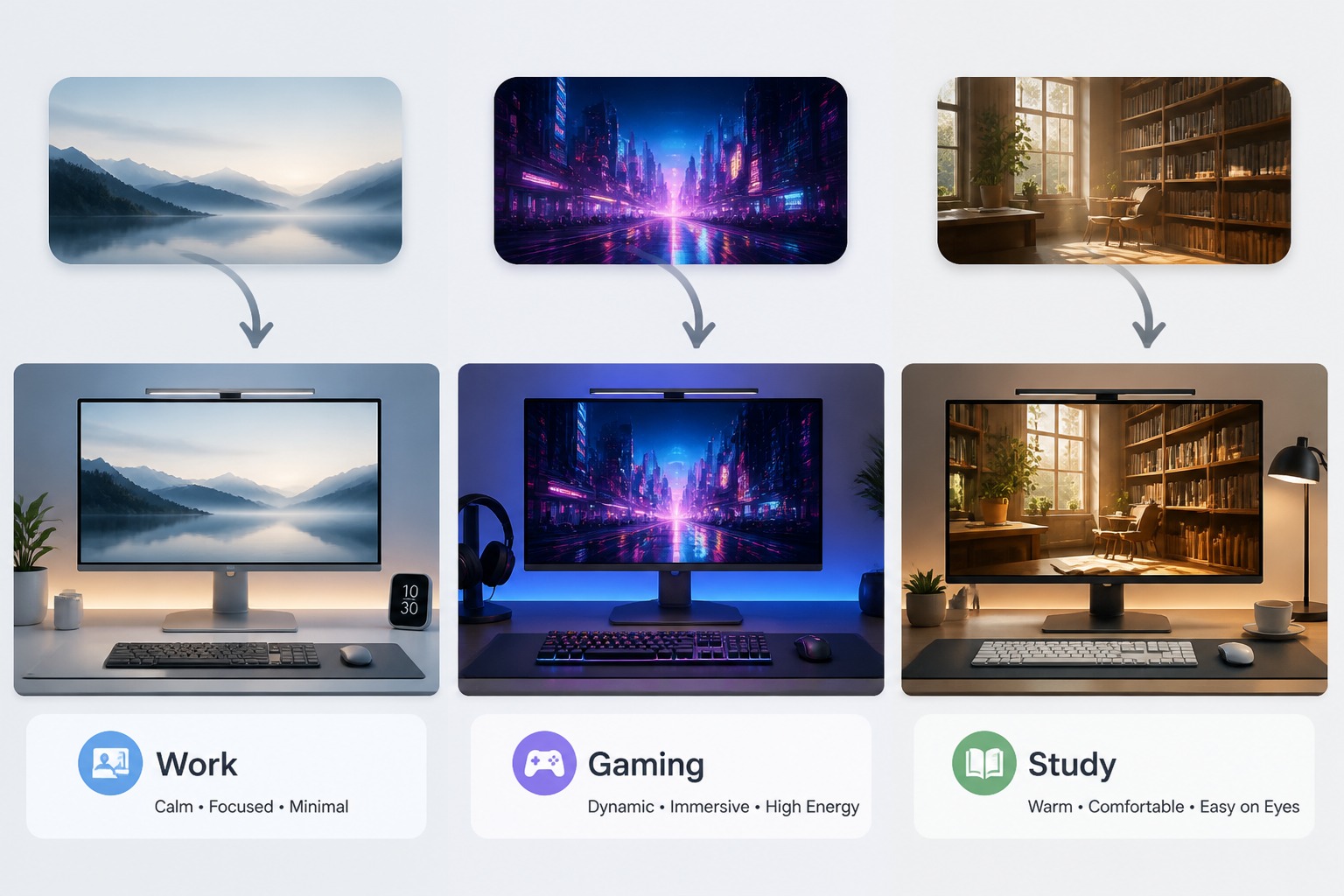
Minimal Work Setup
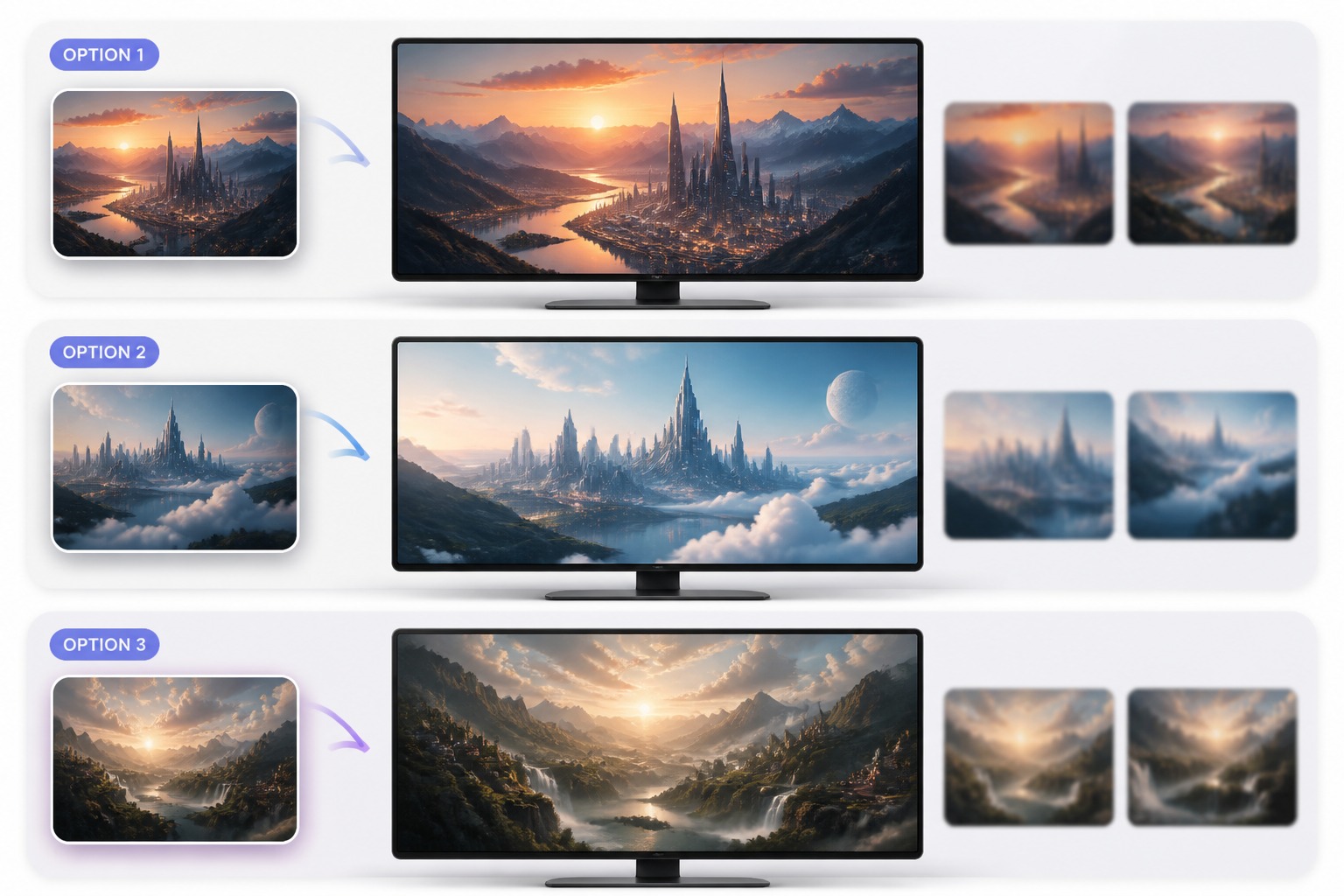
Cinematic Desktop Scene
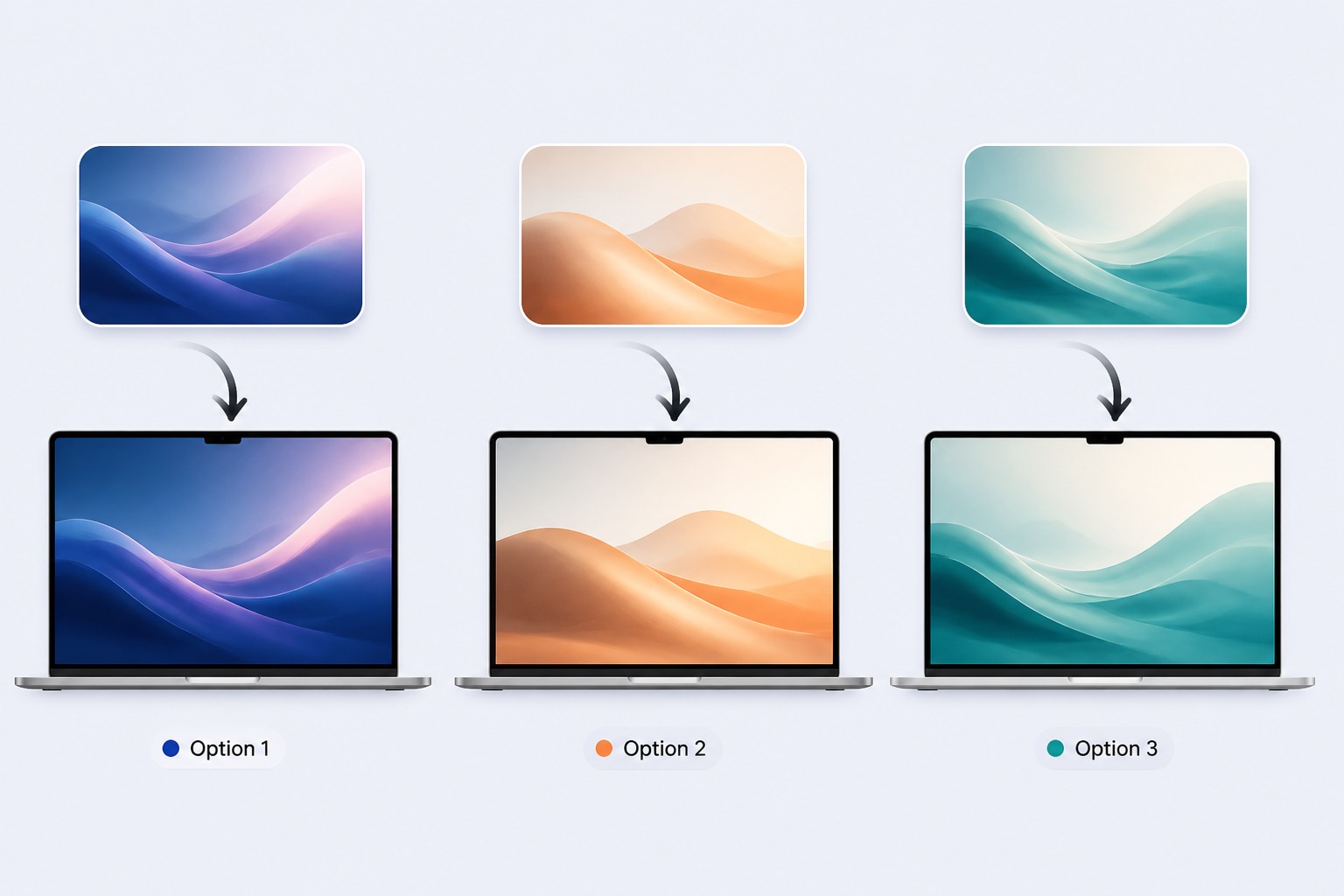
Abstract Color Mood
Design Desktop Wallpapers for Any Screen Mood
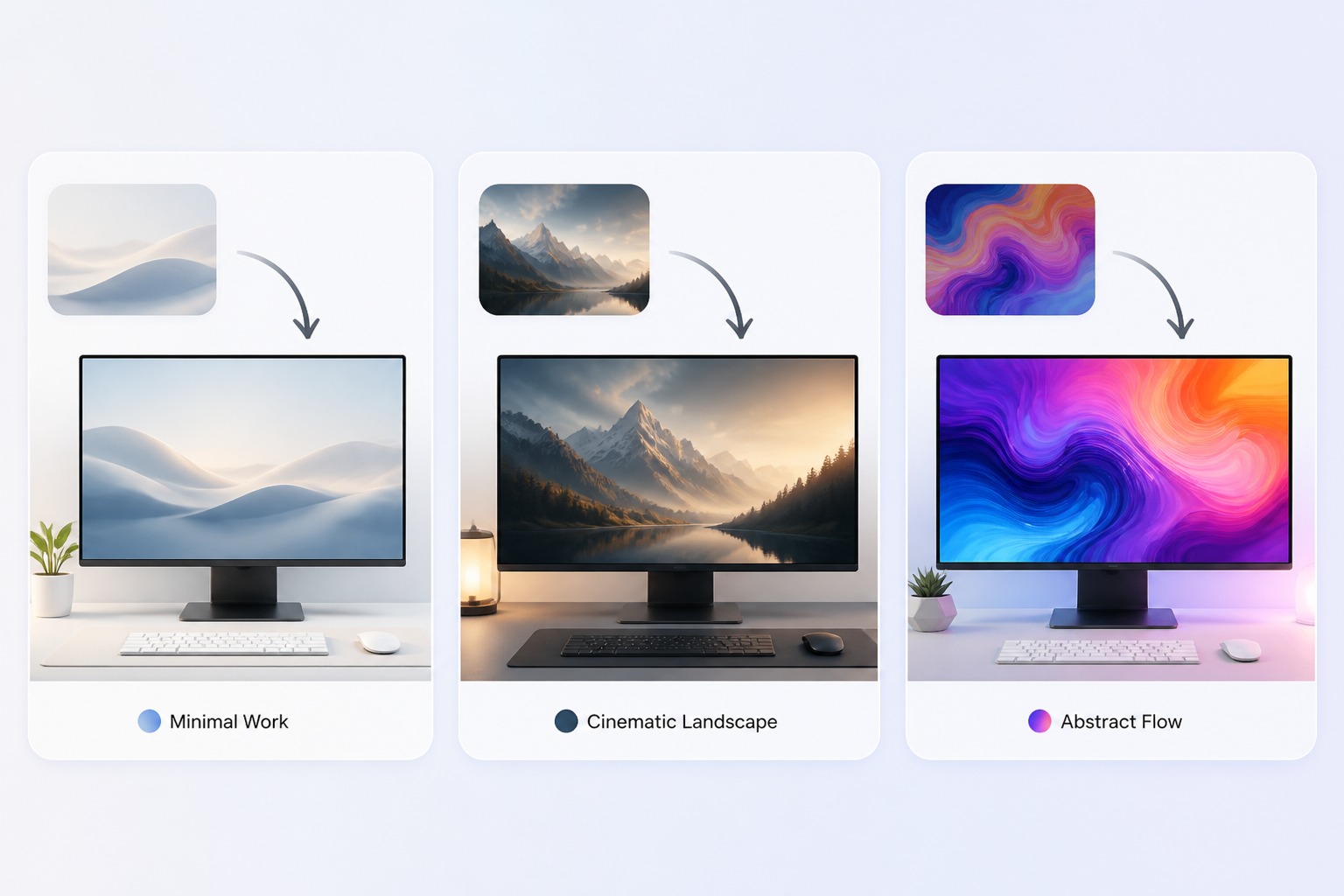
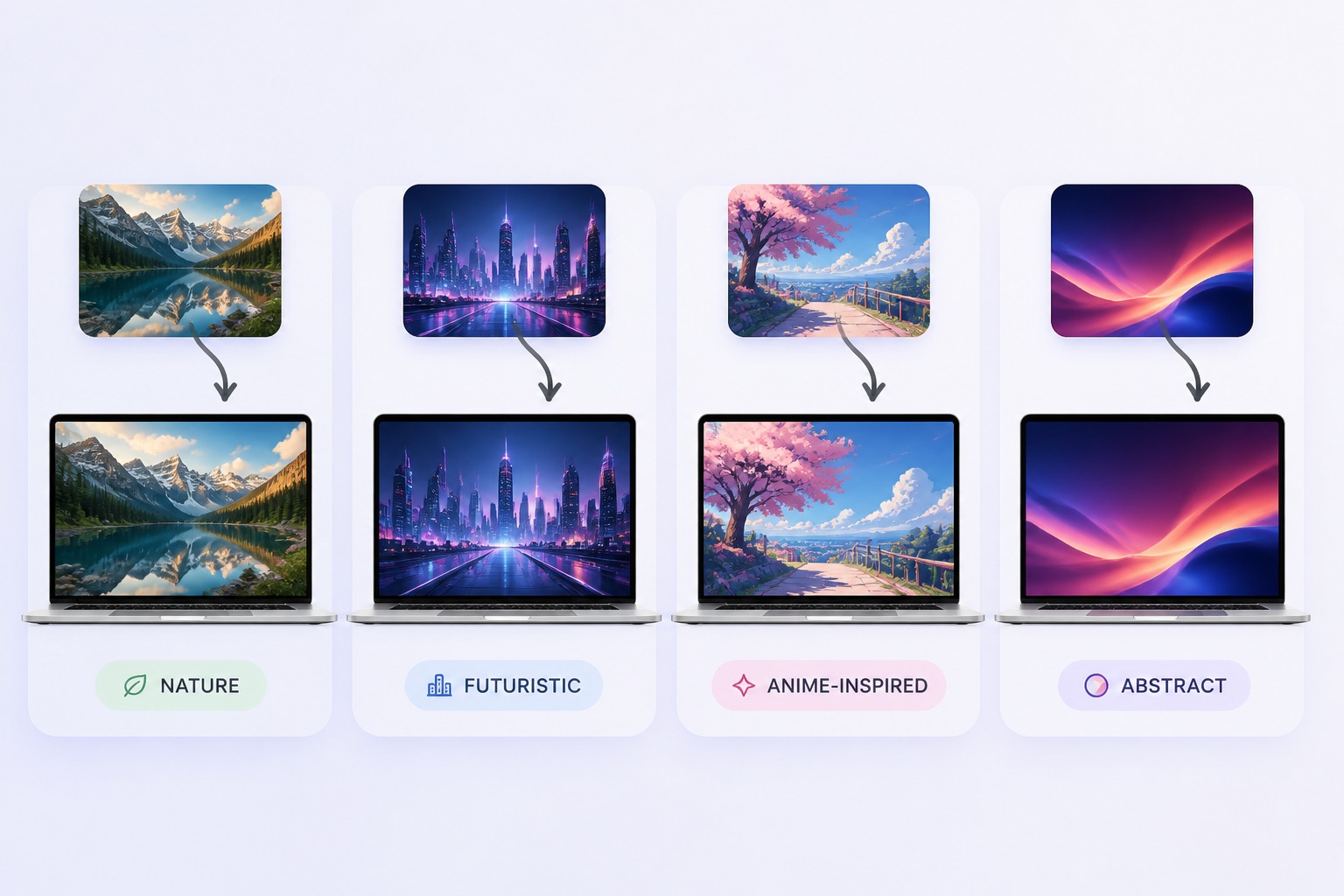
Explore Visual Themes
Try nature, cyberpunk, anime-inspired scenery, architecture, abstract gradients, fantasy landscapes, or product-style backgrounds. For broader image directions, the AI image generator workflow can help explore the first visual concept.
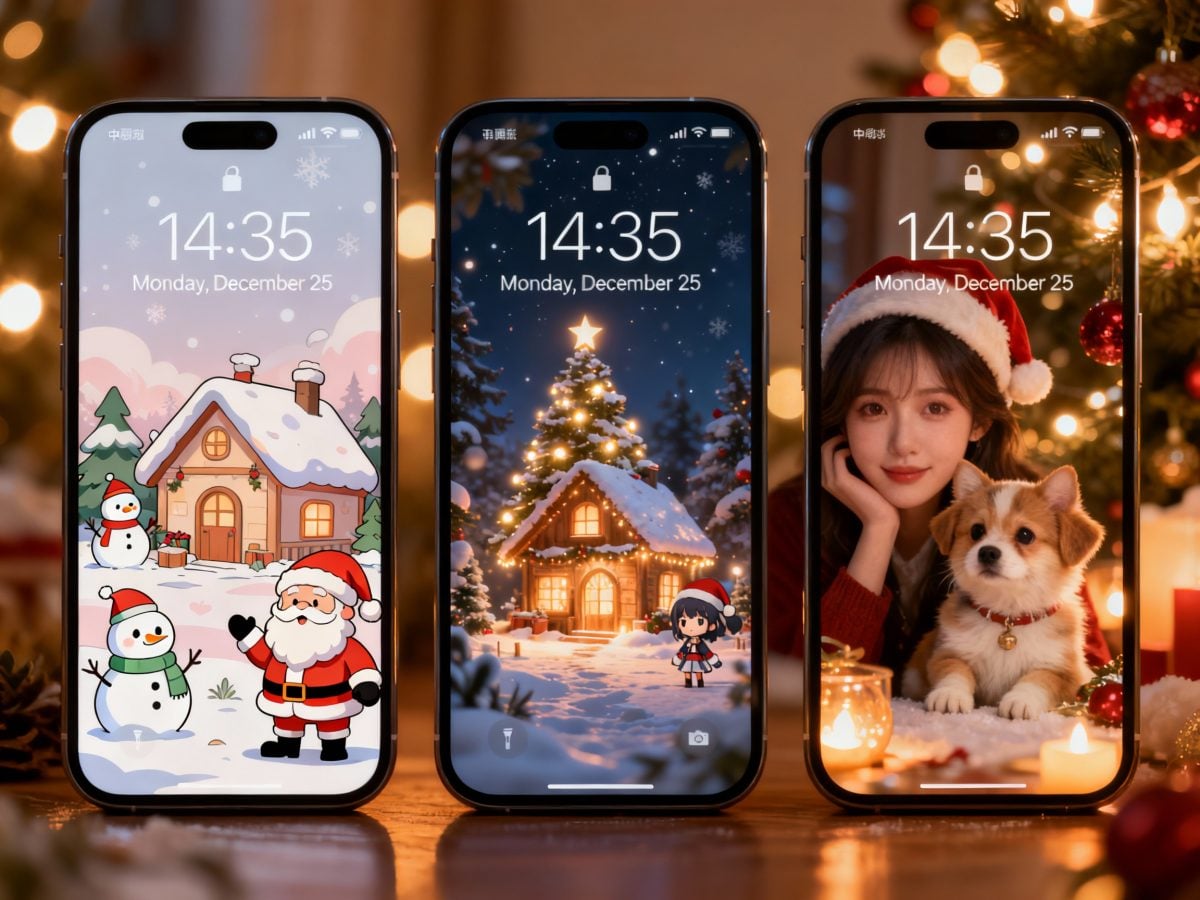
More Wallpaper Generator
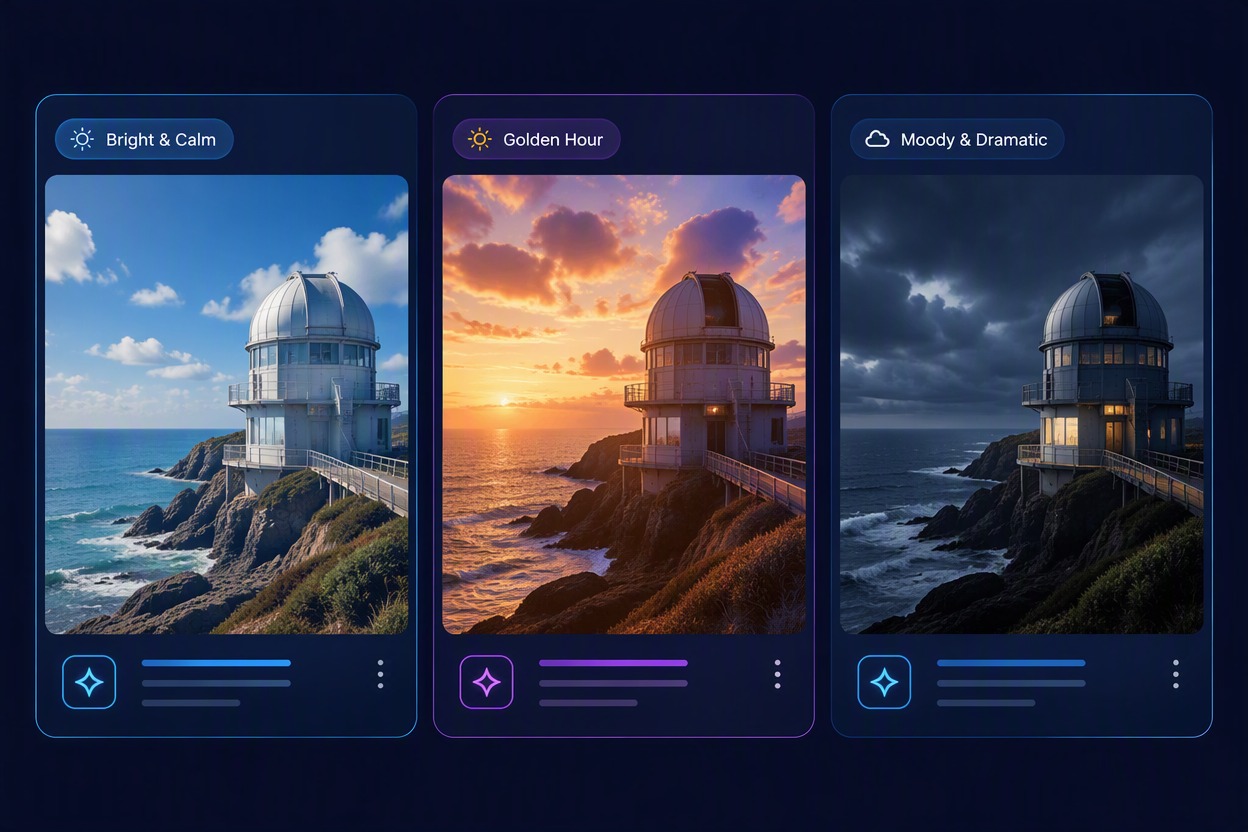
Why Use an AI Desktop Wallpaper Maker?
Personal Backgrounds Faster
Create a wallpaper around your own colors, themes, hobbies, workspace mood, or visual identity without searching through stock libraries.
Designed for Daily Use
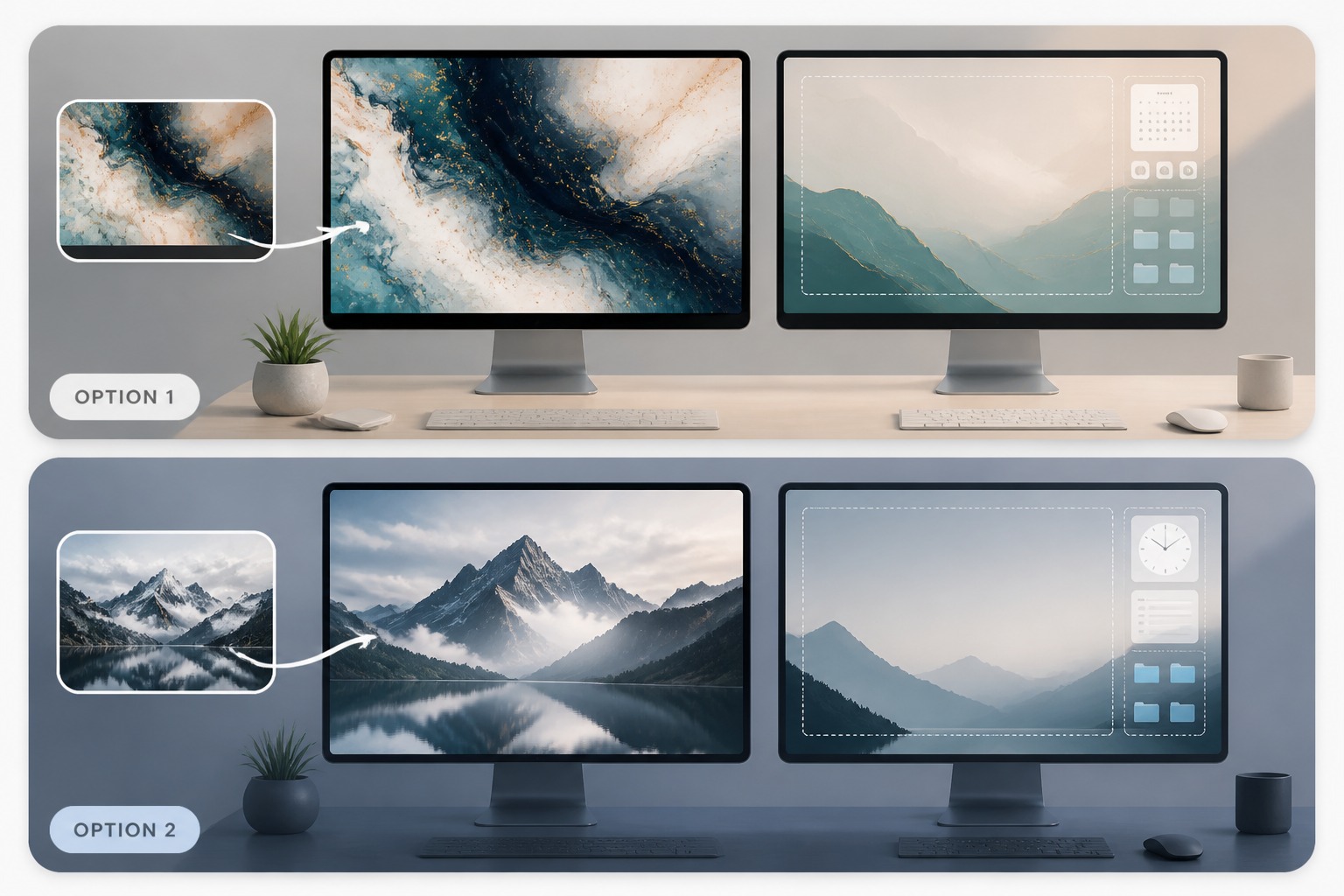
Guide the composition so it looks good behind apps, icons, docks, folders, and browser windows instead of only as a standalone poster.
More Style Range
Generate minimal, cozy, futuristic, nature, anime-inspired, abstract, cinematic, or brand-friendly desktop backgrounds from one tool.
Better Visual Focus
Control where the main subject sits and where empty space appears so the wallpaper supports your screen layout.
Useful for Teams and Creators
Draft matching backgrounds for creator setups, launch campaigns, internal team desktops, livestream scenes, or presentation devices.
Easy Variation Testing
Compare several color moods and composition directions before choosing the wallpaper you want to keep on your desktop.
How to Create a Desktop Wallpaper
Step 1 1
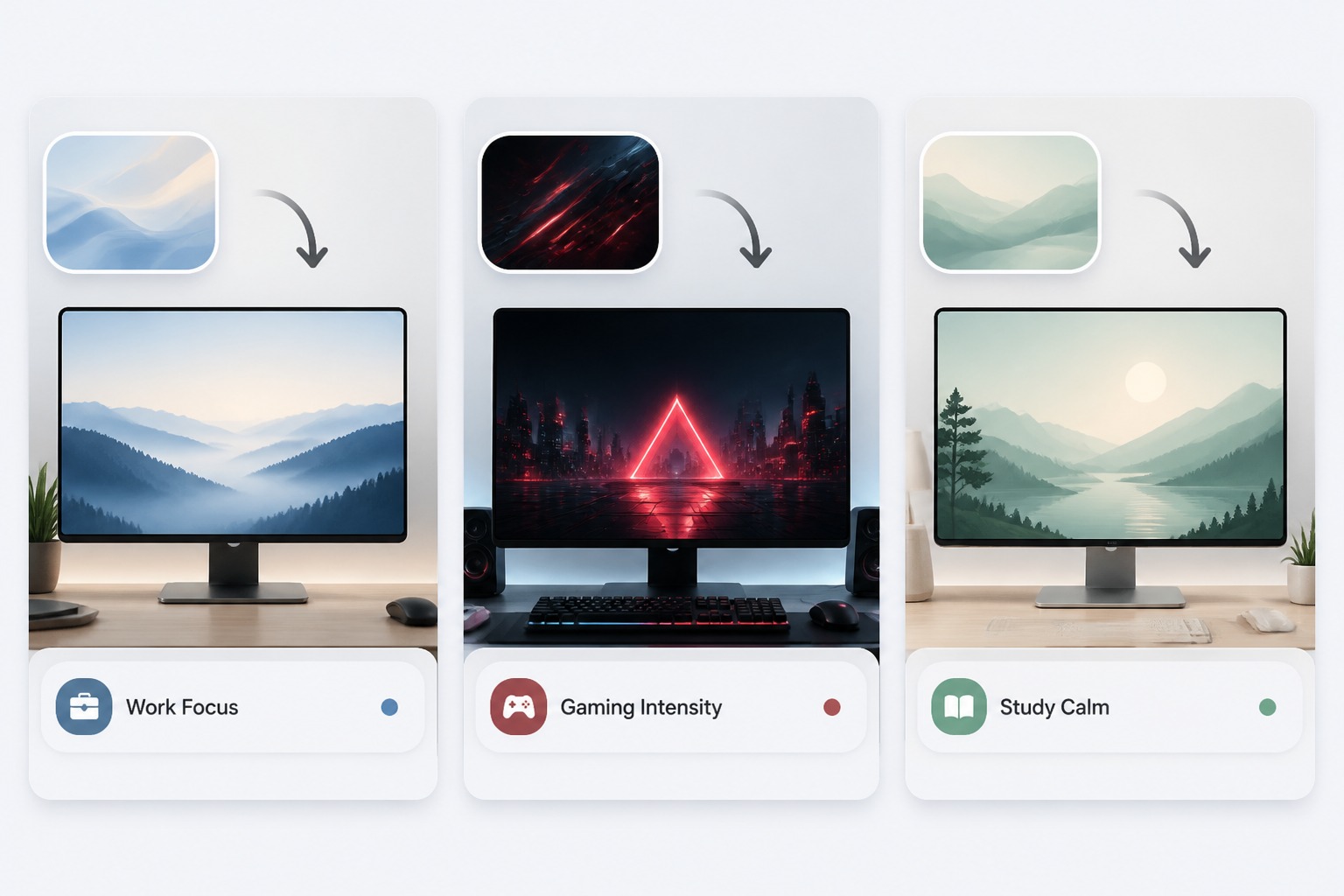
Choose the Wallpaper Purpose
Decide whether the background is for work focus, gaming, study, branding, livestream setup, or personal mood. The purpose helps define the level of detail and visual energy.
Step 2 2
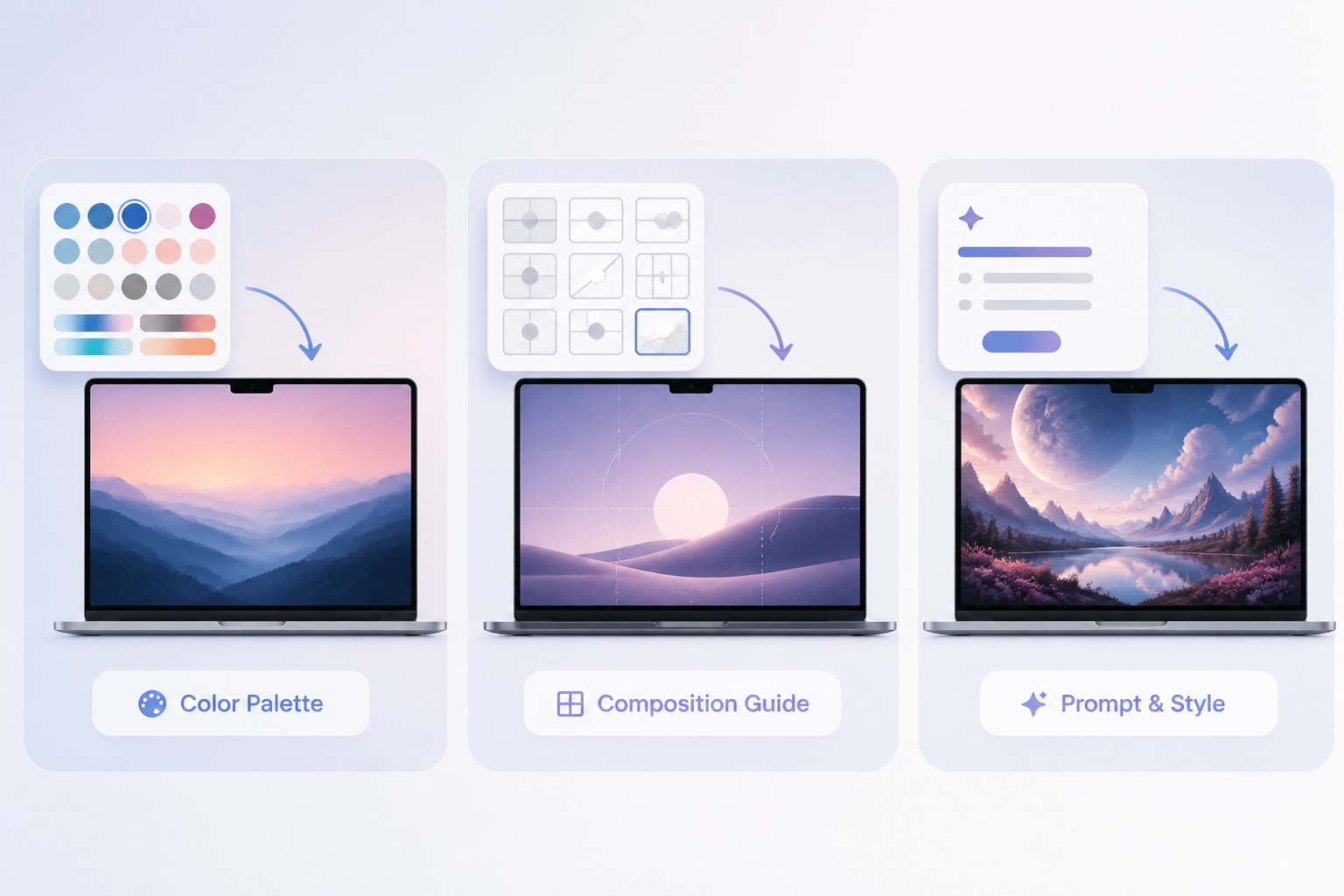
Describe Style and Layout
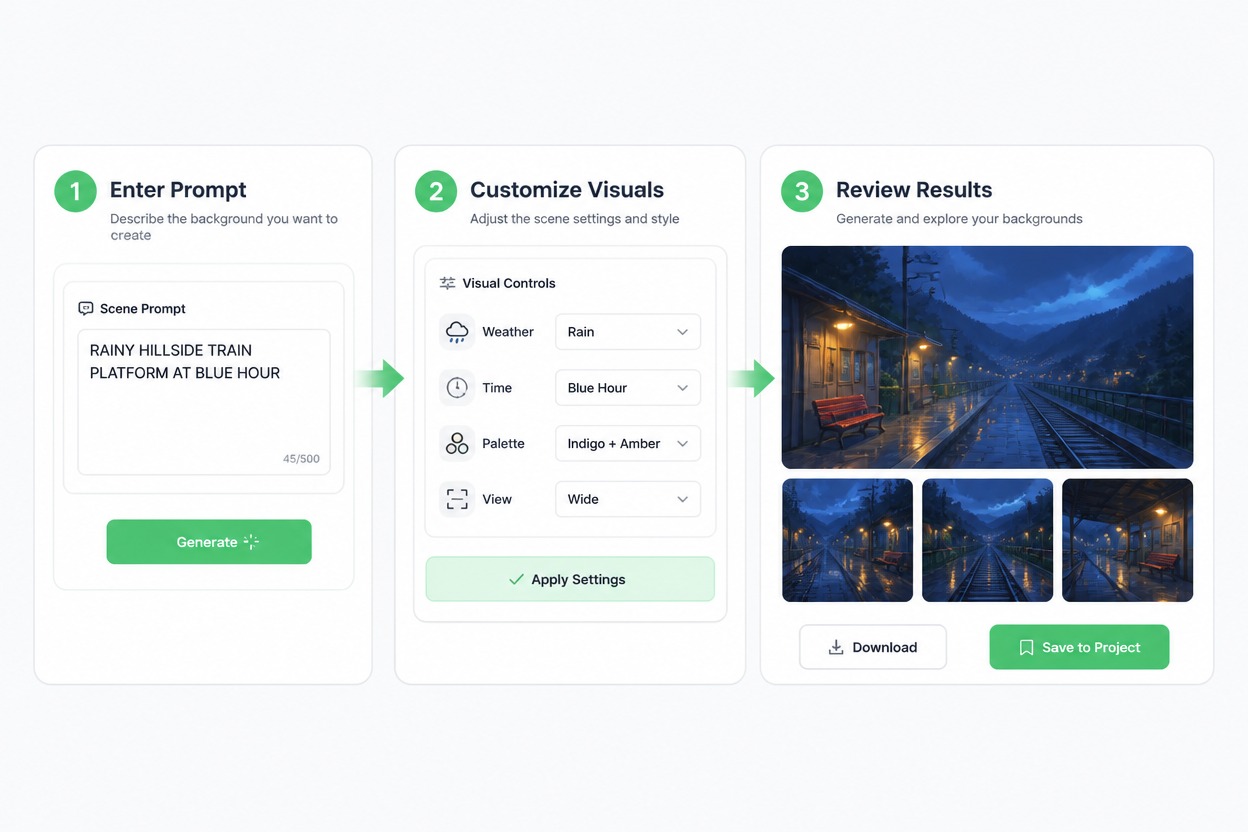
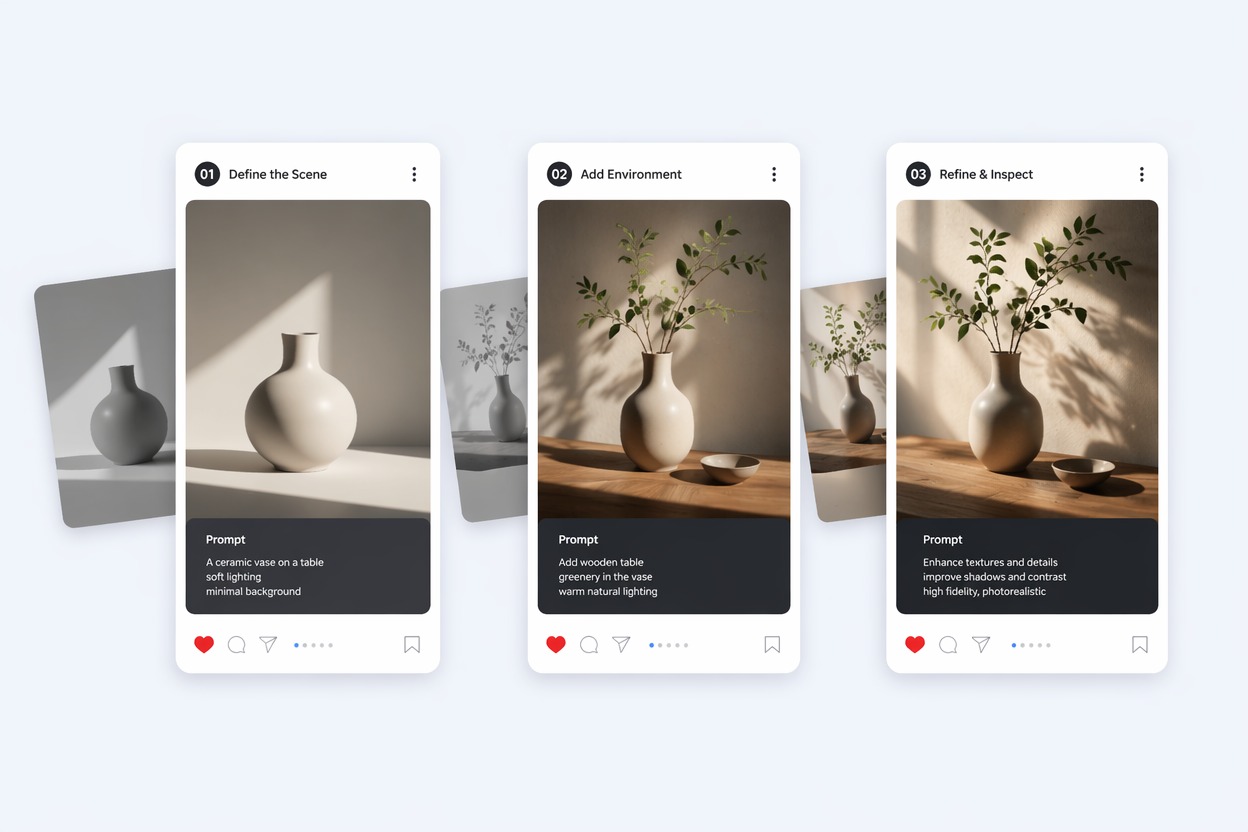
Add the color palette, scene, style, focal placement, and empty-space needs. Mention if icons sit on the left, dock sits at the bottom, or you want a calmer center area.
Step 3 3
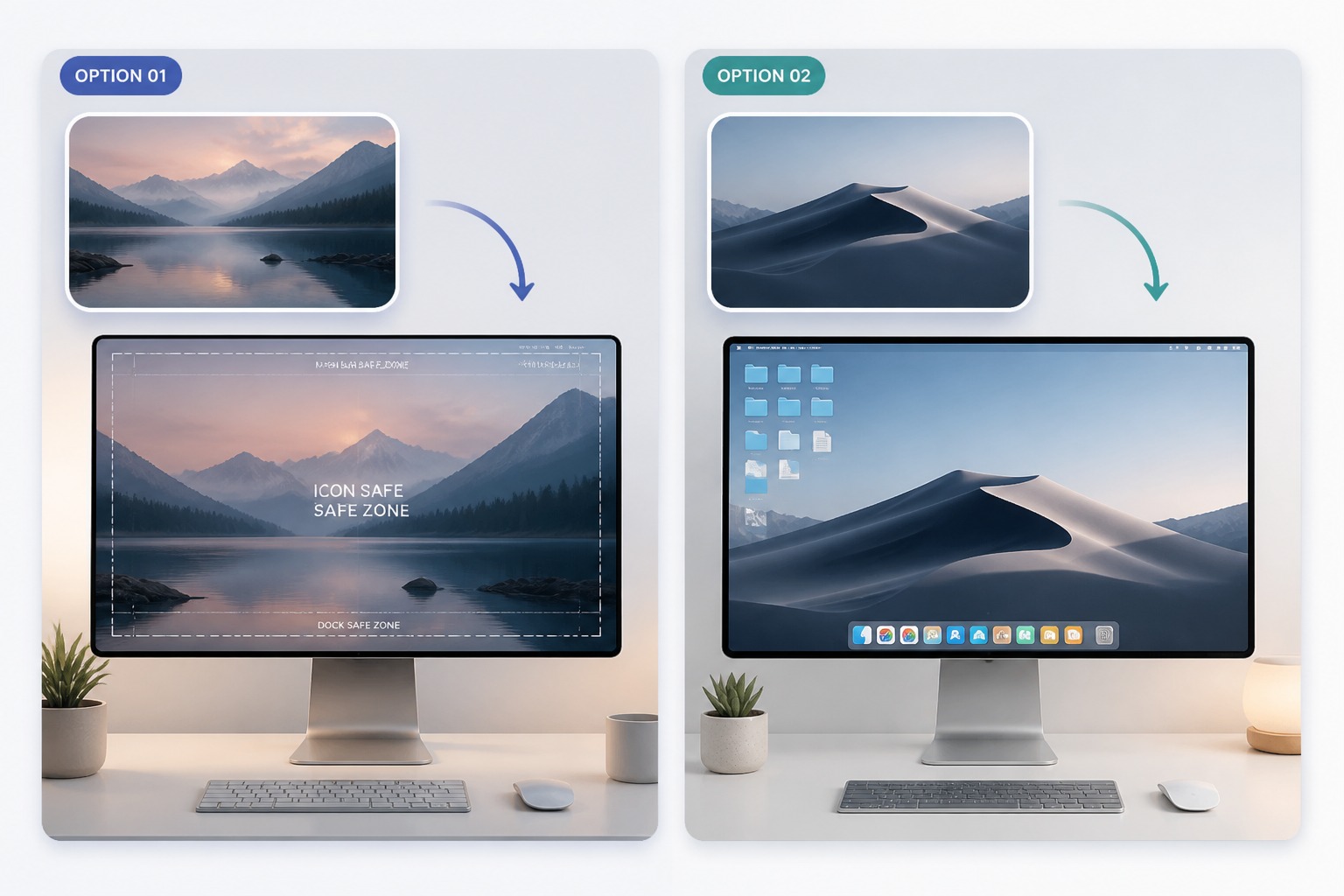
Generate and Check the Screen Fit
Review the wallpaper for icon readability, busy corners, unwanted text, strange artifacts, and whether the composition still works when cropped to your monitor size.
Desktop Wallpaper Creator FAQ
What is a desktop wallpaper creator?
How do I use an AI desktop wallpaper maker?
What makes a good desktop wallpaper prompt?
Can I create gaming or aesthetic wallpapers?
What should I check before using the wallpaper?
Is the desktop wallpaper maker free to try?
Create a Custom Desktop Wallpaper With GoEnhance AI
Turn your colors, moods, scenes, and workspace ideas into screen-ready desktop wallpaper drafts for work, gaming, study, branding, or personal setups.
Generate Wallpaper