
Valentine Desktop Background from Your Own Photo
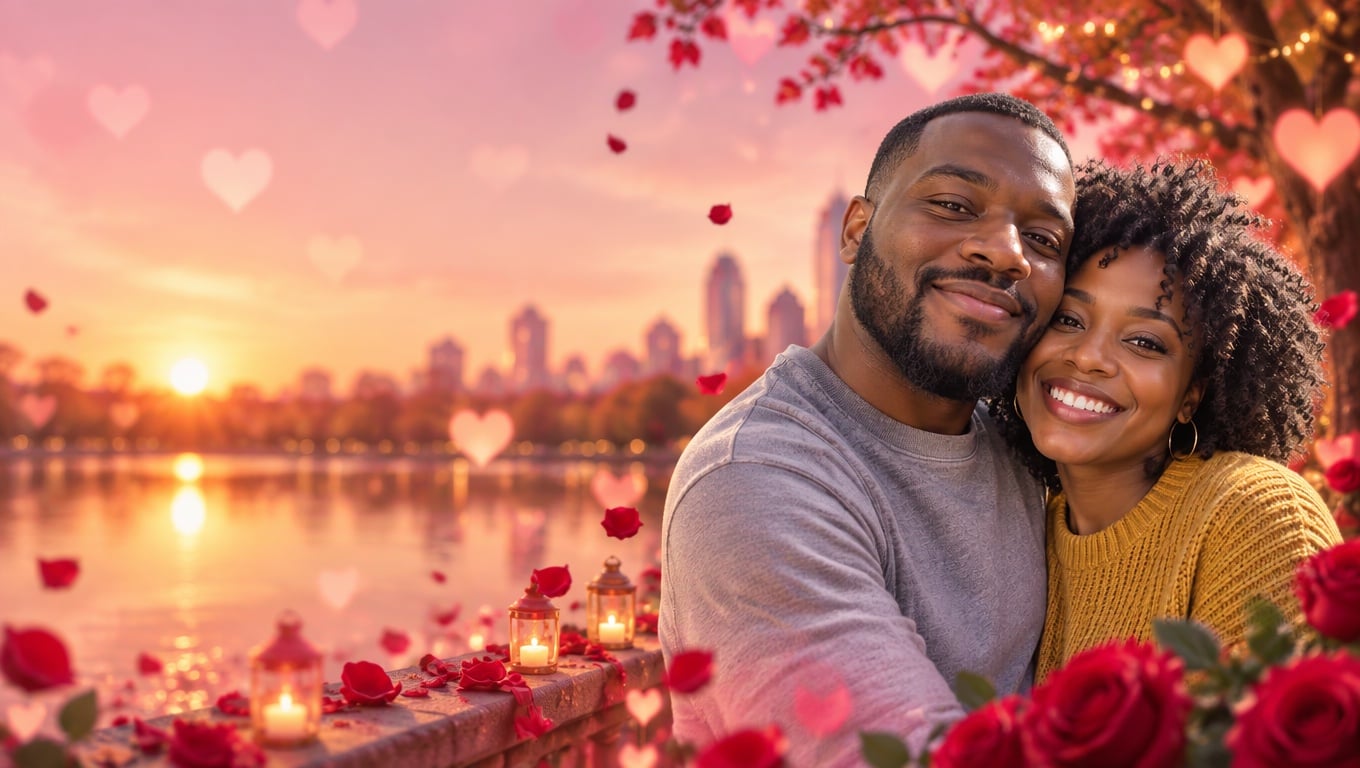
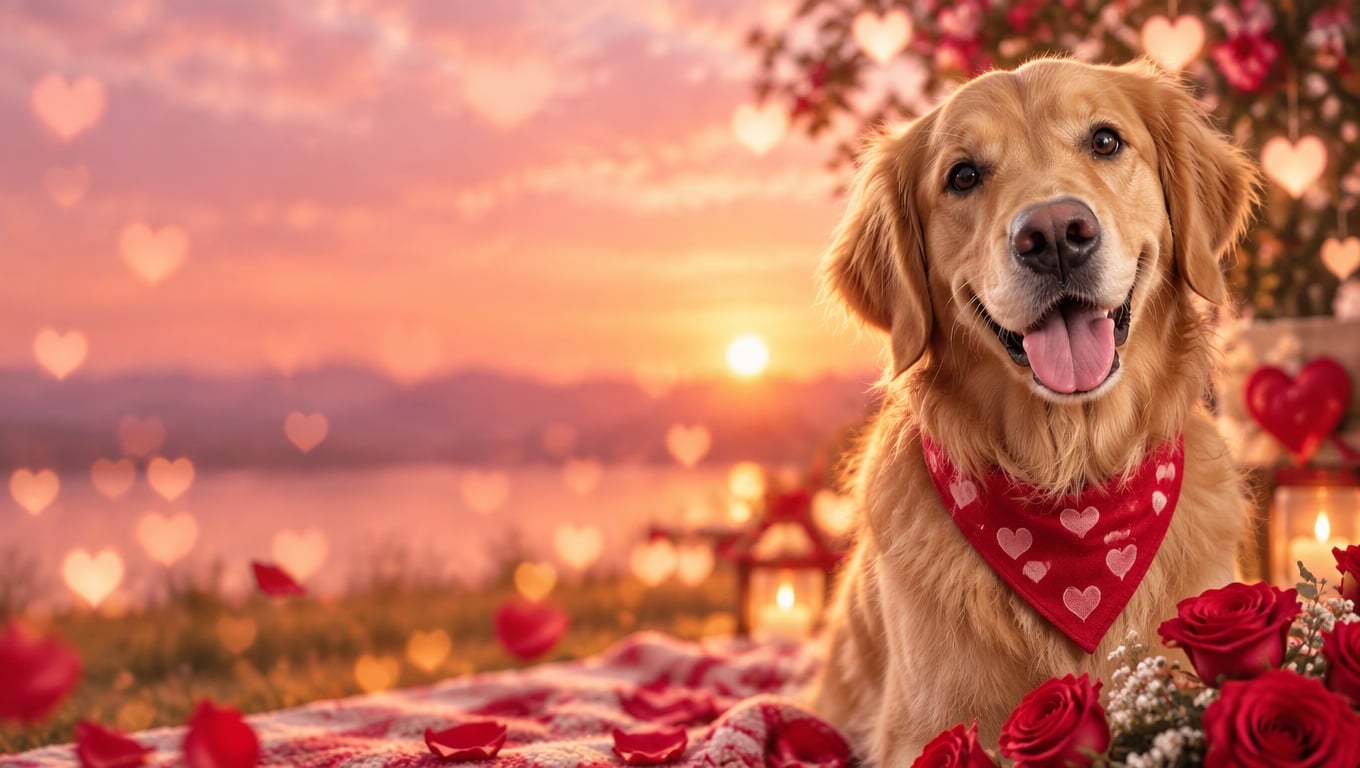
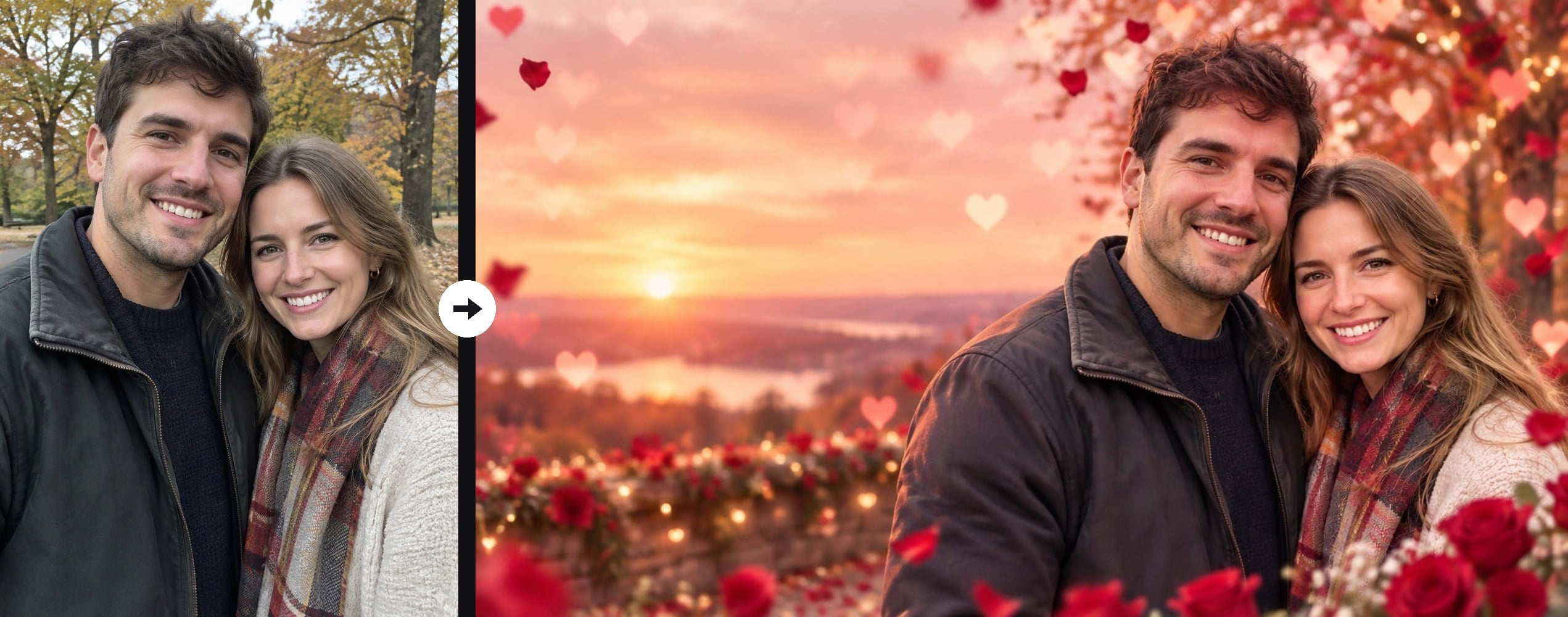
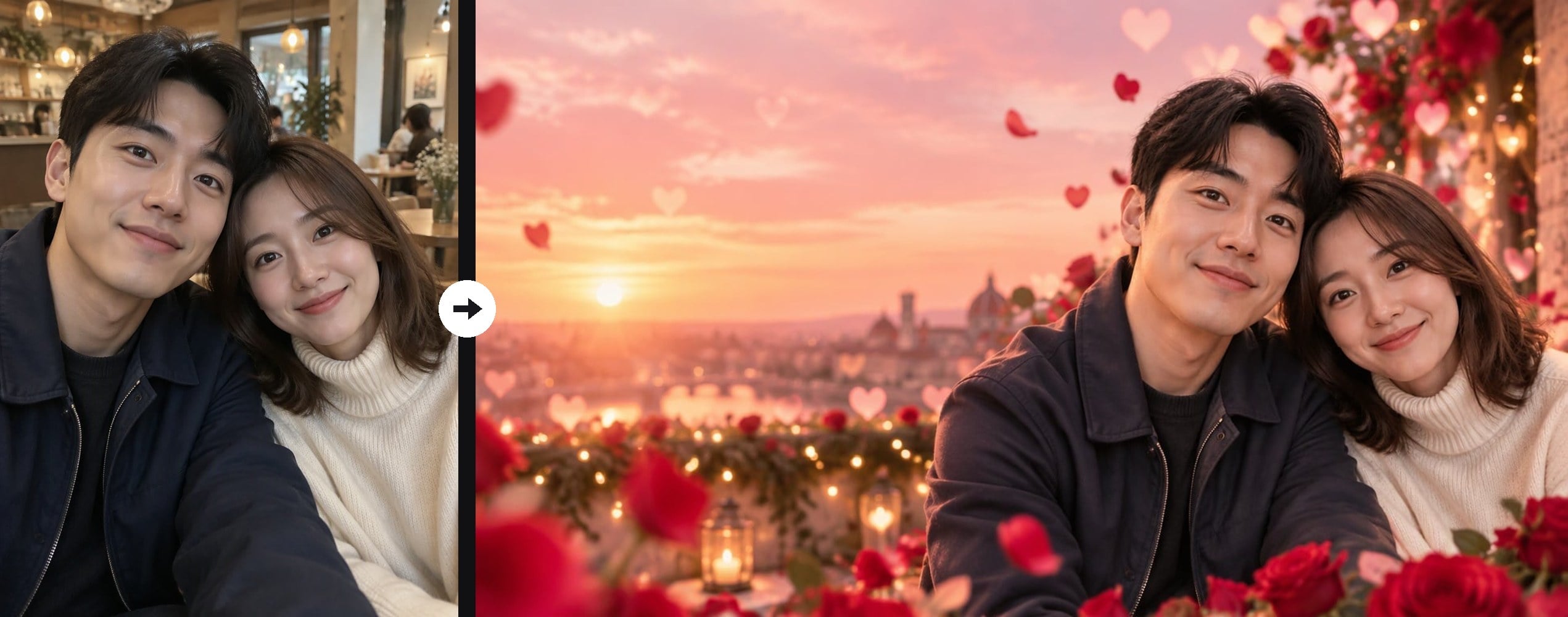
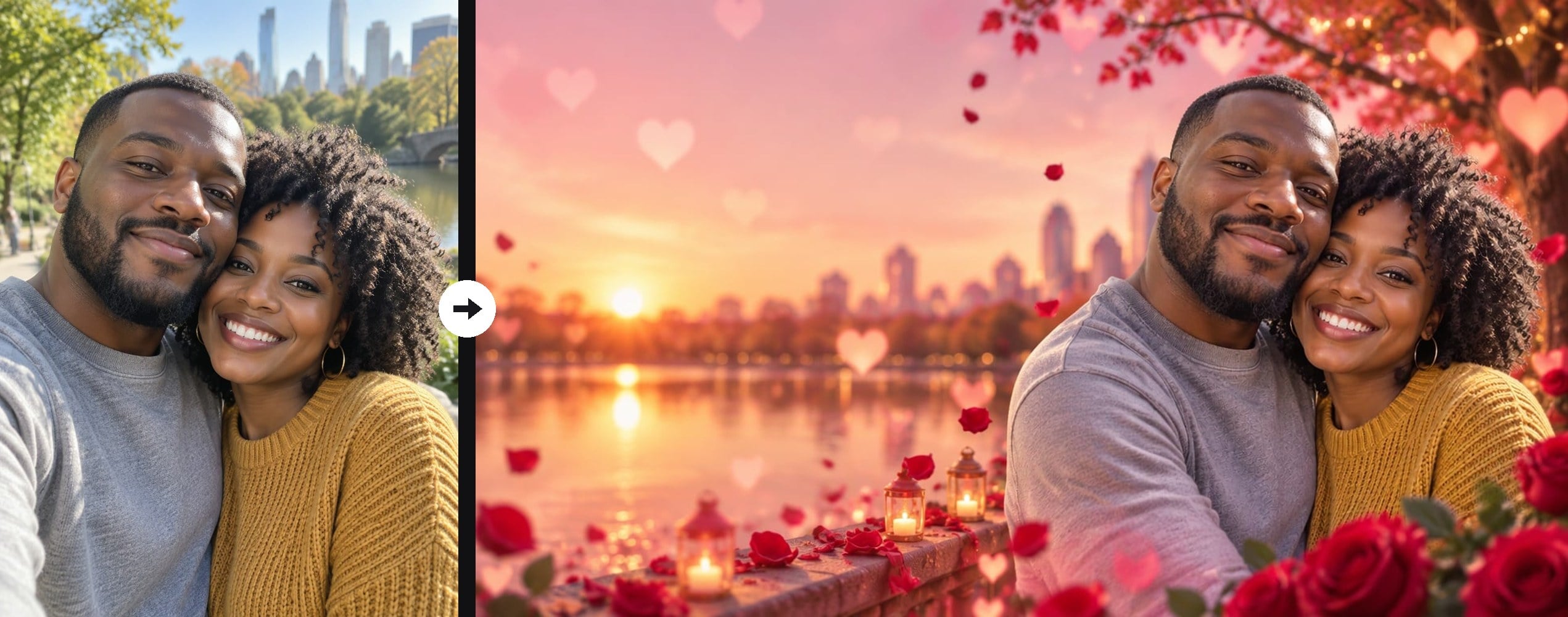
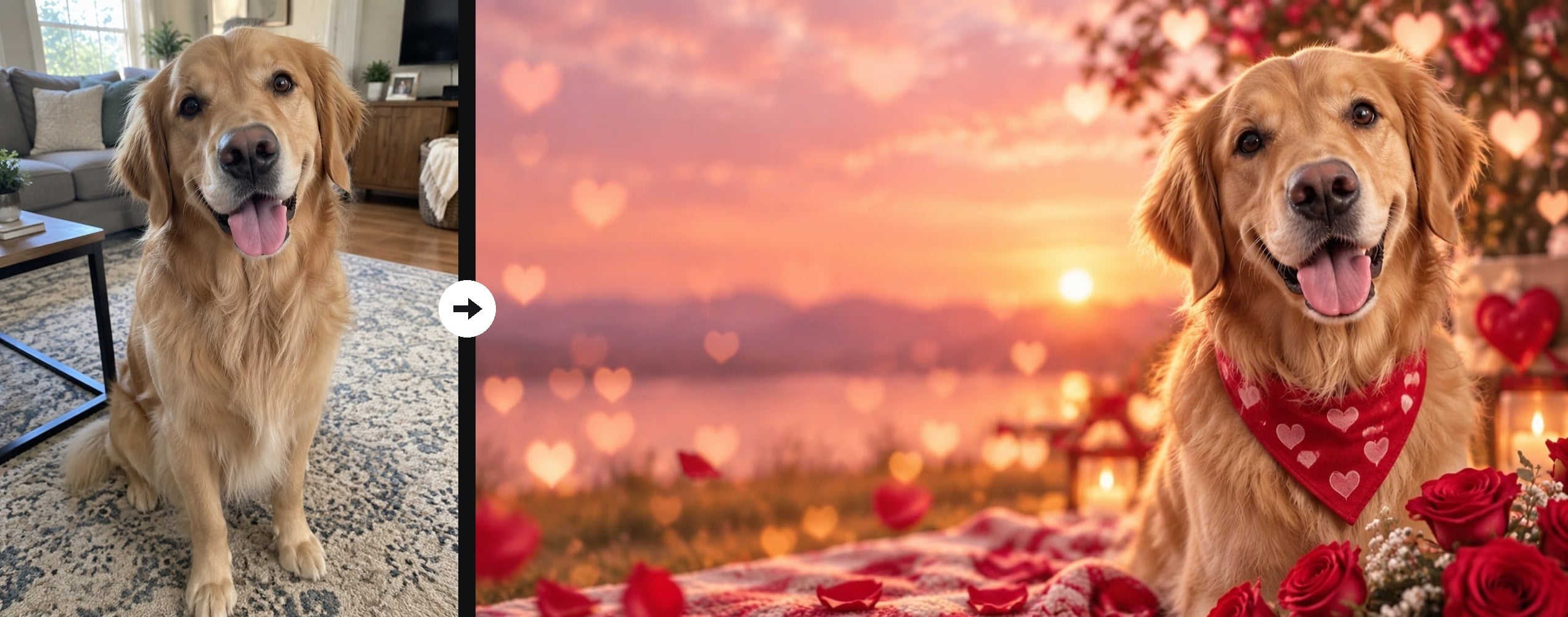
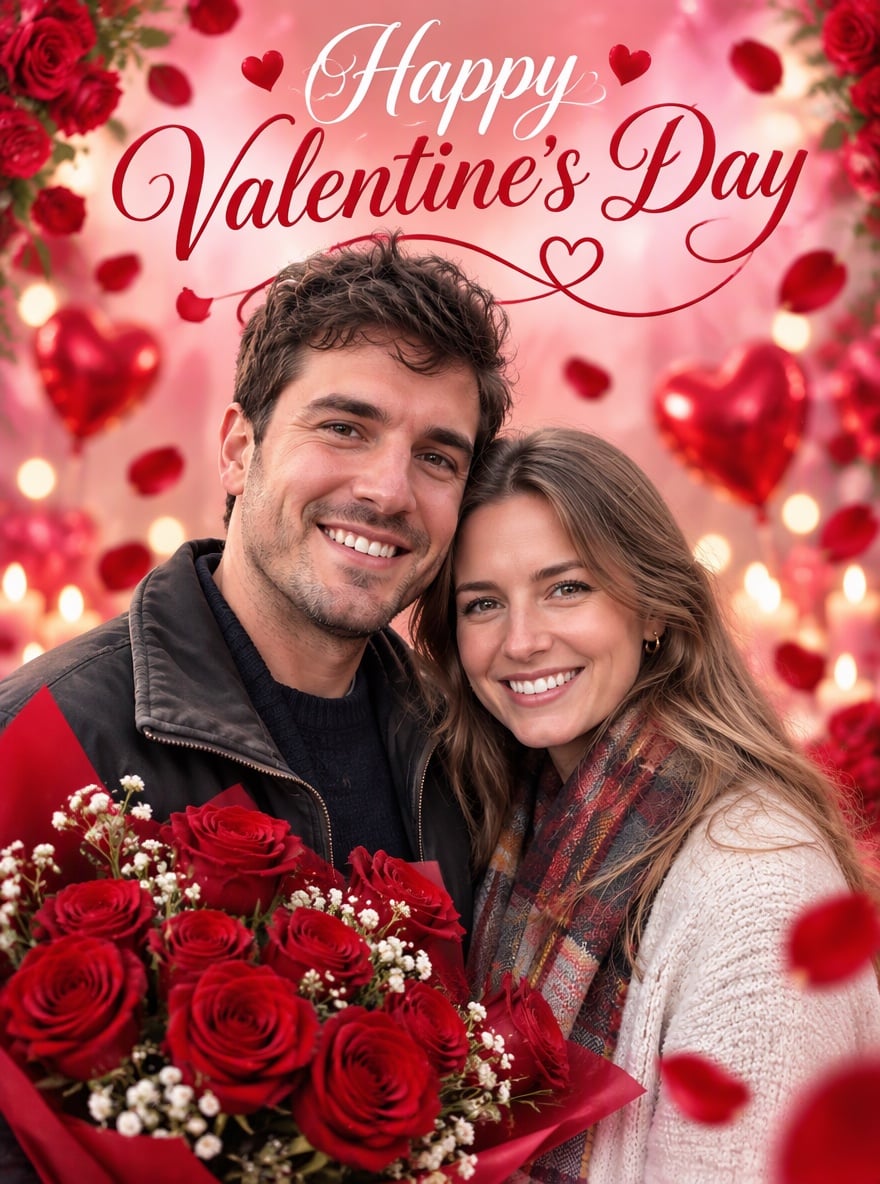
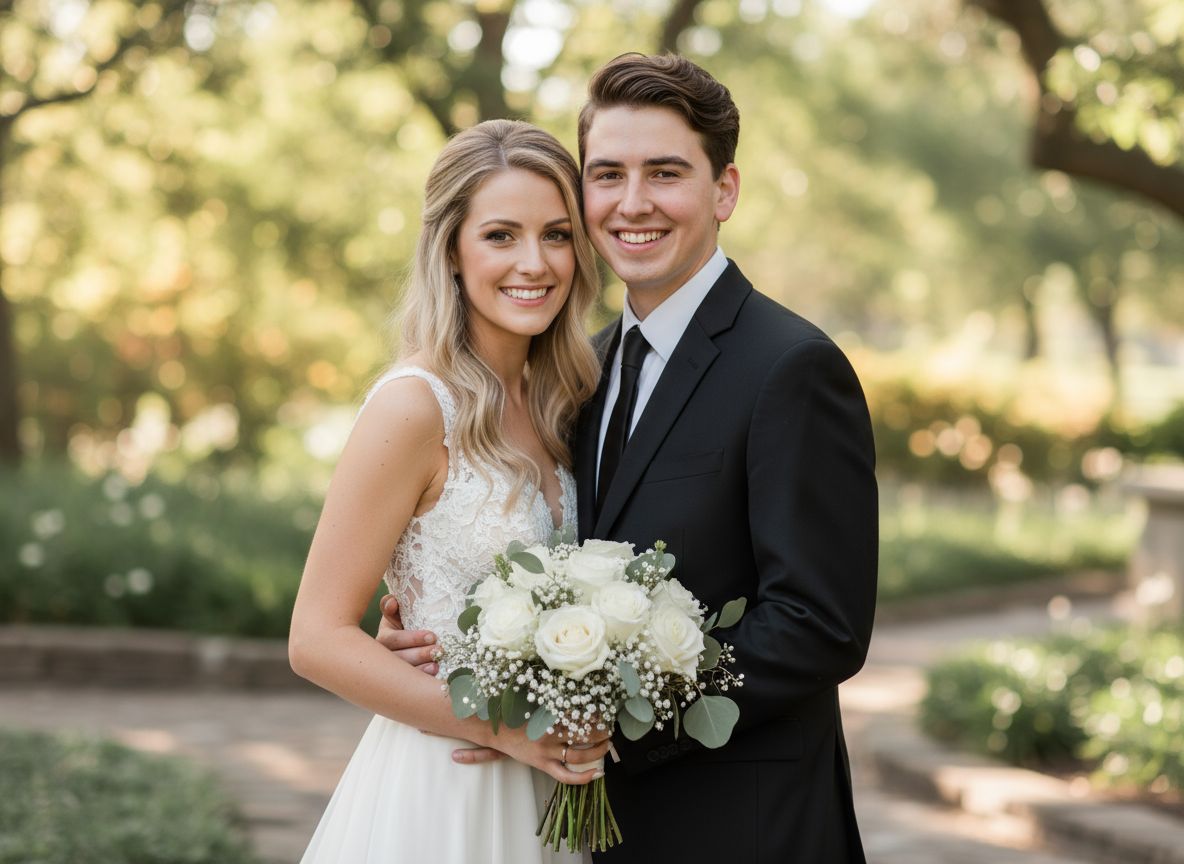
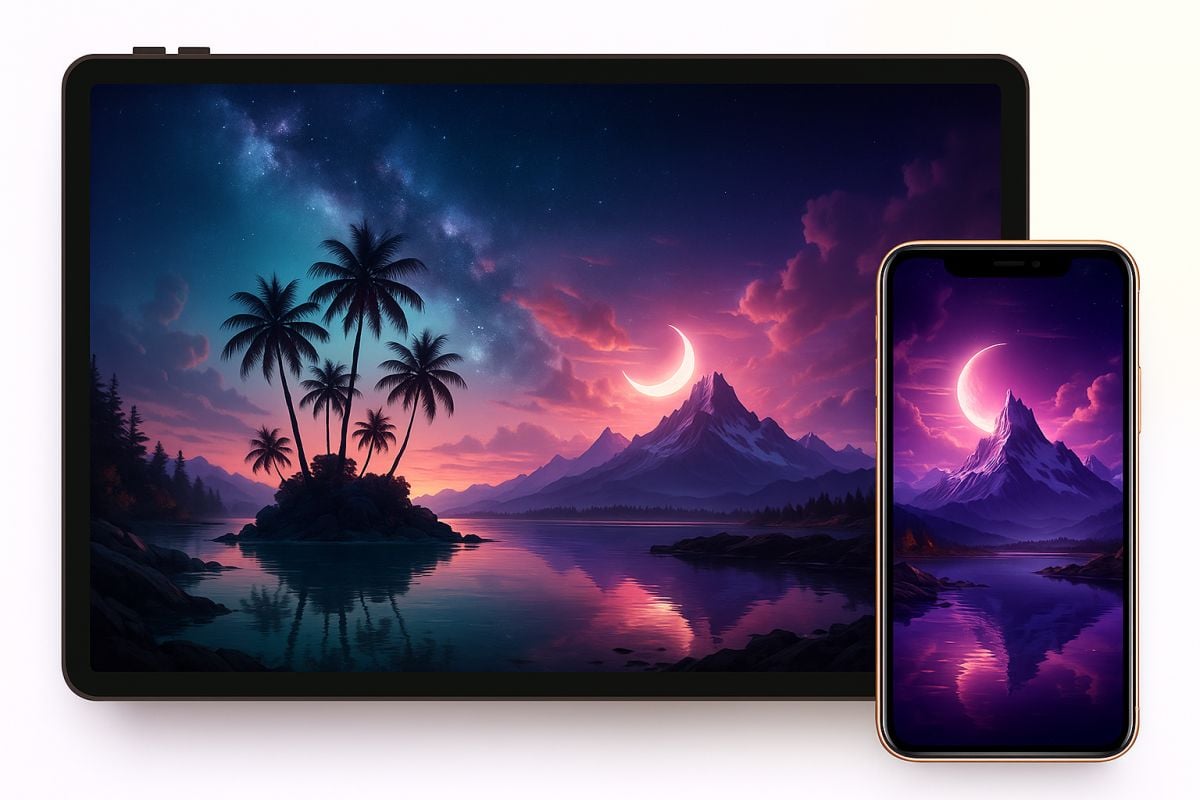
Upload a couple photo, a selfie or a picture of your pet, and the AI turns it into a widescreen Valentine's Day desktop background. The people (or the pet) keep the same faces, hair and clothes and sit on the right side of the frame, while the left side stays calm and open so your desktop icons and folders never cover a face. Around them the AI paints a soft Valentine scene: pink and red bokeh, glowing heart lights, rose petals and a golden sunset sky. There is no text on the image, so it works as a clean PC, laptop or Mac wallpaper. Unlike a Valentine's poster, the layout is made for a screen. The console below runs on GPT Image 2.5; in the workspace, set the ratio to 16:9 before you generate.
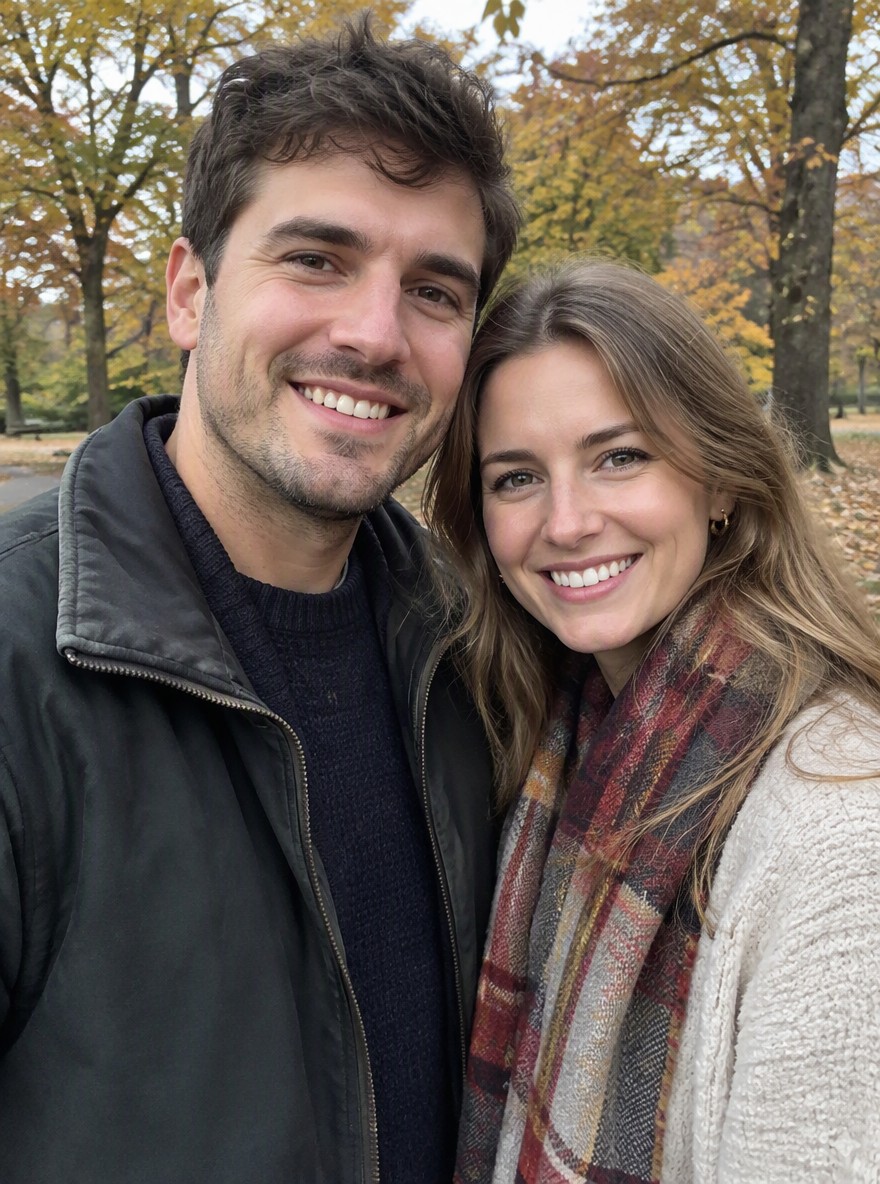
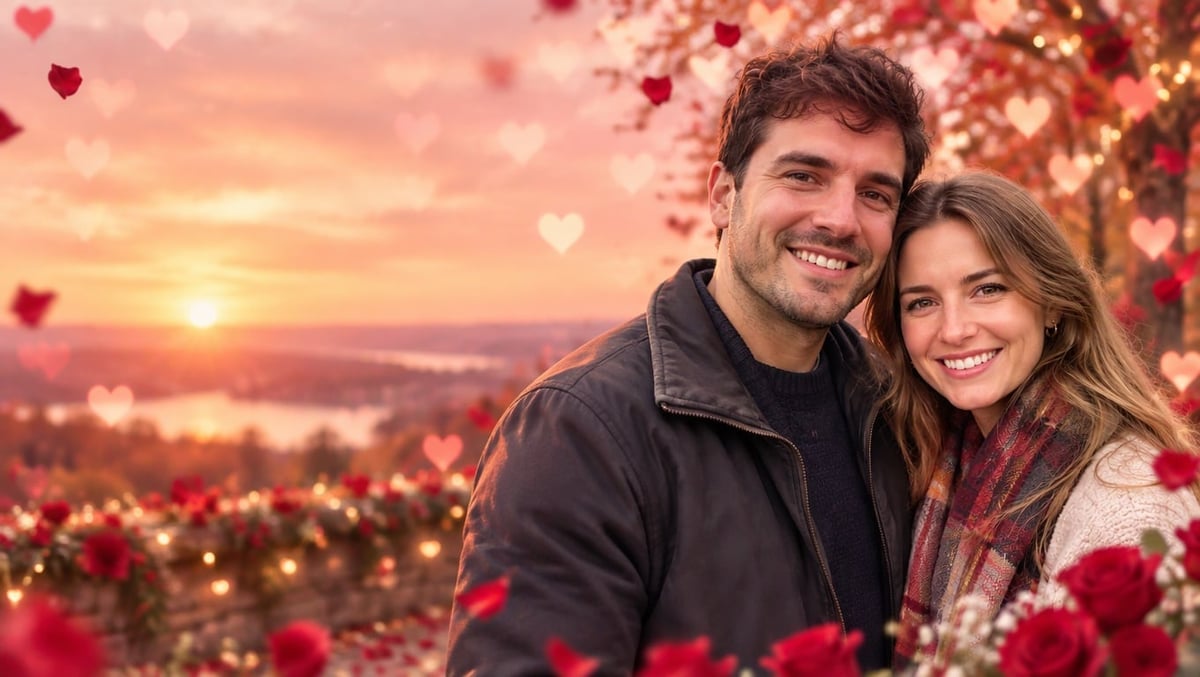
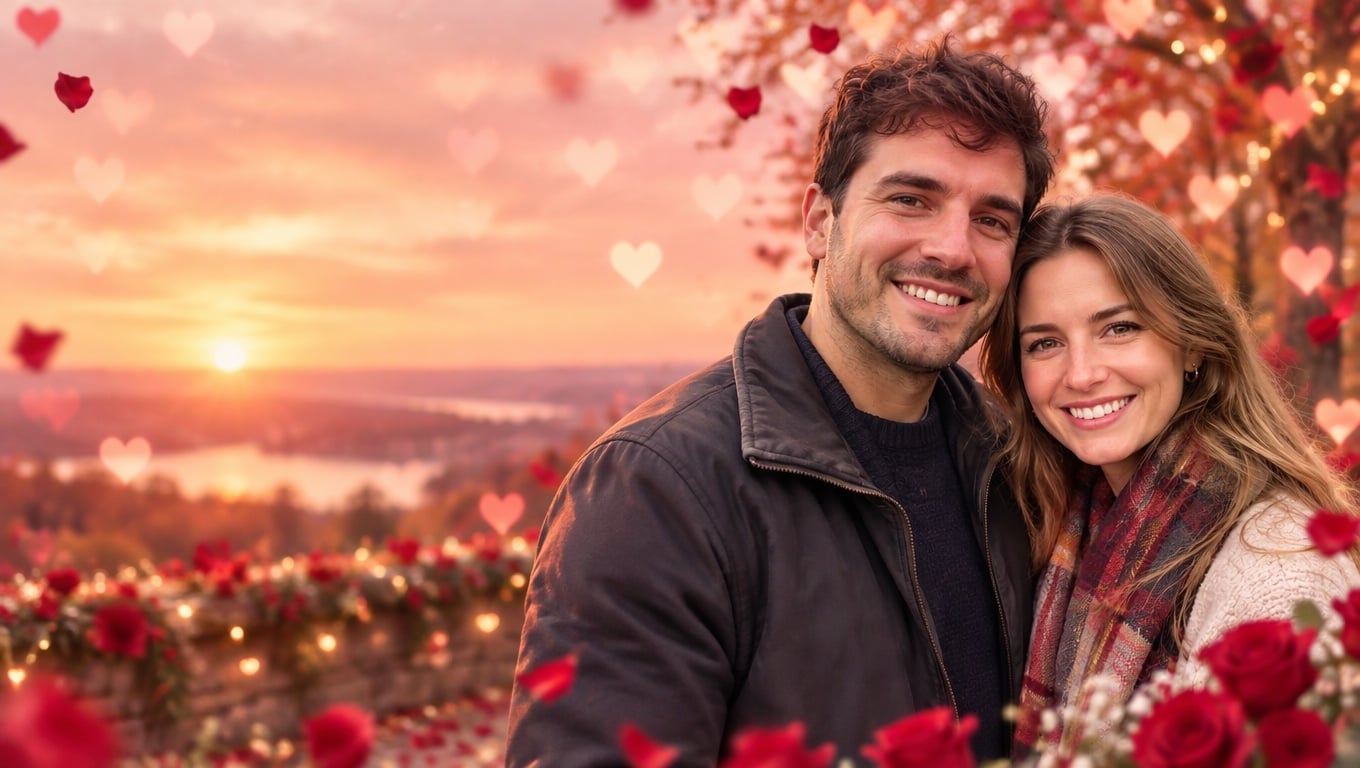
Autumn Couple Selfie to Sunset Valentine Wallpaper
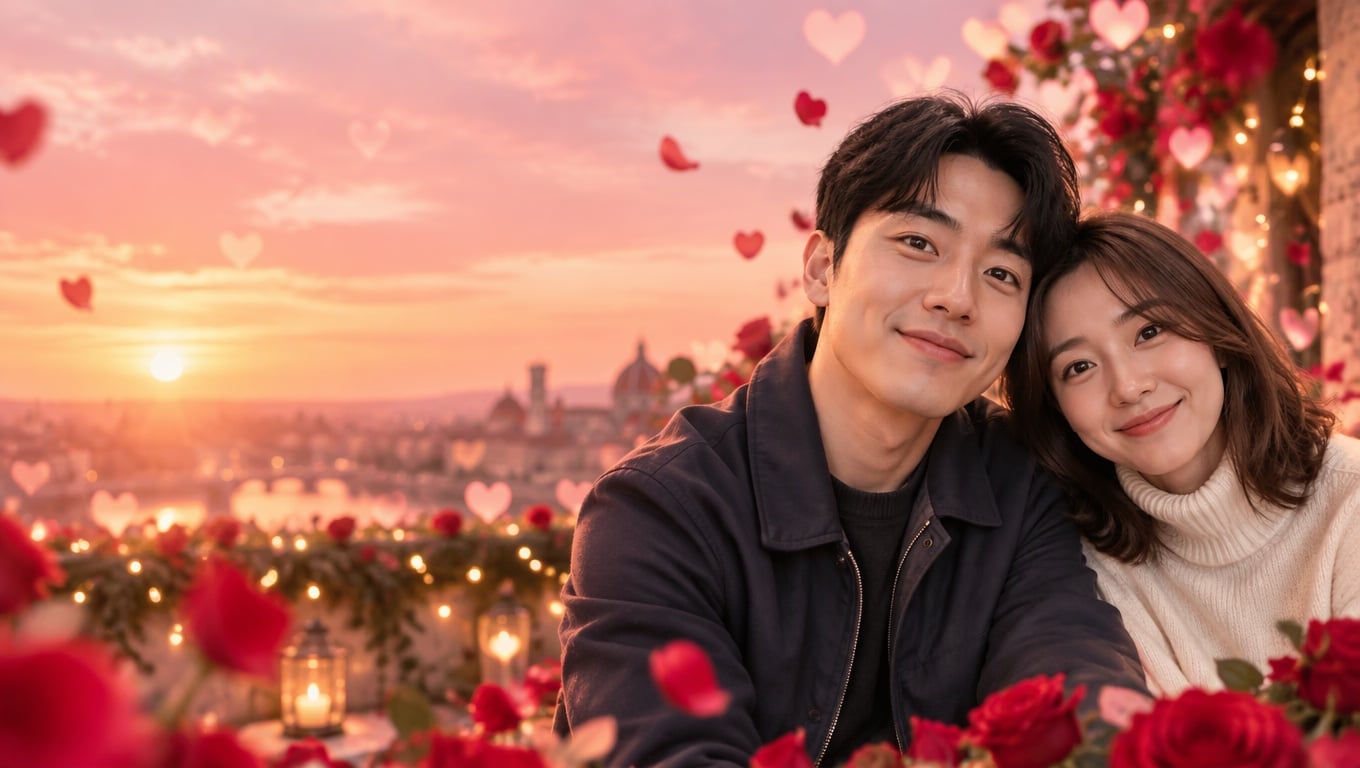
Cafe Couple Photo to Rose Garden Desktop Background
City Park Selfie to Lakeside Valentine Wallpaper
Golden Retriever Photo to Valentine Pet Wallpaper
Upload files
Upload a couple photo, selfie or pet photo
Effect prompt
By uploading a file, you agree to GoEnhance's Terms of Use and Privacy Policy
Valentine Desktop Backgrounds Made from Photos
Each wallpaper is one upload with the prompt above at 16:9. Faces, hair and clothes come from the original photo; the hearts, roses and sunset are added by the AI.
Autumn Couple Selfie to Sunset Valentine Wallpaper
Cafe Couple Photo to Rose Garden Desktop Background
City Park Selfie to Lakeside Valentine Wallpaper
Golden Retriever Photo to Valentine Pet Wallpaper
How to Make a Valentine Desktop Background
01
Upload a photo
A couple selfie, a portrait of you or a clear photo of your pet. Faces that are well lit and facing the camera work best.
02
Choose 16:9 and generate
The Valentine prompt is already filled in. In the workspace, pick the 16:9 ratio so the result fits a desktop screen, then generate.
03
Download and set as wallpaper
Save the image and set it as the background on Windows, macOS or your laptop.
Why Use This Valentine Wallpaper Maker
More Valentine and Wallpaper Tools
Valentine Desktop Background FAQ
What does the Valentine desktop background tool do?
How do I get a 16:9 widescreen result?
Will the people still look like us?
Can I use a photo of just me, or of my pet?
Can I change the scene or add our names?
Can I make a desktop wallpaper without a photo?
Put Your Love on the Home Screen
Upload one photo and get a Valentine desktop background in under a minute.
Create My Valentine Wallpaper