Chat to Images

Describe the subject, setting, composition, and mood in a conversational message.

Develop Visual Ideas Through Conversation

Shape a Clear Visual Direction

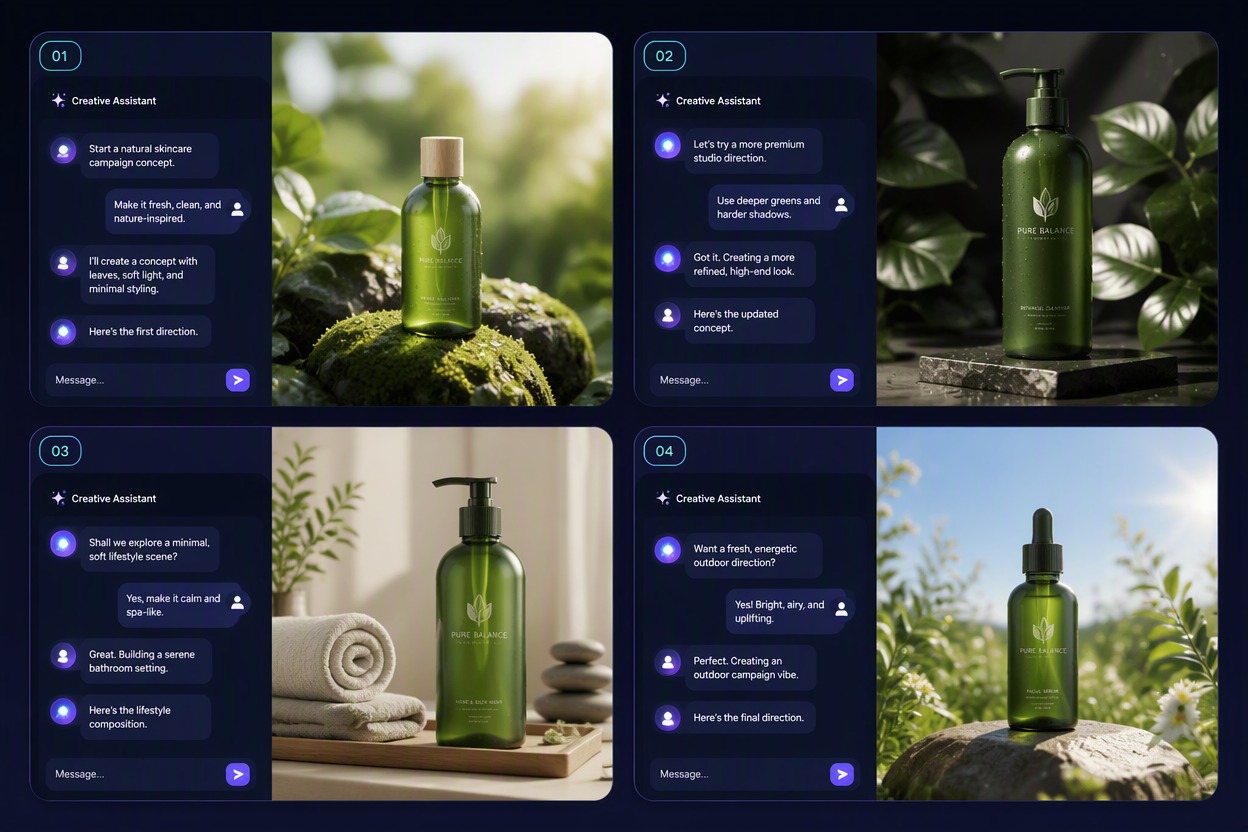
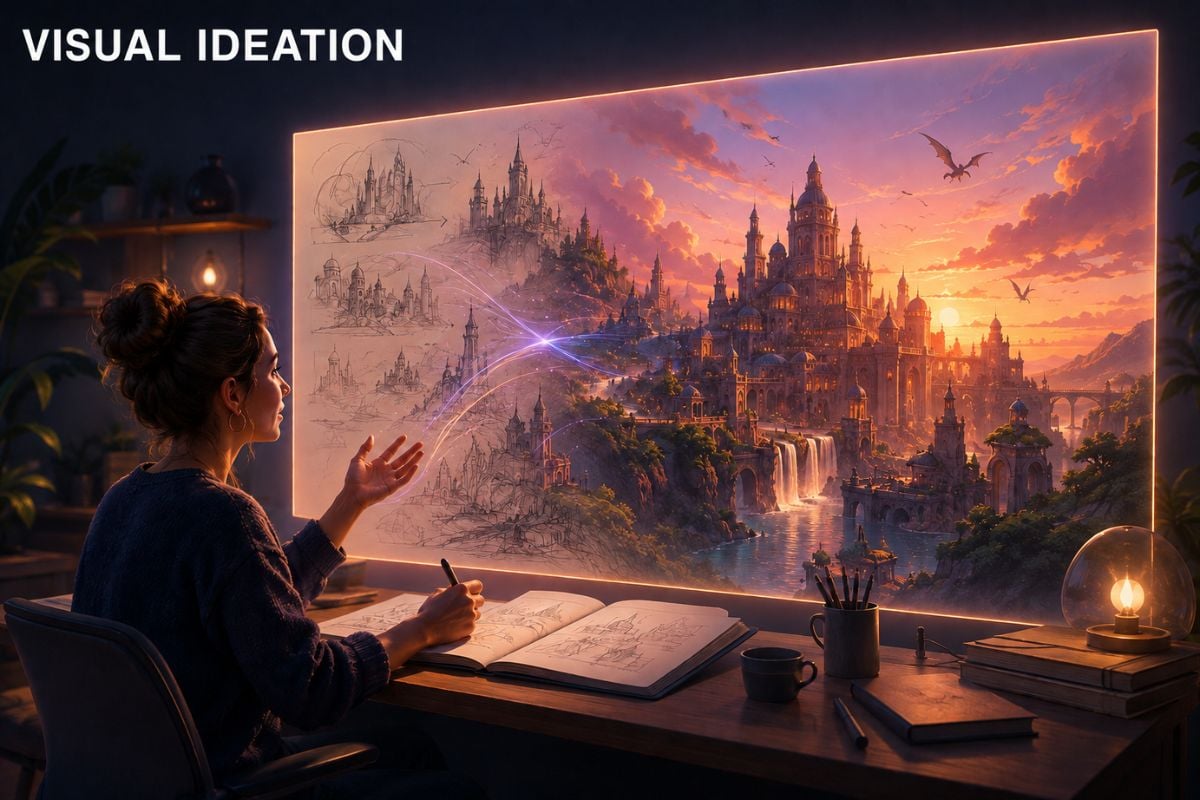
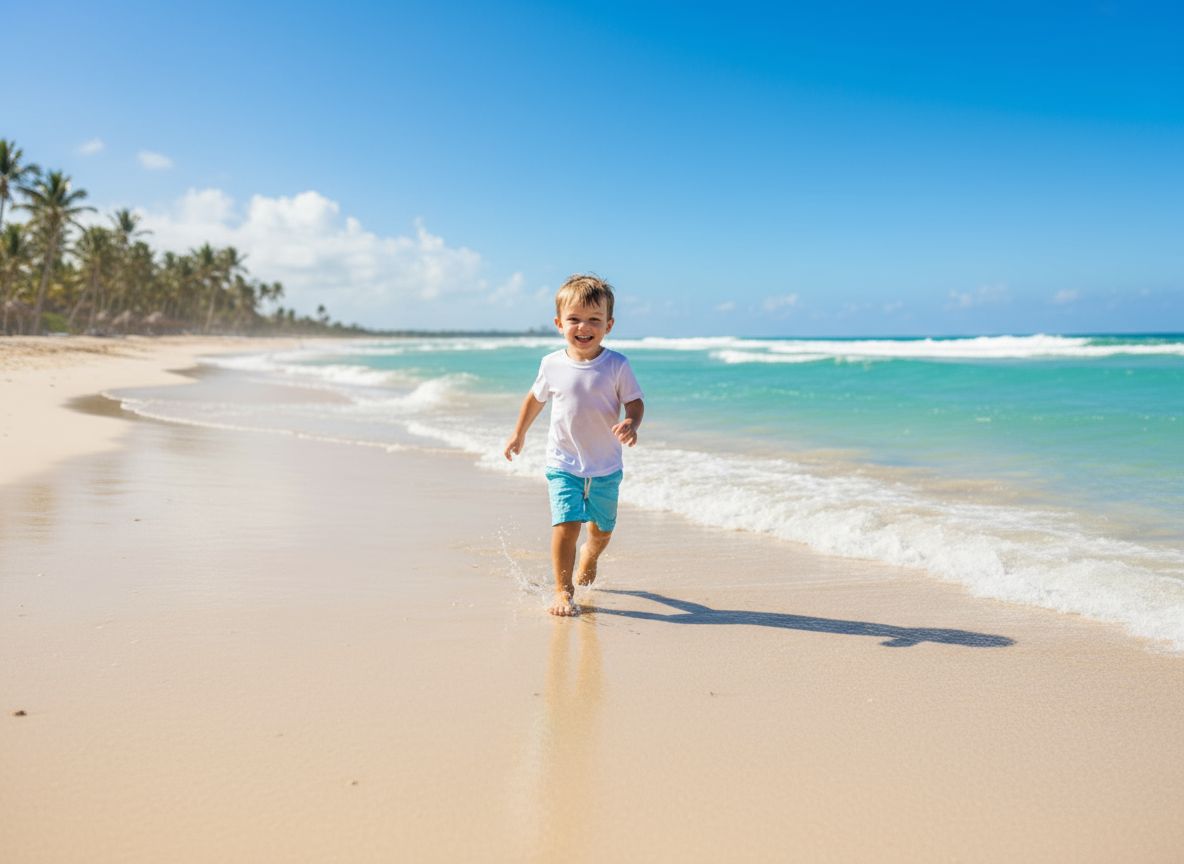
Turn a rough idea into a structured image concept by clarifying the subject, setting, composition, and mood across a short conversation. Move past the blank page without writing one perfect prompt. For more image creation options, continue with the AI image generator.

Chat to Image: shape a clear visual direction

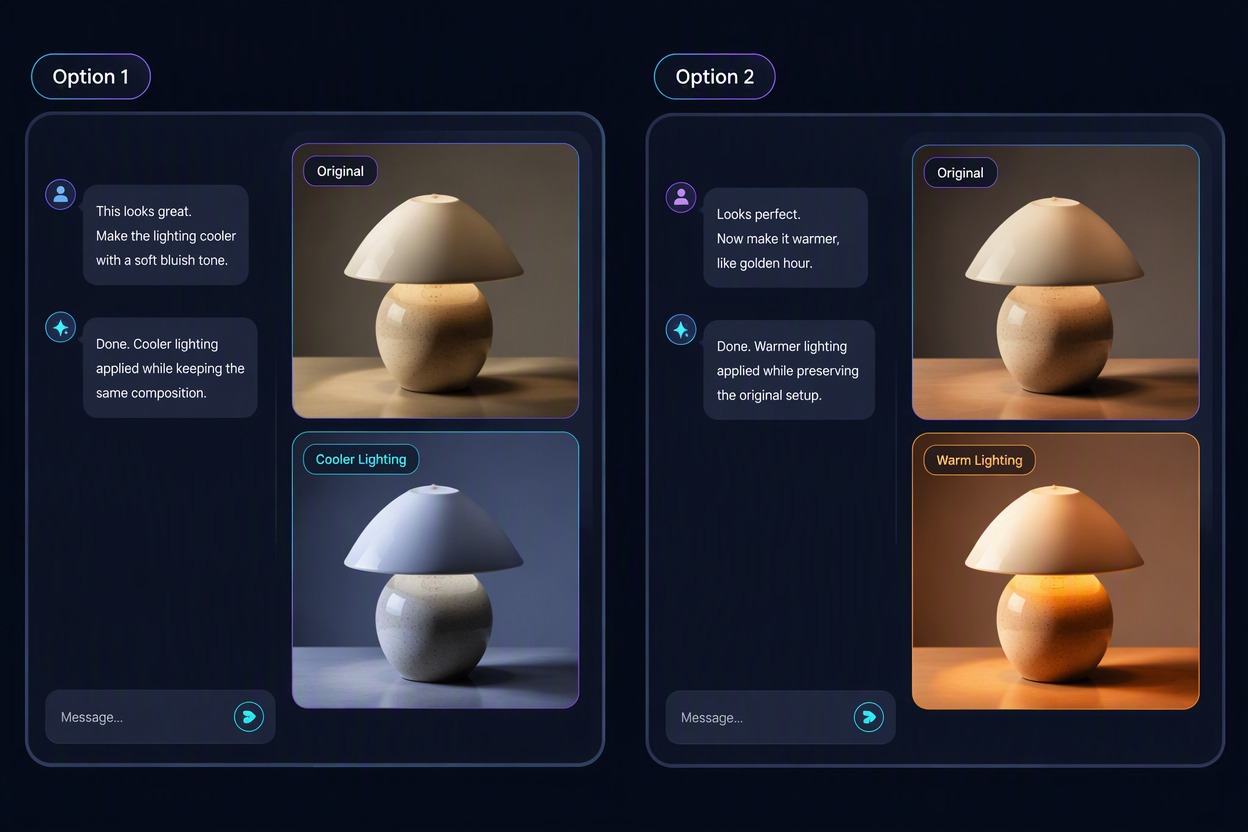
Refine One Detail at a Time

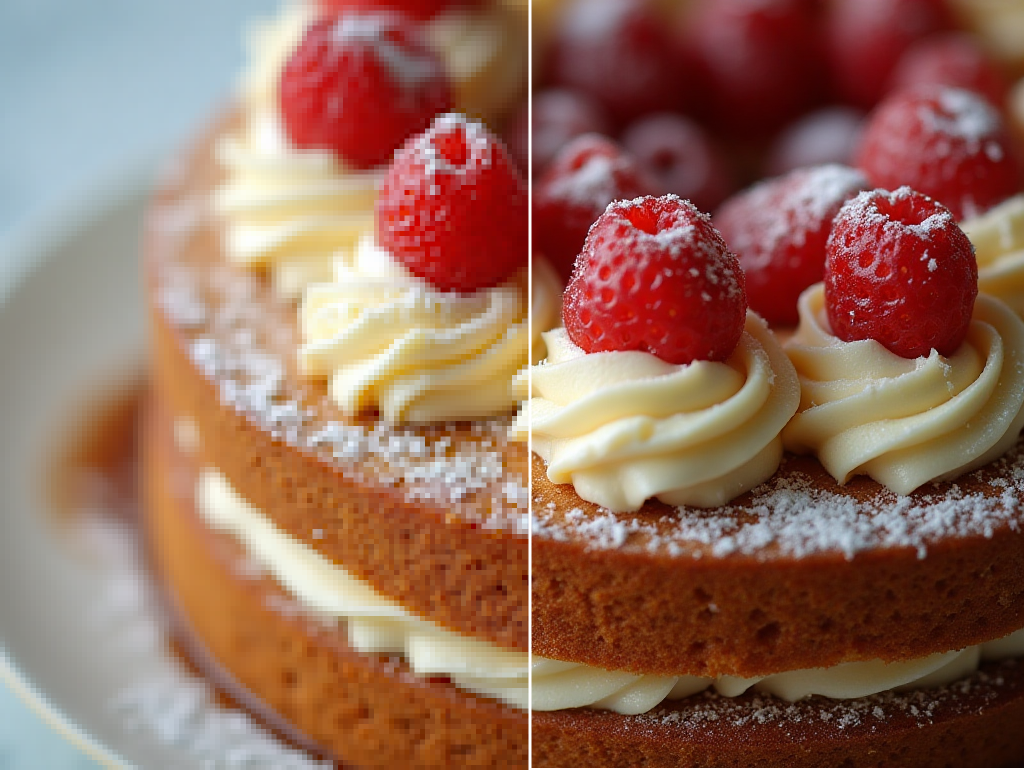
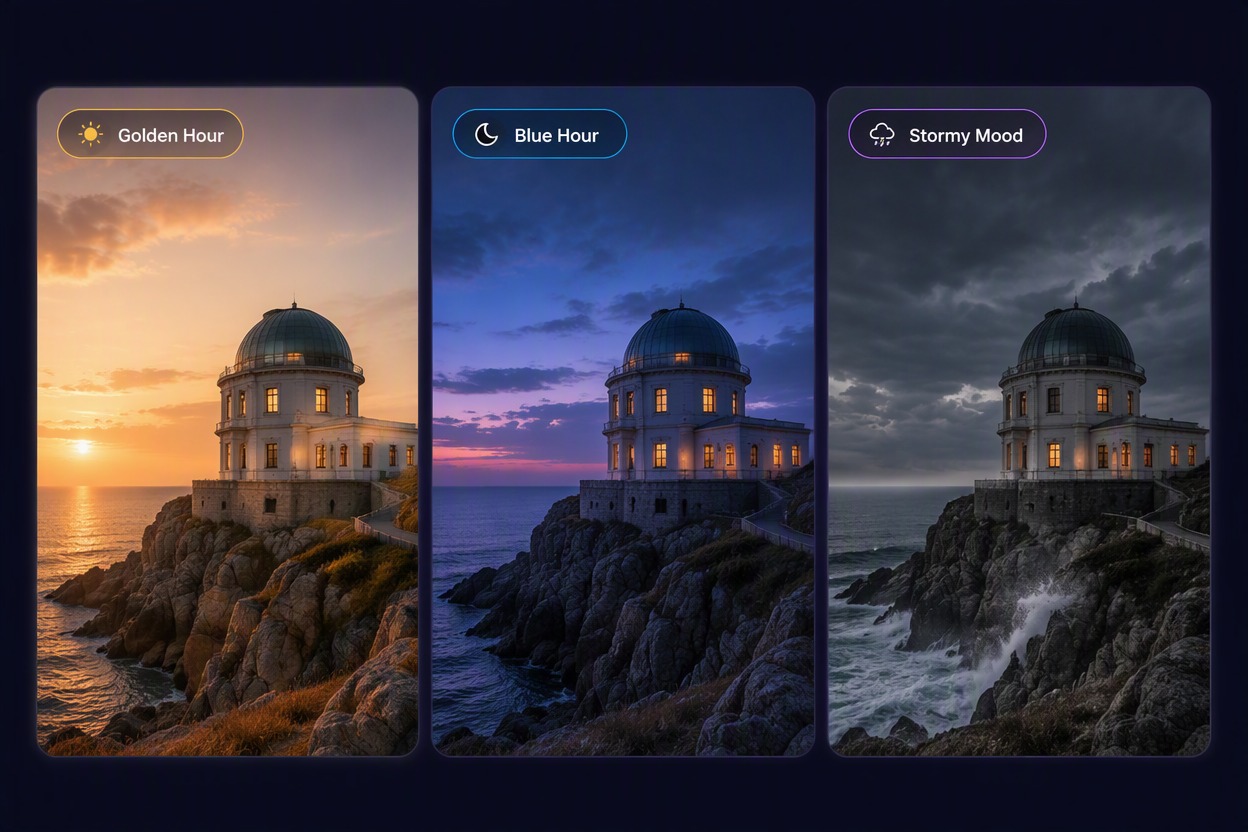
Adjust lighting, framing, color, or scene emphasis in follow-up messages while keeping the parts of the concept that already work. Explore changes without rewriting the entire brief.

Chat to Image: refine one detail at a time

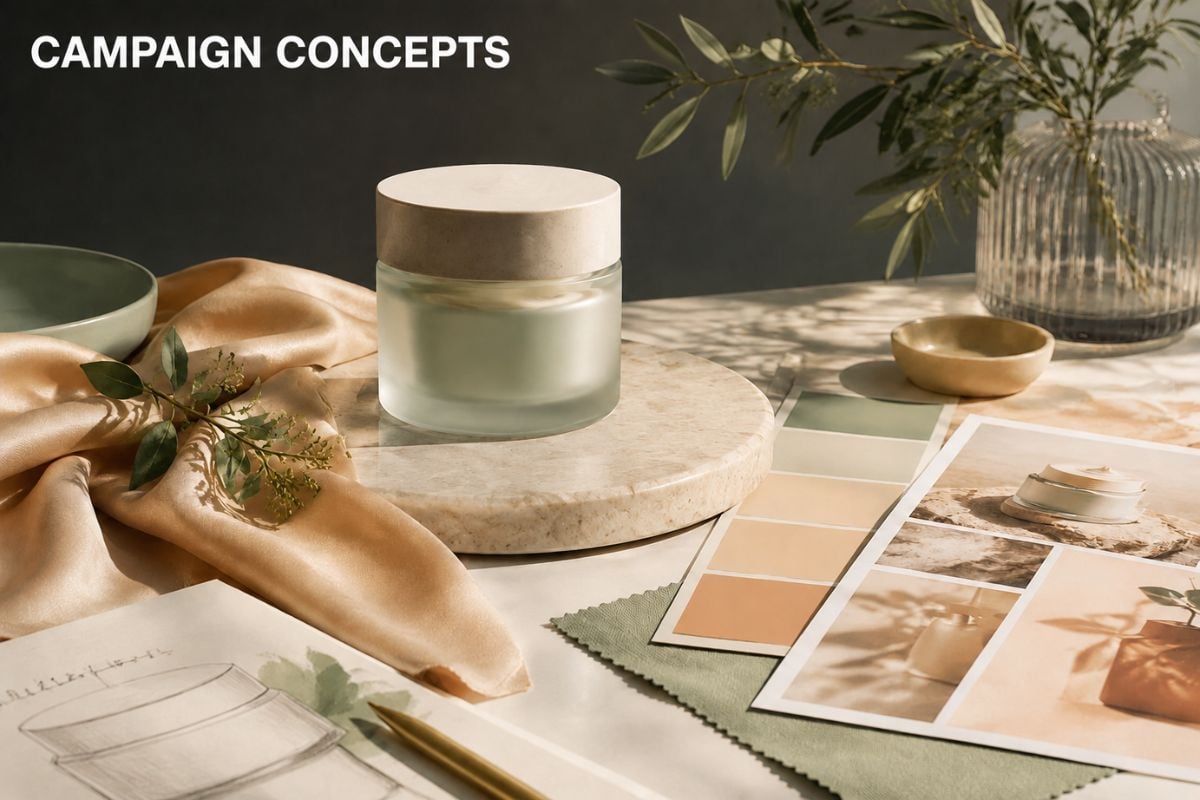
Build Story and Campaign Concepts

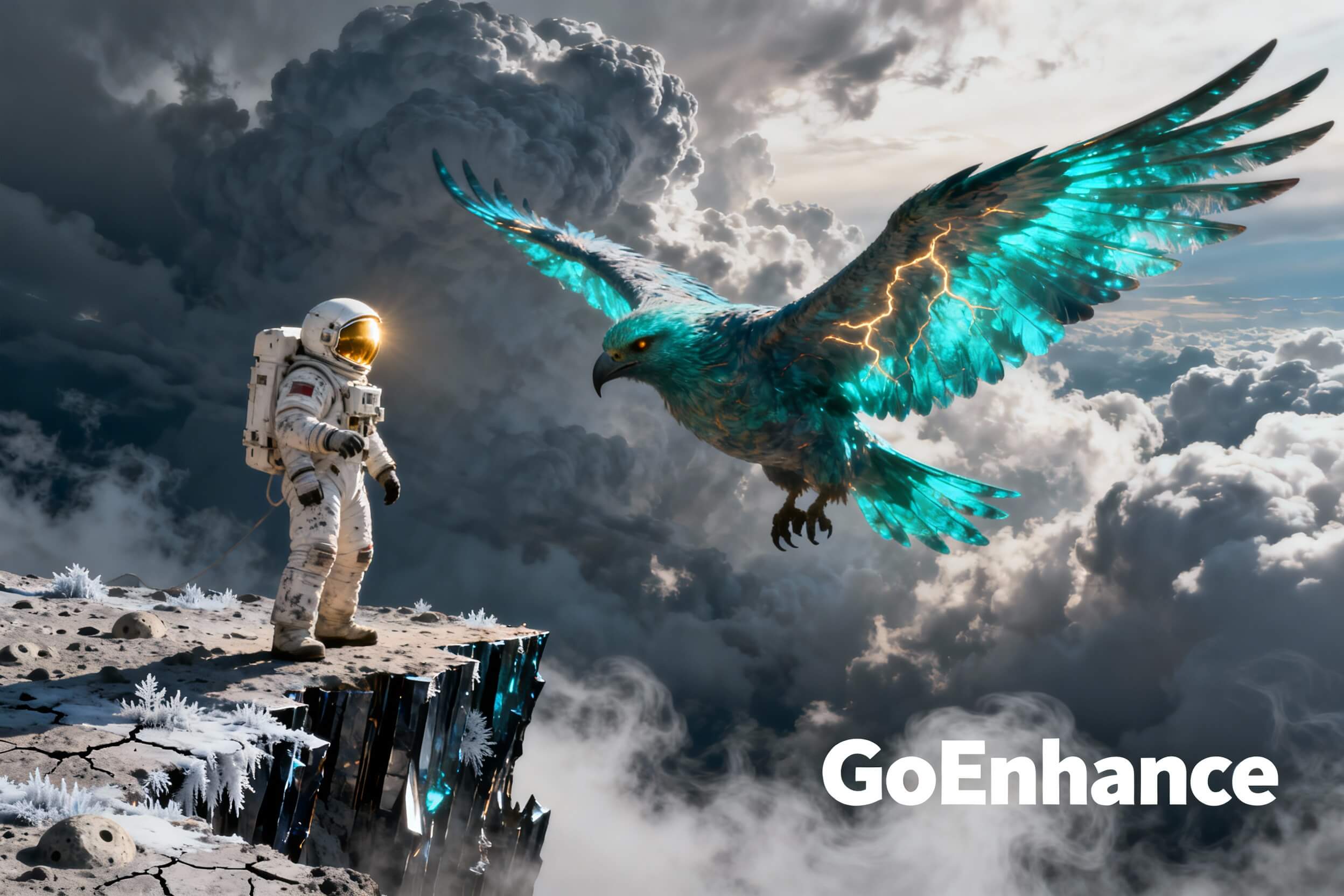
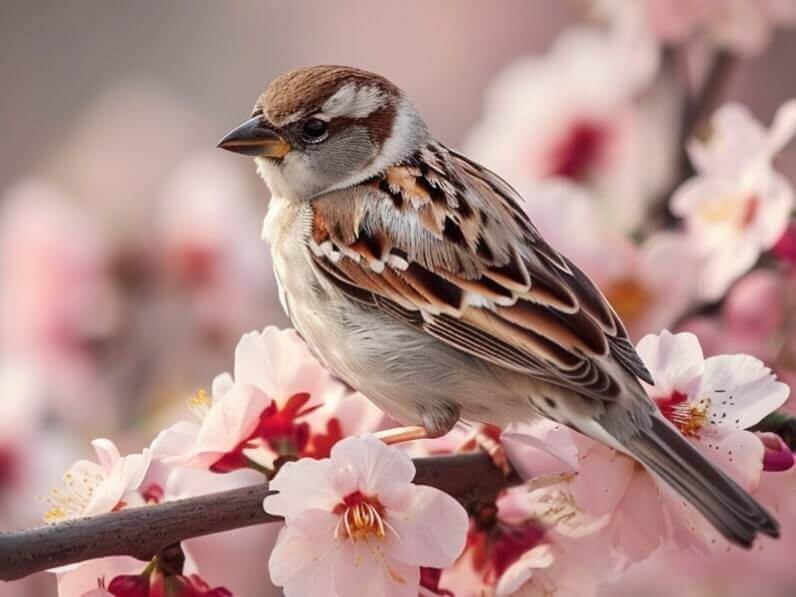
Develop character moments, product scenes, editorial images, and campaign directions through a sequence of focused creative decisions. Create a result that is easier to evaluate and share.

Chat to Image: build story and campaign concepts

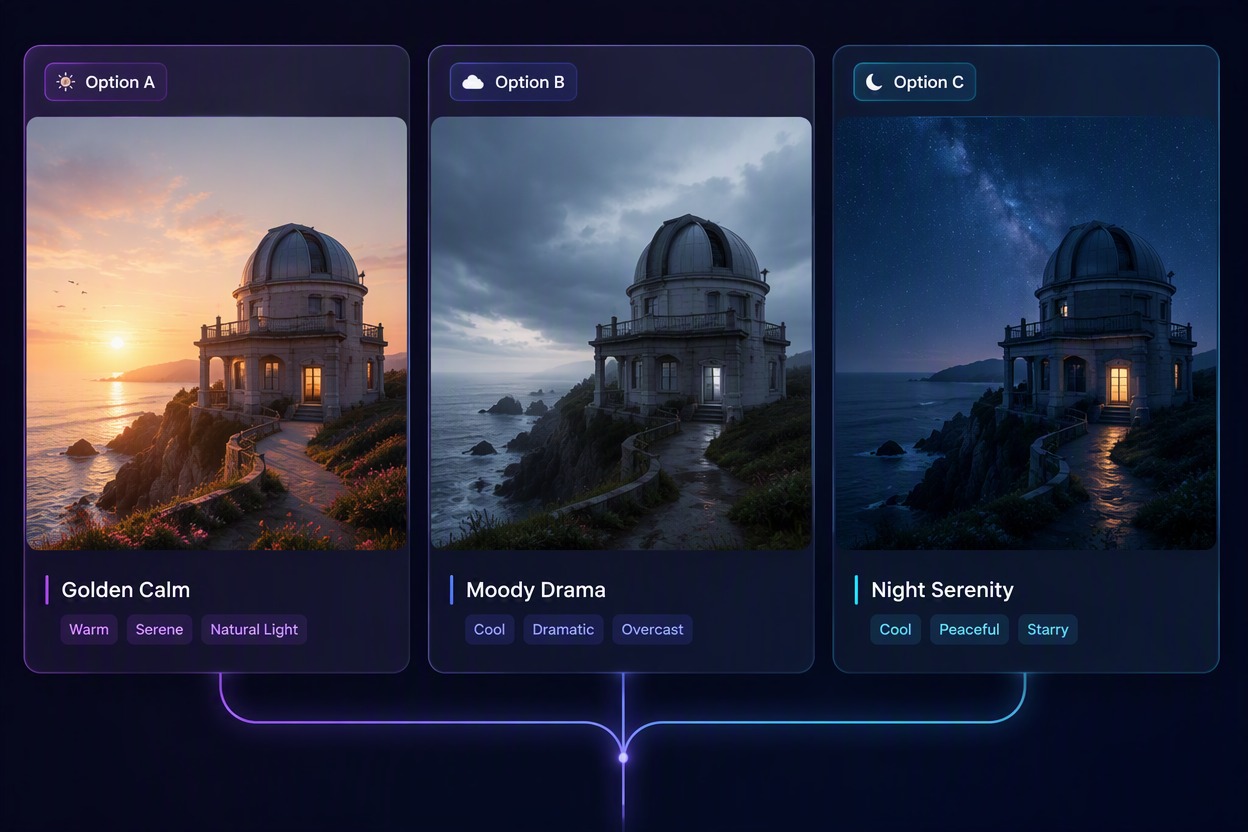
Compare Alternate Creative Directions

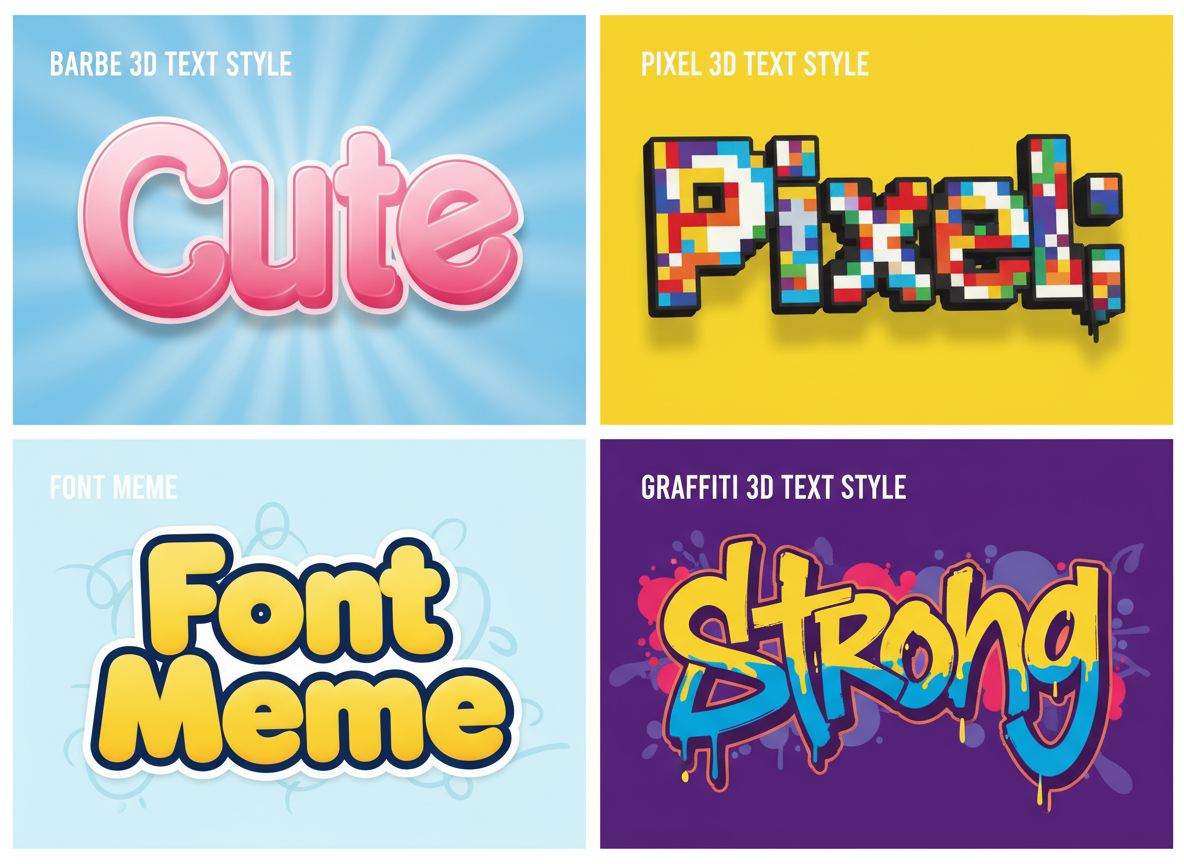
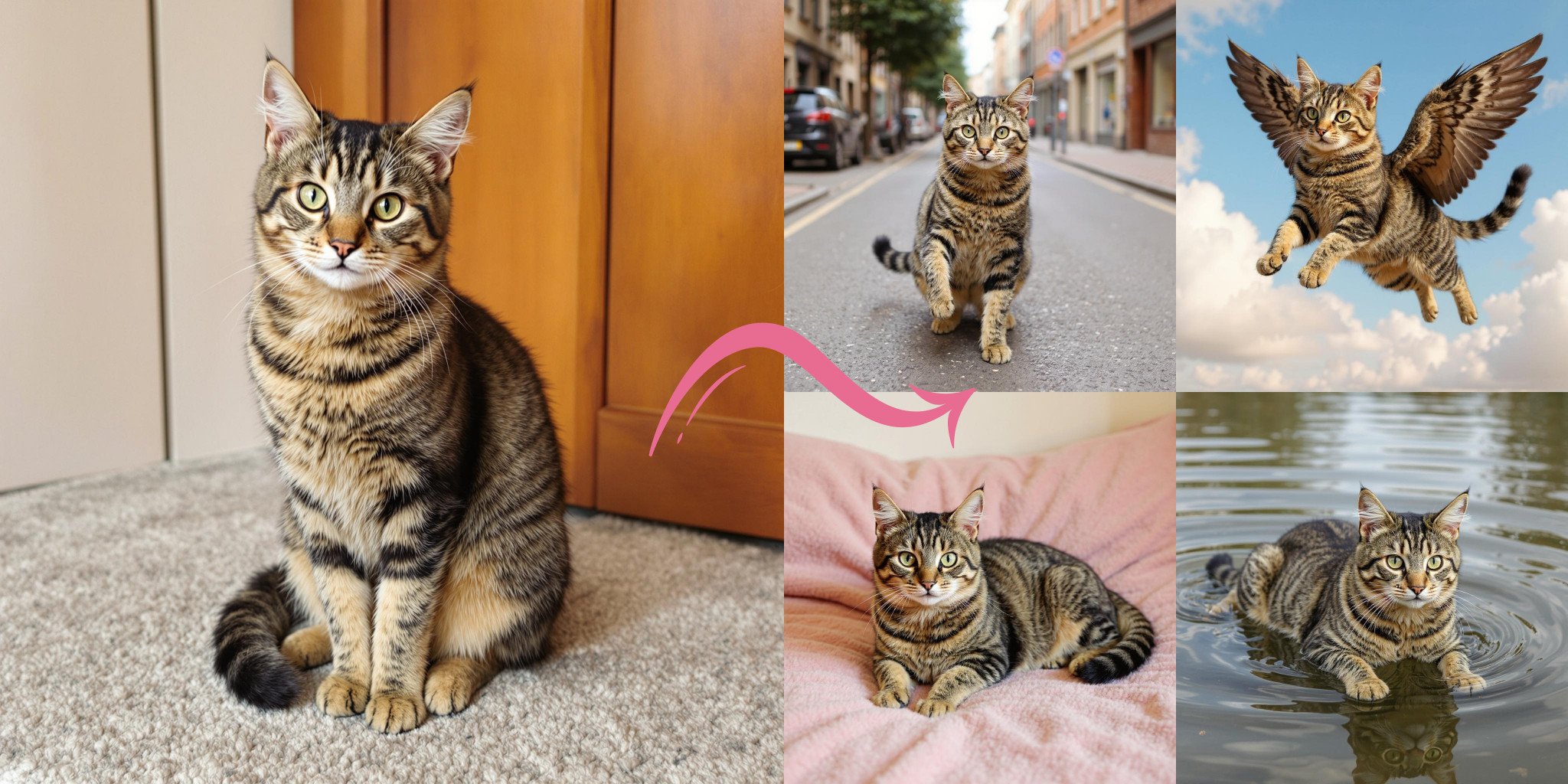
Branch one conversation into different moods, compositions, or visual treatments. Compare options earlier and choose a stronger direction before downstream design work.

Chat to Image: compare alternate creative directions

Why Use a Chat to Image Generator

Natural Idea Development

Describe what you want in ordinary language and improve the concept through focused follow-up messages.

Less Pressure on the First Prompt

Begin with a rough visual idea instead of trying to solve every detail in one long instruction.

Better Requirement Continuity

Carry forward the useful subject, scene, and composition choices while refining selected details.

Useful Across Creative Tasks

Draft editorial visuals, story moments, product scenes, posters, and campaign concepts from conversation.

Faster Creative Comparison

Explore several moods or compositions before committing to one image direction.

Clearer Design Handoff

Turn an evolving conversation into a more specific visual reference for later editing and production.

Chat to Image FAQ

What is a chat to image generator?

A chat to image generator turns conversational descriptions and follow-up refinements into an image concept. It is designed for users who prefer developing visual requirements step by step.

How is chat to image different from a single prompt?

A single prompt asks for all requirements at once. A chat workflow lets you establish a direction, then clarify or revise selected details in later messages.

What should I include in the first message?

Name the main subject, setting, approximate composition, mood, and intended use. Add only the details that materially affect the first visual direction.

Can I revise an earlier requirement?

Use a follow-up message to state what should change and what should stay. Repeating the fixed subject and composition can make the revision easier to understand.

Is the chat to image workflow free?

GoEnhance AI may provide free credits for trying image generation. Available credits, account rules, export options, and continued usage can change in the live app.

Can I use the result commercially?

Check current GoEnhance terms and verify rights to any source material, logos, characters, products, or recognizable people before commercial use.

Chat to Image Applications

Explore practical ways to use conversational image generation for ideation, marketing, storytelling, and visual planning.
Develop Visual Ideas

Develop Visual Ideas

Describe a subject, setting, composition, and mood in natural language, then refine the image direction through follow-up messages until the concept feels clear.

Try For Free

Turn a Conversation Into an Image With GoEnhance AI

Describe a visual idea, refine the important details through follow-up messages, and generate a clearer image direction.

Start Chatting to Create