Free AI Anime Background Generator Online
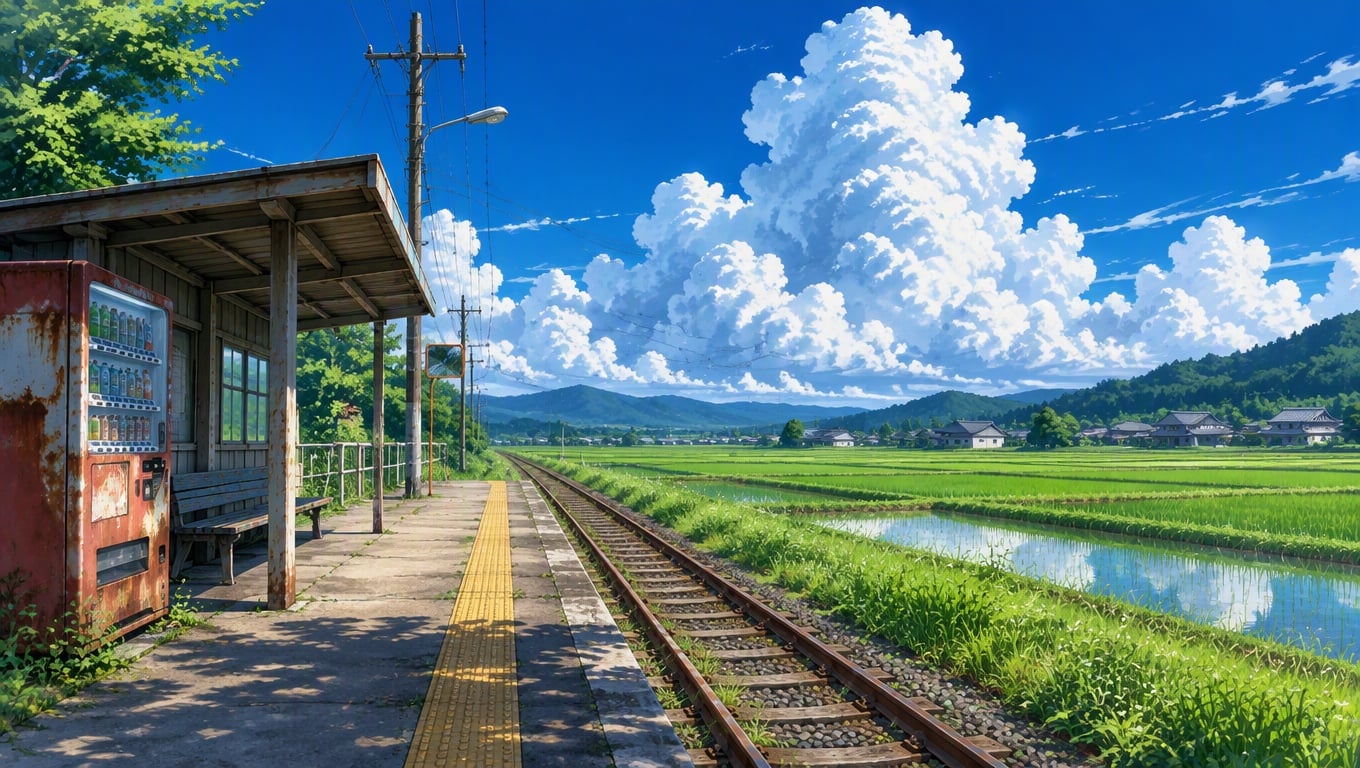
Describe a location, camera view, weather, lighting, palette, and recurring landmarks, then generate environment art for storyboards, visual novels, thumbnails, scene concepts, and motion references.
Create Anime Backgrounds for Free
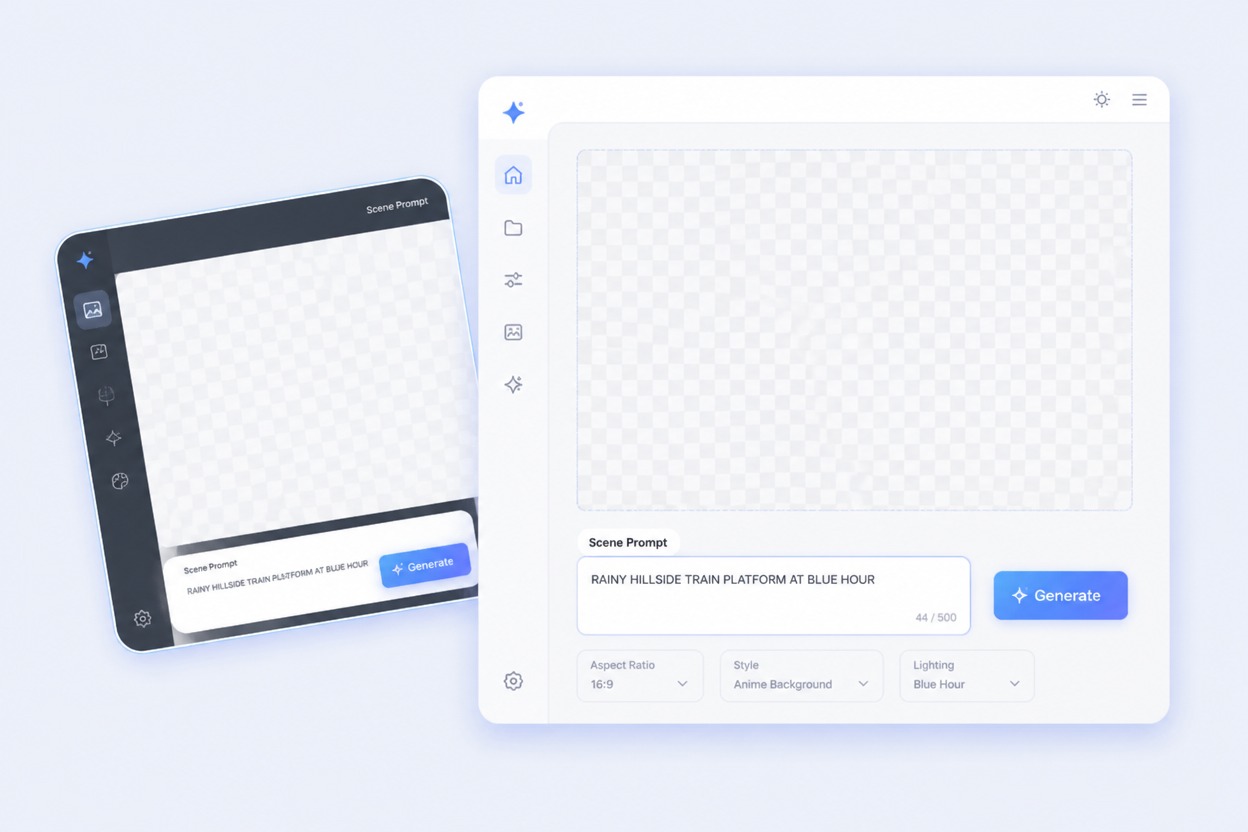
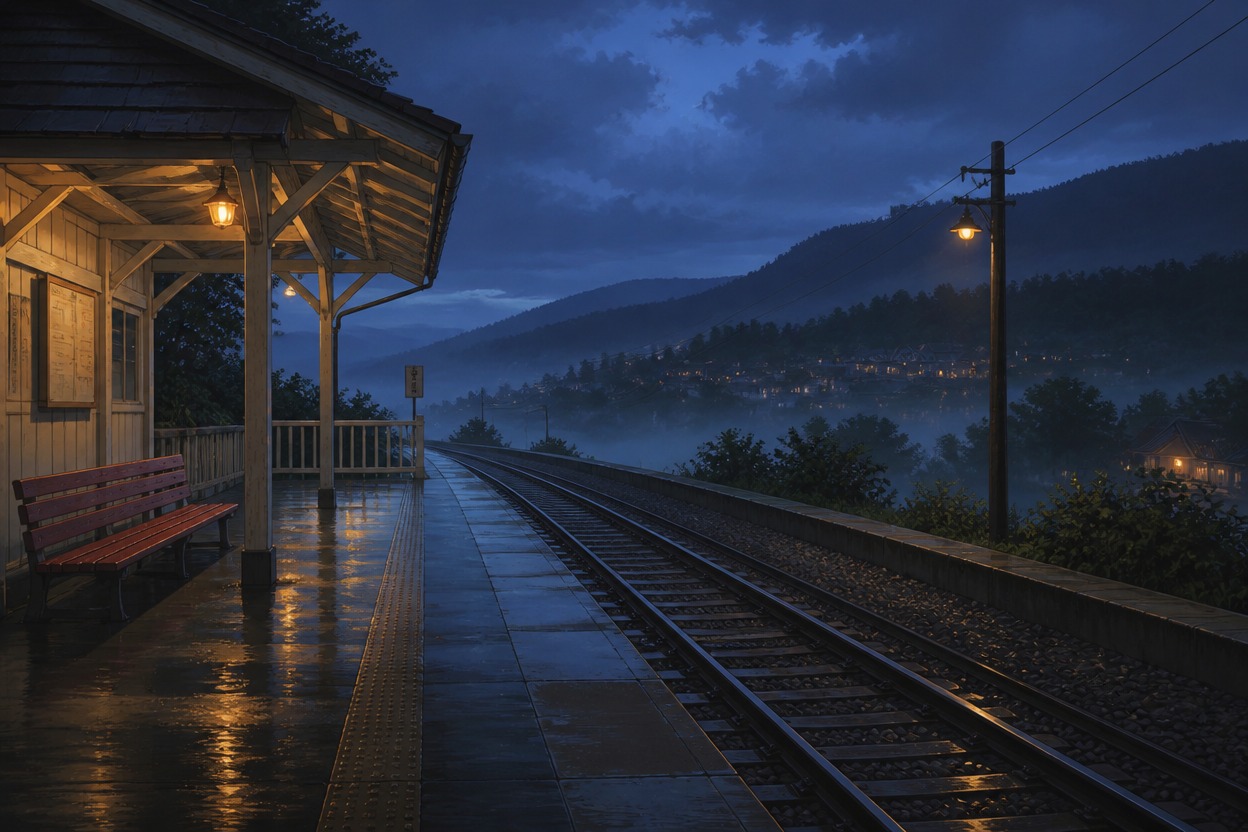
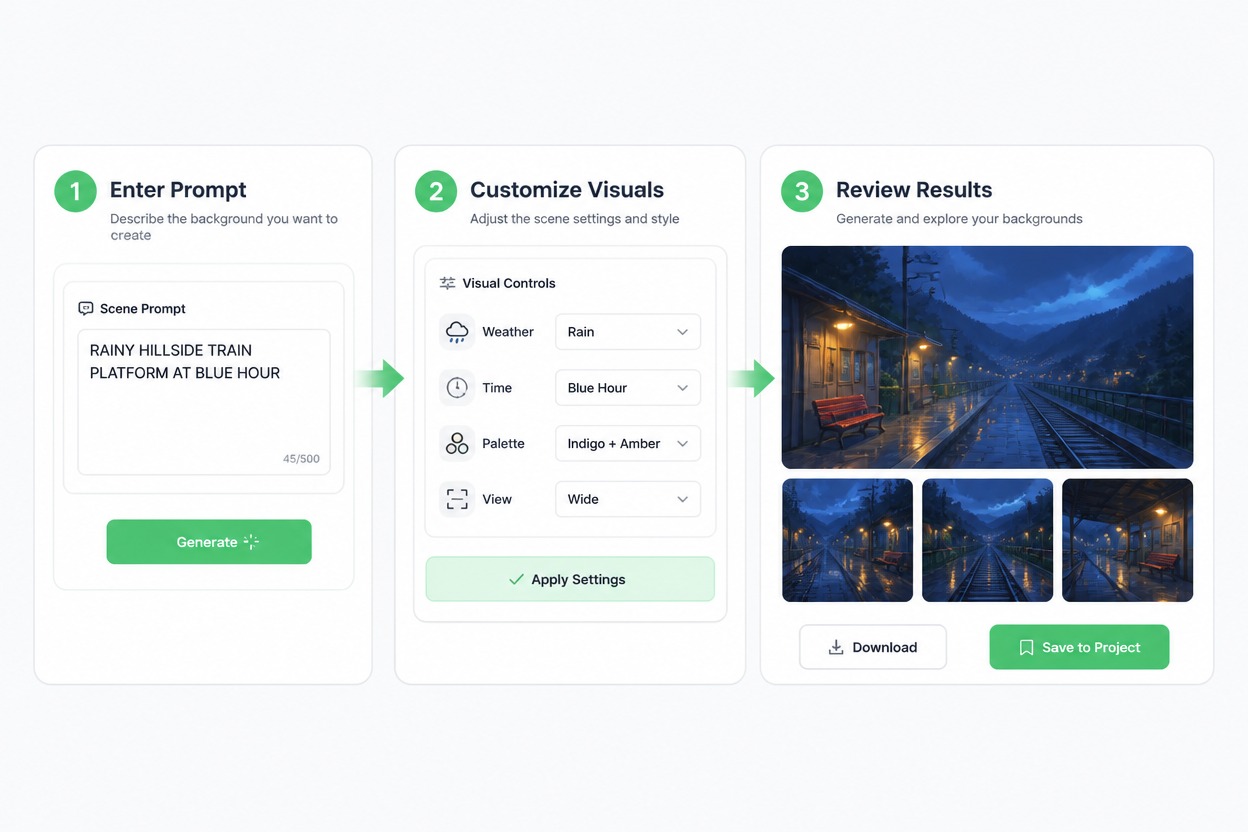
Hero complete Scene Prompt + Visual Controls → AI Anime Backgrounds workflow with no characters. Prompt exact text RAINY HILLSIDE TRAIN PLATFORM AT BLUE HOUR. Controls WEATHER RAIN, TIME BLUE HOUR, PALETTE INDIGO + AMBER, VIEW WIDE. Three finished original anime-inspired environment plates show the same empty hillside station: wide establishing shot, track-level angle, covered waiting-area view. Preserve red bench, cream shelter, two rails, mountain silhouette and amber lamps. Exact labels Scene Prompt, Visual Controls, Background Results. No people, known anime location, studio imitation, franchise symbol, logo, watermark or gibberish.

Anime Background Use Cases

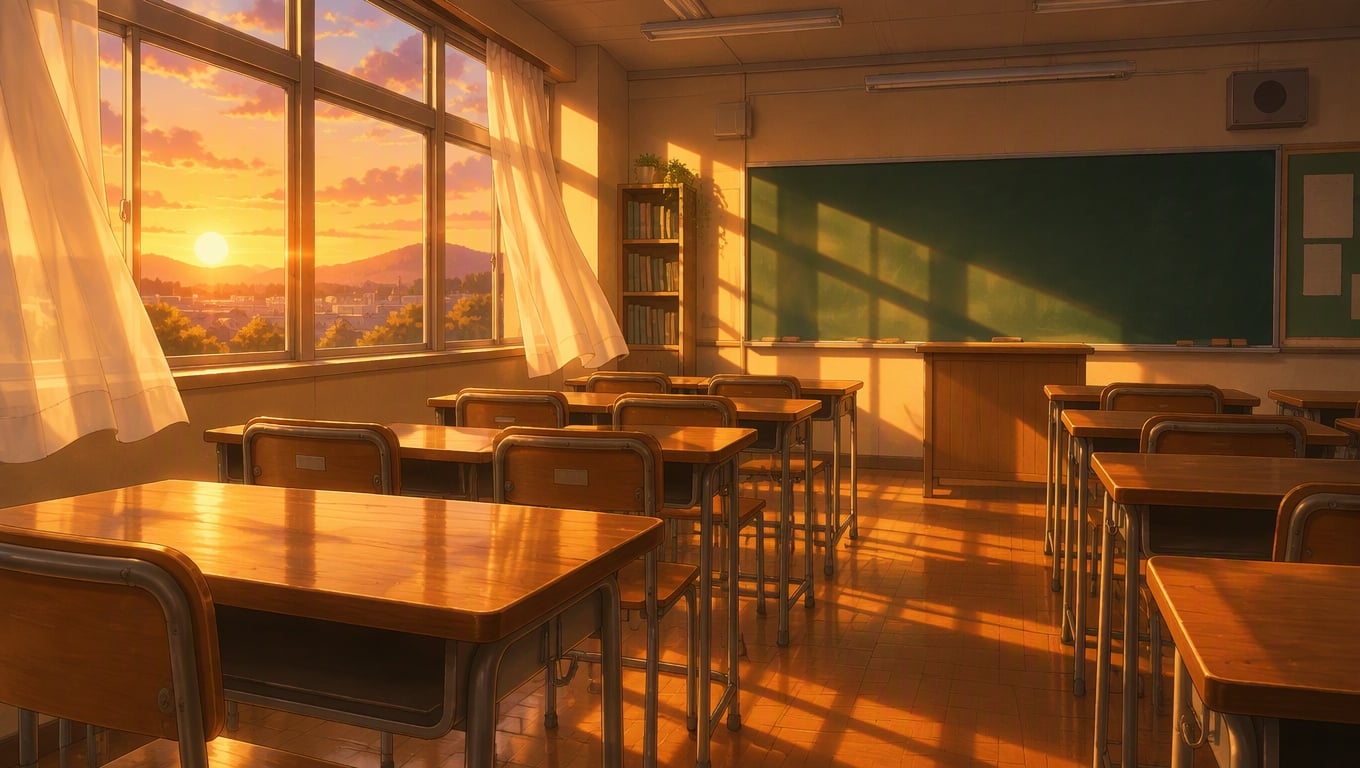
Explore different anime background styles and use them as creative references for image generation.

Generate More Powerful Anime Backgrounds

Generate Cinematic City Environments

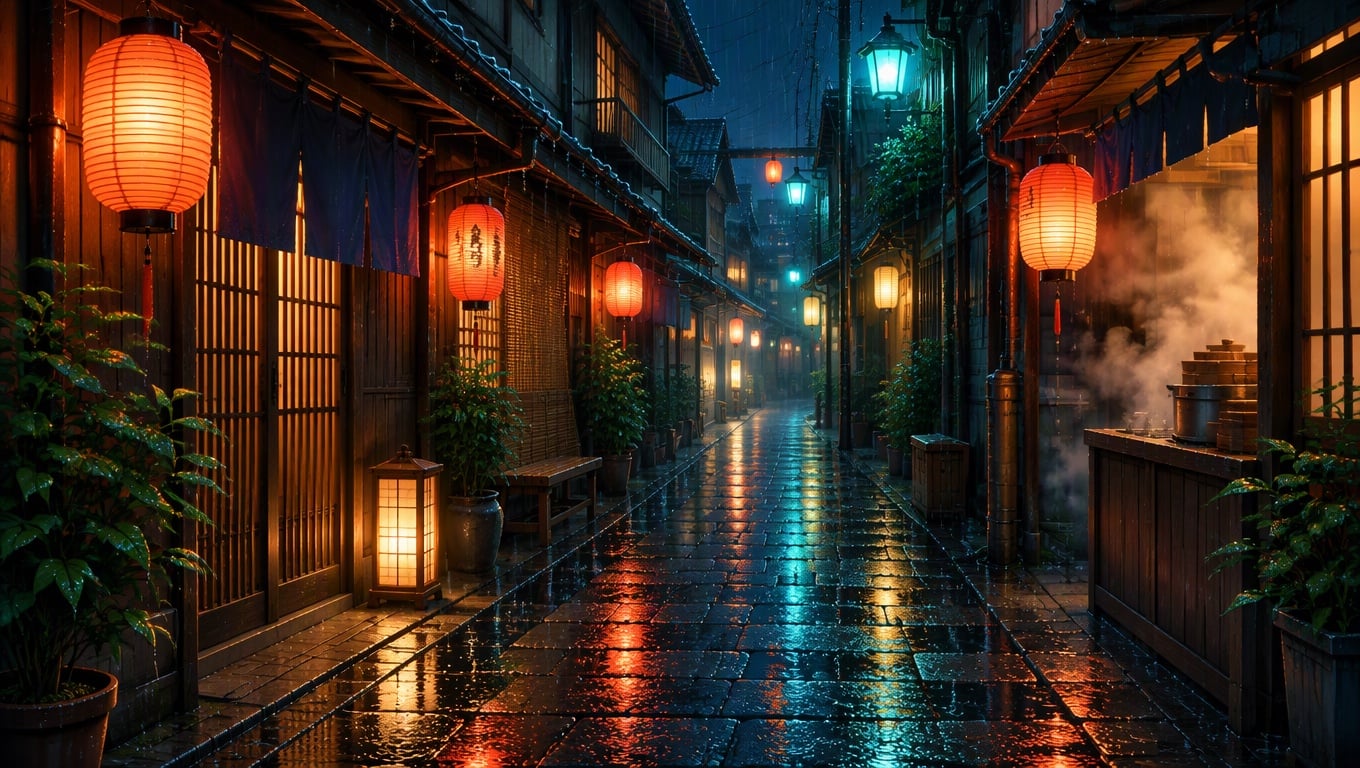
Turn streets, bridges, transit stops, rooftops, signs, weather, and time of day into a complete anime city scene. With text to image, you can create strong establishing shots, alternate camera angles, and atmospheric urban backgrounds while keeping the architecture, palette, and recurring landmarks visually consistent.
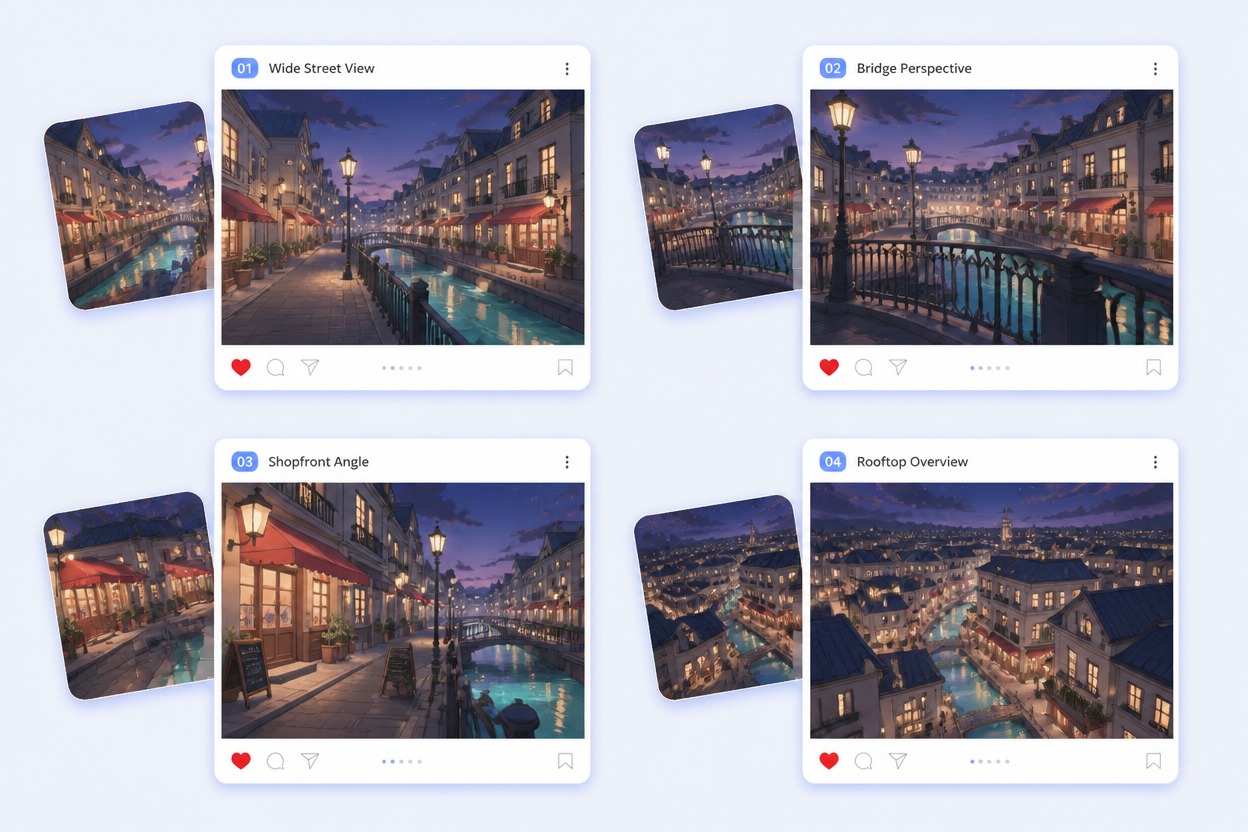
Feature cinematic city-background board with one original canal district at night: WIDE STREET, BRIDGE VIEW, SHOPFRONT ANGLE, ROOFTOP VIEW. Preserve turquoise canal, coral awnings, narrow cream buildings and violet sky across all four views. No people, cars, readable store brands, known anime city, logos or watermark.

Build Immersive Nature and Fantasy Worlds

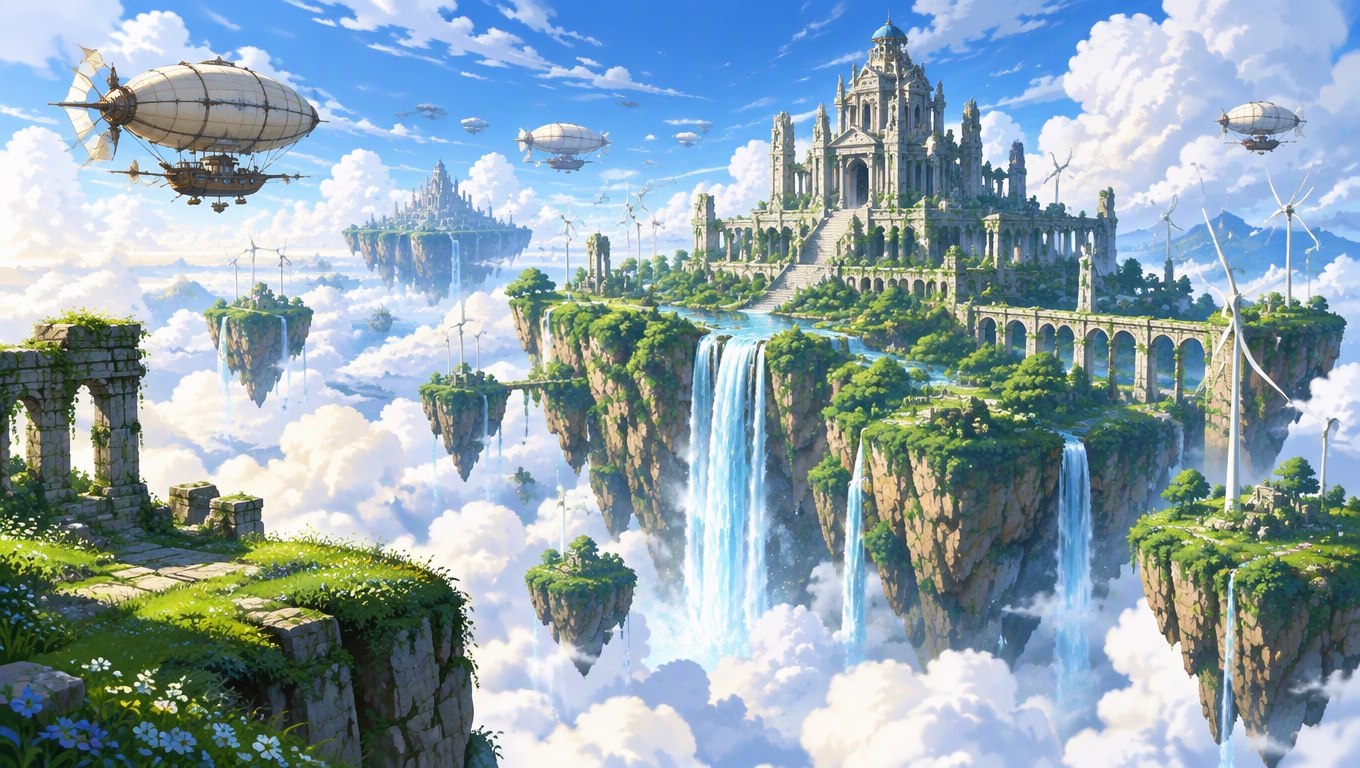
Generate forests, mountain paths, floating gardens, crystal caves, coastlines, and open meadows with rich atmosphere and clear spatial depth. Control the foreground, middle ground, lighting, and distant scenery to produce environment art that feels expansive, cinematic, and ready for stories or visual development.
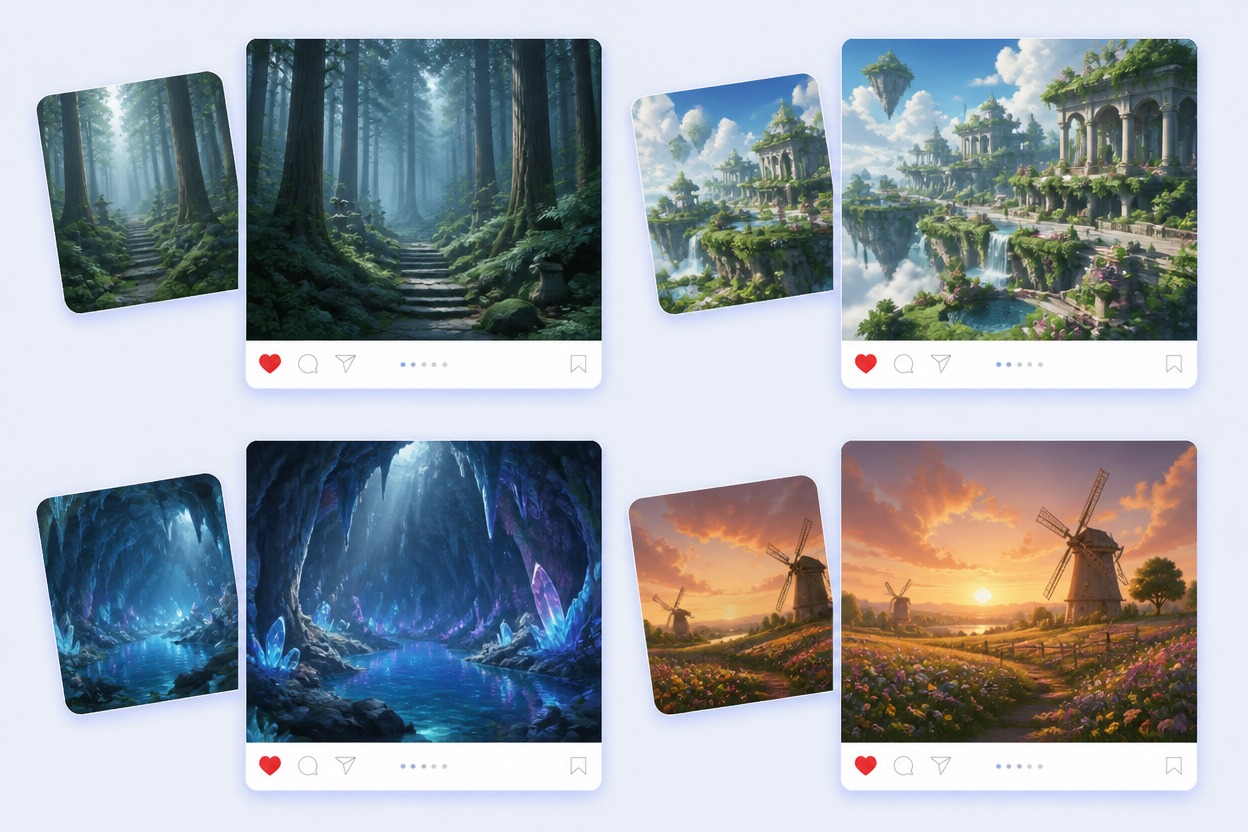
Feature nature-and-fantasy background showcase with four distinct original scenes: misty cedar forest, floating garden terraces, crystal cave lake, windmill meadow at sunset. Environment art only, no characters, creatures, copied landmarks, studio-specific imitation, logos or text.

Create Detailed Anime Interiors

Design bedrooms, cafés, studios, classrooms, workshops, and other interiors by specifying furniture, windows, materials, props, and practical lighting. Generate polished background plates with readable layouts, believable object placement, and enough visual detail to support characters, storyboards, thumbnails, and scene concepts.
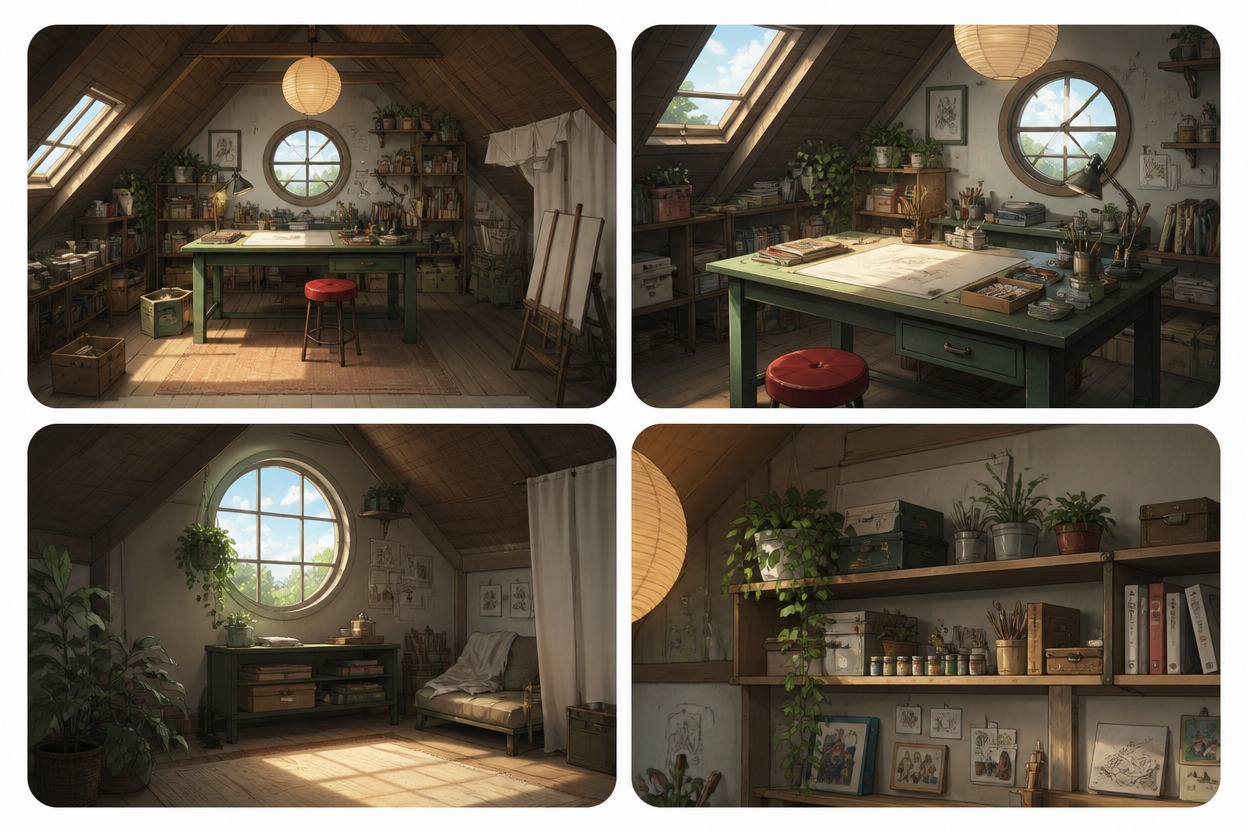
Feature interior-background design board for one original small attic art studio. Show WIDE ROOM, DESK ANGLE, WINDOW CORNER, SHELF DETAIL while preserving sloped wood ceiling, round window, green desk, red stool, paper lantern and plant shelf. No people, readable brand text, impossible room geometry, logo or watermark.

Create Consistent Background Sets

Build a complete visual world from connected locations such as forest paths, floating ruins, crystal caves, streets, and meadows. Reuse a coordinated color palette, lighting direction, materials, and atmosphere so every generated background feels like part of the same story rather than an unrelated image.
Feature four-location story background pack with original environment plates: misty cedar forest path, floating garden ruins, blue crystal cave lake, windmill meadow at sunset. Keep a coherent painterly palette and atmosphere across the pack while each location remains clearly distinct. Environment art only, no people, characters, copied landmarks, named studio imitation, logos, watermark or text.

How to Create Better Anime Background Prompts

1

Describe the Setting Clearly

Start with the main environment and its defining features. For example: 'a quiet Japanese street with wooden houses, blooming cherry blossom trees, stone lanterns, and a small bridge in the distance.'

2

Build Depth with Layers

Include foreground, middle-ground, and background elements to create a more immersive scene. Add details such as a pathway in the foreground, buildings or trees in the middle ground, and mountains, clouds, or a city skyline in the distance.

3

Define the Mood and Lighting

Specify the time of day, weather, lighting, color palette, and atmosphere. Try descriptions such as 'soft golden-hour sunlight, gentle mist, pastel pink and blue tones, and a peaceful nostalgic mood.'

4

Control the Composition

Mention the desired perspective and visual focus, such as 'wide-angle view, central pathway leading into the distance, balanced composition, cinematic framing, and clear open space for characters.' You can also add 'no people, no text, no watermark' when needed.

Why Use an AI Anime Background Generator

Start With a Specific Scene Prompt

Name the location, season, weather, time, lighting, camera view, materials, and emotional tone.

Control Foreground and Depth

Use near objects, a readable middle ground, and distant forms to give the background a cinematic sense of space.

Keep Architecture Coherent

Review windows, doors, stairs, rails, rooflines, furniture, and horizon lines for structural consistency.

Create Multiple Camera Angles

Turn one location brief into establishing, street-level, corner, interior, or detail views for a scene set.

Plan a Multi-Location Scene Set

Organize forests, ruins, caves, interiors, streets, and open landscapes into a coherent visual journey.

Prepare Art for Different Uses

Frame AI generated anime backgrounds for storyboards, visual novels, thumbnails, scene concepts, or motion references.

How to Generate an Anime Background

Describe the Environment
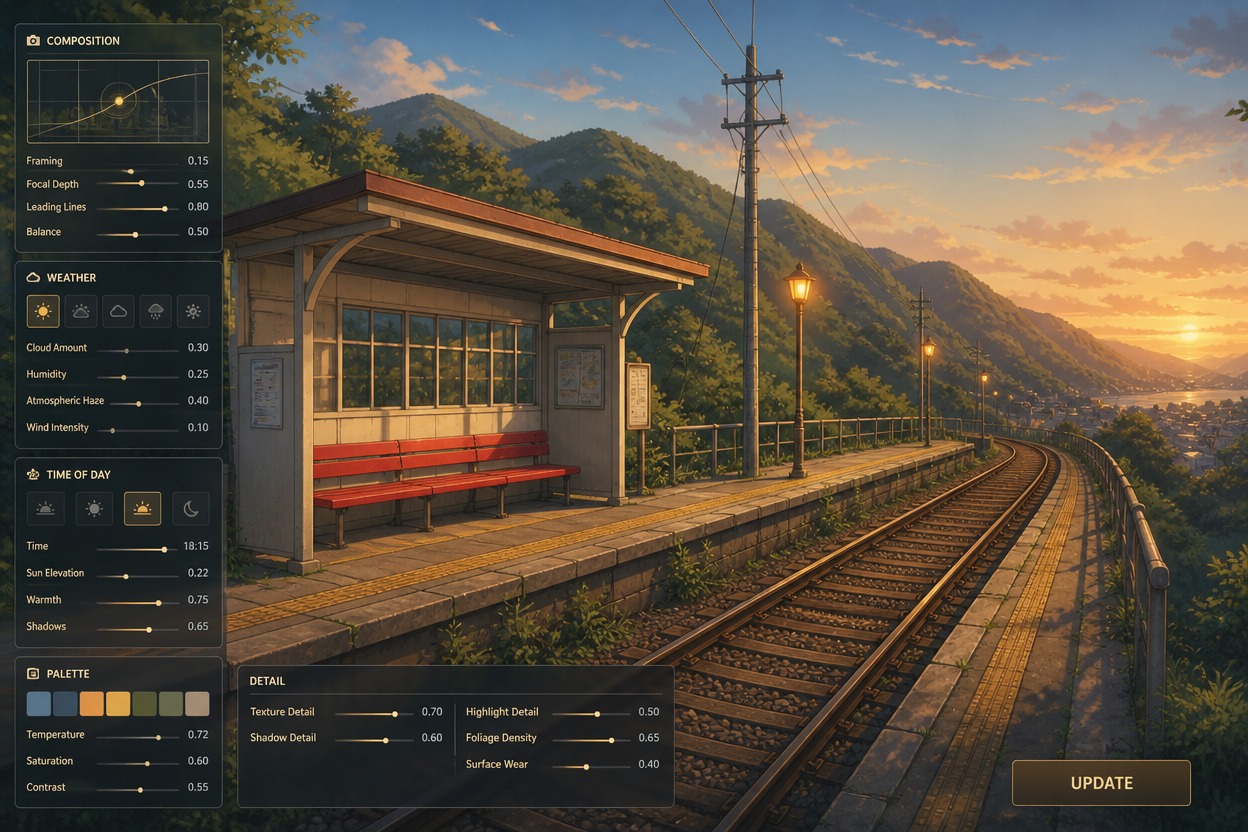
Write the location, camera view, season, time, weather, palette, materials, and important landmarks. Leave out character actions when the goal is a clean reusable background plate.

Adjust the Visual Direction

Refine composition, perspective, weather, time of day, palette, and detail level. Keep the main architecture and landmarks fixed when you need related angles or mood variations.

Generate and Inspect the Final Background

Open the finished scene at full size and inspect perspective, architecture, rails, stairs, furniture, horizon lines, lighting, repeated objects, and unintended text. Regenerate weak versions or download the background that fits the scene brief.

AI Anime Background Generator FAQ

What is an AI anime background generator?

It turns a written environment brief into anime-inspired scene art for city streets, nature, fantasy locations, interiors, storyboards, thumbnails, and visual-development work.

How do I create AI generated anime backgrounds?

Describe the location, camera angle, weather, time, palette, materials, lighting, and landmarks, generate several versions, then review perspective and structural consistency.

Can I make AI animated backgrounds?

This page creates background images. To add camera movement or environmental motion, use the finished scene as a reference in an image-to-video workflow and review whether the architecture stays stable.

What prompts work best for anime backgrounds?

Use concrete scene language such as rainy hillside station, wide establishing shot, blue hour, indigo-and-amber palette, wet rails, cream shelter, red bench, and misty mountains.

Can I generate several views of one location?

Yes. Keep recurring landmarks, architecture, palette, and materials in the prompt while changing only the requested camera position or crop. Review each output for continuity.

Is the AI anime background generator free?

Starter access or credits may be available, but current generation limits, queues, exports, and plan requirements can change. Check the live product before creating.

Can I use the backgrounds commercially?

Check current GoEnhance AI terms and confirm rights for prompts, reference images, logos, source artwork, and generated output. Avoid copying a protected scene, franchise asset, or named studio style.

Create Anime Backgrounds With GoEnhance AI

Turn a detailed environment prompt into original scene art for stories, concepts, thumbnails, and video references.

Generate a Background