
Free Dog Dancing AI Generator with 19 Templates
How to Make Dog Dance AI?
Upload Your Dog Photo
Choose a clear photo of your dog (full-body or three-quarter works best). Good lighting and a clean background help the motion look smoother.
Pick a Dance Template
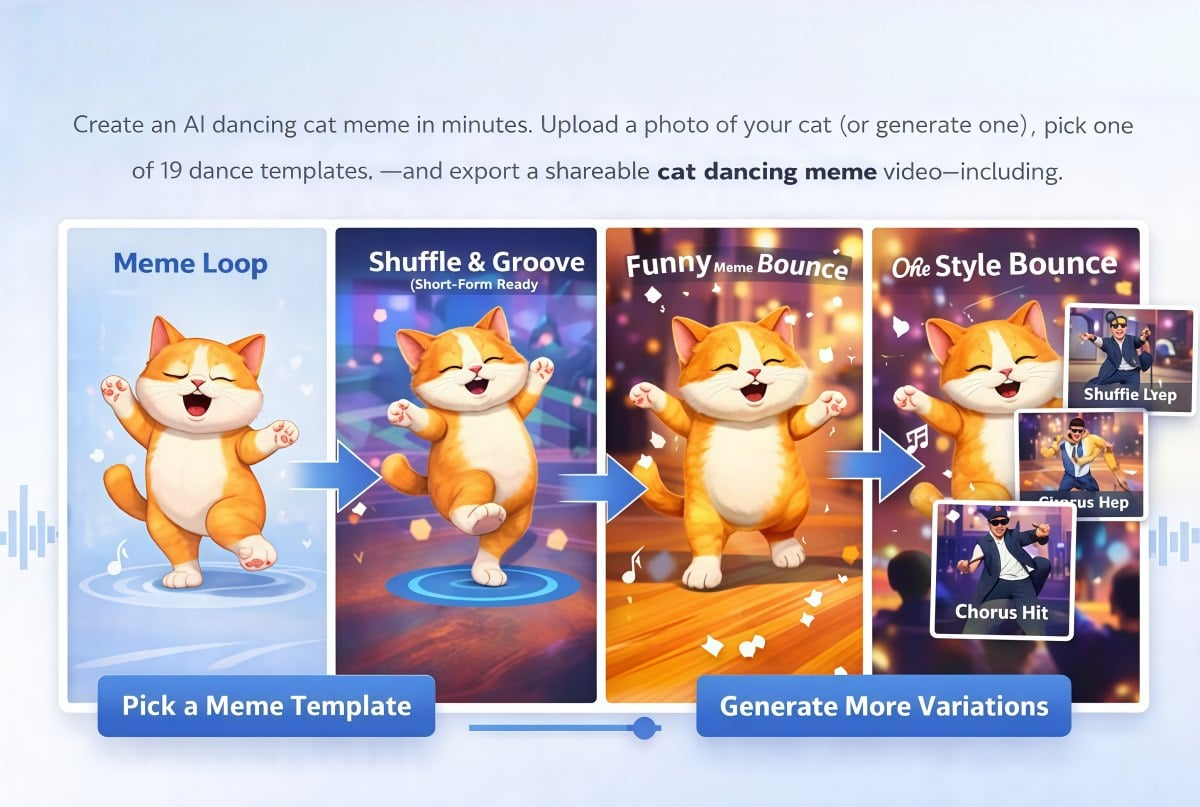
Select a dance template that matches the vibe you want—cute bounce, funny wiggle, or a steady groove. One photo can be reused to try multiple templates.
Generate & Download Your Dog Dance Video
Click generate to turn your photo into a short dog dancing video. Preview the result, then export and share it on TikTok, Reels, Shorts, or in group chats.
Make Dancing Dog Videos People Actually Share
Upload Your Dog Photo, Get a Dancing Clip
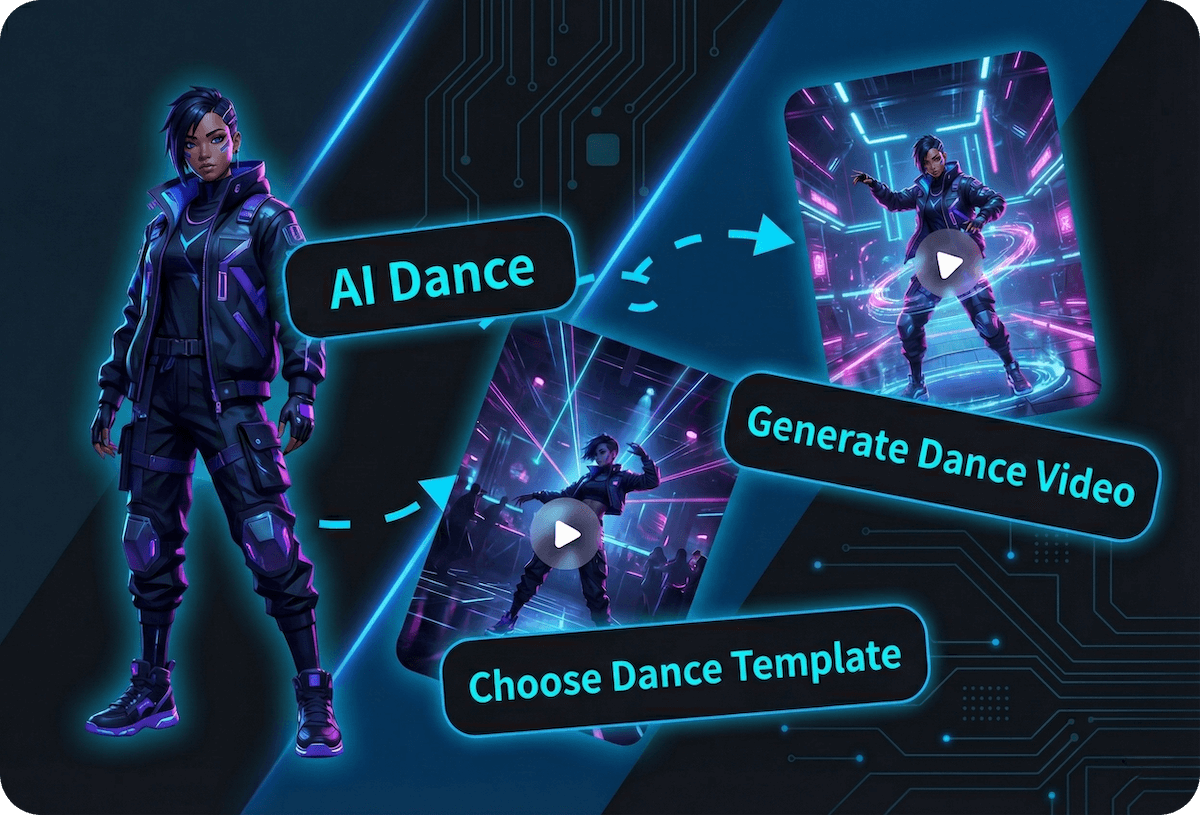
This dog dancing AI generator is built for fast, clean results: start with a clear dog photo (standing or sitting is fine), keep the subject centered, then pick a template and render the motion. If you want a more dynamic base first, try image to video to add subtle movement, then jump into AI dance to turn that moment into a real “on-beat” dancing dog clip.
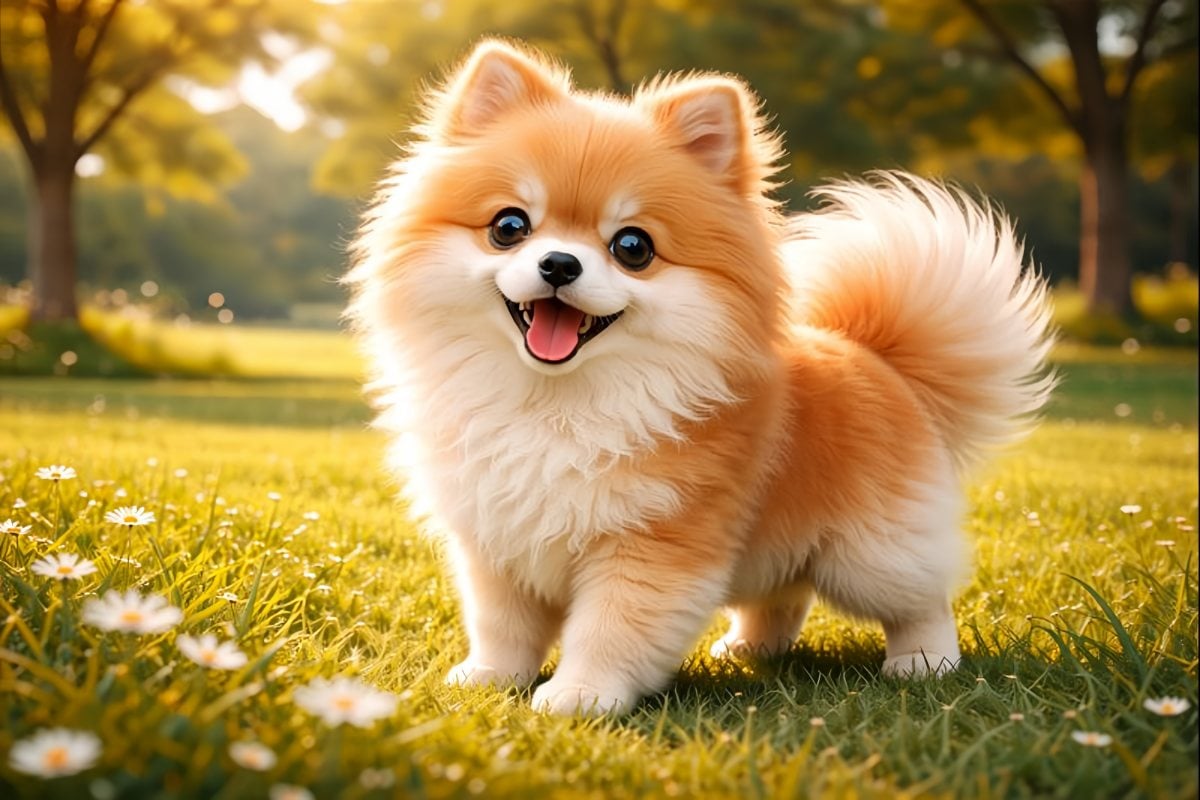
One Dog, Many Dance Styles
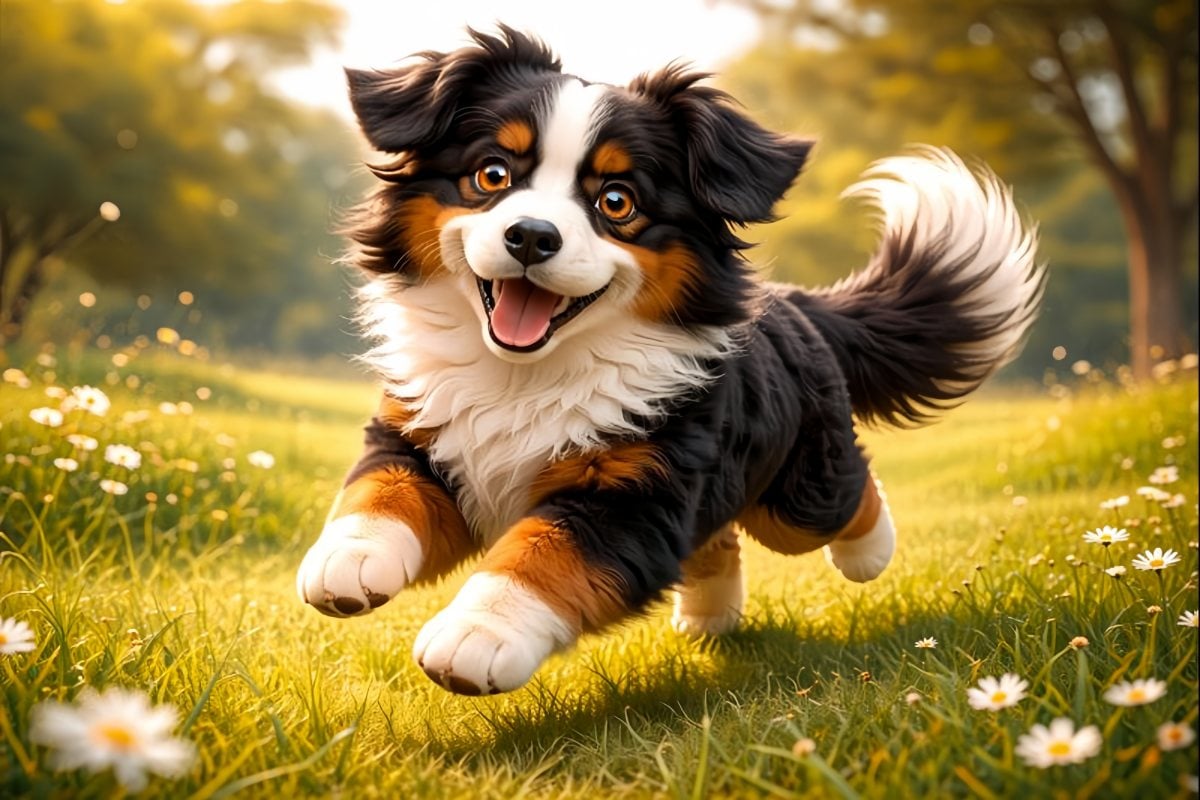
Switch templates to change the vibe instantly—cute bounces, silly wiggles, or a steadier groove that feels “music video” clean. This is perfect for pet accounts and creators who like testing formats: same dog, different choreography, different hook. For best results, use a crisp silhouette (fur edges matter), avoid tiny subjects in the frame, and keep paws visible when possible.
You May Want to Know
What is a dog dancing AI generator?
How do I make a dancing dog video?
What kind of dog photo works best?
Can I generate multiple versions from one photo?
What does “AI dog dance generator” mean?
What is “AI dog dancing”?
How can I improve motion quality?
How is this different from basic animation apps?
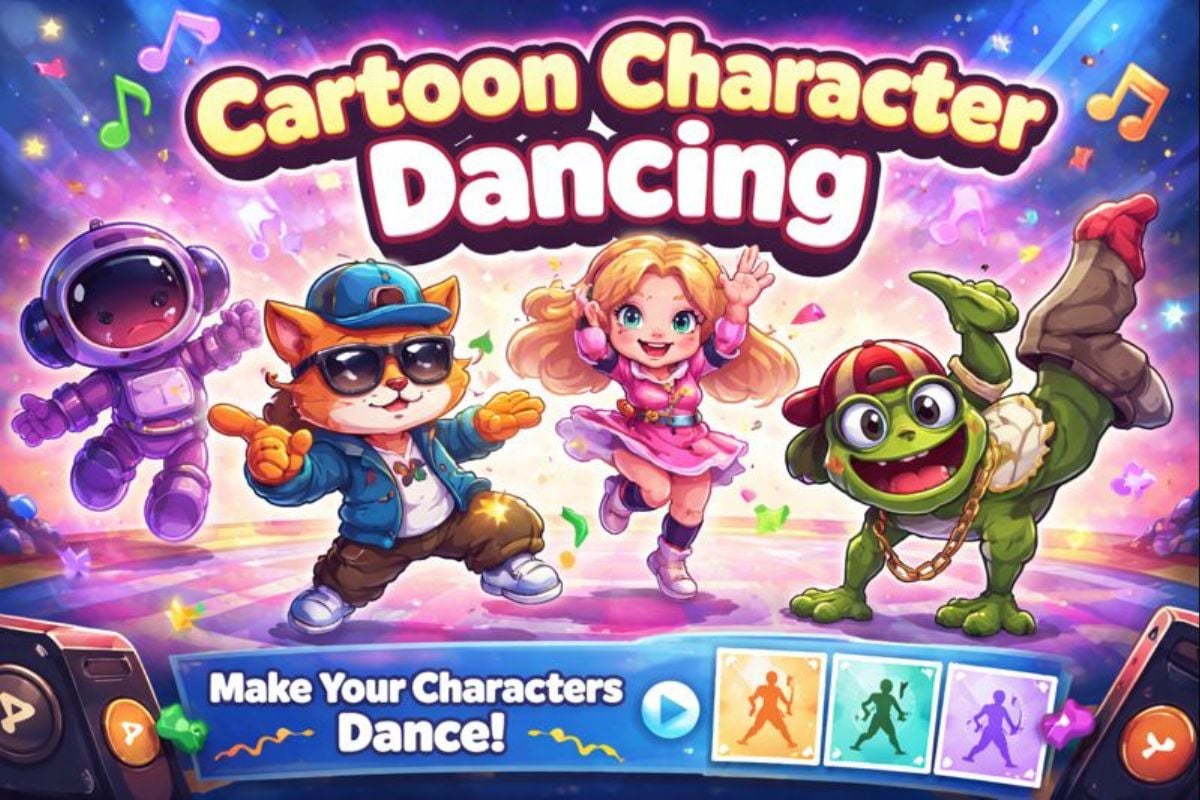
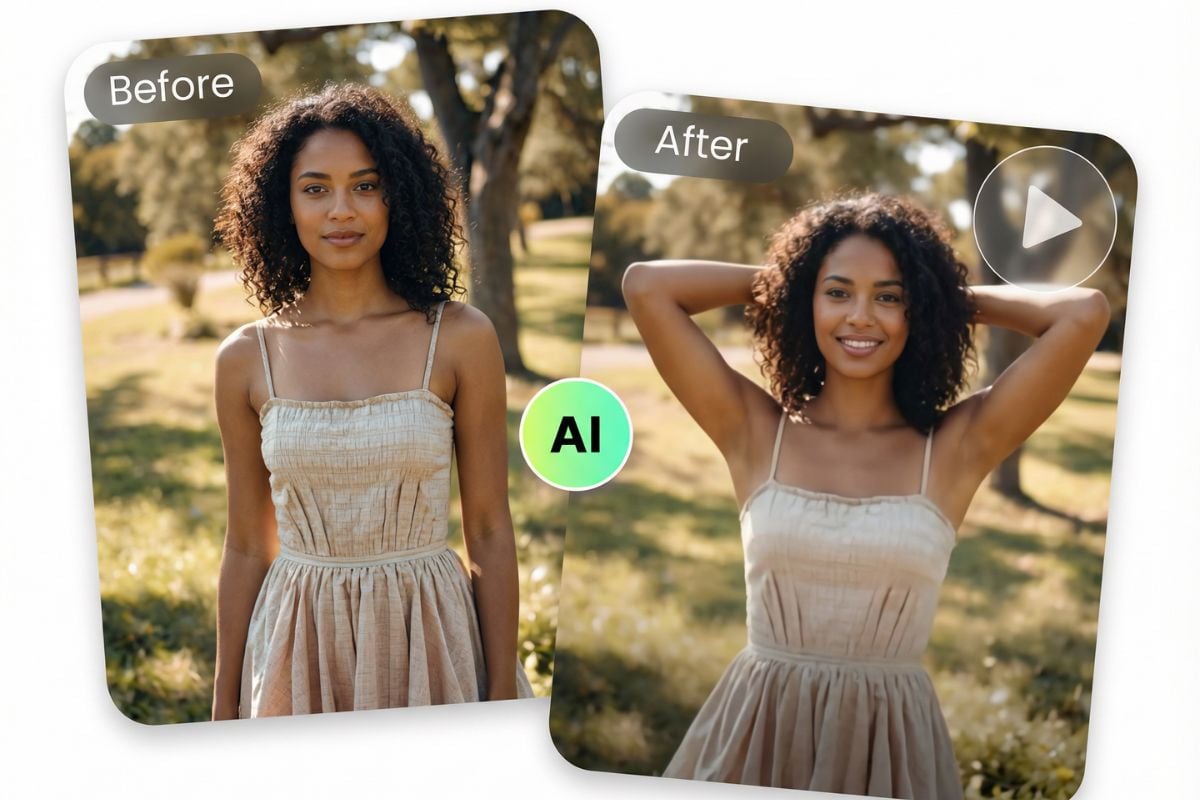
Other AI Dance Effects
Make Your Dog Dance in Minutes
Upload your dog photo, pick a template, and export a loop you can reuse in edits. It’s a simple way to make a dancing dog clip that lands as a meme, a hook, or a cute shareable moment.
Generate a Dancing Dog Video