
goenhance logo

Cartoon Character Dancing with AI
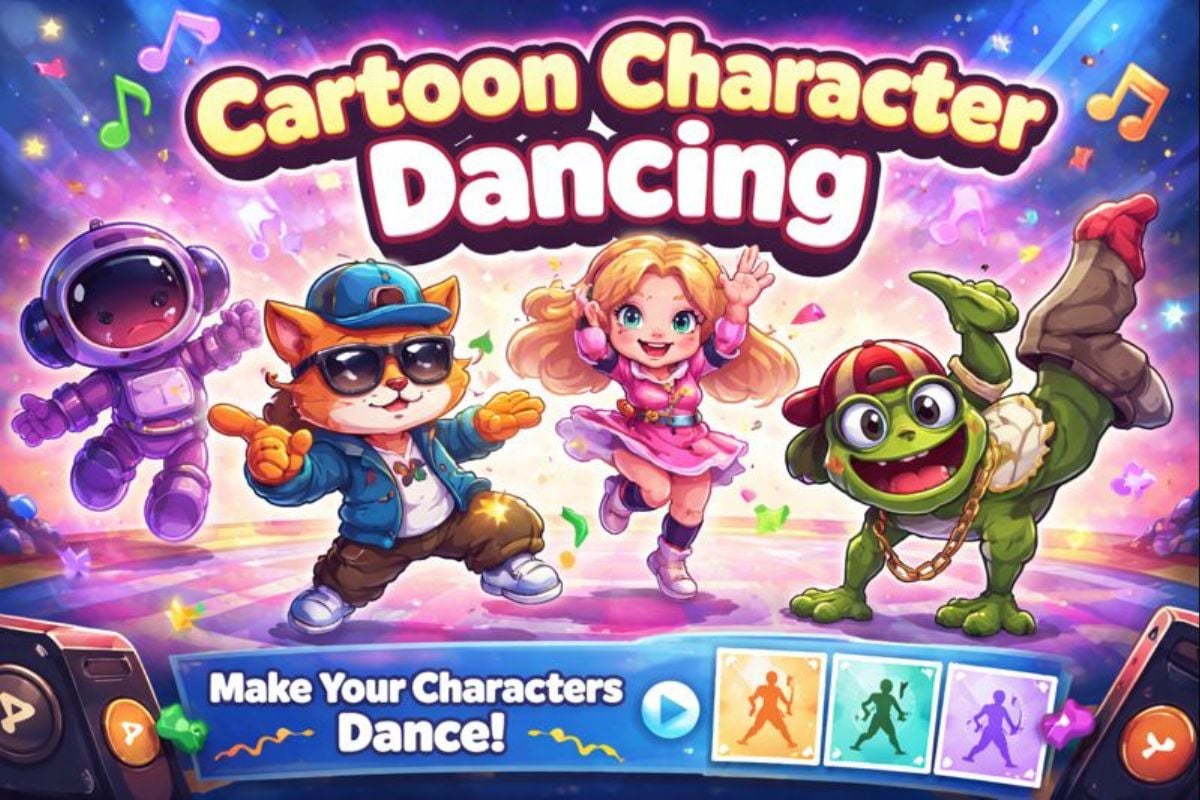
Got a cartoon character you love? Upload the image, choose from our dance templates (K-pop, shuffle, groove loops, meme moves), and generate a clean dancing clip with consistent motion. Now available on GoEnhance AI.
Make Cartoon Dance

What Can Cartoon Character Dancing Create?

From short loop clips to punchy chorus moves, this tool helps you turn still characters into motion. Use it for reaction memes, sticker-style shorts, story posts, and quick “intro” animations—especially when you want funny cartoon characters dancing that feel lively and shareable.

K-pop Dance (Social-Ready)

Japanese otaku dance (Accurate and Cute Motion)

Funny Meme Move (Big Expressions)

Make Cartoon Characters Dance, the Easy Way

Turn Any Character into a Cartoon Dancer

This workflow is built for cartoon character dancing: upload your character, then pick a motion preset from a growing template library—chorus loops, shuffle steps, cute idol moves, and comedic bounces. It’s great when you need a cartoon characters dancer for intros, reaction clips, or short-form edits. Want more motion styles? Jump into AI dance, or try an animal vibe with cat dancing.
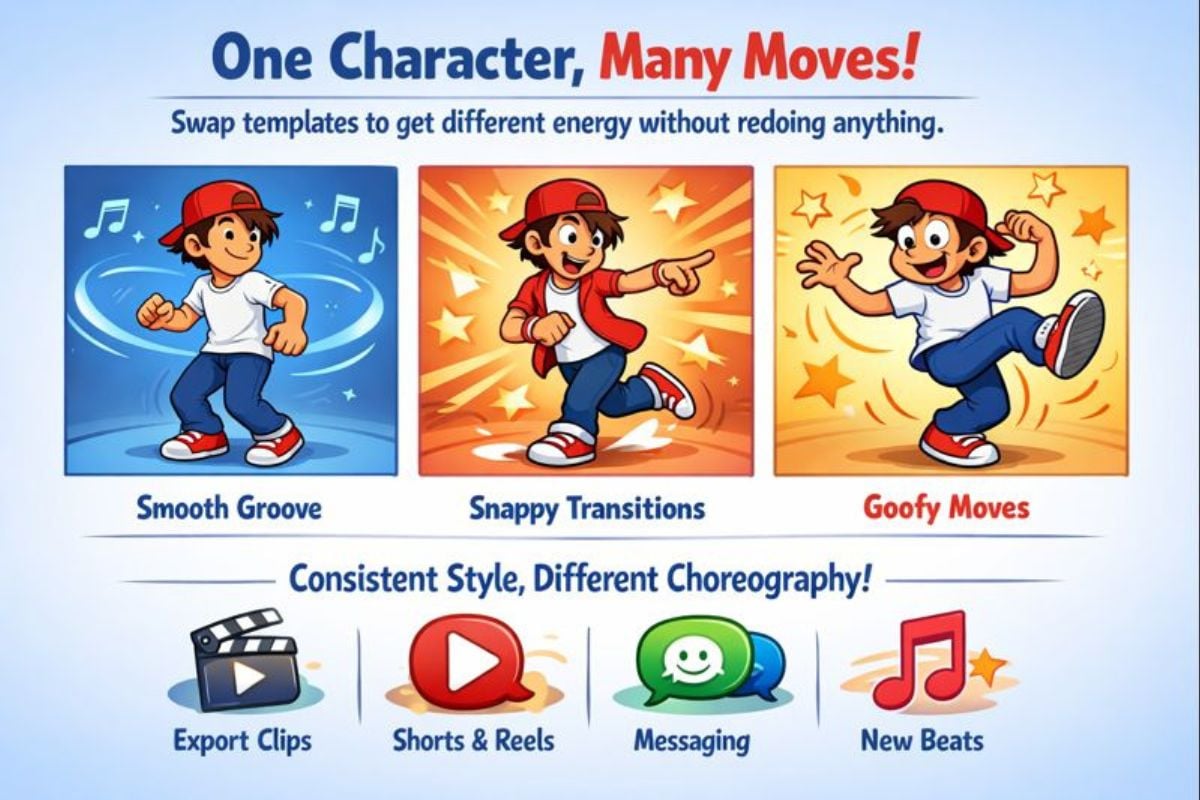
A cartoon dancer generated from a character image using a dance template

One Character, Many Moves (Fast Iteration)

Swap templates to get different energy without redoing anything—clean groove loops, snappy transitions, or bouncy comedic moves. That makes it easy to produce animated cartoon characters dancing that feel intentional, not random. Export clips for shorts, reels, or messaging, and keep a consistent look while testing new choreography, beats, and timing.
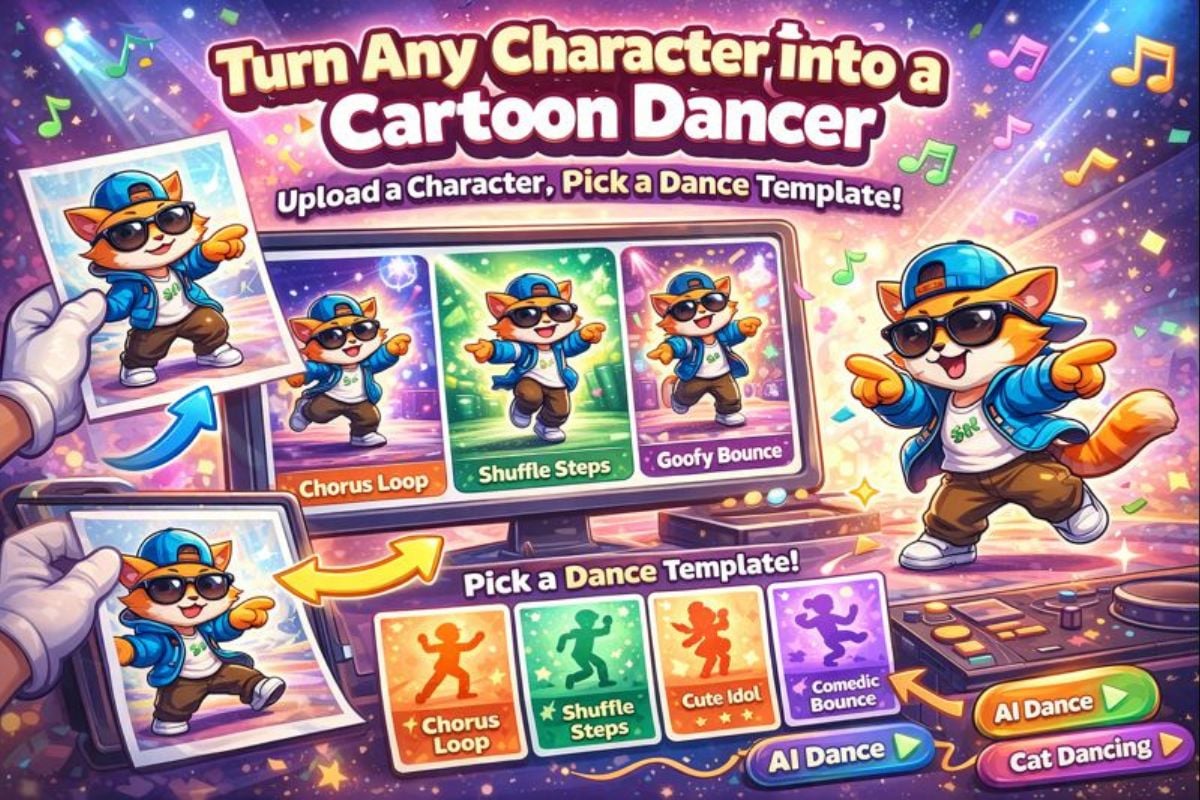
A set of animated dance variations created from one character image

You May Want to Know

What is cartoon character dancing?

It’s a tool that animates a still character image using pre-built dance templates. You upload a cartoon character, select a template, and it generates a short dancing clip with smooth motion.

How does it work?

Start by uploading a clear character image, then choose a dance template (for example: shuffle, groove loop, or meme bounce). The system applies the template motion to your character and renders a short video you can download and share.

What kind of character image works best?

Use a front-facing or three-quarter character image with a clear full body if possible. Clean edges, simple background, and a distinct silhouette usually produce better motion and fewer artifacts.

Can I choose different dance templates?

Yes. The template library is designed for quick switching, so you can generate multiple versions from the same character—perfect for testing different vibes, timings, and loop lengths.

Will this work for different cartoon styles?

It can work with many styles (2D, chibi, mascot-like characters). Results depend on the pose and how clearly the character is separated from the background. If you want funny cartoon characters dancing, pick templates with bigger upper-body movement and expressive timing.

Can I post the results on social media?

Yes—many creators use the clips in shorts, reels, story posts, and fan edits. As always, make sure you have the rights to the character art you upload if you plan to use the output commercially.

How can I improve motion quality?

Try (1) a cleaner image with stronger outline contrast, (2) a template with simpler movement, and (3) a shorter loop. Small improvements in the source image often make the motion look much more stable.

How is this different from basic animation apps?

A recipe site gives you fixed examples. Here, you’re generating motion clips from your own character and choosing choreography templates—so you can iterate quickly and keep a consistent character look across multiple dances.

Make Your Cartoon Character Dance in Minutes

Upload your character, pick a dance template, and generate a loop you can reuse across edits. It’s a fast way to create cartoon character dancing clips that feel lively—great for fan posts, meme moments, and quick content experiments.

Start Dancing Now