
goenhance logo

AI Dance Meme with 19 Templates
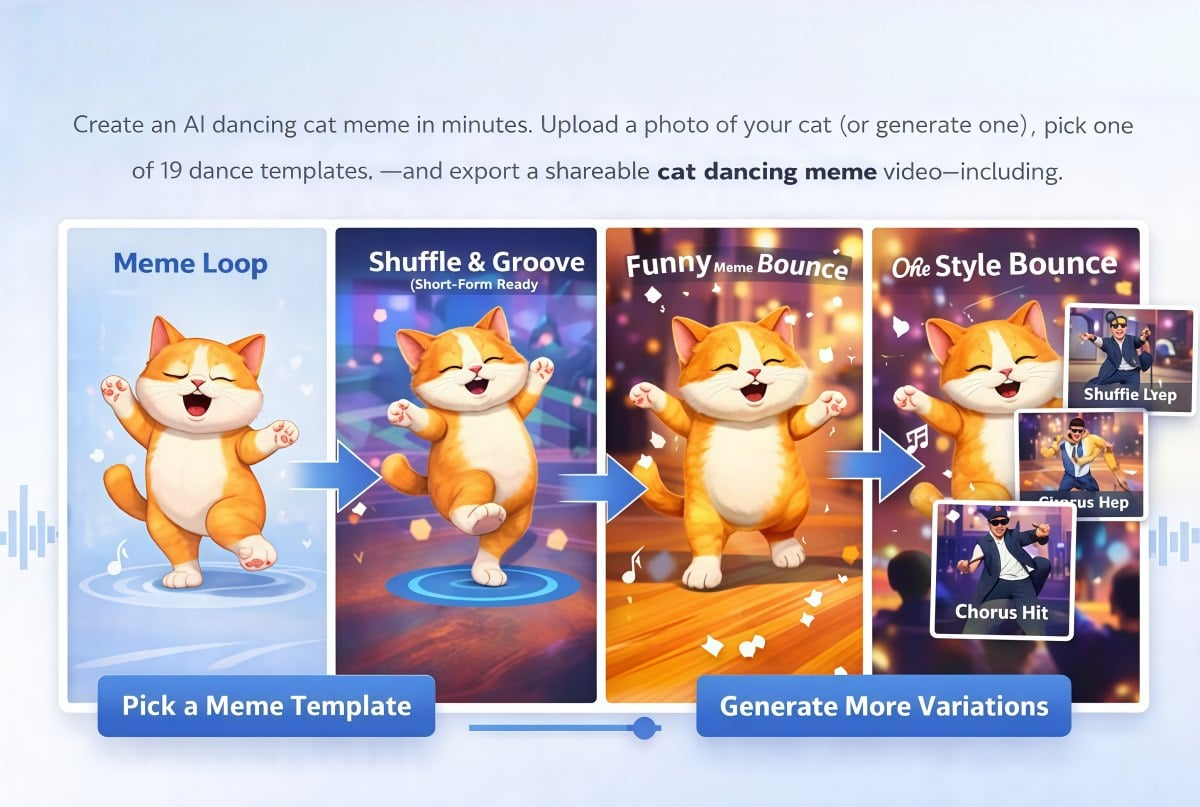
Turn a still image into a loop-worthy AI dance meme. Upload your own photo (or start with a clean character image), choose one of 19 dance templates, and generate a dancing meme clip that’s ready for reactions, shorts, and group chats. Now available on GoEnhance AI.
Make a Dance Meme

Make Dance Memes That People Actually Share

Upload a Photo, Get a Dancing Meme

This is built for AI dance meme creation: upload a photo (full-body works best), or create a crisp cutout first with AI image generator, then choose 1 of 19 dance templates to apply motion. You’ll get a short, replayable clip with consistent timing—perfect for reaction edits, loop posts, and meme formats where the movement needs to feel intentional.
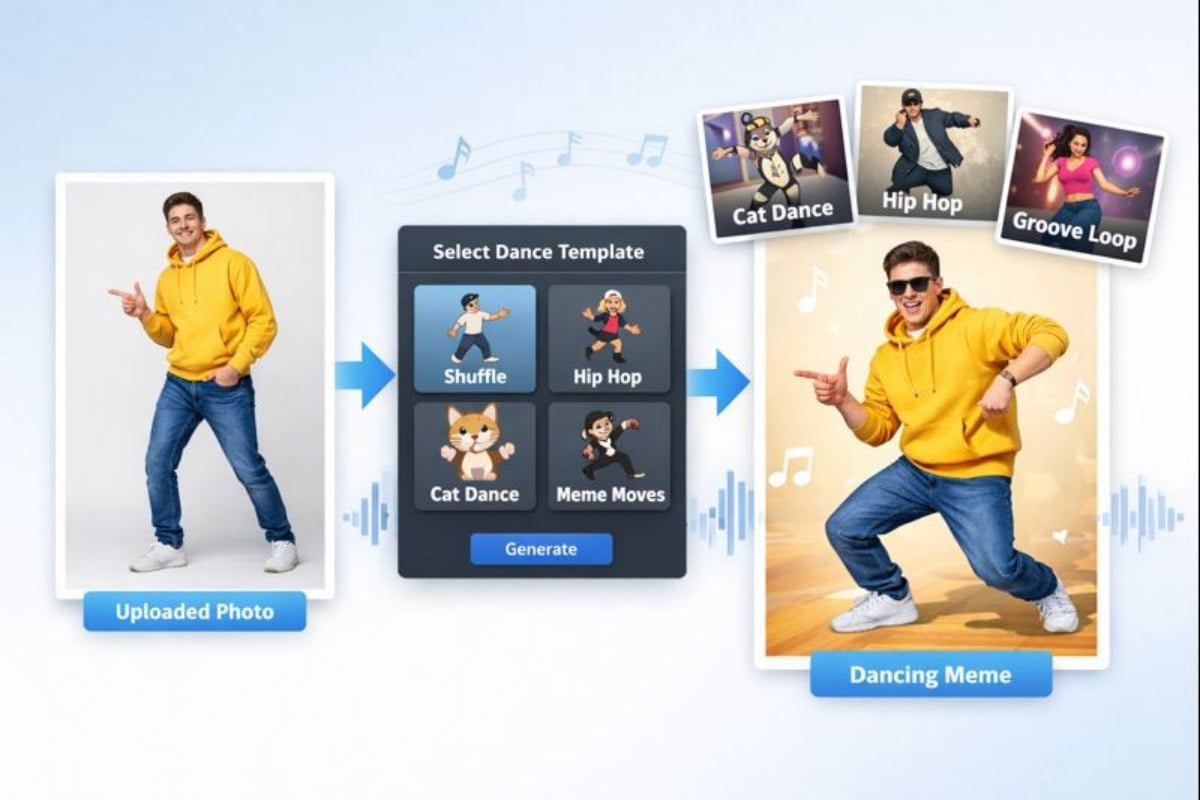
A dancing meme generated from a single portrait image using a dance template

One Image, 19 Meme Moves

Switch templates to change the vibe fast—shuffle steps, groove loops, comedic bounces, or quick chorus hits. If you’re making an AI dancing meme series, this makes iteration easy: keep the same character, change the choreography, and export multiple takes for testing. Want more styles and presets? Jump into AI dance generator, then publish your best cut as a short clip through AI video generator workflows.
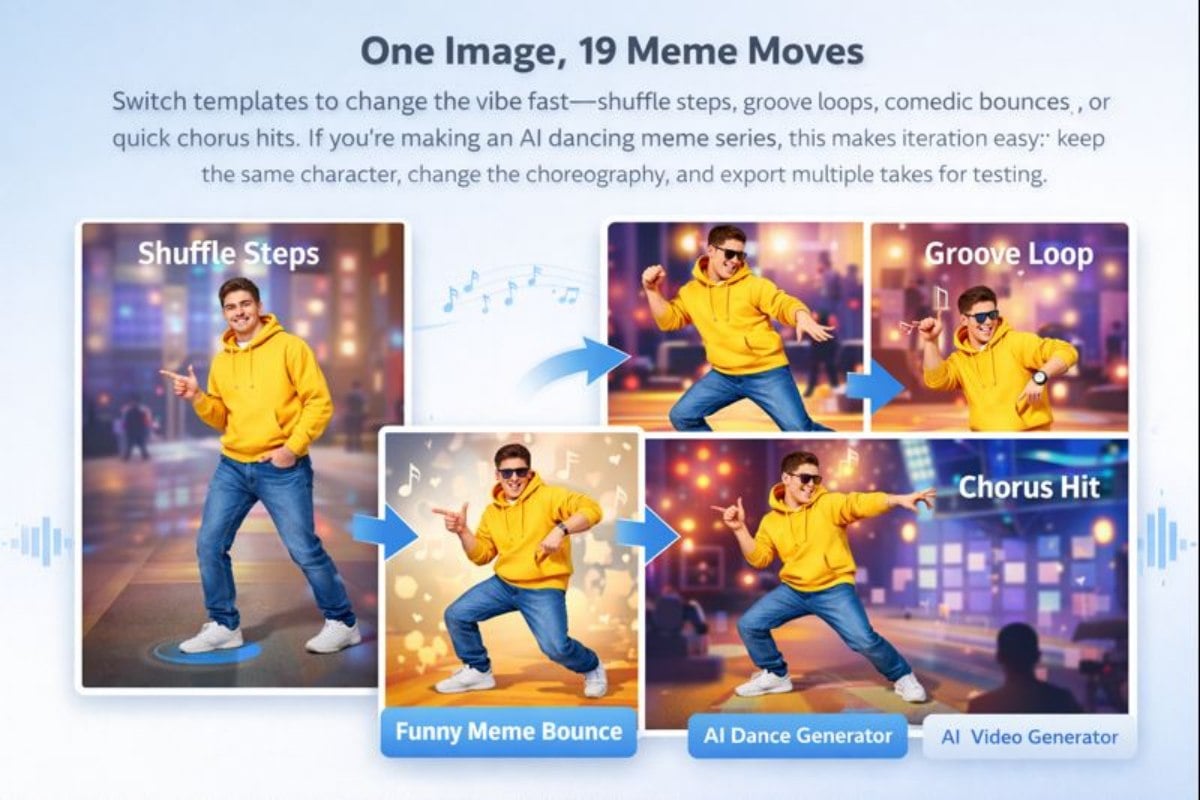
Multiple dancing meme variations created from the same image by switching templates

You May Want to Know

What is an AI dance meme?

An AI dance meme is a short, loopable dancing clip generated from a single image. You upload a photo (or a character image), choose a dance template, and the tool renders motion you can share as a meme-style video.

How do I make a dancing meme with this tool?

Upload an image, pick one of the 19 dance templates, and generate a dancing meme video. You can download it for group chats, reaction posts, shorts, or quick edits.

What kind of image works best?

Use a clear subject with a clean outline. Full-body or three-quarter body shots tend to animate better. Simple backgrounds and good contrast reduce jitter and keep the loop stable.

Can I create different versions from one photo?

Yes—template switching is the whole point. Make multiple AI dancing meme variations from the same image: different beats, different energy, same character consistency.

How do I make an AI cat dancing meme?

For an AI cat dancing meme, choose a cute, centered cat image with a clear silhouette and minimal clutter. Templates with larger upper-body movement usually look funnier and more readable at small screen sizes.

Can I post the results on social media?

Absolutely. These clips are designed for TikTok, Instagram Reels, YouTube Shorts, and messaging apps. If you’re using copyrighted characters or photos of others, make sure you have the right to upload and share the content.

How can I improve the motion quality?

Try a cleaner image, a simpler template, and a shorter loop. Cropping to center the subject and removing busy backgrounds often makes the motion feel smoother and less “wobbly.”

How is this different from basic animation apps?

Most apps make you animate frame-by-frame. Here, you pick a template and generate a ready-to-share loop from your own image—so you can iterate quickly and keep a consistent meme look across posts.

Make an AI Dance Meme in Minutes

Upload your image, choose one of 19 dance templates, and generate a loop you can reuse across edits. It’s a fast way to make an AI dance meme that lands as a reaction, a hook clip, or a cute shareable moment.

Create a Dance Meme