
Free AI Sway Dance Video Generator
What Can an AI Sway Dance Video Create?
Gentle Sway Loop (Clean & Relaxed)
Shoulder Groove (Reel-Friendly Timing)
Cute Bounce Sway (Playful, Still Soft)
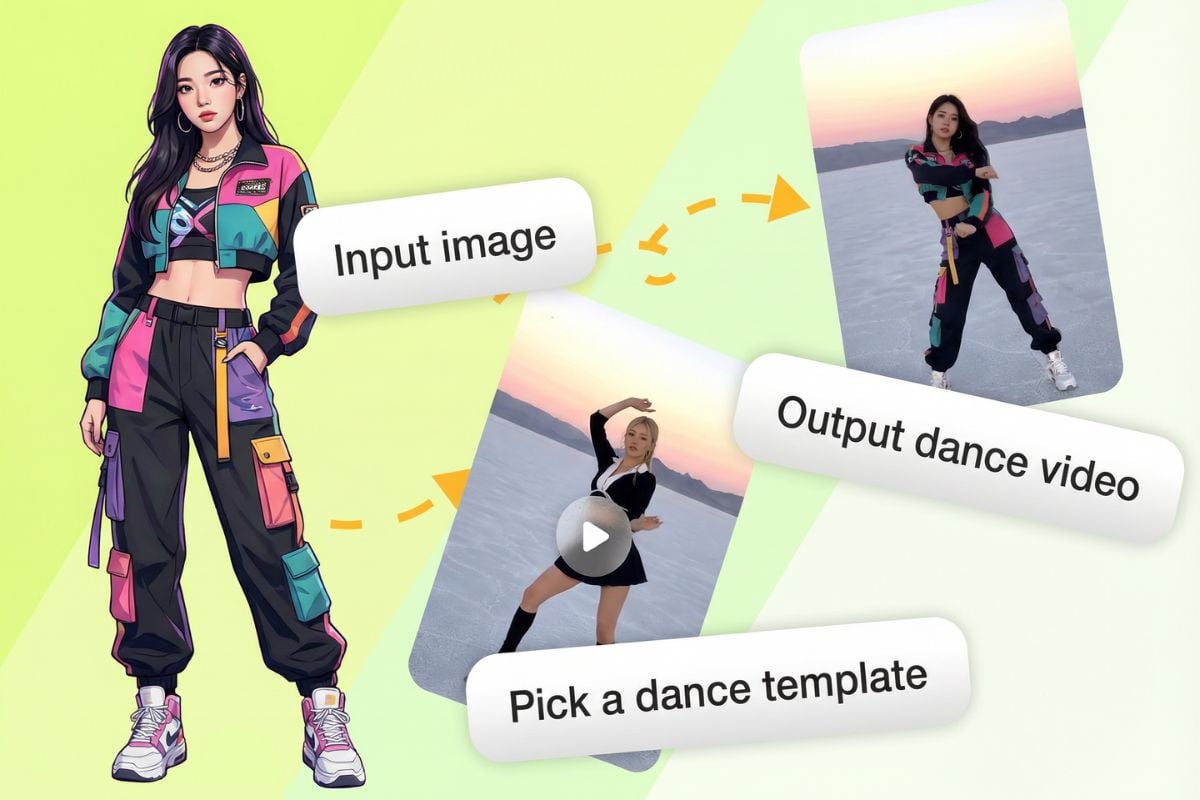
How to Make an AI Sway Dance Video
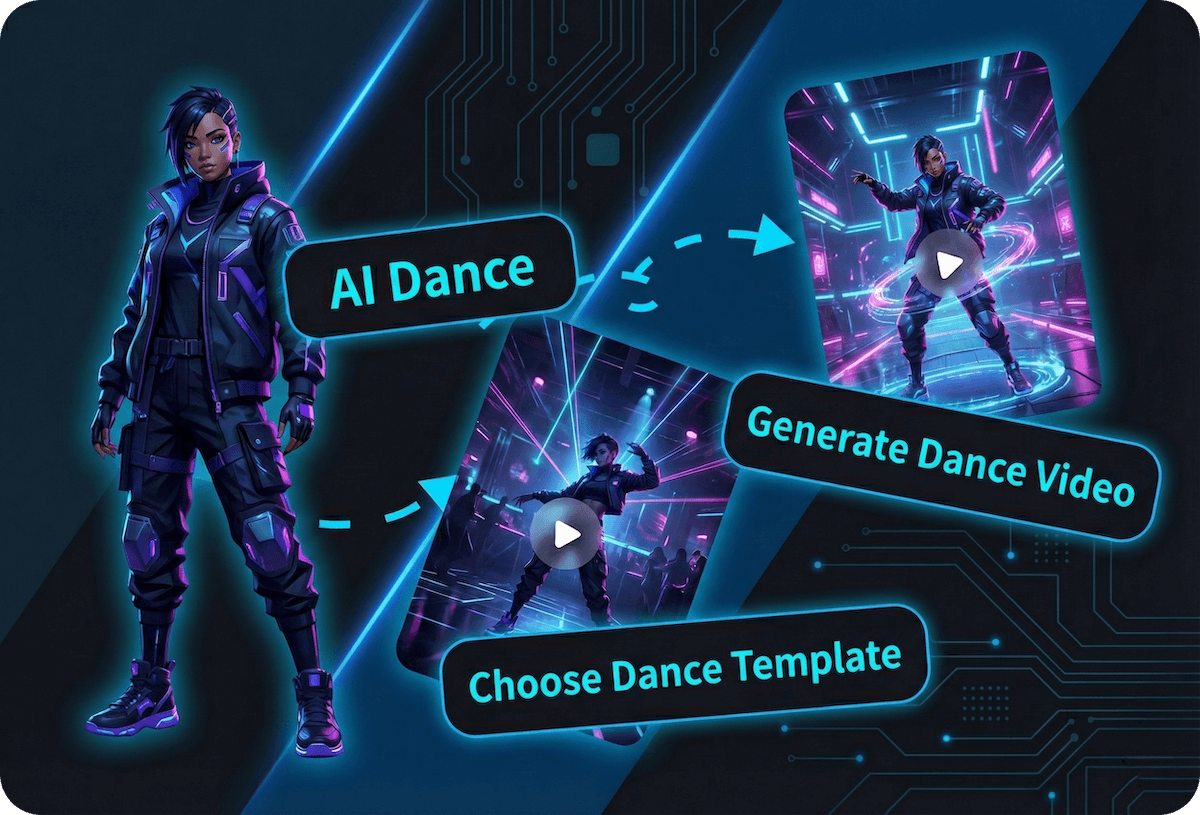
1. Upload a Photo (Best: Full-Body or 3/4 Body)
Add one clear image with a readable silhouette—full-body or three-quarter body usually animates best. Good lighting, sharp edges, and a simple background help the sway look smooth and reduce warping.
2. Pick a Sway Dance Template
Choose a sway-style dance template that matches your vibe (soft groove, cute bounce, chill rhythm).
3. Generate, Preview, Download
Click generate and preview the motion for jitter, drifting, or odd hand movement. If needed, try a tighter crop, a cleaner background, or a calmer template—then export your sway dance video for reels, shorts, or messaging.
Make Sway Clips with AI Sway Dance Filter
One Photo In, Sway Loop Out
This is made for a simple sway workflow: upload one clear photo (three-quarter or full-body works best), keep the subject centered, and generate a short sway loop that feels natural. Small details matter here—good lighting, a clean outline, and minimal background clutter help the motion look steady, with fewer wobbly edges and less “rubber” movement.
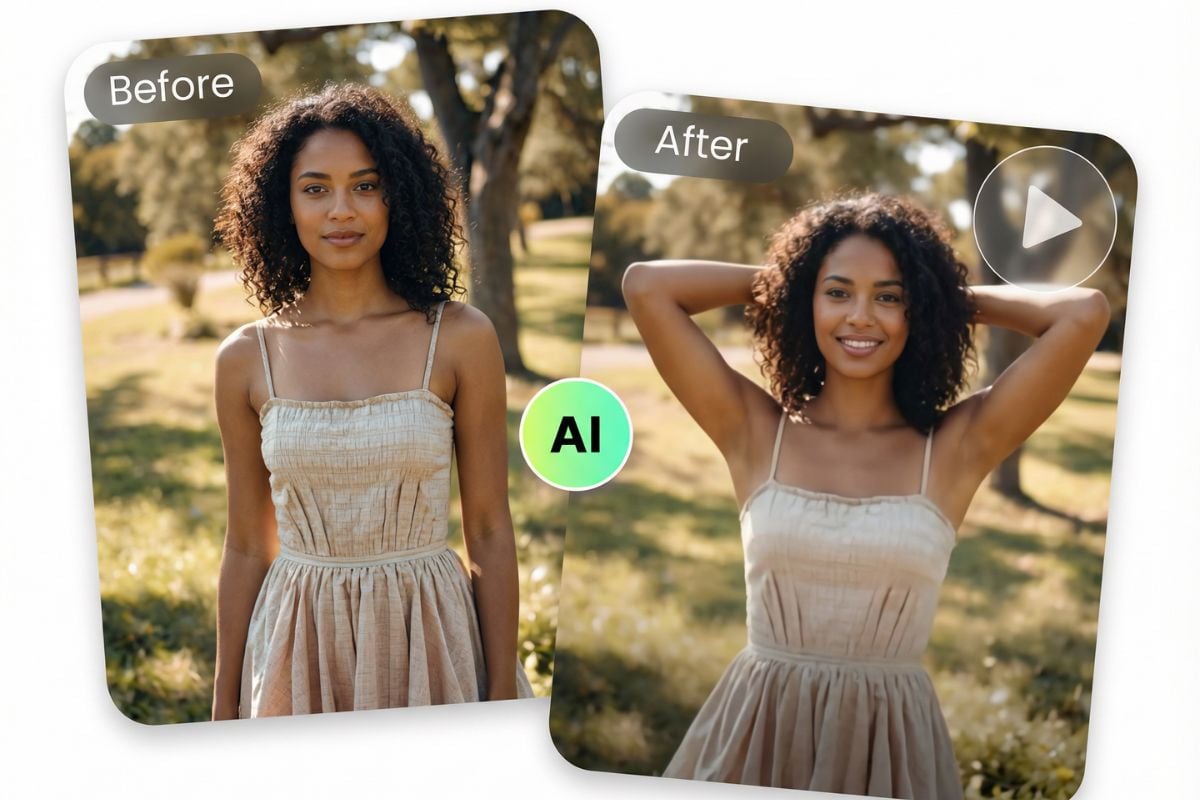
Same Character, New Sway Vibes
Once you like the look, it’s easy to iterate: change the crop, swap the vibe from “soft groove” to “confident sway,” or keep it subtle for a calmer loop. If you want more dance styles beyond sway, jump into AI dance generator. For a cute twist, try cat dancing with a centered silhouette. And when you’re ready to build a full post (caption-first, hook cuts, exports), finish it through AI video generator workflows.
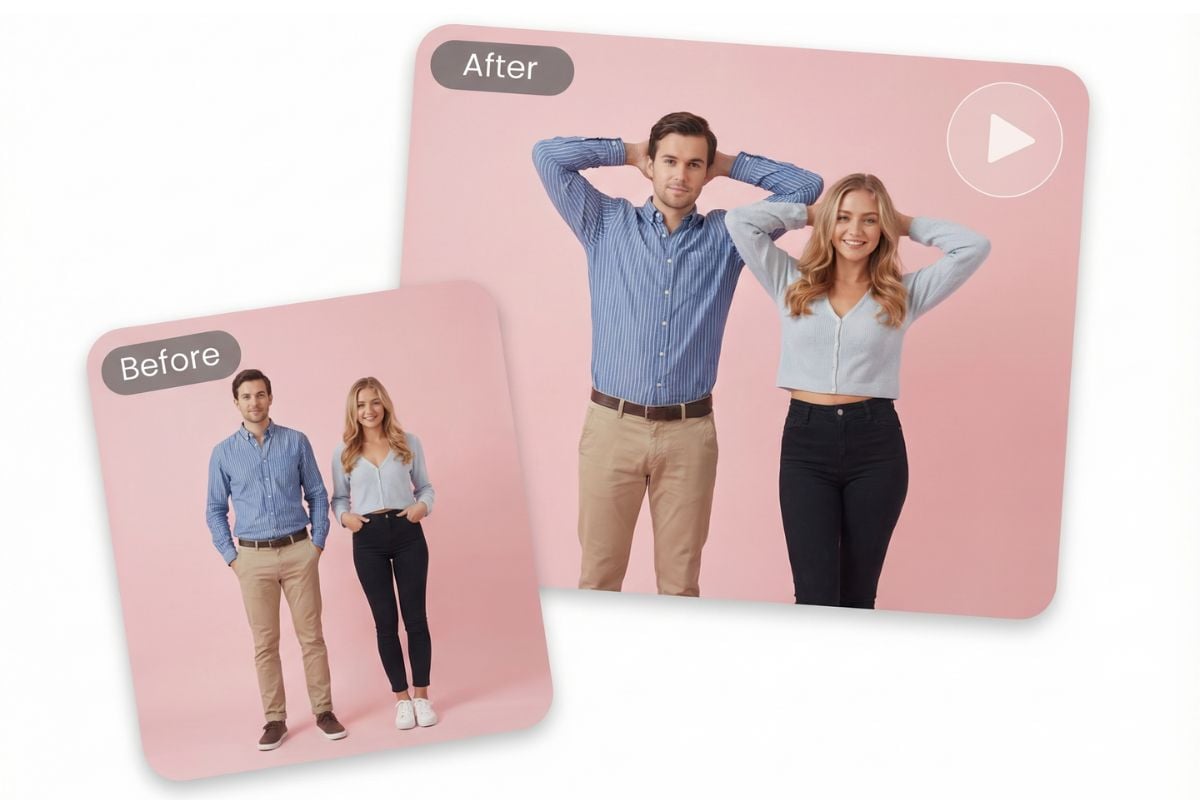
Discover Other AI Dance Effects
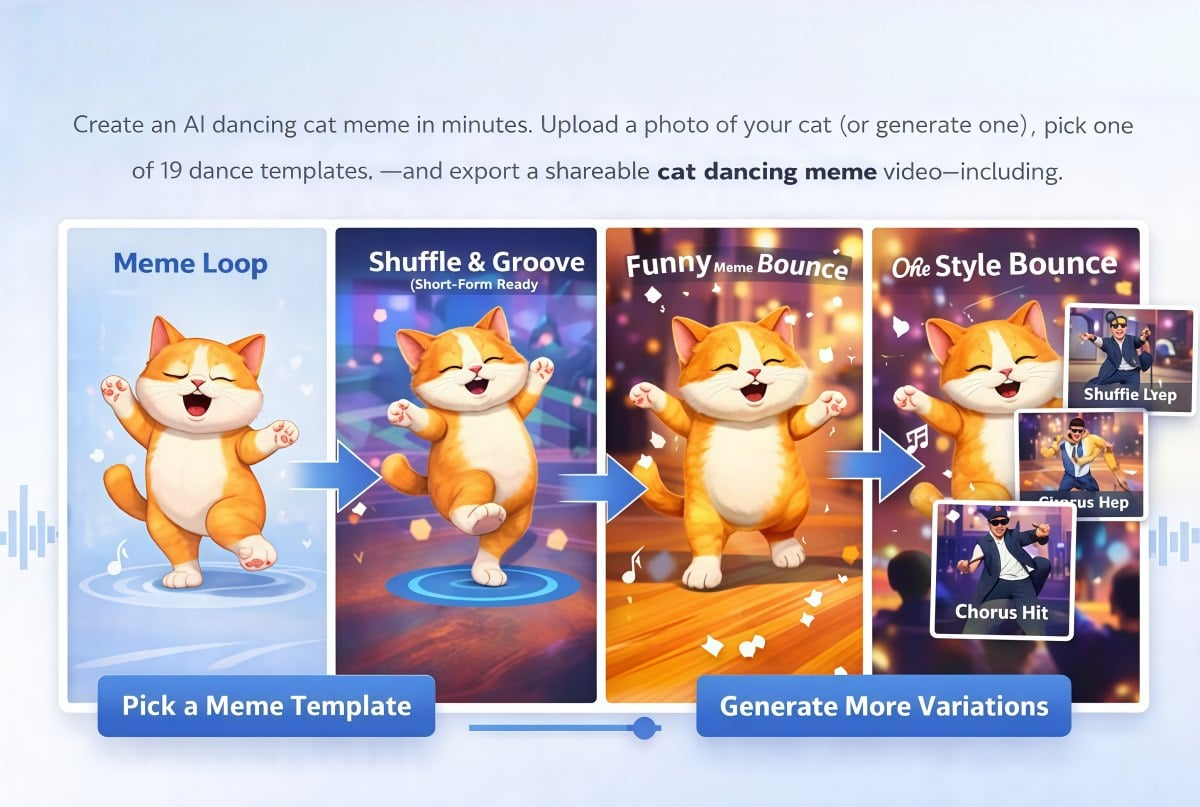
You May Want to Know
What is an AI sway dance video?
How do I make a hip sway dance video with this tool?
What kind of image works best for sway dance?
Is this an AI sway dance filter?
Can I generate multiple sway variations from one photo?
How can I make the sway look smoother and less wobbly?
Can I post sway dance videos on social media?
How is this different from basic animation apps?
Make a Smooth Sway Loop in Minutes
Upload one photo, generate a smooth sway loop, and reuse it across edits. It’s a fast way to make an AI sway dance video that feels calm, clean, and easy to watch on repeat.
Create a Sway Dance Video