AI Valentine Backdrop for Couple Photos, Cards and Posts
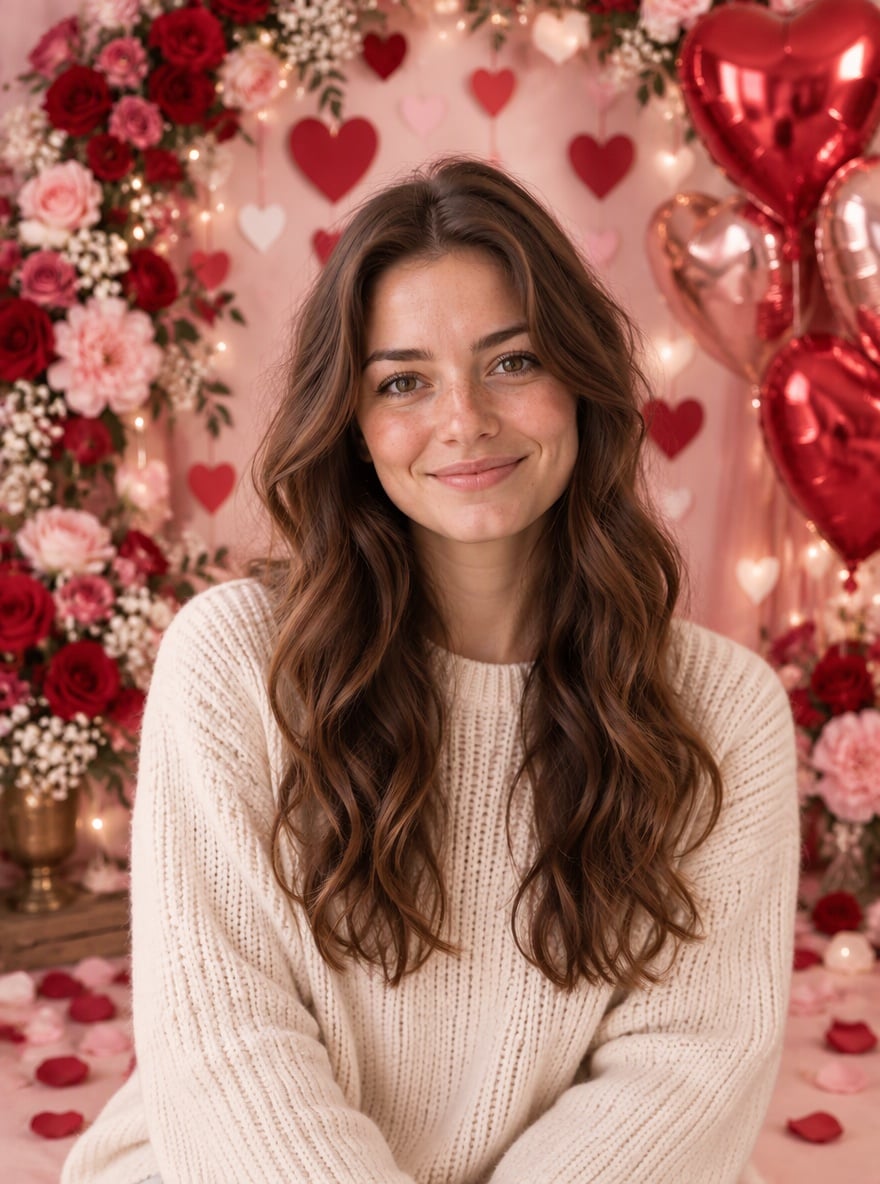
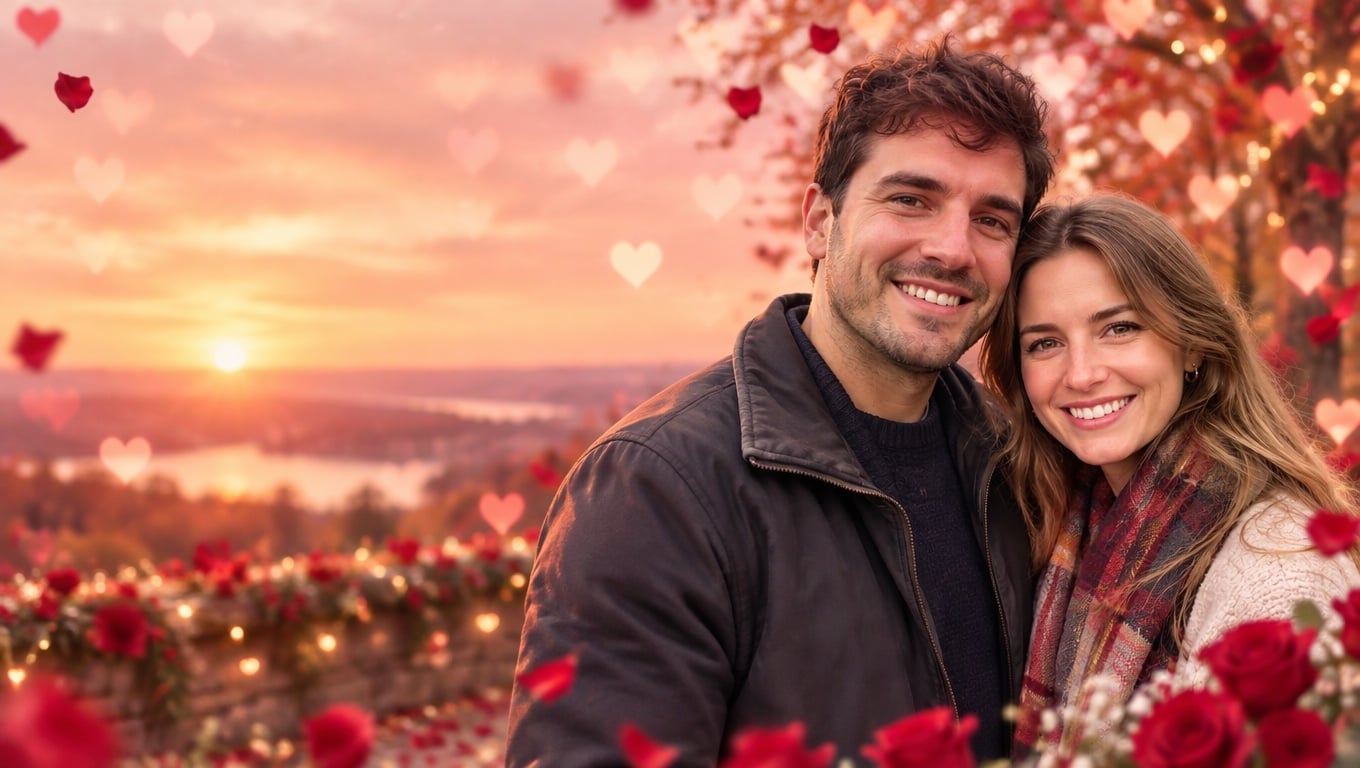
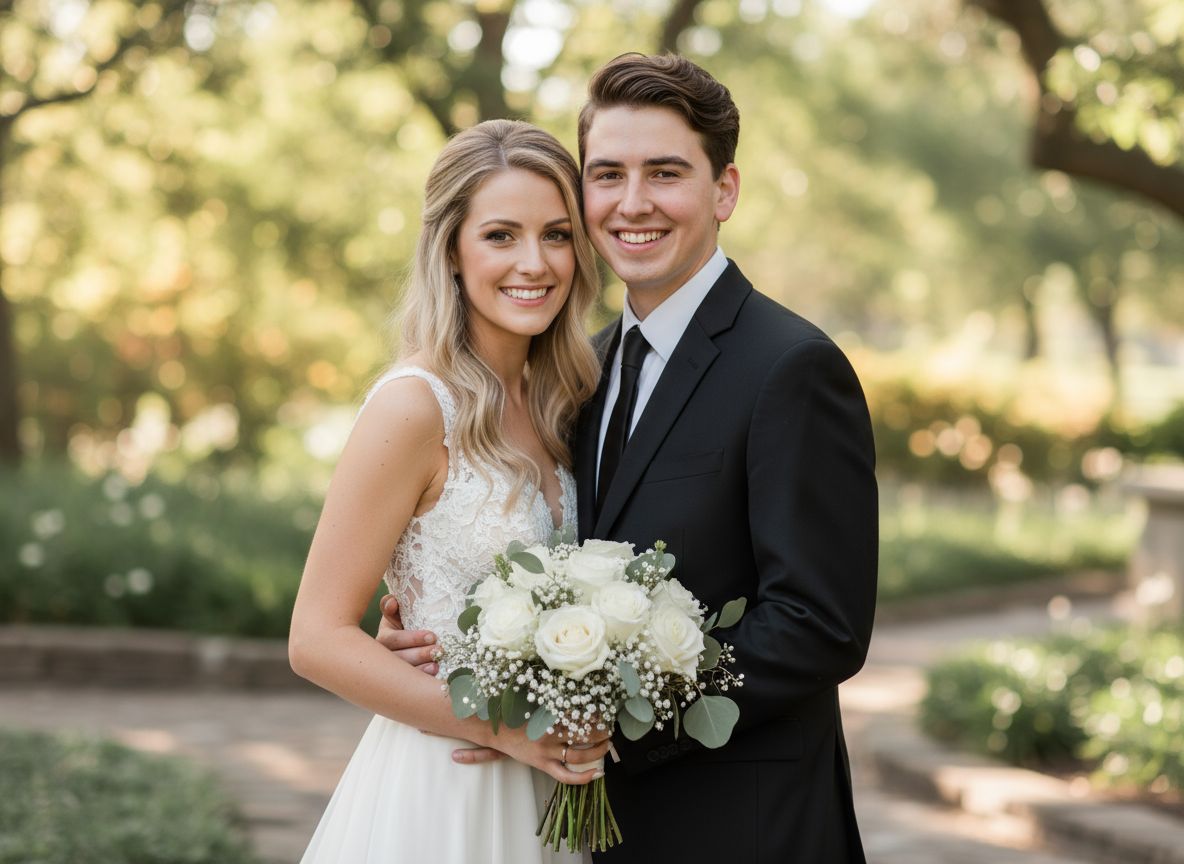
Upload a couple photo or a selfie and the AI swaps the background for a styled Valentine's Day backdrop, as if you had booked a Valentine mini session at a photo studio. Behind you it builds a blush-pink wall of paper hearts, a lush arch of red and pink roses, glossy heart balloons, fairy lights and rose petals on the floor, then matches the light on your faces to the new set. Your faces, hairstyles and clothes stay exactly as they were, and nothing is written on the image, so it is ready for a Valentine card, an Instagram post or a profile picture. Unlike a Valentine poster, there is no headline or greeting text; unlike a desktop wallpaper, the layout is a vertical portrait with you in the center. The console below runs on GPT Image 2.5.
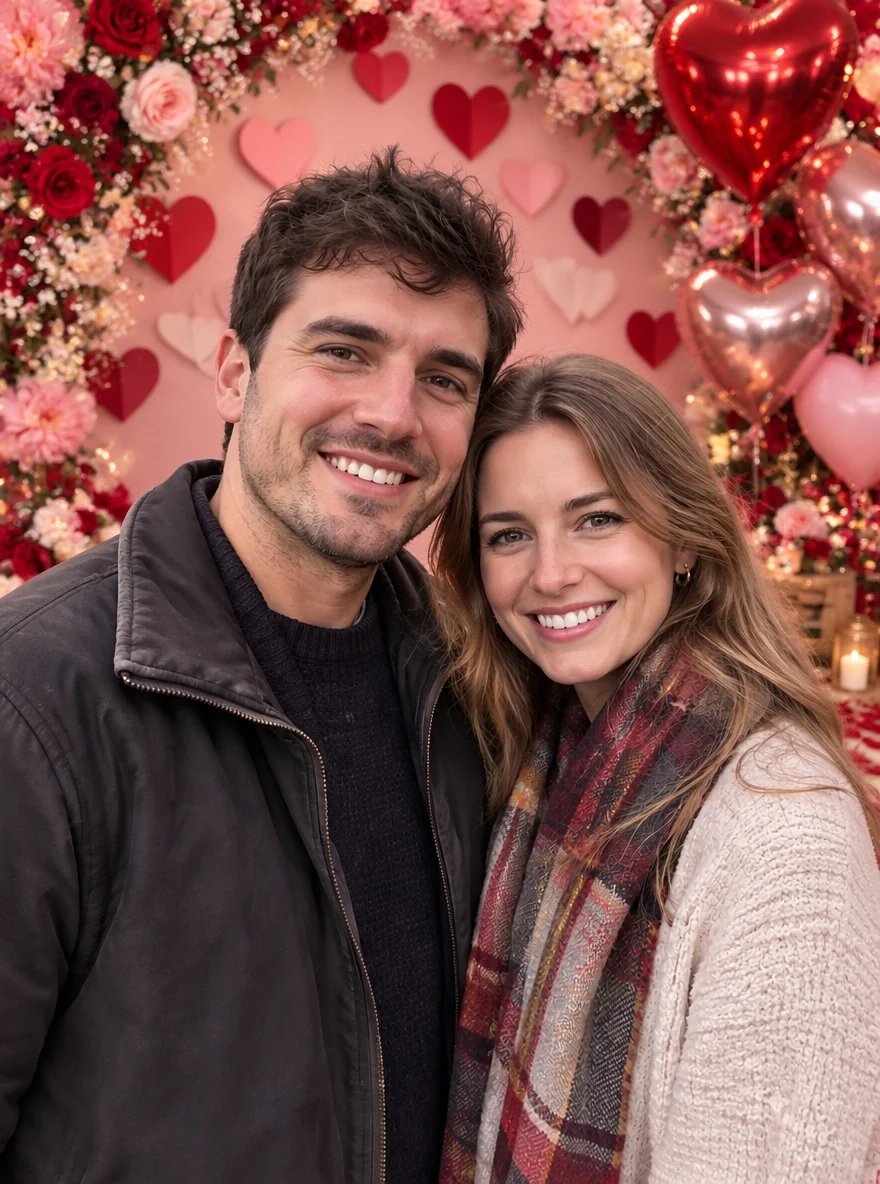
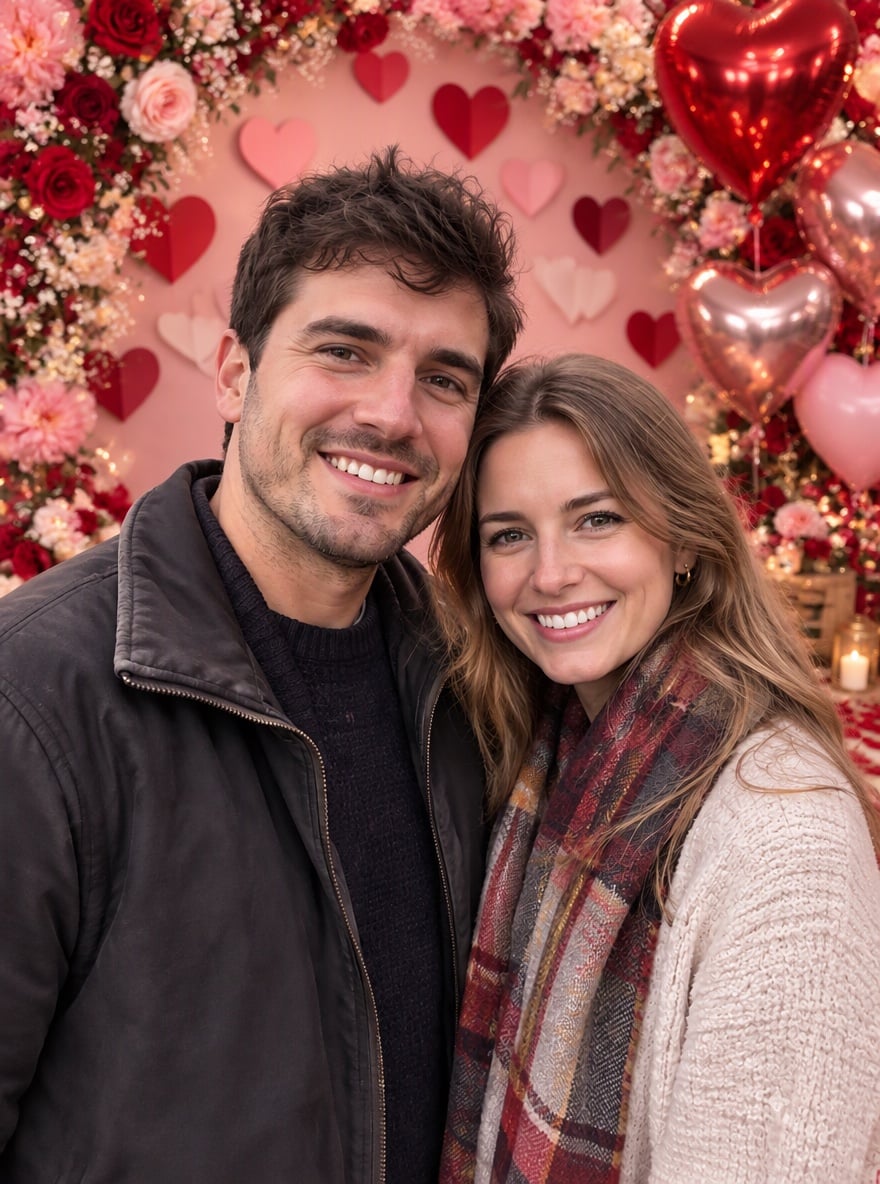
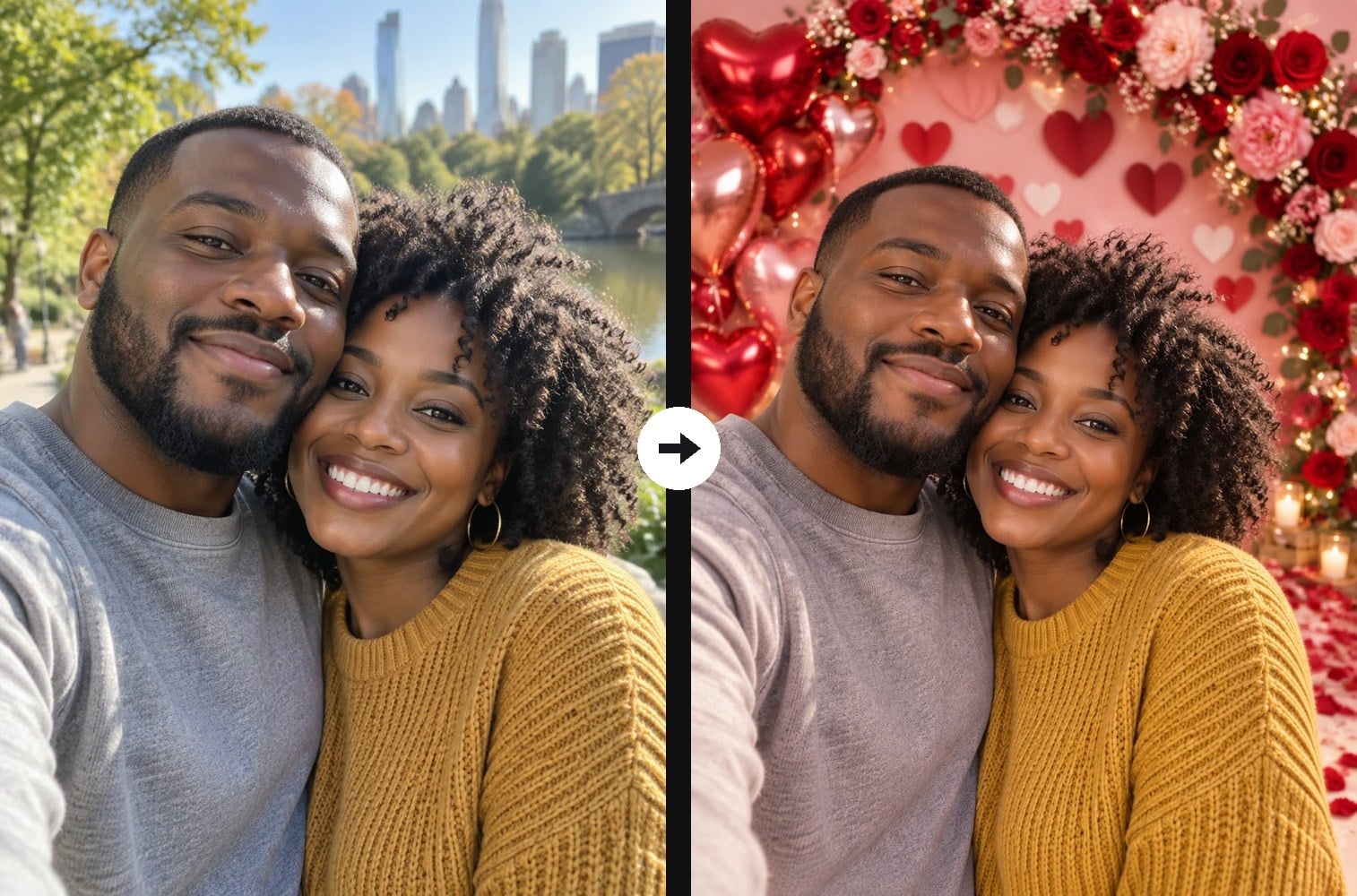
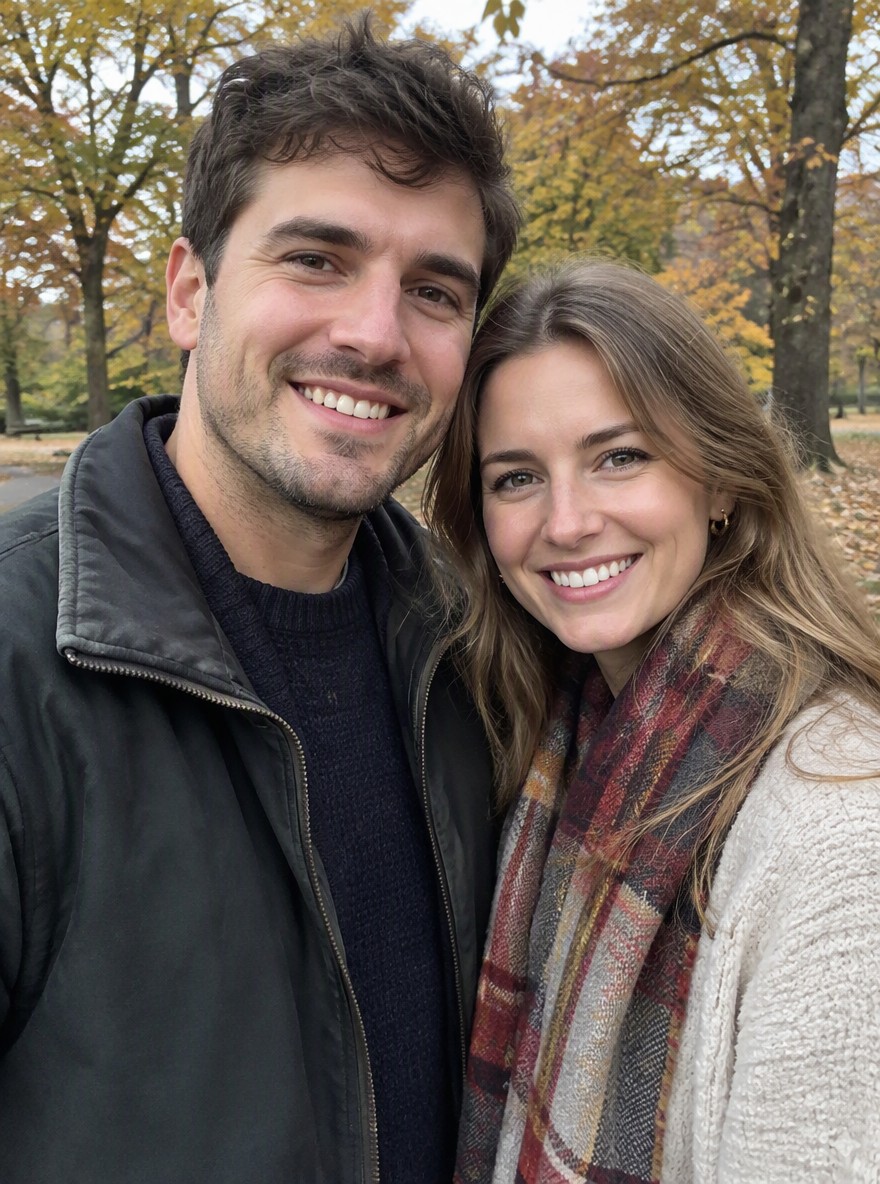
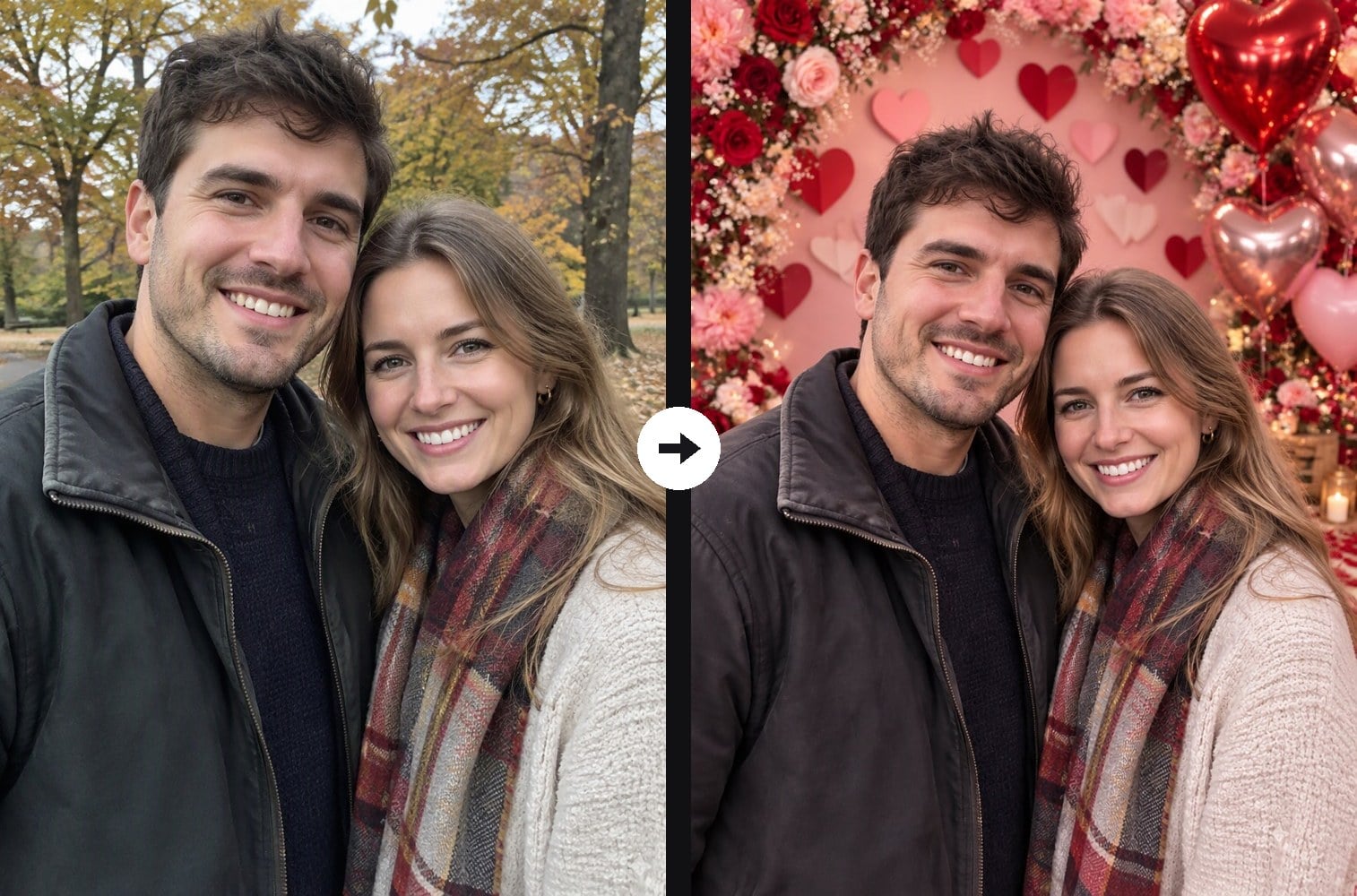
Autumn Park Couple Selfie to Valentine Rose Arch Backdrop
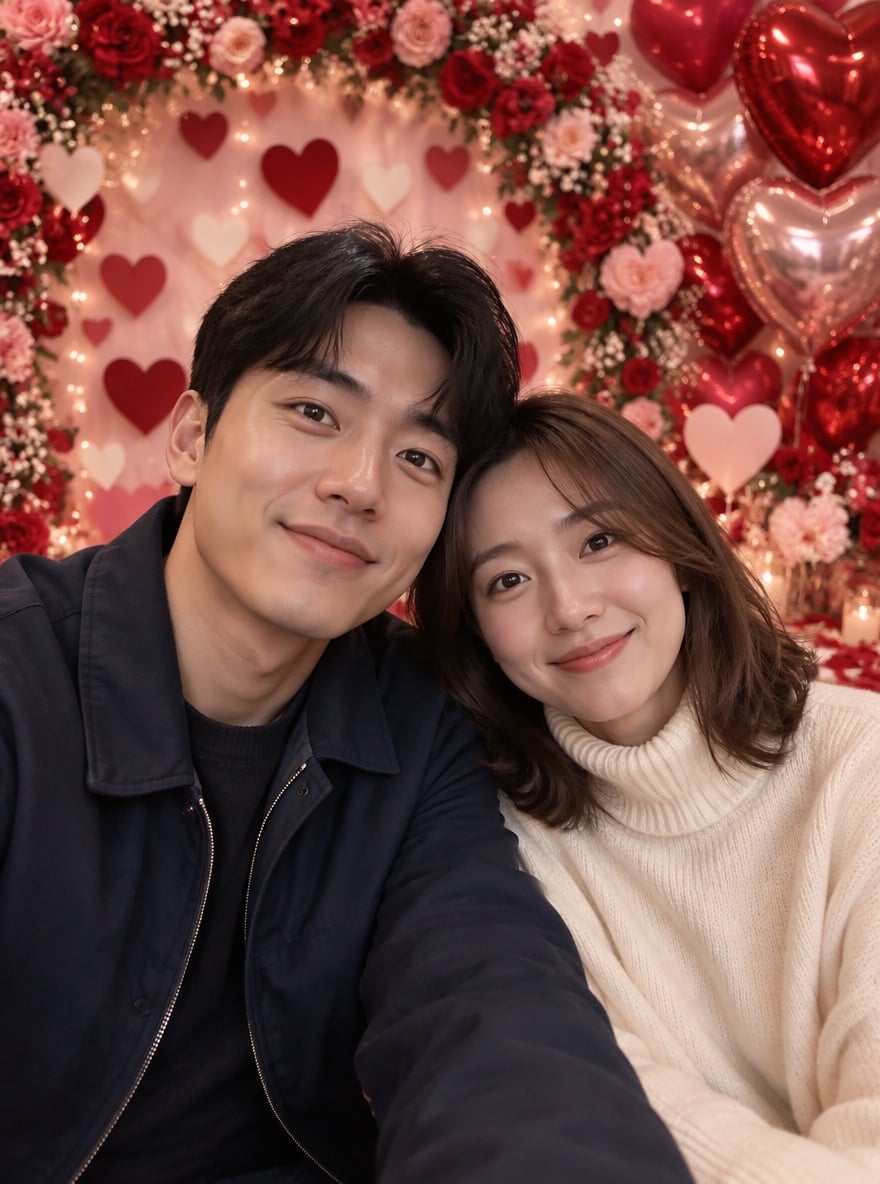
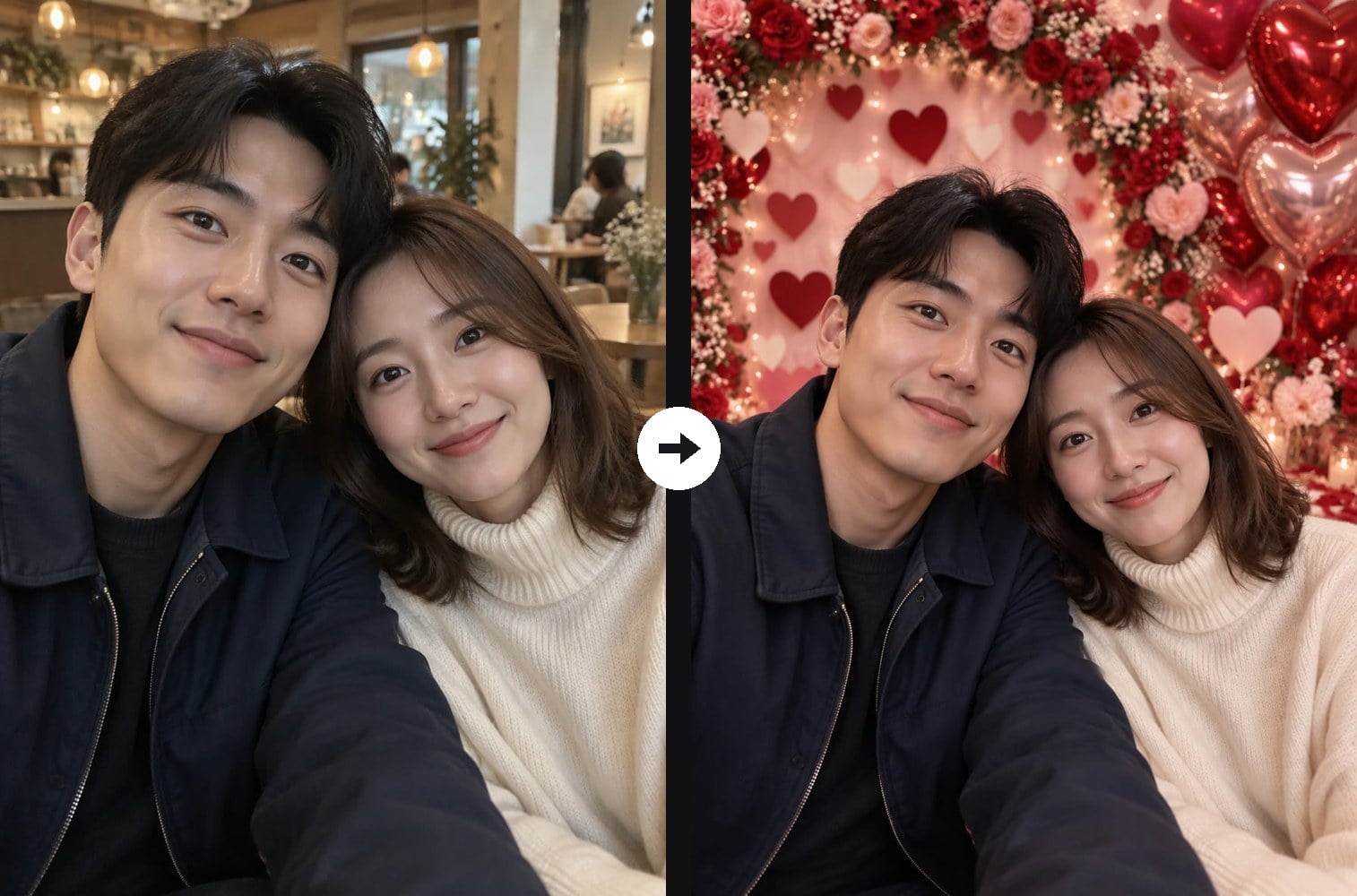
Cafe Couple Selfie to Heart Wall Valentine Backdrop
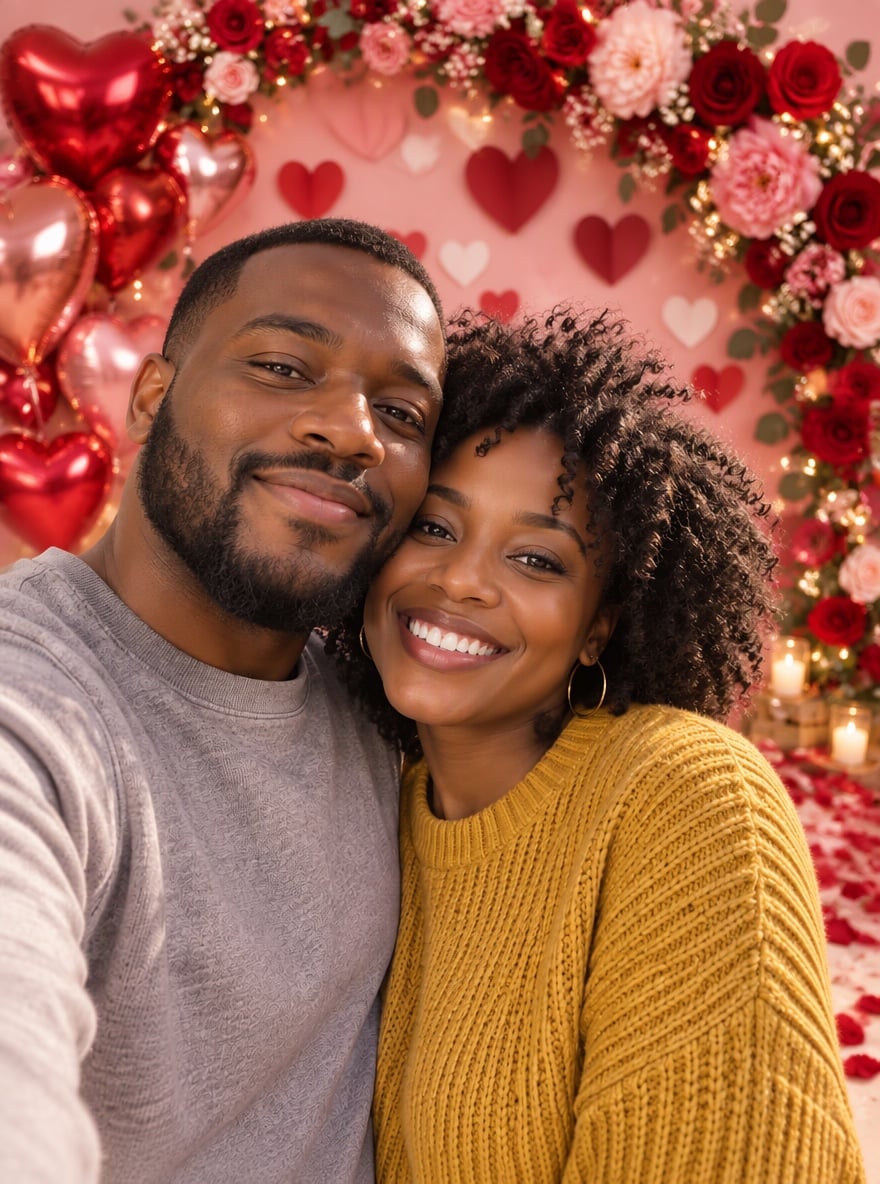
City Park Couple Photo to Valentine Balloon Backdrop
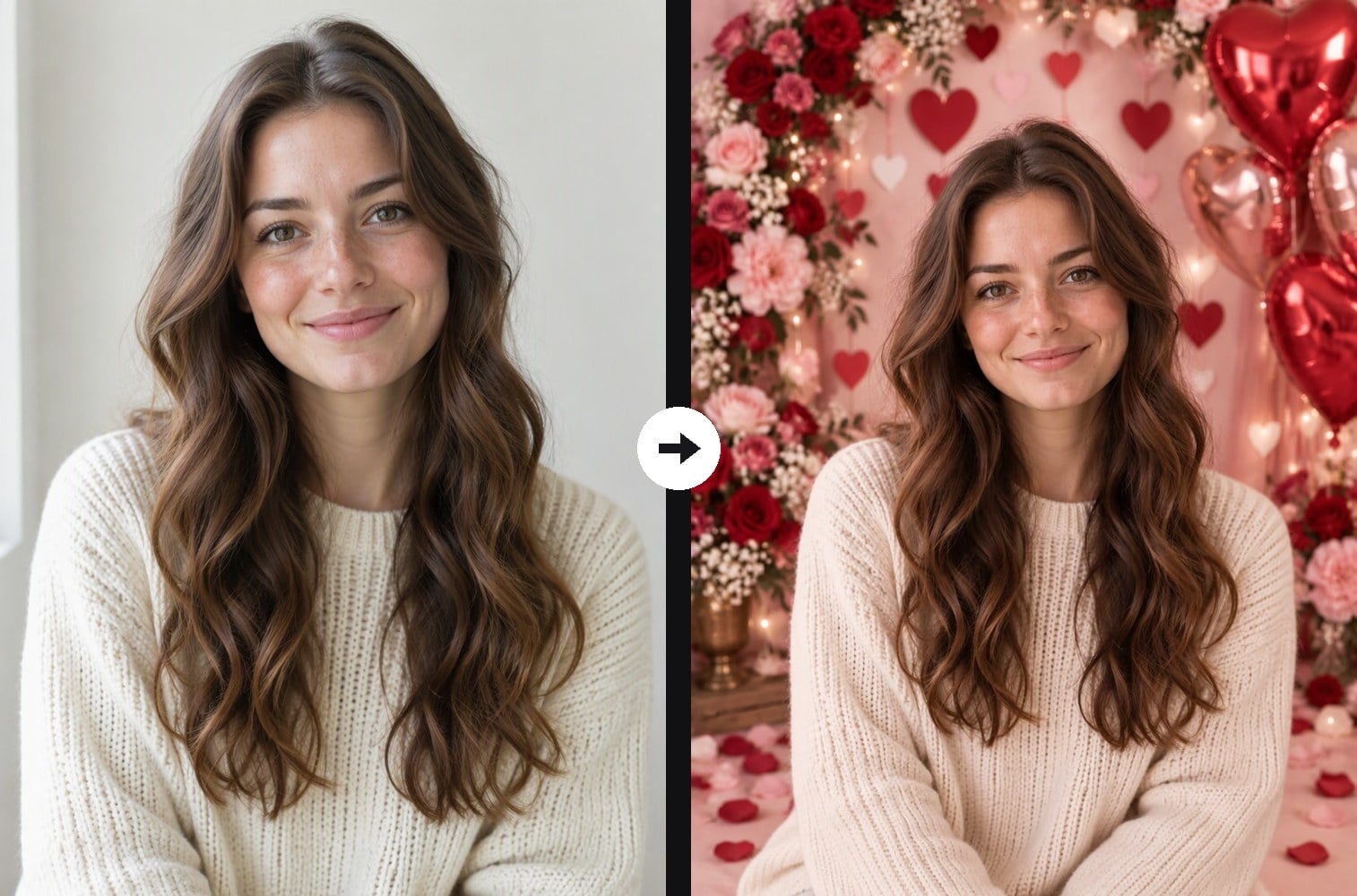
Solo Portrait to Valentine Photo Booth Backdrop
Upload a couple photo or a selfie
Effect prompt
By uploading a file, you agree to GoEnhance's Terms of Use and Privacy Policy

Valentine Backdrops Made from Real Photos

Each result is one upload with the prompt above. Faces, hair and clothes come from the original photo; the hearts, roses, balloons and lights are added by the AI.
Autumn Park Couple Selfie to Valentine Rose Arch Backdrop - Valentine Backdrop

Autumn Park Couple Selfie to Valentine Rose Arch Backdrop

Cafe Couple Selfie to Heart Wall Valentine Backdrop - Valentine Backdrop

Cafe Couple Selfie to Heart Wall Valentine Backdrop

City Park Couple Photo to Valentine Balloon Backdrop - Valentine Backdrop

City Park Couple Photo to Valentine Balloon Backdrop

How to Put Your Photo on a Valentine Backdrop

01

Upload a photo

A couple selfie, a portrait of you or a photo with a friend. Clear, well-lit faces facing the camera work best.

02

Generate the backdrop

The Valentine backdrop prompt is already filled in. Keep it as it is, or edit it to change the colors, flowers or props, then generate.

03

Download and share

Save the image and use it for a Valentine card, a social post, a story or a new profile picture.

Why Use This Valentine Backdrop Generator

A full Valentine photo set

The background becomes a styled studio set: a wall of layered paper hearts, an arch of roses and peonies, red and rose-gold heart balloons, fairy lights and petals on the floor. You get the look of a Valentine mini session without booking a photographer or decorating a room.
A full Valentine photo set - Valentine Backdrop

Your faces and outfits stay the same

The AI only replaces what is behind you. Faces, expressions, hairstyles, skin tones and clothes are kept from your photo, so the picture still looks like the two of you on a real day out.

Your faces and outfits stay the same - Valentine Backdrop

Light that matches the set

Soft studio light and a warm pink glow are added to the people as well, so you do not look cut out and pasted on. Even a casual phone selfie taken outdoors blends into the backdrop.

Light that matches the set - Valentine Backdrop

Ready for cards and social posts

There is no text, sign or watermark on the result, and the vertical portrait layout fits Instagram posts, stories and printed cards. Add your own greeting later, or edit the prompt to put names on the image.

Ready for cards and social posts - Valentine Backdrop

Valentine Backdrop FAQ

What does the Valentine backdrop generator do?

It keeps the people from your photo and replaces the background with a romantic Valentine's Day set of paper hearts, roses, heart balloons and fairy lights, with lighting adjusted so it looks like a real studio shot.

Will we still look like ourselves?

Yes. The prompt tells the AI to keep the same faces, hairstyles, skin tones, expressions and clothes and not to beautify anyone. A sharp, front-facing photo gives the closest likeness.

Does it work with a single-person photo?

Yes. Selfies and solo portraits work just as well as couple photos, so you can make a Galentine's or self-love post too. Group photos with friends also work.

Can I change the backdrop style?

Yes. Edit the prompt, for example "white and gold hearts with candles", "a candlelit dinner table with roses" or "red balloon arch with neon heart lights".

What size is the result?

The result follows the shape of your photo by default. For Instagram posts pick 4:5 or 3:4 in the workspace ratio menu, and 9:16 for stories.

Can I get a Valentine poster with text instead?

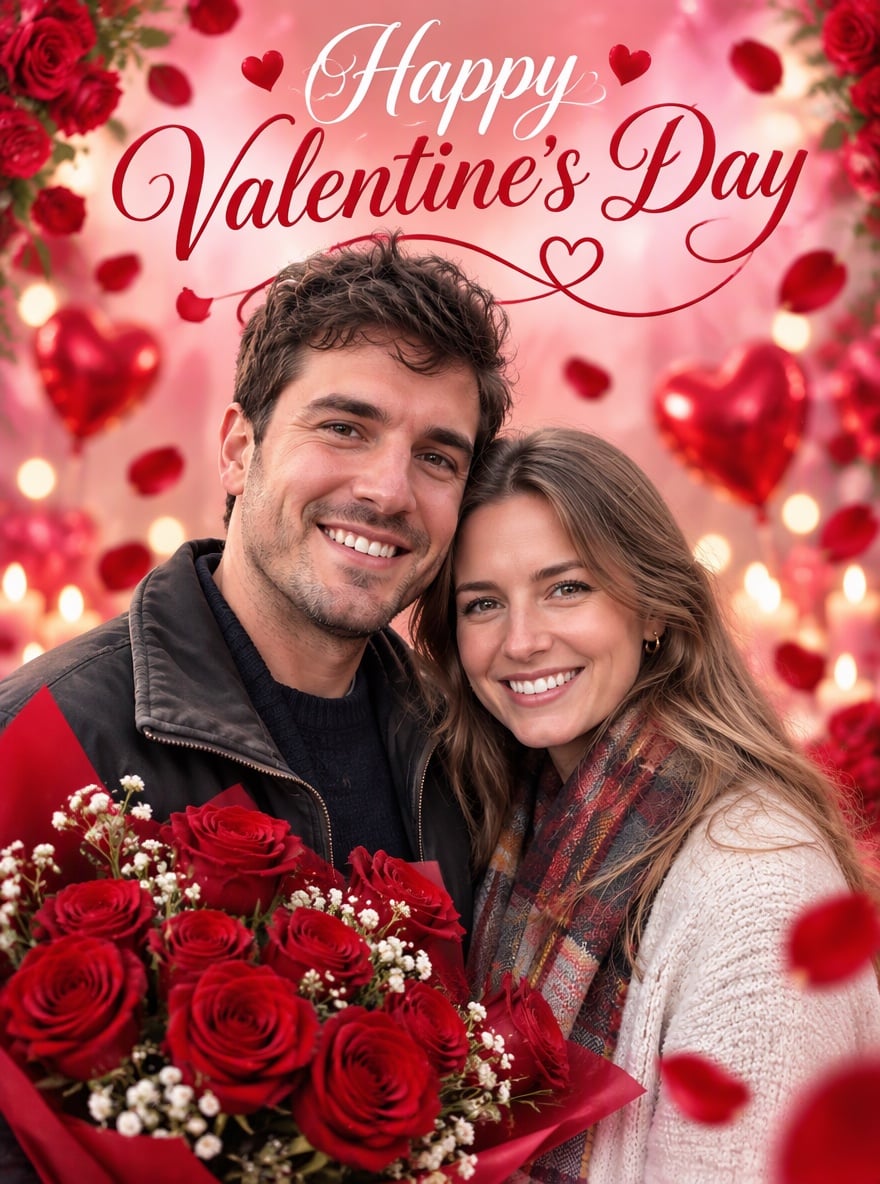
Yes. If you want a poster with a "Happy Valentine's Day" headline, try the AI Valentines poster maker.

Bring the Valentine Photo Booth Home

Upload one photo and get a romantic Valentine backdrop in under a minute.

Create My Valentine Backdrop