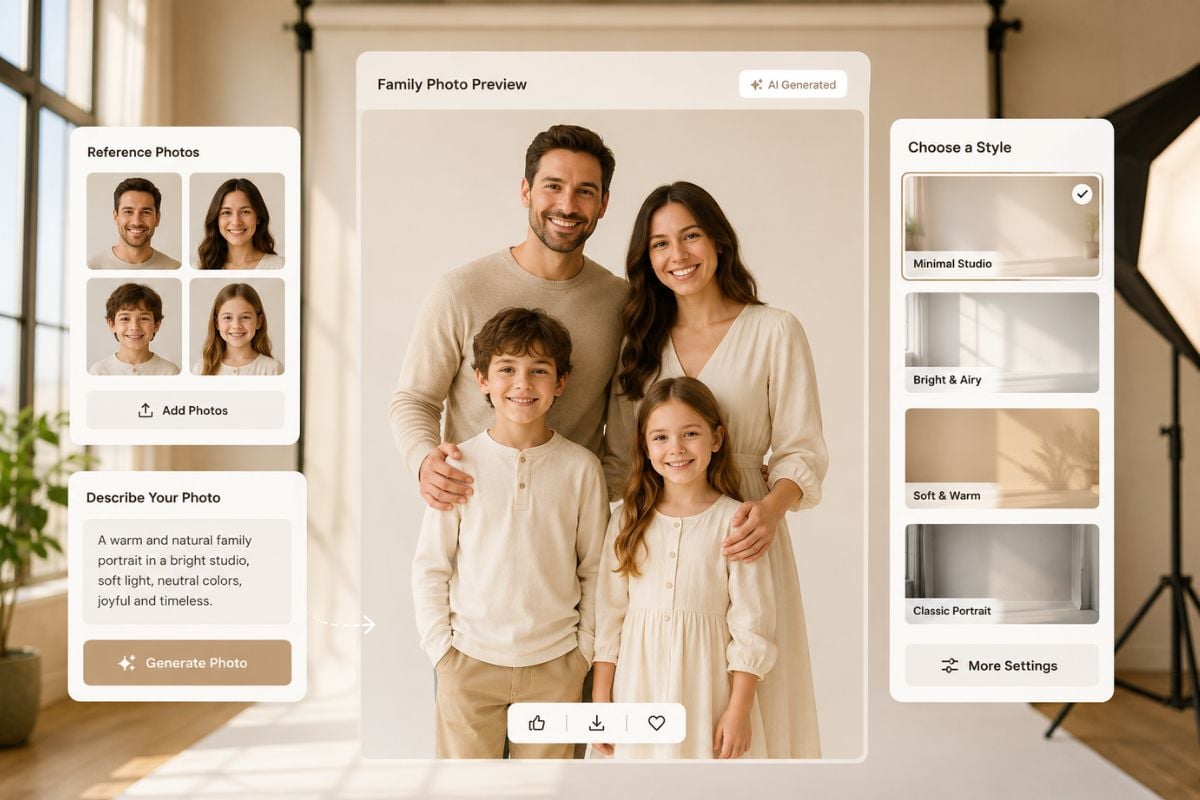
Memory Collage: Turn Family and Travel Photos into One Keepsake

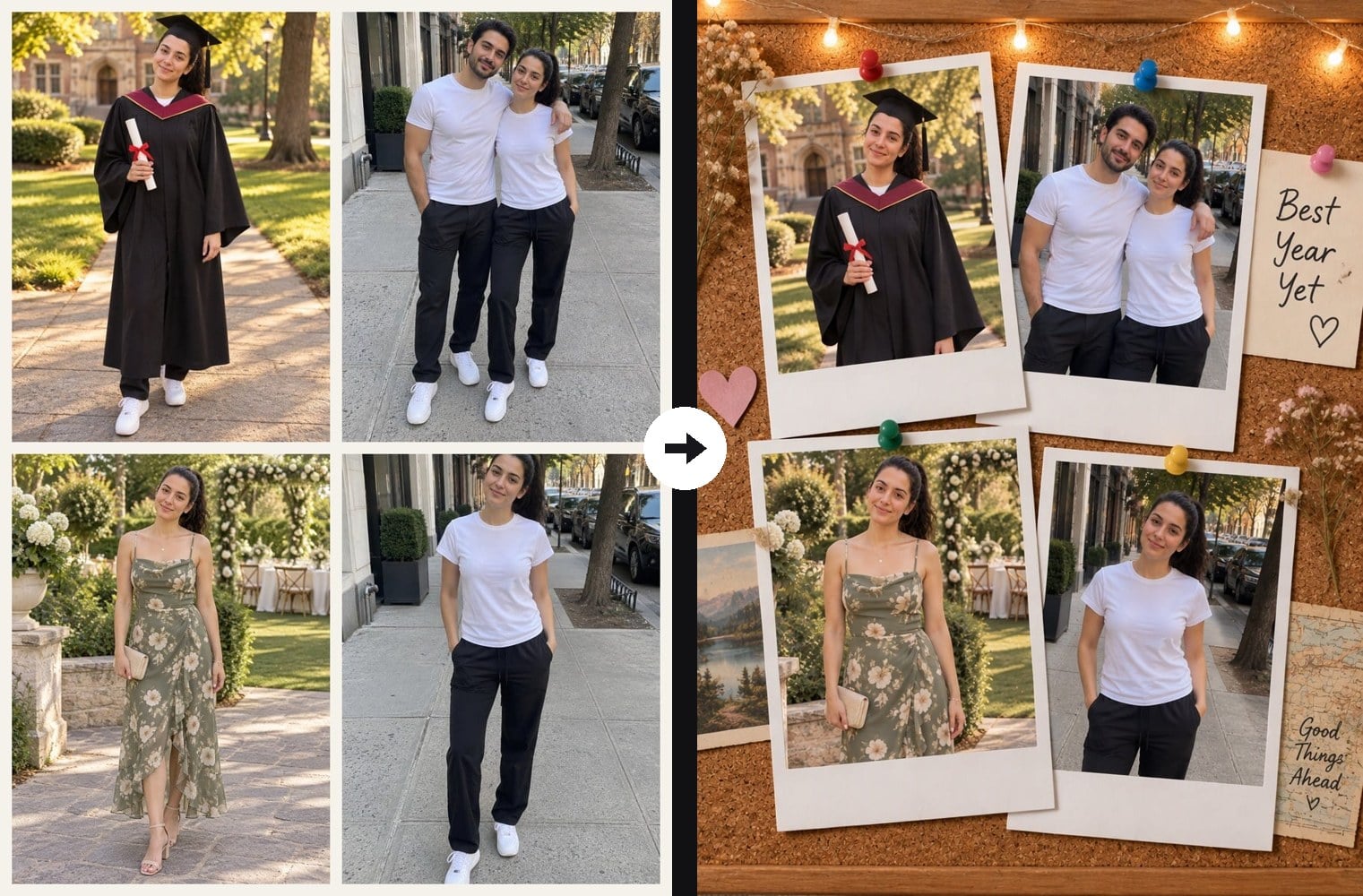
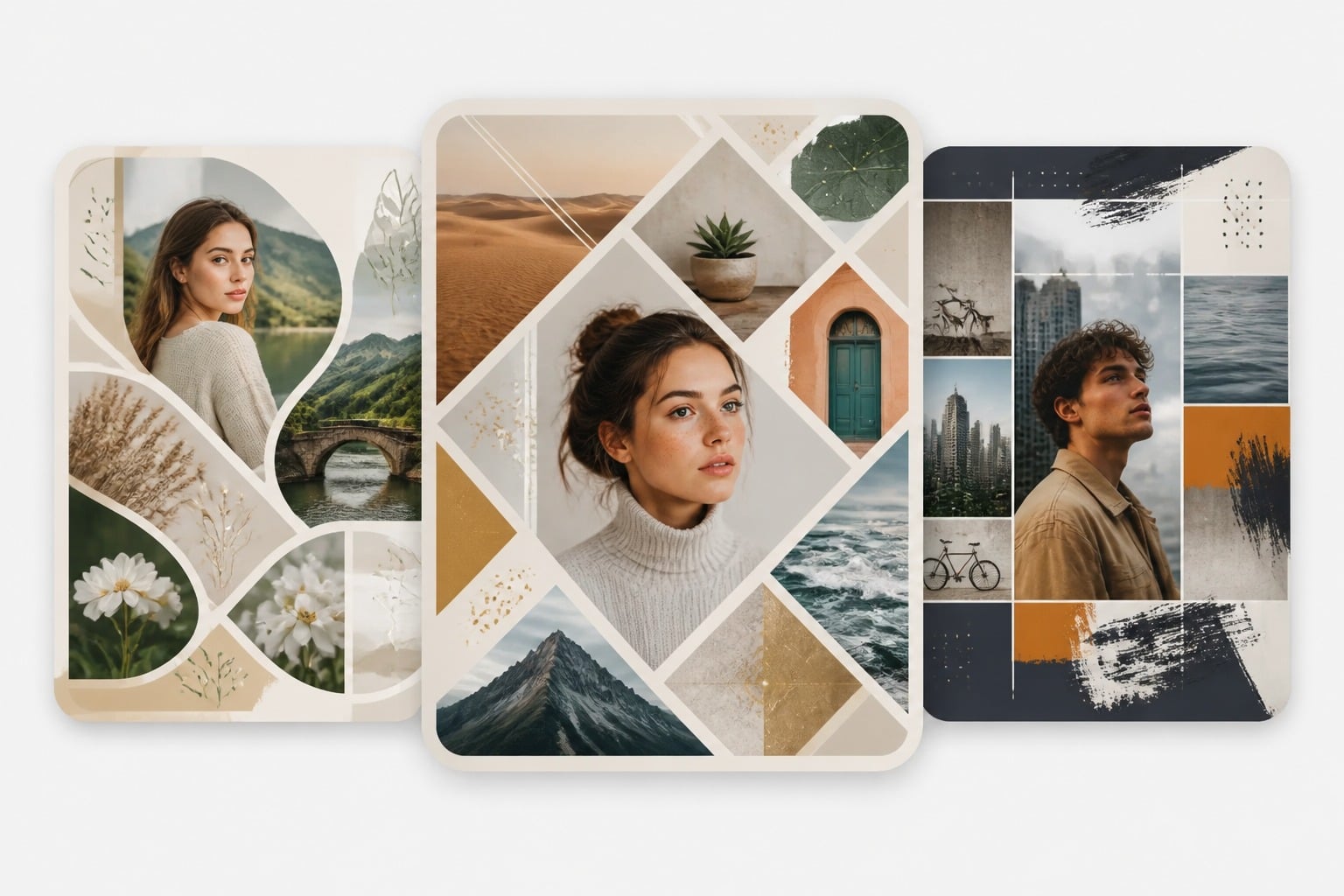
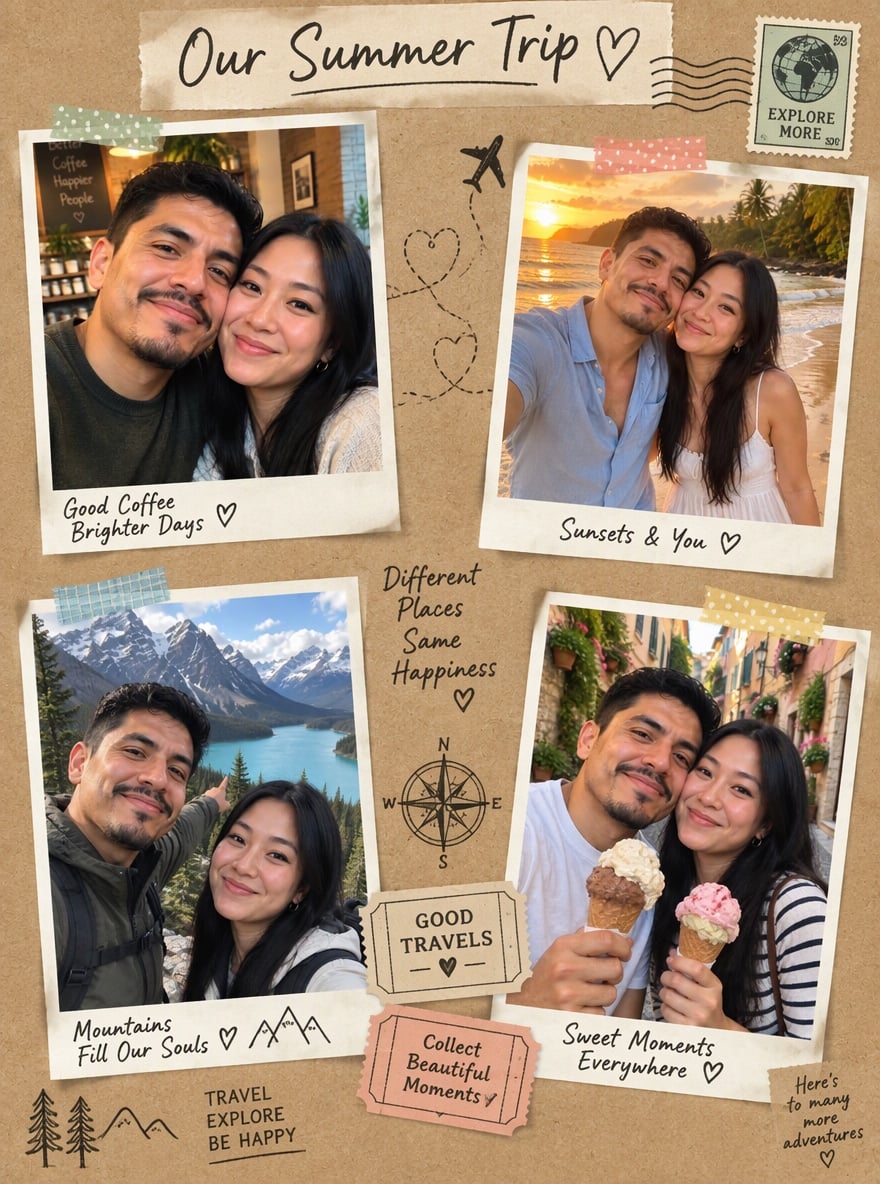
Got a camera roll full of family days, trips and milestones? Memory Collage arranges several photos into one tidy, themed layout that is ready to print or share. Every photo stays as it is: the people, faces, poses, clothes and scenery are kept, and the AI only crops the edges slightly, then adds the design around them, such as scrapbook paper, washi tape, pressed flowers, ticket stubs, push pins and a short handwritten title. The four examples show a family scrapbook, a summer travel journal, a minimalist year-in-review grid and a polaroid memory board, each built from four photos. Unlike our AI collage generator, which drafts collage art and mood boards from a prompt, Memory Collage is made for real personal photos you want to keep together. Upload the first photo in the console below, then add the rest in the editor. It runs on GPT Image 2.5.
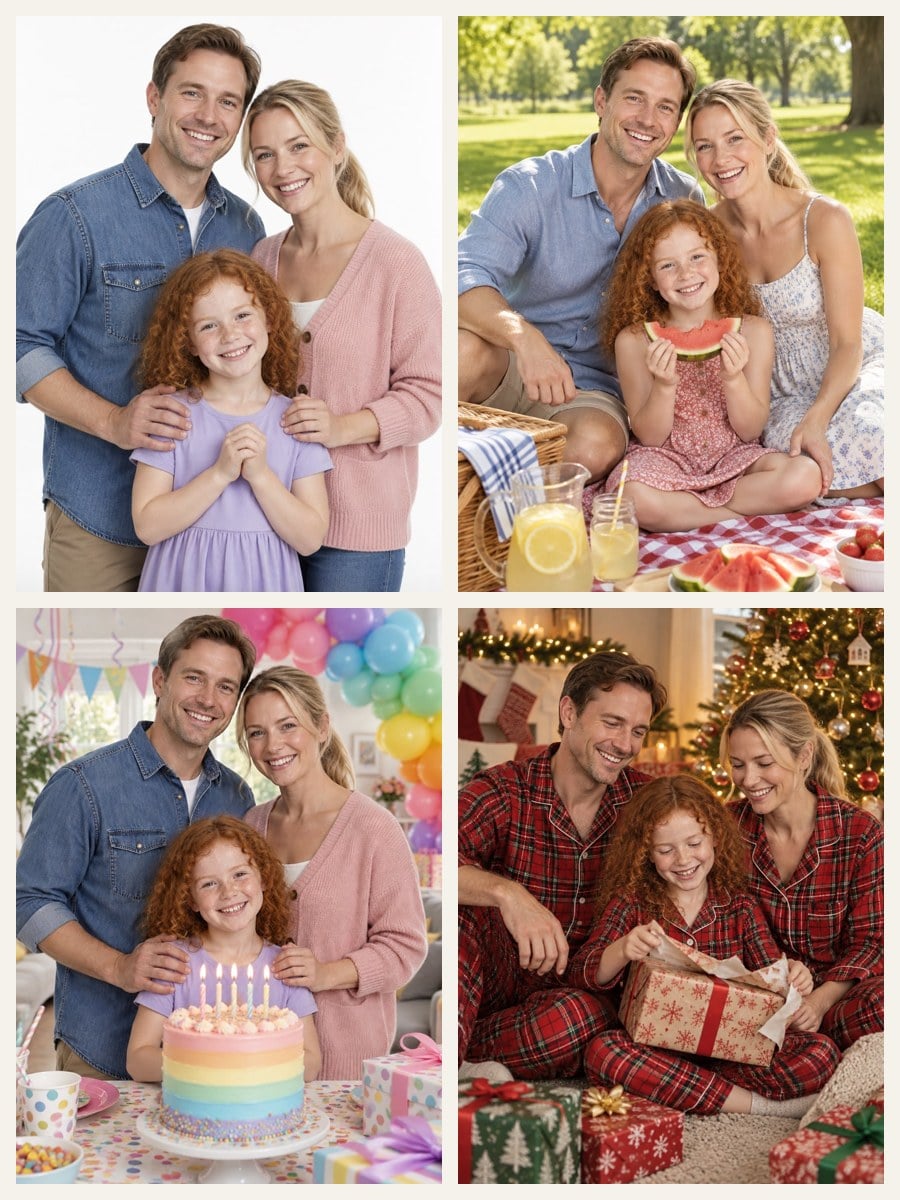
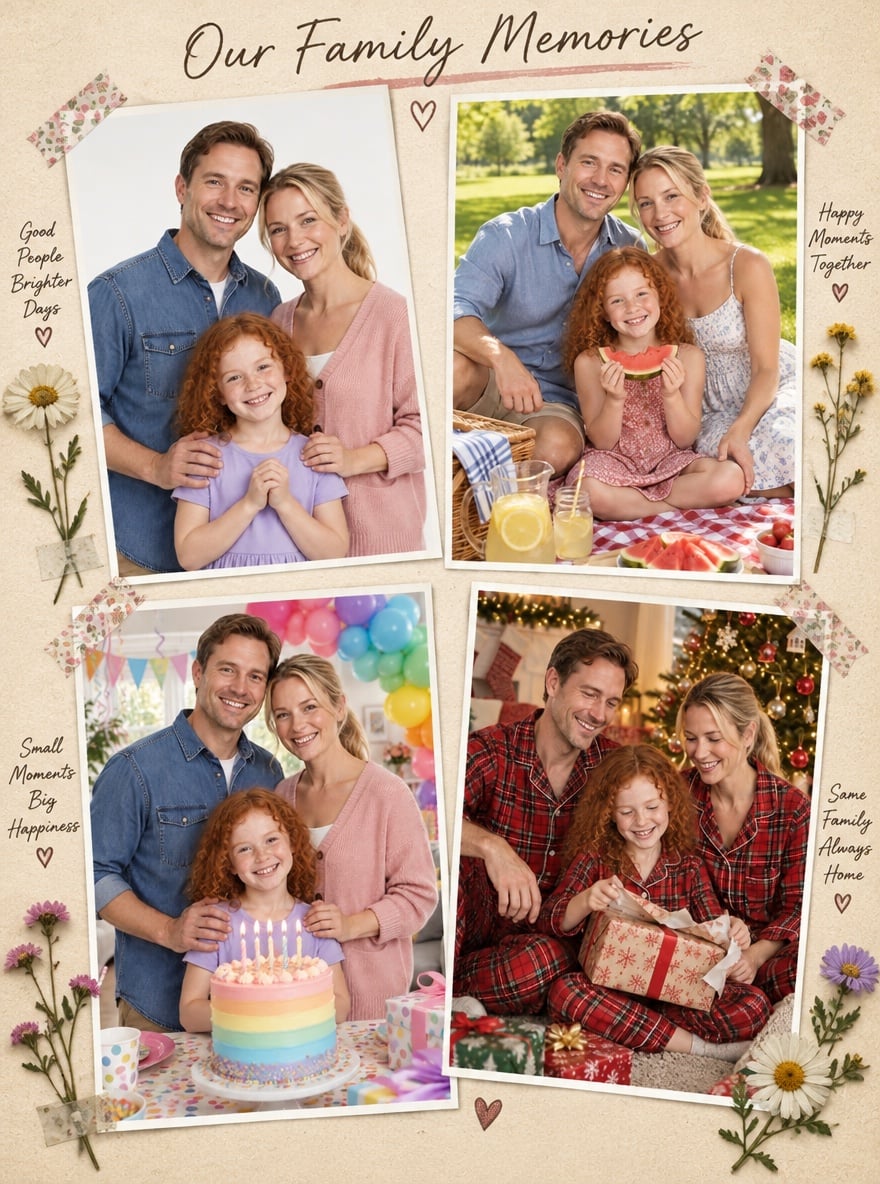
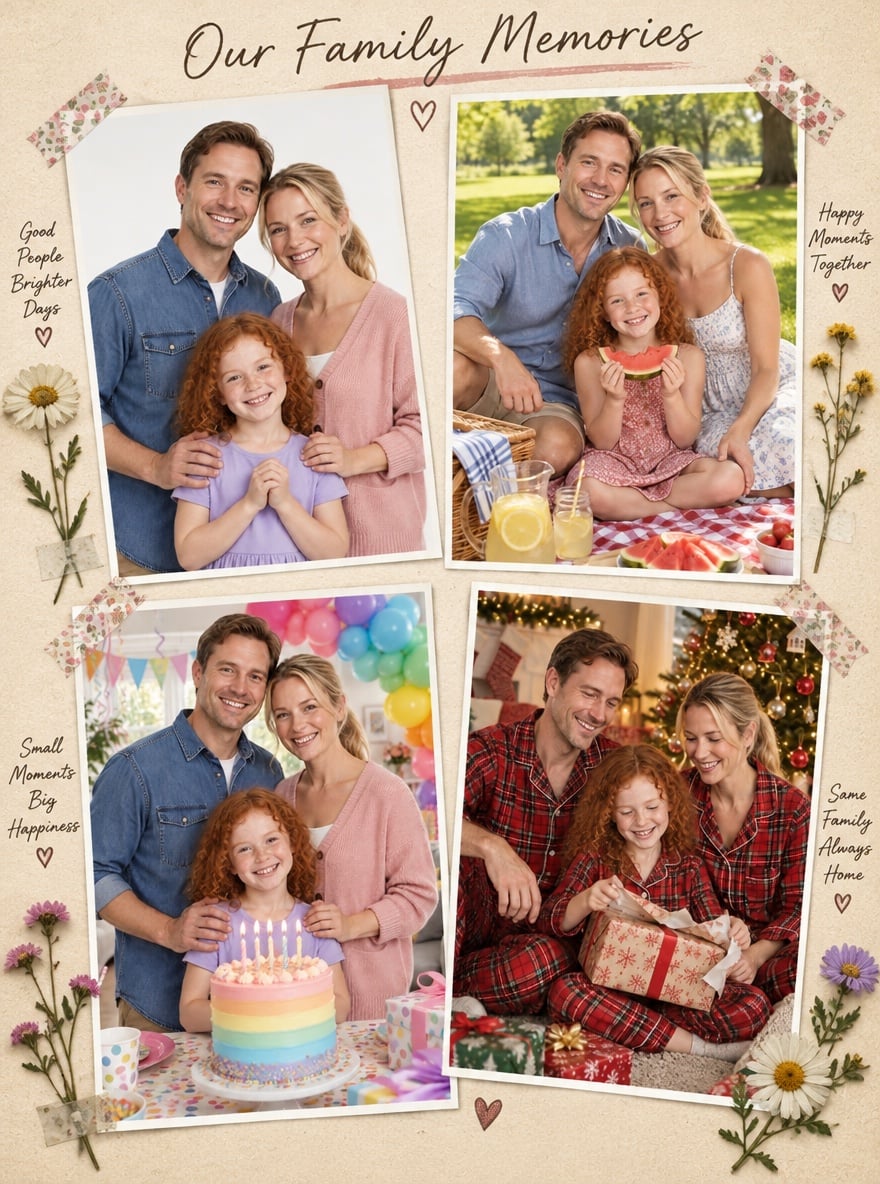
Family Scrapbook
Family Scrapbook
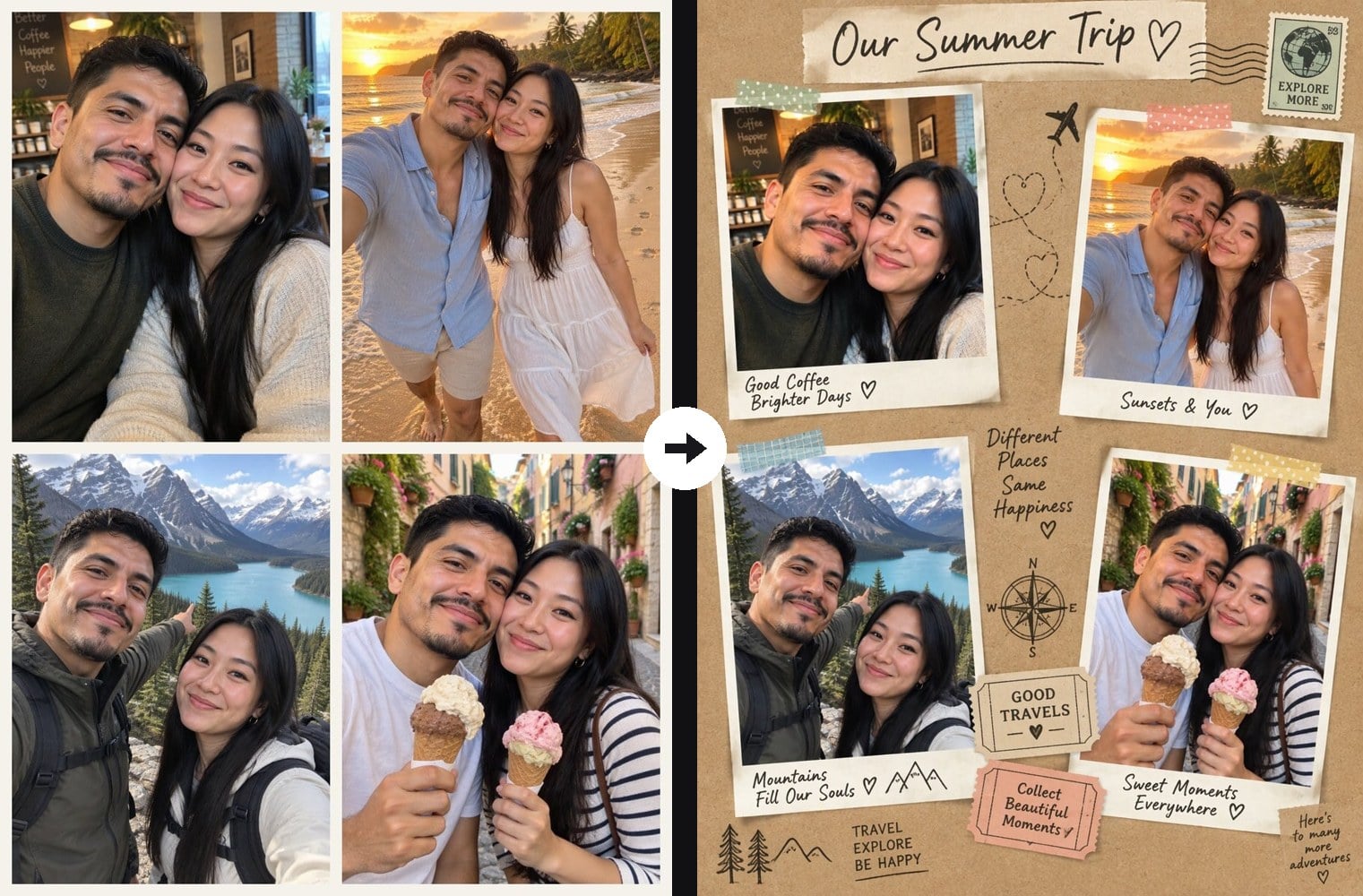
Summer Travel Journal
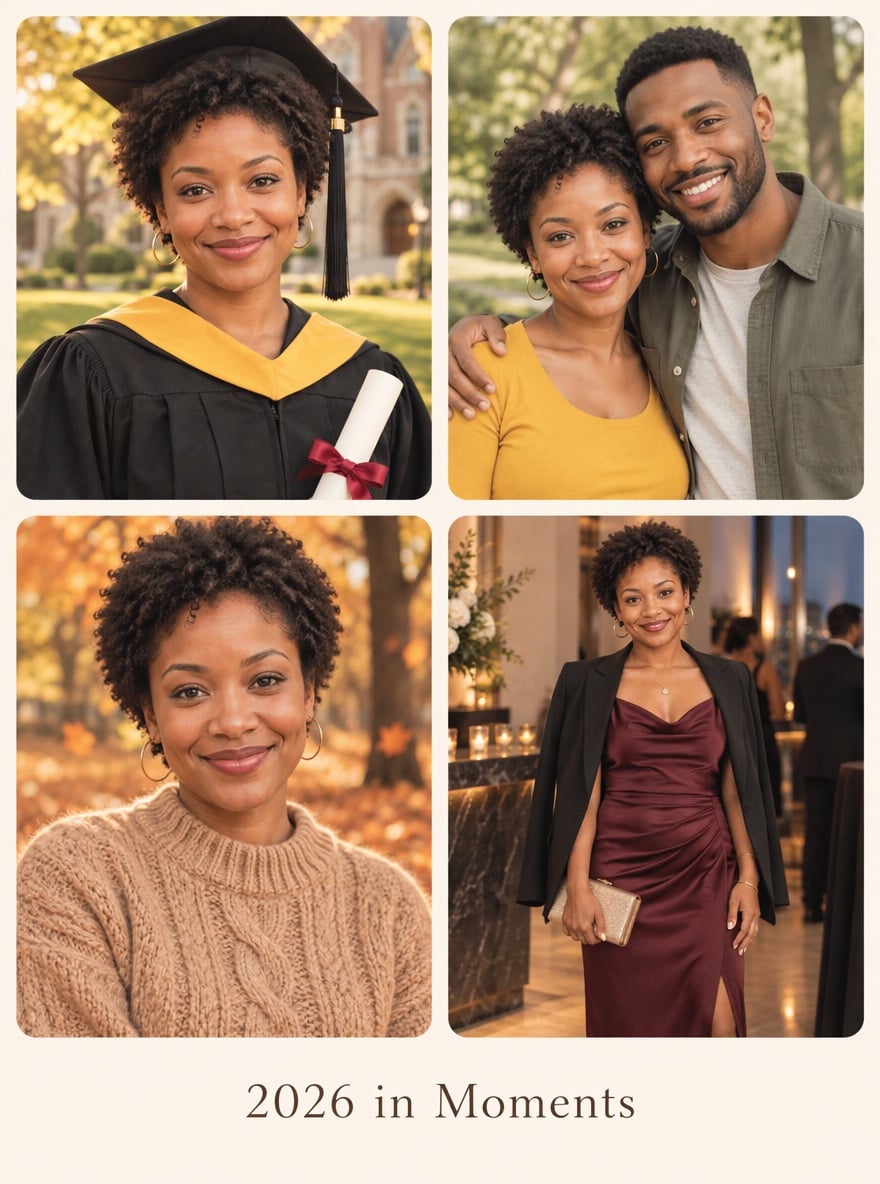
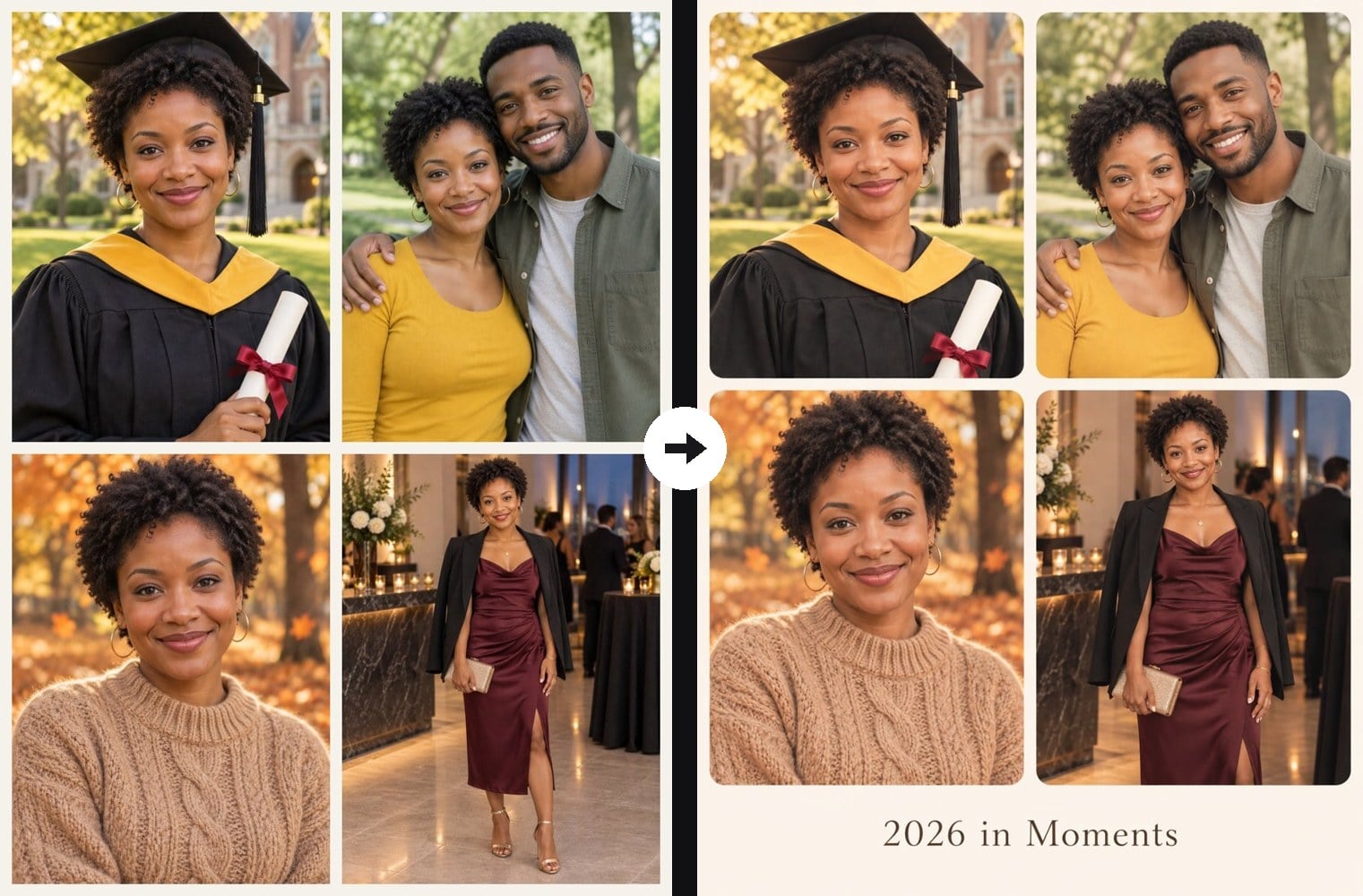
Year in Moments Grid
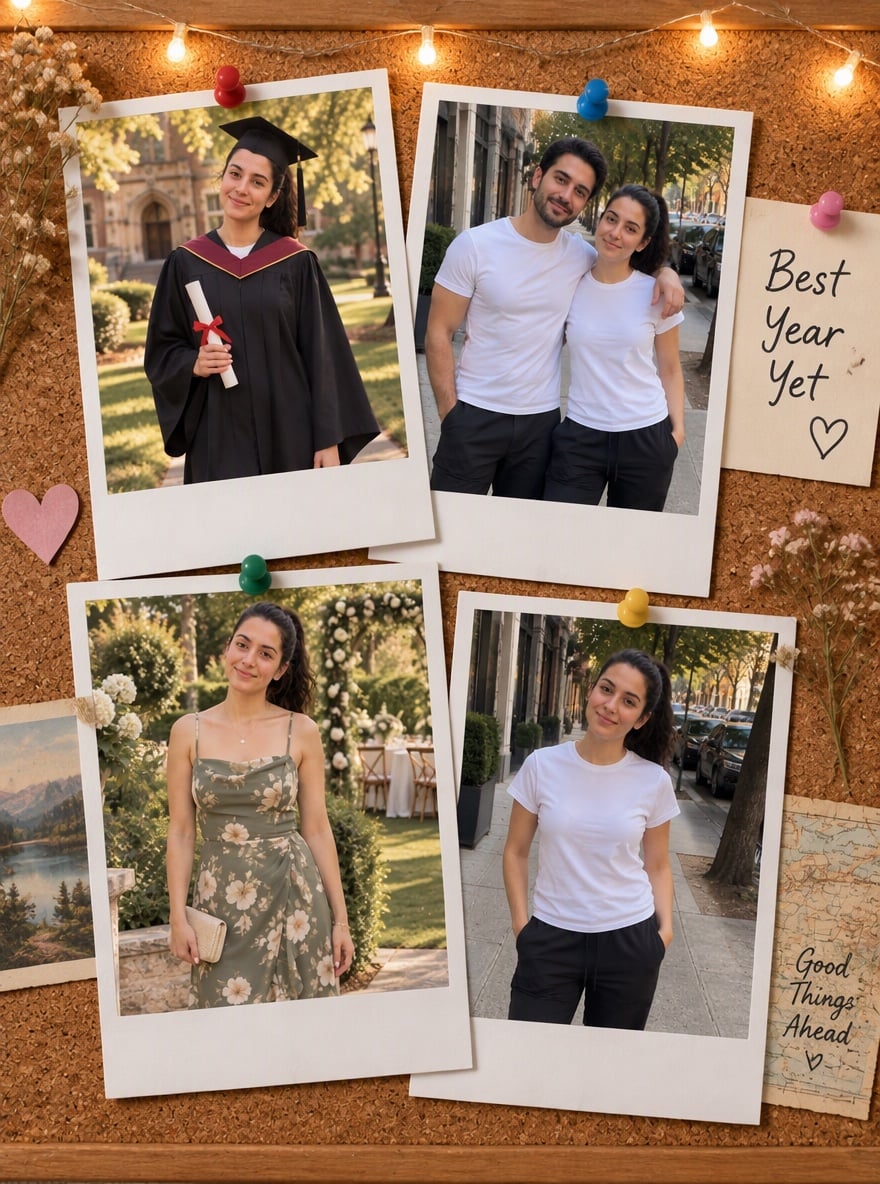
Polaroid Memory Board
Upload the first photo, then add the others in the editor
Effect prompt
By uploading a file, you agree to GoEnhance's Terms of Use and Privacy Policy

Memory Collages Made from Real Photo Sets

Each collage comes from one generation with four photos and the prompt shown on the example. The photos themselves are kept; the paper, layout, decorations and title are added by the AI.
Family Scrapbook - Memory Collage

Family Scrapbook

Summer Travel Journal - Memory Collage

Summer Travel Journal

Year in Moments Grid - Memory Collage

Year in Moments Grid

How to Make a Memory Collage

01

Upload your photos

Upload the first photo here, then add the others in the image editor. Three to six clear photos from the same family, trip or year give the tidiest layout.

02

Pick a theme

Start from the family scrapbook, travel journal, minimalist grid or polaroid board example, and change the title, colors or decorations in the prompt to fit your memories.

03

Download and share

Save the finished collage to print as a keepsake, frame it, post it as a recap or send it to family and friends who were there.

Why Use Memory Collage
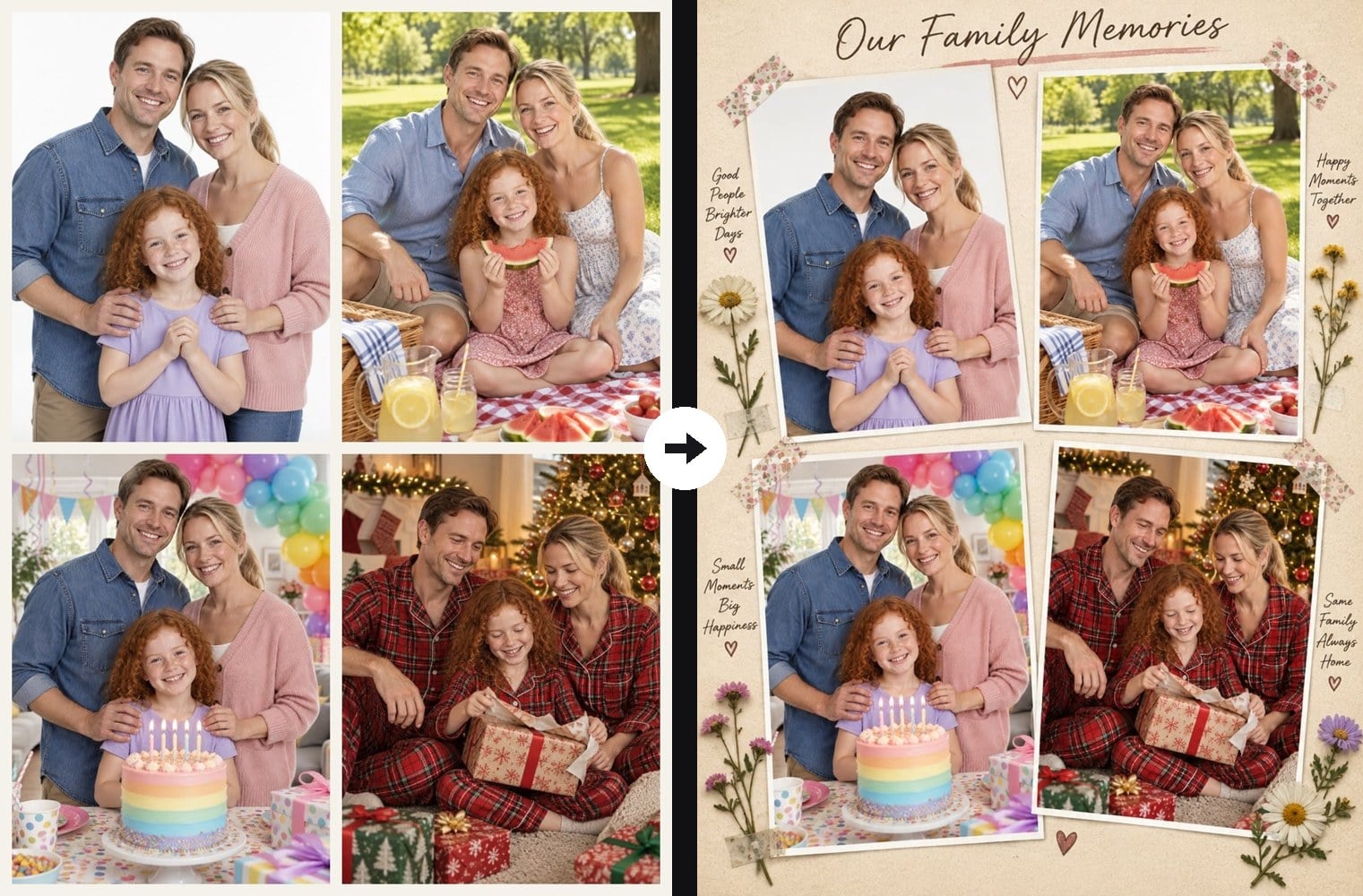
Every photo stays recognizable

The prompt tells the AI to keep each photo's people, faces, poses, clothes and scenery and to crop only the edges. Your memories are arranged, not redrawn, so everyone in the family can still find themselves in the finished collage.

Every photo stays recognizable - Memory Collage

Themes that fit the occasion

Choose a vintage family scrapbook, a kraft paper travel journal, a clean year-in-review grid or a cork board of instant prints. Each theme adds matching paper, tape, stickers and doodles, so the layout feels made for that trip or that year.

Themes that fit the occasion - Memory Collage

Tidy layout without manual editing

There is no need to resize photos, line up frames or hunt for stickers in a design app. The AI balances the photos on one page, leaves even gaps and keeps the title readable, which saves time when you just want a clean keepsake.

Tidy layout without manual editing - Memory Collage

Ready to print and share

The result is a single image you can print for an album, frame on a shelf, use as a phone wallpaper or post as a family or travel recap. It also makes a thoughtful gift for birthdays, anniversaries and holidays.

Ready to print and share - Memory Collage

Memory Collage FAQ

What is Memory Collage?

Memory Collage is an AI photo effect that arranges several of your photos into one themed keepsake layout, such as a family scrapbook, travel journal, minimalist grid or polaroid board. Each photo keeps its people and scenery, and the AI adds the paper, decorations and a short title.

How many photos can I put in one collage?

The examples use four photos each. Three to six photos give the clearest result; with many more photos each one becomes small. Upload the first photo in the console, then add the others in the image editor before you generate.

Will my photos be changed?

The prompt asks the AI to keep every photo's faces, poses, clothes and backgrounds and to crop only slightly at the edges. Check faces and small details before you print, and generate again if a photo was cropped too much.

Can I change the title, colors or theme?

Yes. Edit the prompt to change the title text, the paper color, the decorations or the whole theme, for example a wedding album, a baby's first year, a graduation board or a holiday recap. Short titles are rendered most cleanly.

What kind of photos work best?

Sharp, well-lit photos where faces are clearly visible. Photos from the same family, trip or year make the collage feel like one story, and a mix of close-ups and wider shots gives the layout more variety.

Can I make a free-form collage from a text prompt instead?

Yes. For collage art, mood boards and other layouts that do not need to keep your personal photos exactly, try our AI collage generator.

Keep Your Best Moments Together

Upload your family, travel or milestone photos and turn them into one themed memory collage in about a minute.

Make My Memory Collage