
Add Suit to Photo
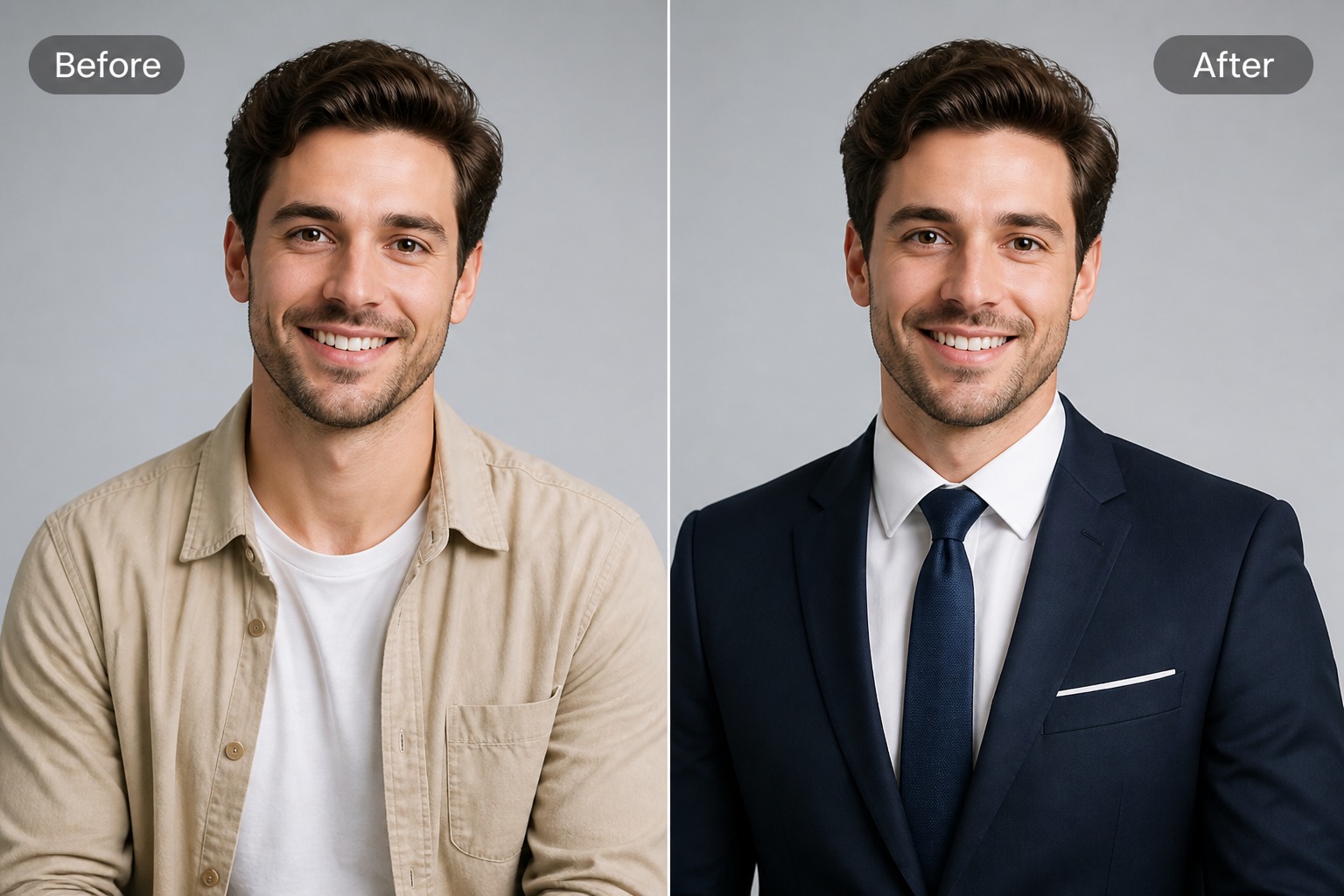
Upload a portrait and add a professional suit look for resumes, LinkedIn-style profiles, team bios, formal announcements, or business avatars. Best results use a clear upper-body photo with visible shoulders and natural lighting.
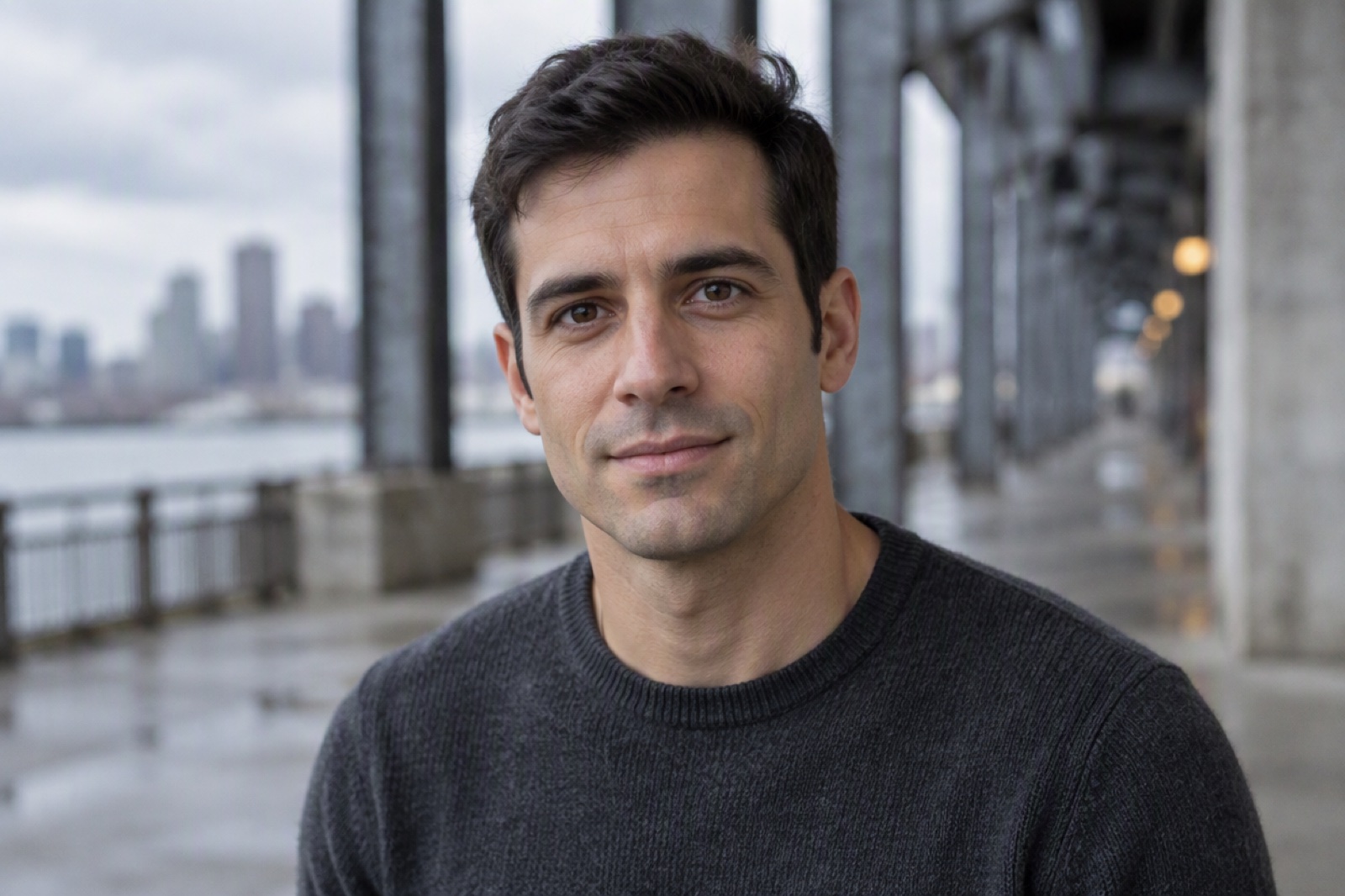

Man

Long Hair

Beard
Upload files
Upload a photo to apply this effect
By uploading a file, you agree to GoEnhance's Terms of Use and Privacy Policy
Professional Suit Looks You Can Create
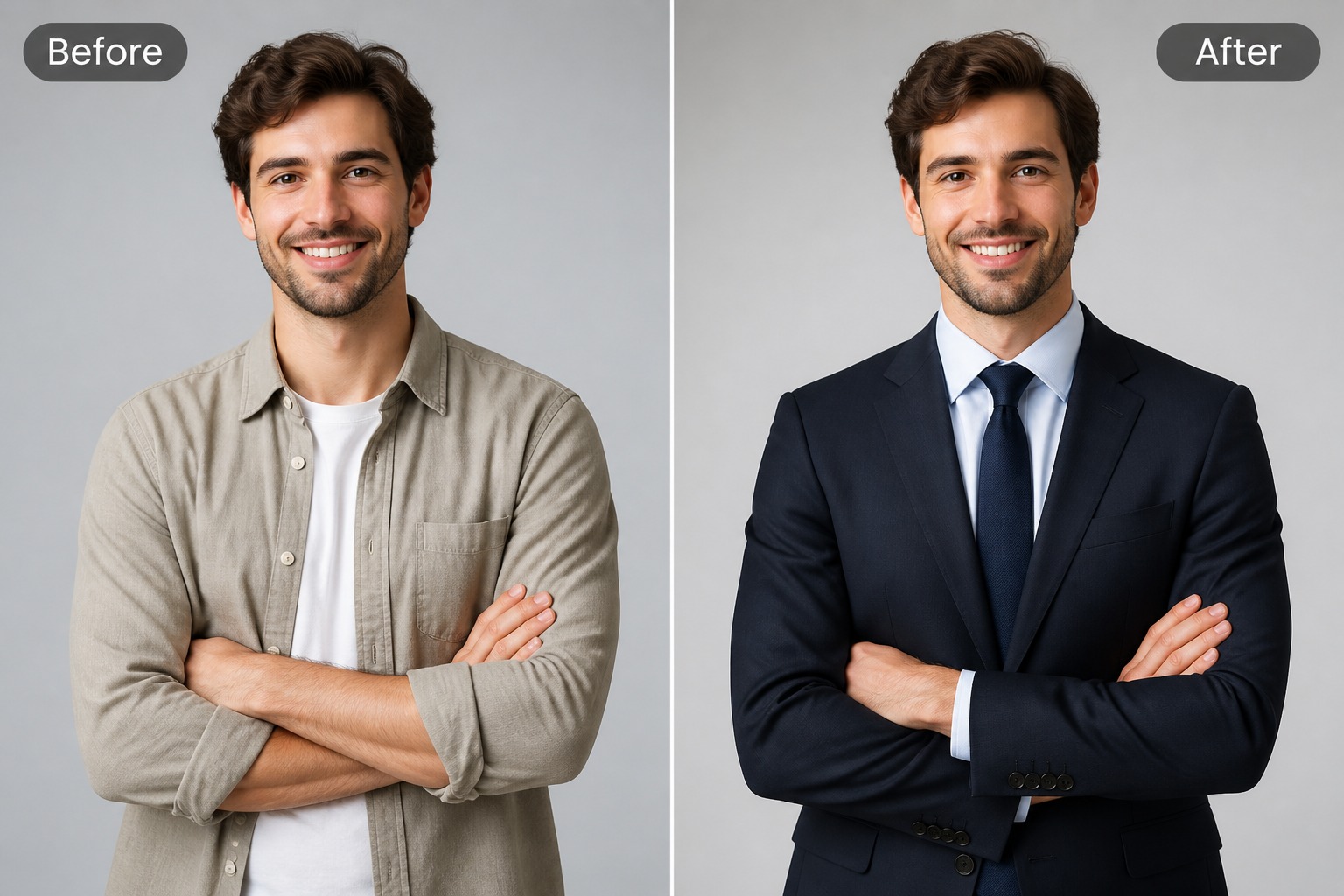
Business Portrait Suit
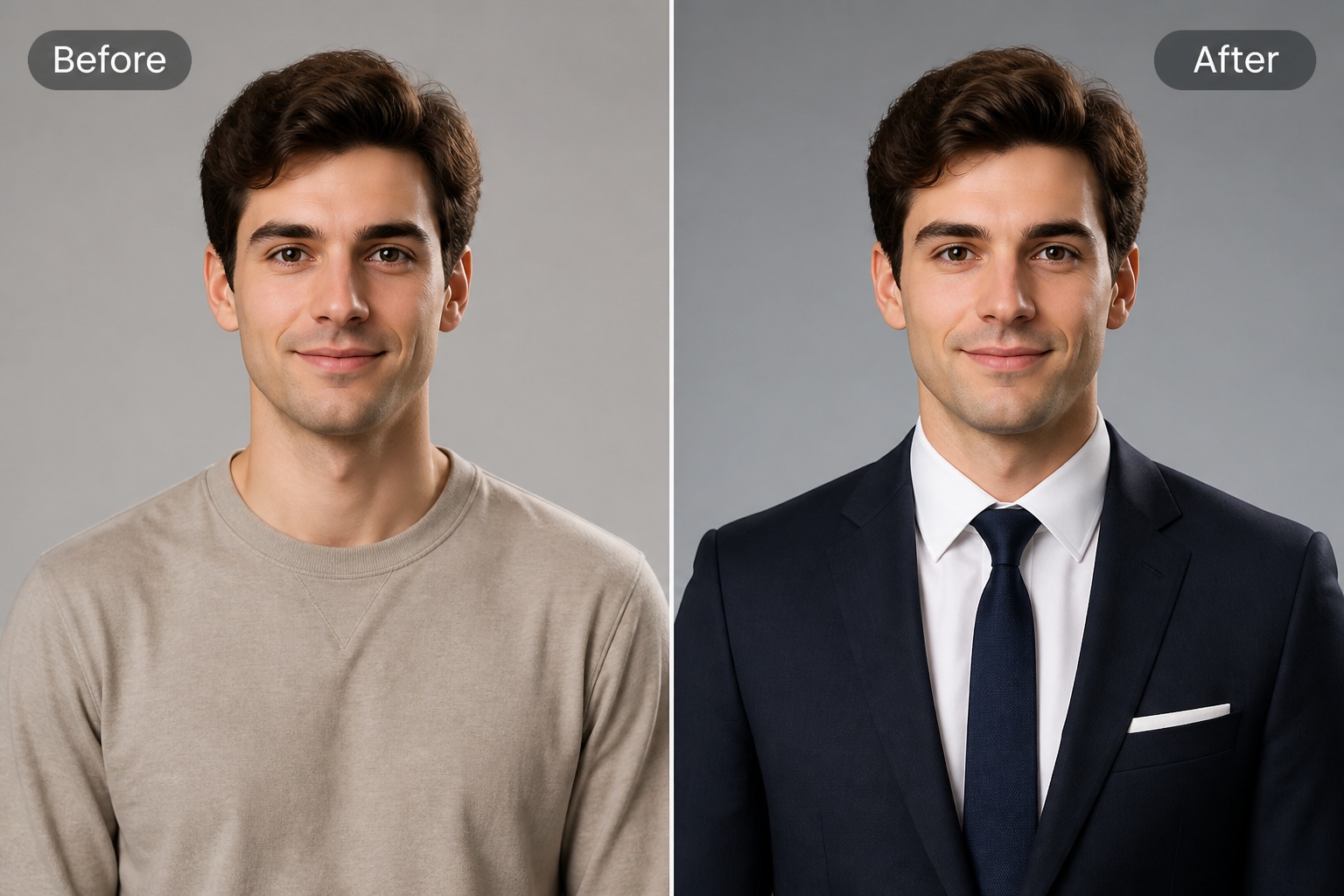
Resume Headshot Style
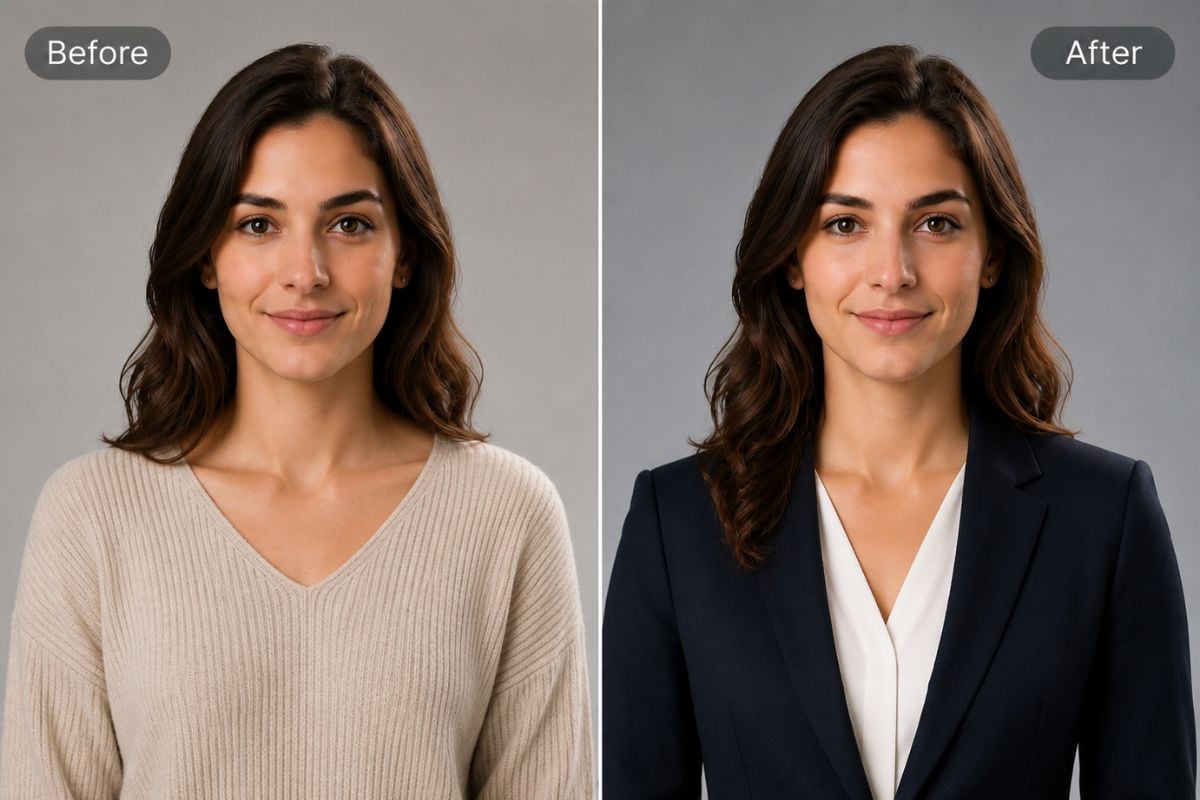
Formal Profile Look
How to Add Suit to Photo Online
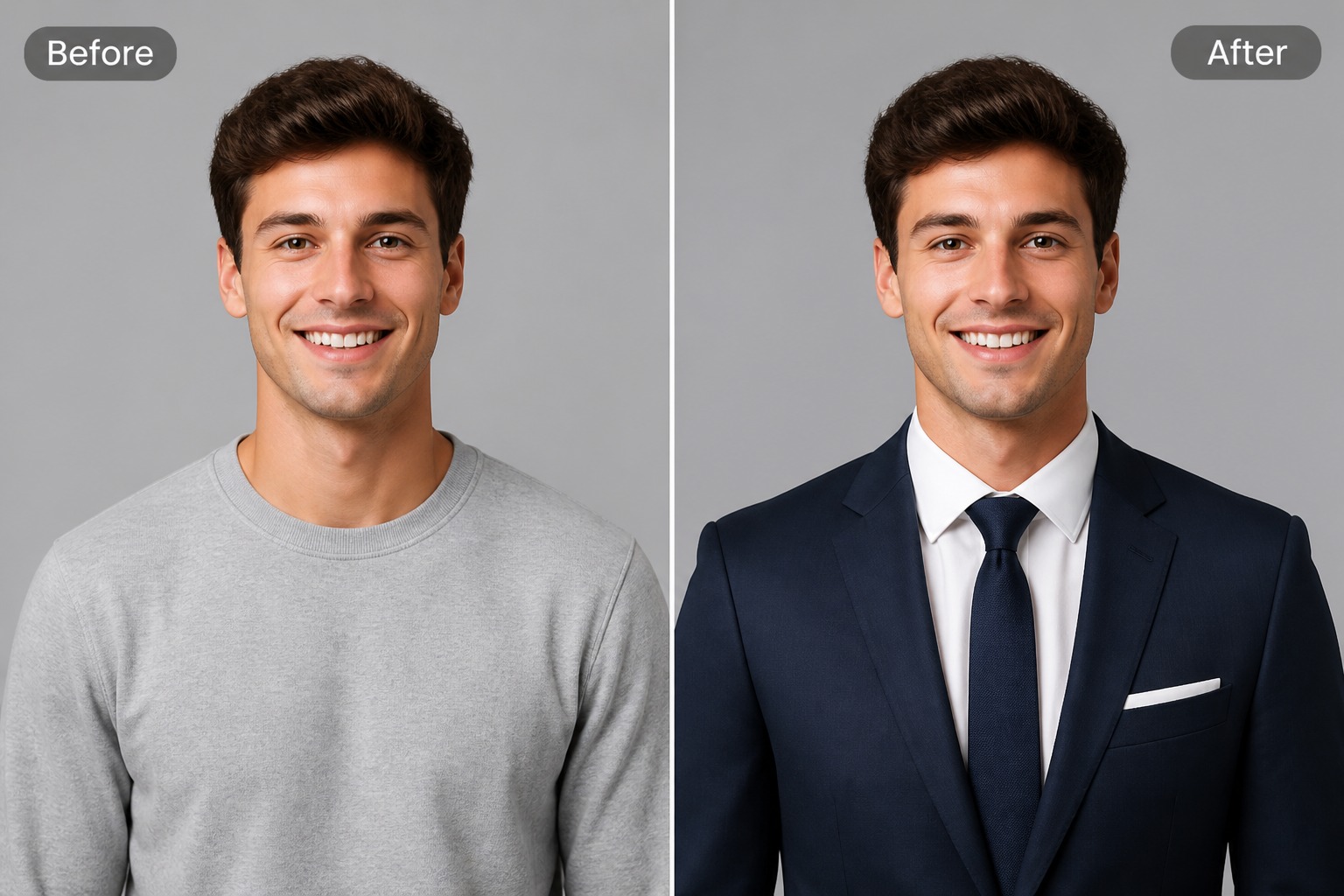
Step 1 1
Upload Your Photo
Upload a clear portrait or upper-body photo. For the best result, choose an image where the face, shoulders, and upper body are visible so the suit or jacket can fit naturally.
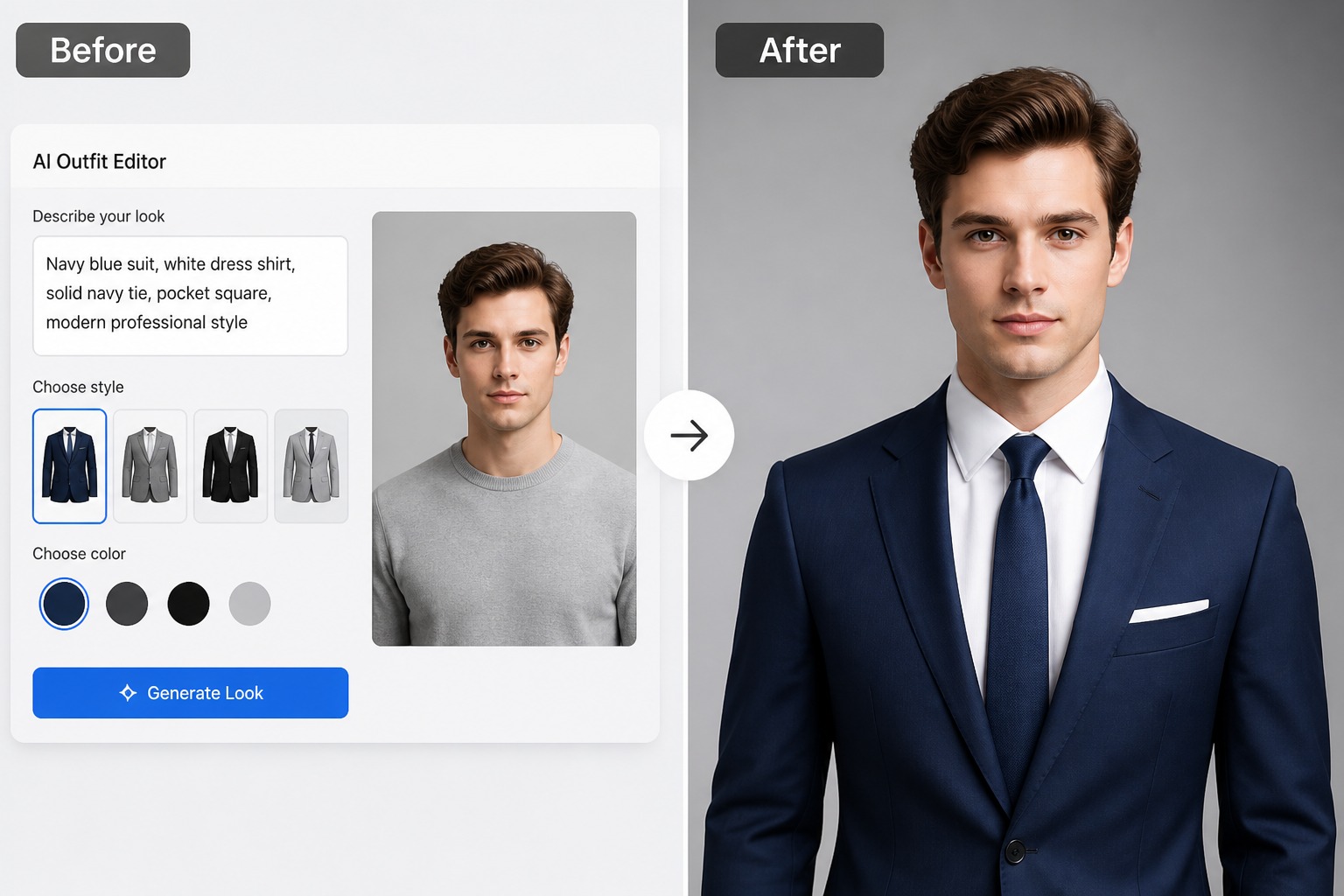
Step 2 2
Choose Your Suit or Jacket
Select the suit, blazer, formal jacket, or business outfit style you want. You can choose a professional look that matches your portrait, profile photo, resume image, or business headshot.
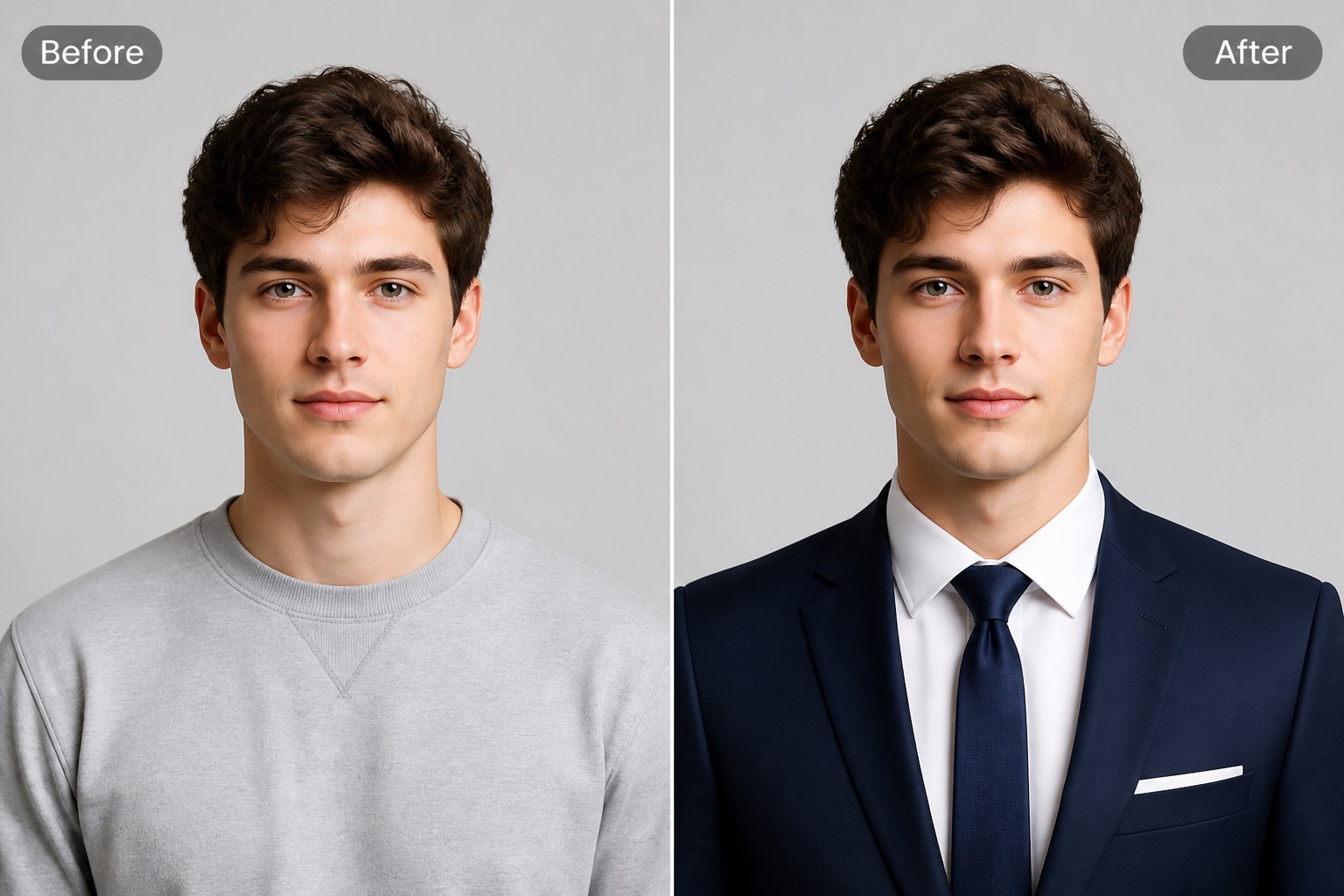
Step 3 3
Generate Your New Look
Click to generate and let AI add the selected suit to your photo. Review the final image, check the outfit fit, and download a polished portrait for professional or social use.
Add a Professional Suit Look to Portrait Photos
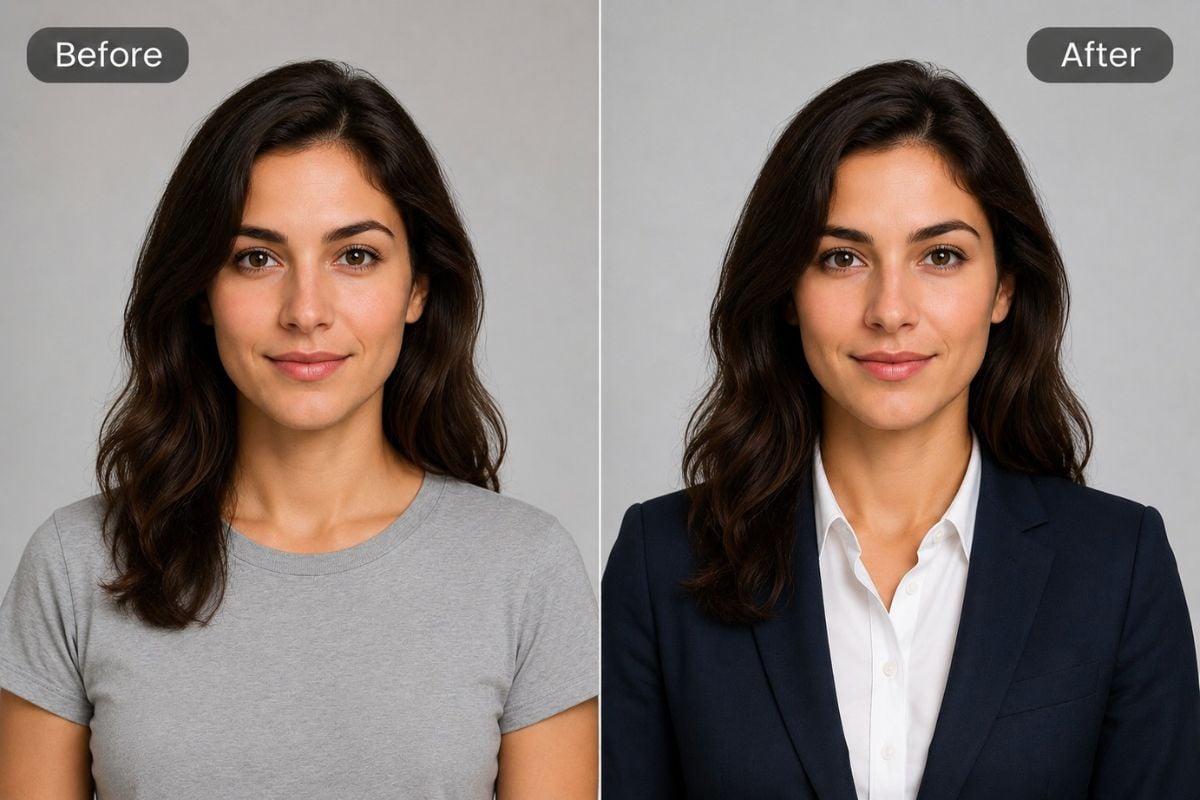
Test Formal Styles
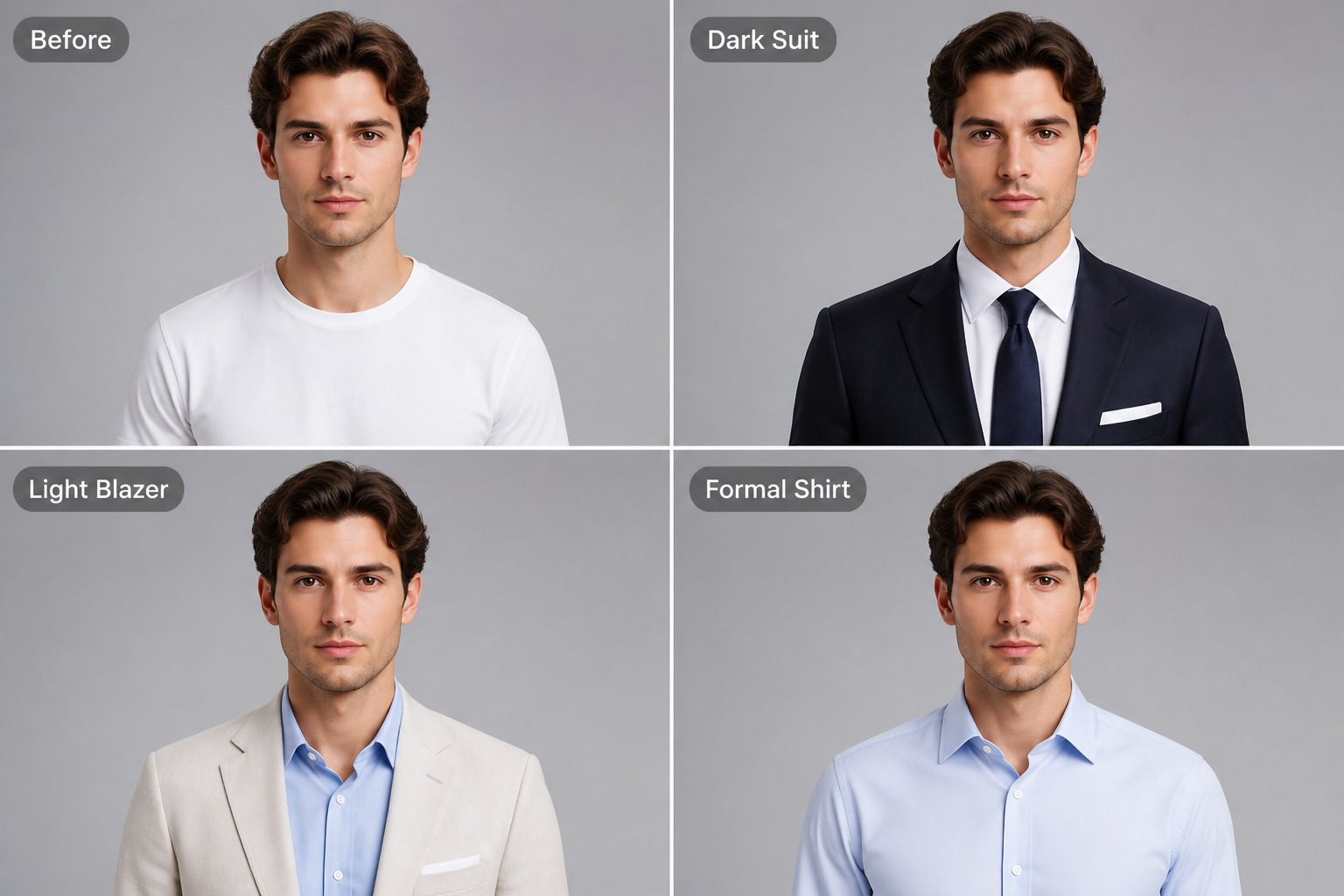
Preview different suit colors, lapel shapes, shirt tones, and business portrait moods before choosing one image direction. For broader portrait edits, an image to image AI workflow can help refine background and lighting too.
Why Use an AI Suit Photo Editor?
Professional Look Faster
Create a formal portrait draft without scheduling a photoshoot, buying a new outfit, or manually replacing clothing in an editor.
Useful for Career Photos
Prepare images for resumes, business profiles, internal directories, application forms, speaker bios, or portfolio pages.
Keep the Original Face
The best edit keeps the person recognizable while changing the clothing style and improving the overall professional presentation.
Preview Multiple Suit Styles
Compare dark suits, light blazers, formal shirts, business-casual jackets, or polished profile looks before choosing one version.
Works From Existing Photos
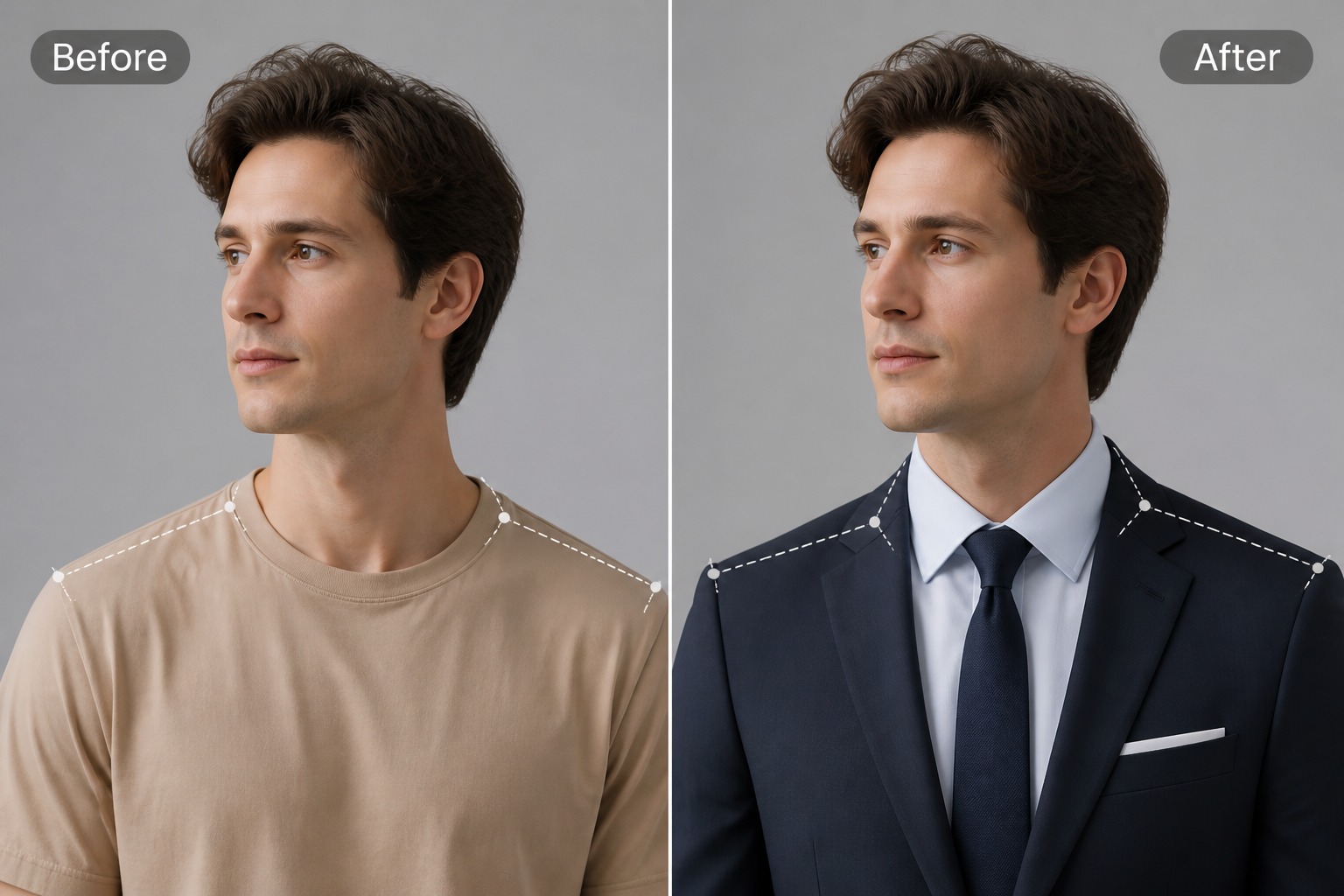
Reuse a portrait you already like and focus the edit on clothing alignment, shoulder shape, and formal styling.
Easy Before Sharing Review
Check whether the collar, lapels, hands, hair, and background still look natural before using the image publicly.
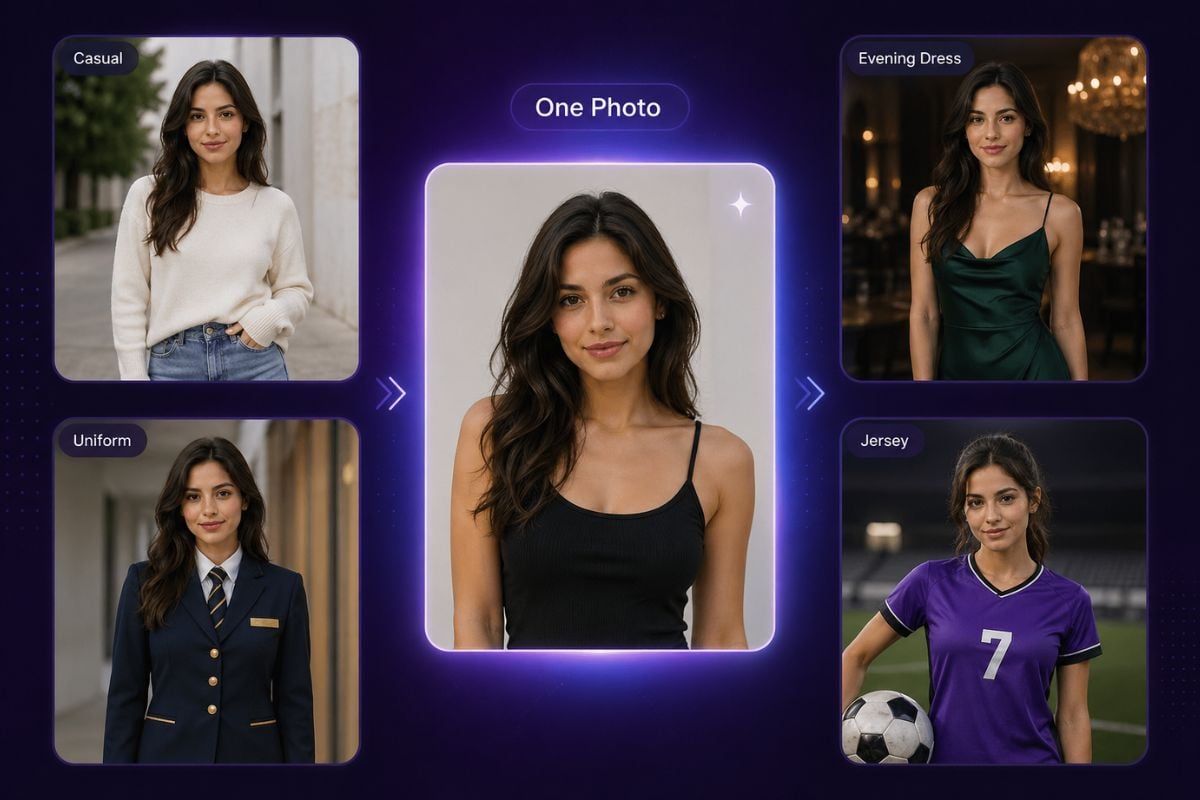
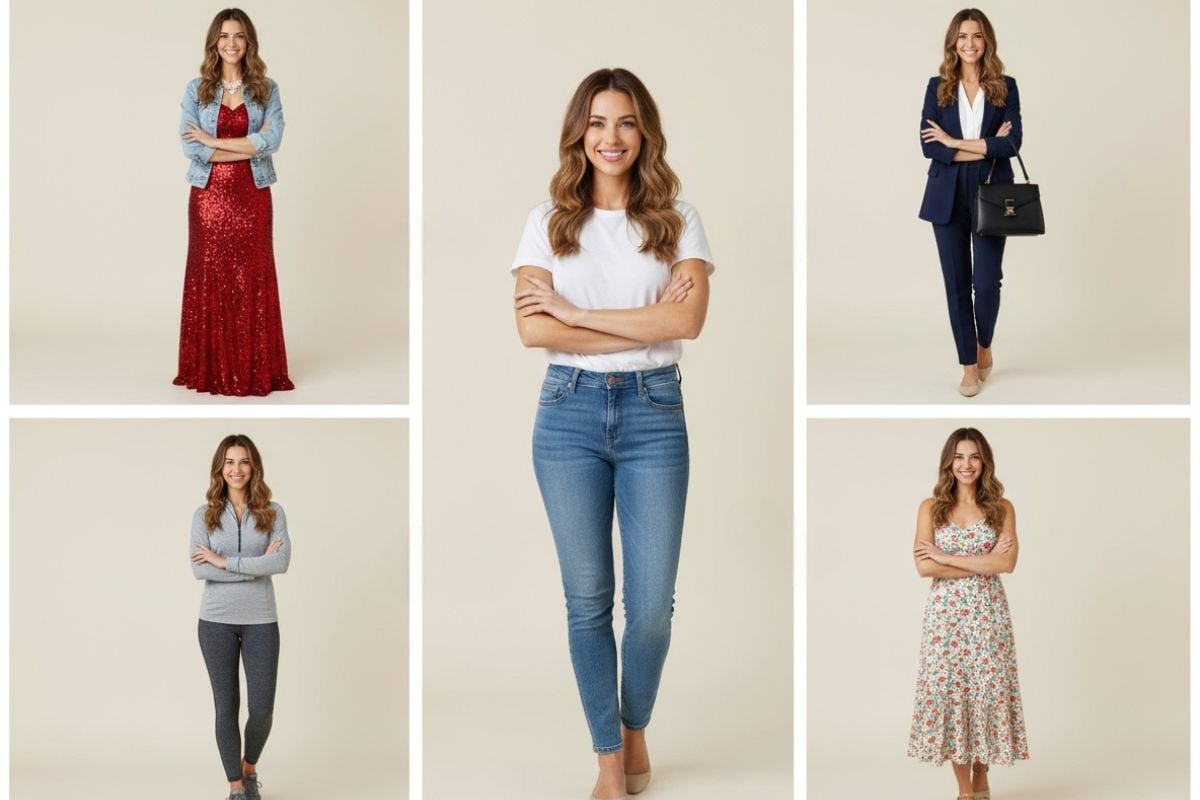
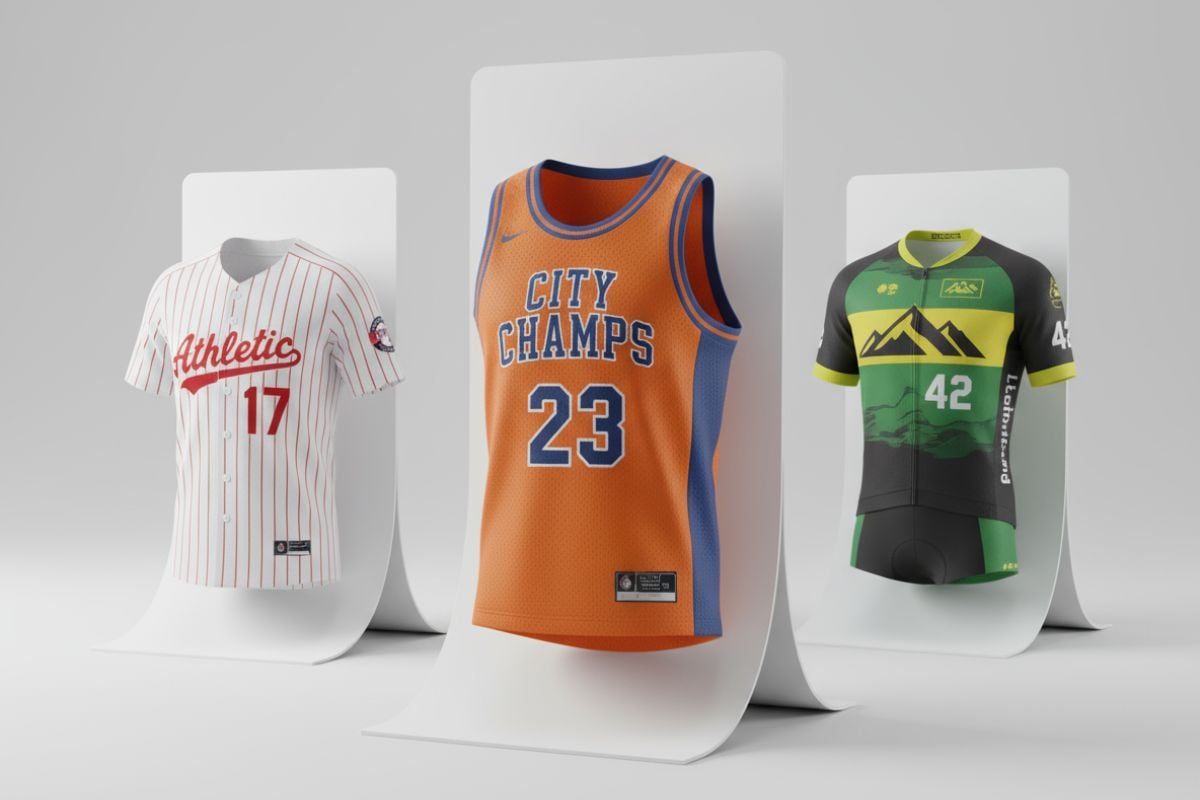
Discover More AI Clothing Tools
Add Suit to Photo FAQ
What does add suit to photo mean?
How can I add a professional suit to photo online?
What photo works best for adding a suit?
Can I use it for resume or LinkedIn-style photos?
Is add suit to photo online free to try?
Add a Professional Suit to Your Photo With GoEnhance AI
Upload a portrait, choose a suit style, and create a polished business-ready image for resumes, profiles, team bios, applications, or formal announcements.
Add Suit Now