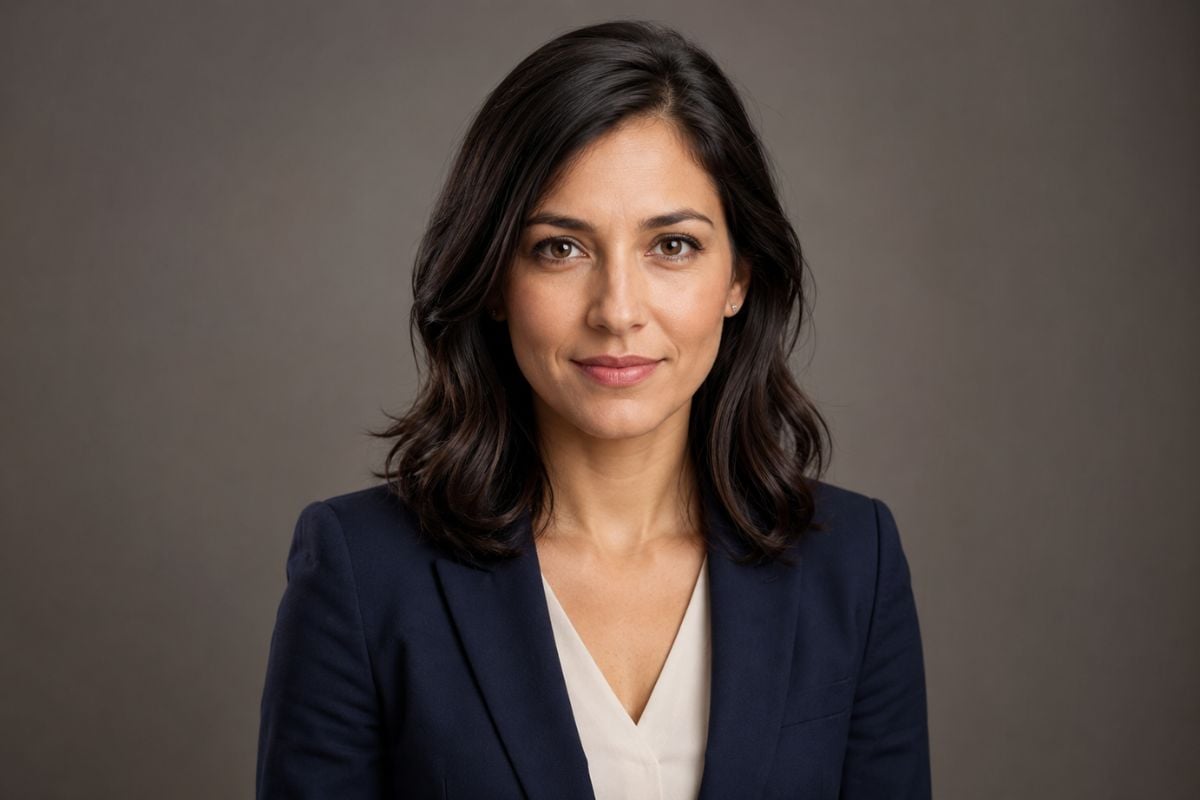
AI Portrait Enhancer

Upload a portrait and improve softness, low contrast, uneven lighting, facial clarity, and hair detail. Create a sharper, better-balanced photo while maintaining the original expression, skin texture, clothing, and scene.
Enhance a Portrait
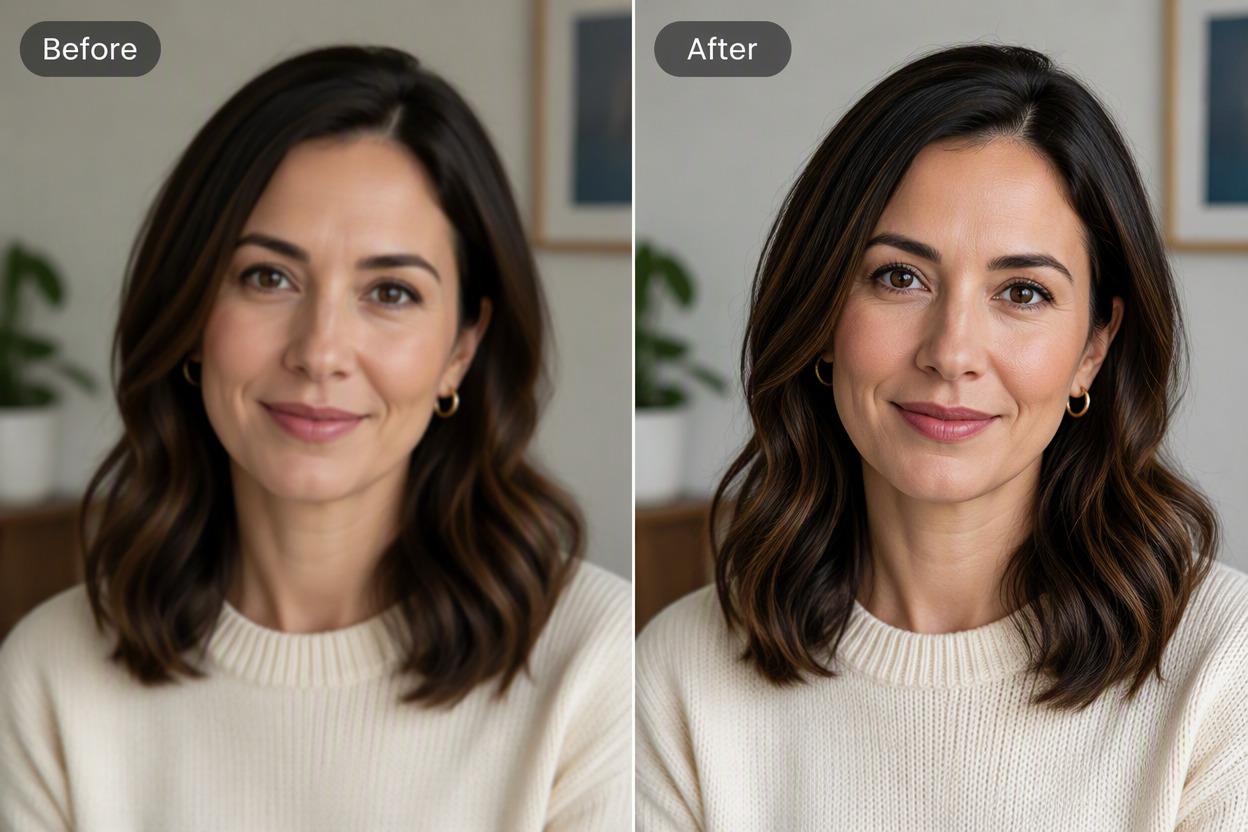
Source and enhanced portrait comparison of a woman with wavy black hair and a rust sweater. The enhanced result improves eye detail, hair strands, fabric texture, and lighting while maintaining the original face, expression, pose, crop, and gray studio background.

Improve Portrait Clarity With Natural-Looking Detail

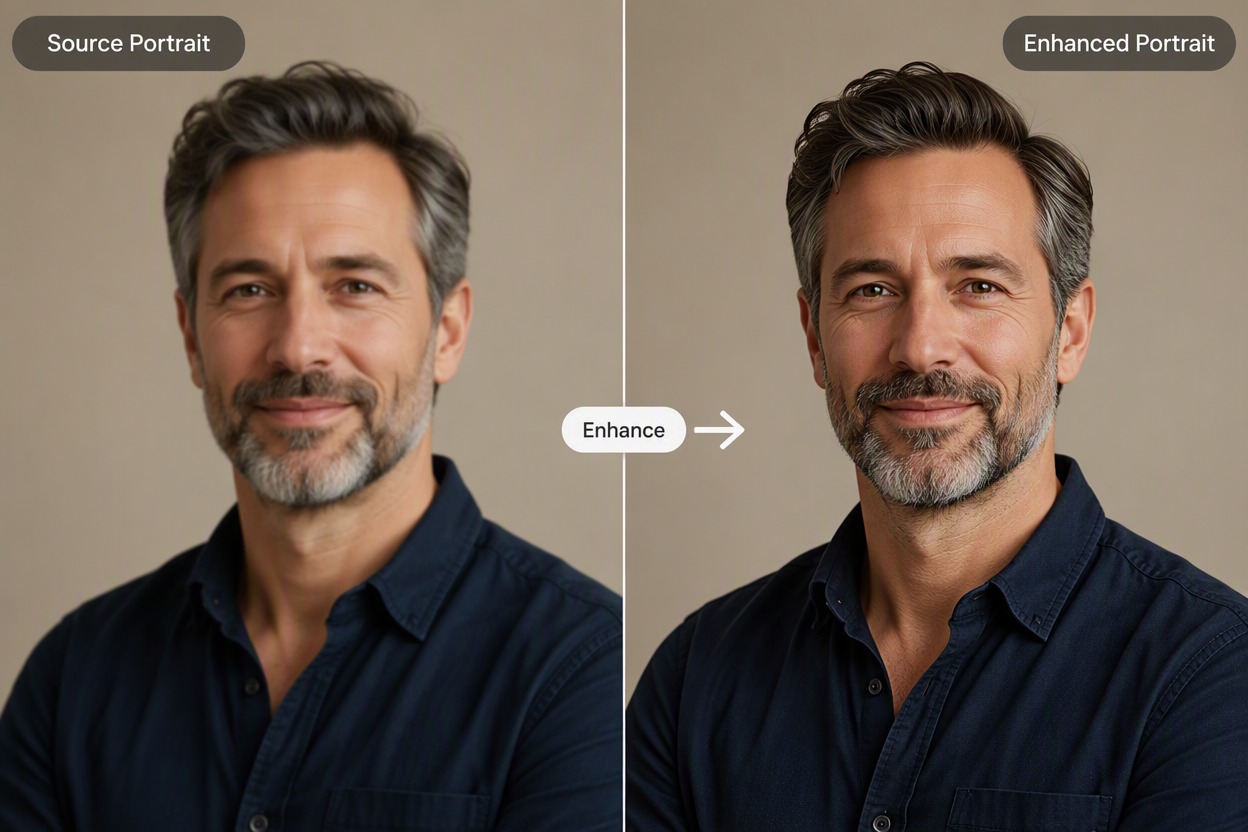
Recover Detail in Soft Portraits

Strengthen eye, hair, fabric, and edge detail in a soft or slightly blurry photo without harsh oversharpening. Use image to image enhancement to create a clearer portrait with natural-looking skin texture.

Before-and-after portrait of a man with salt-and-pepper hair, a trimmed beard, and a navy shirt. The enhanced version improves eye, beard, and fabric detail while retaining the original expression, pose, crop, and beige background.

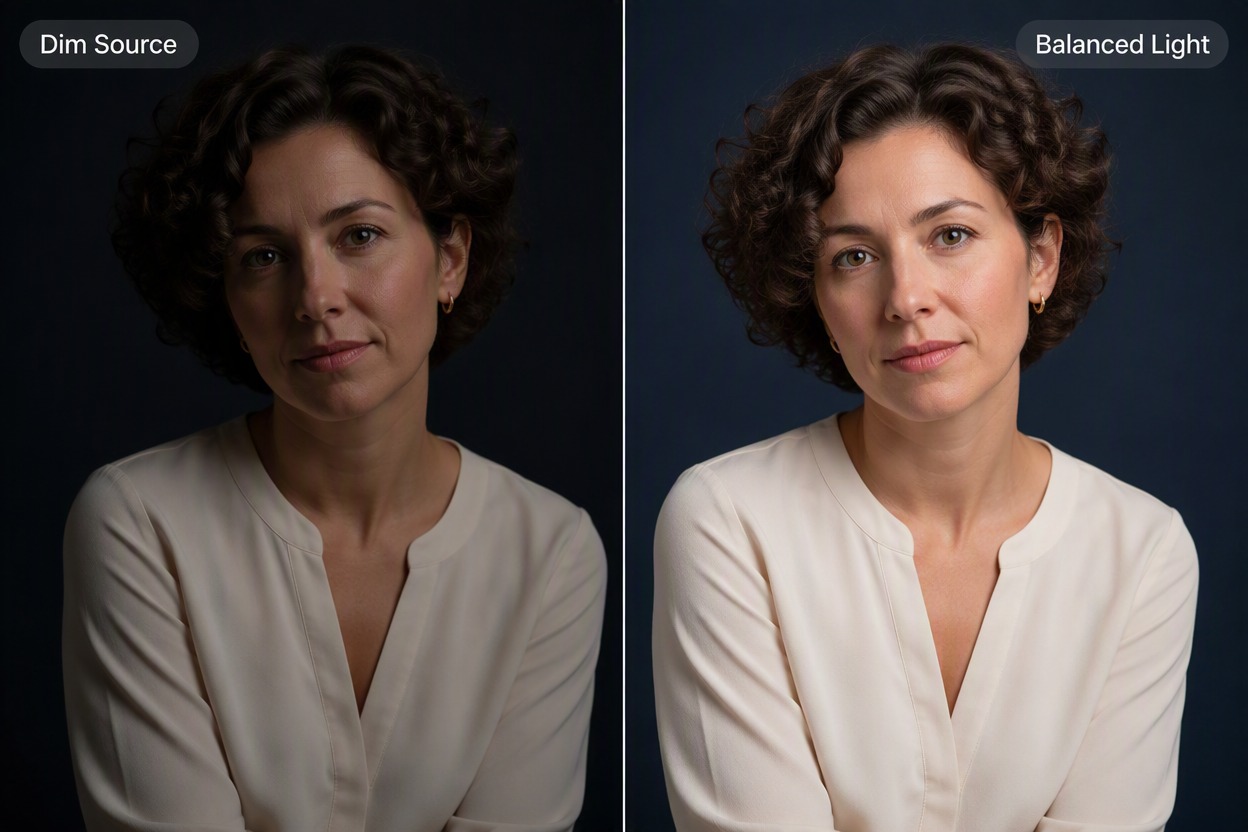
Balance Dim or Uneven Lighting

Lift shadow detail and restore facial contrast while keeping the original direction of light. This image enhancer works as an AI face enhancer for dim portraits without flattening the scene or distorting skin tone.

Before-and-after portrait of a woman with short curls and a cream blouse. The enhanced result lifts shadow detail and facial contrast while retaining the directional light, skin tone, pose, clothing, and dark blue background.

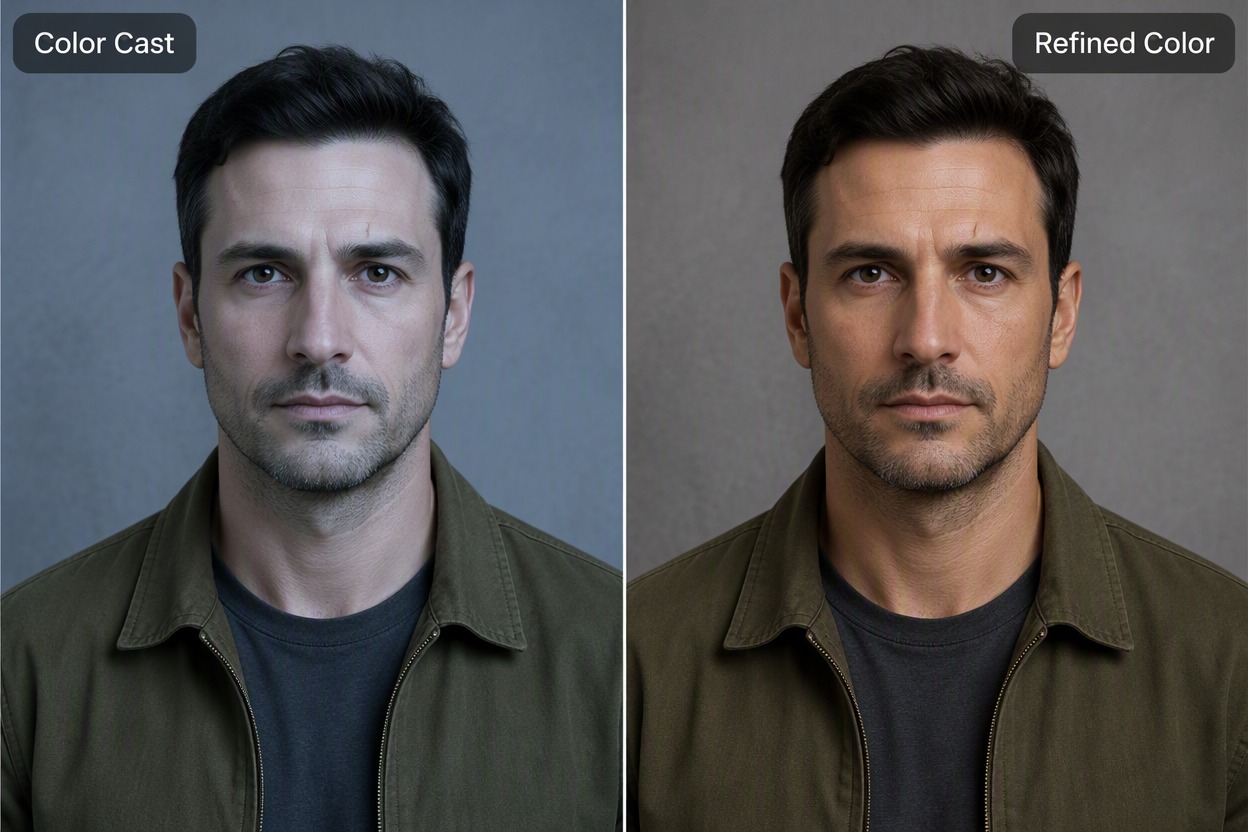
Refine Color While Preserving Skin Tone

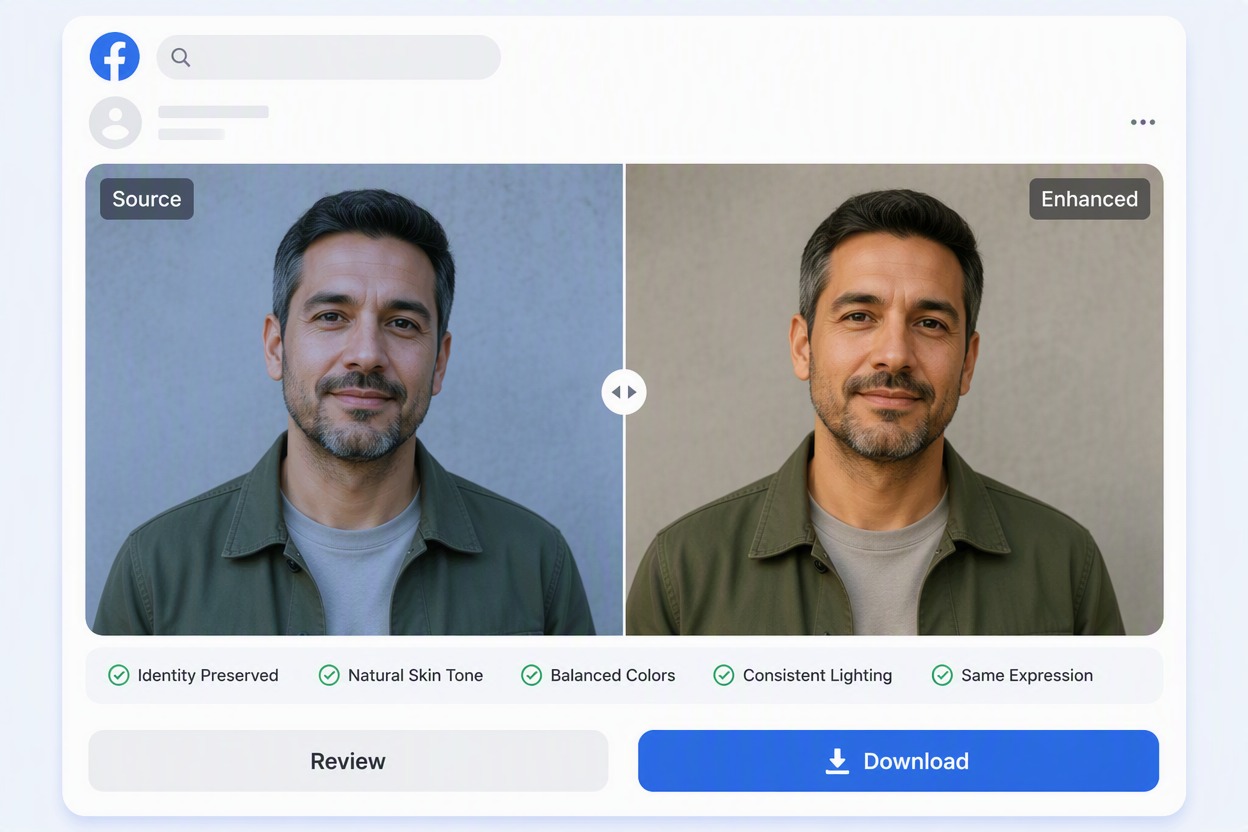
Correct a dull or distracting color cast and improve color balance across the face, clothing, and background. The portrait photo enhancer can refine white balance while keeping skin tones believable.

Before-and-after portrait of a man with short dark hair and an olive jacket. The refined result removes a cool blue color cast and improves white balance across the skin, jacket, and gray wall while retaining the original expression, pose, and crop.

Prepare Cleaner Headshots and Profile Photos

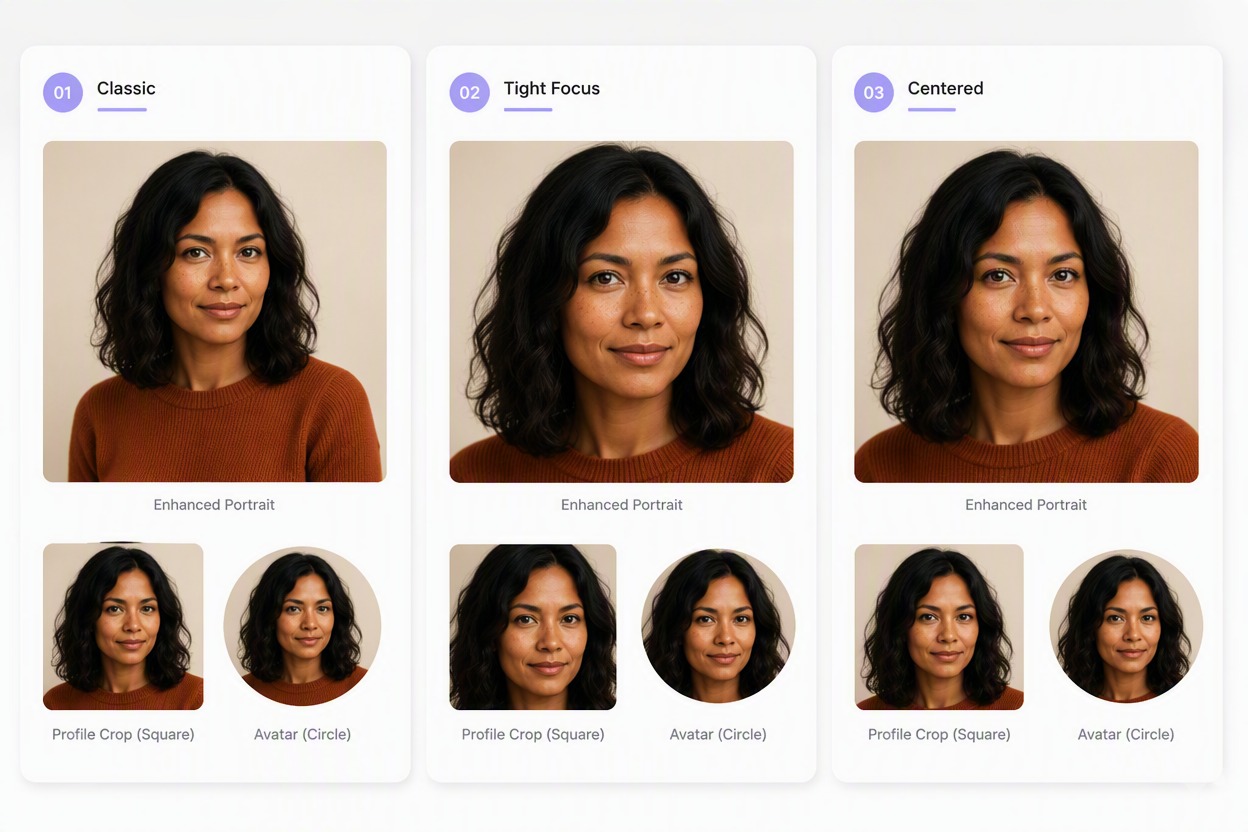
Use the AI headshot enhancer for profile photos, team pages, creator bios, portfolios, and personal archives. Produce a cleaner portrait that stays clear in full-size, square, and circular crops.

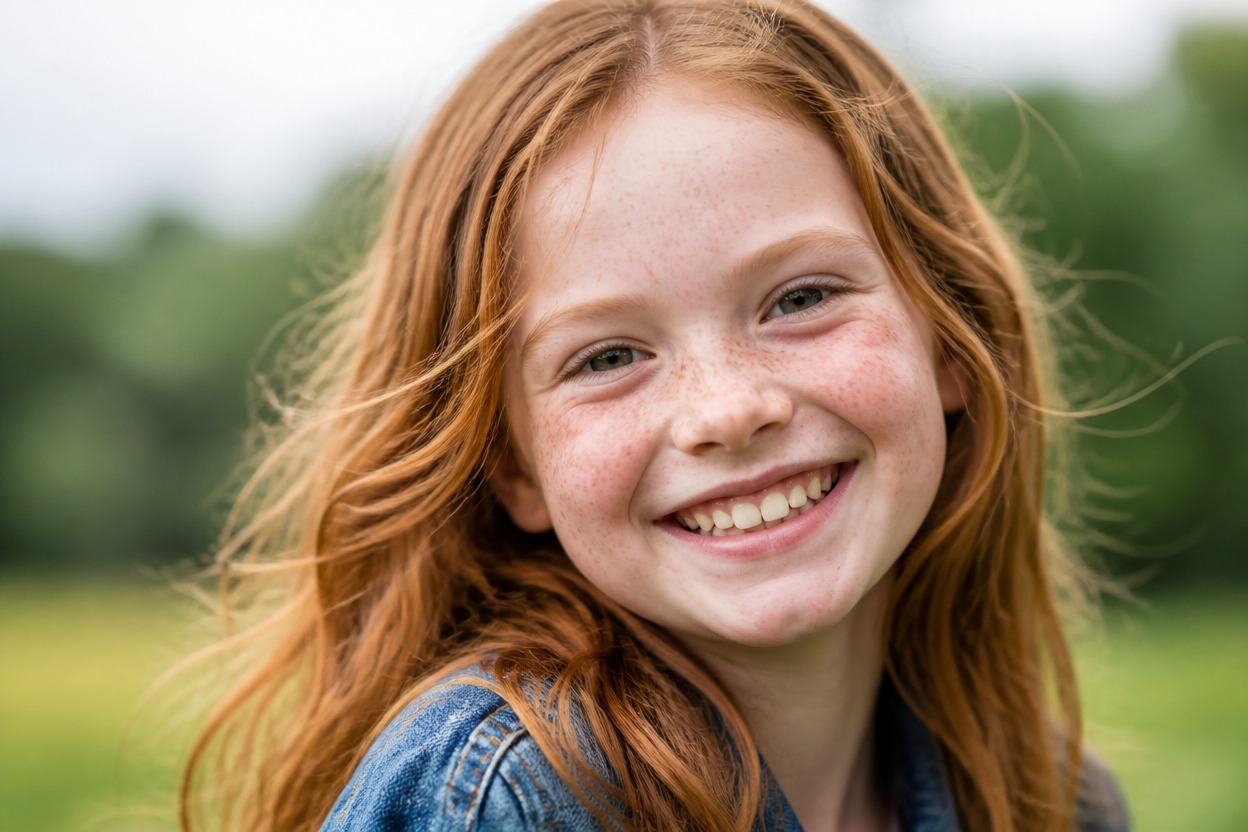
Portrait output board showing the same enhanced photo as a full rectangle, square profile crop, and circular avatar crop, with consistent facial features, freckles, wavy black hair, expression, and color.

Why Use an AI Photo Portrait Enhancer

Maintain Natural Facial Features

Improve portrait quality while retaining the original facial structure and expression.

Strengthen Fine Portrait Detail

Clarify eyes, hair, fabric, edges, and subtle texture in slightly soft photos.

Improve Difficult Lighting

Recover usable facial contrast from dim or uneven portrait illumination.

Correct Distracting Color Casts

Bring skin, clothing, and background color into a more balanced relationship.

Prepare Portraits for Multiple Uses

Create cleaner profile, bio, team, portfolio, and personal-photo versions.

Compare Source and Result Directly

Compare facial detail, texture, hair, clothing, and background before downloading.

Enhance Portraits for Different Uses

Improve portrait clarity, facial detail, lighting, and color for profile photos, professional headshots, old pictures, and social media content.
Professional Headshots

Professional Headshots

Refine facial clarity, hair detail, lighting, and clothing texture for resumes, company profiles, portfolio pages, speaker bios, and team directories.

Enhance Your Portrait

How to Use AI Portrait Enhancer

Upload a Portrait

Choose a portrait with a clearly visible face. The source can be soft, dim, low contrast, slightly blurry, or affected by a mild color cast.

Generate a Subtle Enhancement

Improve sharpness, facial visibility, hair detail, fabric texture, lighting, and color while keeping the same face, expression, hairstyle, clothing, pose, and background.

Compare the Source and Download

Inspect the source and result side by side at full size. Check eyes, teeth, skin texture, hair edges, jewelry, clothing seams, hands, and background lines, then download the most natural version.

AI Portrait Enhancer FAQ

What is an AI portrait enhancer?

It is an AI photo enhancer designed to improve portrait sharpness, facial clarity, lighting, color balance, and fine detail while maintaining a natural appearance.

What can an AI photo portrait enhancer improve?

An AI photo portrait enhancer can improve mild blur, low contrast, uneven lighting, dull colors, facial detail, hair strands, fabric texture, and edge clarity.

Is there an AI portrait enhancer free workflow?

Free access may include starter credits or limited generations. Check the current product page for available usage and export options.

Will enhancement change facial features?

The enhancer is designed to retain the original appearance, but strong processing may alter small details. Compare the eyes, nose, mouth, jaw, skin marks, hairline, and expression with the source photo.

What portraits work best?

Use the highest-quality source available with visible facial features and limited compression. Clearer inputs usually produce sharper and more natural results.

Can I enhance an old or blurry portrait?

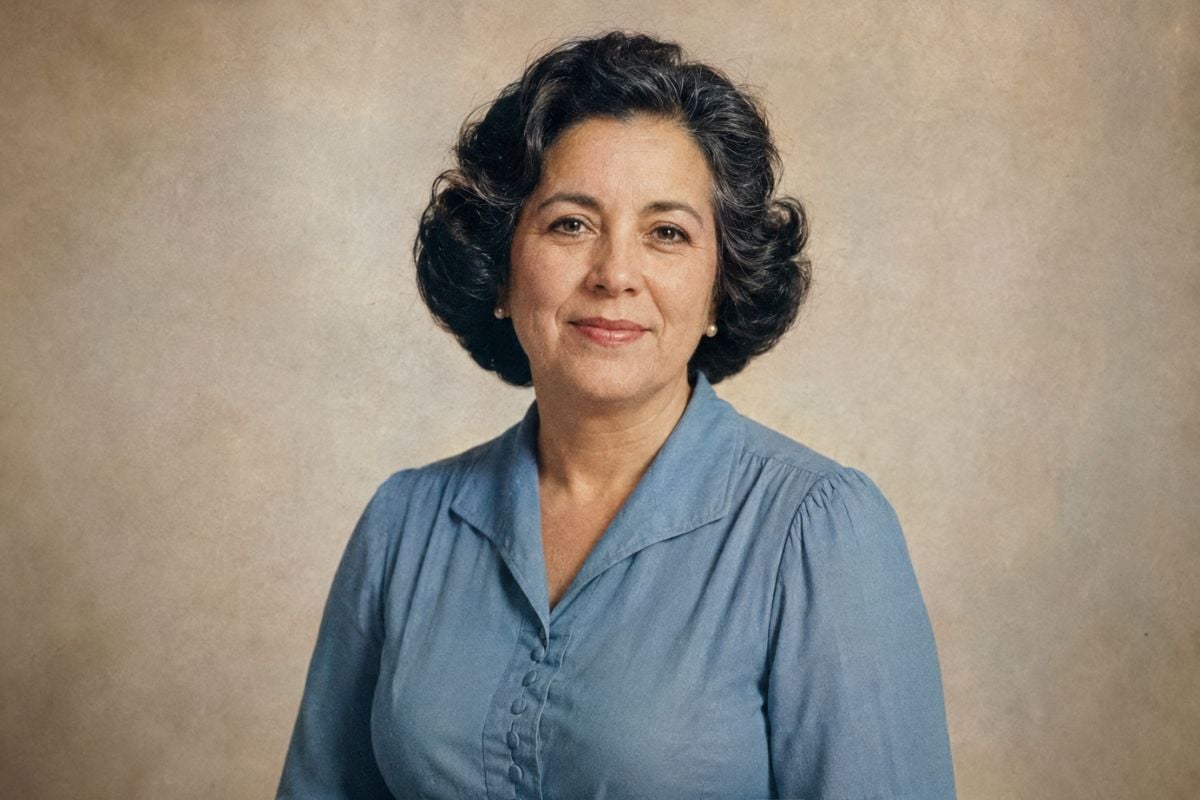
Yes. The tool can improve mild blur, faded color, low contrast, and weak facial detail, although results depend on the quality of the source image.

Can I use the result as a profile picture?

Yes. Review the enhanced portrait in square and circular crops to make sure the face, hair, and important details remain clear at smaller sizes.

Enhance Your Portrait With GoEnhance AI

Improve clarity, light, color, and fine detail while keeping the portrait recognizable and natural.

Enhance a Portrait