goenhance logo

Free AI Flat Lay Clothing Photography

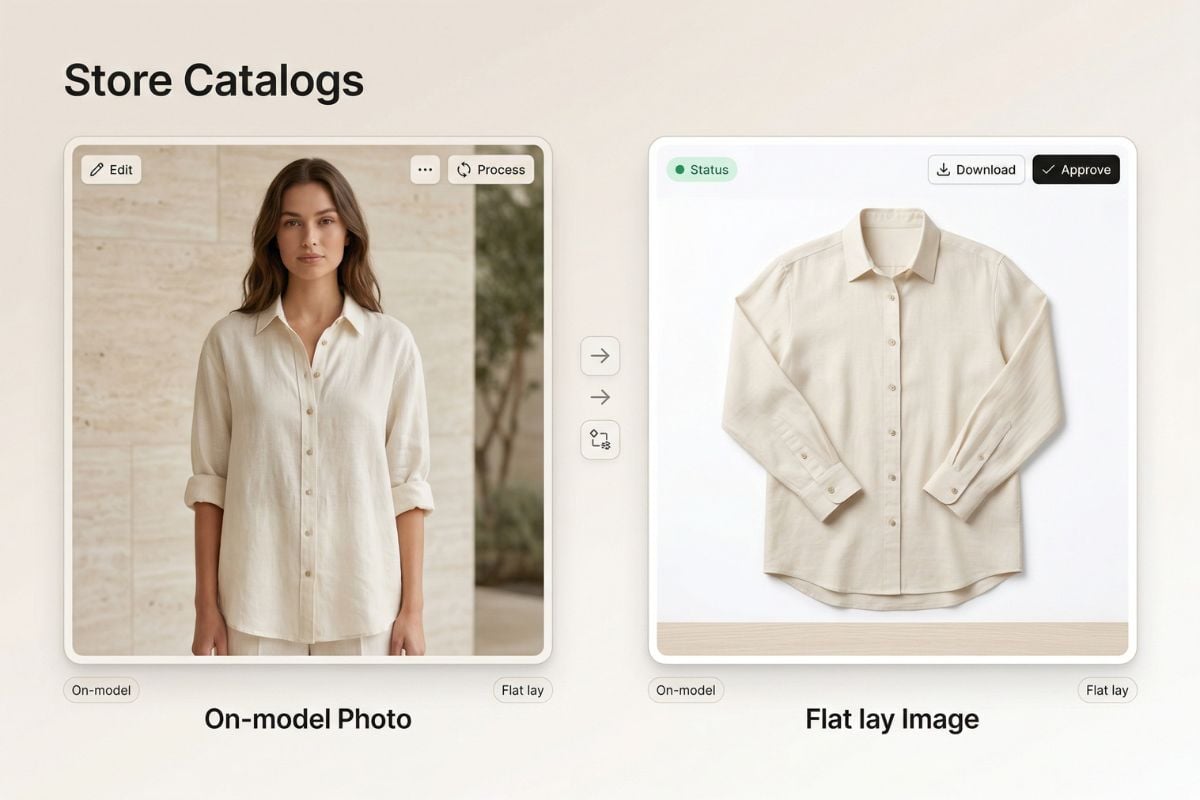
Turn a model photo into a clean, top-down clothing layout in one click. This tool helps you create neat product visuals faster, so you can reuse the same garment image across listings, lookbooks, and social posts without setting up a new shoot.

Create Flat Lay Images

How to Use the Flat Lay Clothing Photography Generator?

Step 1

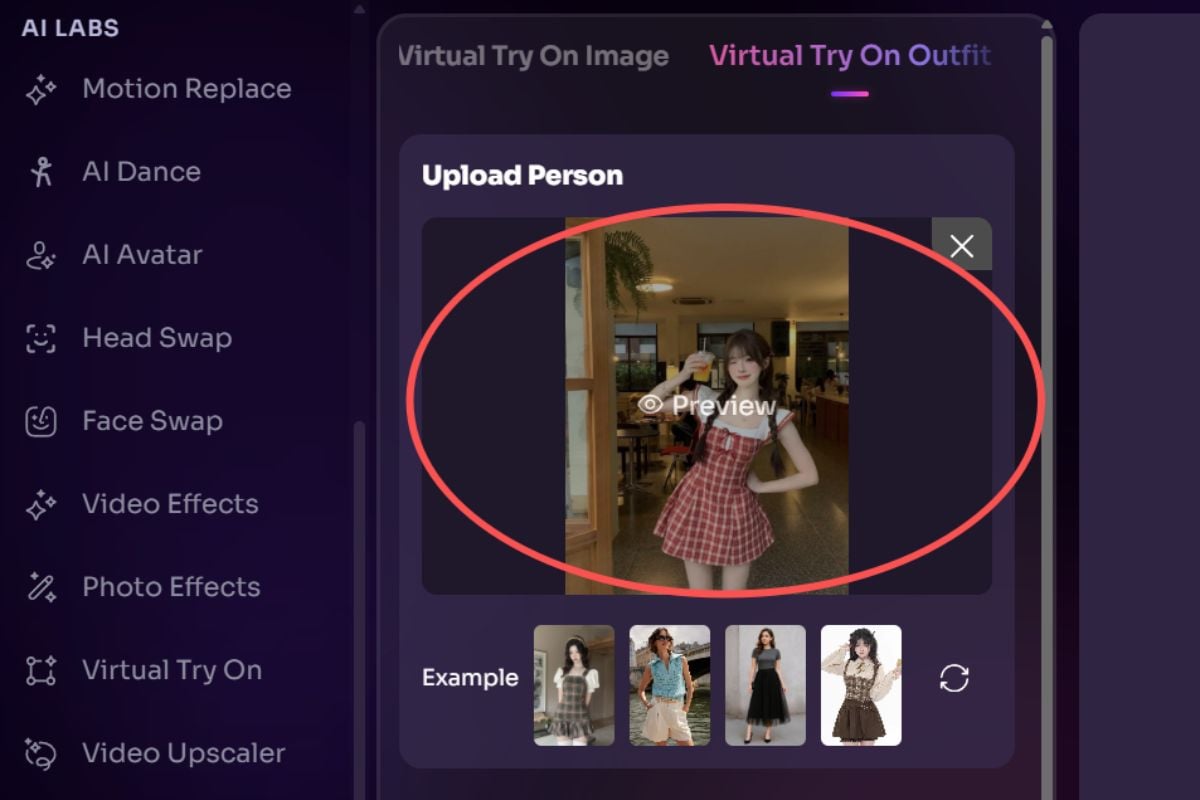
Upload A Clear On-Model Clothing Photo

Start with a clean image of a person wearing the garment. Front-facing photos with visible edges, sleeves, collars, and fabric details usually give the best result.
Step 2

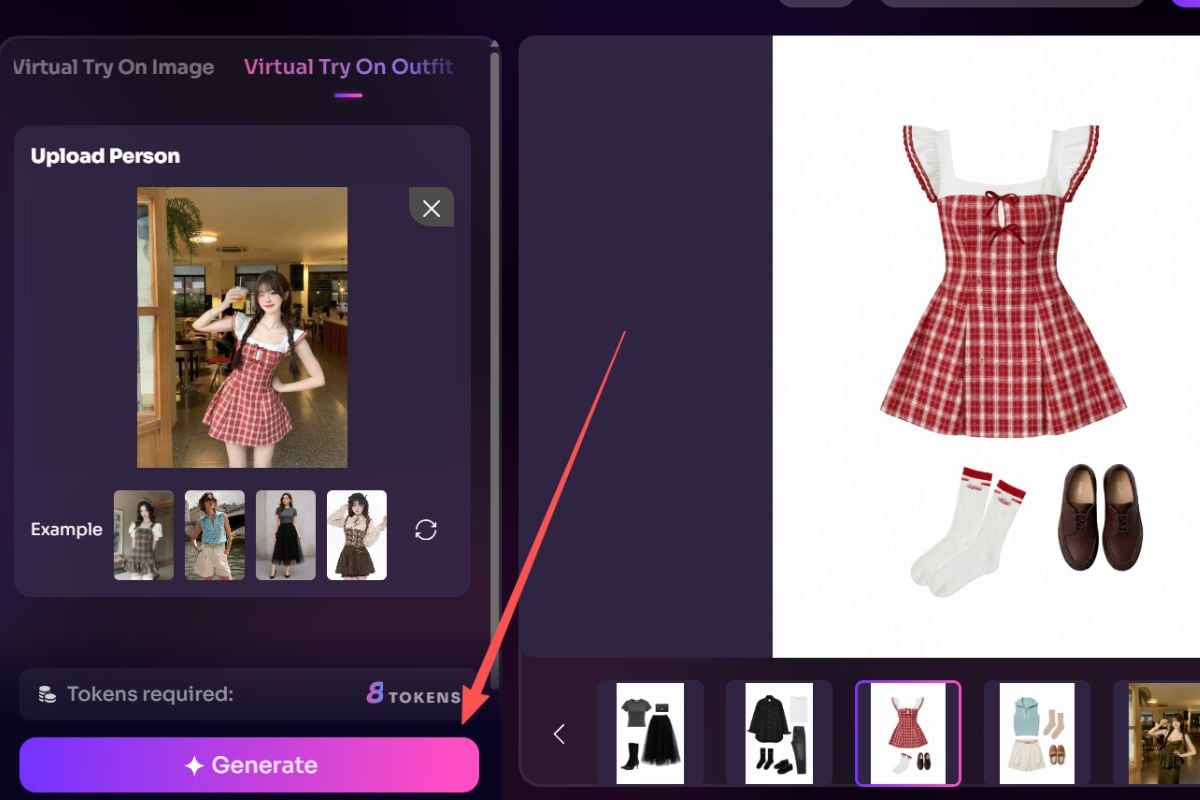
Generate A Flat Lay Version

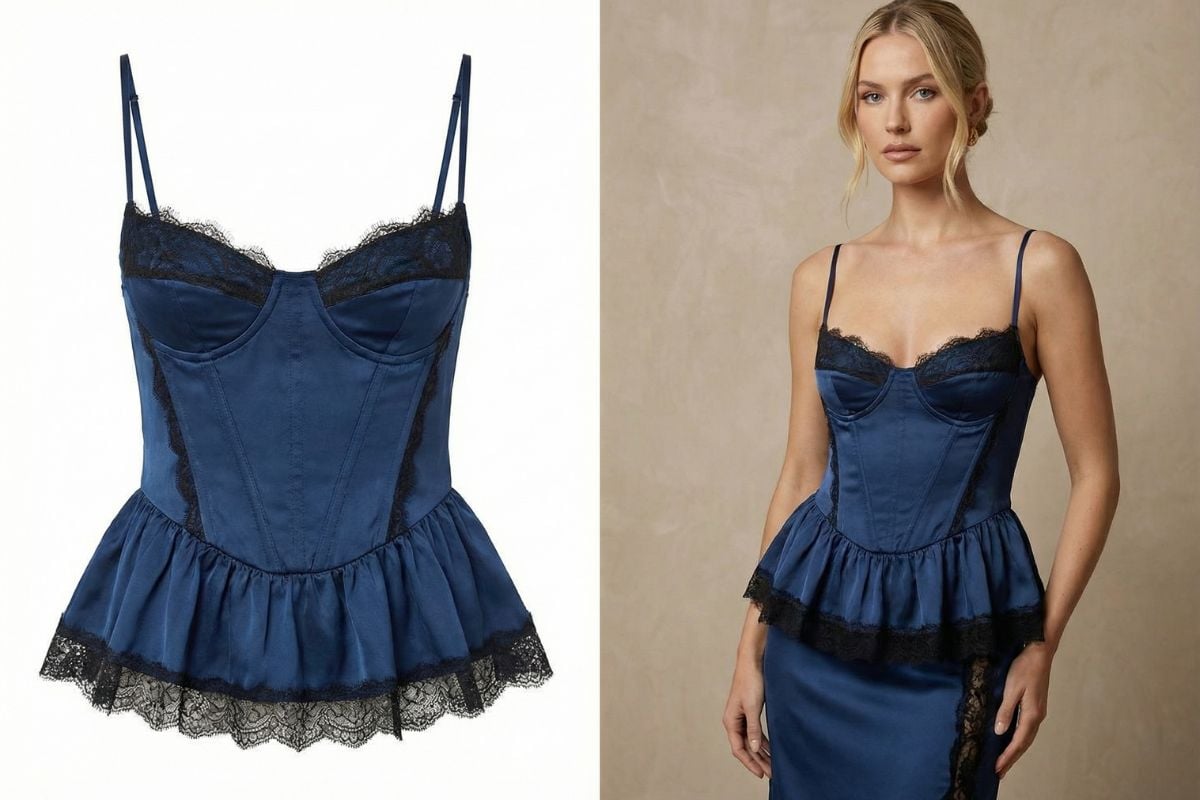
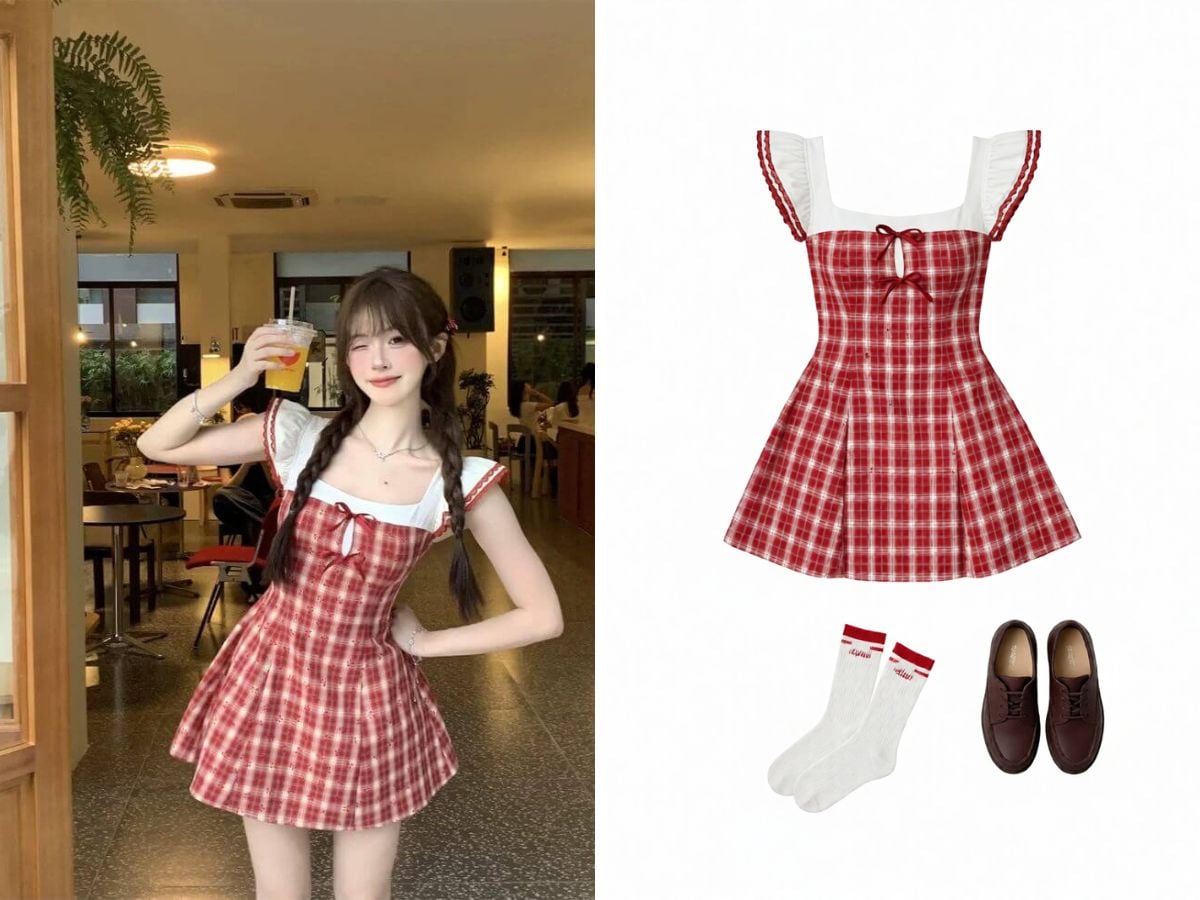
Our system removes the body pose and rebuilds the clothing as a neat overhead presentation. It is a faster way to create flat lay photography for clothing without re-folding, pinning, or shooting each piece again.
Step 3

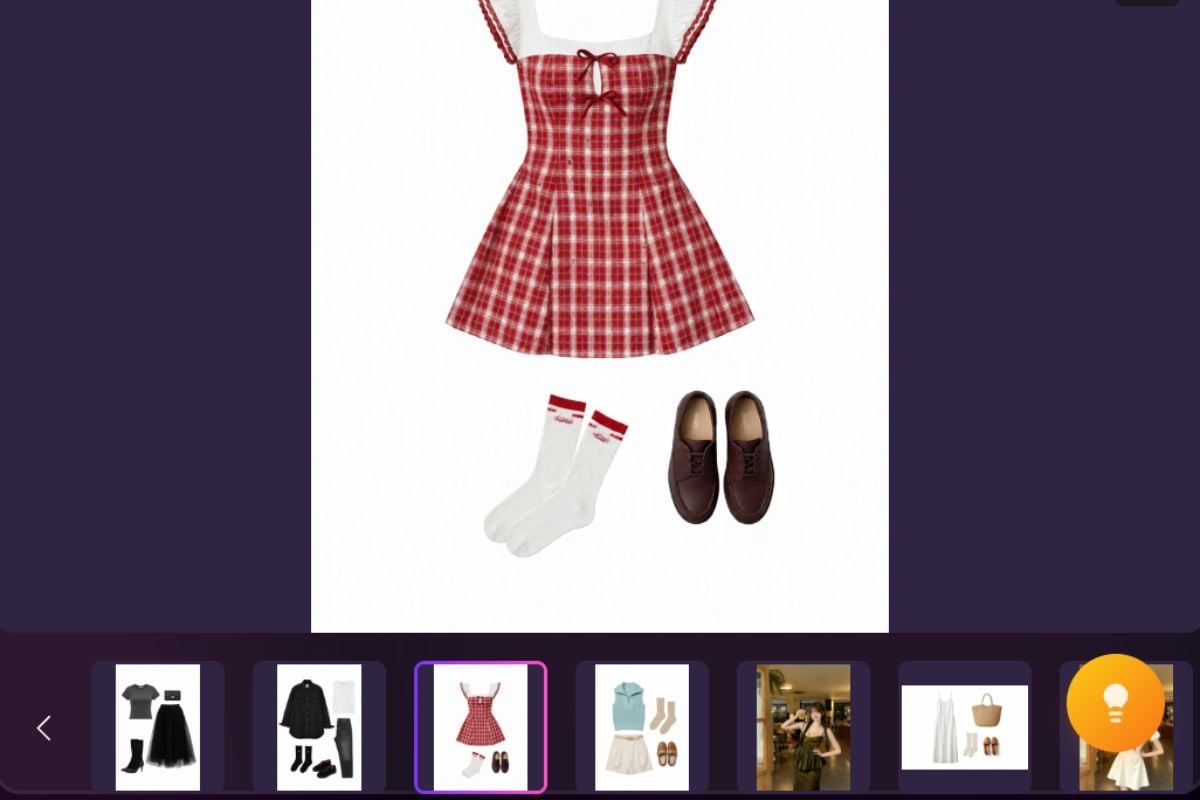
Download And Reuse Across Channels

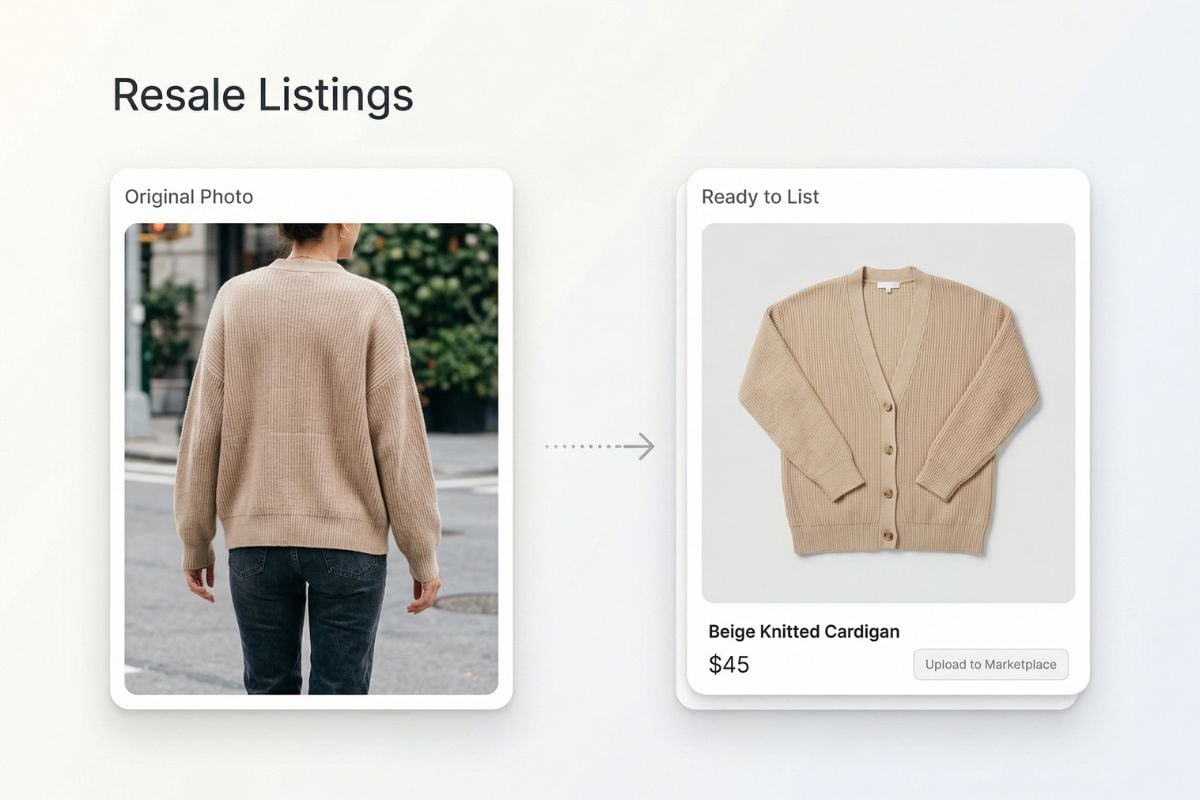
Save the result for product pages, resale listings, content planning, or visual testing. You can quickly build a consistent library of clothing assets from photos you already have.

Where This Workflow Helps Most

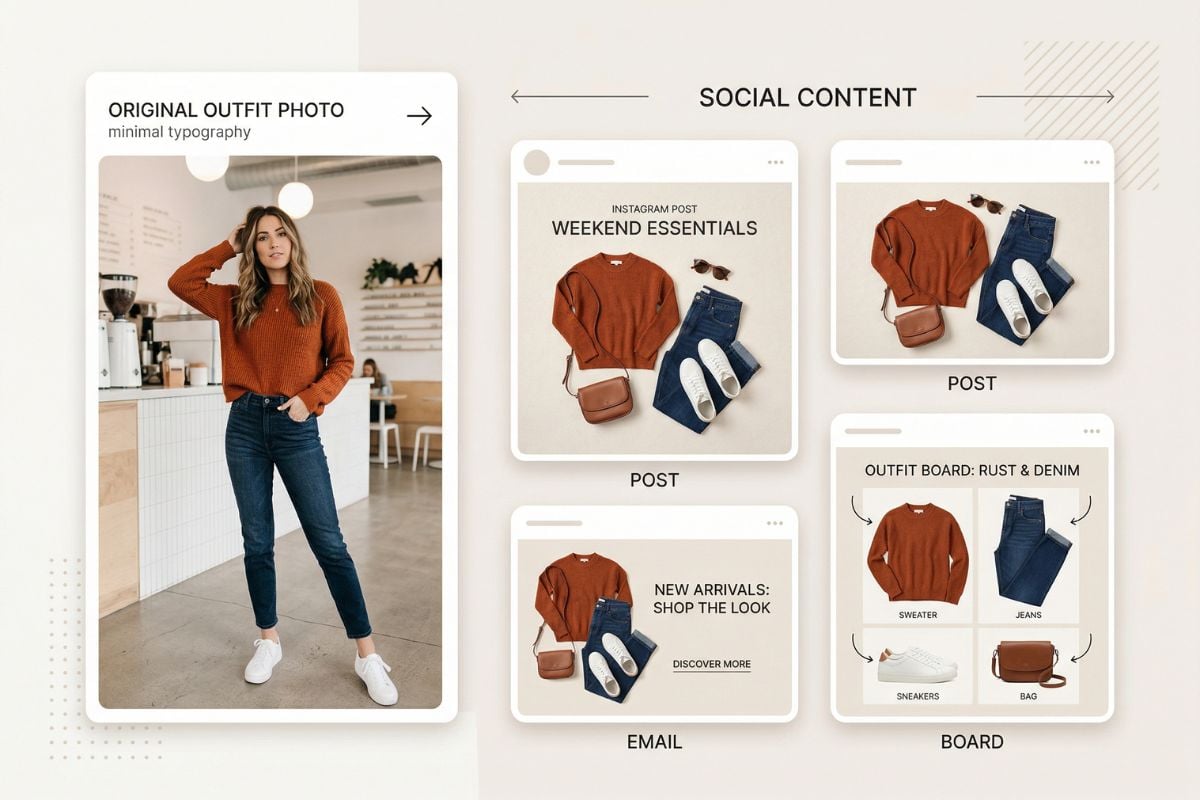
Use the same outfit photo in more places by turning it into a polished flat lay format that feels cleaner, easier to compare, and easier to publish.
Product Pages

Product Pages

When your apparel photos are inconsistent, convert worn-item images into matching flat lay clothes for product pages, collection pages, and seasonal edits.

Try For Free

Why This Tool Is Useful

Turn Worn Looks Into Clean Product Layouts

Instead of reshooting every item, you can start with a model image and generate a neater flat lay view for the same garment. This makes it easier to standardize your visuals, especially when you want faster production. You can also extend the workflow with our AI image generator for new presentation concepts or use virtual clothes try-on when you want to preview how the same piece appears on-body again.

Built For Faster Multi-Channel Merchandising

One good source image can become a flat lay version for store listings, collection banners, internal reviews, and social content. If your team sells through shopping feeds, it is also worth reviewing Google Merchant Center image guidelines before exporting your final product visuals.
Useful As An AI Clothing Piece Generator

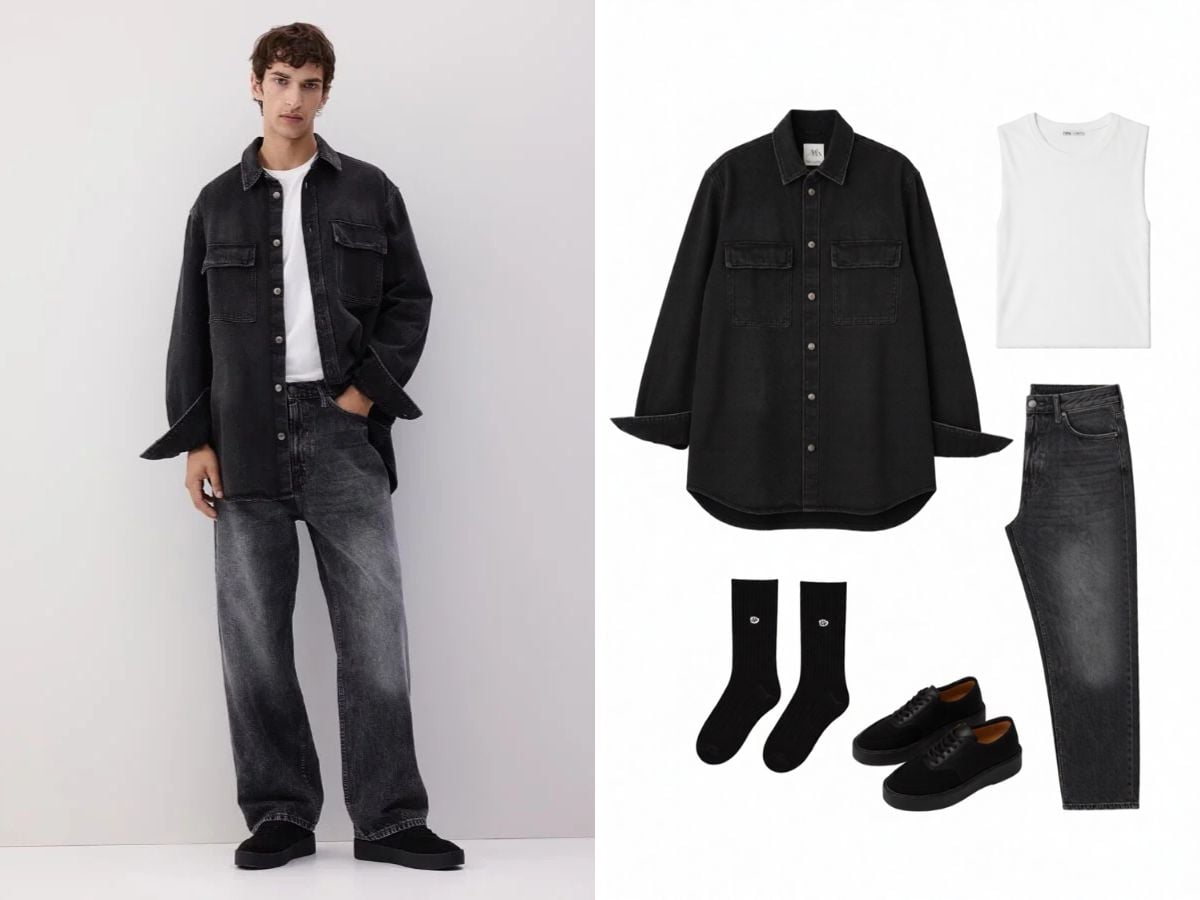
This workflow is especially helpful when you need cleaner single-item presentation from existing styled photos. It helps teams isolate shape, folds, and garment identity more clearly, so the final image feels closer to a usable product asset instead of just another lifestyle shot.
What Our Users Say?

Frequently Asked Questions

You May Want to Know

Is it free to use?

Yes. You get several free uses to try the tool first. Once those free attempts are used up, you will need to upgrade or add credits to continue generating more results.

What does AI flat lay clothing photography actually do?

It takes a photo of clothing being worn and converts it into a cleaner top-down style presentation. The goal is to make the garment easier to reuse as a product visual, especially when you do not want to reshoot the item as a separate flat lay.

What kind of source image works best?

Use a sharp image with good lighting and a clearly visible garment shape. Simple poses, less obstruction, and visible edges usually help. If the clothing is heavily covered by hair, hands, props, or dramatic folds, the output may need another try.

Can this replace every studio flat lay shoot?

Not always. It is strongest when you need speed, consistency, testing, or extra catalog assets from images you already have. For hero launches, luxury close-ups, or highly technical garment detail, a dedicated shoot can still be the better choice.

Is this only for single items, or can it help with outfits too?

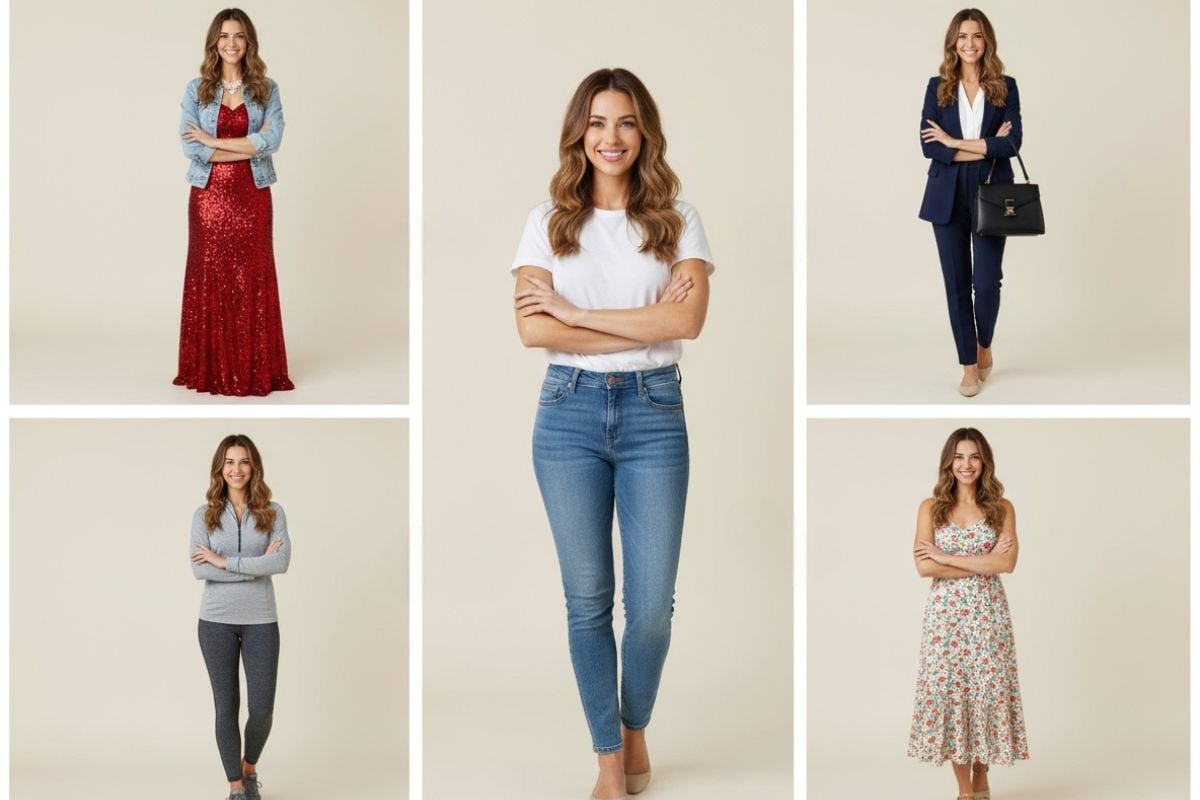
It can be useful for both. Single garments are usually the easiest case, but many teams also use it to extract cleaner presentation from styled looks, then decide which pieces should be highlighted individually.

How is this different from normal flat lay photography for clothing?

Traditional flat lay work usually means manually arranging, smoothing, styling, and photographing the garment from above. This workflow starts from an on-model image and skips much of that setup, which is why it is valuable for faster content production.

Can I use the results for eCommerce and shopping feeds?

Yes, many users create assets for product pages, marketplace listings, and ad creatives. If you plan to publish widely, it is smart to compare your final export against platform requirements and review Google Merchant Center guidance on image improvements or Product Studio documentation as part of your workflow.

Does flat lay AI work well for wrinkled or loosely worn garments?

It can still help, but the cleanest outputs usually come from source images where the garment shape is already readable. If the fabric is twisted, heavily stretched, or hidden by body posture, the result may look less structured.

Will this preserve prints, texture, and garment identity?

That is the goal, especially for colors, visible graphics, and overall silhouette. Still, very small details, layered materials, and intricate trims should always be checked manually before commercial use.

Who is this best for?

It is especially practical for boutique owners, marketplace sellers, content teams, thrift stores, stylists, and anyone who wants faster clothing asset production from photos they already have.

Turn Outfit Photos Into Flat Lay Assets Here

Use your existing model images more efficiently. Generate cleaner clothing visuals for product pages, planning boards, and marketing materials without rebuilding every shot from scratch.

Try AI Flat Lay Clothing Photography