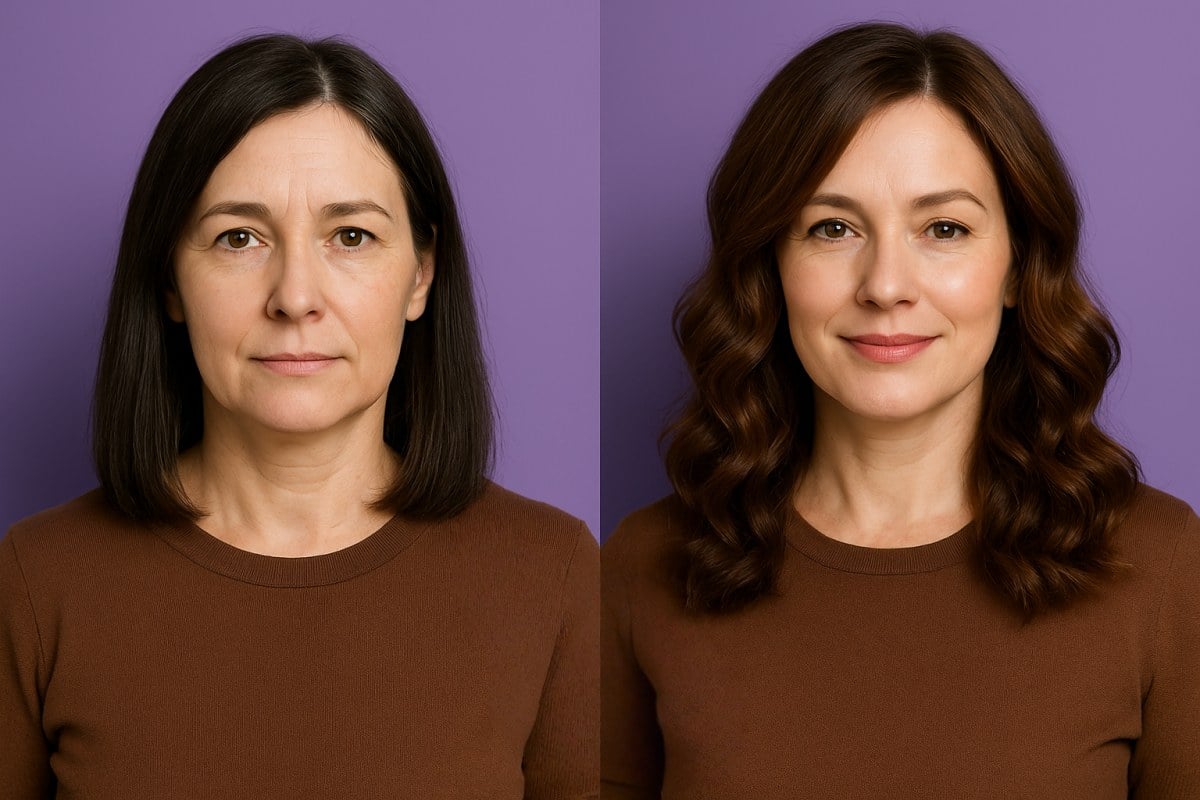
Add a Mustache to Your Photo in One Click

Wondering how you would look with a mustache before you spend weeks growing one, or just want a funny picture for the group chat? Upload a portrait and this effect adds a mustache only above your upper lip, with real hair texture, density and shading that follow the light and the angle of your face. Pick a style from the examples: a bold curled handlebar, a classic full chevron, a thick drooping walrus or a thin retro pencil line. Everything else stays as it was: your identity, eyes, eyebrows, smile, hairstyle, clothes and background. Unlike our beard filter, which adds full facial hair across the cheeks and chin, this page focuses on the mustache alone, so you can compare styles one at a time. The console below runs on GPT Image 2.5.
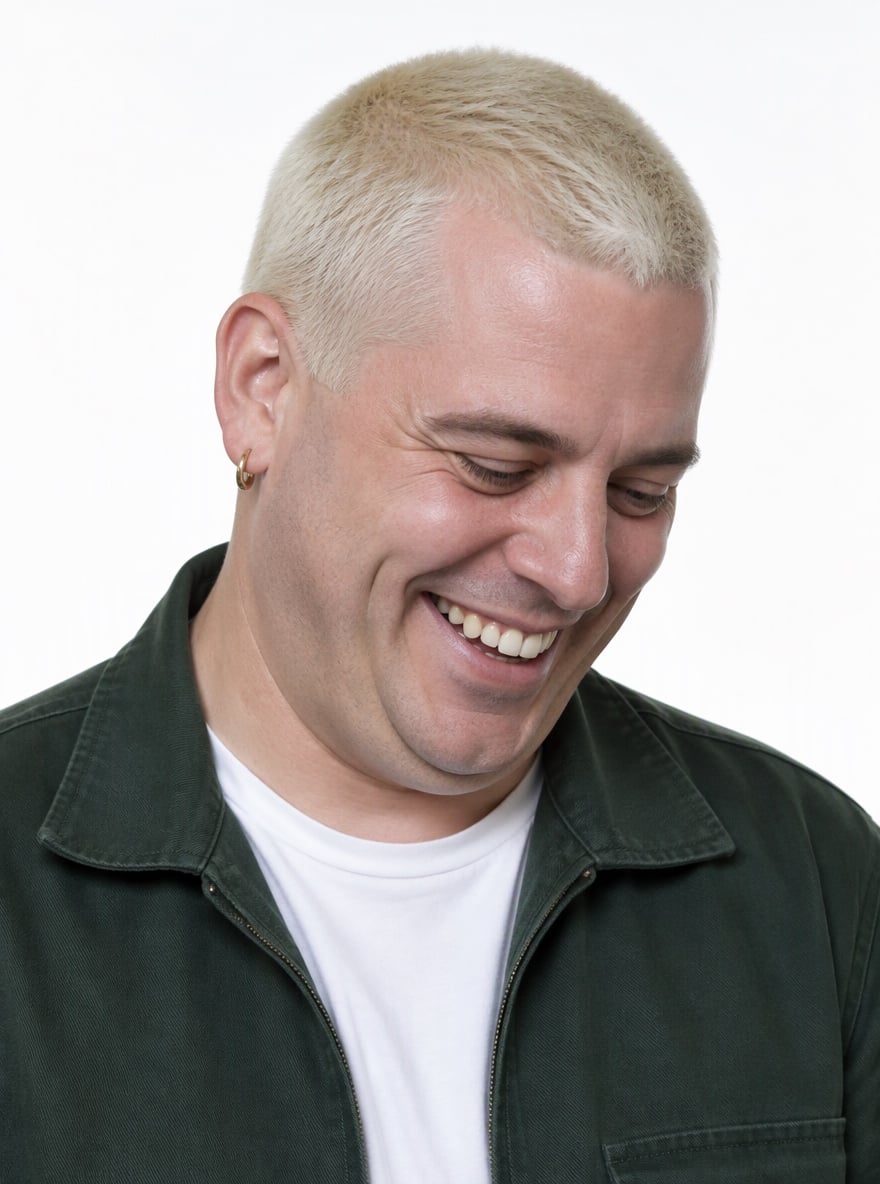
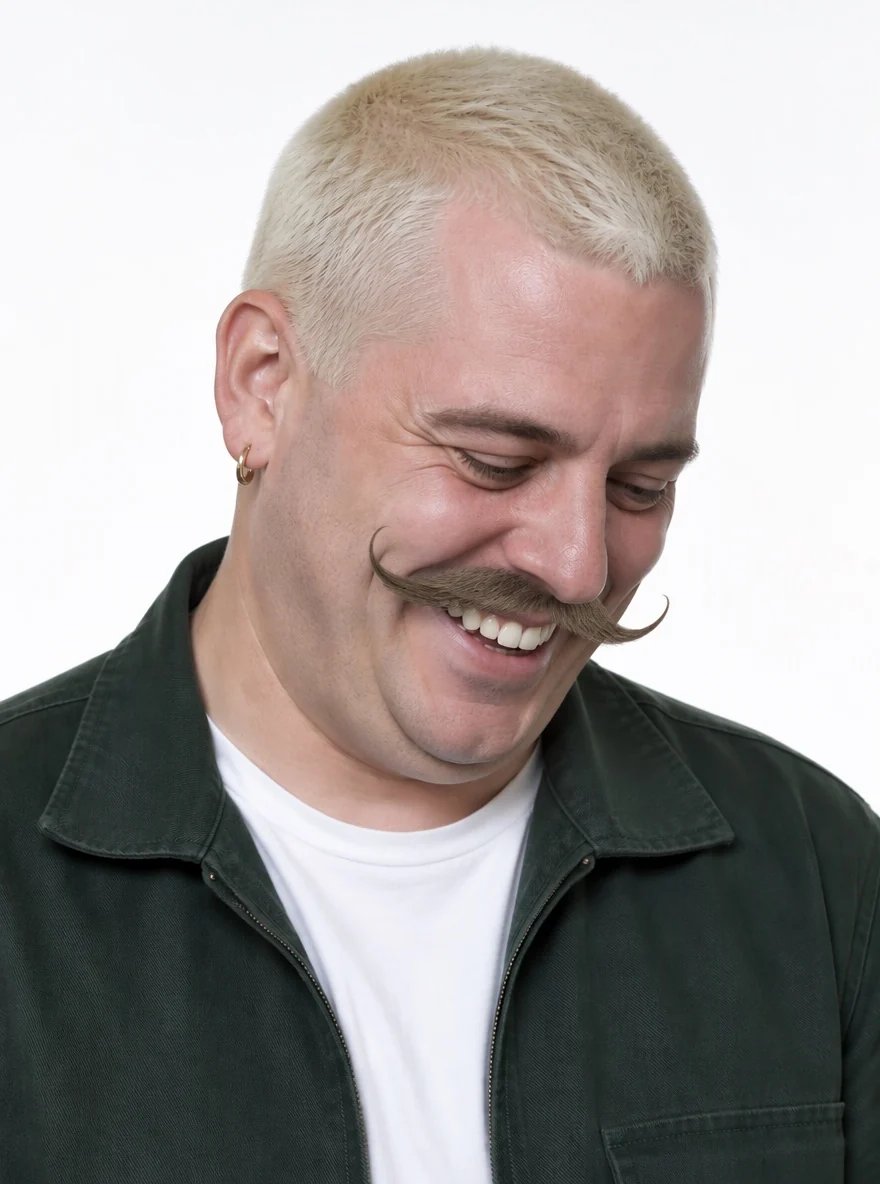
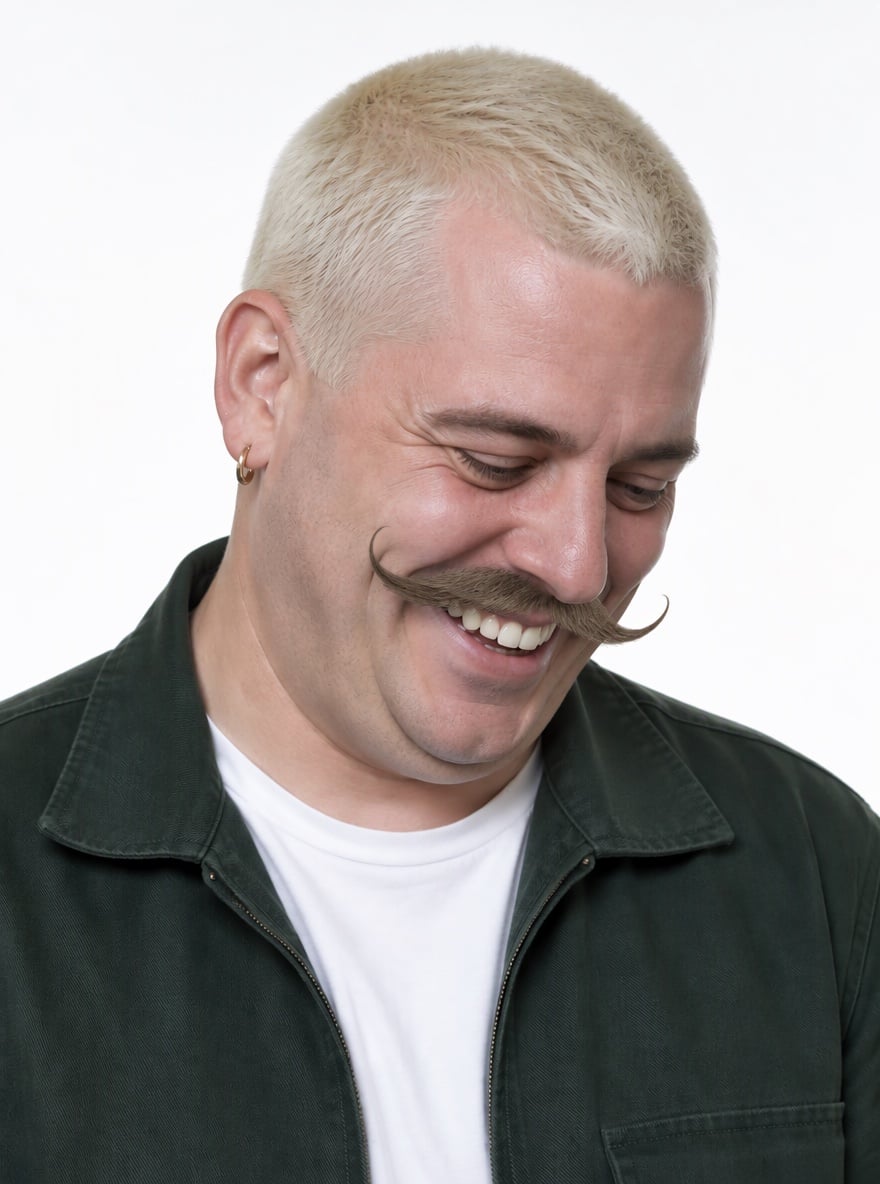
Curled handlebar mustache
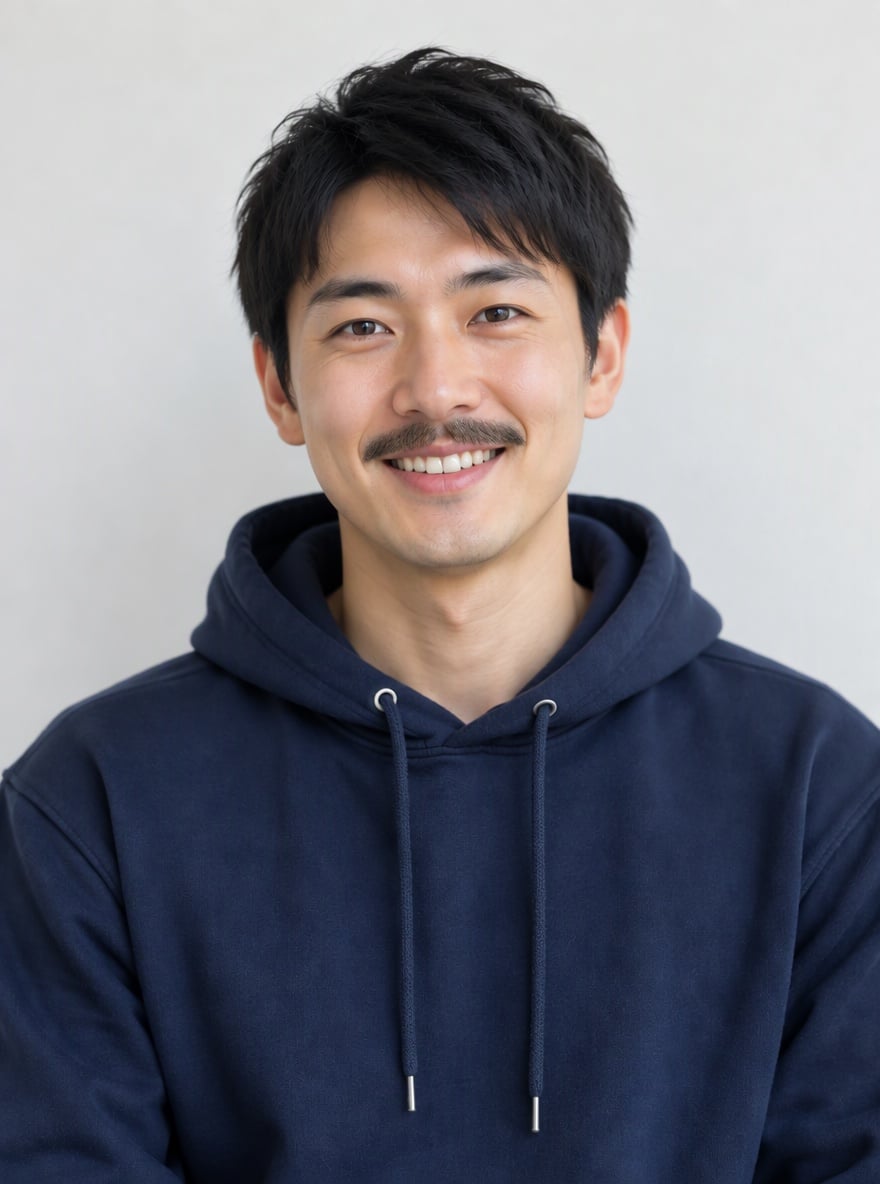
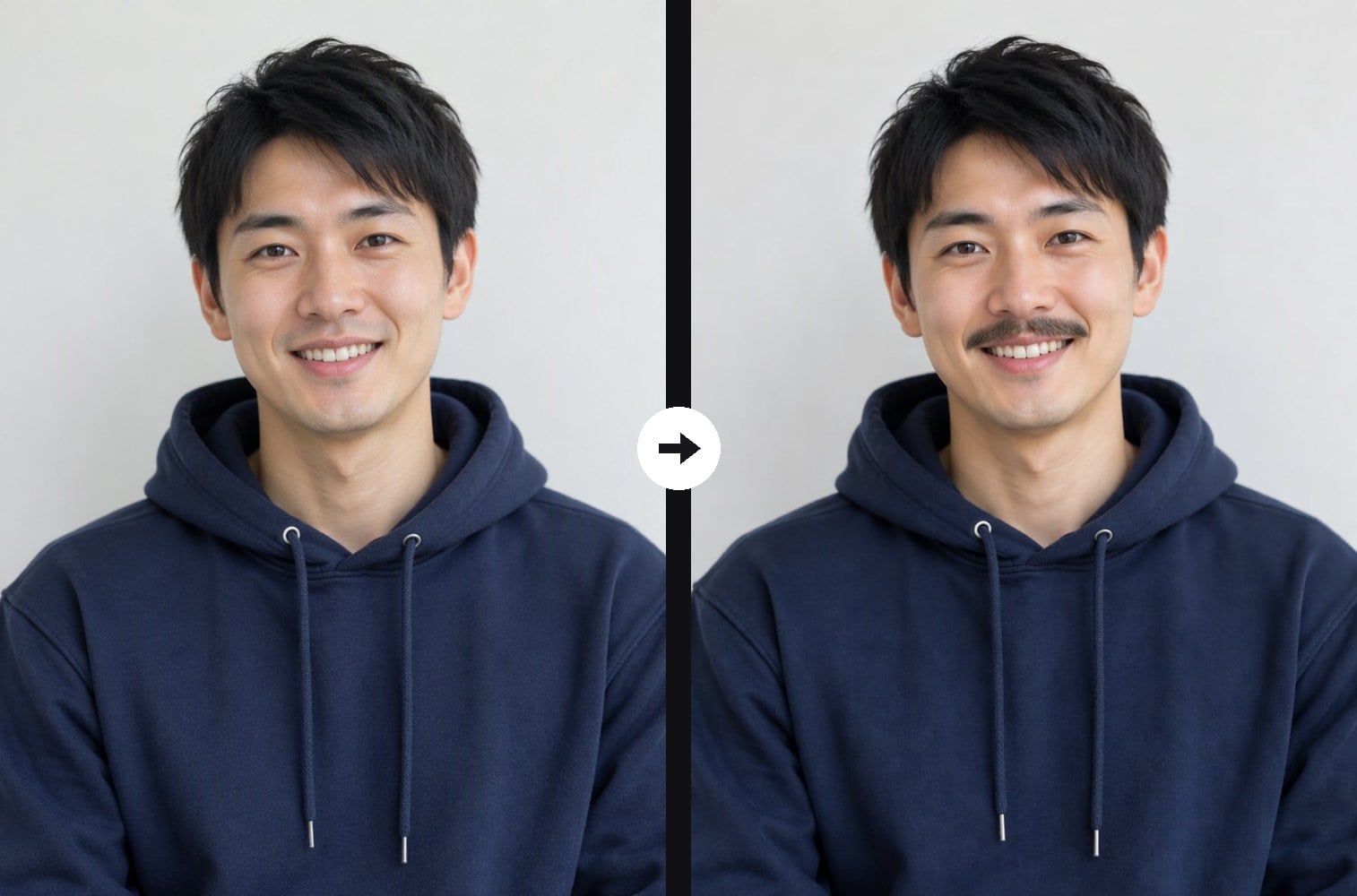
Classic chevron mustache
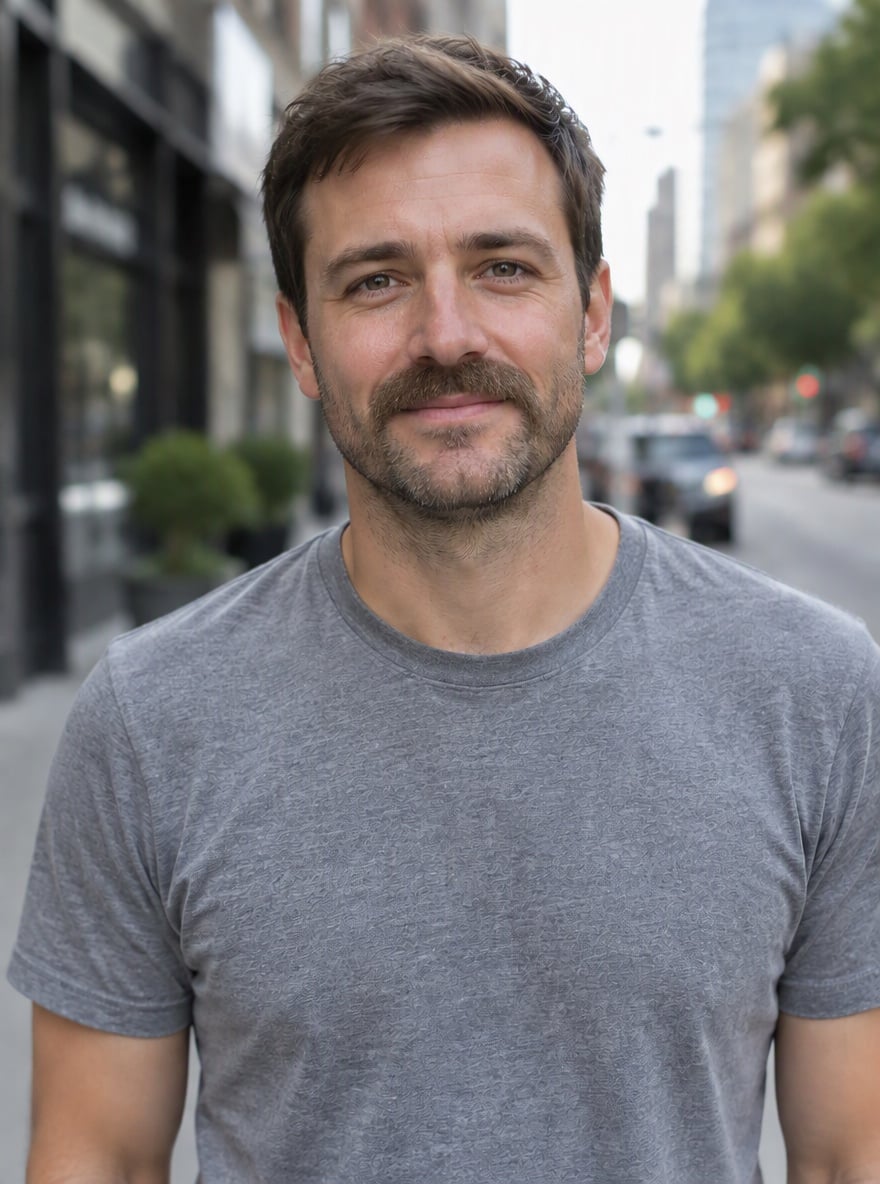
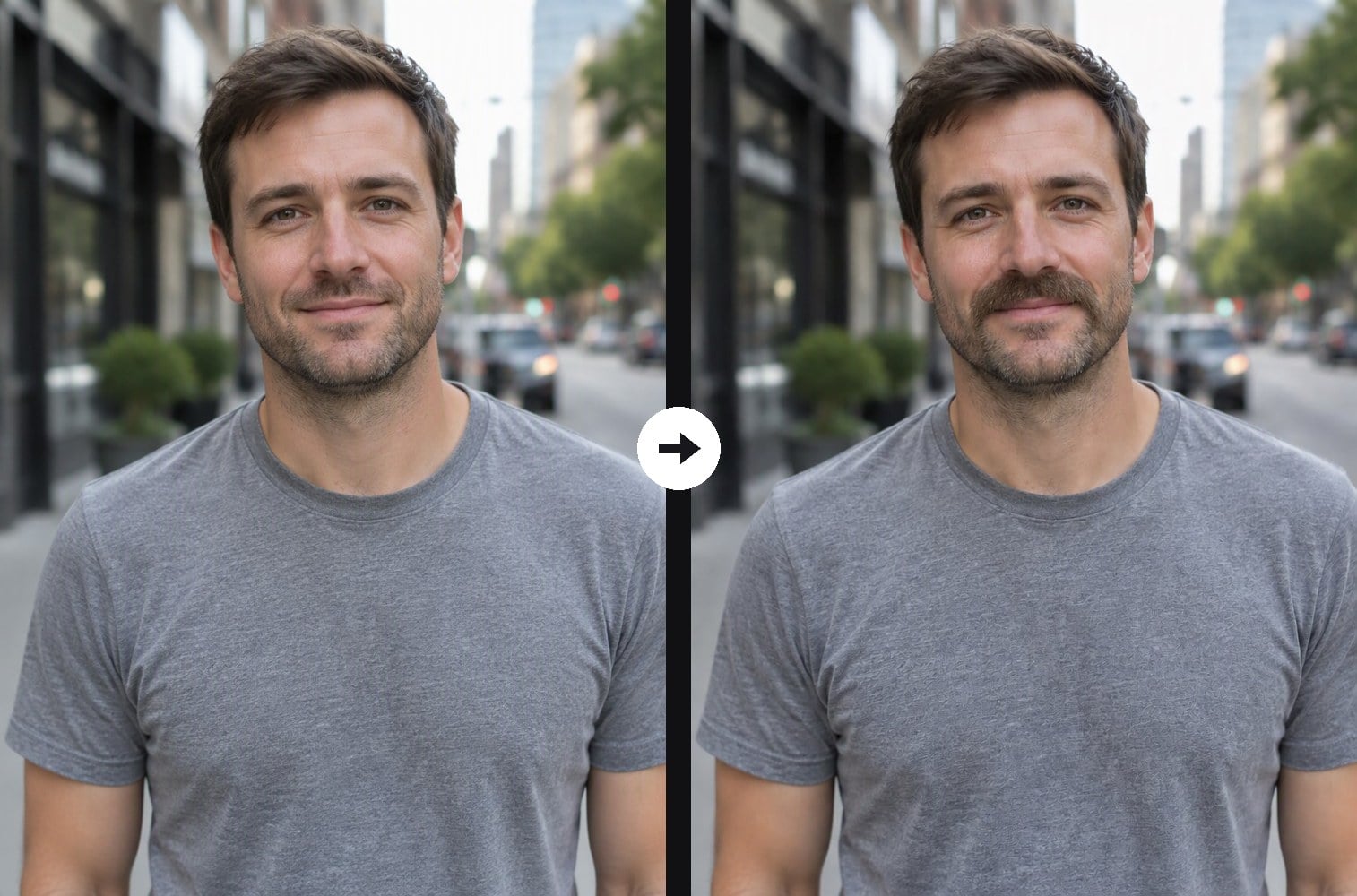
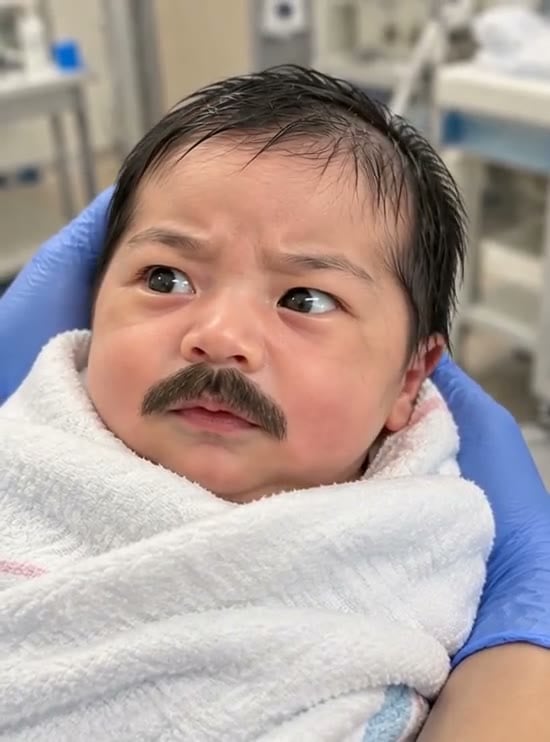
Thick walrus mustache
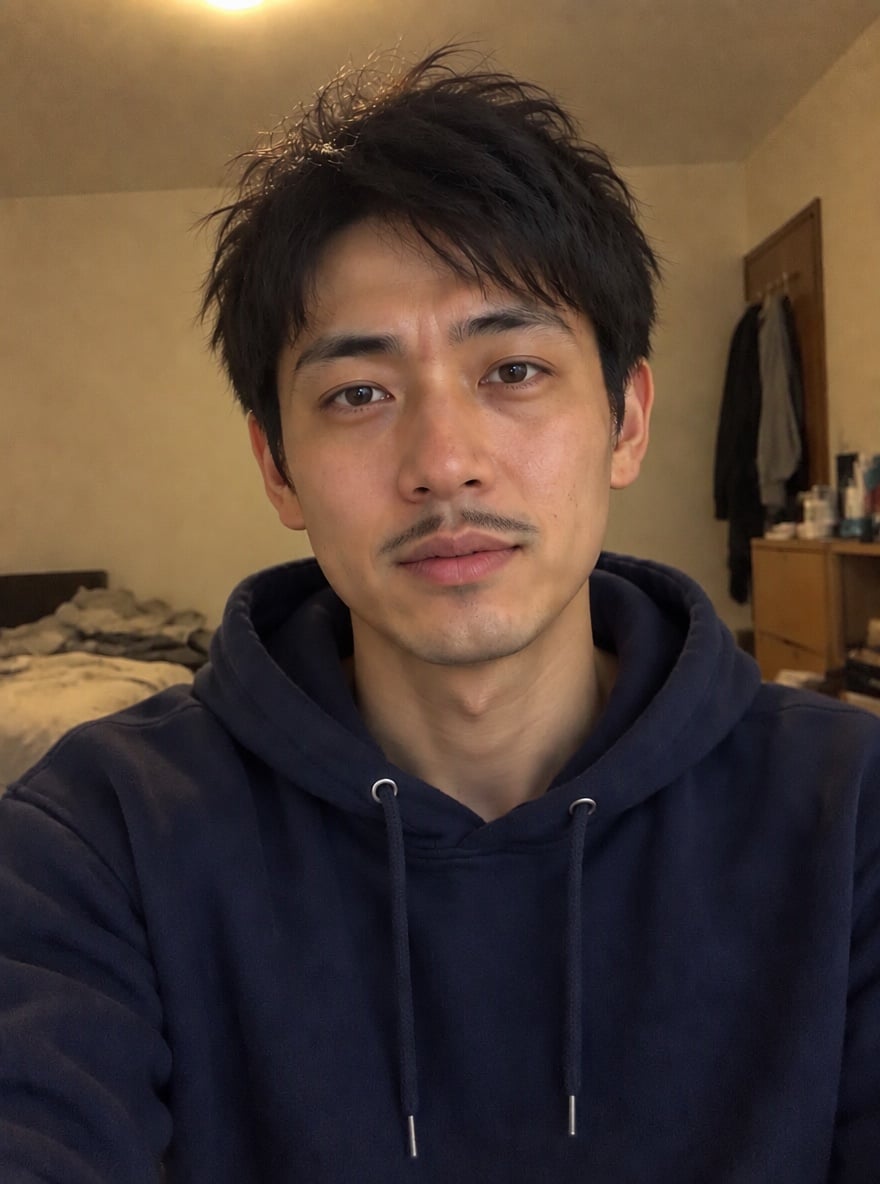
Retro pencil mustache
Upload a clear photo where your mouth and upper lip are visible
Effect prompt
By uploading a file, you agree to GoEnhance's Terms of Use and Privacy Policy

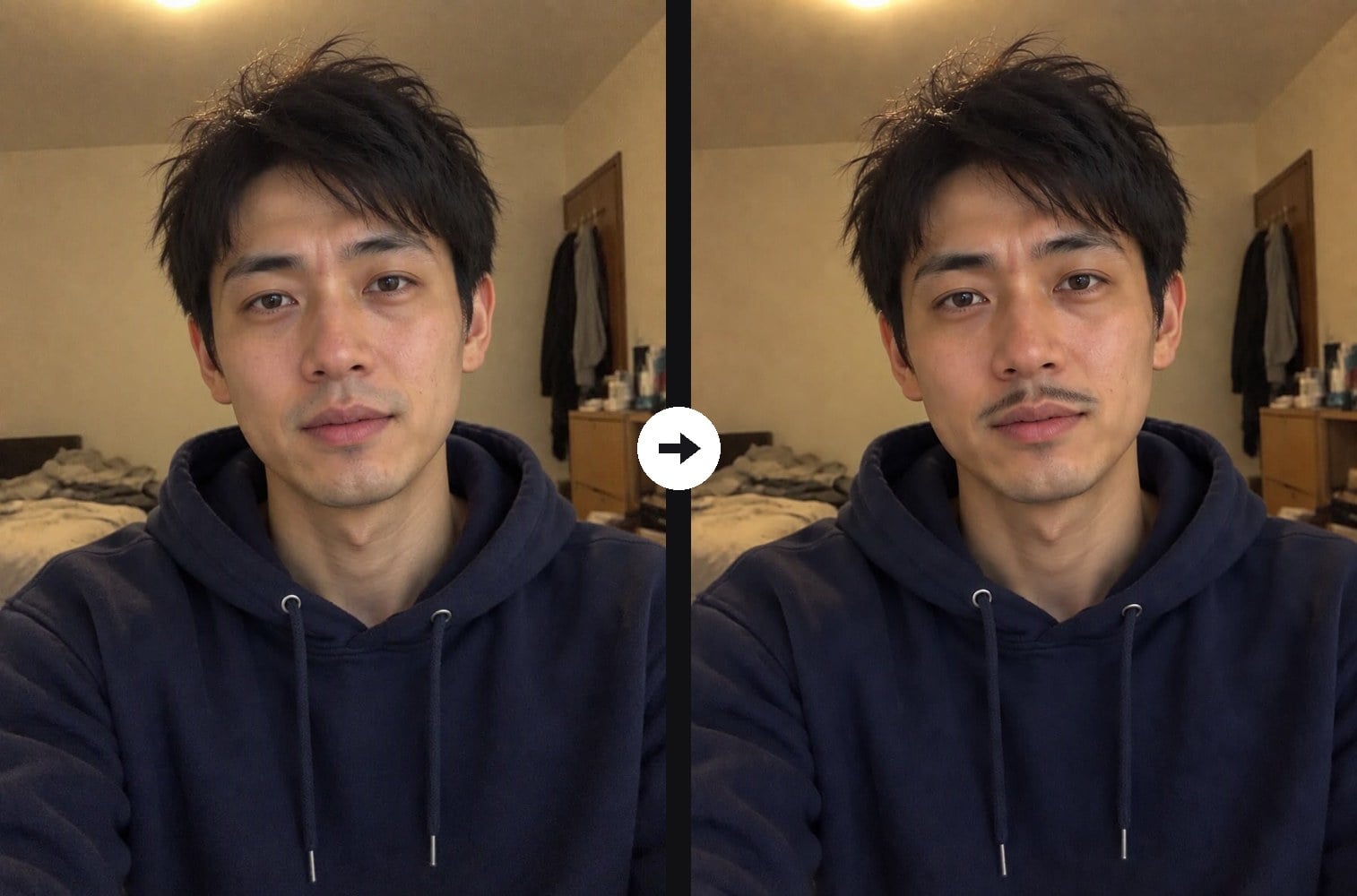
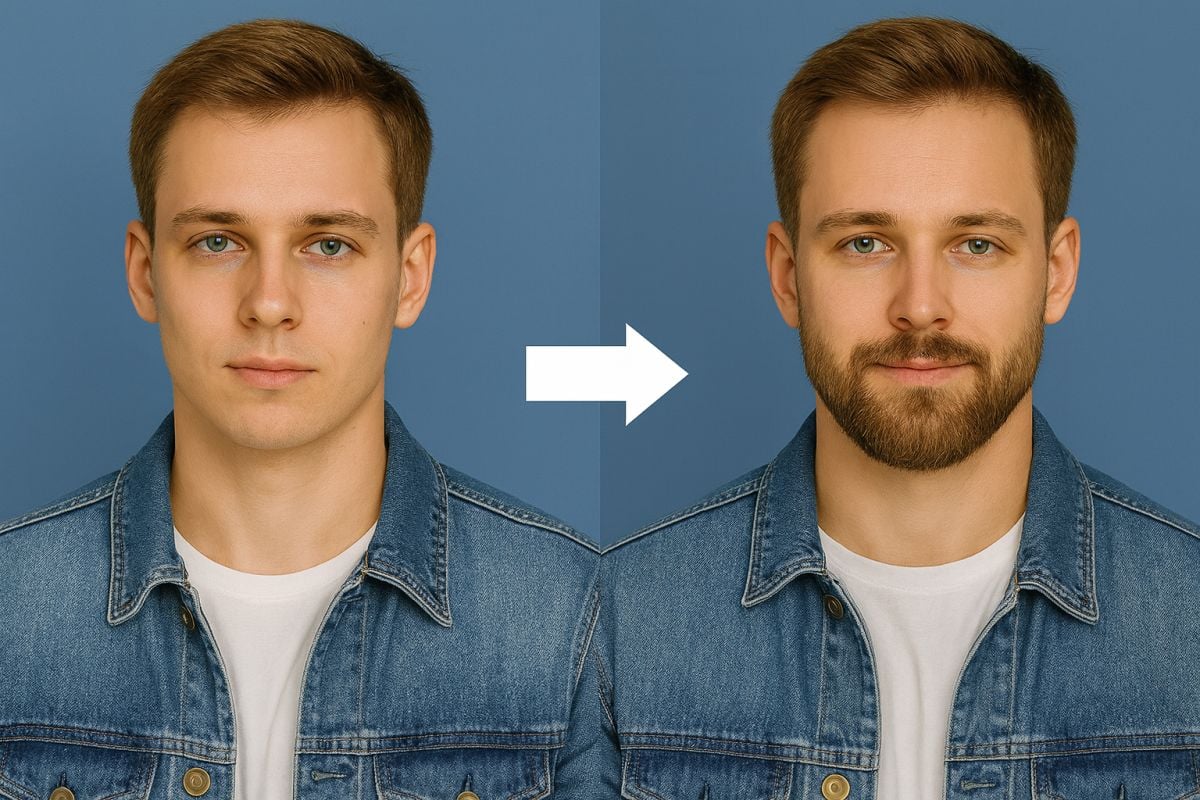
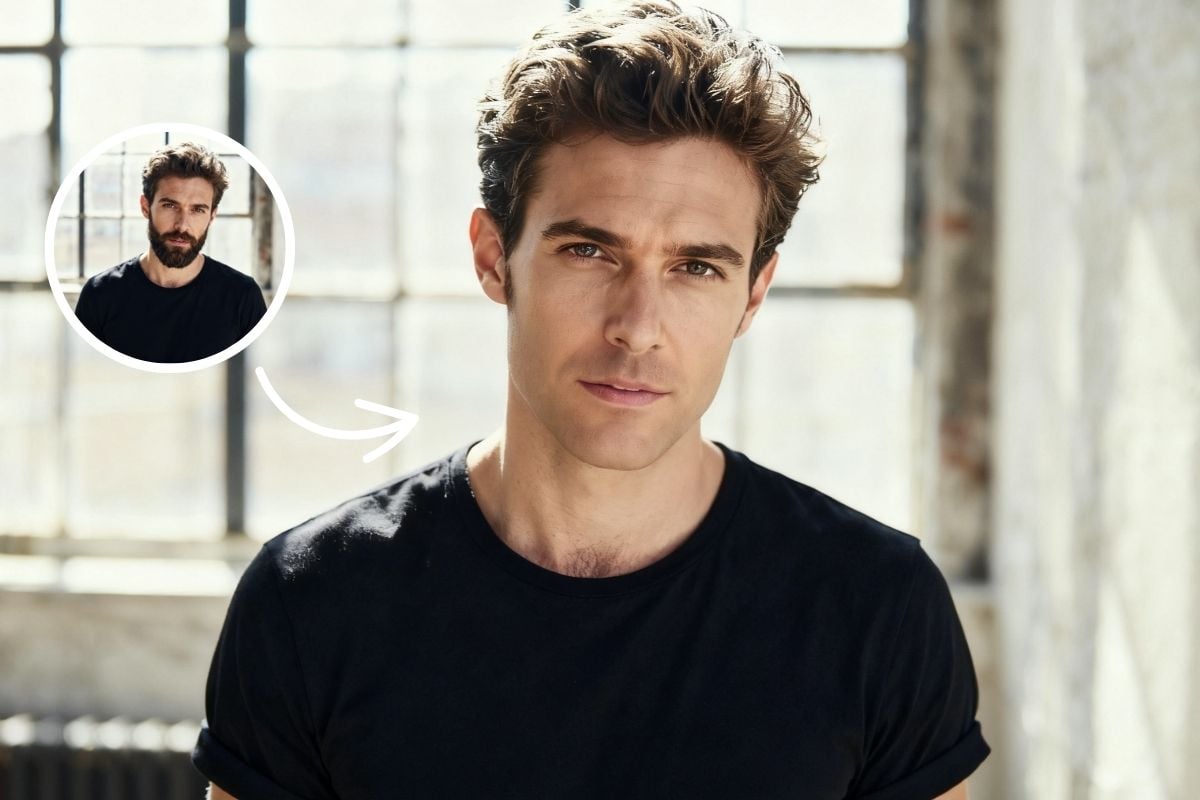
Add Mustache To Photo: Before and After

Each result is one upload with its style prompt. Only the area above the upper lip changed; face, expression, hair, clothes and background come from the original photo.
Curled handlebar mustache - Add Mustache To Photo

Curled handlebar mustache

Classic chevron mustache - Add Mustache To Photo

Classic chevron mustache

Thick walrus mustache - Add Mustache To Photo

Thick walrus mustache

How to Add a Mustache to a Photo

01

Upload your portrait

Choose a photo where your face is in focus and your mouth is not covered by a hand, mask or microphone. Selfies, headshots and candid laughs all work.

02

Pick a mustache style

Click one of the examples to load its prompt, or keep the default chevron. You can also type the color, length or shape you want into the prompt.

03

Generate and compare

Press the button and compare the before and after. Try another style on the same photo to see which mustache suits your face best.

Why Use This AI Mustache Filter
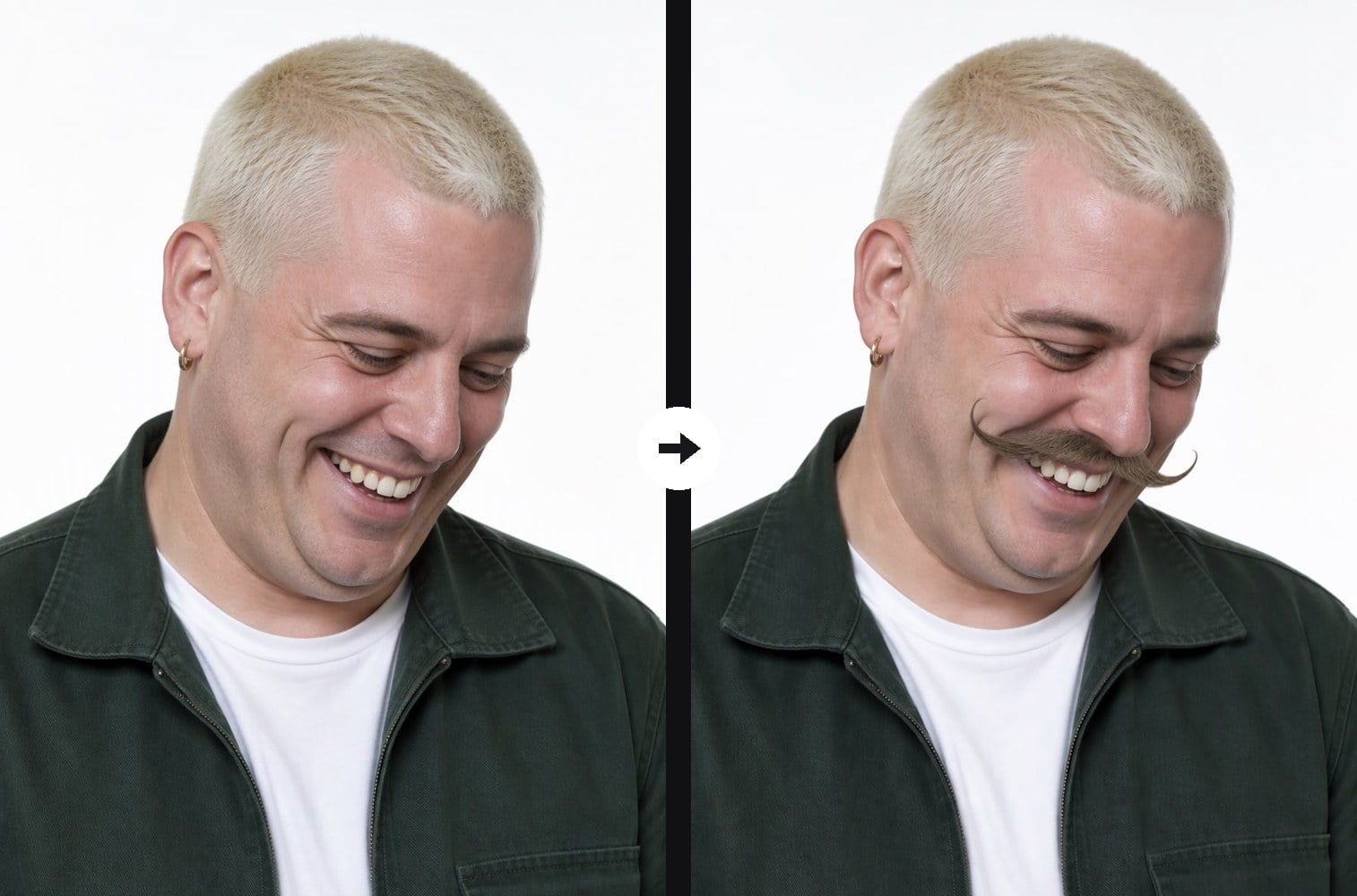
Looks like real hair, not a sticker

The mustache is drawn as individual hairs growing from the skin, with soft edges, natural density and shadows that match the lighting in your photo. It follows the curve of your lip and the tilt of your head, so it still looks right on a side angle or a big laugh.

Looks like real hair, not a sticker - Add Mustache To Photo

Four styles to compare

Switch between a curled handlebar, a full chevron, a drooping walrus and a thin pencil mustache with one click. Seeing them on your own face makes it much easier to decide what to grow, or which one gets the biggest laugh from friends.

Four styles to compare - Add Mustache To Photo

Your face stays yours

Only the area above the upper lip changes. Your eyes, eyebrows, smile, skin texture, hairstyle, earrings, clothes and background stay exactly the same, so the result reads as the same photo of the same person with a new mustache.

Your face stays yours - Add Mustache To Photo

Free to try and easy to share

New accounts get free credits, so your first mustache costs nothing. Use the result as a look preview before a barber visit, a Movember profile picture, a costume idea or a funny photo to send to friends.

Free to try and easy to share - Add Mustache To Photo

Add Mustache To Photo FAQ

Will the mustache look realistic?

Yes. The prompt asks for real hair strands with natural density, a soft root edge and lighting that matches your photo, and it rules out sticker or cartoon looks. Clear, well-lit photos give the most realistic results.

Can I choose the mustache color?

Yes. By default the mustache matches your eyebrows. To change it, edit the color in the prompt, for example gray, ginger or jet black, and generate again.

Will it add a beard too?

No. This effect only adds hair above the upper lip and does not touch your chin, jaw or cheeks. If you want full facial hair, try our AI beard filter.

Does it work if I already have stubble?

Yes. The prompt keeps your existing stubble and adds the mustache on top, as in the walrus example above. Clean-shaven photos show the style most clearly.

Can I use it to make funny photos?

Of course. A giant curled handlebar on a friend or a pencil mustache on a serious headshot makes an easy joke picture. Only use photos of people who are fine with being edited.

Which photos work best?

Front or three-quarter portraits where the mouth is clearly visible work best. Avoid photos where the lip area is very small, blurry or covered by hands, food or a microphone.

Ready to See Yourself With a Mustache?

Upload a portrait and try four mustache styles in under a minute.

Add a Mustache