Unblur Text in Image

Make blurry text readable again in photos of receipts, signs, flyers and printed pages. Upload the photo and the AI sharpens the letters and numbers. It works when the text is blurry but you can still roughly make it out. If the text is completely unreadable, the AI will guess, and the guess can be wrong. The console below uses GPT Image 2.5 Sunburst, and each image costs 6 to 8 tokens at 1K.
Receipt
Receipt
Chalkboard menu
Chalkboard menu
Flyer
Flyer
Upload a photo with blurry text
By uploading a file, you agree to GoEnhance's Terms of Use and Privacy Policy

How to Unblur Text in a Picture

Then check it against the original.
01

Upload the blurry photo

JPG, PNG or WebP. Crop to the part with the text first if it is small in the frame.

02

The AI sharpens the text

It is told to keep every word and number as it is and only make it crisp. In our tests each image took 36 to 47 seconds.

03

Compare before you rely on it

Check names, amounts and dates against the original. If the original is too blurry to read at all, treat the result as a guess.

How Blurry Is Too Blurry? Our Test

Blur levelReceiptChalkboard menuFlyer
Blurry, but readable with effortEvery word and price correctEvery item and price correctEvery word correct
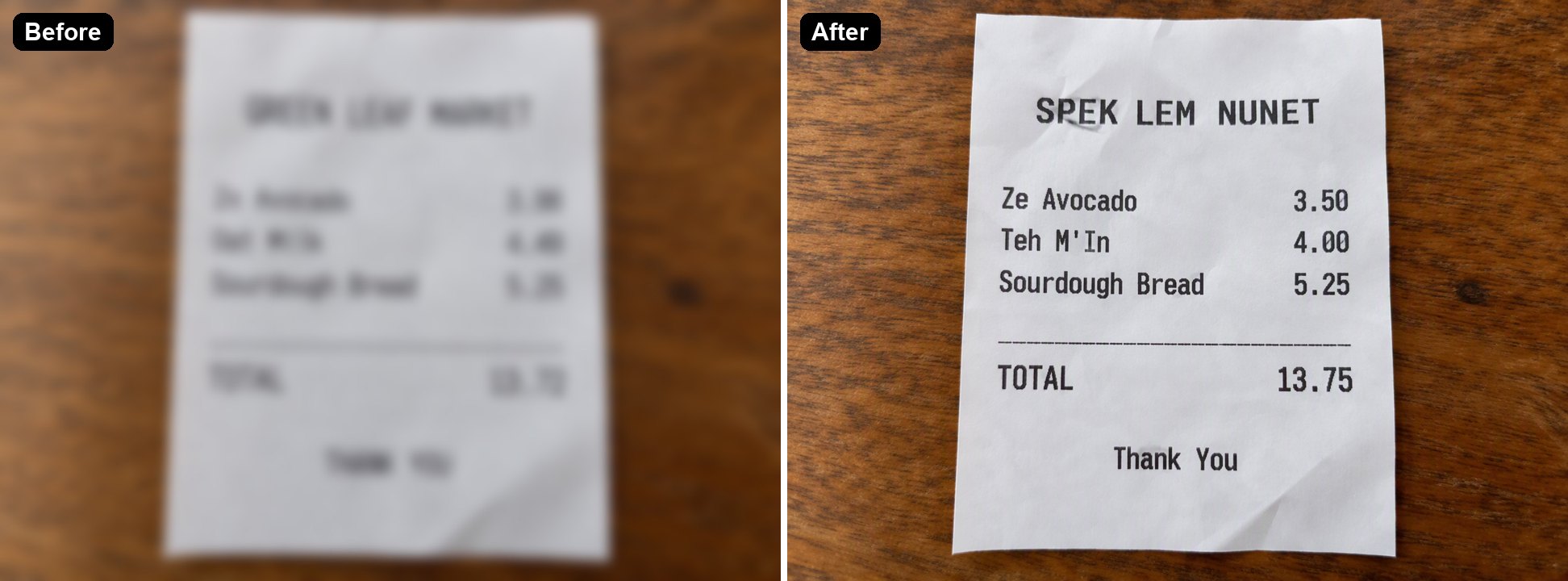
Too blurry to readStore name became "SPEK LEM NUNET"; 3.98 became 3.50, 4.49 became 4.00, the total 13.72 became 13.75"Banana Bread 3.75" became 3.00; the rest correctEvery word correct, the letters were large

Unblur Text vs Text Recognition vs a Sharpen Filter

GoEnhance Unblur TextText recognition, such as Google LensSharpen filter in a photo editor
What you getA clearer imageCopyable textA slightly crisper image
Moderately blurry textReadable again in our testsOften misreads or skips itEdges look harder, letters stay blurry
Text that cannot be read at allA confident guess that may be wrongUsually nothingNo change
Risk of changed wordsYes, check numbersYes, misread charactersNo, it only adjusts pixels

Text It Makes Readable

Receipts

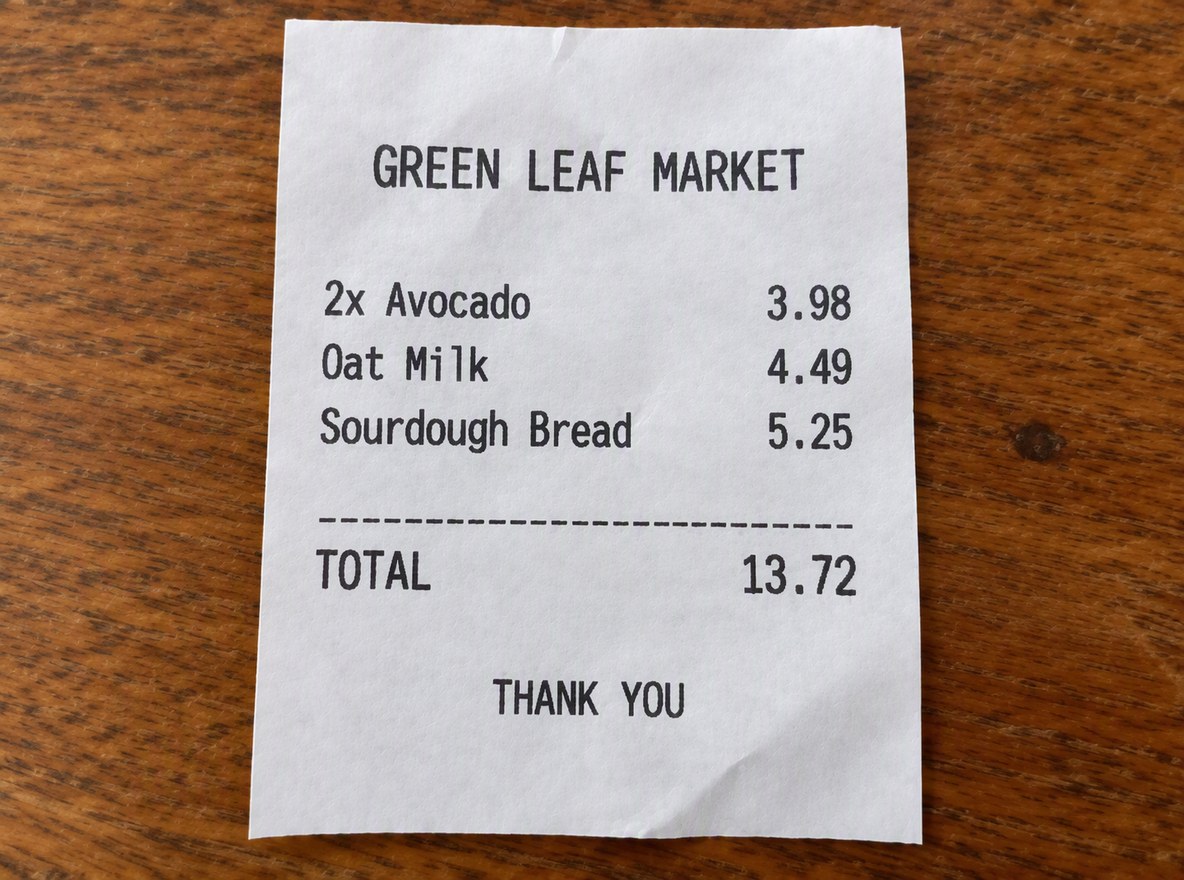
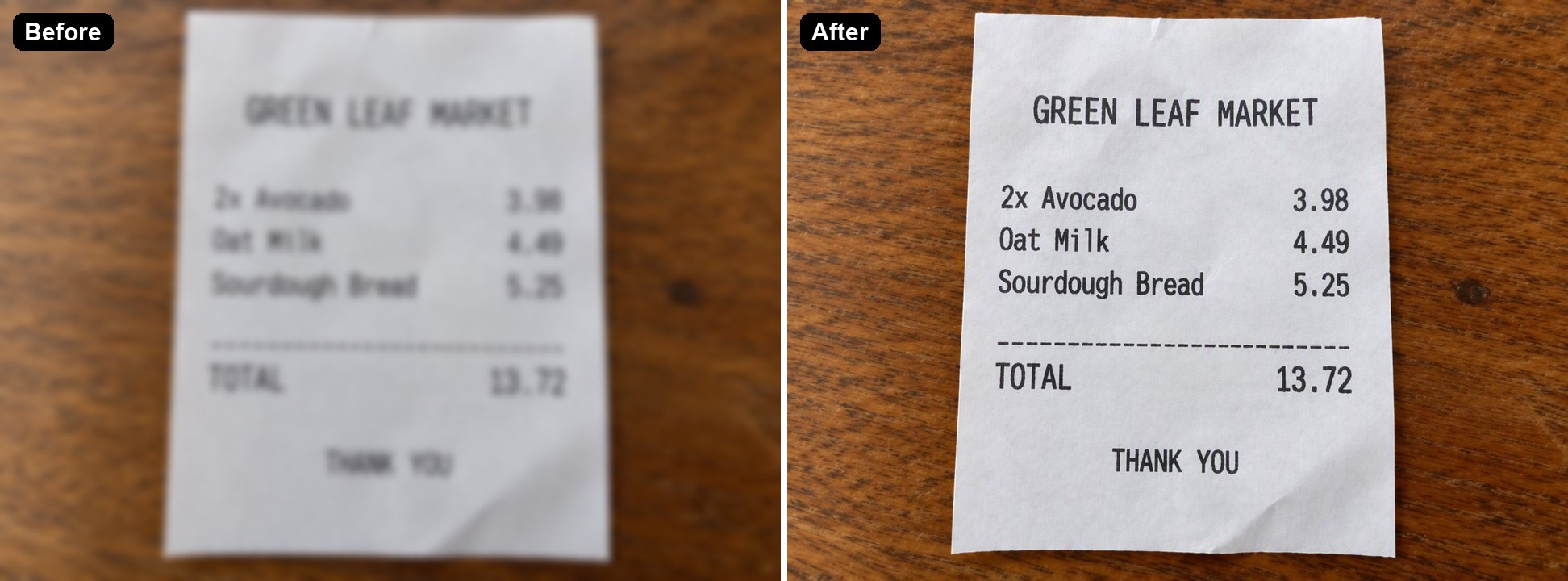
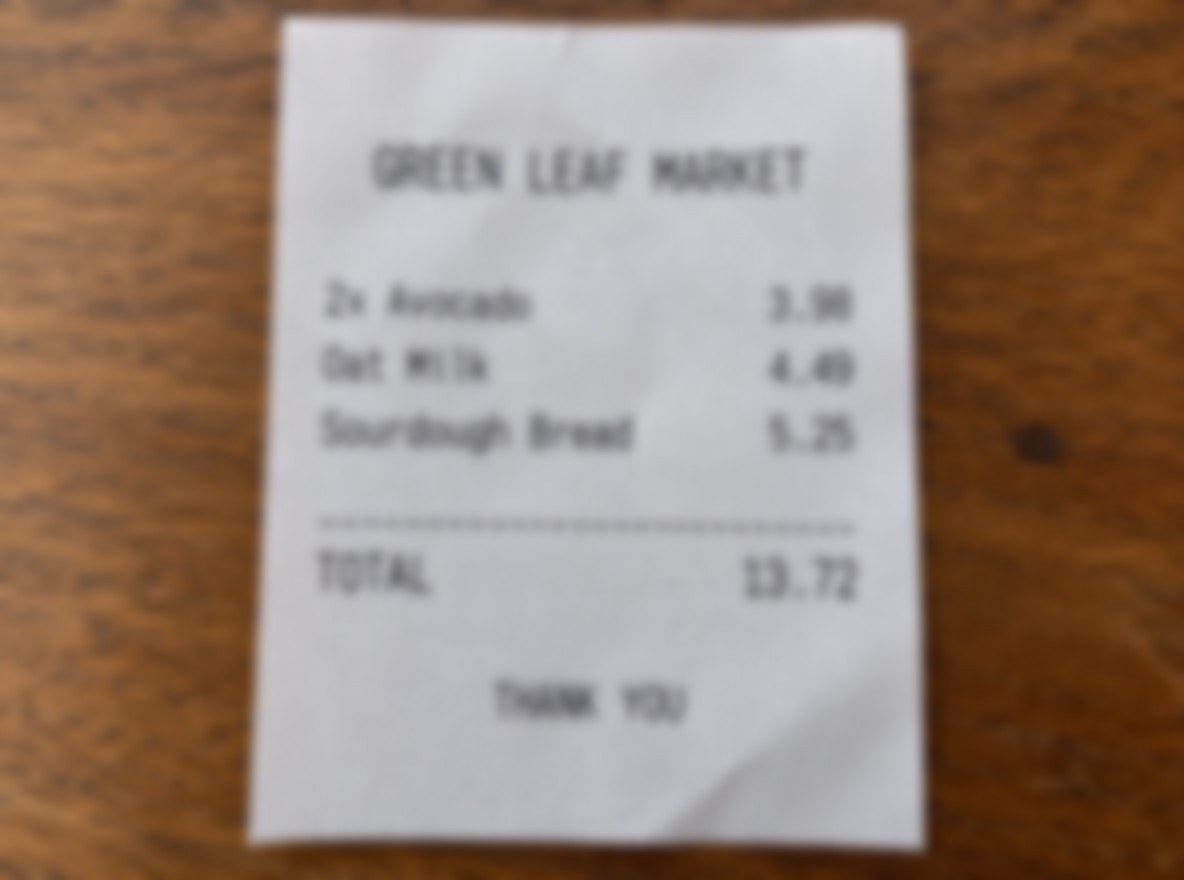
Item names, prices and the total became sharp again, and every number matched the original. Use it to read a receipt, then check the amounts before you file an expense.

a blurry receipt photo made readable

Signs and Menus

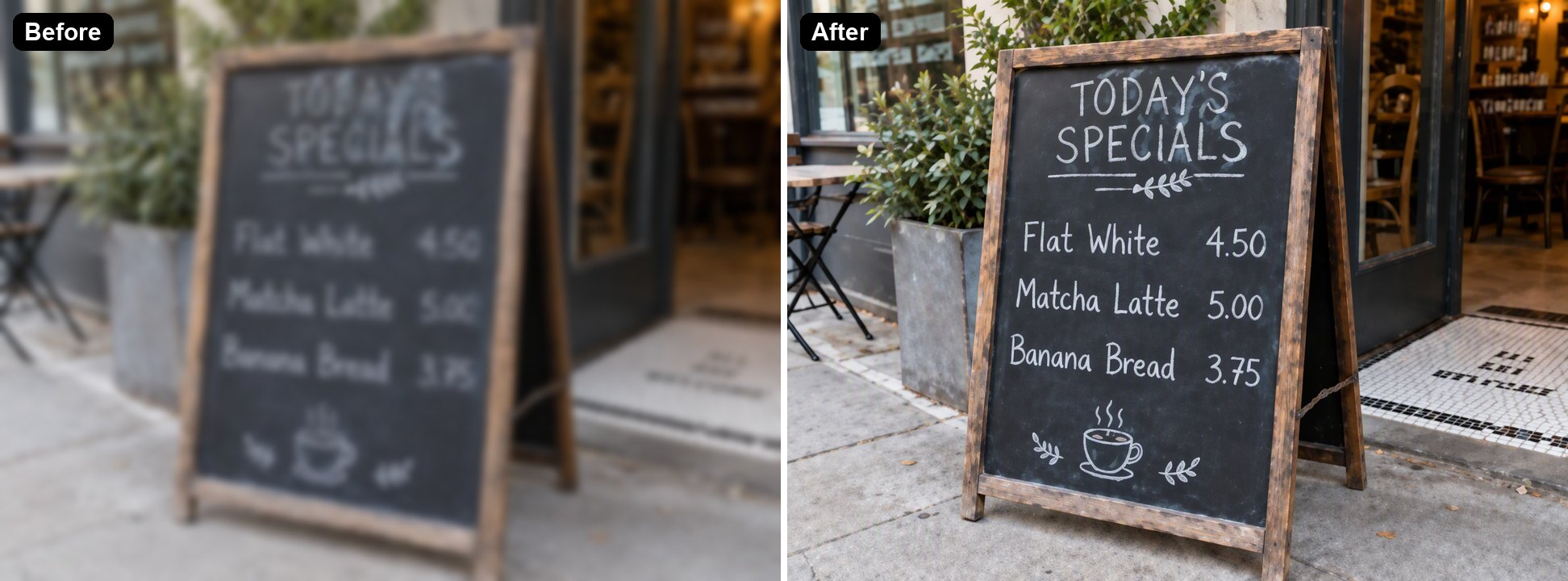
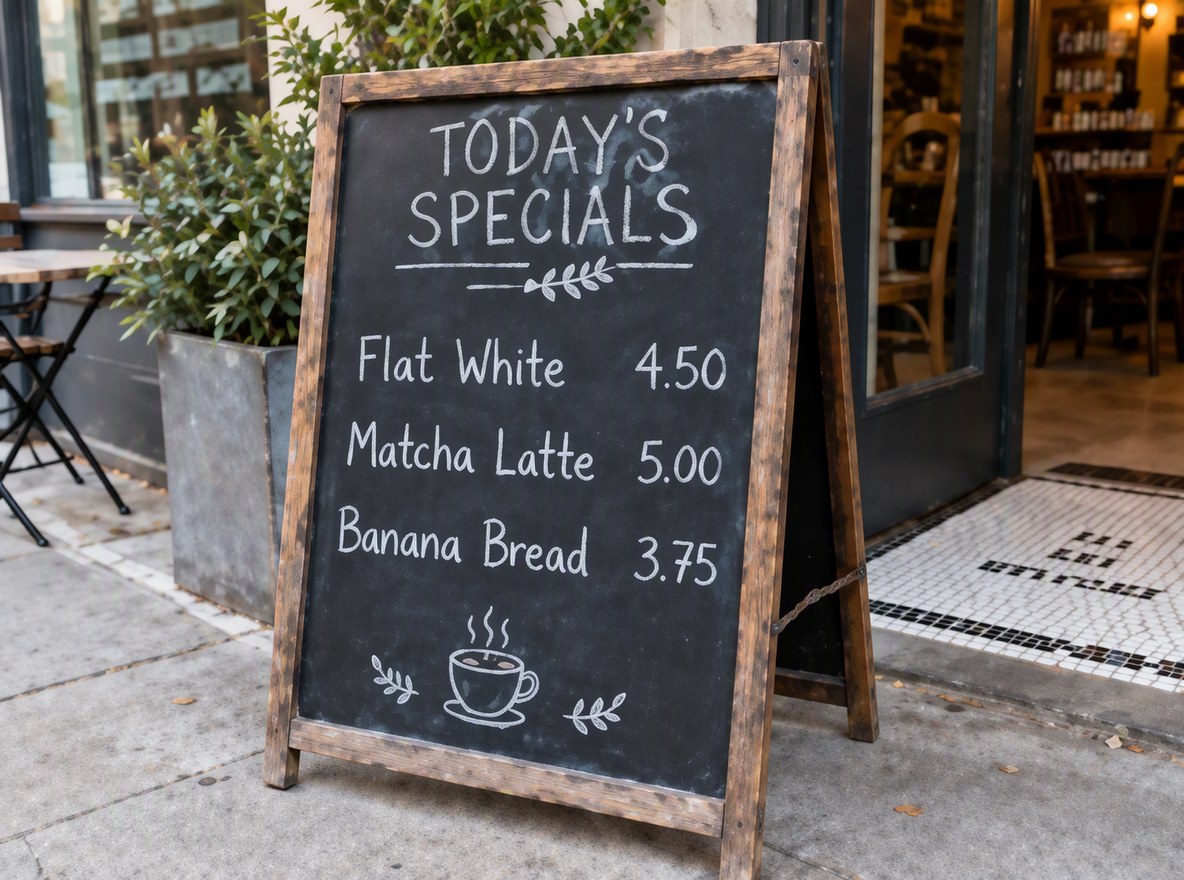
Out-of-focus shots of chalkboards, posters and signs come back with crisp lettering in the same hand-drawn style.

a blurry chalkboard menu made readable

Flyers and Printed Pages

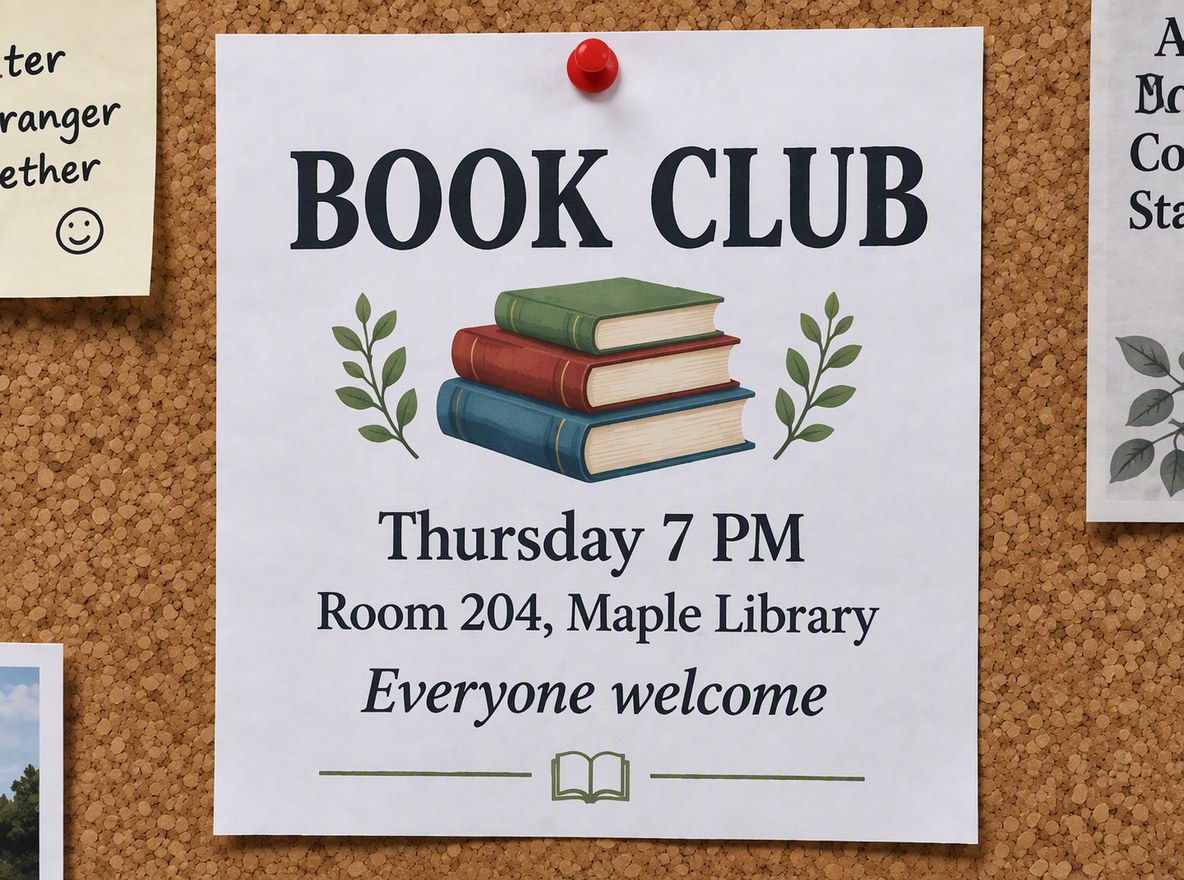
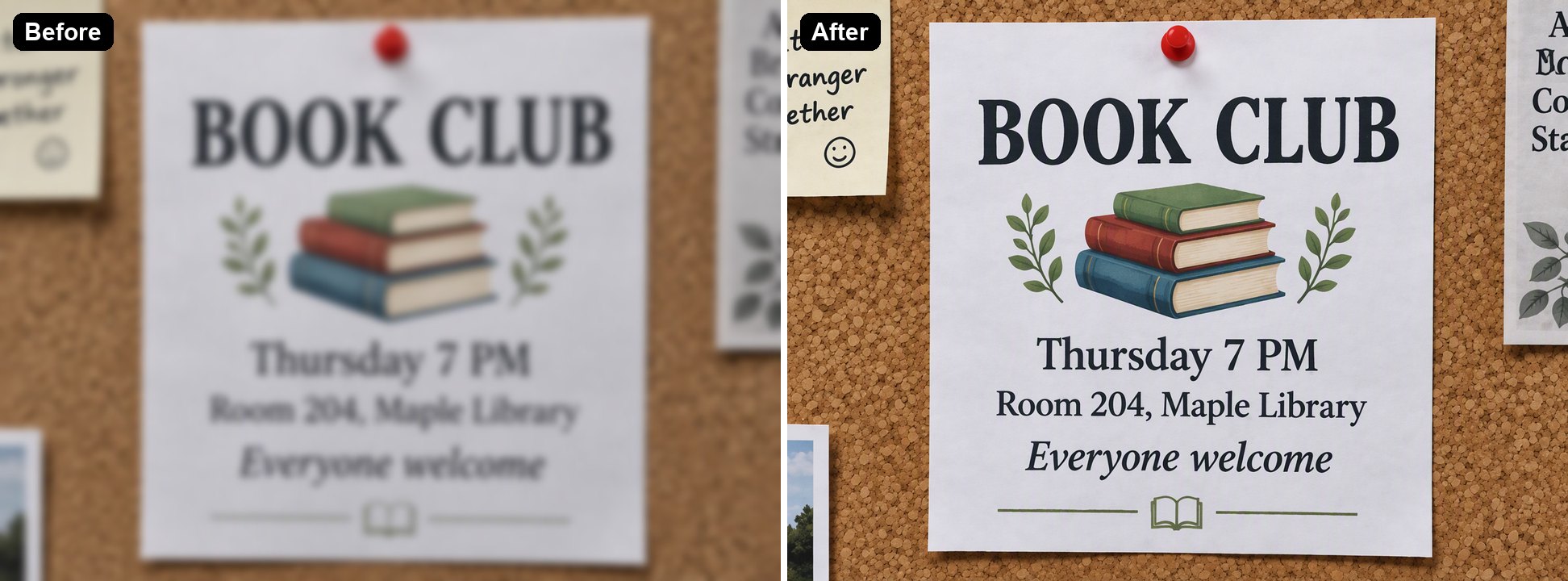
Printed headings and event details become clear, with the layout and fonts kept.

a blurry flyer on a cork board made readable

Where It Fails: Unreadable Text

When we blurred the same receipt until it could not be read, the AI still returned sharp text, but the store name and three amounts were made up. Sharp does not mean correct.

an unreadable receipt where the AI invented a wrong store name and prices

Good to Know

Layout Kept

Fonts, spacing and the rest of the photo stay the same.

Check Every Number

Prices, totals and dates can change when the source is unreadable.

Not Evidence

The result is an AI reconstruction, not a recovered original.

Up to 4K

Pick 1K, 2K or 4K in the editor.

Unblur Text FAQ

How do I unblur text in a picture?

Upload the photo to Unblur Text in Image above. The AI sharpens the letters and numbers and keeps the layout, and you download a clearer image. In our tests each image took 36 to 47 seconds.

Can it read text I can't read at all?

No. In our test, a receipt blurred beyond reading came back sharp but with a made-up store name and three wrong prices. The tool works best when the text is blurry but you can still roughly guess it.

Is this OCR? Can I copy the text?

No, it returns an image, not text. If you need copyable text, run the sharpened image through a text recognition app such as Google Lens afterwards, which usually reads a clear image better than a blurry one.

Which kinds of text has it been tested on?

Printed receipts, hand-lettered chalkboards and printed flyers, all photographed with a phone. We have not tested handwriting or long pages of small print yet.

Can I use the result as proof of what a document says?

No. The result is redrawn by an AI, so it is not evidence of the original wording or amounts. Use it to read the text, then confirm with the original document.

Is it free?

Each image costs 6, 7 or 8 tokens at 1K, for Low, Medium or High quality (High is the default). 2K and 4K cost more. New accounts get free tokens when they sign up, so you can try it before paying. The examples on this page were made at Low quality, 1K.

Which AI model does it use?

This tool runs on GPT Image 2.5 Sunburst, the editing-focused version of OpenAI's GPT Image 2.5 image model, inside GoEnhance's image-to-image editor. GoEnhance is not affiliated with OpenAI.

Is my image private?

We do not sell your content. Your image is processed to create the result, and the result stays in your account until you delete it. See our Privacy Policy for details.

Make Blurry Text Readable

Upload a photo of a receipt, sign or page and let the AI sharpen the text.

Unblur Text Now