
Linocut Generator: Photo to Hand-Carved Linocut Print in One Click

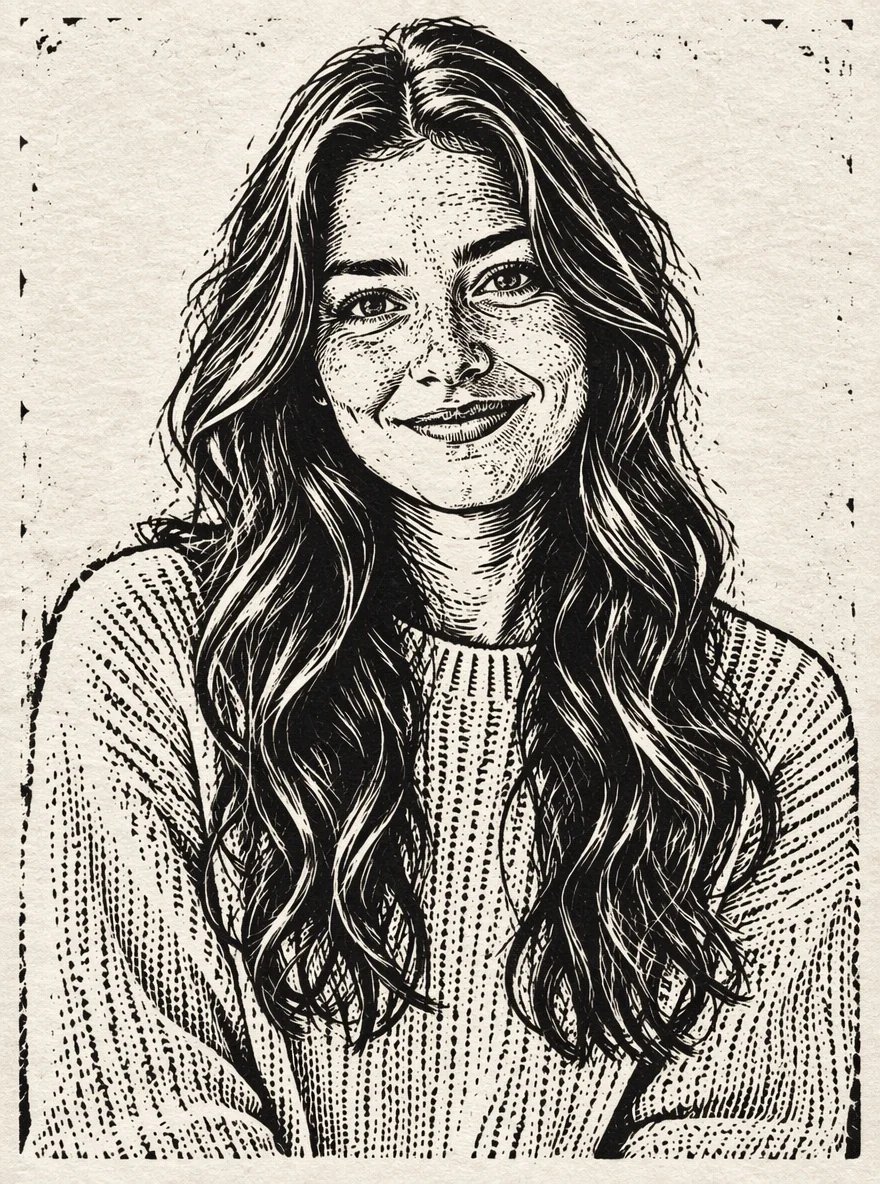
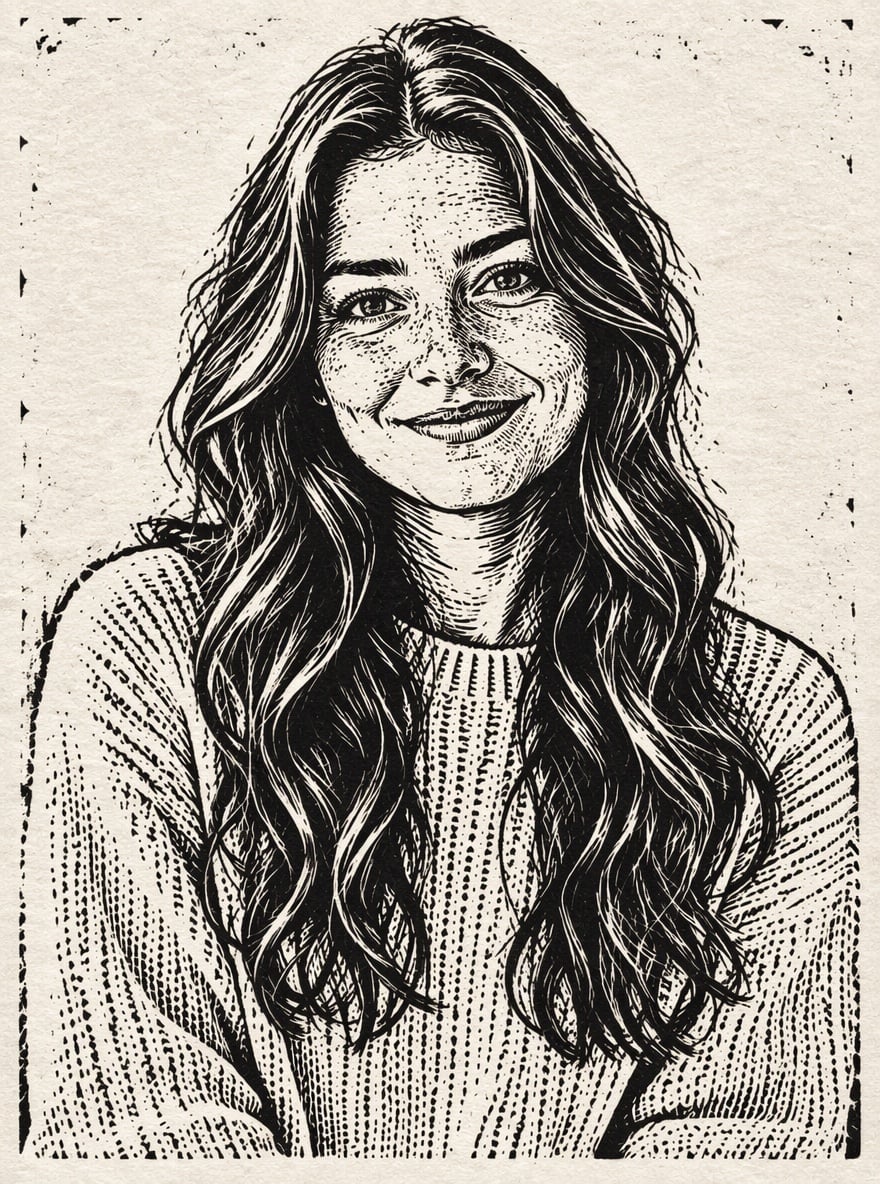
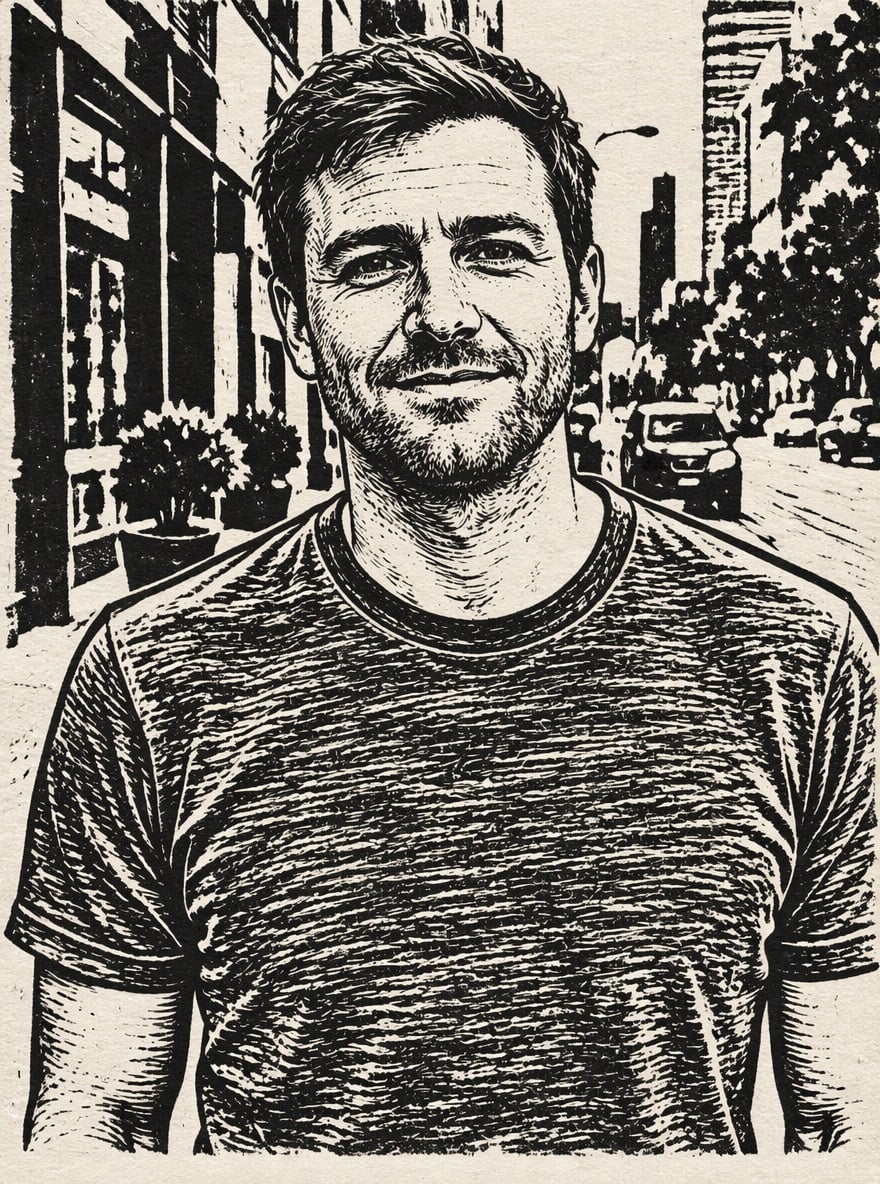
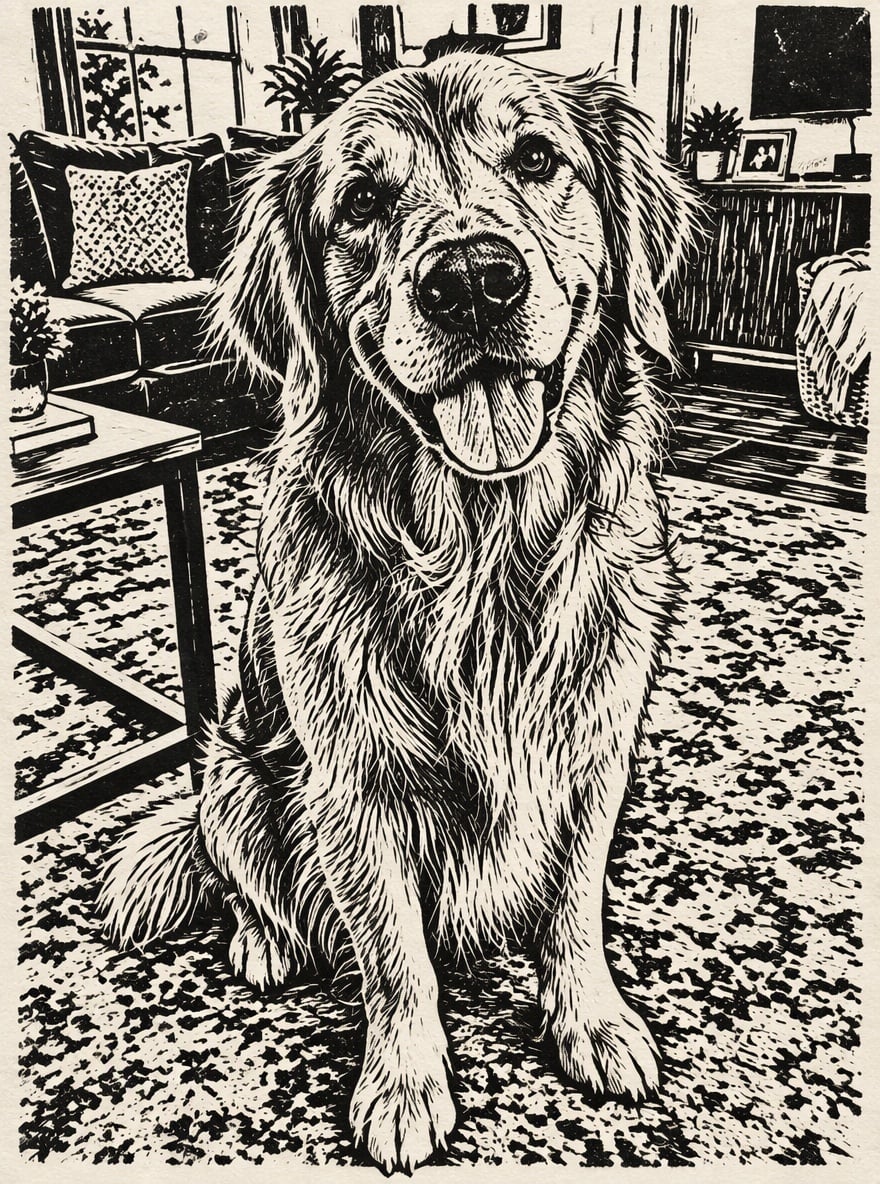
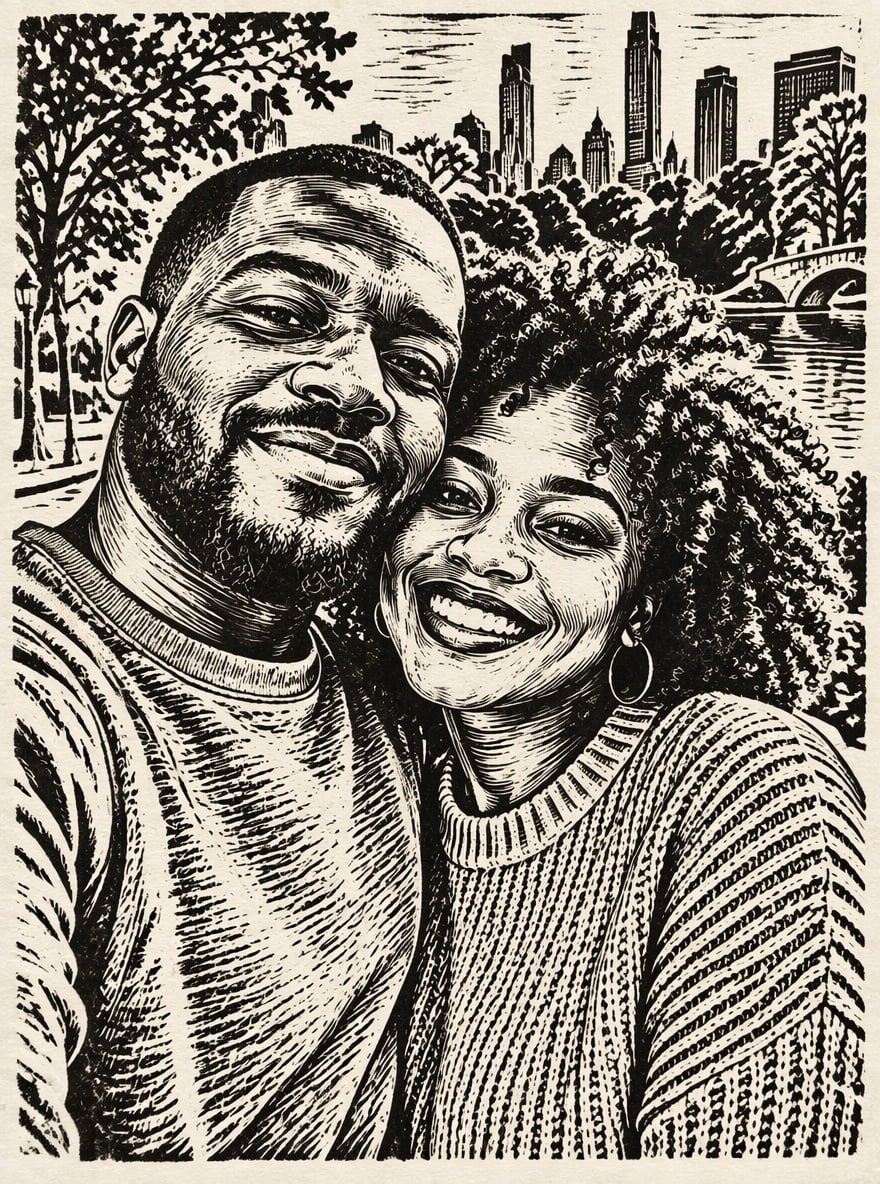
Linocut Prints from the Console
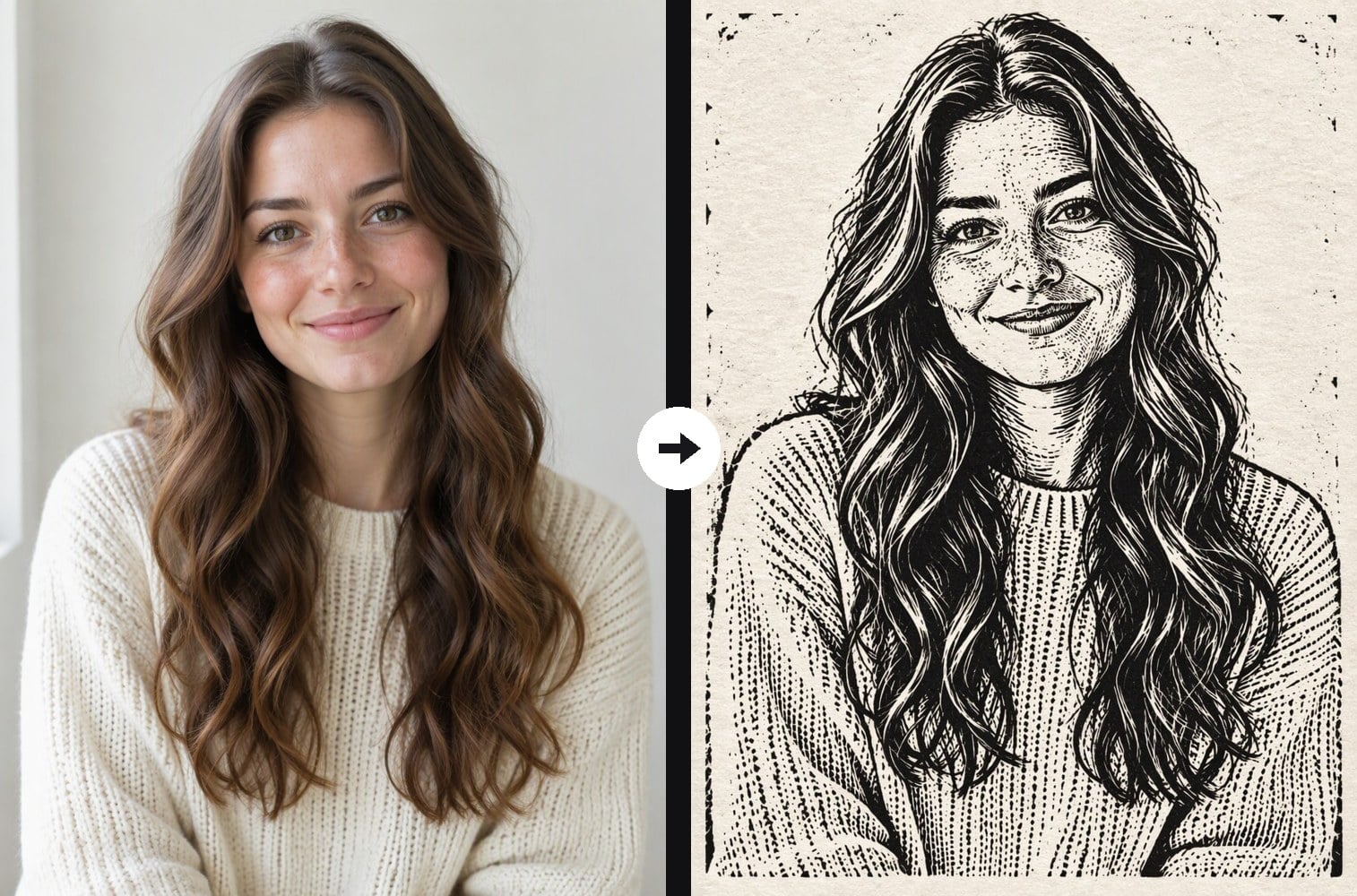
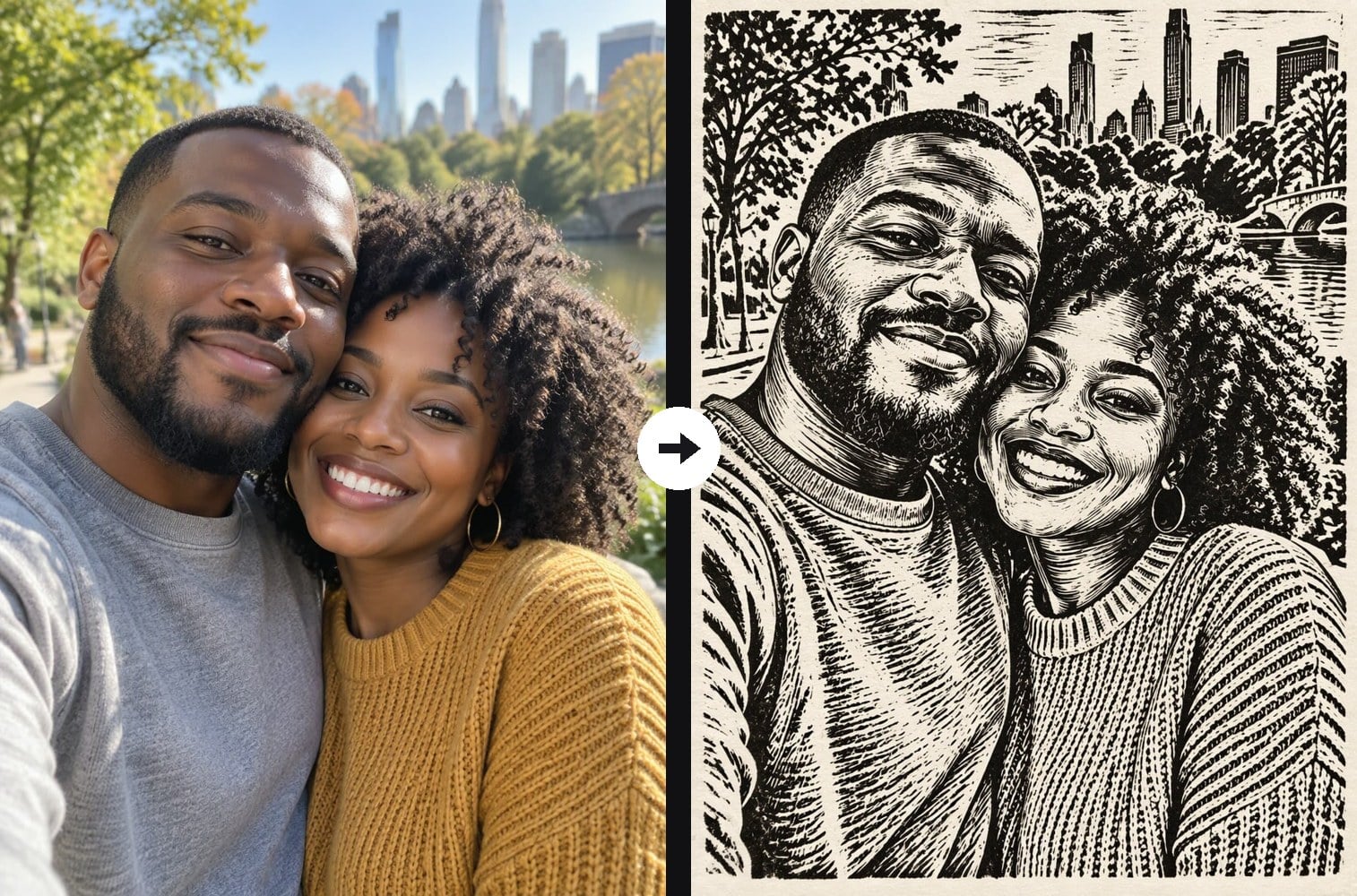
Linocut Portrait
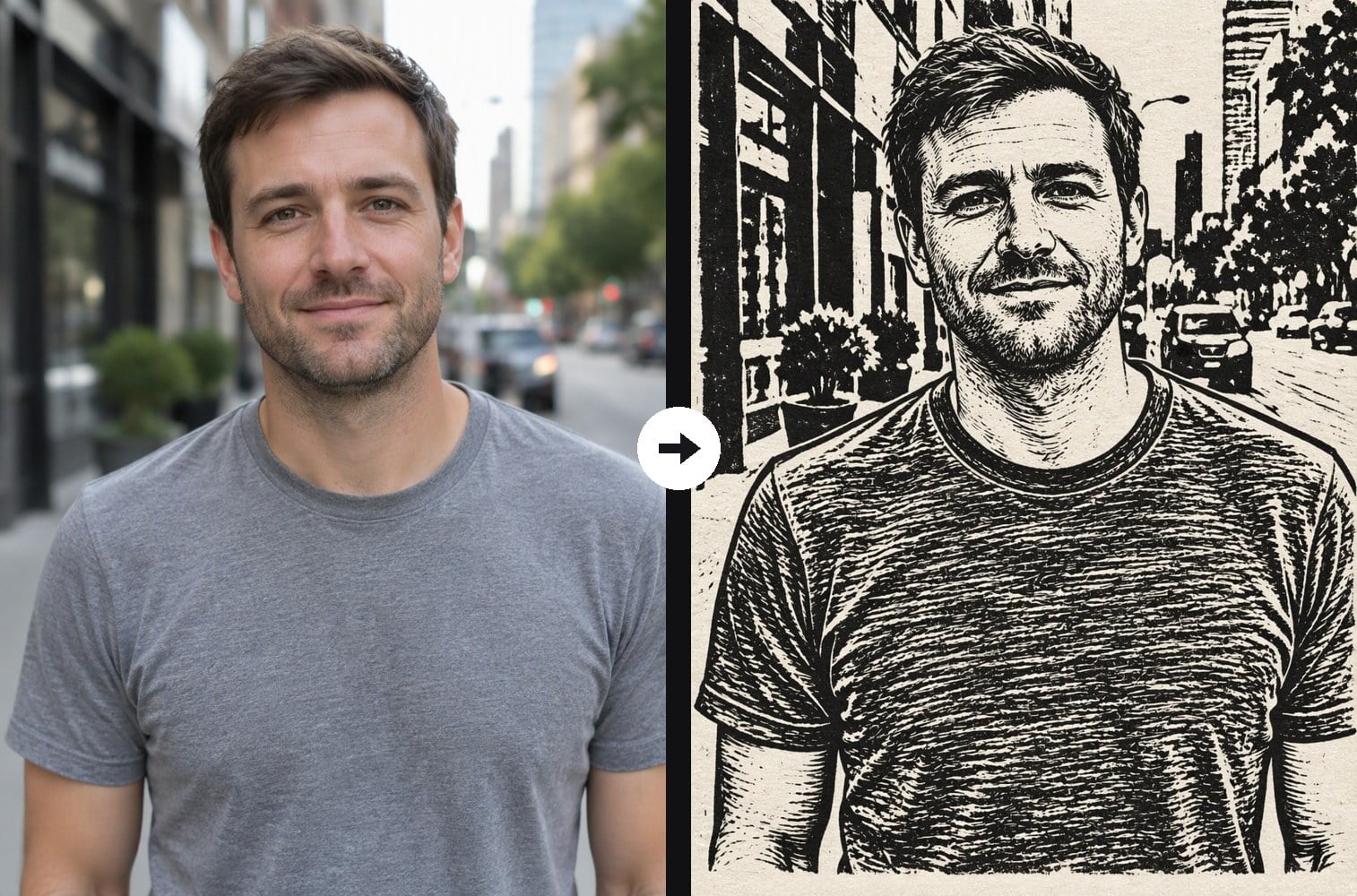
City Street Print
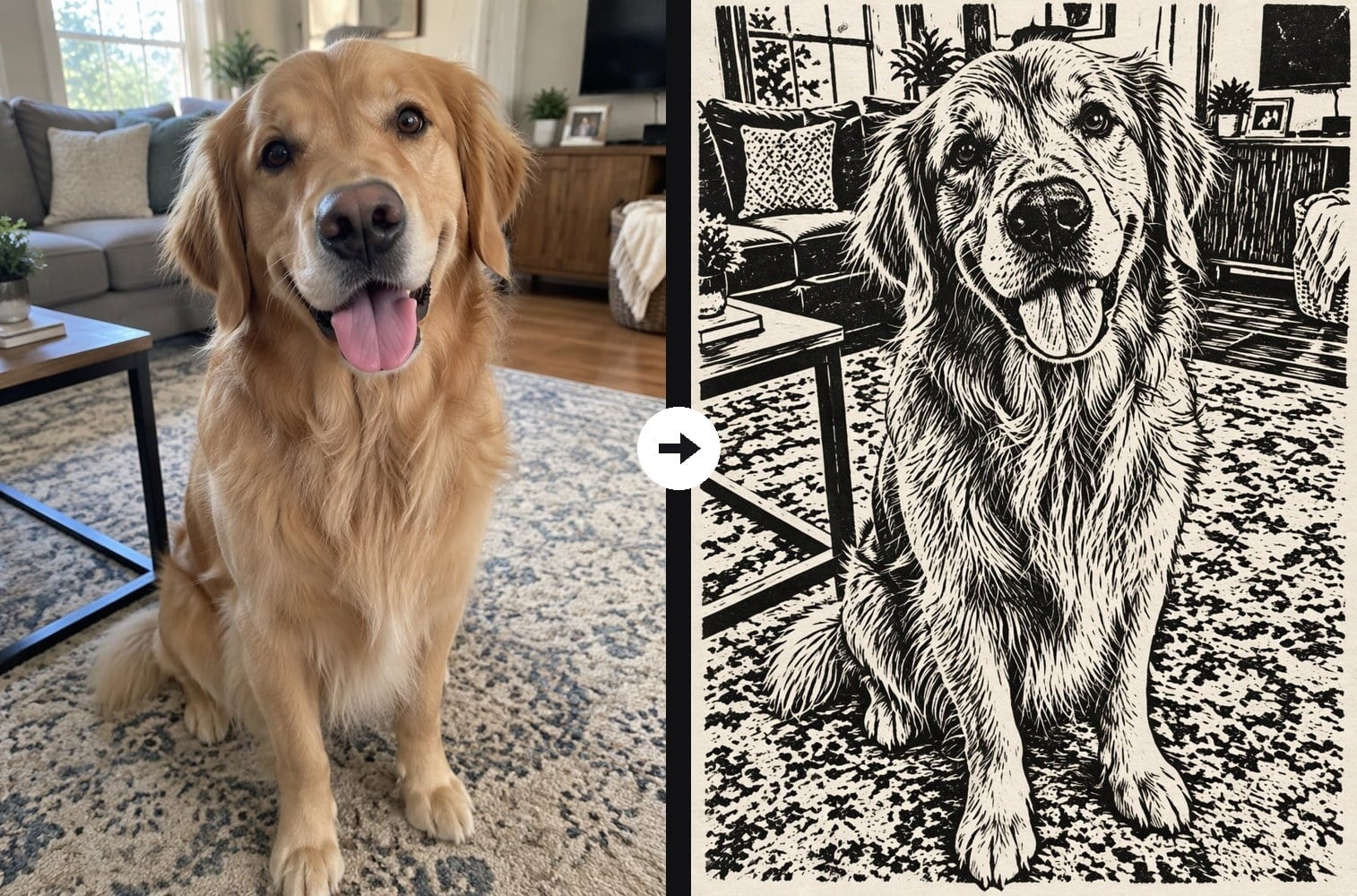
Golden Retriever Linocut
How to Turn a Photo into a Linocut
Upload a photo
Portraits, pets, couples and street scenes all work. Photos with clear shapes and good contrast carve best.
Generate
The linocut prompt is already filled in. Press the button and the AI carves your photo into a print.
Download, print or share
Use it for posters, tote bags, T-shirts, cards, tattoo ideas or as a reference for your own carving.
Why Use This Linocut Generator
Real block-print look
Gouge marks, carved hatching, solid blacks and ink texture like a hand-pulled print. Parallel carved lines follow the curves of the face and clothes to show shading, while white areas look as if the block was cut away. Slightly rough edges, uneven ink coverage and paper texture showing through make it read as a real relief print, not a digital filter.
Keeps the likeness
Faces, expressions and pets stay recognizable in the carved style. The AI keeps the same pose, composition, hairstyle and clothing, along with the same number of people or animals in the frame. A solo portrait, a couple shot or a photo of your golden retriever all come out looking like the original, just cut into the block.
Print-ready contrast
Pure black and white with no gray, great for screen printing, stamps and merch. Strict black ink on off-white paper means every area is either inked or blank, with no soft gradients to lose in reproduction. That bold contrast also works well for posters, zines and cards, and it stays readable when the image is printed small.
More Drawing and Print Effects
Linocut Generator FAQ
What is a linocut?
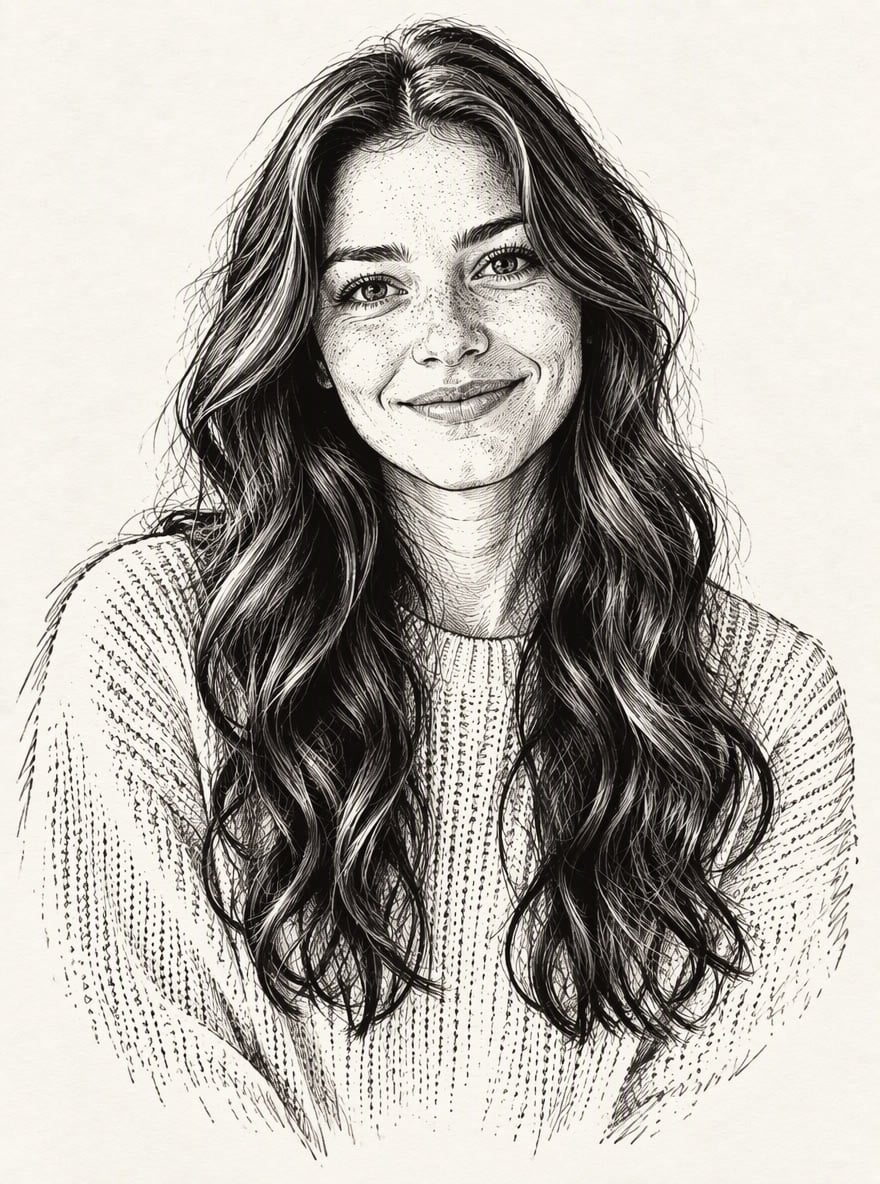
How is it different from a pen and ink drawing?
Will my portrait still look like me?
Can I use the result as a carving template?
Can I add color?
Does it work on pet photos?
Ready to Carve Your Photo?
Upload a photo and get a linocut print in under a minute.
Make Linocut Print