
Linocut Generator: Photo to Hand-Carved Linocut Print in One Click
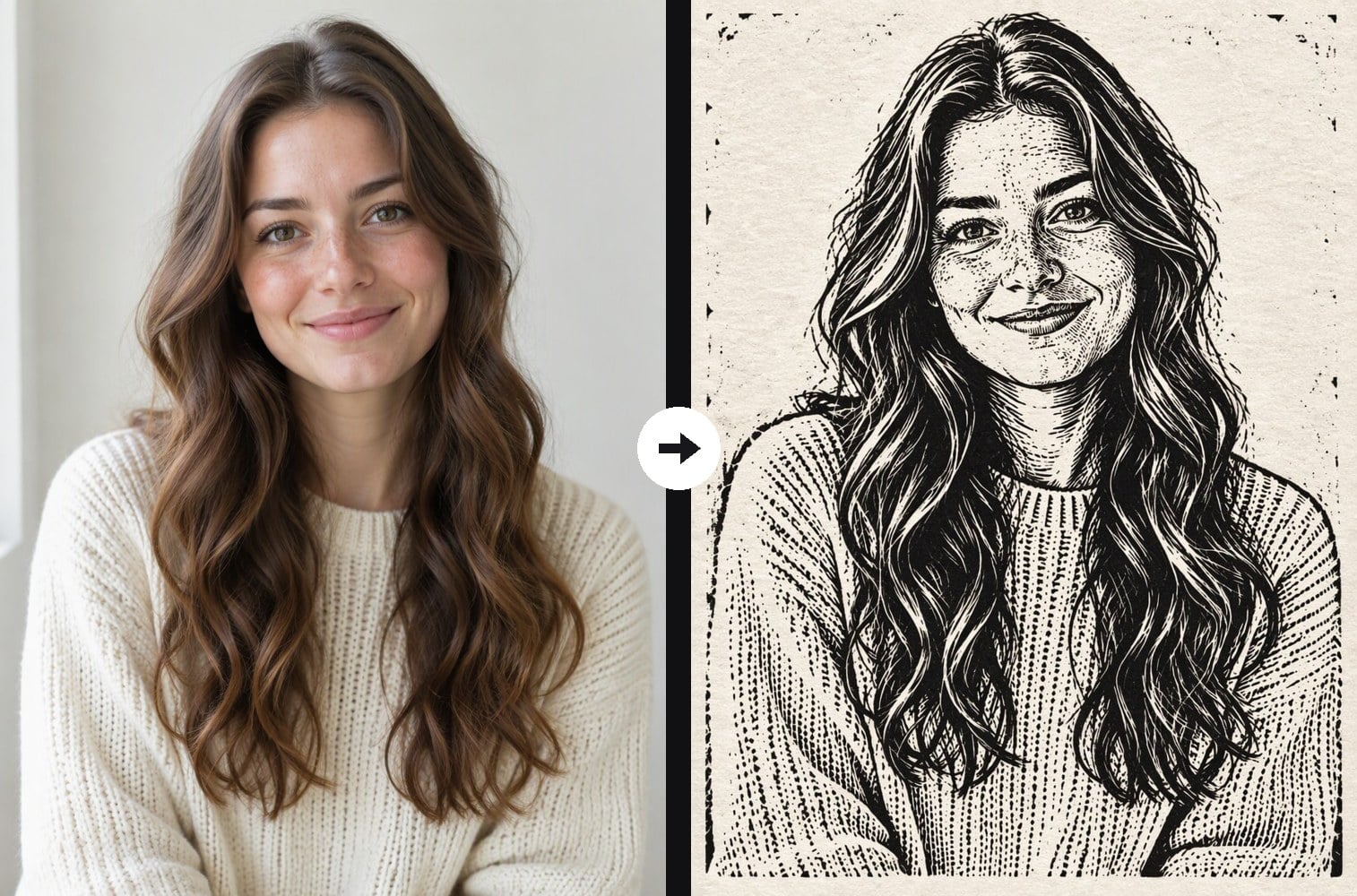
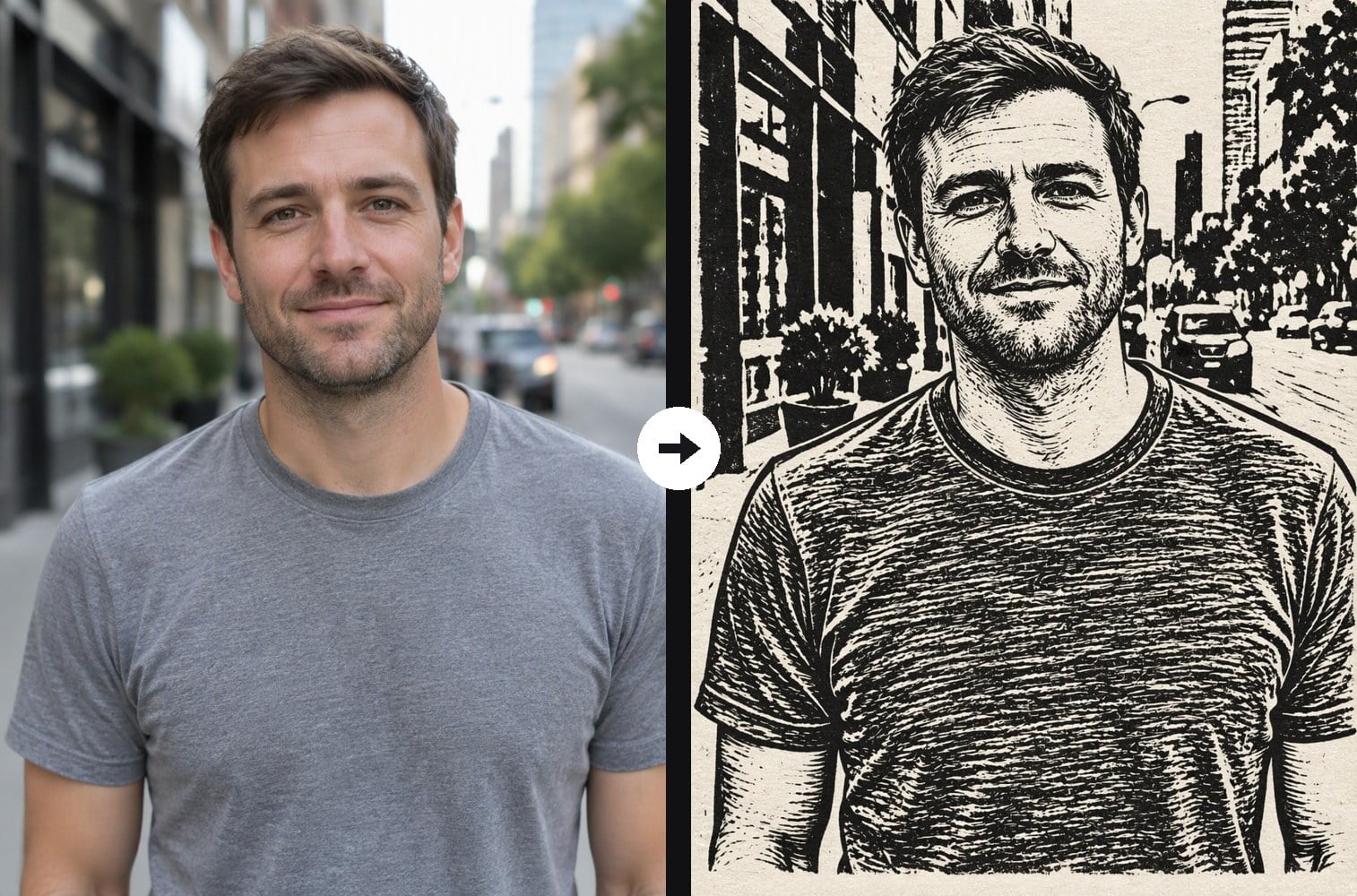
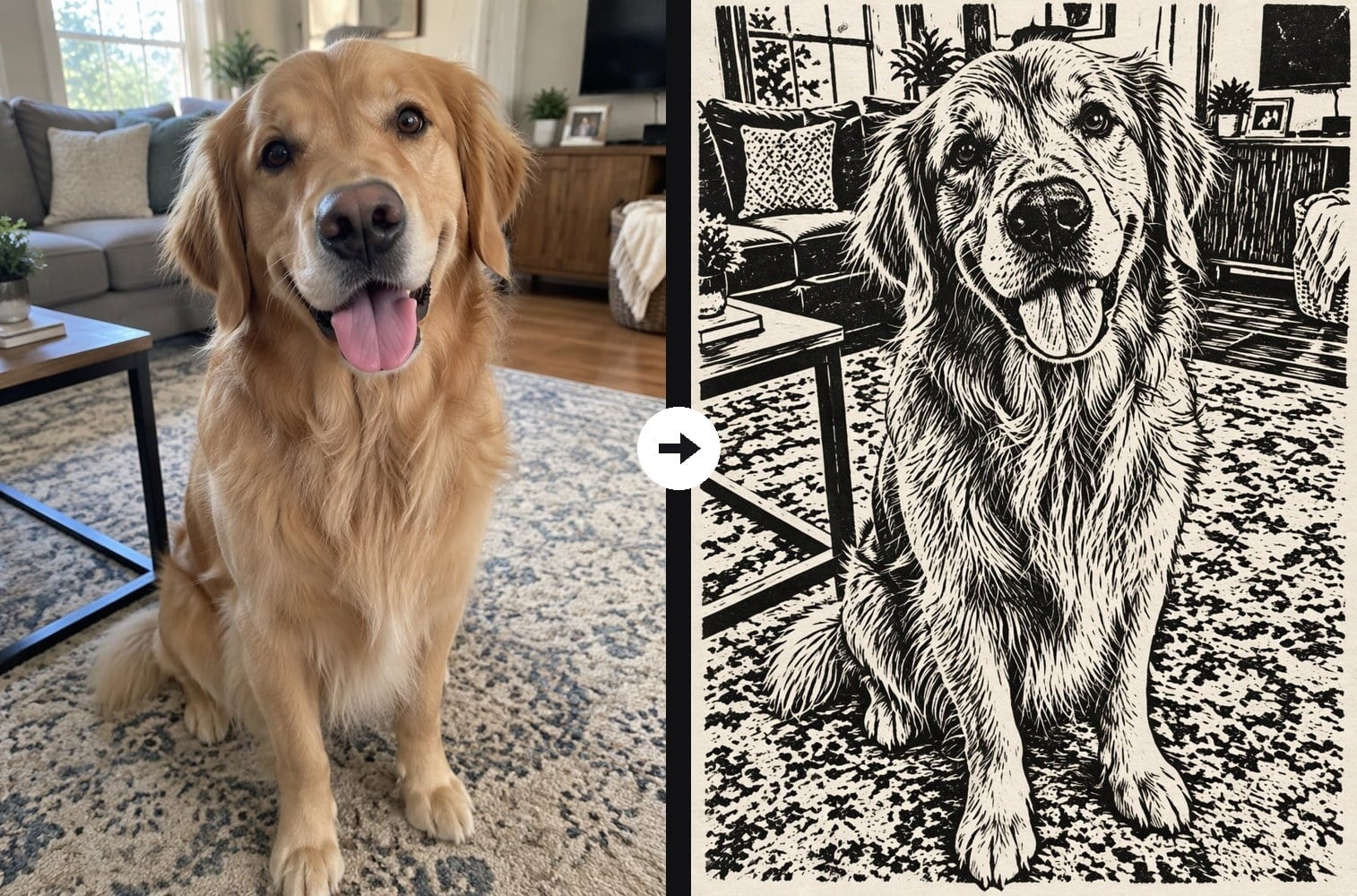
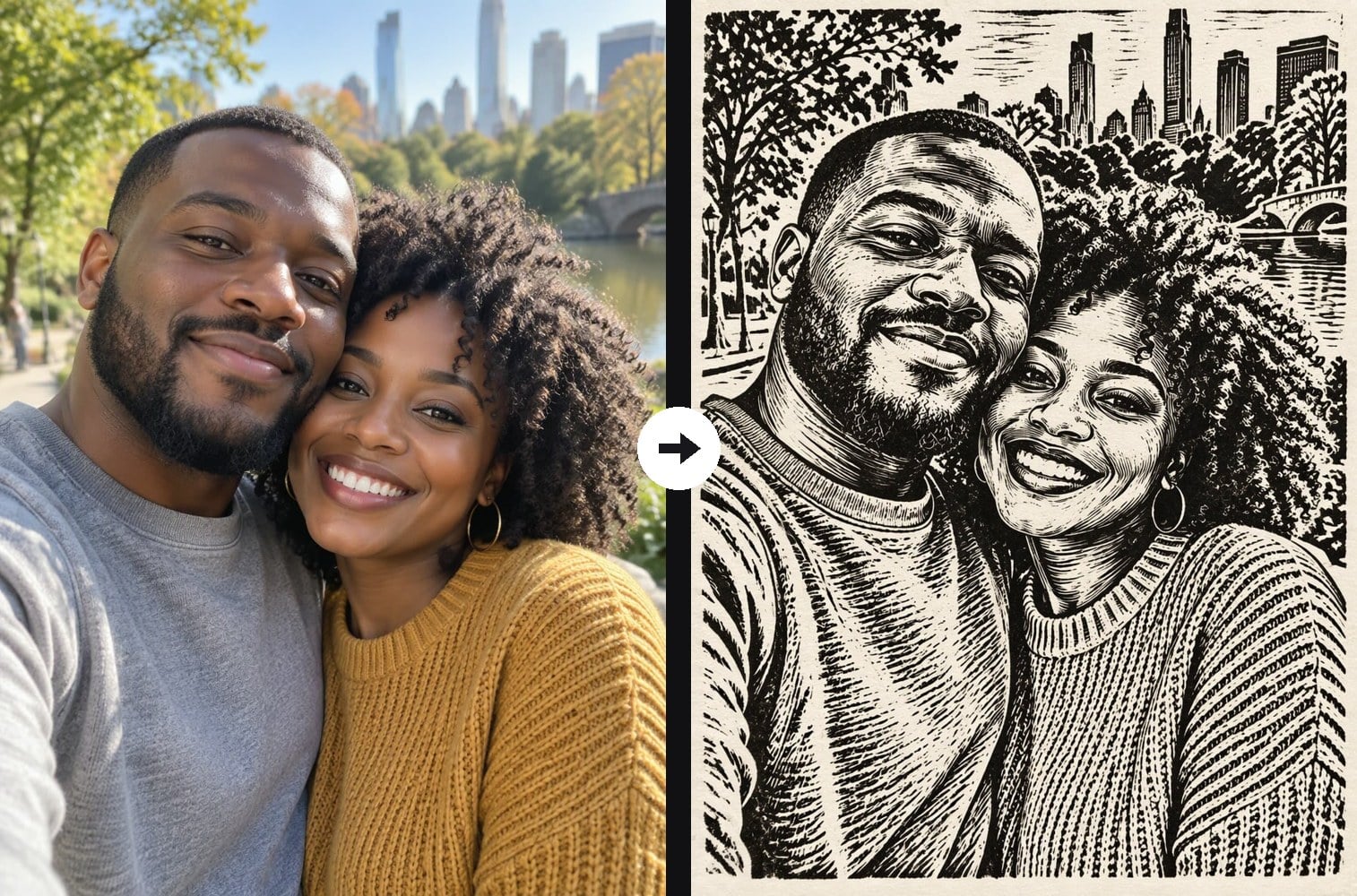
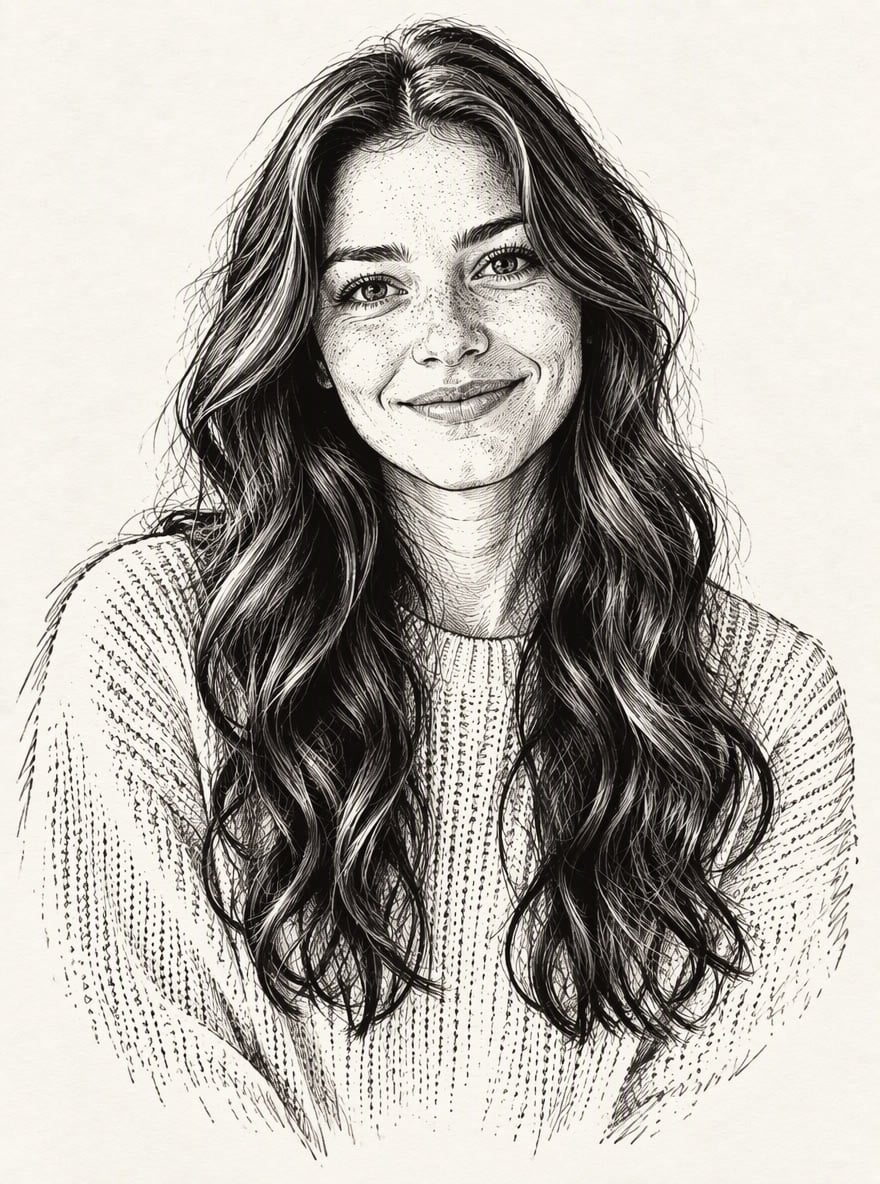
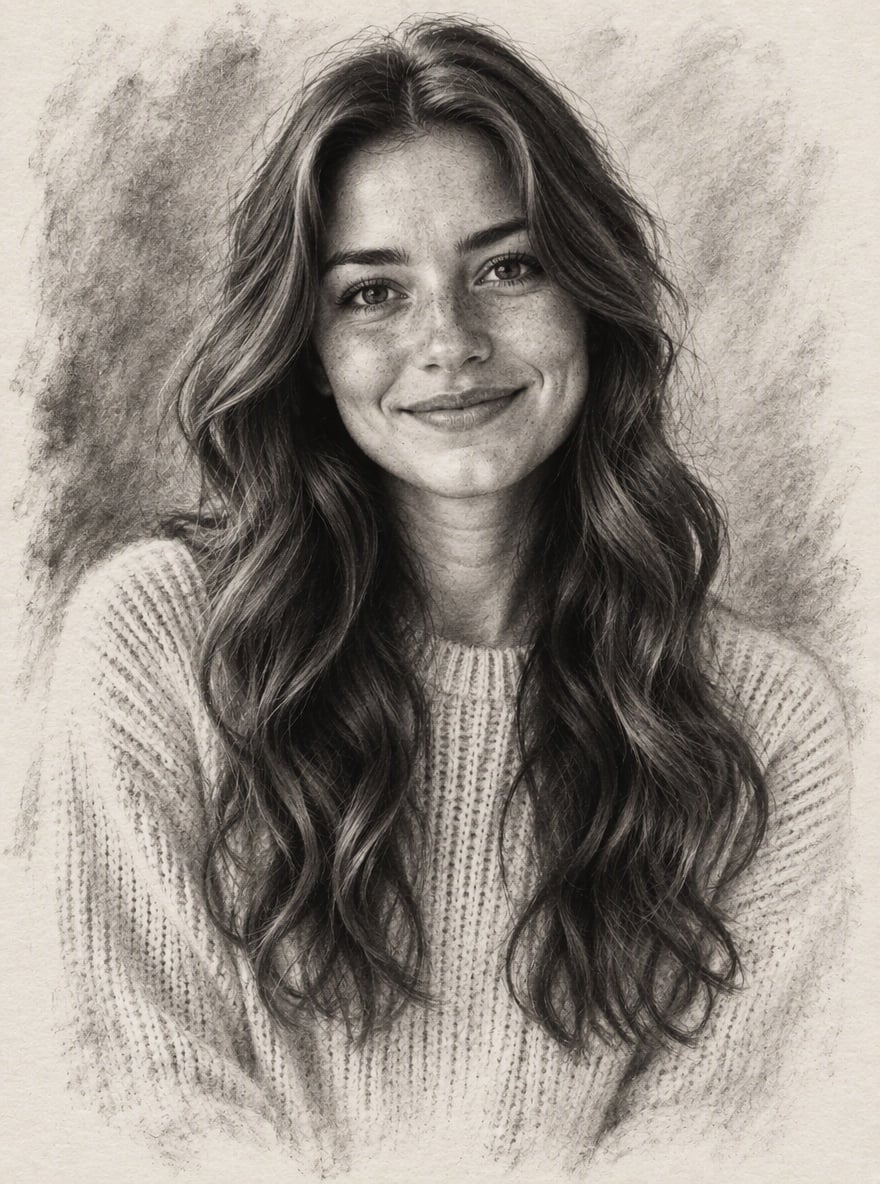
Upload a photo and the AI linocut generator redraws it as a traditional relief print, the kind made by carving a linoleum block and pressing it onto paper. You get bold black ink, shapes cut out by gouge marks, parallel carved lines that follow the face and clothes to show shading, solid black areas, slightly rough edges, uneven ink and paper texture showing through. Faces, expressions, pets and backgrounds stay recognizable. Unlike a pen and ink drawing, there are no fine sketch lines or gray tones: just carved black and white, like a real print. The console below runs on GPT Image 2.5.

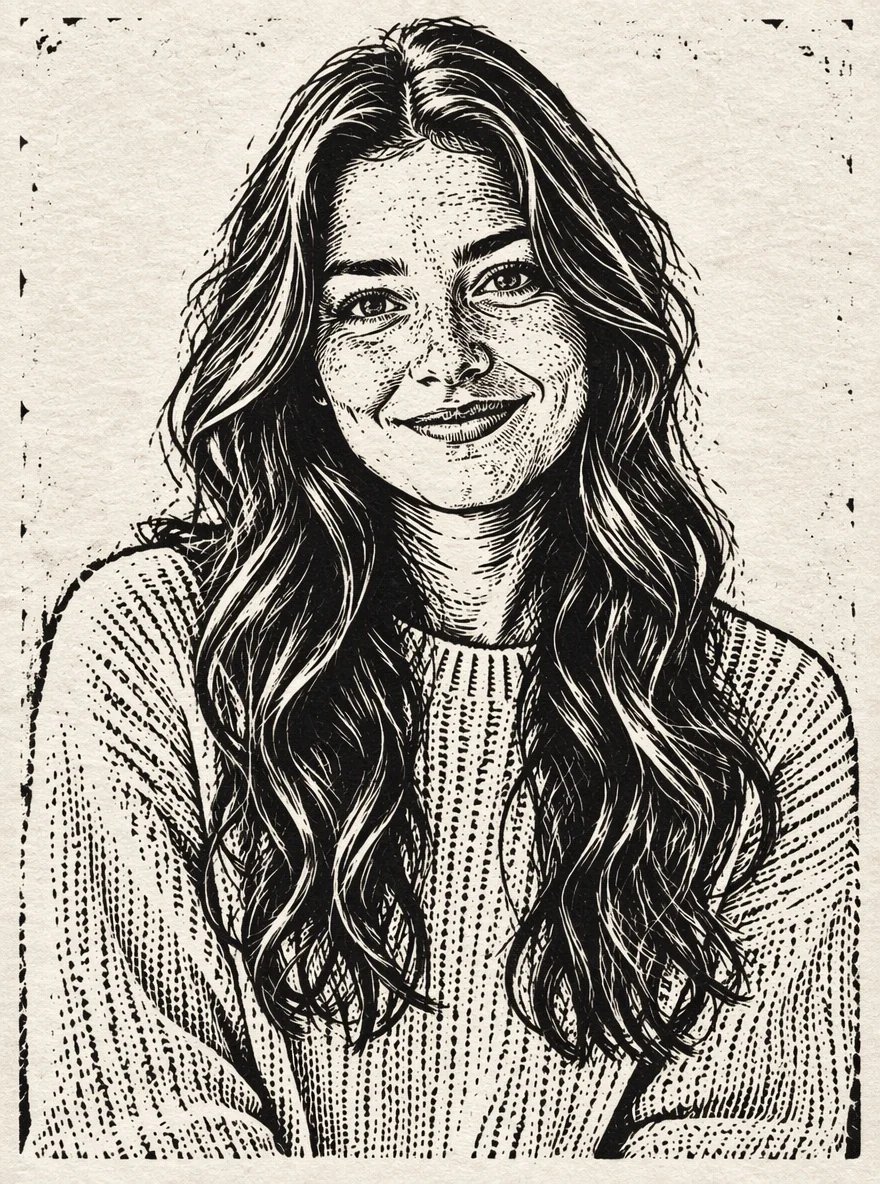
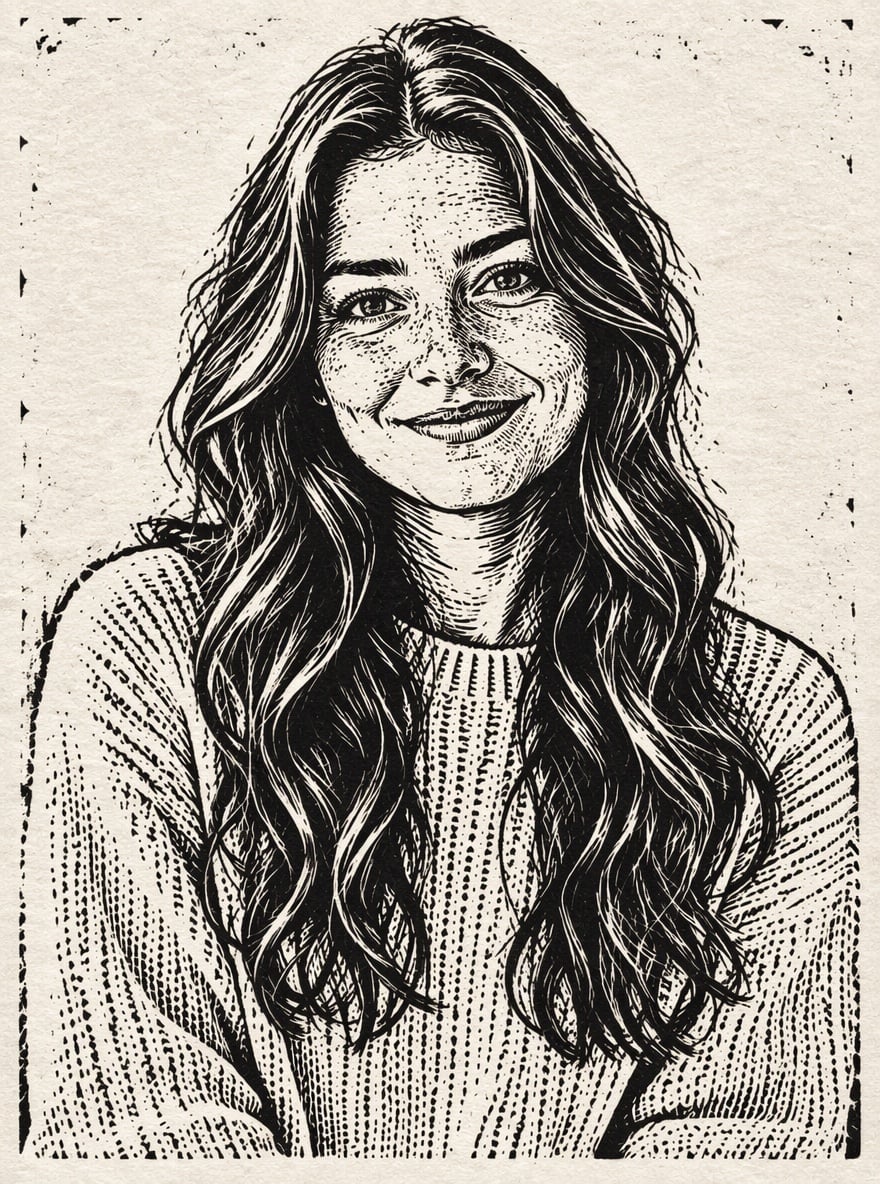
Linocut Portrait
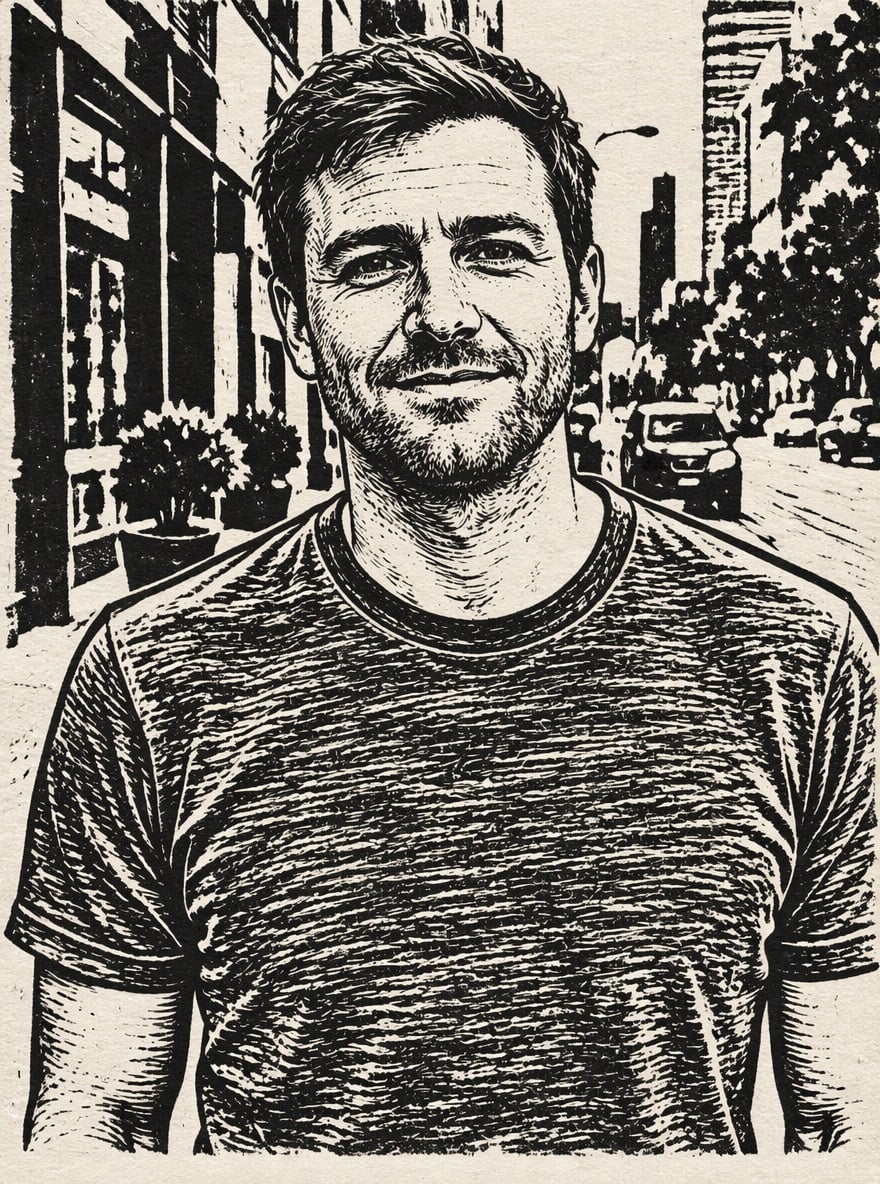
City Street Print
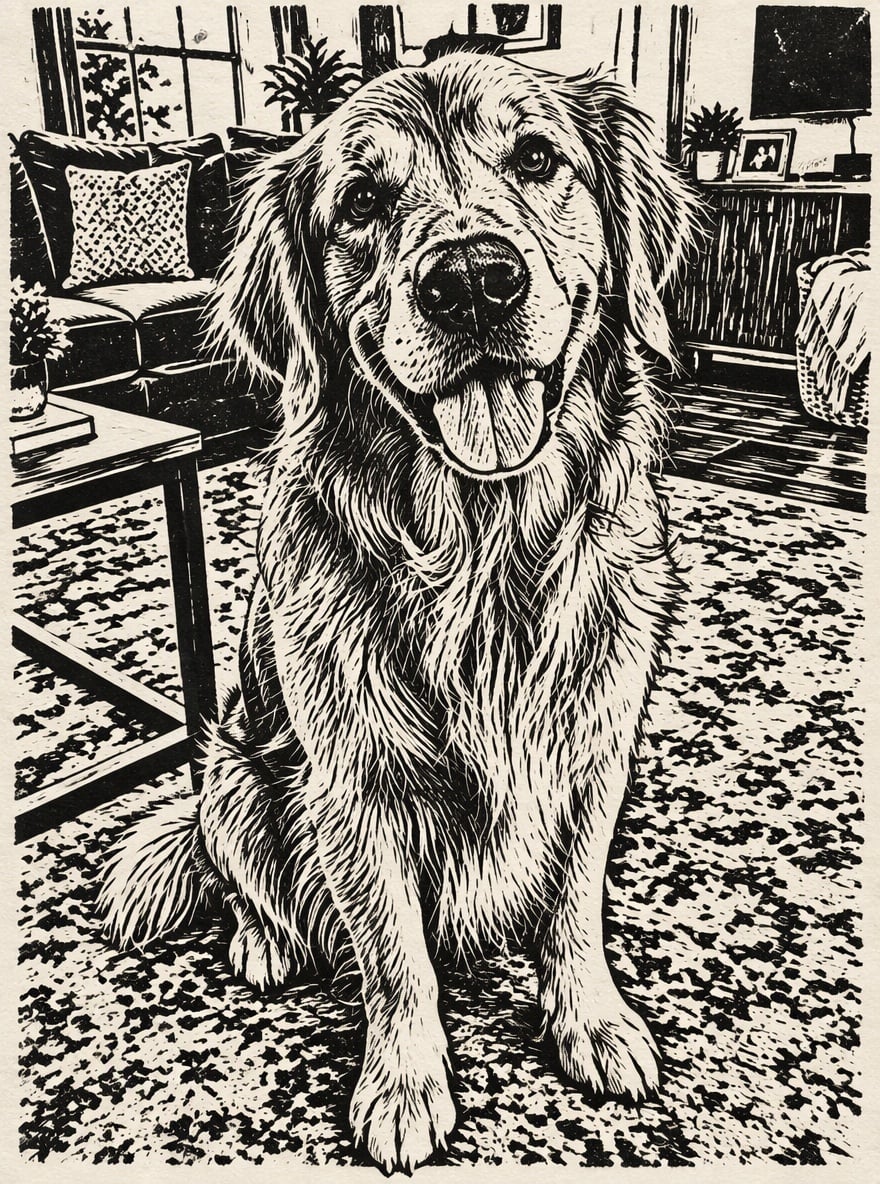
Golden Retriever Linocut
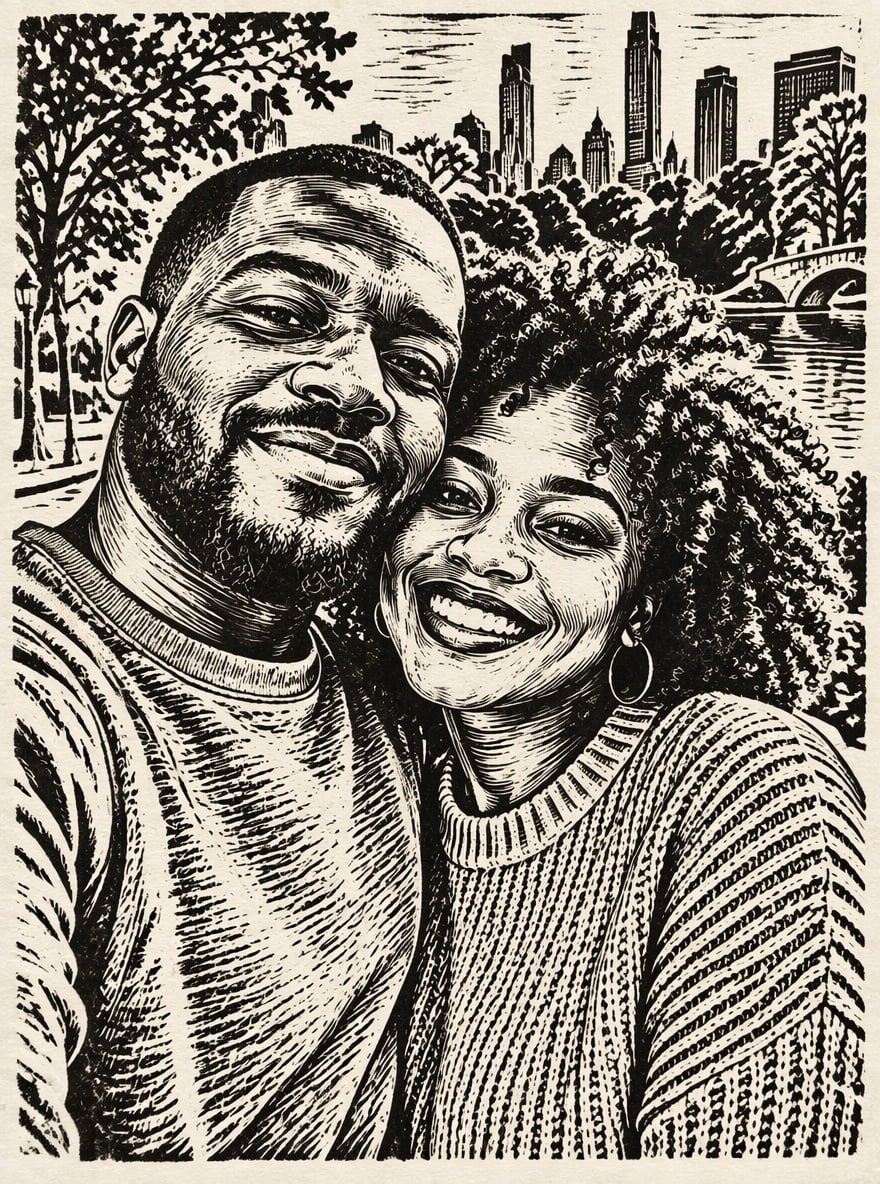
Couple in Linocut
Upload files
Upload a photo to turn into a linocut print
Effect prompt
By uploading a file, you agree to GoEnhance's Terms of Use and Privacy Policy
Linocut Prints from the Console
Each print is one upload with the prompt above. Likeness, pose and background come from the original photo.
Linocut Portrait
City Street Print
Golden Retriever Linocut
Couple in Linocut
How to Turn a Photo into a Linocut
01
Upload a photo
Portraits, pets, couples and street scenes all work. Photos with clear shapes and good contrast carve best.
02
Generate
The linocut prompt is already filled in. Press the button and the AI carves your photo into a print.
03
Download, print or share
Use it for posters, tote bags, T-shirts, cards, tattoo ideas or as a reference for your own carving.
Why Use This Linocut Generator
More Drawing and Print Effects
Linocut Generator FAQ
What is a linocut?
How is it different from a pen and ink drawing?
Will my portrait still look like me?
Can I use the result as a carving template?
Can I add color?
Does it work on pet photos?
Ready to Carve Your Photo?
Upload a photo and get a linocut print in under a minute.
Make Linocut Print