Charcoal Drawing Filter: Photo to Charcoal Sketch in One Click

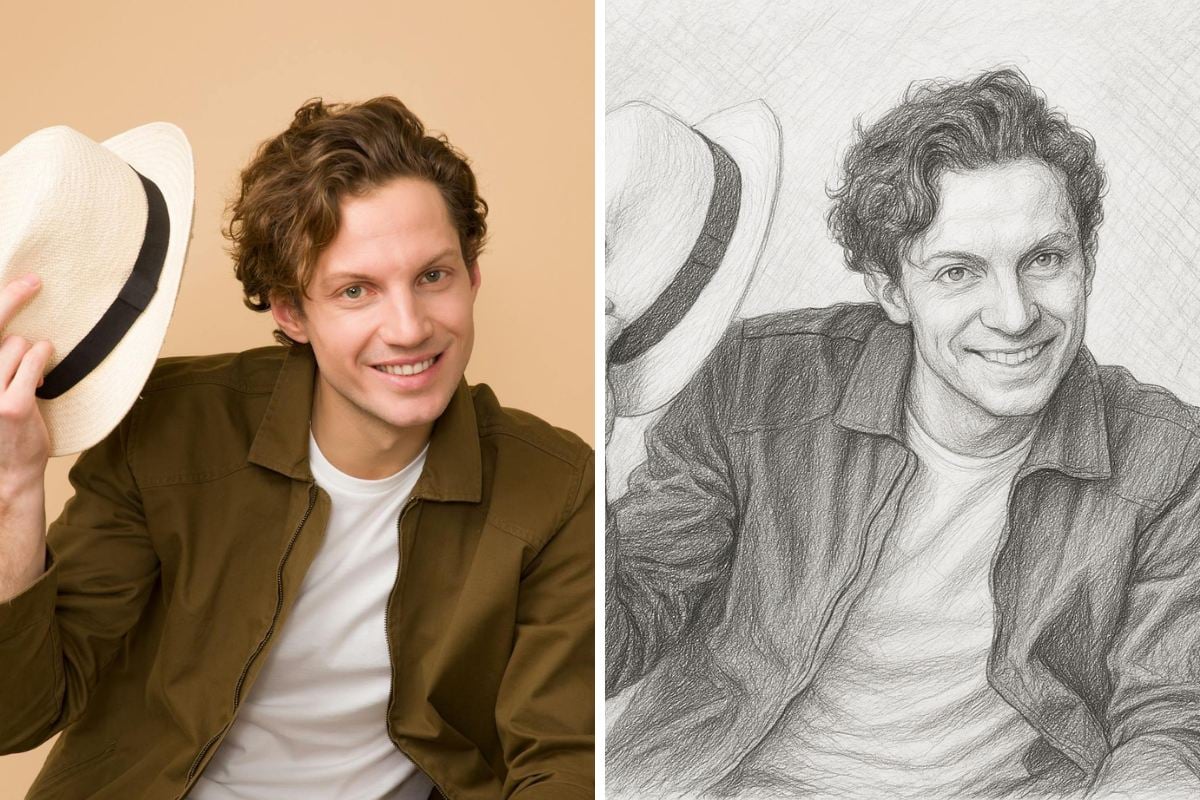
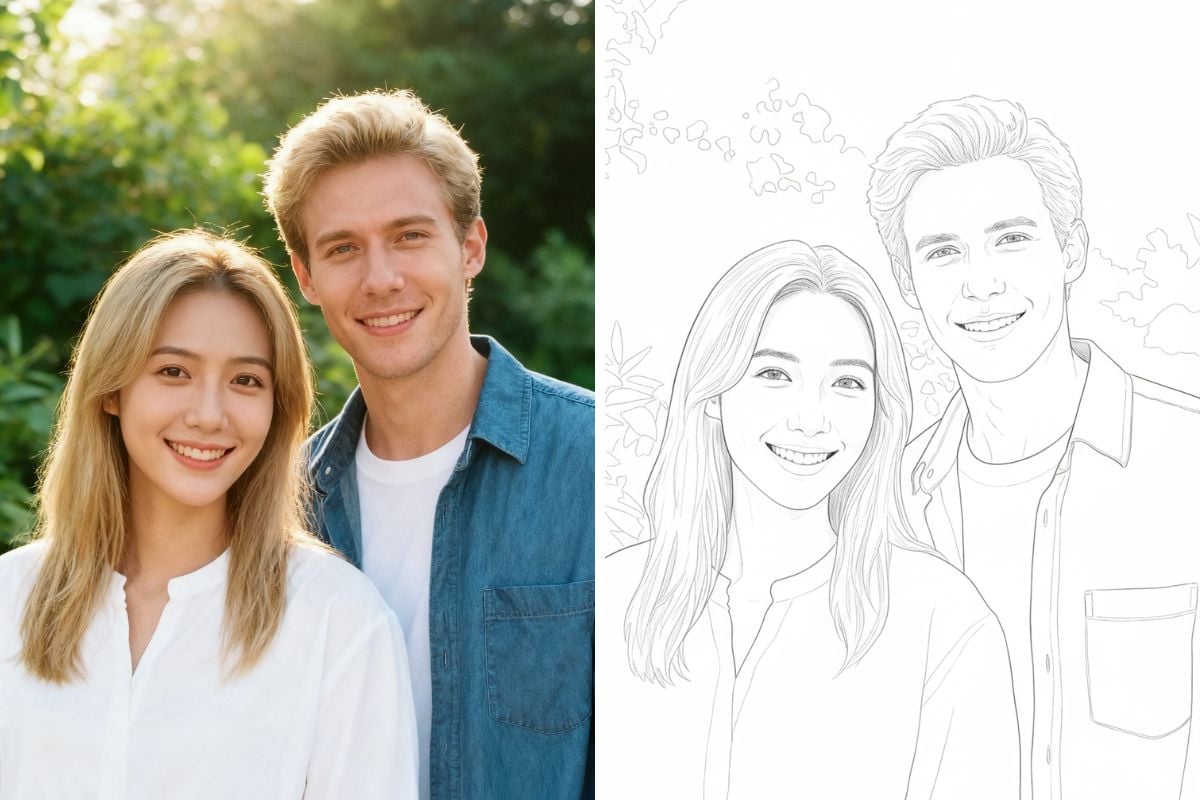
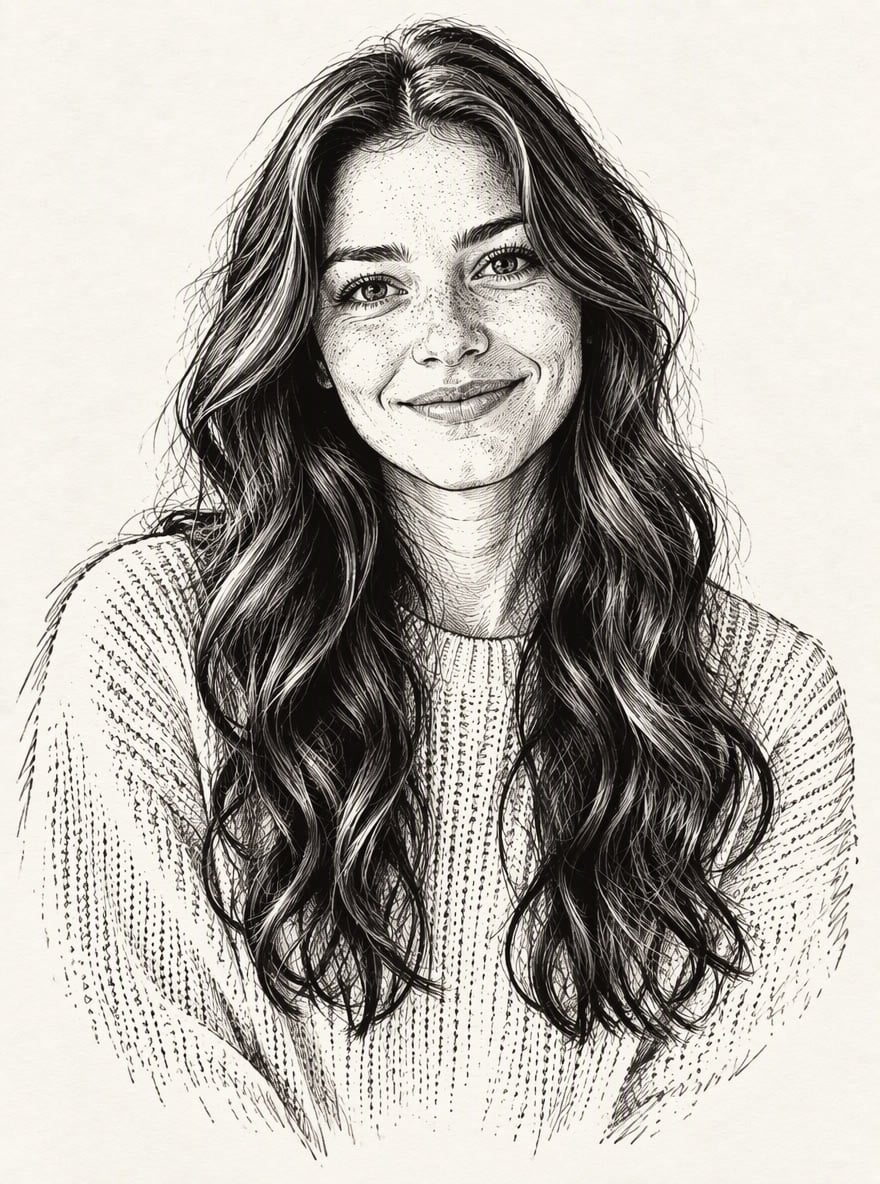
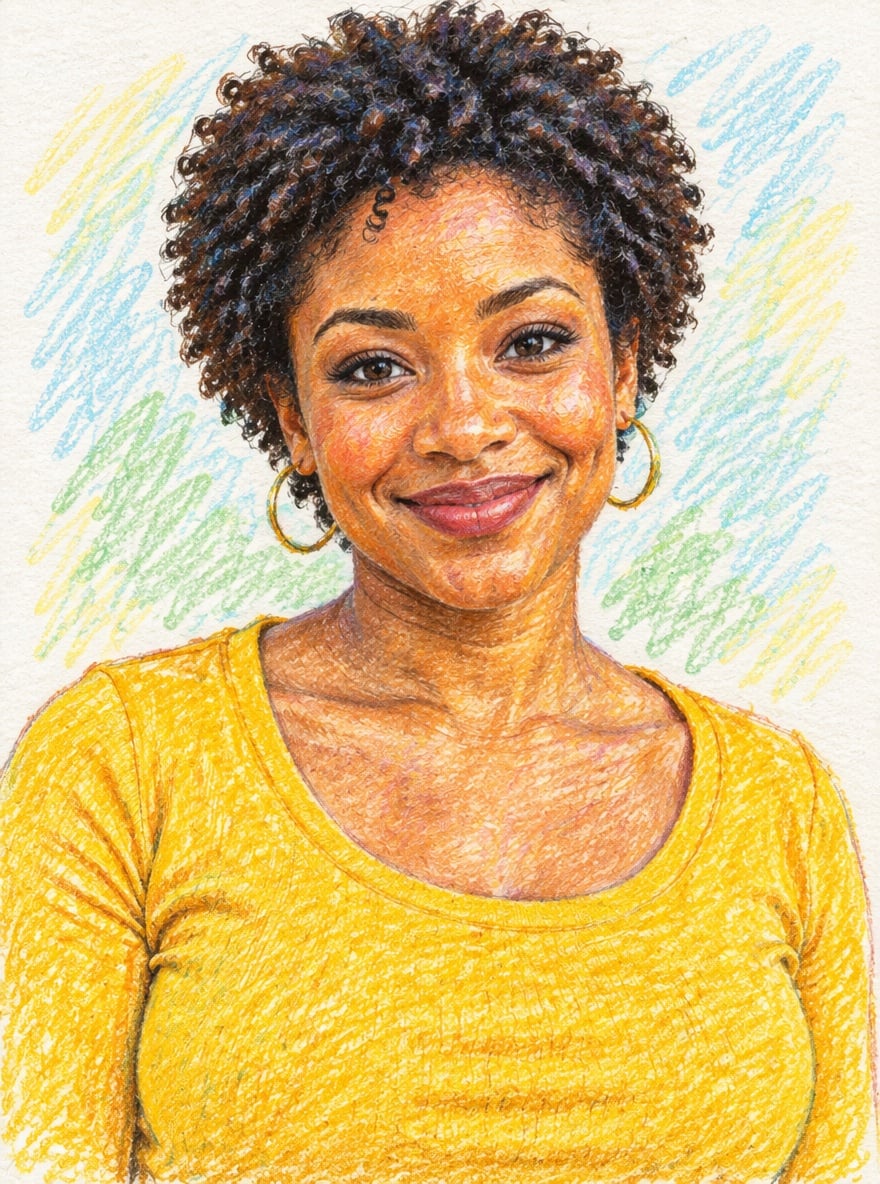
Upload a photo and the AI redraws it as a fine-art charcoal drawing on textured paper. You get rich velvety blacks in the shadows, soft smudged midtones, highlights lifted out with an eraser and loose strokes that fade into the bare paper at the edges. Faces, expressions, hair, clothes and background details are kept, so a portrait still looks like the person. It is different from a pencil sketch: charcoal is darker, softer and more tonal, with smudges instead of fine lines. Couples, groups and pets all work. The console below runs on GPT Image 2.5.
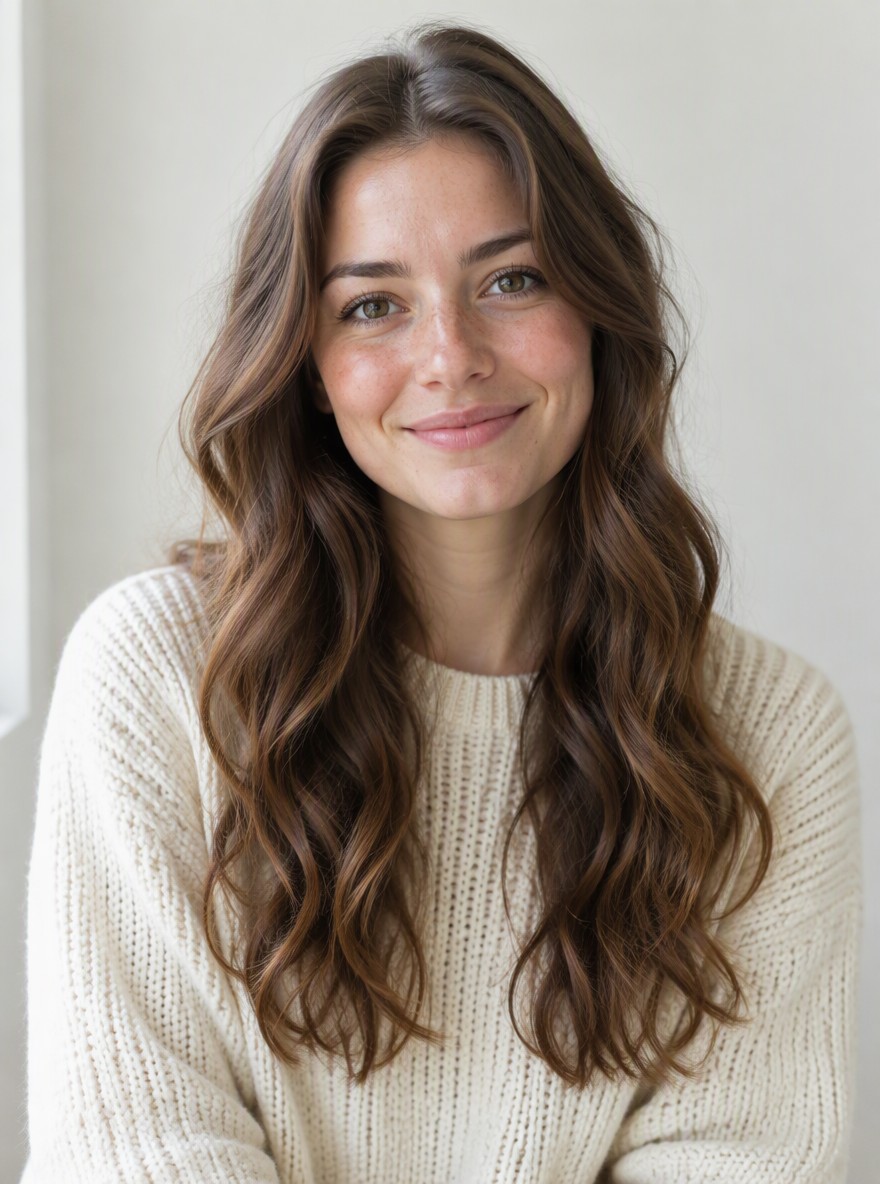
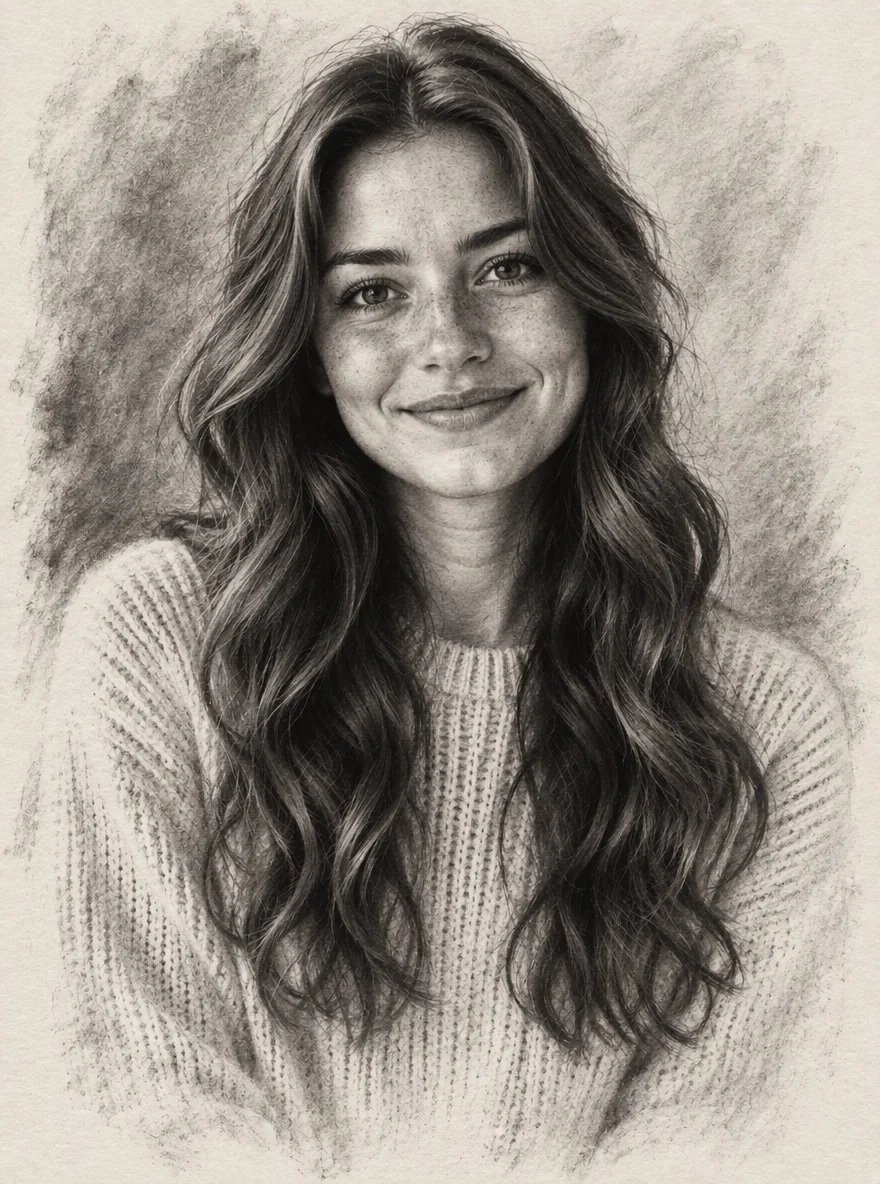
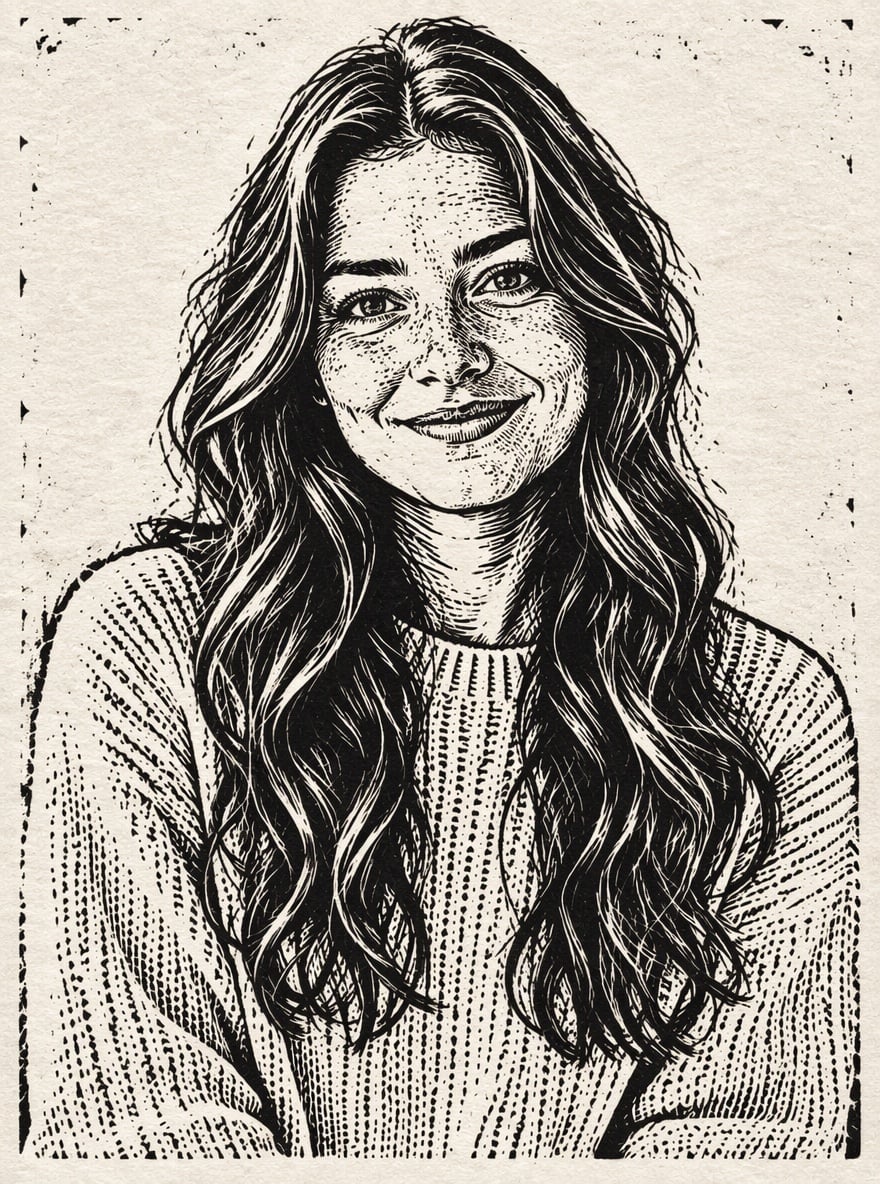
Charcoal Portrait
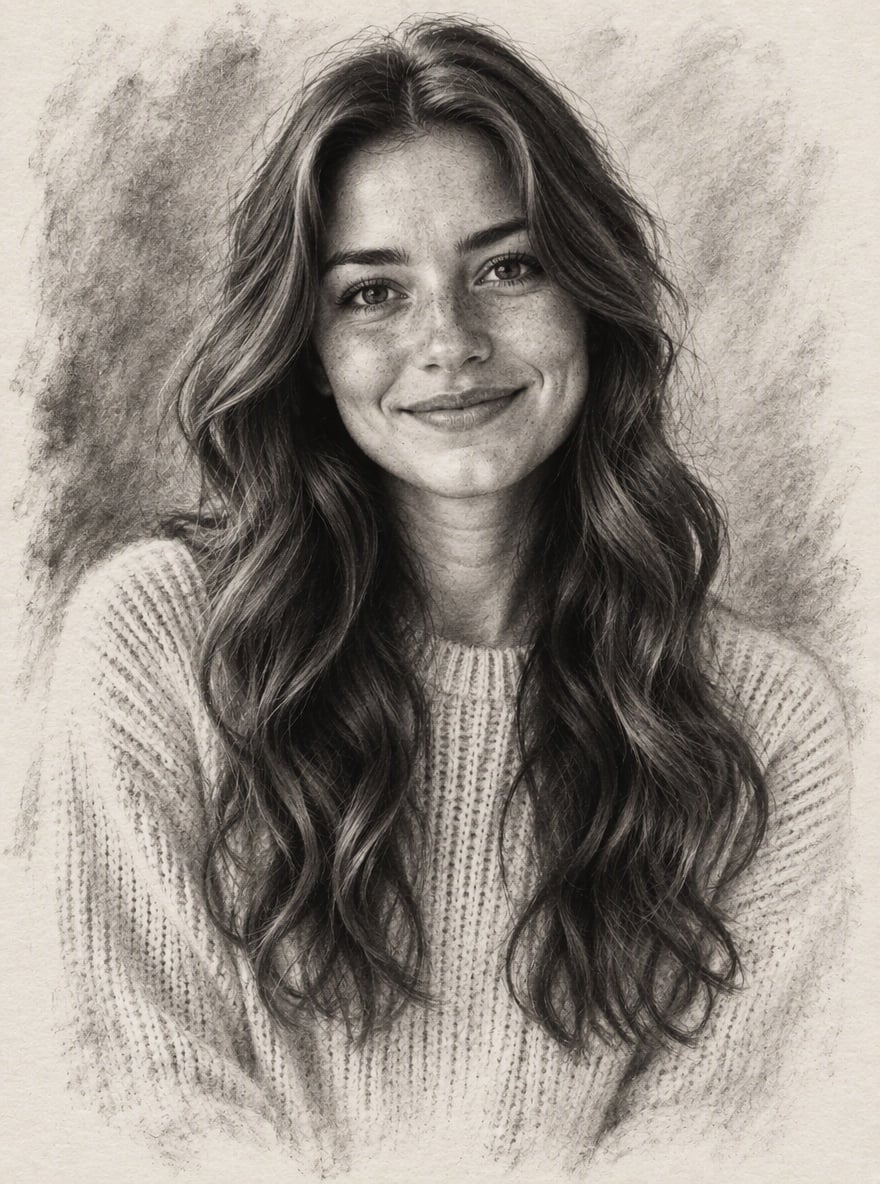
Charcoal Portrait
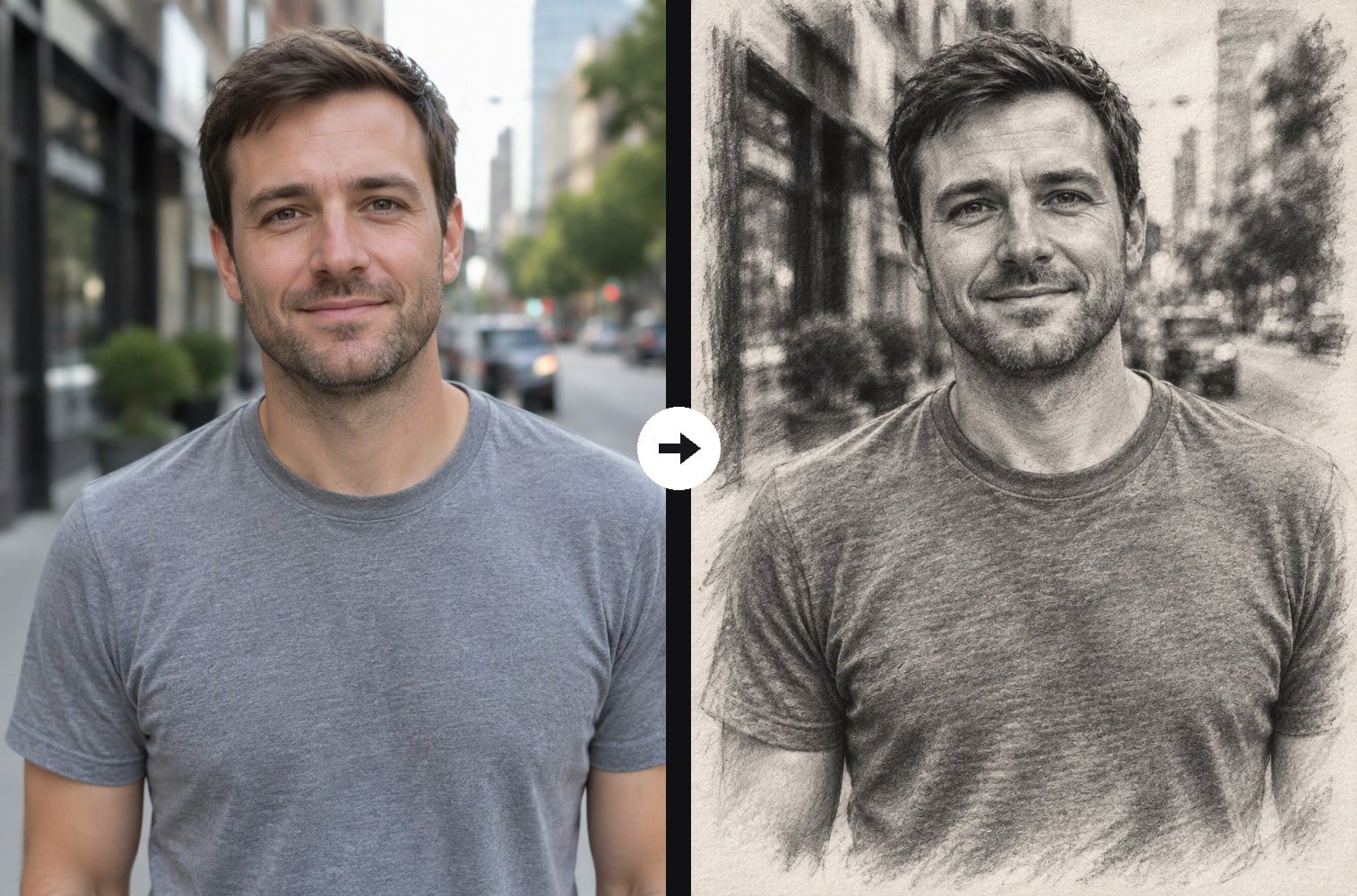
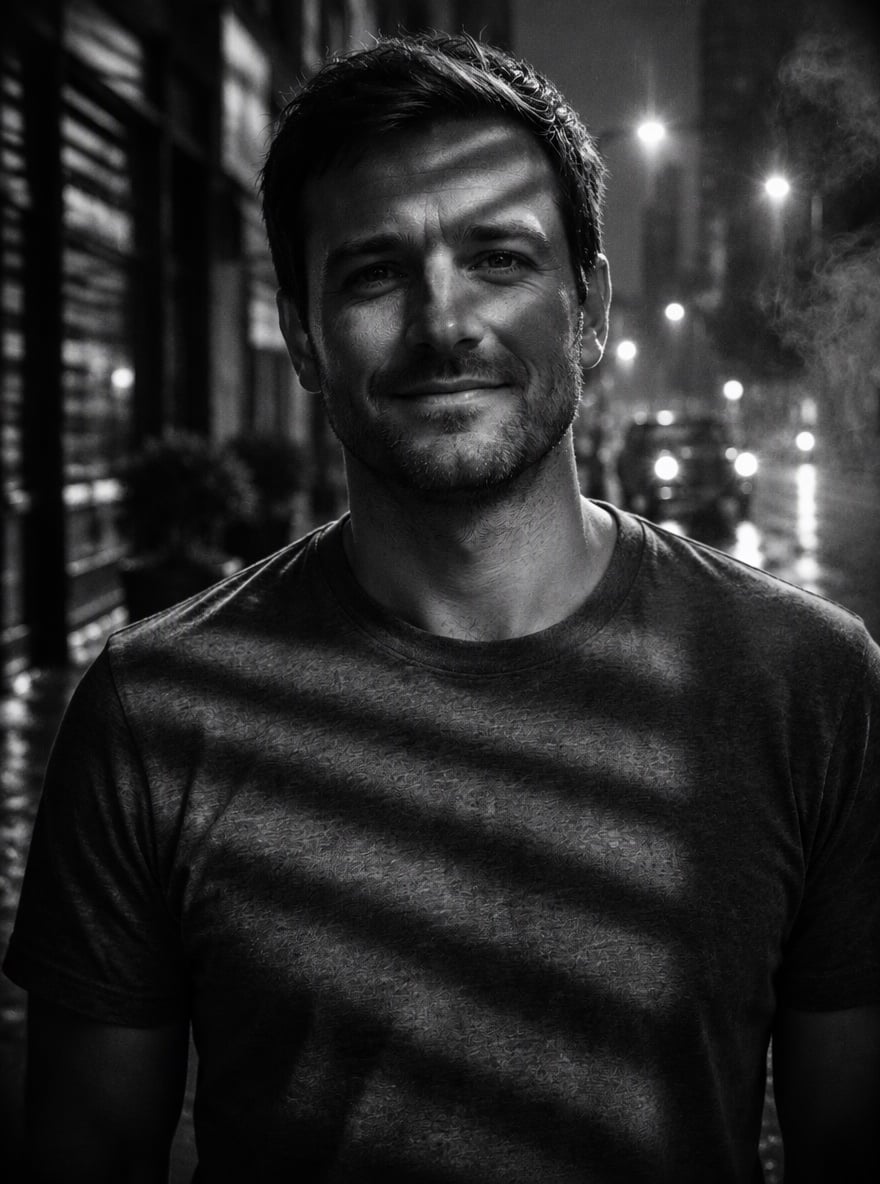
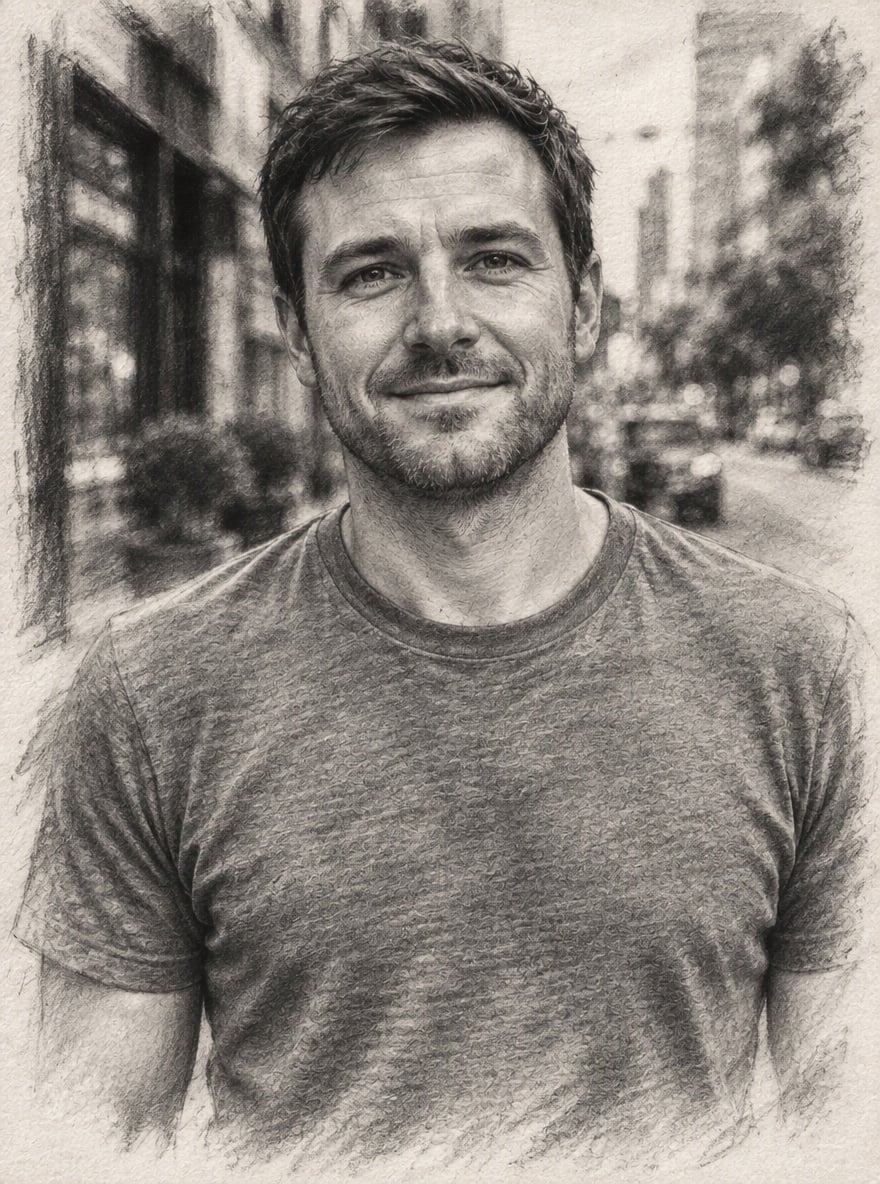
City Street Study
City Street Study
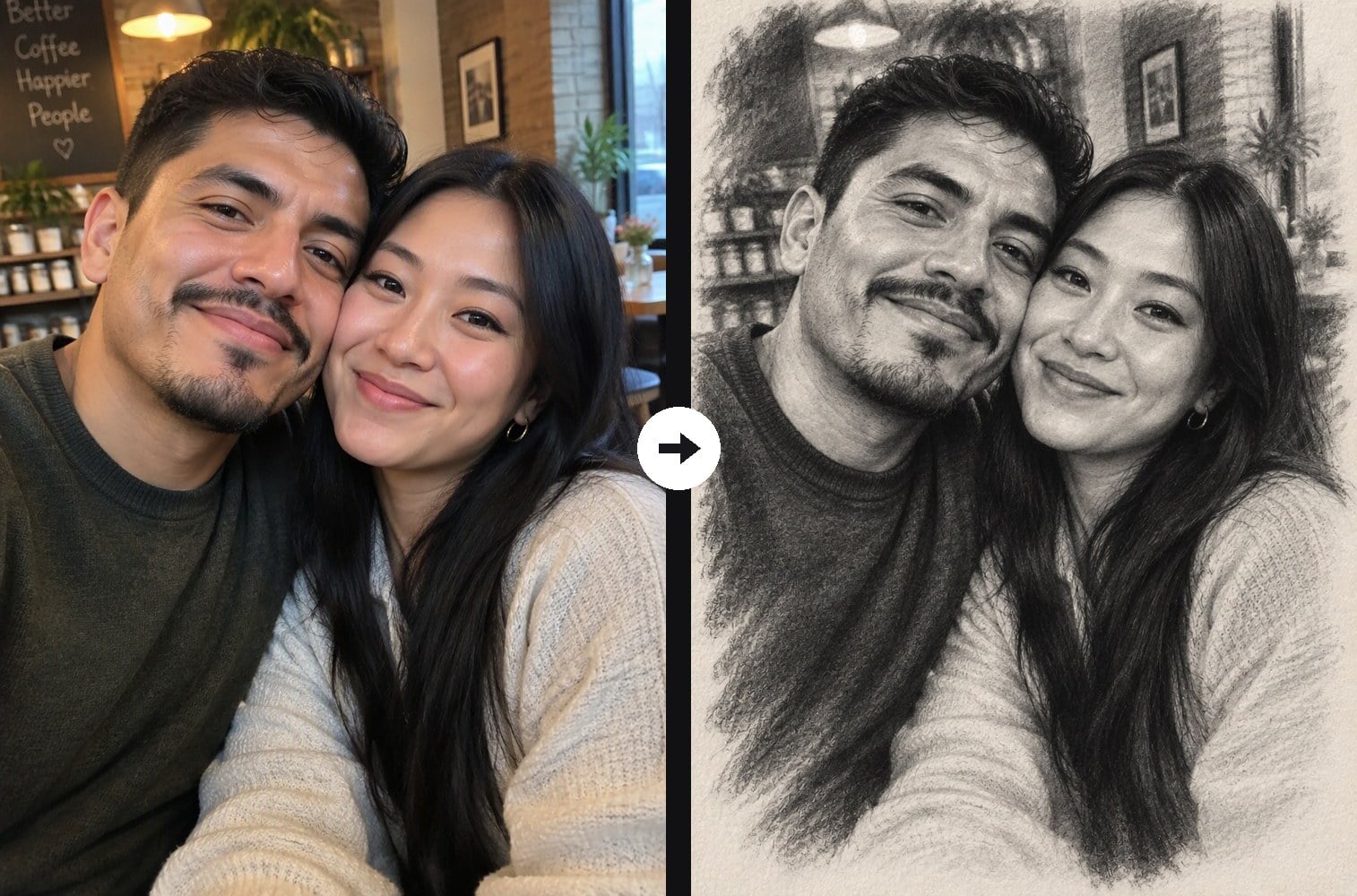
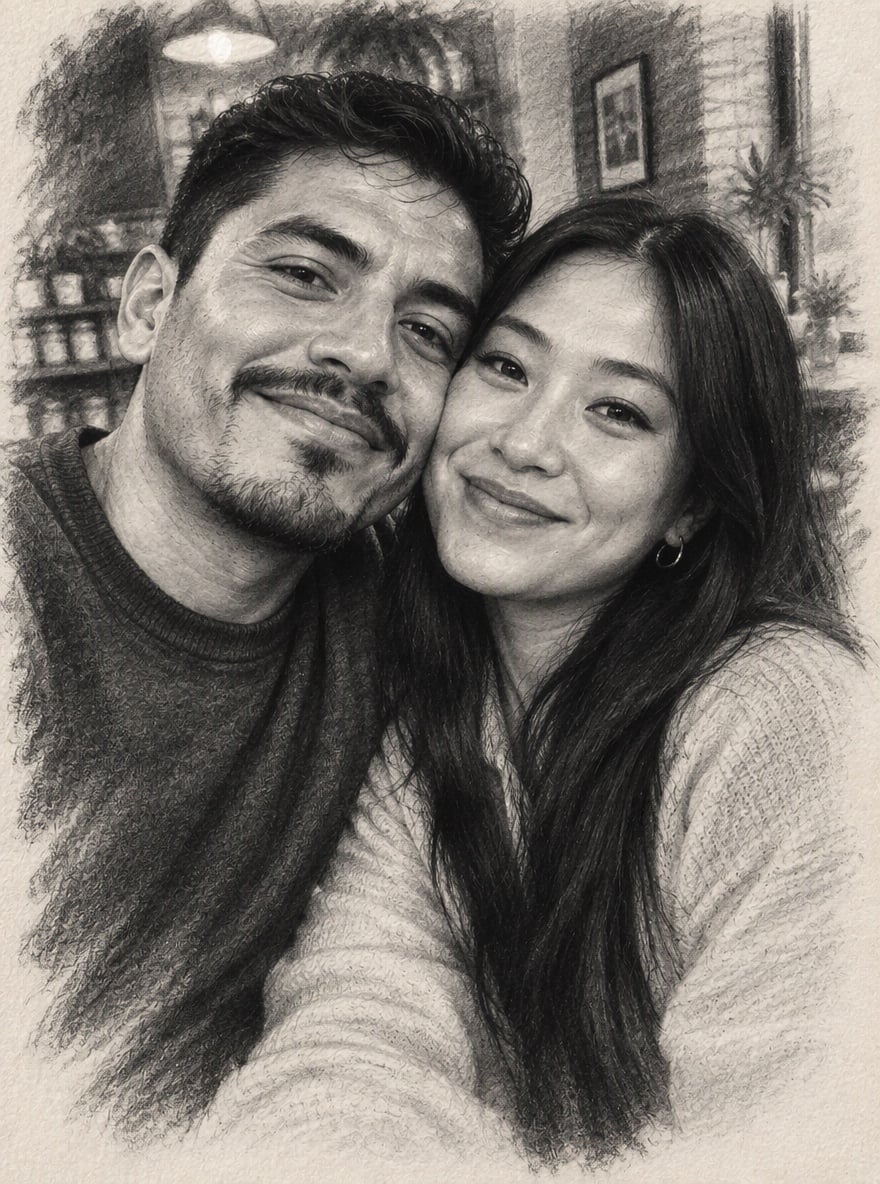
Couple Sketch
Couple Sketch
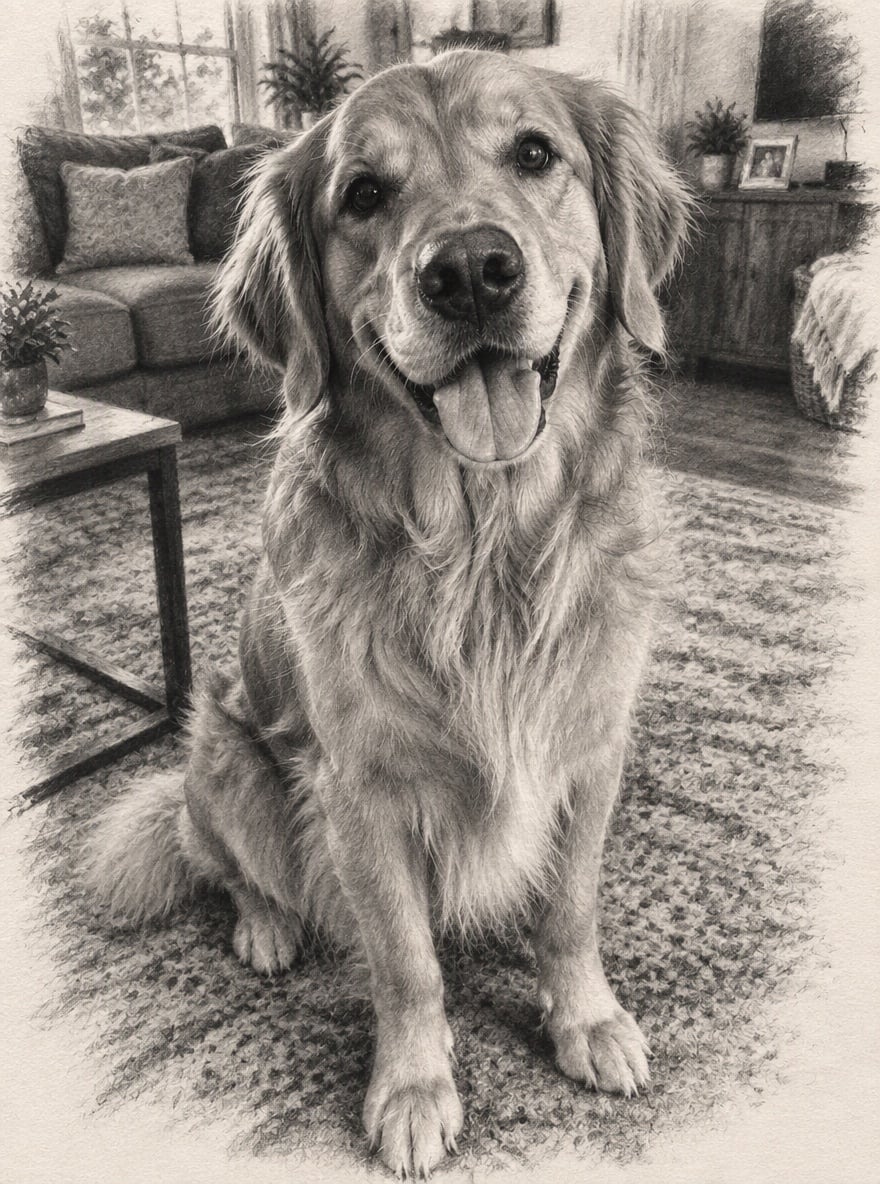
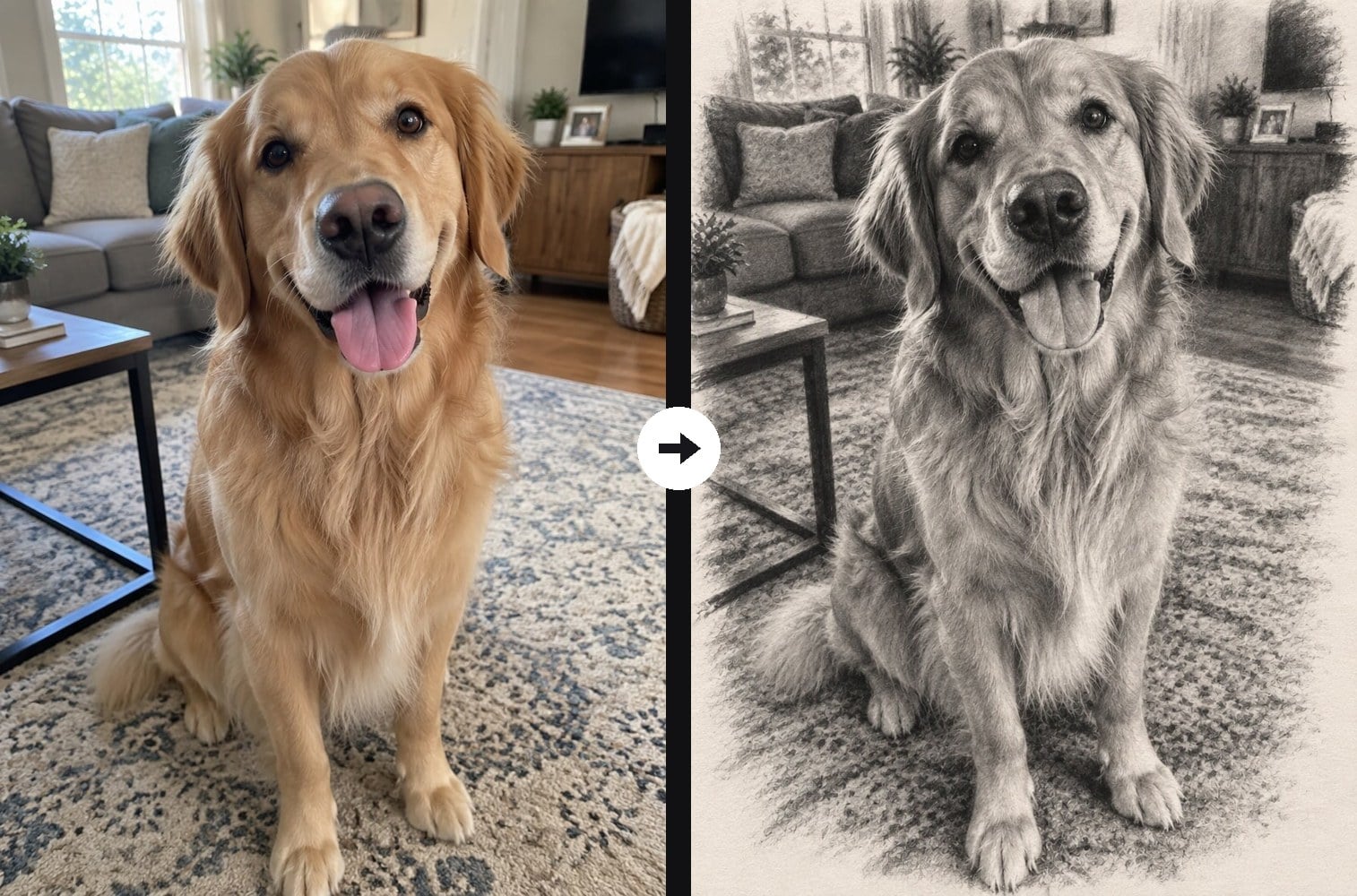
Golden Retriever in Charcoal
Upload a photo to turn into a charcoal drawing
Effect prompt
By uploading a file, you agree to GoEnhance's Terms of Use and Privacy Policy

Charcoal Drawings from the Console

Each drawing is one upload with the prompt above. Likeness, pose and background come from the original photo.
Charcoal Portrait - Charcoal Drawing Filter

Charcoal Portrait

City Street Study - Charcoal Drawing Filter

City Street Study

Couple Sketch - Charcoal Drawing Filter

Couple Sketch

How to Turn a Photo into a Charcoal Drawing

01

Upload a photo

Portraits, couple photos, pets and street scenes all work. Good lighting gives the best shading.

02

Generate

The charcoal prompt is already filled in. Press the button and the AI draws it on textured paper.

03

Download, print or share

Use it as wall art, a gift, a memorial portrait of a pet or a striking profile picture.

Why Use This Charcoal Drawing Filter
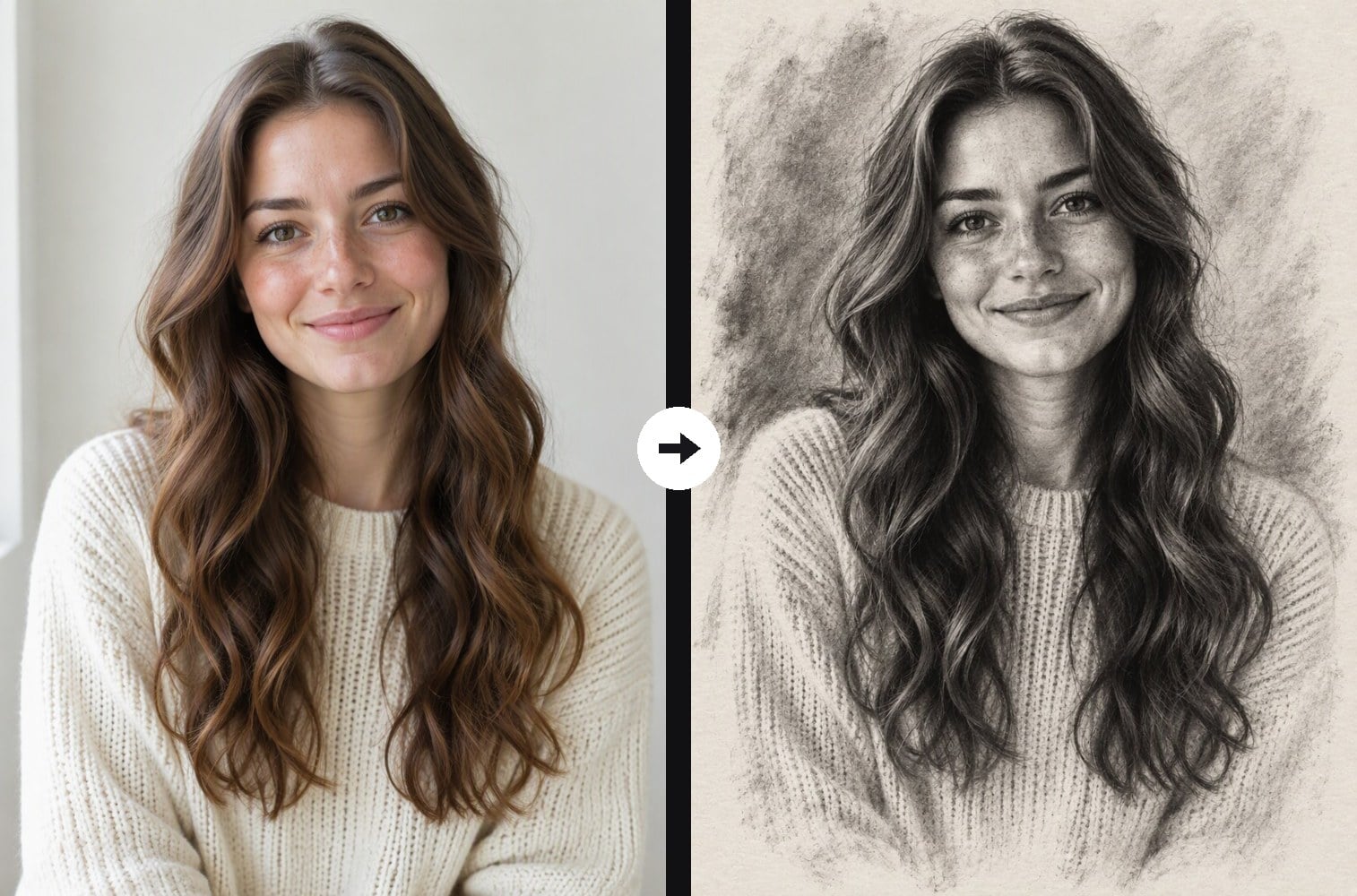
Real charcoal texture

Velvety blacks, smudged blending, eraser highlights and paper grain look hand-made, not like a filter. The image stays strictly black, gray and paper white, and loose expressive strokes fade out into bare off-white paper at the edges, like a fine-art portrait study.

Real charcoal texture - Charcoal Drawing Filter

Keeps the likeness

Face shape, features and expression come from your photo, so the drawing still looks like you. Hairstyle, clothing and pose are kept too, which makes it a thoughtful gift portrait or a striking profile picture.

Keeps the likeness - Charcoal Drawing Filter

People and pets

Works on selfies, couples, groups and animals, with fur and hair rendered in soft strokes. The number of people or pets stays the same as in your photo, and street scenes can be redrawn as charcoal studies as well.

People and pets - Charcoal Drawing Filter

Free to try

New accounts get free credits, so your first charcoal drawing costs nothing. Photos with clear light and shadow give the richest contrast, since the darkest areas turn into deep, velvety charcoal blacks.

Free to try - Charcoal Drawing Filter

Charcoal Drawing Filter FAQ

What does the charcoal drawing filter do?

It turns your photo into a black-and-white charcoal drawing with deep shadows, smudged midtones, eraser-lifted highlights and visible paper texture.

How is charcoal different from a pencil sketch?

Charcoal gives darker blacks, softer blending and broad tonal shading, while pencil is lighter and built from finer lines. For a pencil look, try photo to sketch.

Will the drawing still look like me?

Yes. The prompt keeps your face shape, features, expression, hair and clothes.

Can I use it on pet photos?

Yes. Dogs and cats come out especially well, because charcoal renders fur with soft strokes.

Is the result in color?

No. Charcoal is monochrome: black, gray and the off-white of the paper.

Can I print it?

Yes. Download the image and print it as wall art or a gift. A clear, well-lit original gives the most detail.

Ready to See Your Photo in Charcoal?

Upload a photo and get a charcoal drawing in under a minute.

Make Charcoal Drawing