
Charcoal Drawing Filter: Photo to Charcoal Sketch in One Click
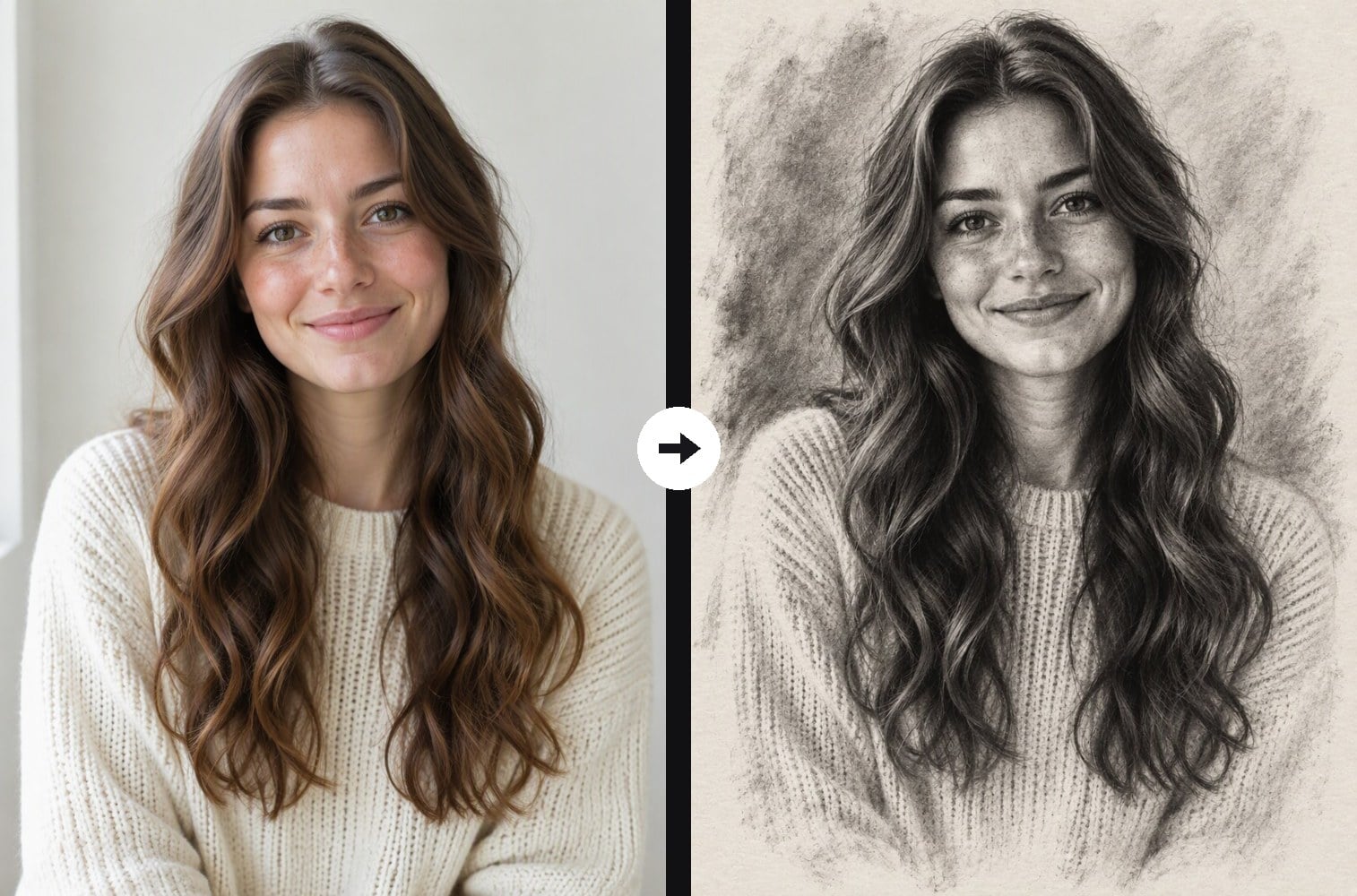
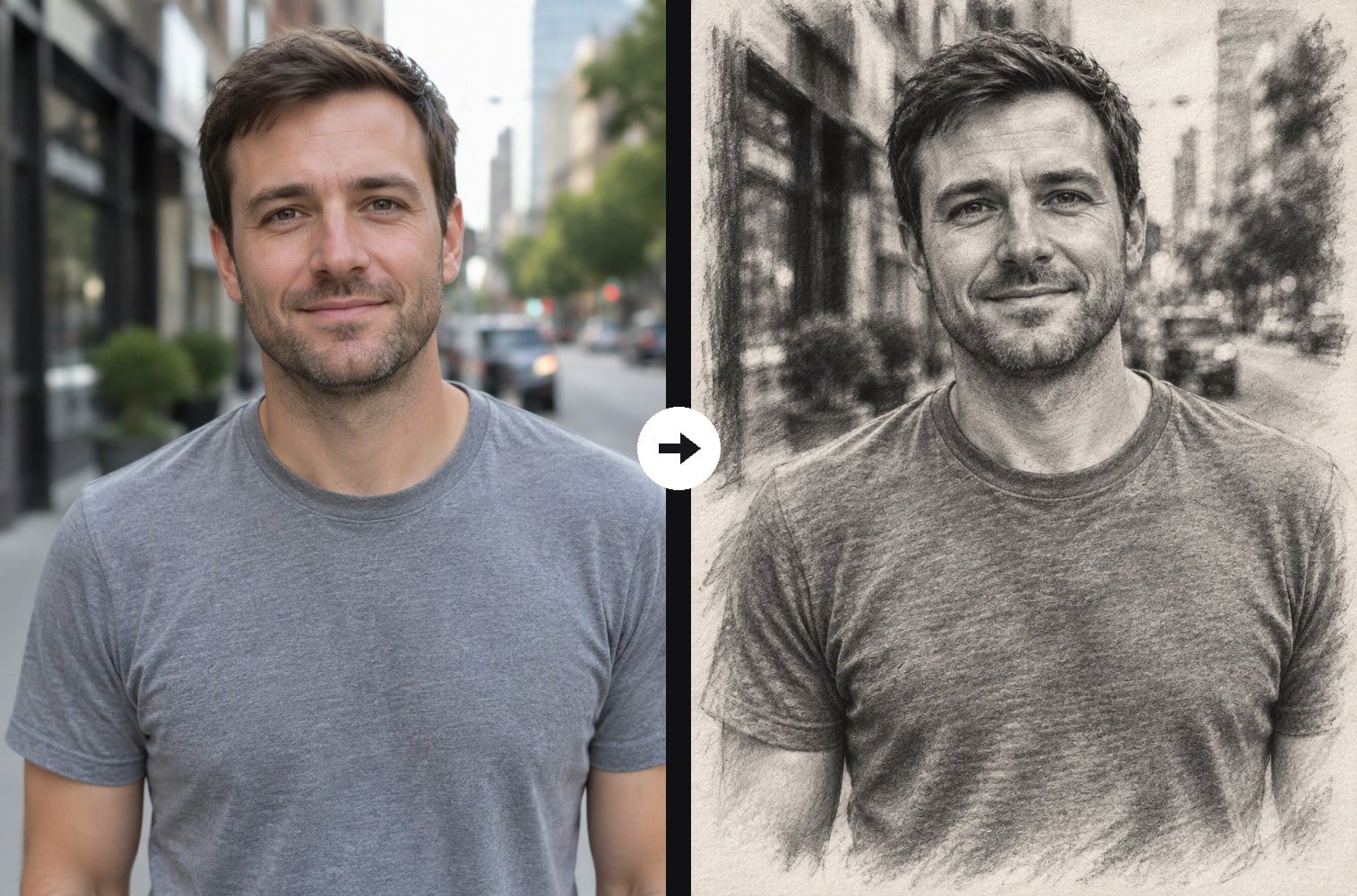
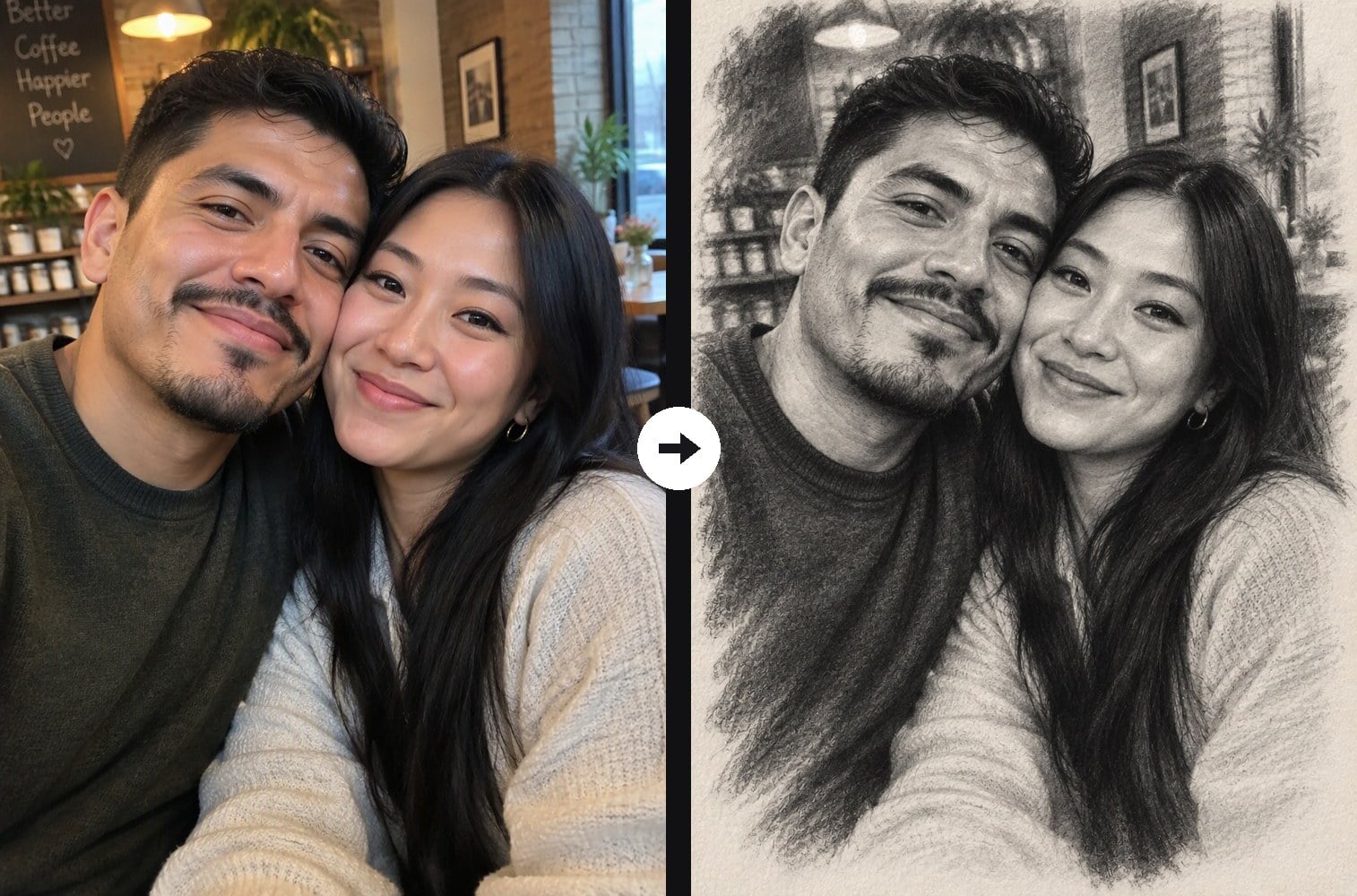
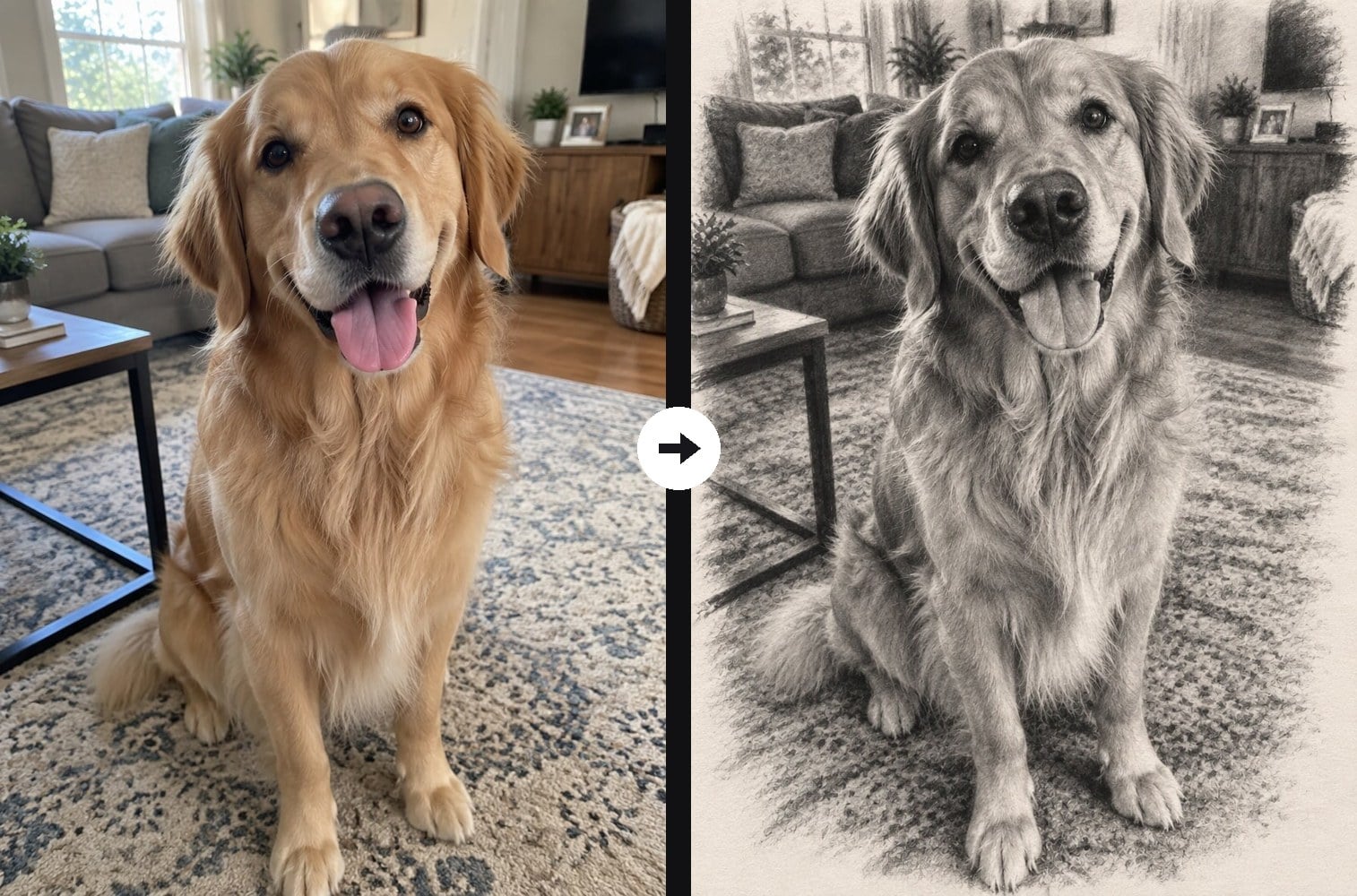
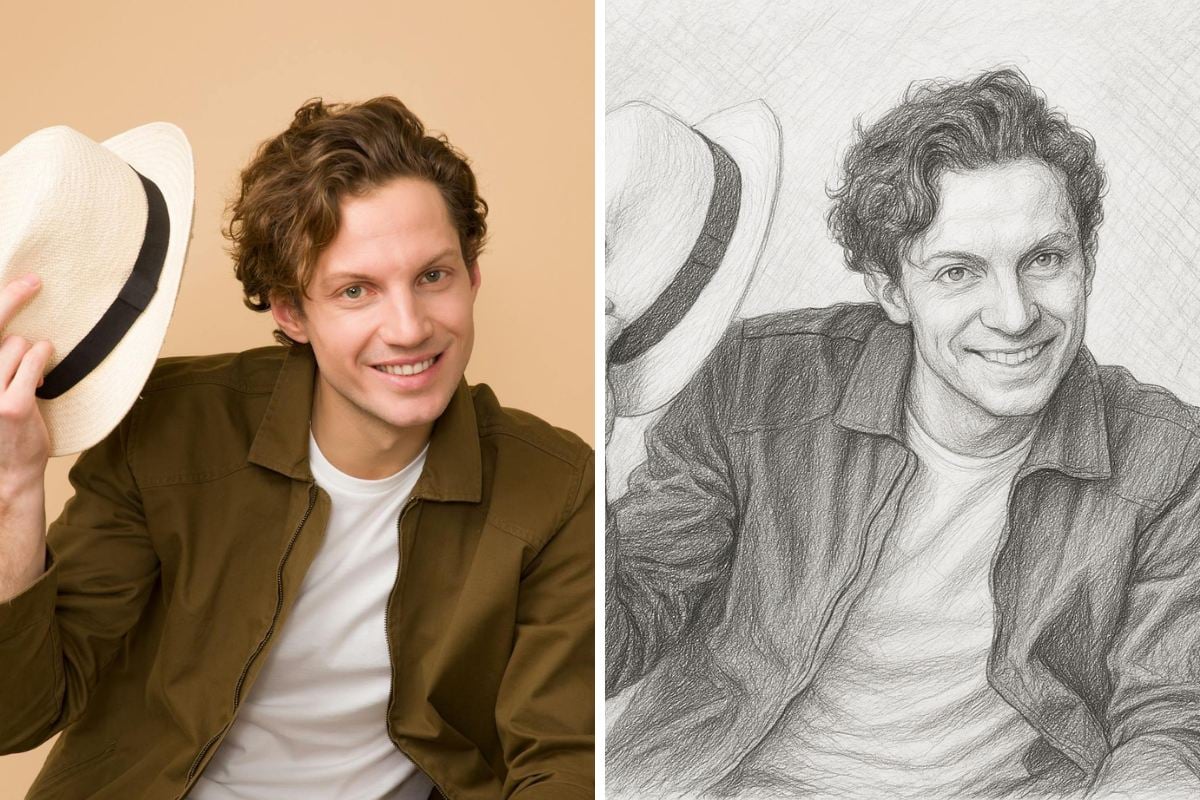
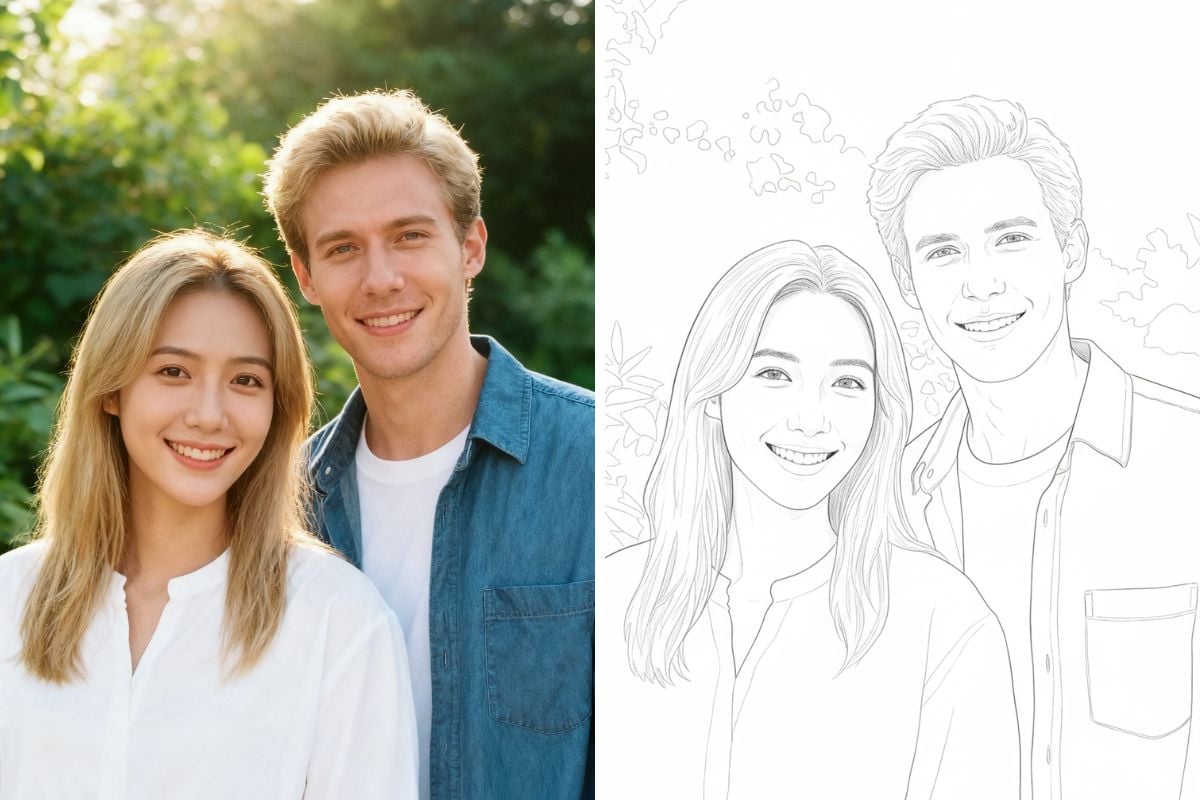
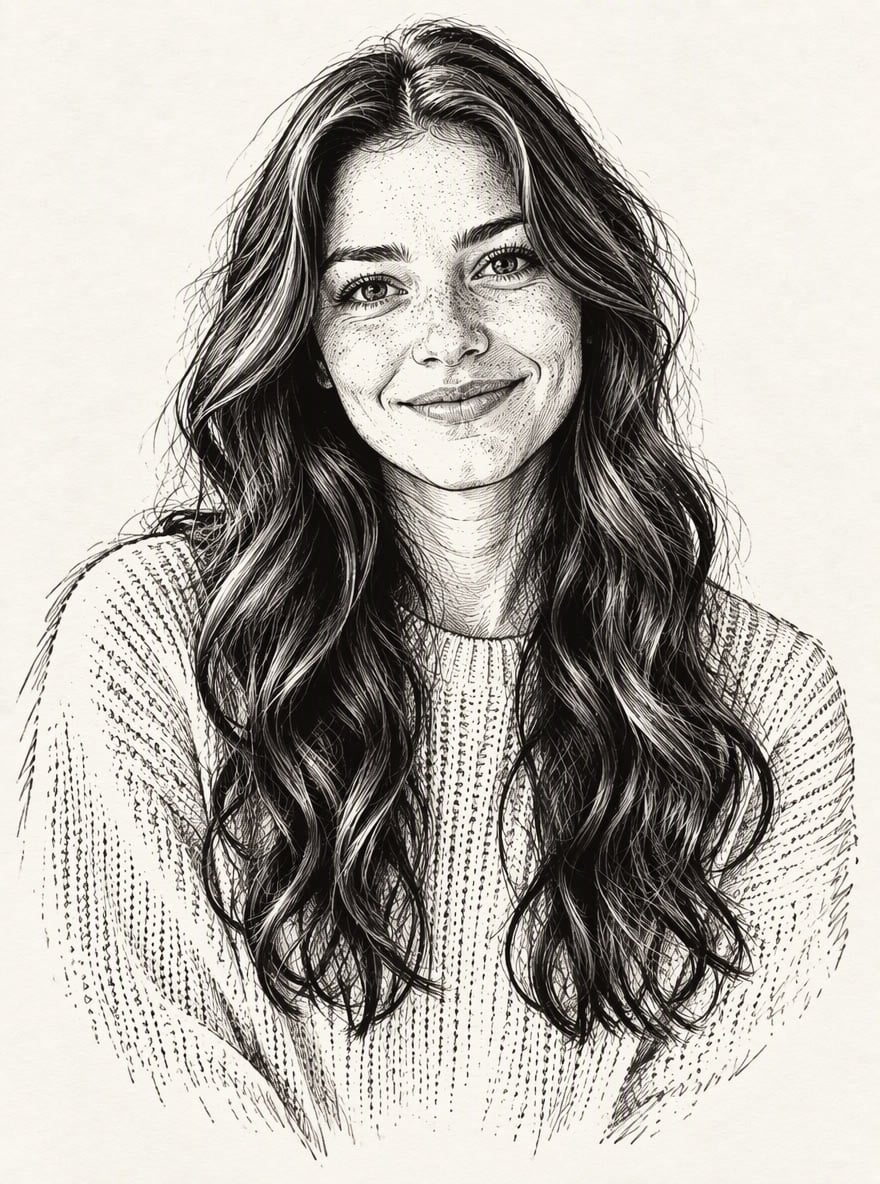
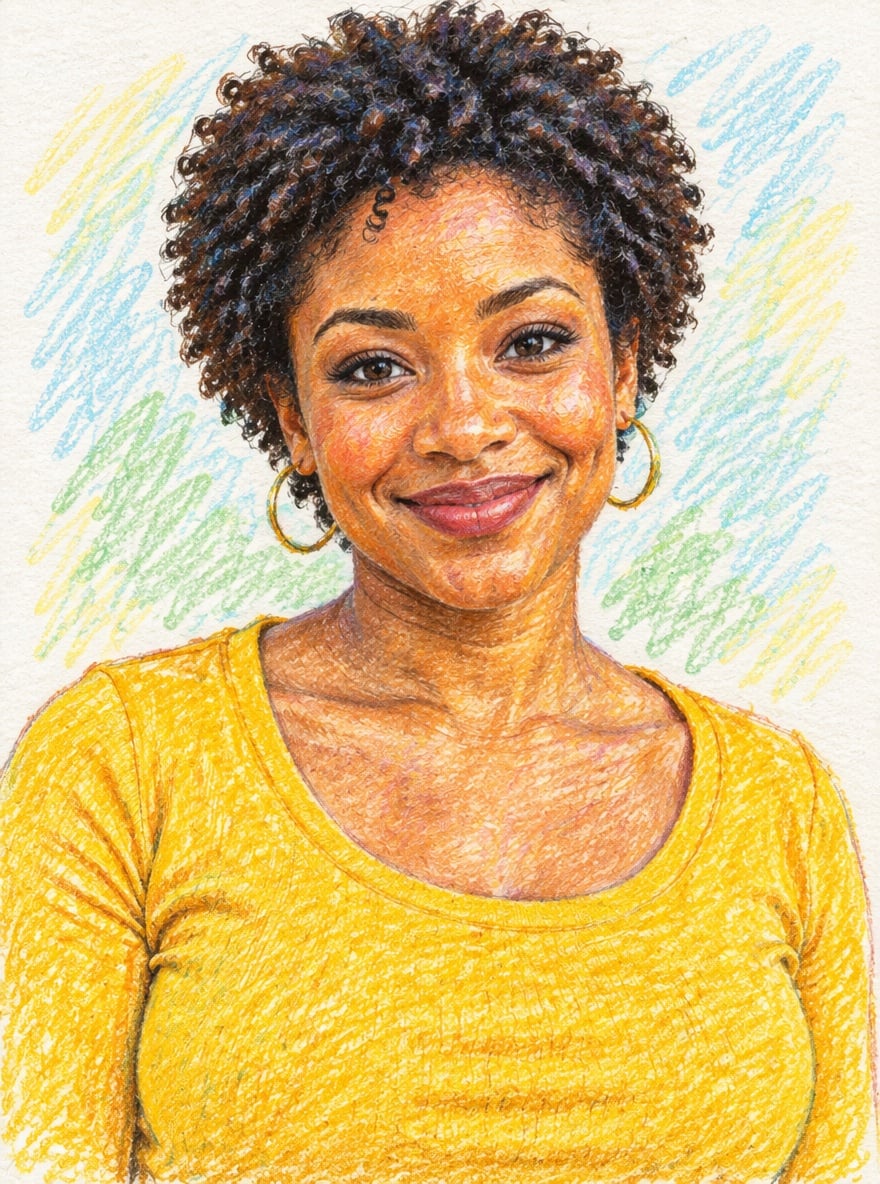
Upload a photo and the AI redraws it as a fine-art charcoal drawing on textured paper. You get rich velvety blacks in the shadows, soft smudged midtones, highlights lifted out with an eraser and loose strokes that fade into the bare paper at the edges. Faces, expressions, hair, clothes and background details are kept, so a portrait still looks like the person. It is different from a pencil sketch: charcoal is darker, softer and more tonal, with smudges instead of fine lines. Couples, groups and pets all work. The console below runs on GPT Image 2.5.
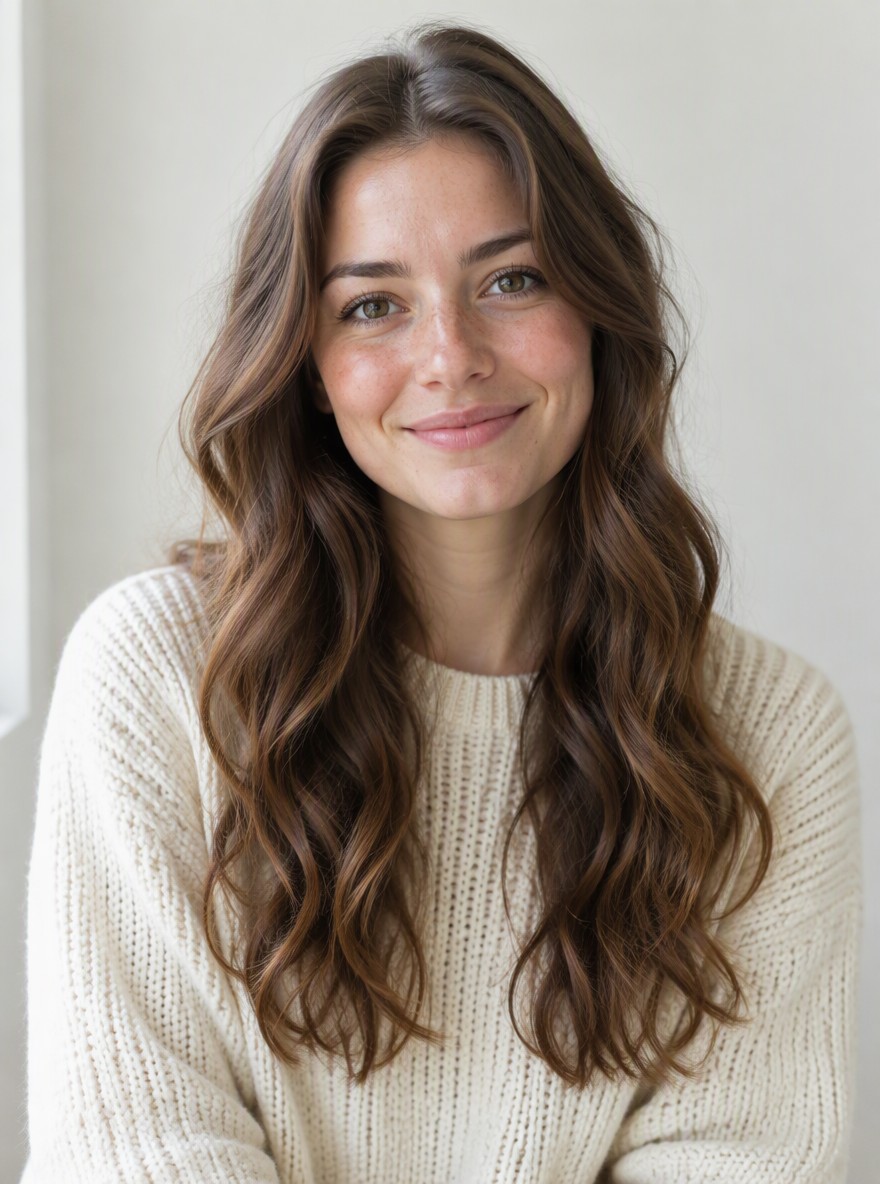
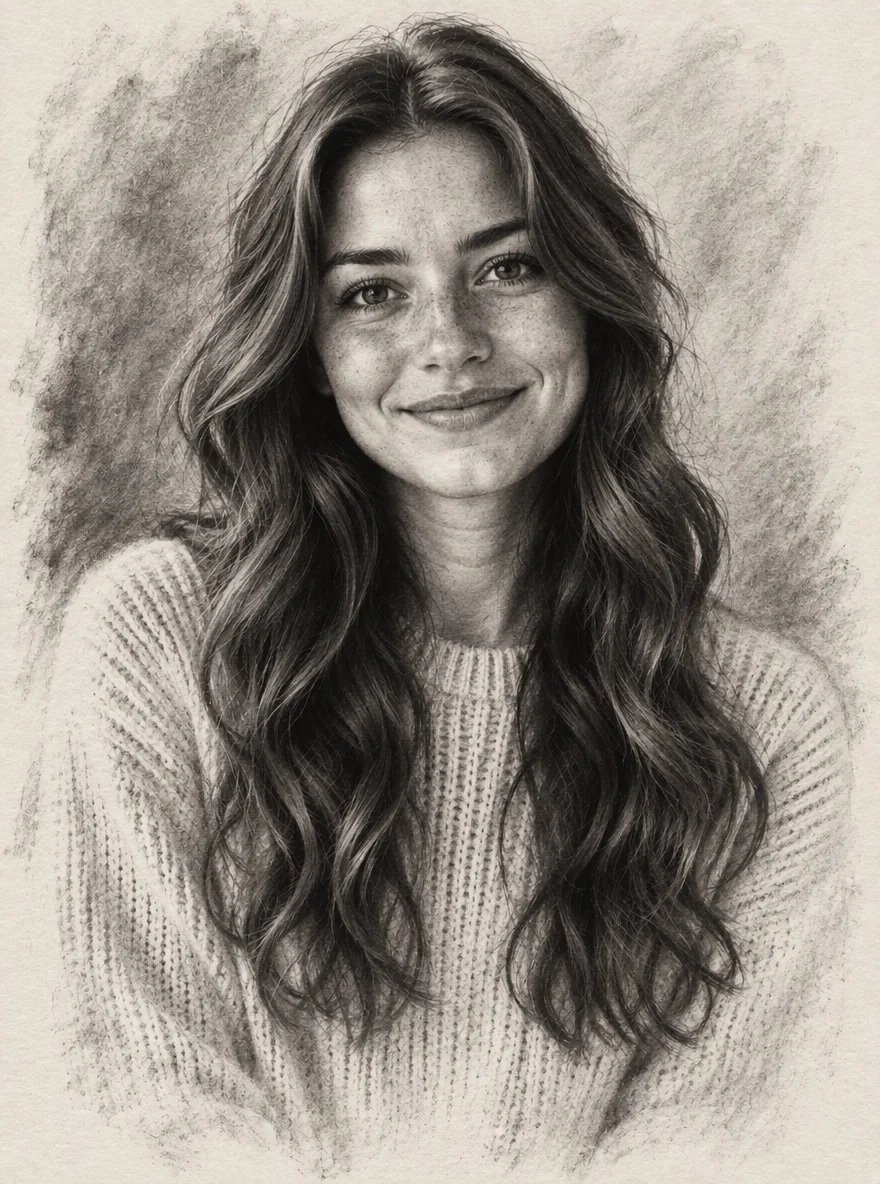
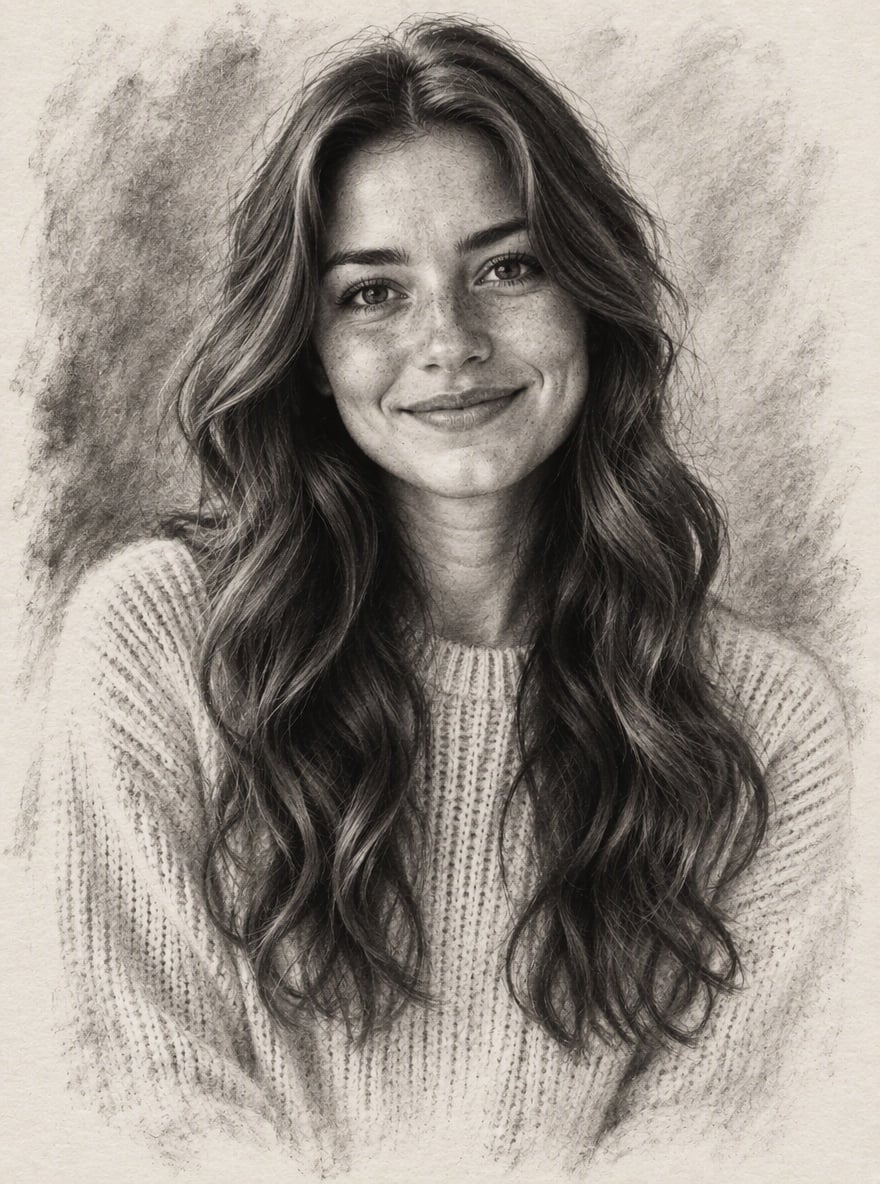
Charcoal Portrait
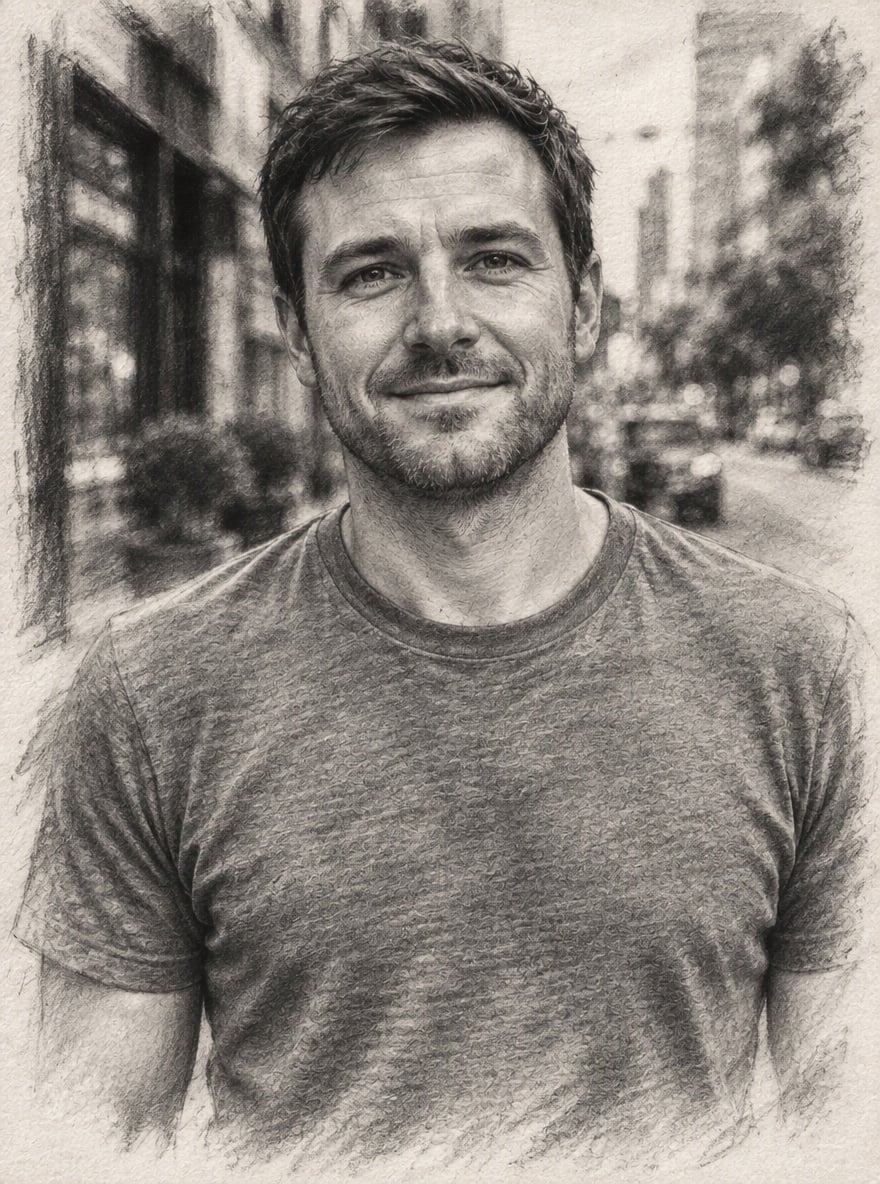
City Street Study
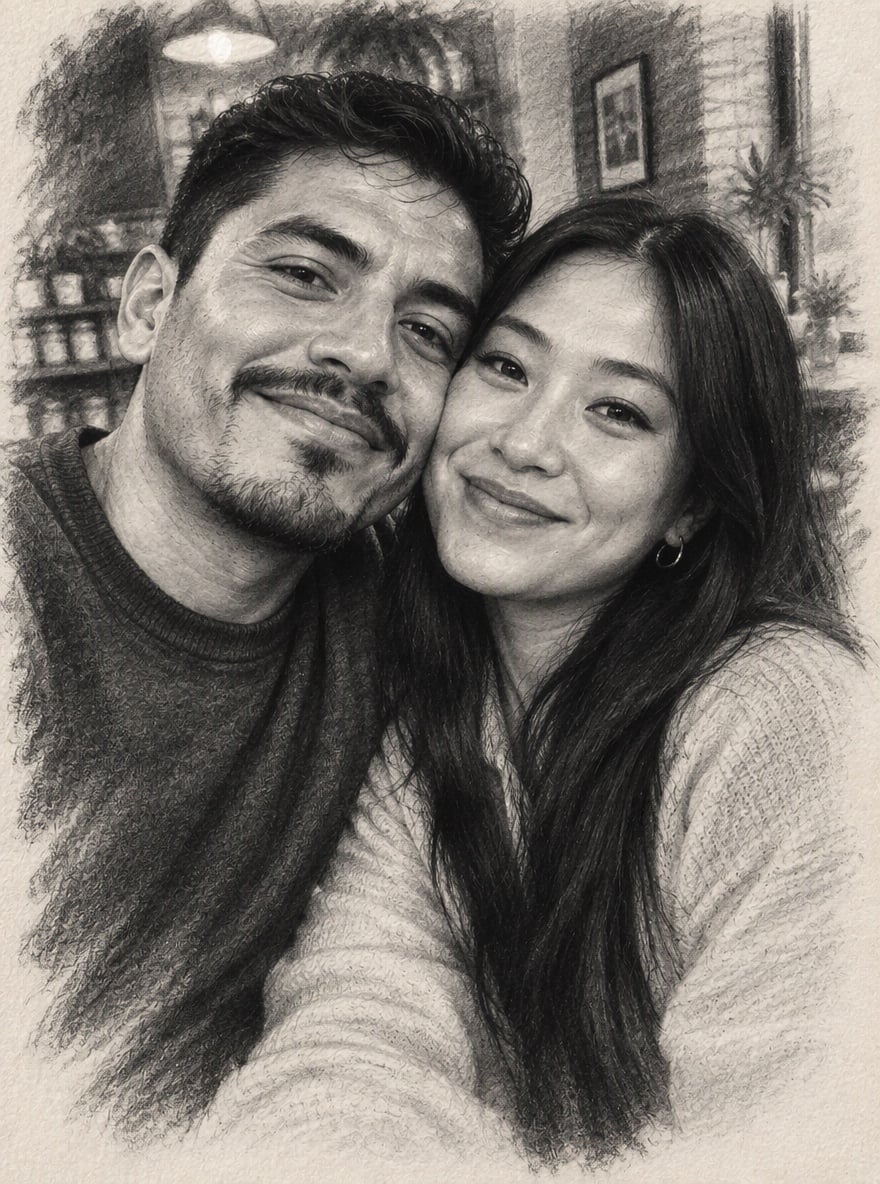
Couple Sketch
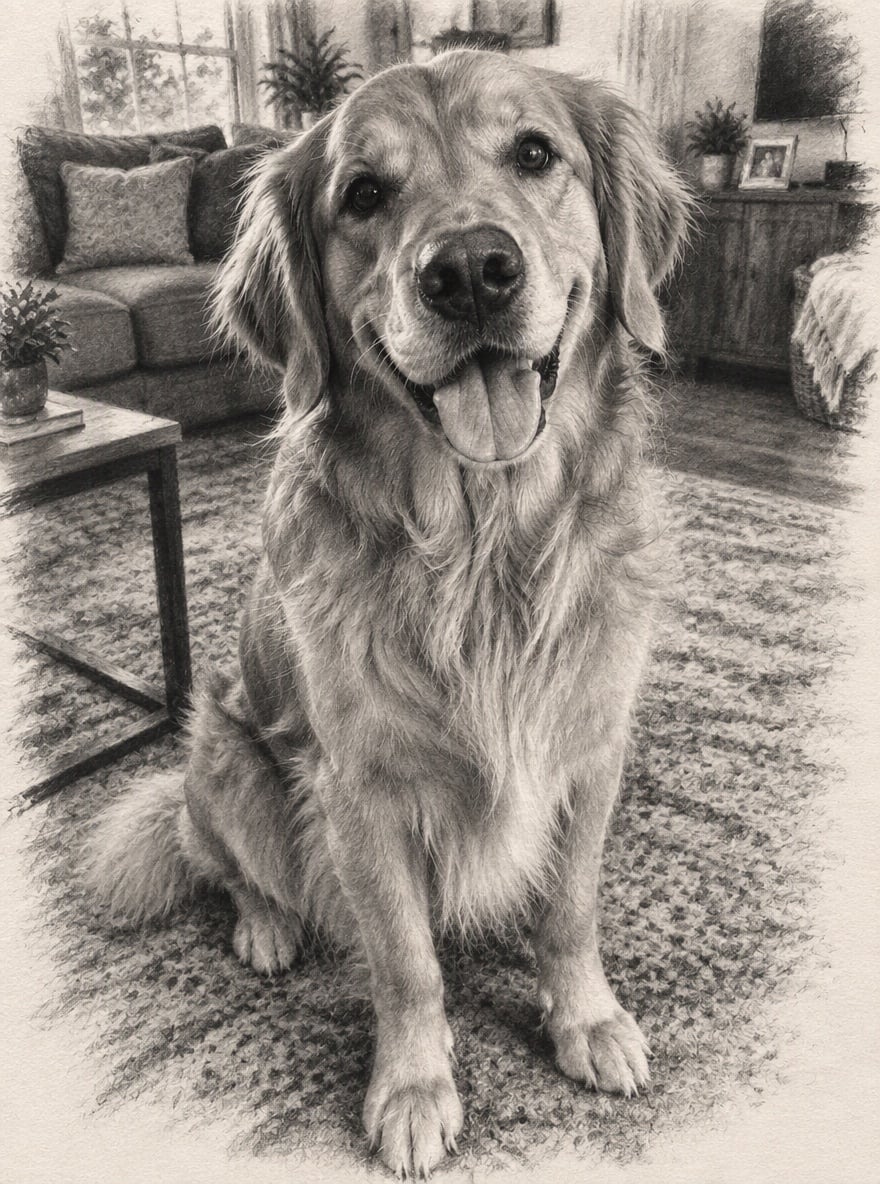
Golden Retriever in Charcoal
Upload files
Upload a photo to turn into a charcoal drawing
Effect prompt
By uploading a file, you agree to GoEnhance's Terms of Use and Privacy Policy
Charcoal Drawings from the Console
Each drawing is one upload with the prompt above. Likeness, pose and background come from the original photo.
Charcoal Portrait
City Street Study
Couple Sketch
Golden Retriever in Charcoal
How to Turn a Photo into a Charcoal Drawing
01
Upload a photo
Portraits, couple photos, pets and street scenes all work. Good lighting gives the best shading.
02
Generate
The charcoal prompt is already filled in. Press the button and the AI draws it on textured paper.
03
Download, print or share
Use it as wall art, a gift, a memorial portrait of a pet or a striking profile picture.
Why Use This Charcoal Drawing Filter
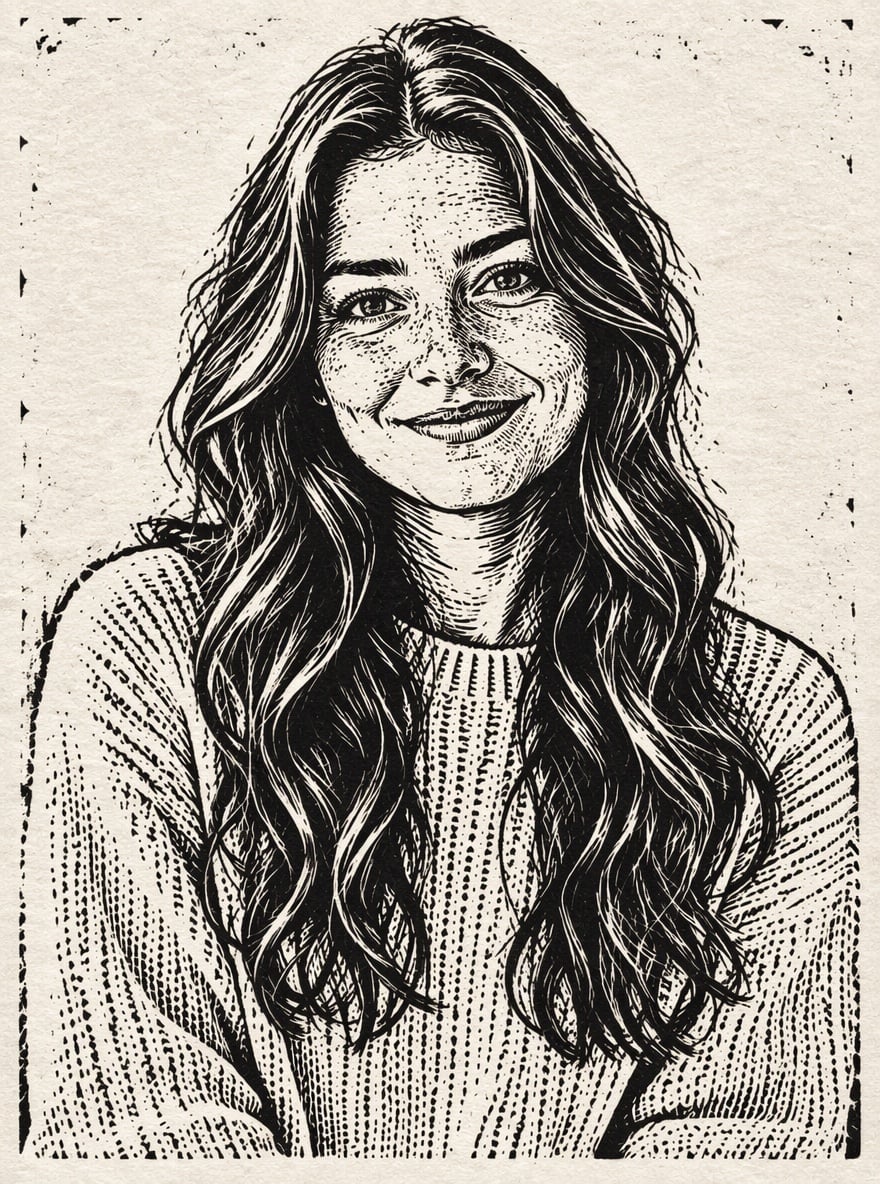
More Drawing and Sketch Effects
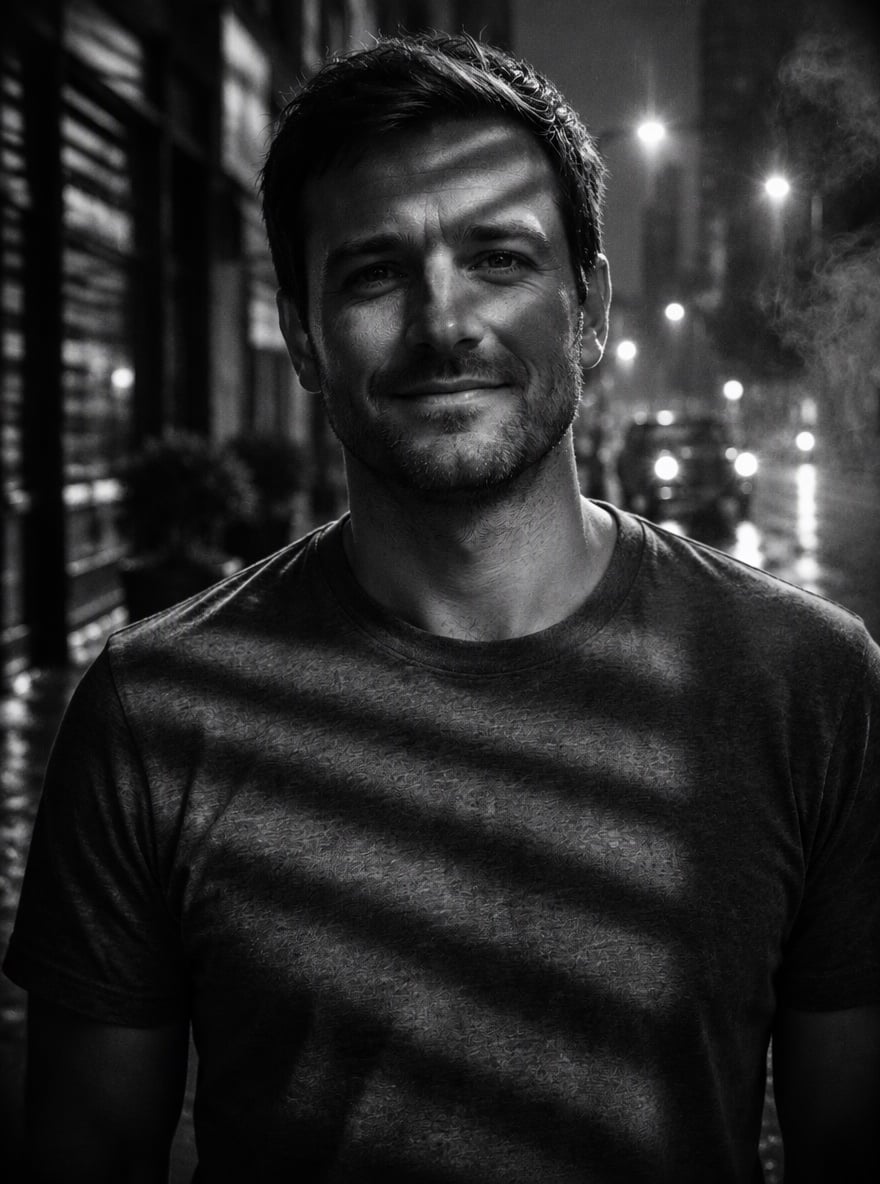
Charcoal Drawing Filter FAQ
What does the charcoal drawing filter do?
How is charcoal different from a pencil sketch?
Will the drawing still look like me?
Can I use it on pet photos?
Is the result in color?
Can I print it?
Ready to See Your Photo in Charcoal?
Upload a photo and get a charcoal drawing in under a minute.
Make Charcoal Drawing