AI Renaissance Portrait Generator: See Yourself in a Classical Oil Painting
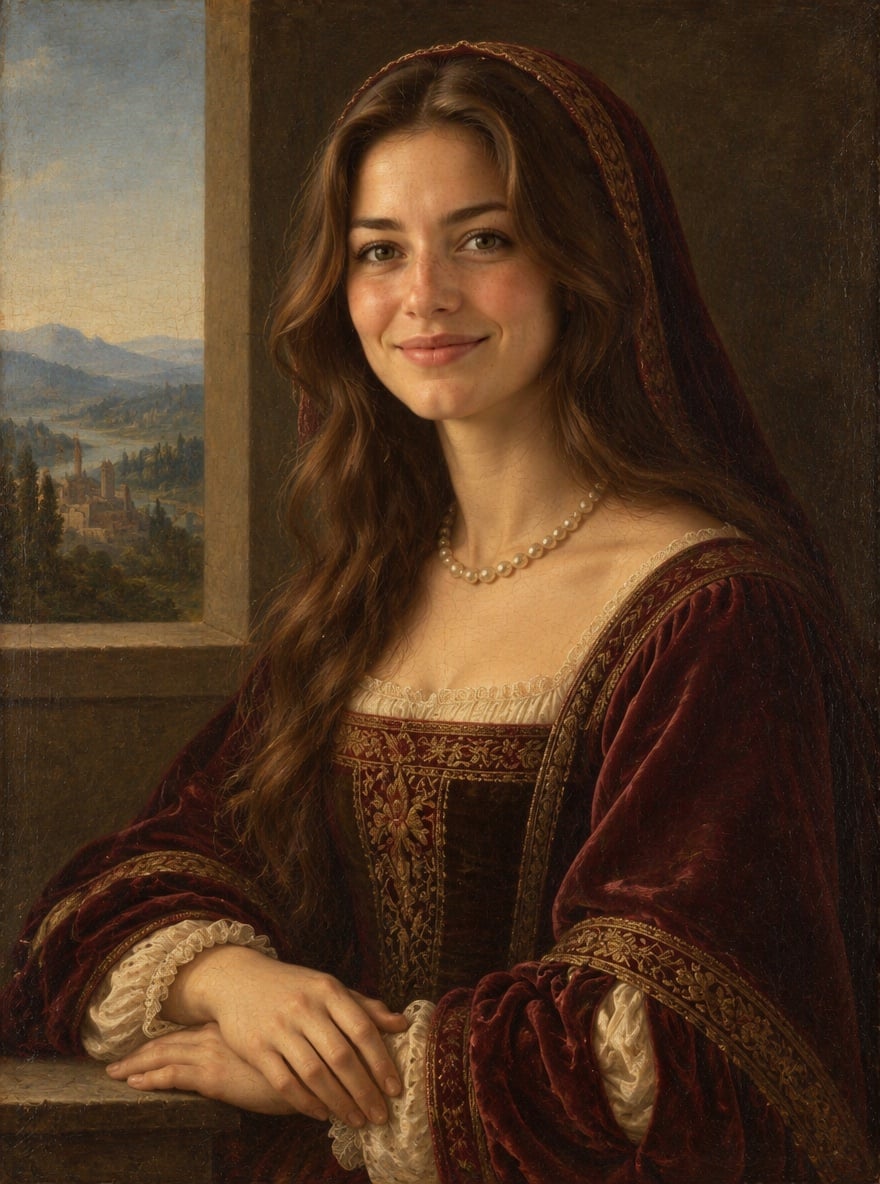
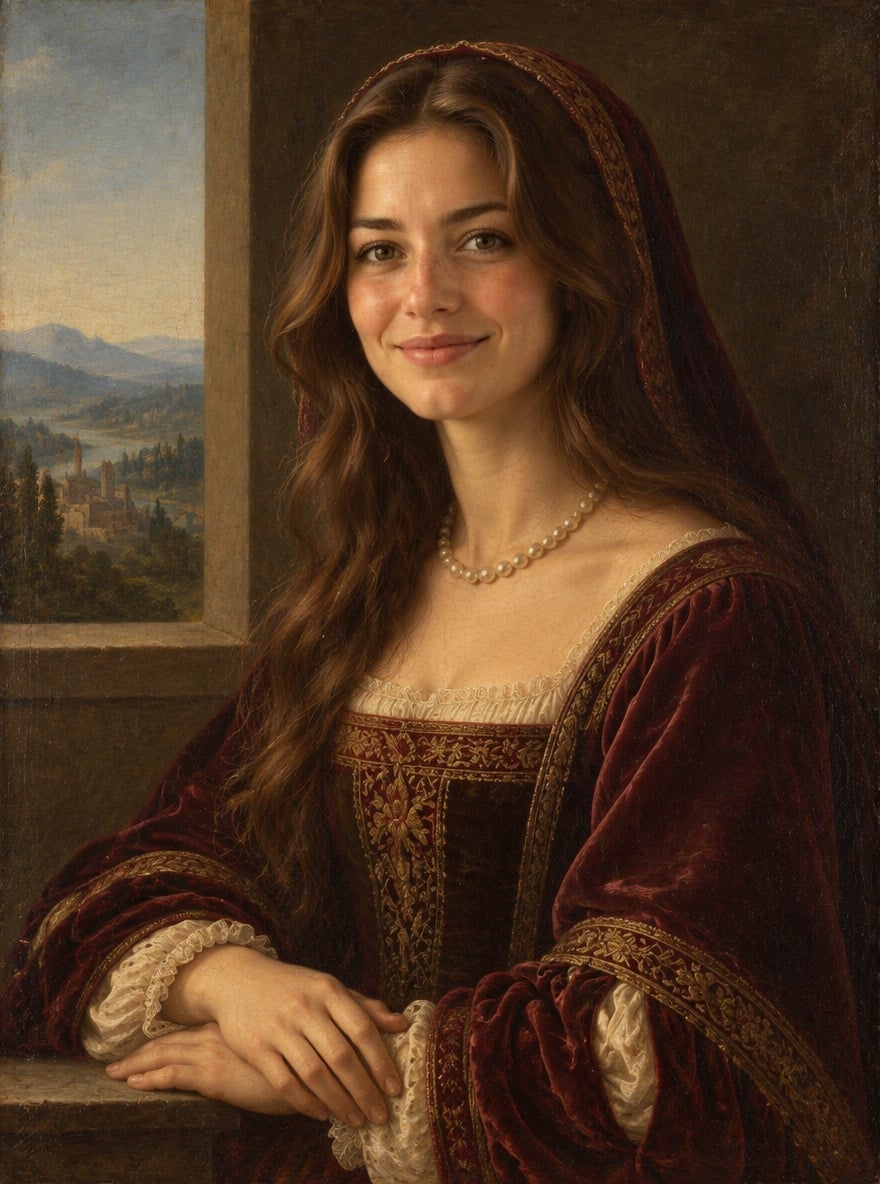
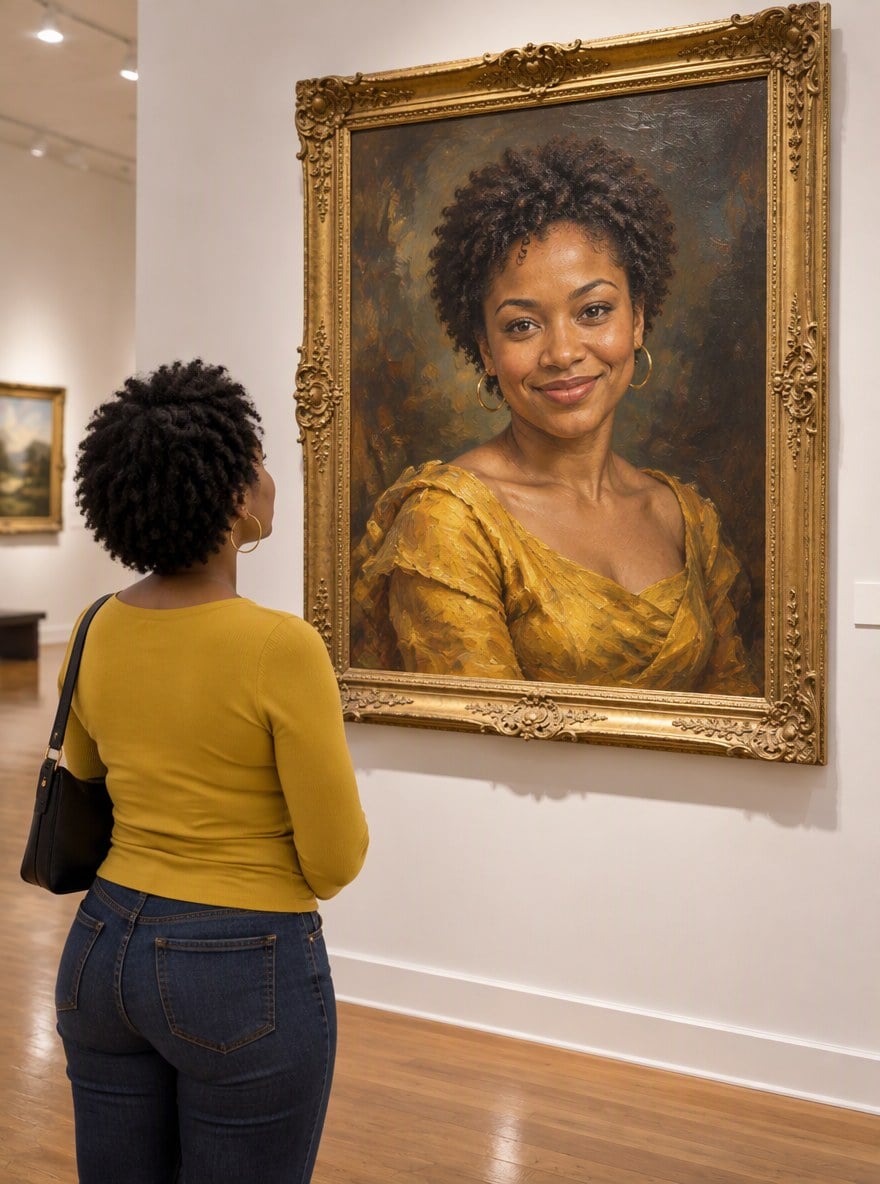
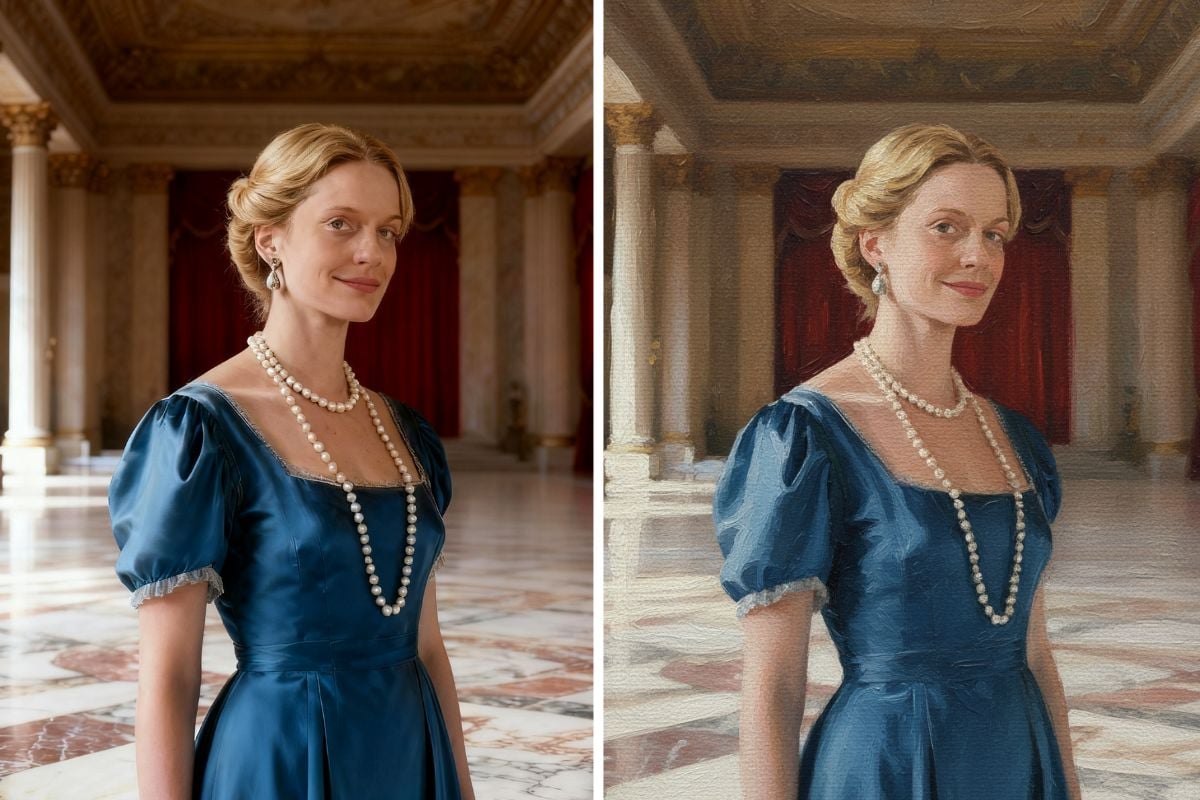
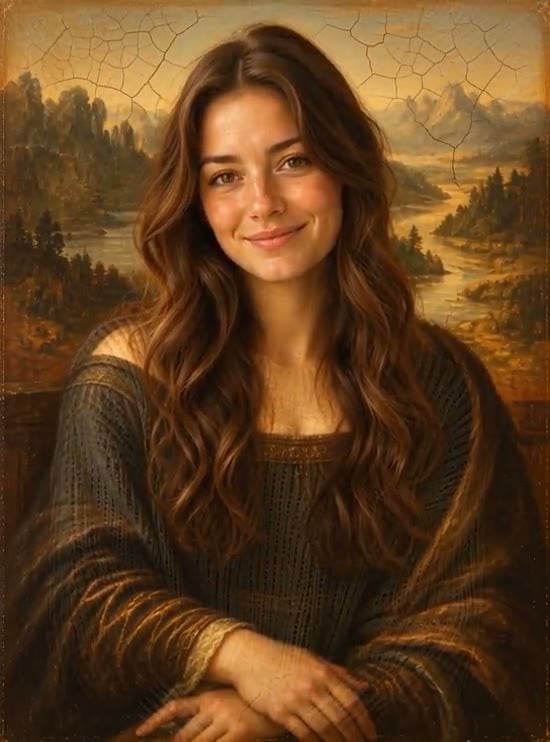
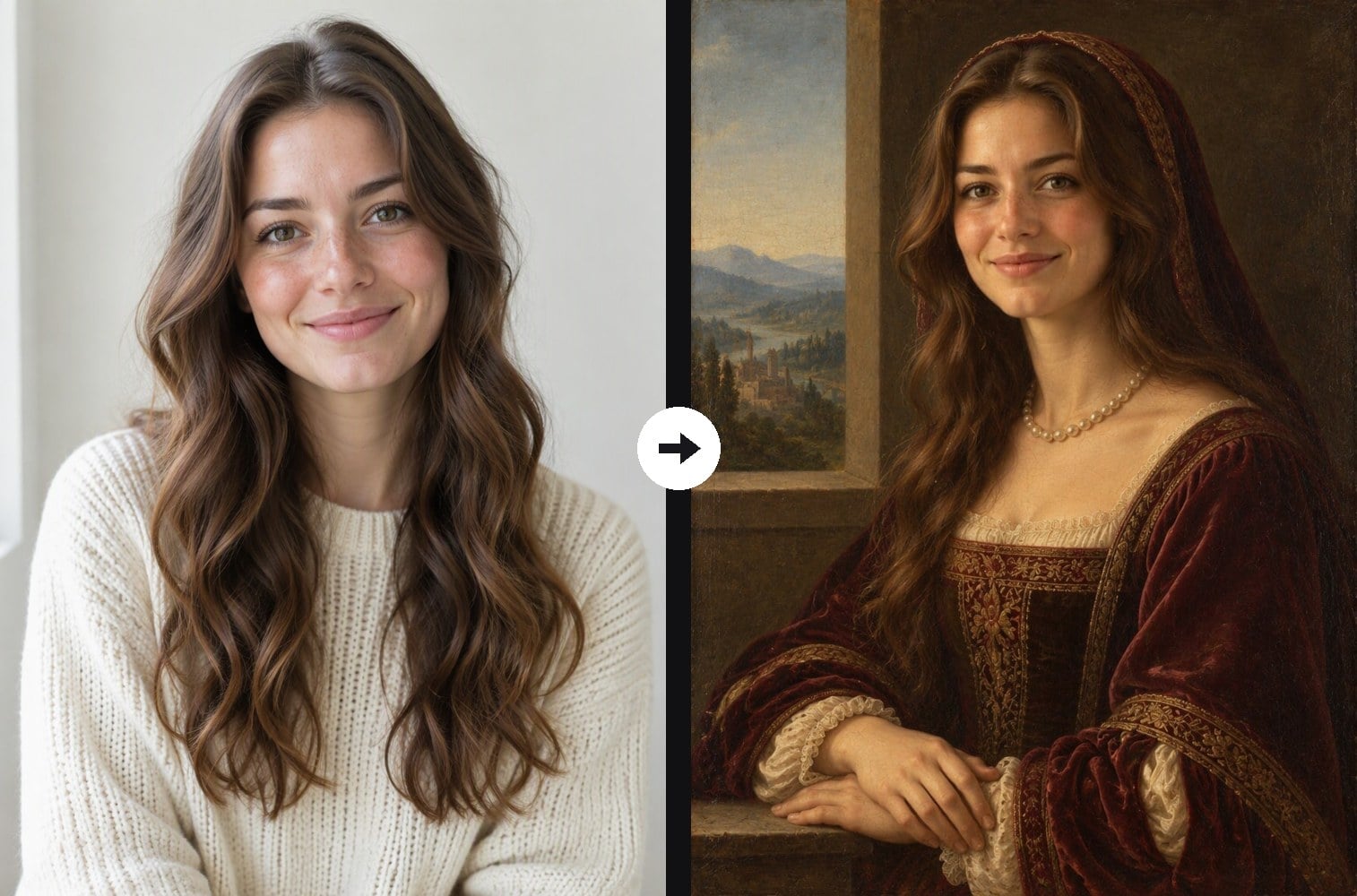
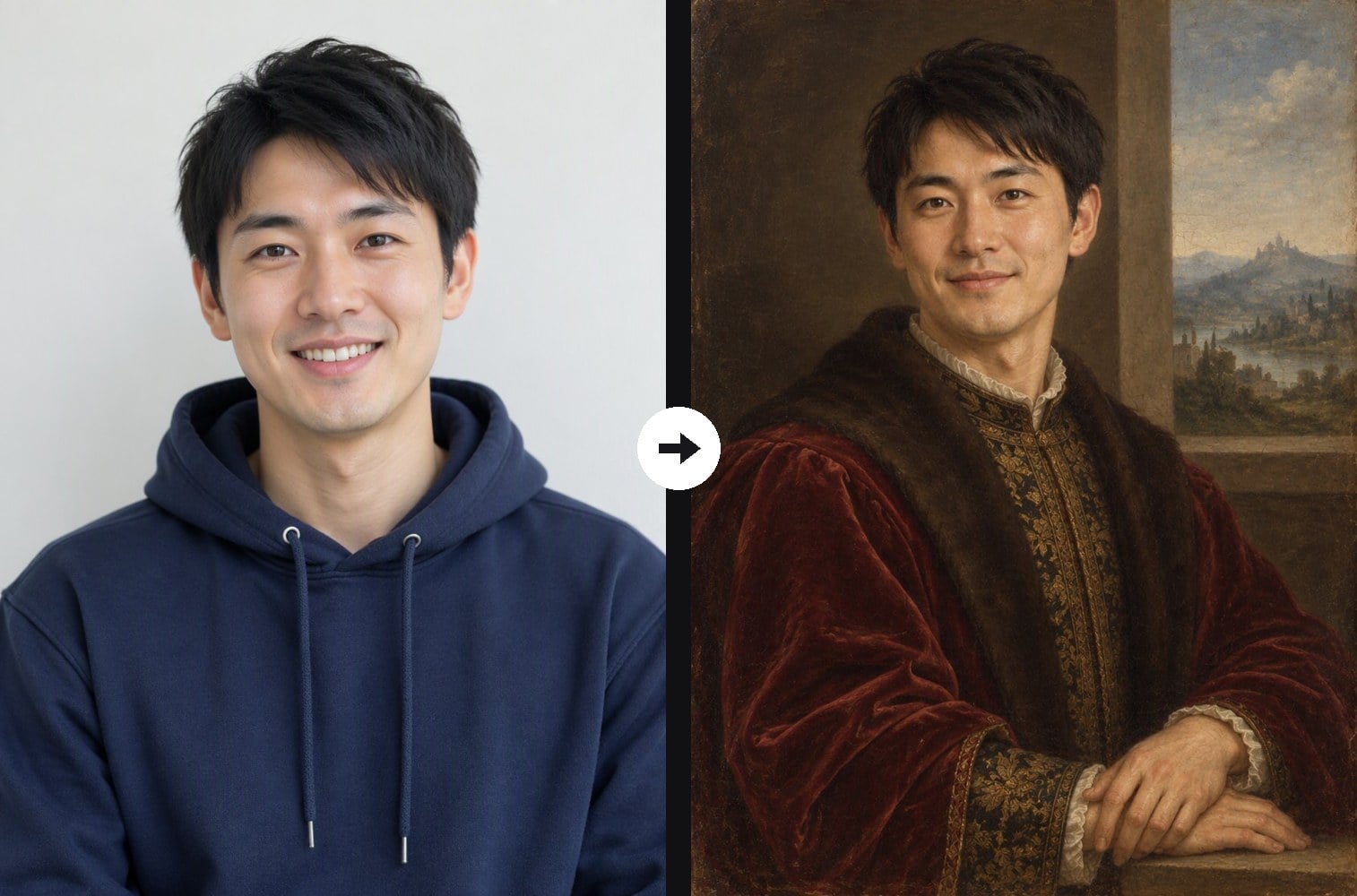
Upload a modern photo and the AI repaints you as a High Renaissance portrait from around 1500: a calm three-quarter pose, velvet and brocade costume, pearls or a veil, soft sfumato shading and a hazy landscape behind a window ledge, finished like oil on a wooden panel with aged varnish. Your face, features, skin tone and hair color stay recognizable. Unlike the oil painting filter, which keeps your original scene and clothes, this effect rebuilds the whole picture as a period portrait. The console below runs on GPT Image 2.5.
Lady in Velvet and Pearls
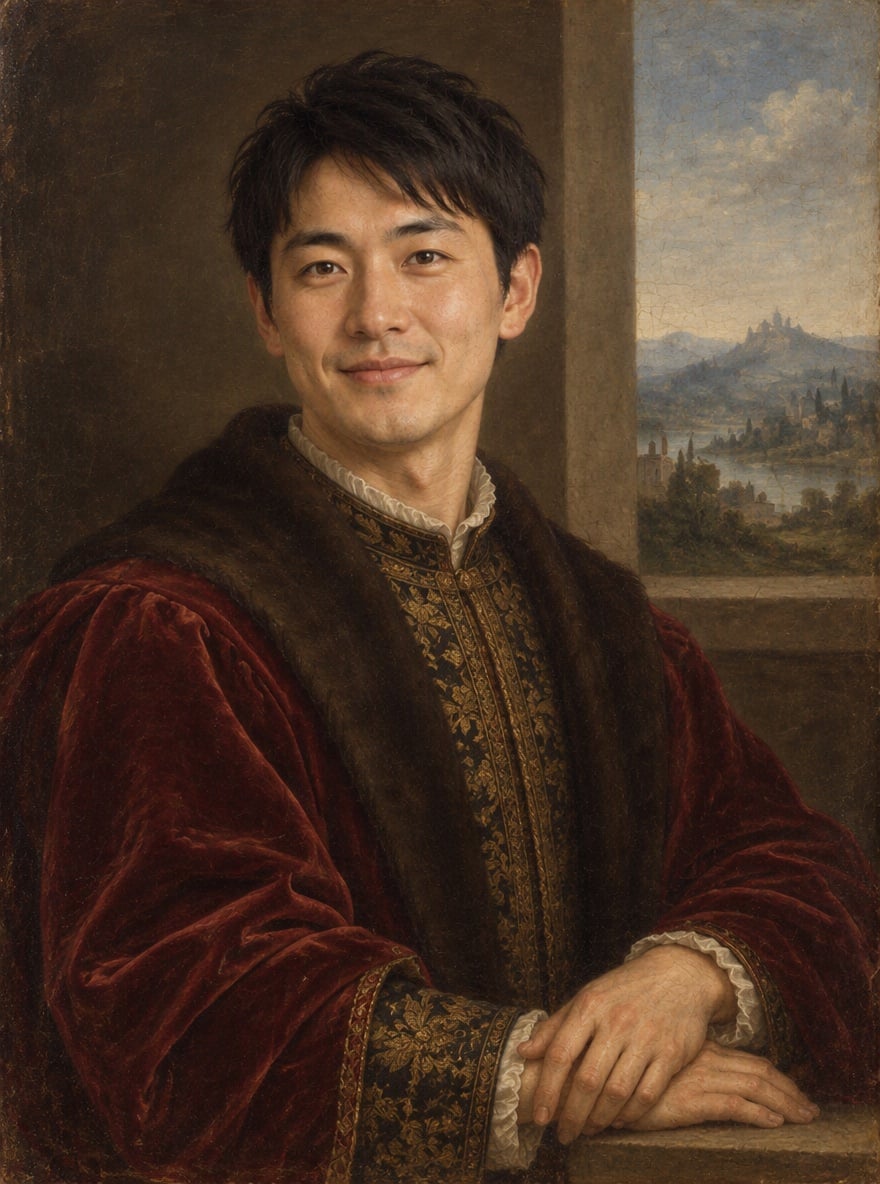
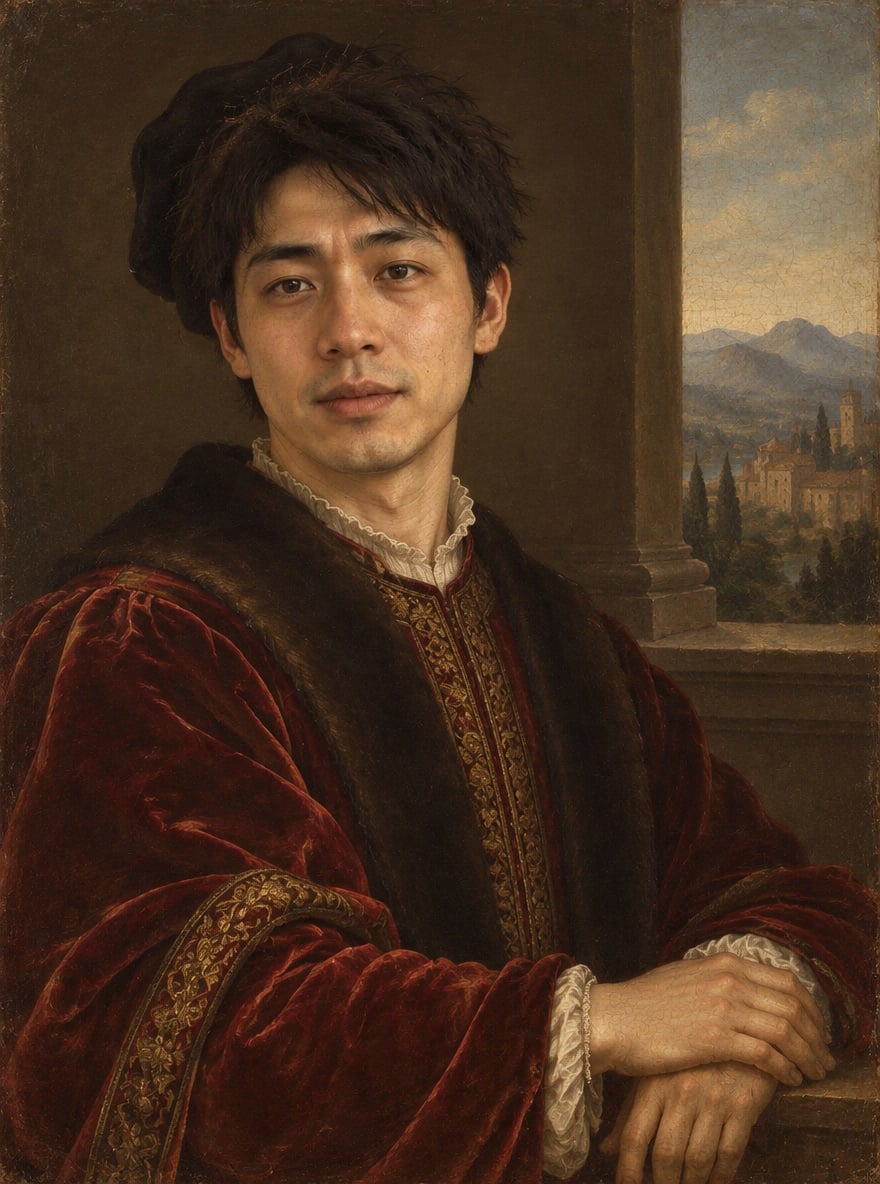
Gentleman in Crimson Brocade
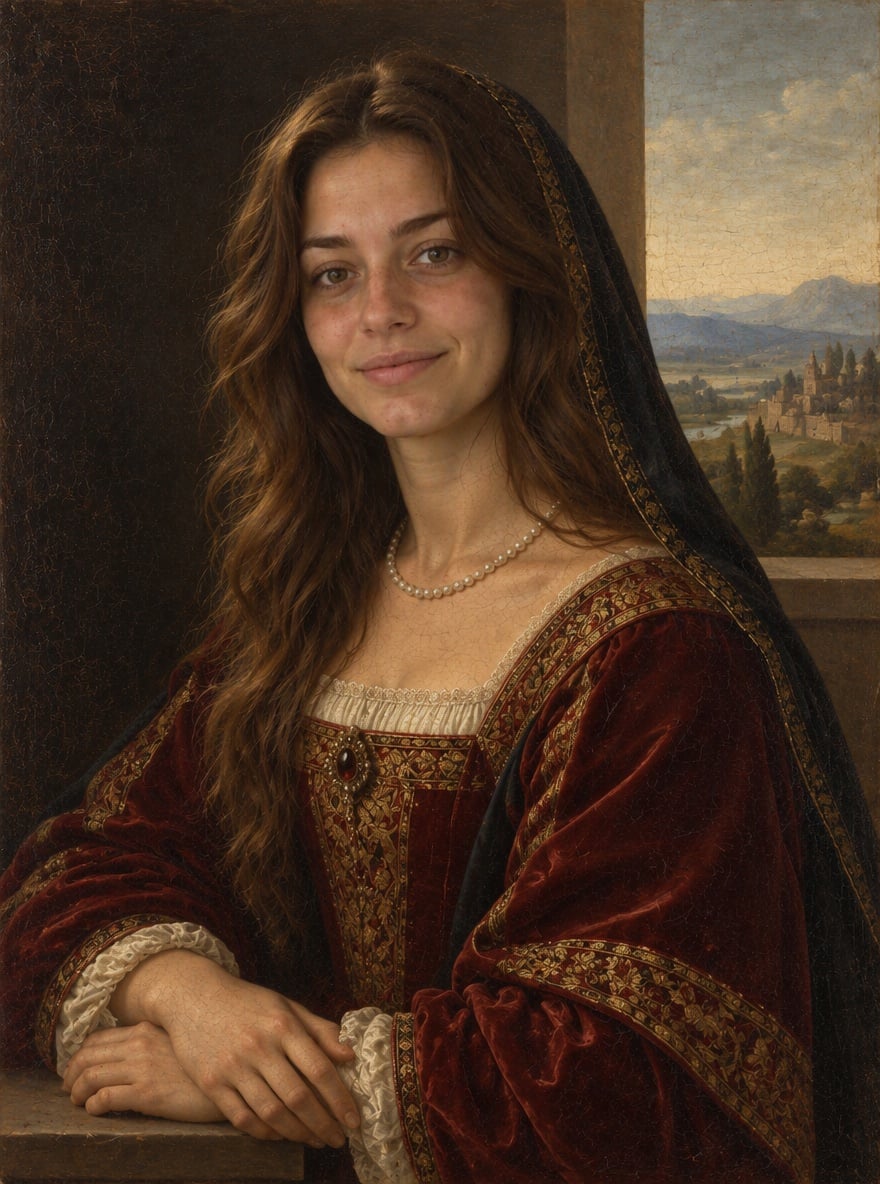
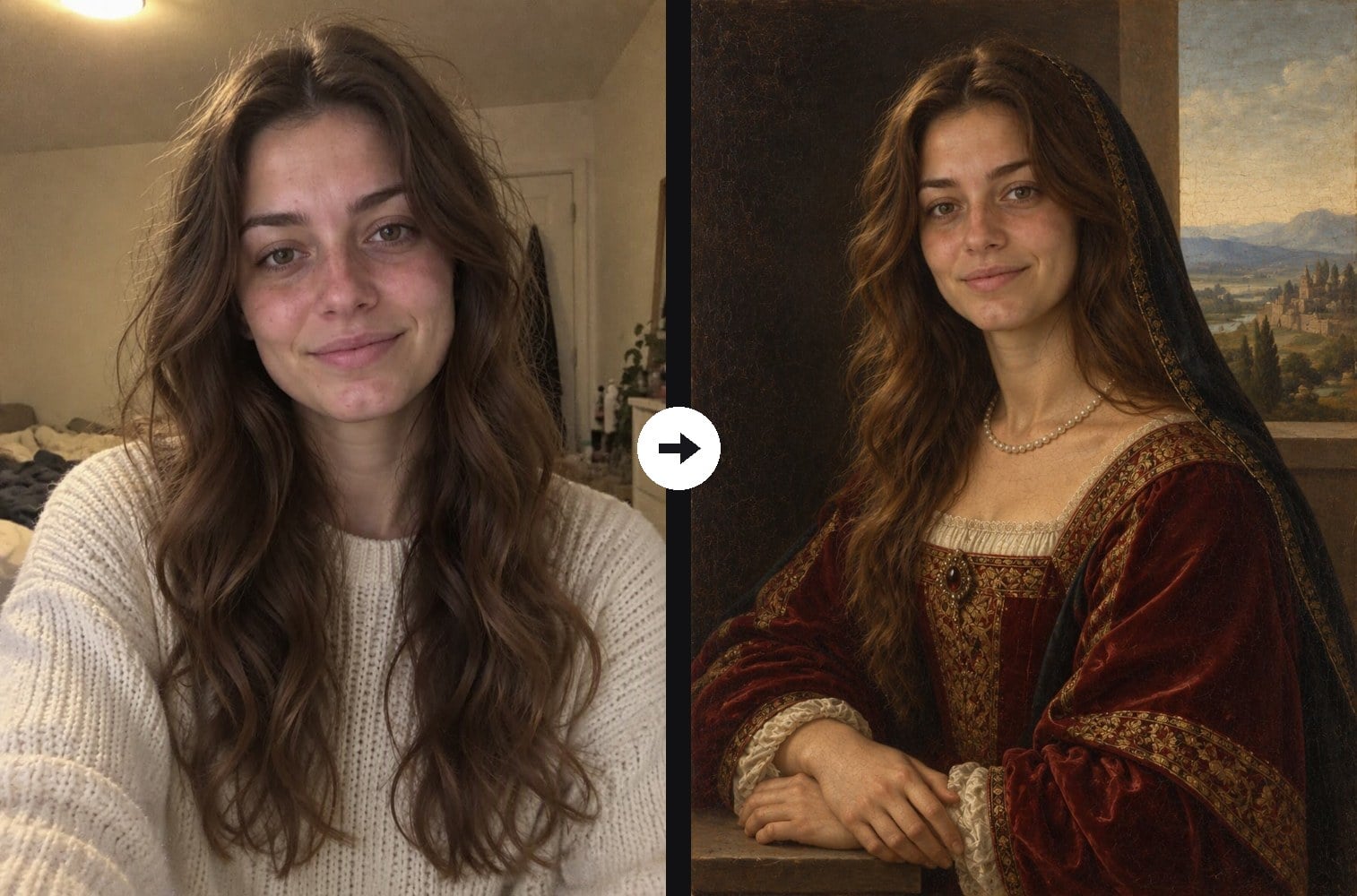
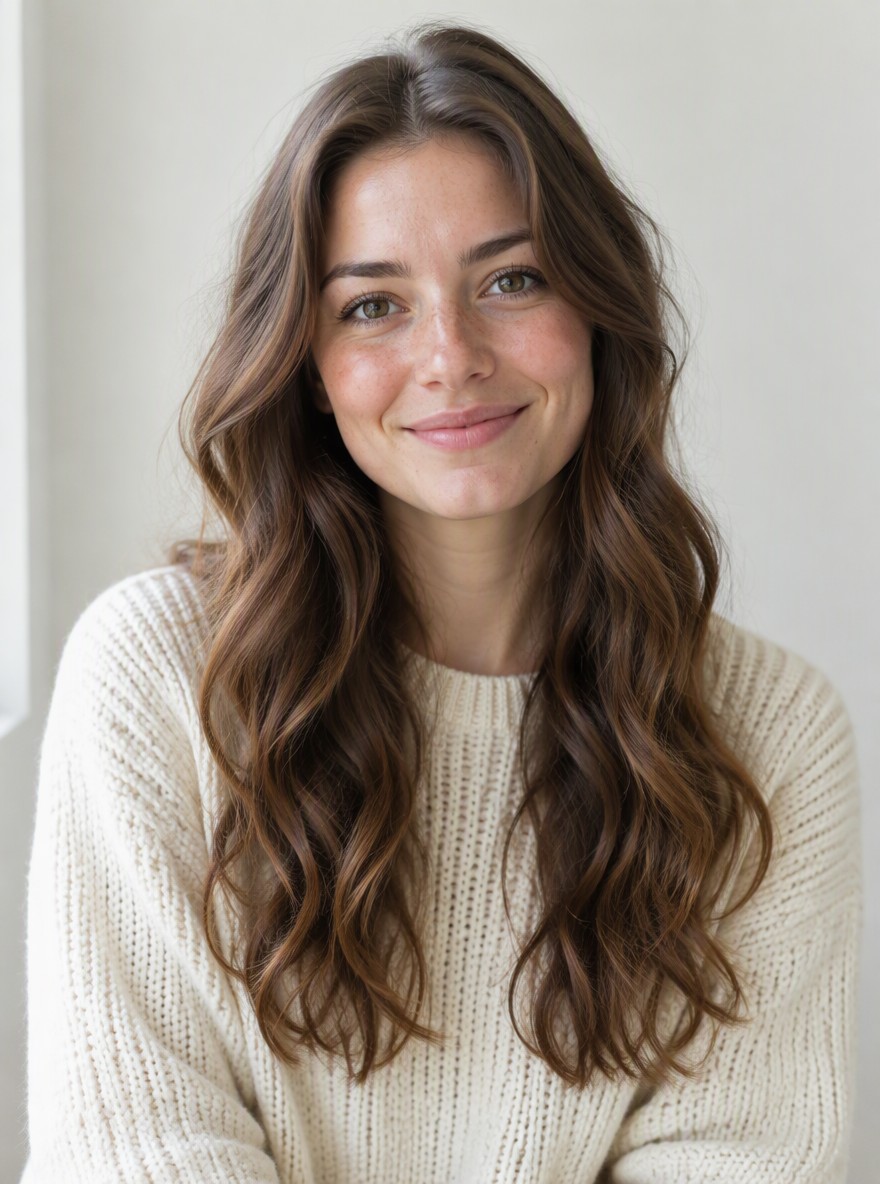
Bedroom Selfie to Veiled Lady
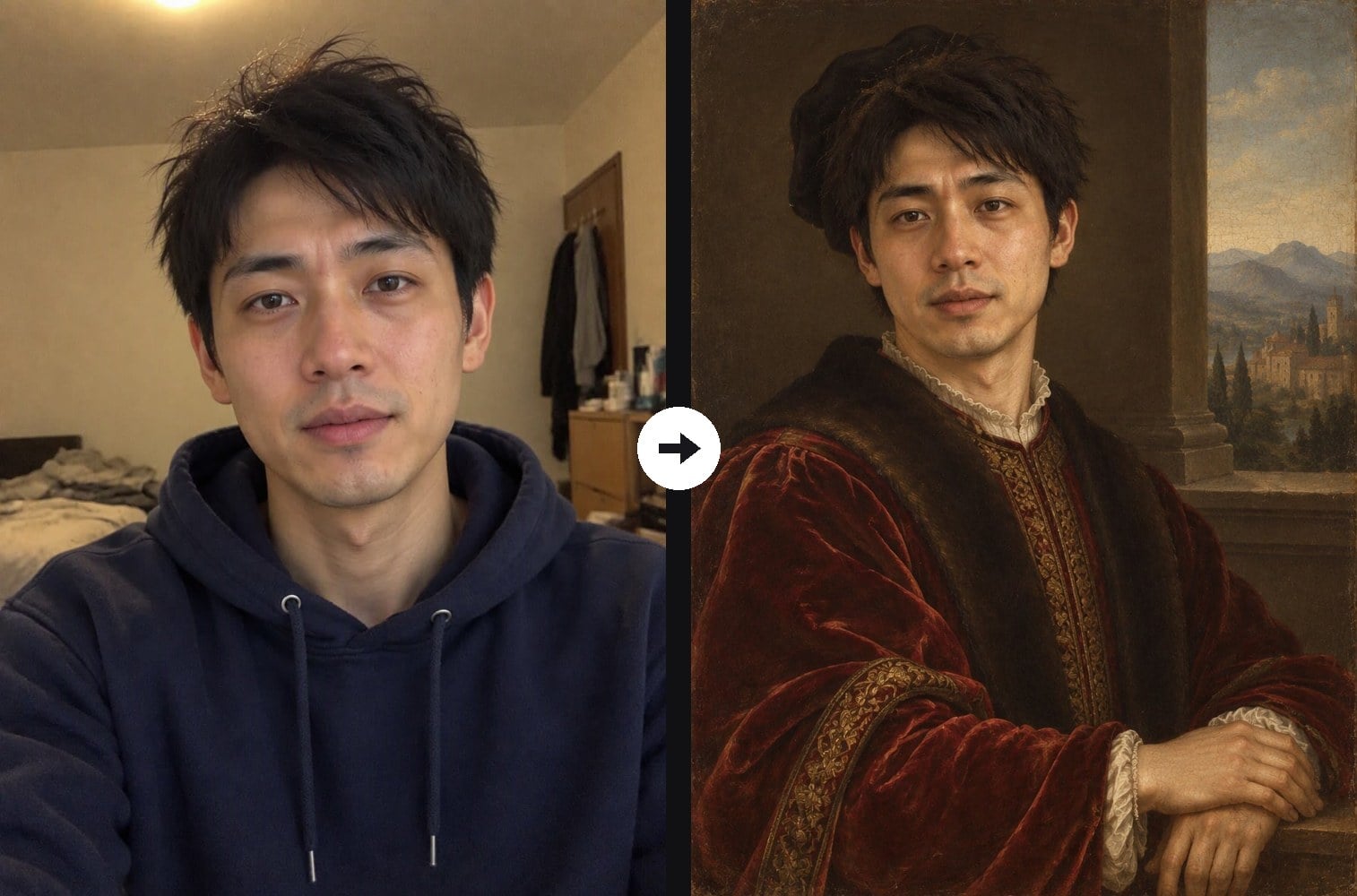
Hoodie Selfie to Florentine Nobleman
Upload a clear portrait photo
Effect prompt
By uploading a file, you agree to GoEnhance's Terms of Use and Privacy Policy

Renaissance Portraits from the Console

Each painting comes from one upload with the prompt above. The face comes from the original photo; costume, pose, background and brushwork are generated.
Lady in Velvet and Pearls - AI Renaissance Portrait

Lady in Velvet and Pearls

Gentleman in Crimson Brocade - AI Renaissance Portrait

Gentleman in Crimson Brocade

Bedroom Selfie to Veiled Lady - AI Renaissance Portrait

Bedroom Selfie to Veiled Lady

How to Make an AI Renaissance Portrait

01

Upload your photo

A clear selfie or half-body photo with your face visible works best. Casual clothes and messy rooms are fine.

02

Generate

The Renaissance portrait prompt is already filled in. Press the button, or change the costume colors or background in the prompt.

03

Download and share

Save your classical painting for a profile picture, a gift print, a history class or a fun before-and-after post.

Why Use This AI Renaissance Portrait Generator

Authentic period look

Velvet, brocade, pearls and veils, a three-quarter pose and a landscape window recreate the composition of 15th and 16th century portraits. Garments come in deep crimson, emerald or dark blue with fine embroidery and a linen collar, and the clothing is always modest and fully covering.
Authentic period look - AI Renaissance Portrait

Painted, not filtered

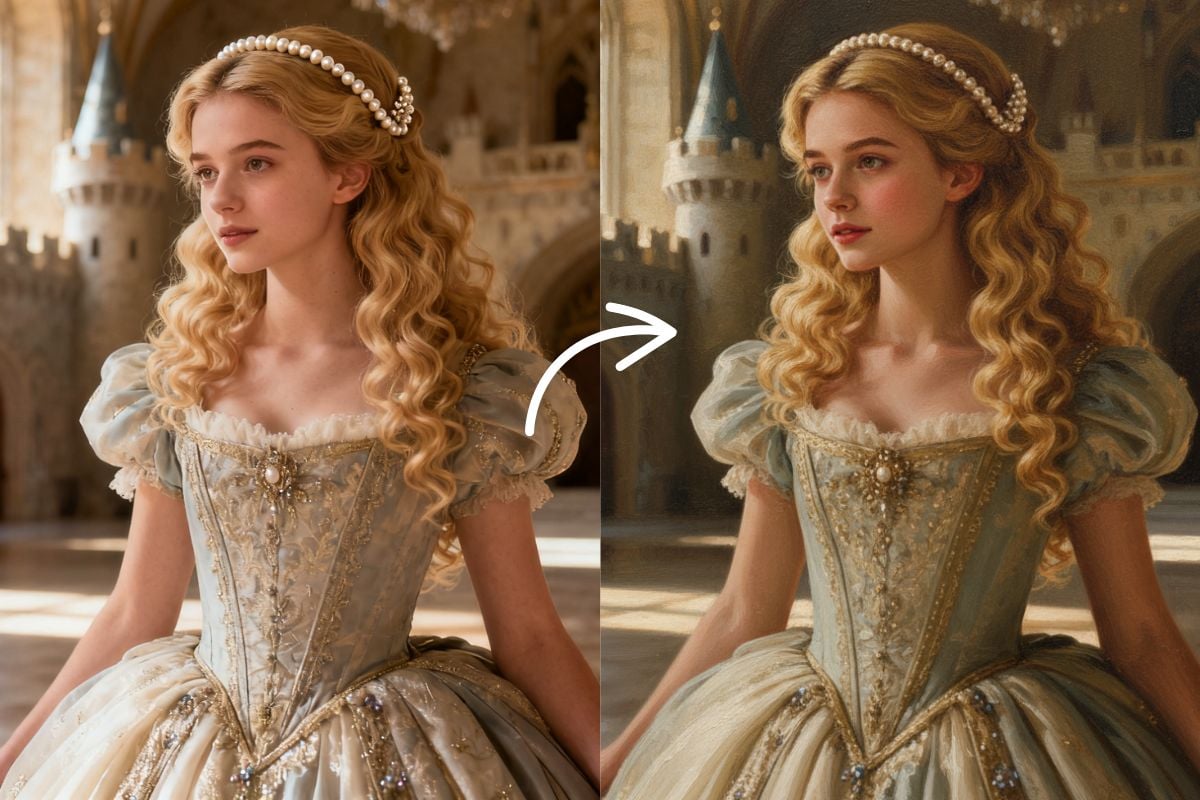
Sfumato shading, warm glazes, visible brushwork and fine craquelure make it look like oil on a wooden panel. Gentle window light models the face, and an aged varnish tone finishes the surface, so the result reads as a painting rather than a photo with an effect on top.

Painted, not filtered - AI Renaissance Portrait

Still looks like you

Face shape, features, skin tone, age and hair color come from your photo, so friends recognize you instantly. Even a casual bedroom or hoodie selfie works: your pose and clothes are rebuilt, but the face is never swapped for a generic one.

Still looks like you - AI Renaissance Portrait

Free to try

New accounts get free credits, so your first Renaissance portrait costs nothing. Try a few different selfies to see which one makes the most convincing noble lady or gentleman before you decide to keep going.

Free to try - AI Renaissance Portrait

AI Renaissance Portrait FAQ

What is an AI Renaissance portrait?

It is a photo effect that repaints your photo as a classical oil portrait in the style of the Italian High Renaissance, around the year 1500, with period costume and background.

What photo works best?

A clear, well-lit photo where your face is visible. Selfies and half-body shots both work; the AI changes the clothes and background for you.

Will it still look like me?

Yes. The prompt keeps your face shape, features, skin tone, age and hair color. Only the clothes, pose, background and painting style change.

Can I change the costume or background?

Yes. Edit the prompt, for example "dark green gown with a gold headdress" or "plain dark background, no window".

Is it a copy of a famous painting?

No. Each result is a new portrait in the Renaissance style. It does not copy any specific artwork or artist.

What if I want an oil painting of my original photo?

To keep your own clothes and scene and only add an oil paint look, try the oil painting filter.

Ready to Become a Renaissance Portrait?

Upload one photo and get a classical oil portrait in under a minute.

Create My Renaissance Portrait