
80s Grain Filter: Turn Any Photo into a Faded 1980s Film Print
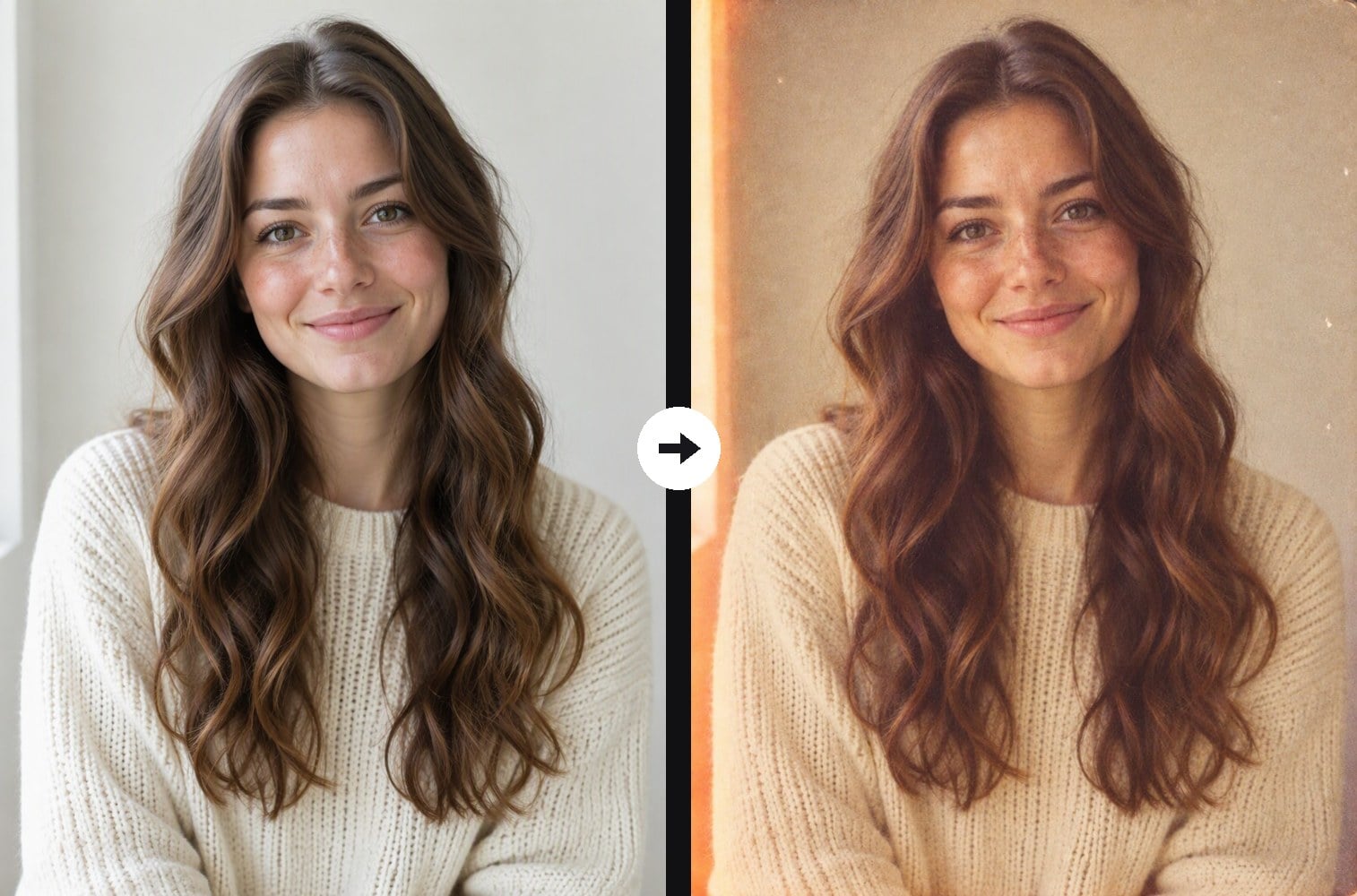
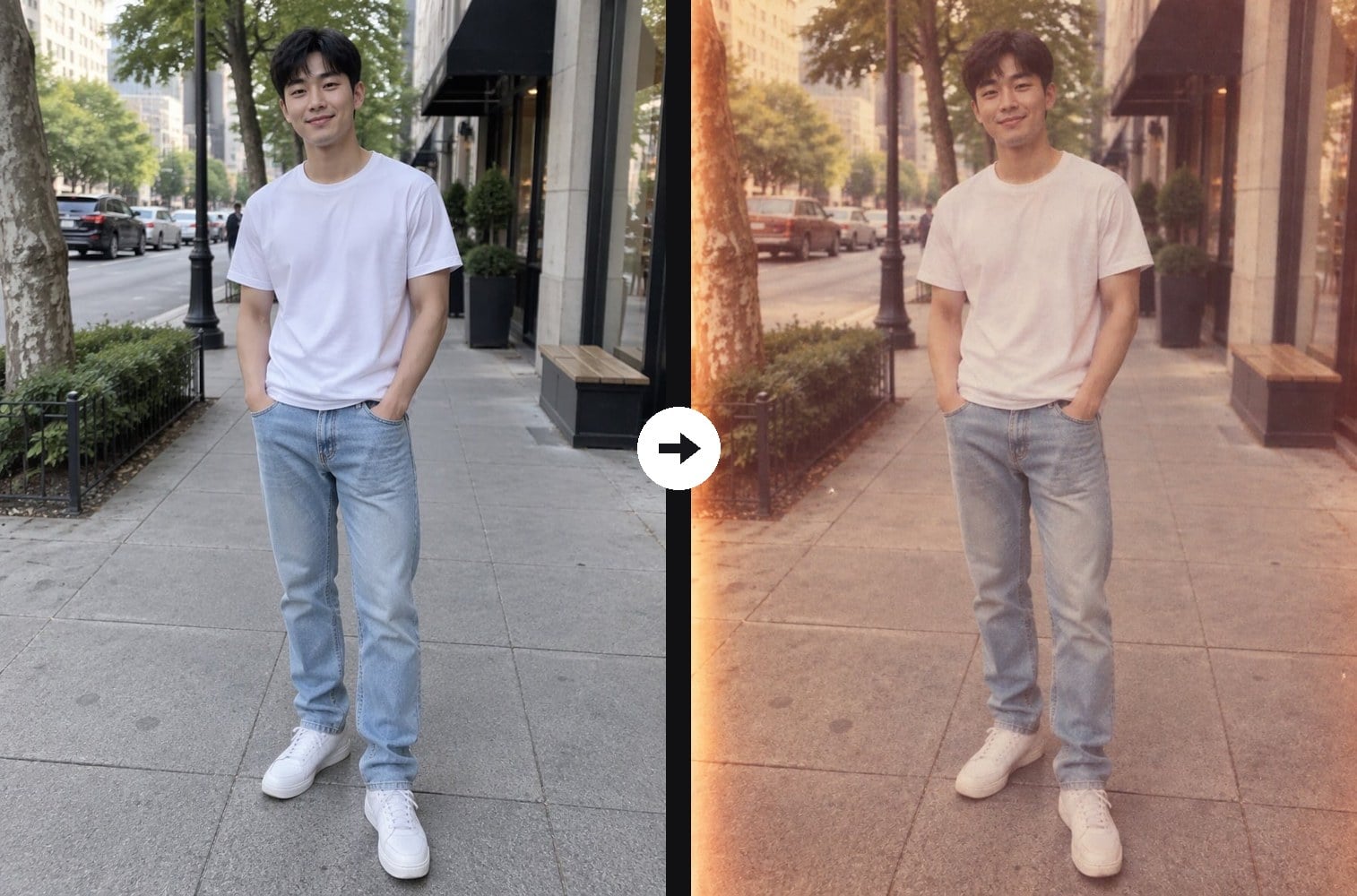
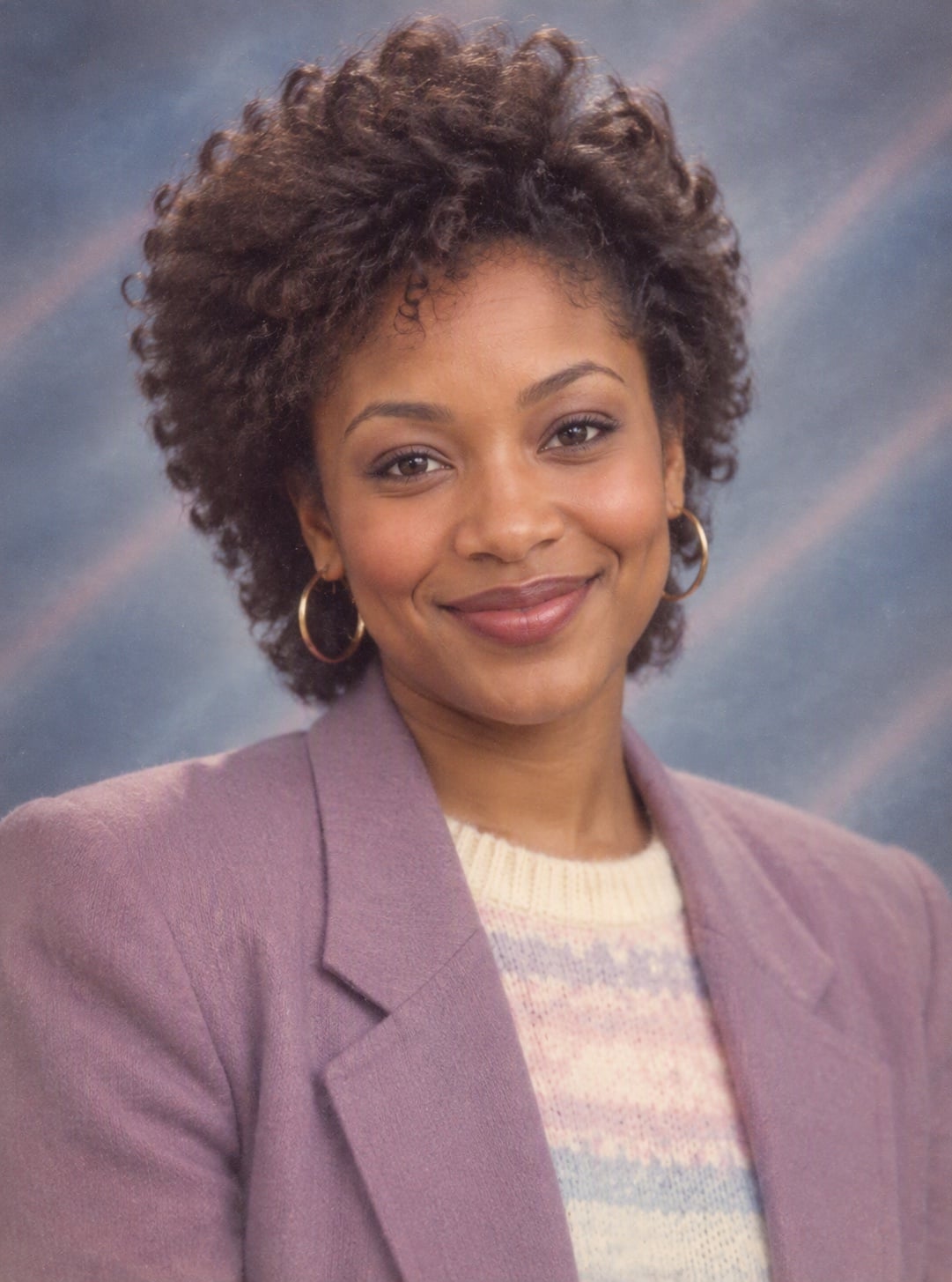
Upload a modern phone photo and the AI 80s grain filter makes it look like a snapshot from a 1980s family album: strong film grain, faded and lifted blacks, a warm yellow-orange cast with a hint of magenta, muted greens and blues, slightly soft focus, a vignette, an orange light leak along the edge and a few dust specks. People, clothes, hair and background are not changed; only the film look is added. If you want to dress up in 80s clothes and hair instead, the AI yearbook filter does that. The console below runs on GPT Image 2.5.



Café Couple, 1985

Faded Portrait

Street Snapshot
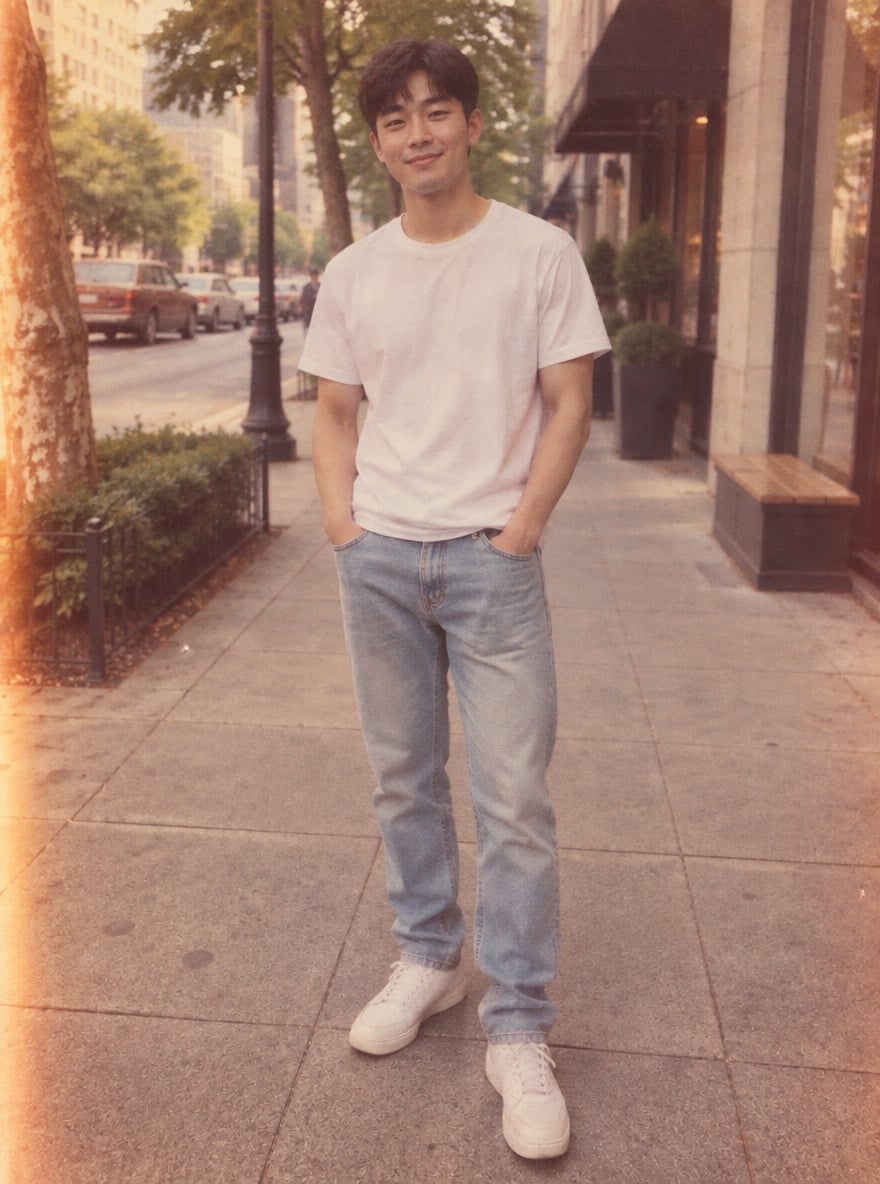
Summer Album Photo
Upload files
Upload a photo for the 80s film look
Effect prompt
By uploading a file, you agree to GoEnhance's Terms of Use and Privacy Policy
80s Grain Photos from the Console
Each image is one upload with the prompt above. Only the film look is added; people and scene are unchanged.
Café Couple, 1985
Faded Portrait
Street Snapshot
How to Use the 80s Grain Filter
01
Upload a photo
Any photo works: selfies, couples, street photos, travel shots.
02
Generate
The 80s film prompt is already filled in. Press the button and the AI adds grain, fading and color cast.
03
Download and share
Post it as a throwback, use it for retro album art or mix it into a nostalgic photo dump.
Why Use This 80s Grain Filter
Authentic film feel
Visible grain, faded blacks, a warm yellow-orange cast, light leaks and dust, just like a real 35mm print. Greens and blues are muted, highlights wash out slightly and a soft vignette frames the shot, so the result looks like an old print pulled from a family album rather than a digital preset.


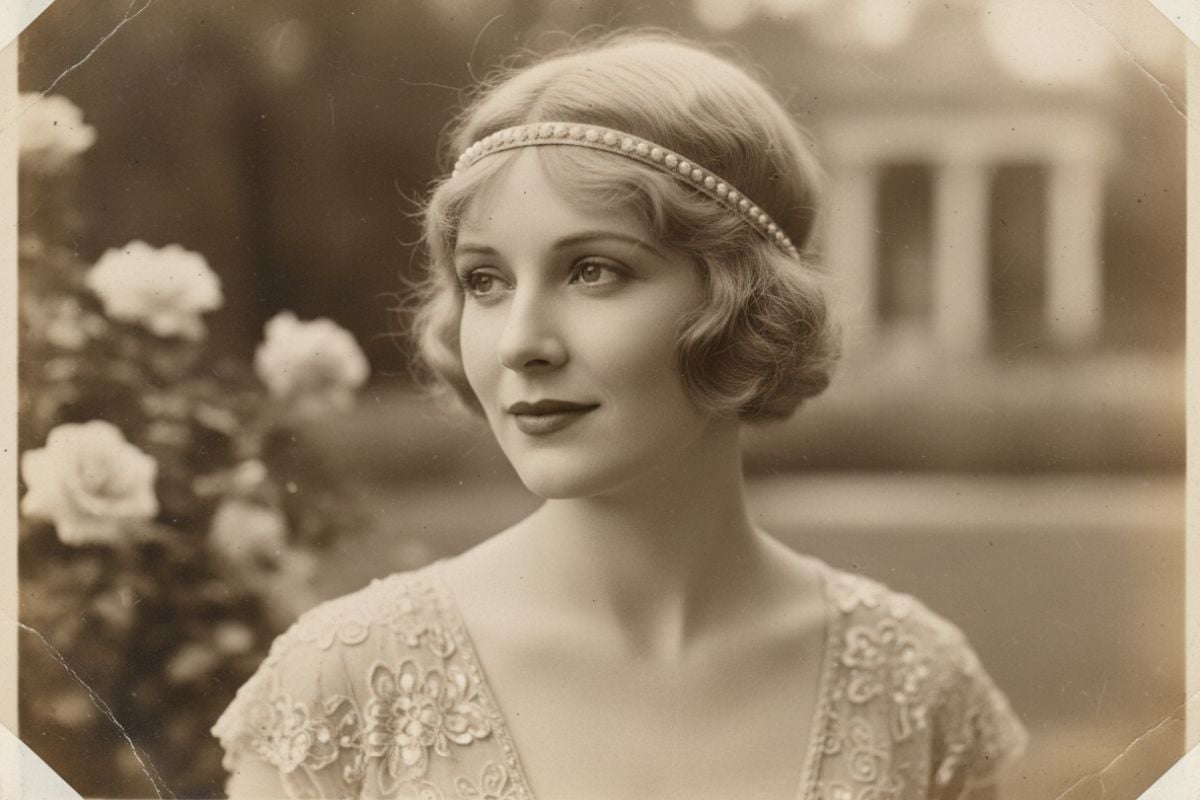
More Vintage Photo Effects





80s Grain Filter FAQ
What does the 80s grain filter do?
Will it change my clothes or hairstyle?
Can I add a date stamp?
Can I make it look even older?
Does it work for group photos?
What other vintage looks can I try?
Ready to Go Back to the 80s?
Upload a photo and get a faded 1980s film print in under a minute.
Apply 80s Grain