
goenhance logo

Free AI PS2 Filter

Instantly apply the distinctive visual style of the PlayStation 2 era to your images. Generate retro, game-inspired graphics with the PS2 filter. Step back into the golden age of gaming.
Generate PS2 Style

Authentic Retro Graphics
AI-Powered Transformation
Instant Generation
Instant Generation
High-Resolution Output

How to Convert Your Photo to PS2 Style?

01

Upload Your Image

Select a clear photograph to begin. Portraits, landscapes, or even pet photos work well for the transformation process.

02

Apply the AI PS2 Filter

Choose the PS2 filter option. Our AI will instantly analyze your photo and apply the retro graphic style, recreating the low-poly textures and lighting.

03

Download Your Retro Artwork

Once the transformation is complete, download the image. It's ready to be shared on social media or used in your creative projects.

Key Features of PS2 Filter

PS2 Filter for Authentic Retro Aesthetics

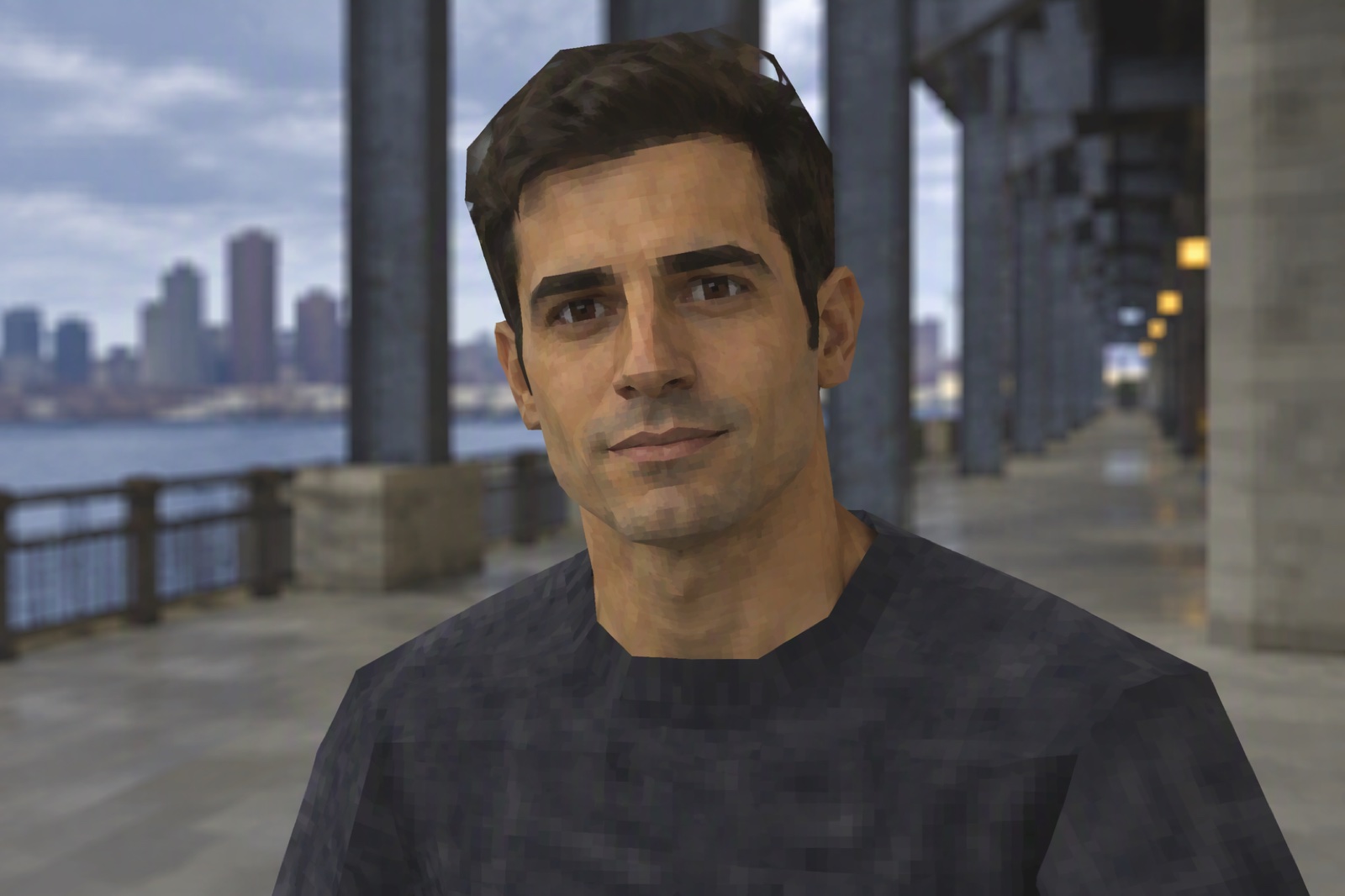
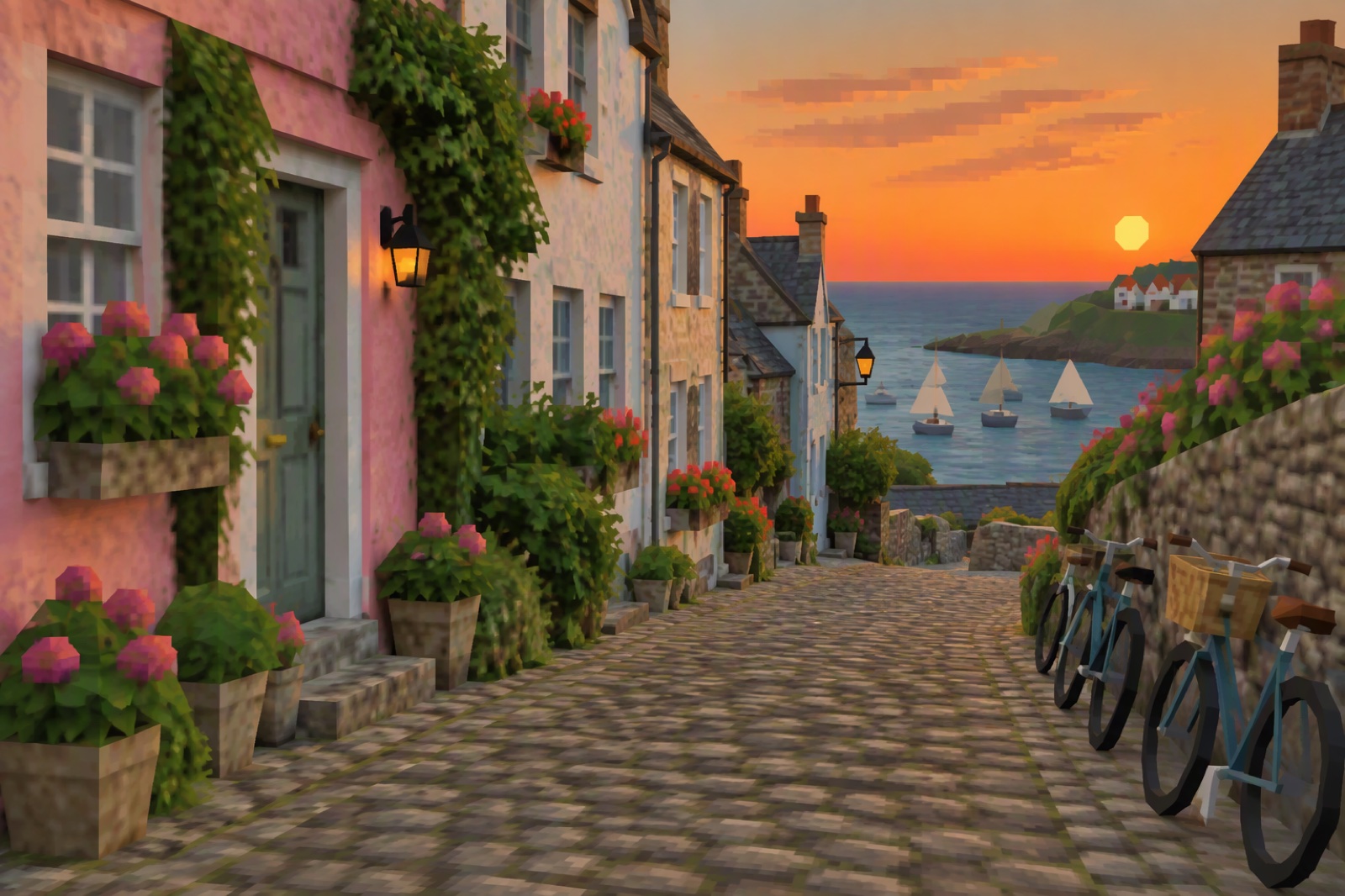
Dive into the past by converting your modern photographs into scenes reminiscent of classic PS2 games. This PS2 AI filter expertly recreates the distinct low-polygon models, pixelated textures, and unique lighting that defined a generation of gaming.

The result is not just a simple effect but a complete transformation that captures the soul of early 2000s graphics, perfect for creating standout content with our AI image generator.
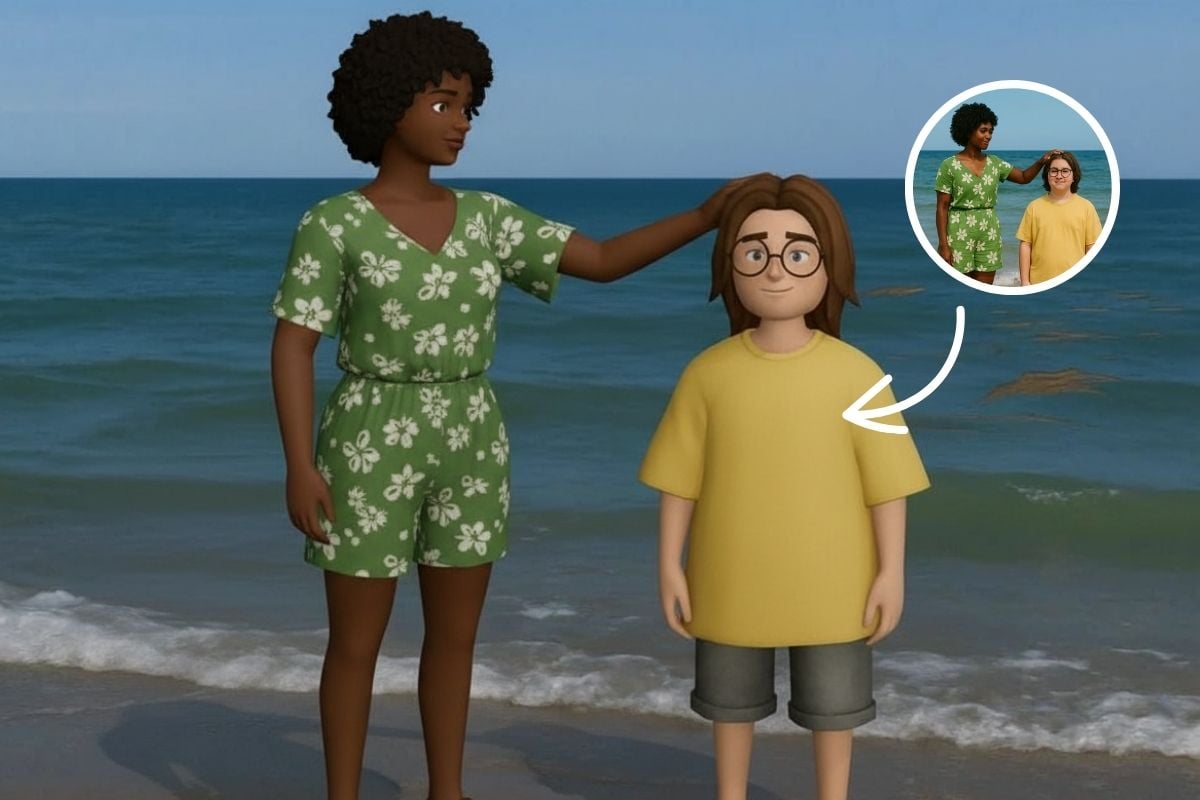
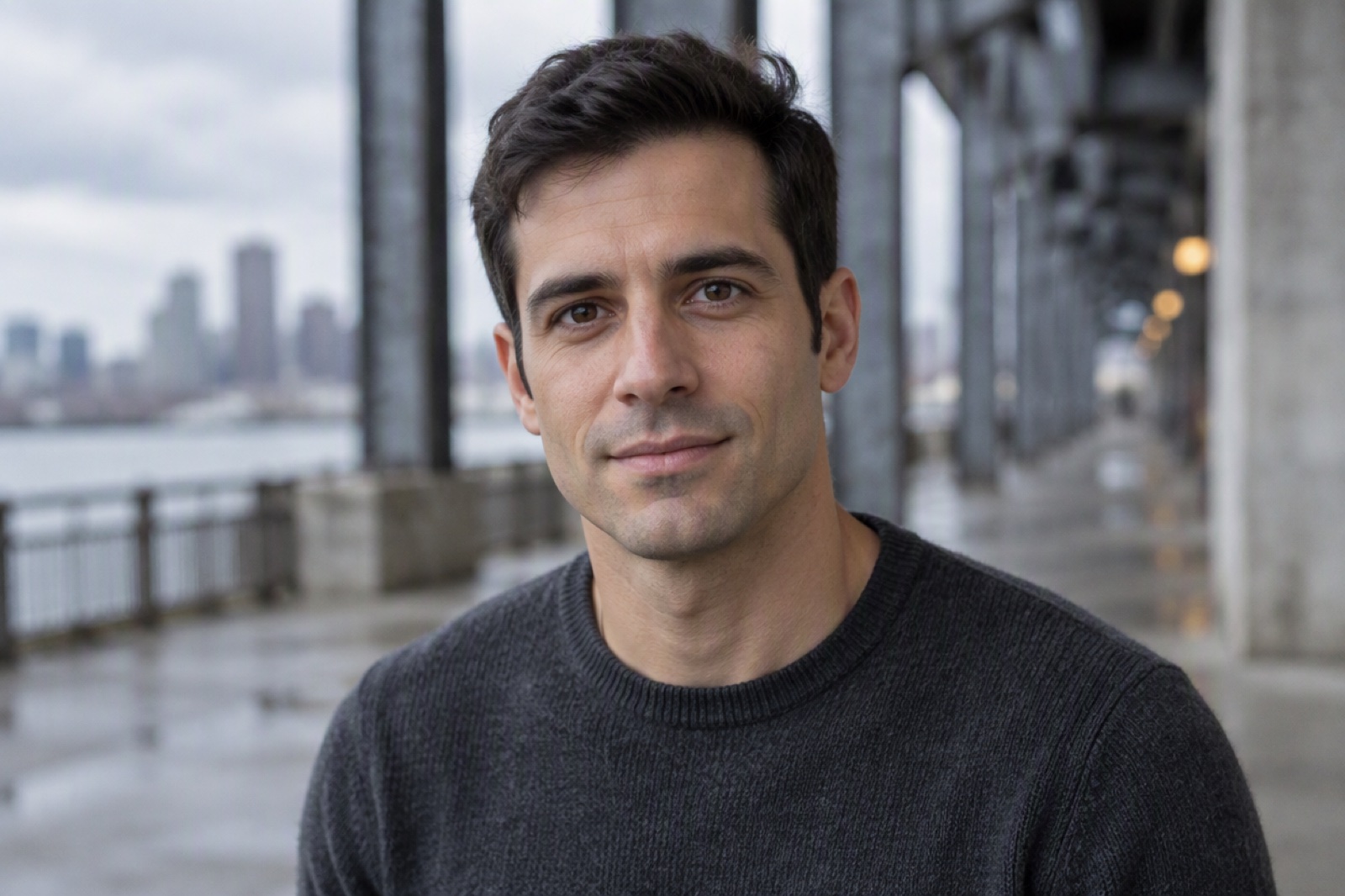
Photo transformed with PS2 Filter

Create Unique PS2 Avatars

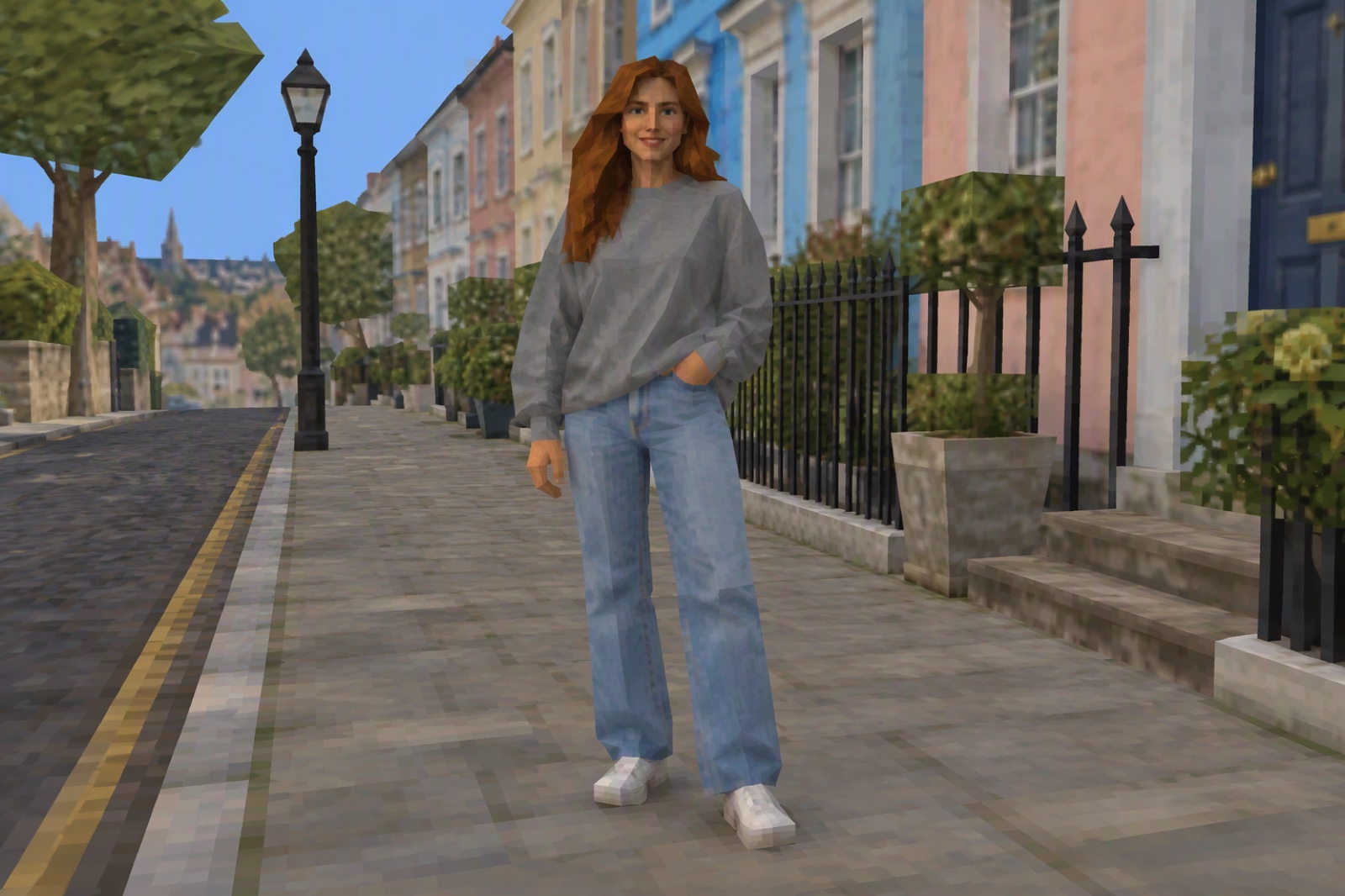
Forge a new digital identity with avatars that echo the iconic characters from PlayStation 2 classics. The PS2 filter AI generator analyzes facial features and structures to reinterpret them as low-poly, game-ready characters.

This process allows for the creation of unique profile pictures for social media, gaming forums, or any platform where a touch of retro flair helps you stand out. The generated avatars maintain a surprising level of likeness while fully embracing the nostalgic visual language.
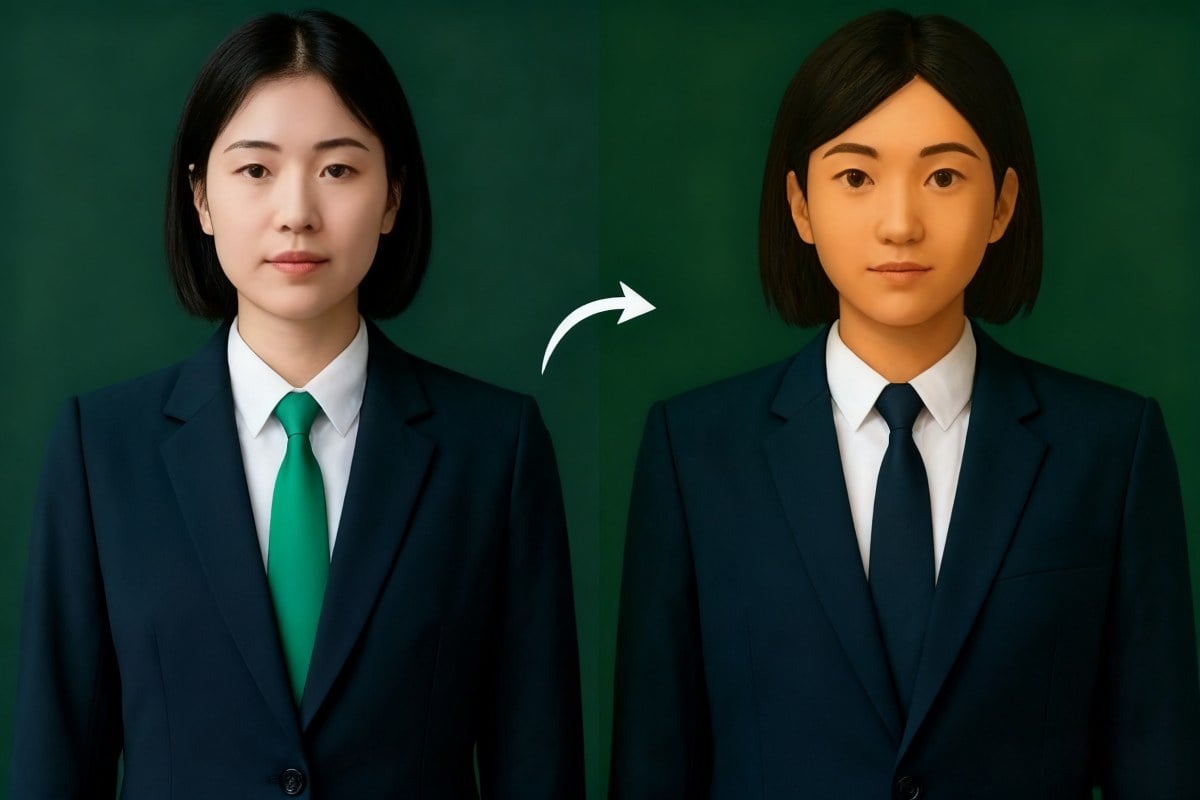
PS2 style avatar creation

Why Choose GoEnhance PS2 Generator?

Advanced AI Recreation

The AI model accurately emulates the graphical signatures of the PS2 era, including polygon count, texture mapping, and color palettes.

Easy Sharing Options

Save and share your PS2-style creations effortlessly across social media platforms, blogs, or personal projects.

Instantaneous Processing

Transform your photos in seconds. The platform is optimized for speed, providing real-time previews and quick results.

User-Friendly Interface

No technical skills are needed. The intuitive design allows anyone to upload an image and apply the filter with just a few clicks.

Broad Compatibility

The tool works with a wide range of photos, from detailed portraits to expansive landscapes, offering creative flexibility.

Free Trial Available

Start transforming your photos with a complimentary free trial. Explore the main features before deciding to upgrade.

FAQs

How does the AI PS2 filter work?

The filter uses a sophisticated AI model trained on a vast dataset of PlayStation 2 graphics. This AI analyzes the input photo and re-renders it by mimicking the low-poly models, limited color palettes, and distinctive texture styles of that gaming era.

Is this AI tool difficult to use for a beginner?

Not at all. The interface is designed for simplicity. You just need to upload an image, and the AI handles the complex transformation process automatically. No advanced technical or artistic skills are required to get great results with our AI.

Can the photo to PS2 filter AI be used on any type of photo?

Yes, the AI is versatile. It performs well on portraits, group photos, landscapes, and even pictures of objects or pets. Clear, well-lit images generally produce the most recognizable and authentic AI-generated PS2-style results.

What makes this PS2 filter AI generator different from a standard photo effect?

Unlike a simple overlay or color adjustment, our AI rebuilds the image from a structural level. It intelligently simplifies geometry and re-interprets textures to create a genuine low-poly look, which is a much more complex process than what standard filters offer.

How long does the AI take to process an image with the PS2 graphics filter?

Processing is nearly instantaneous. The powerful AI and optimized platform ensure that your image is transformed into the PS2 style within just a few seconds after you apply the filter.

Will the AI save my uploaded photos?

We prioritize your privacy. Photos are processed securely by the AI, and we do not store your images on our servers after the generation process is complete. Your data remains your own.

Try PS2 Filter Free

Upload a photo and see yourself reimagined in classic low-poly PS2 graphics. Quick, fun, and free to start.

Become a PS2 Game Character