
Photo Midnight Effect: Turn Day Into Night With AI
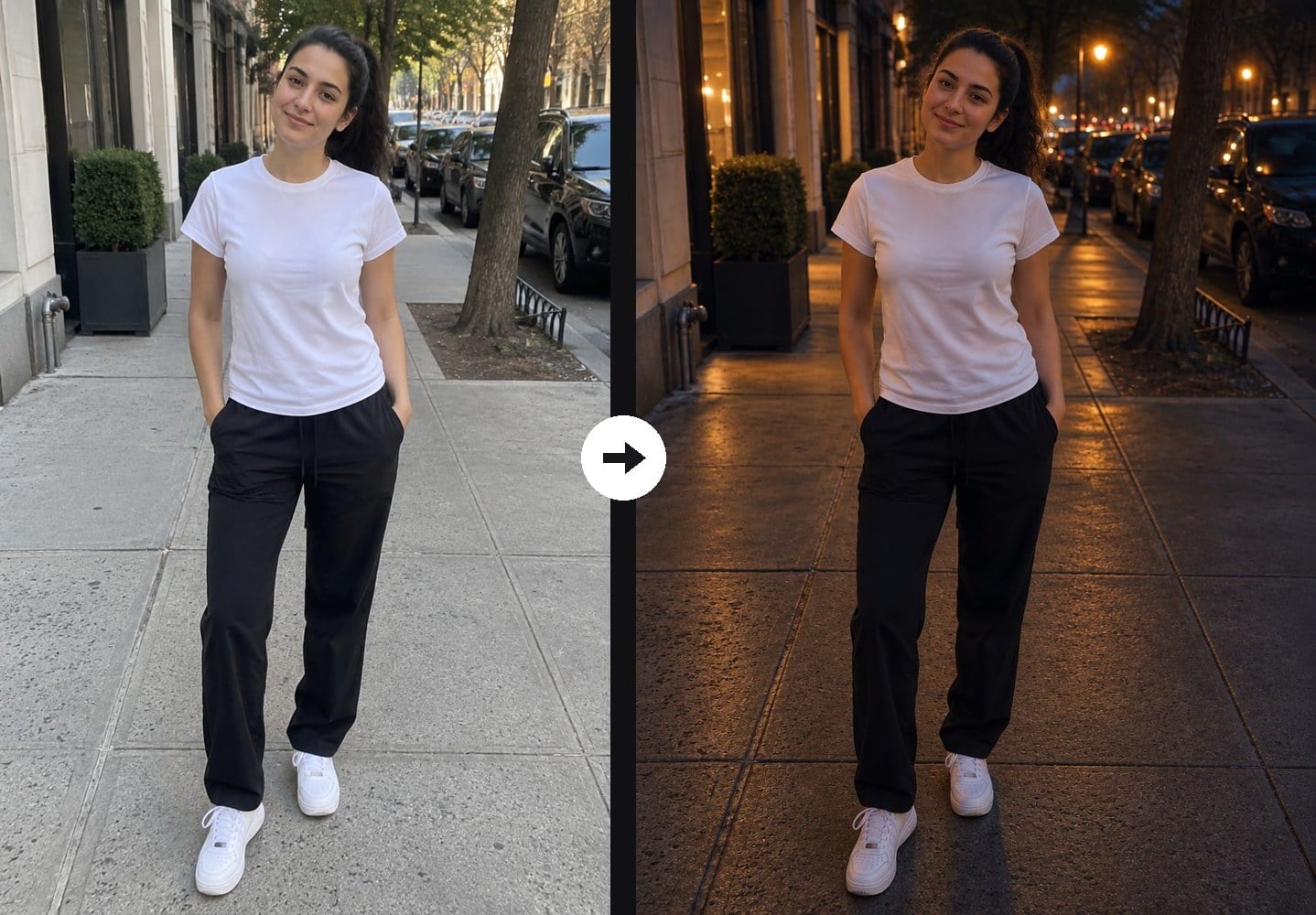
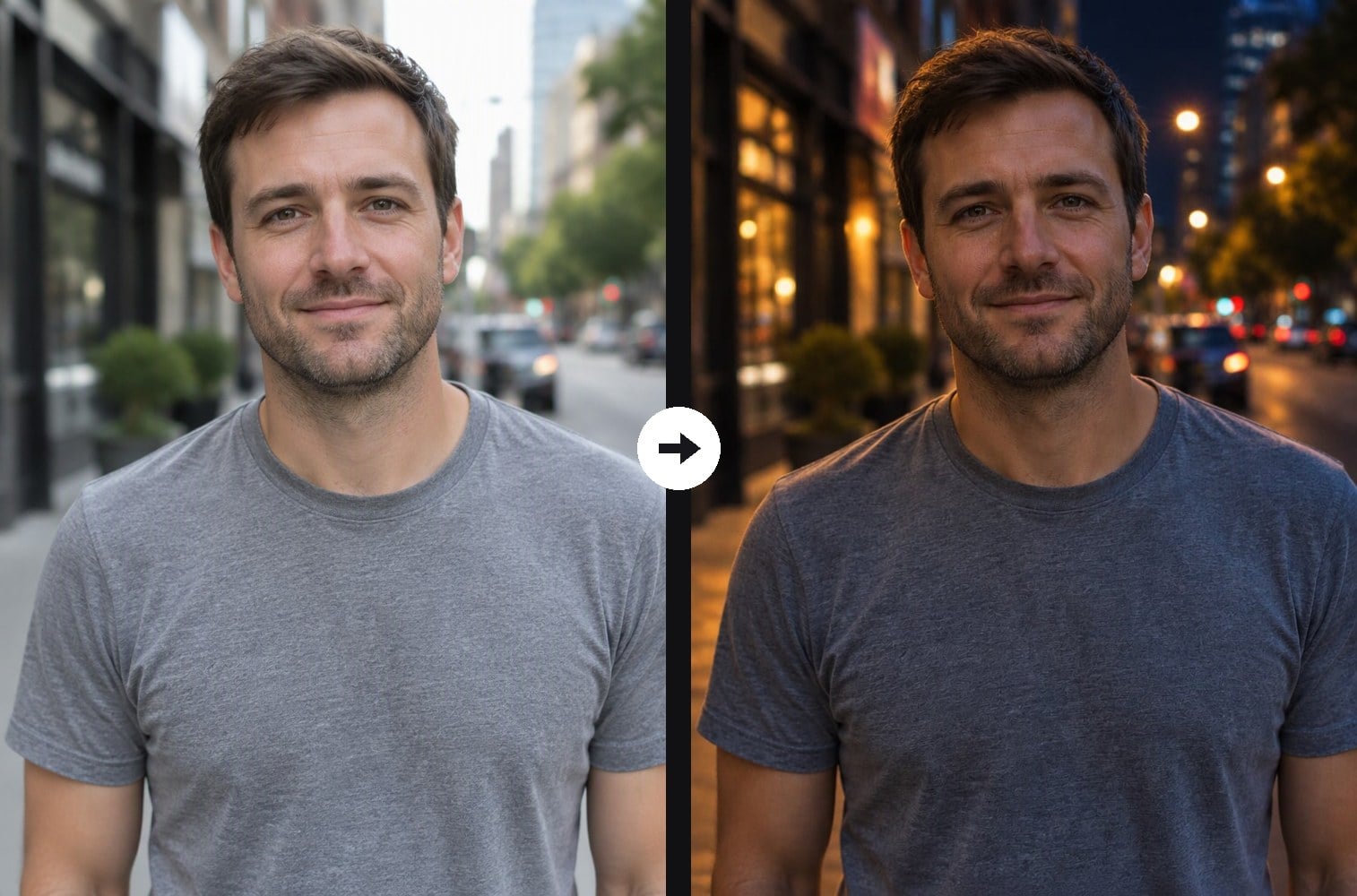
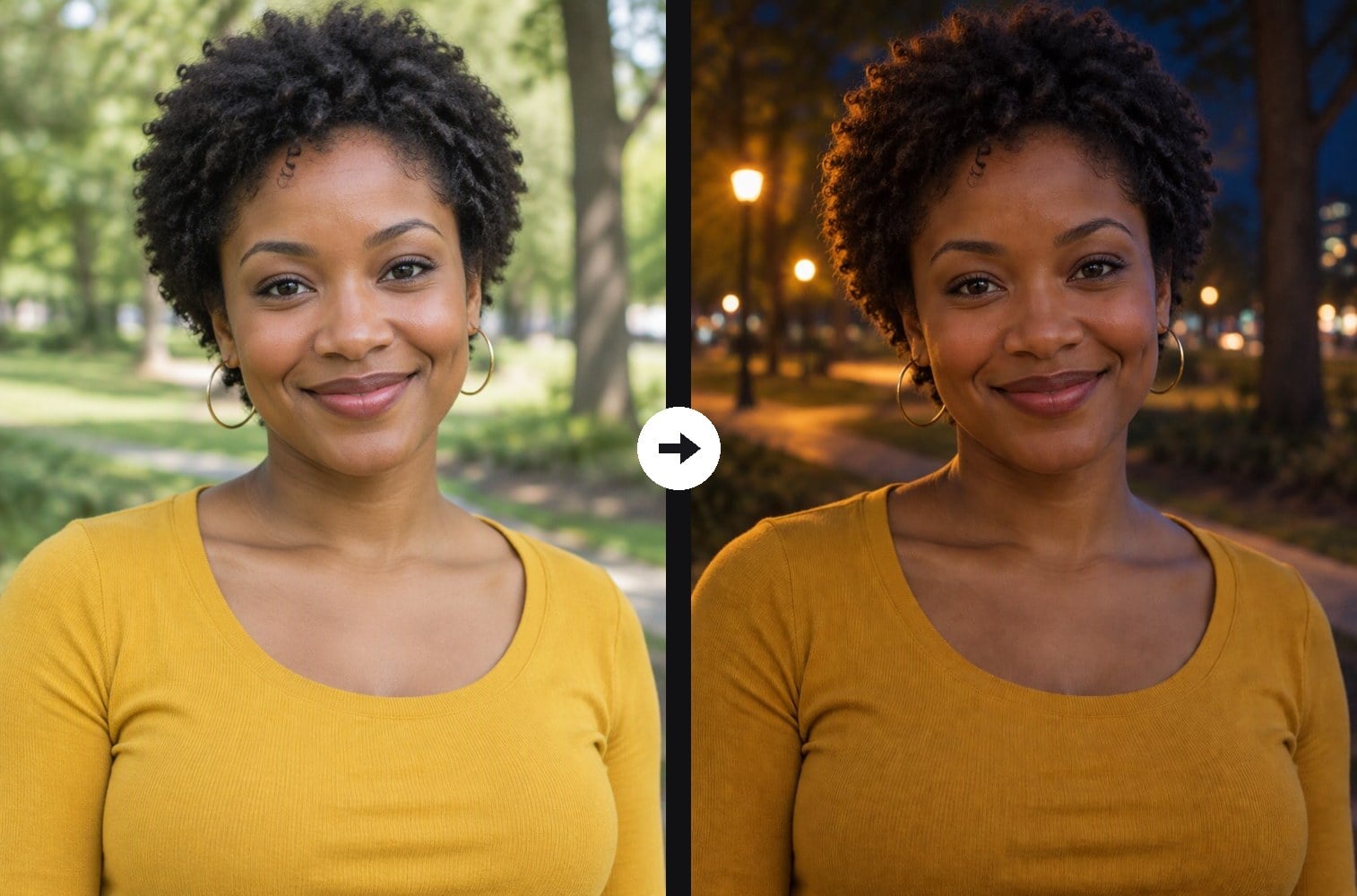
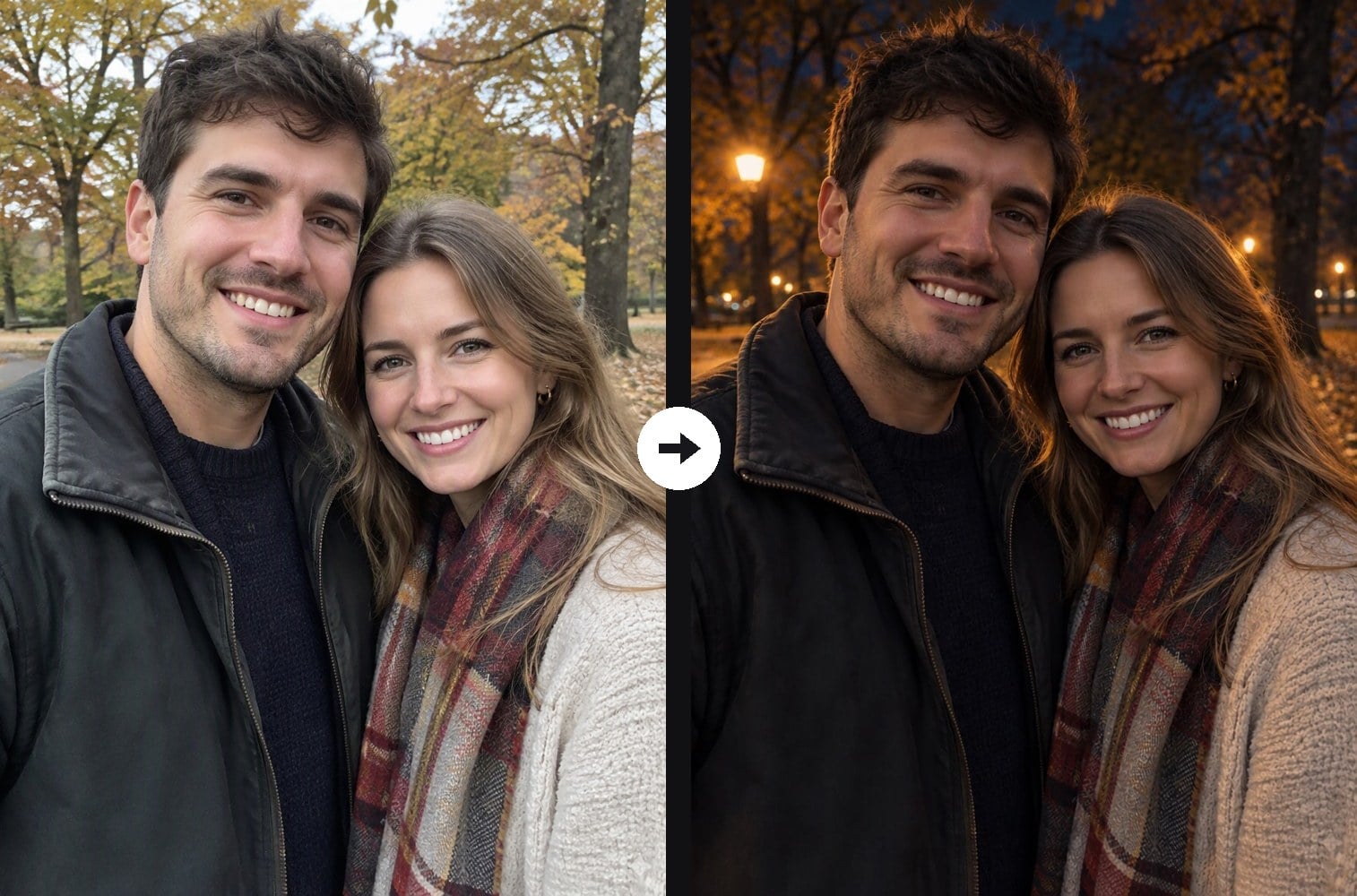
Took a great portrait in flat afternoon light but wish it looked like a late-night movie still? Upload the photo and this midnight effect relights the same scene as if you were standing there after dark: the sky turns deep midnight blue, daylight shadows disappear, and warm streetlights, glowing shop windows and soft city-light bokeh fill the background. Your face stays lit by a nearby lamp so it remains clear, with cool moonlight in the shadows and a gentle rim light on your hair. Everything that makes the photo yours is kept: face, expression, pose, outfit, framing and the main parts of the location. Unlike a sunset or black-and-white filter, this is a full day-to-night conversion. The console below runs on GPT Image 2.5.
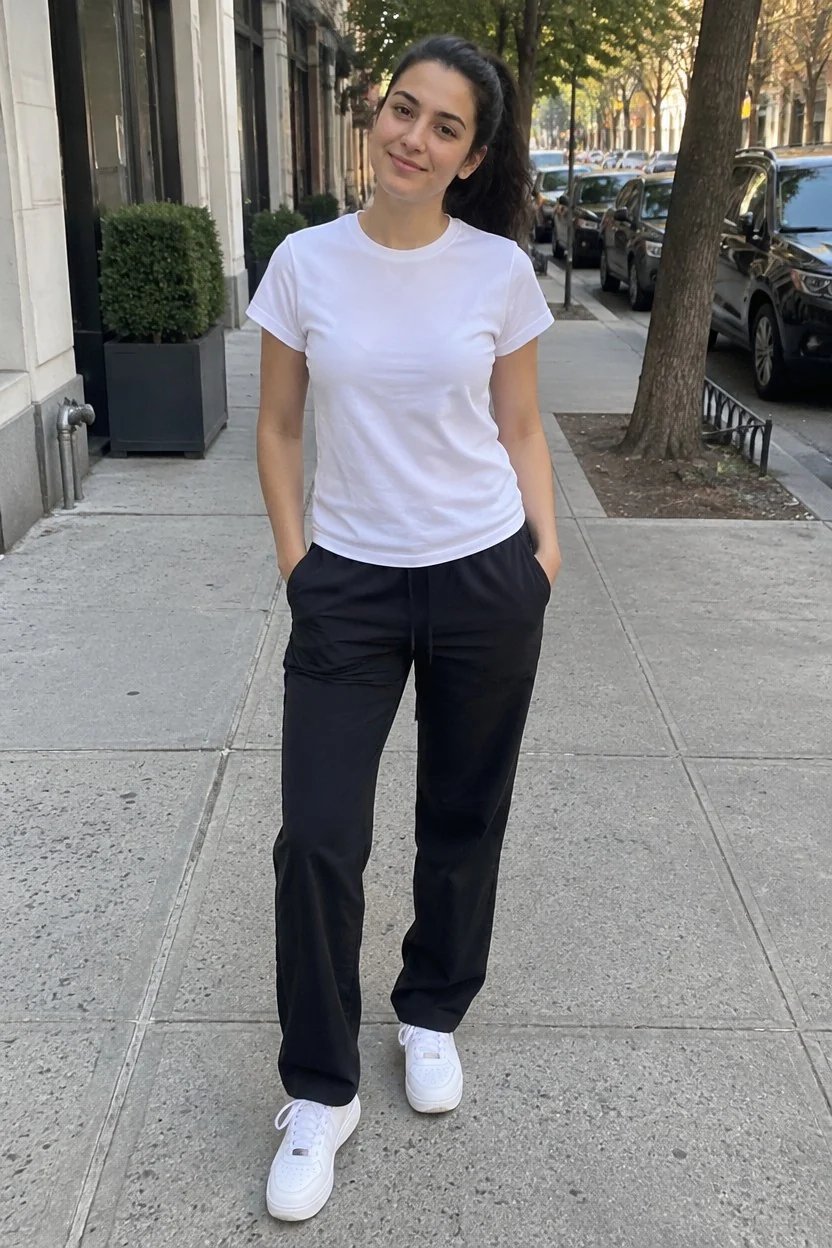
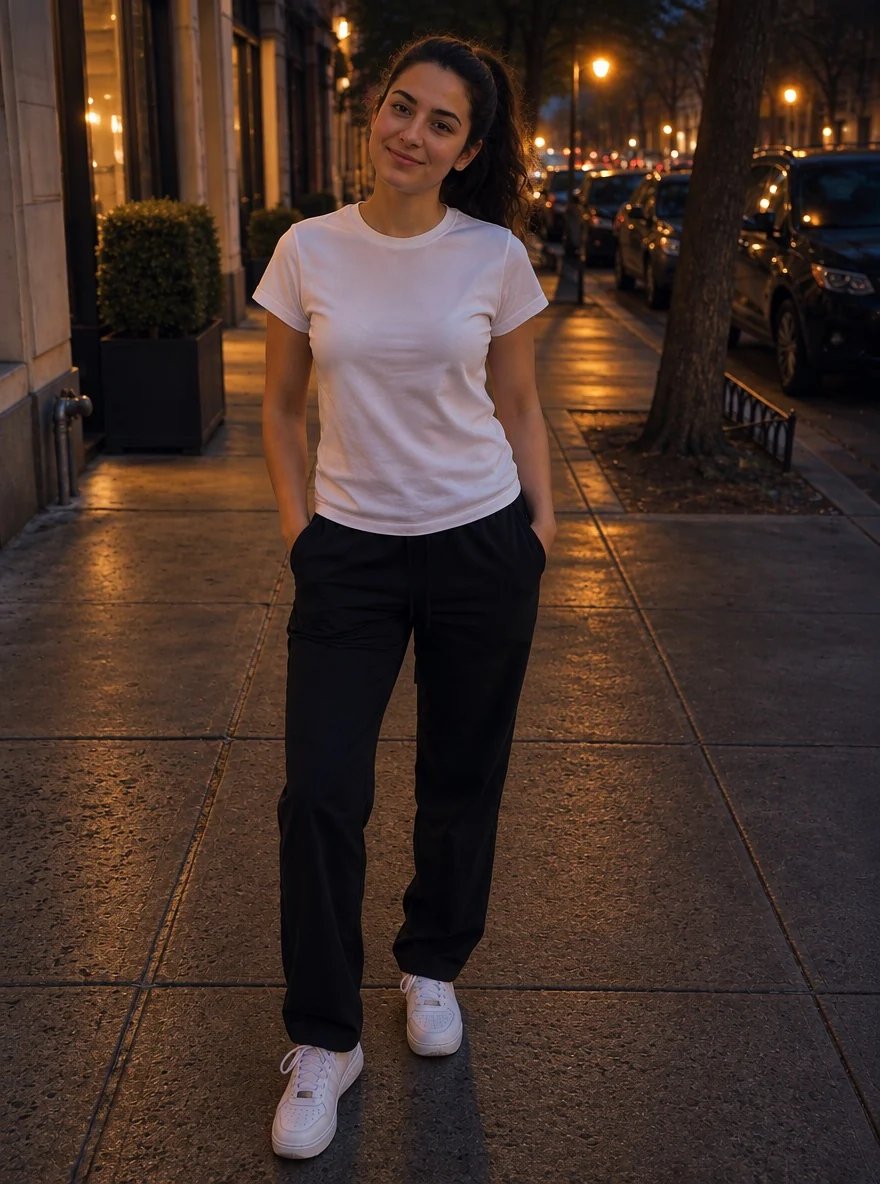
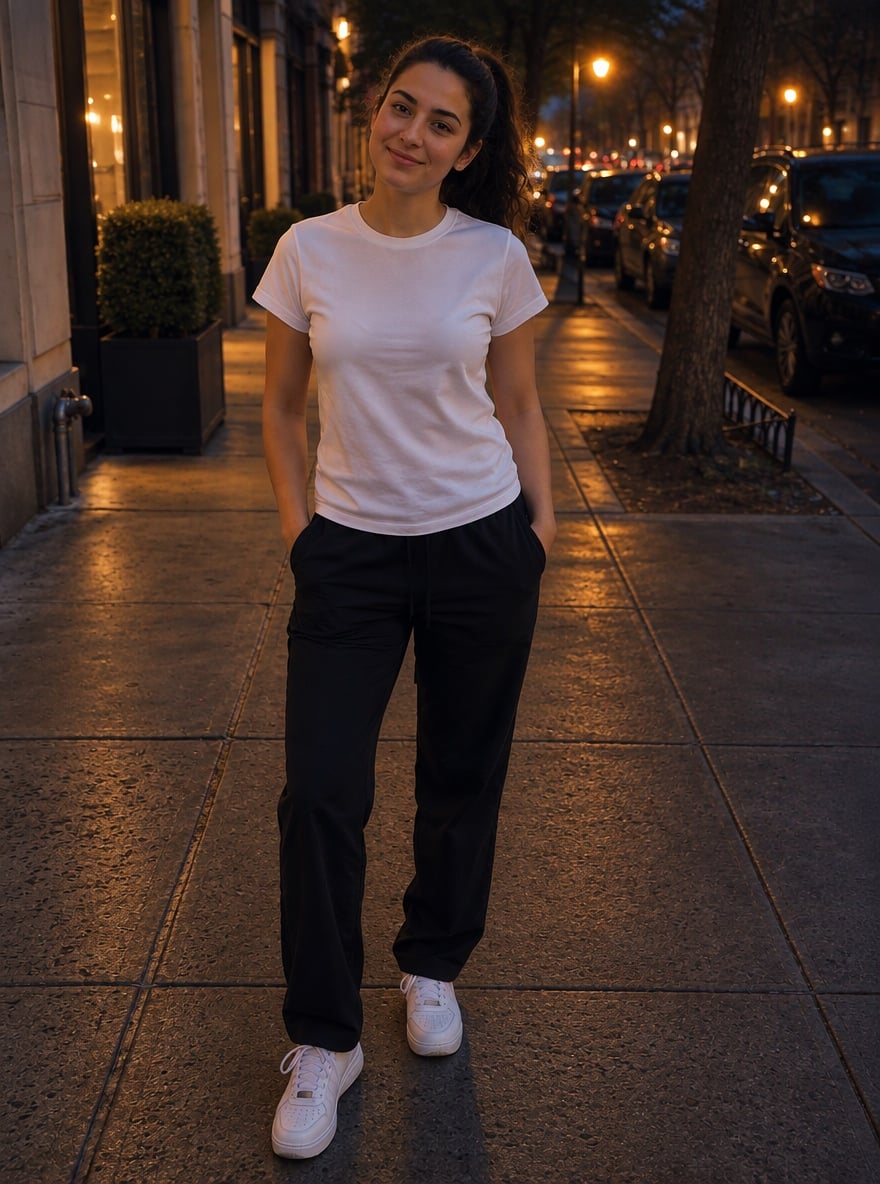
Full-body street shot at midnight
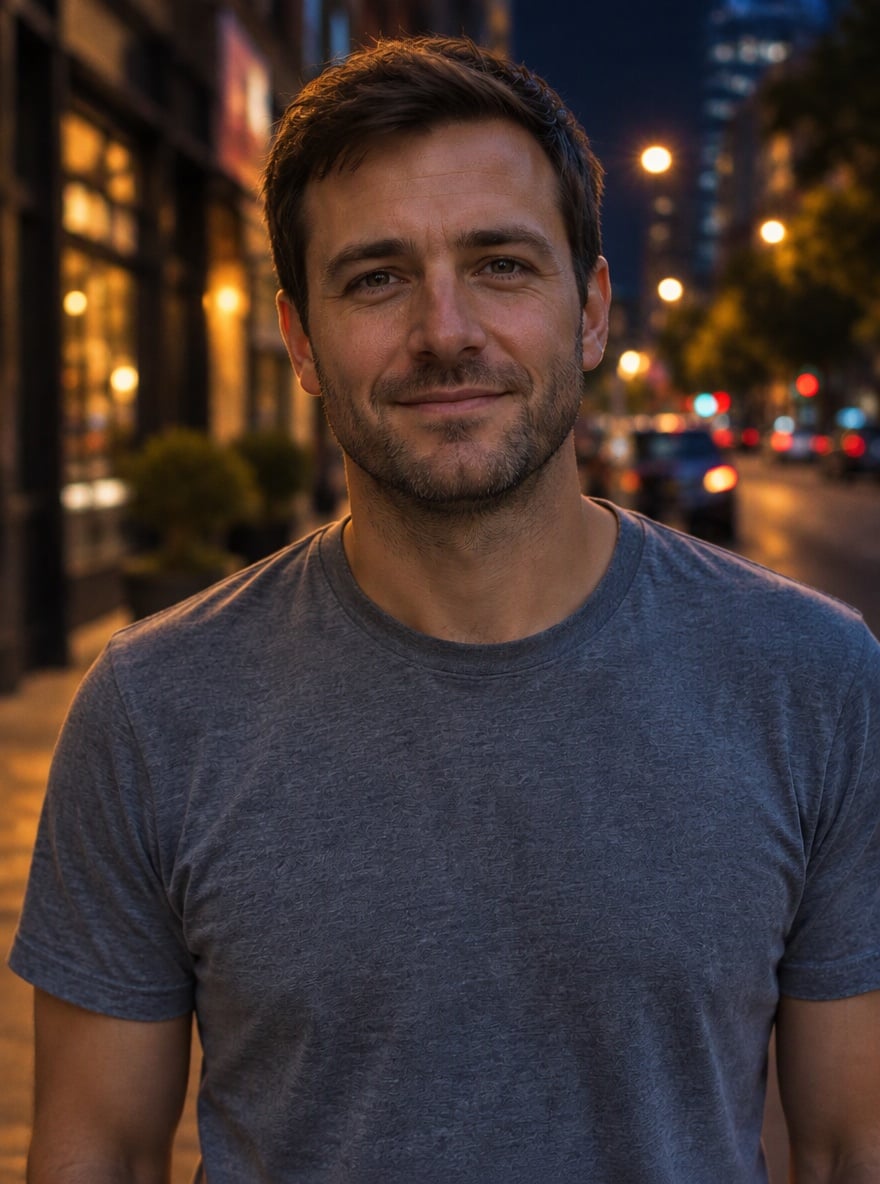
Street portrait under city lights
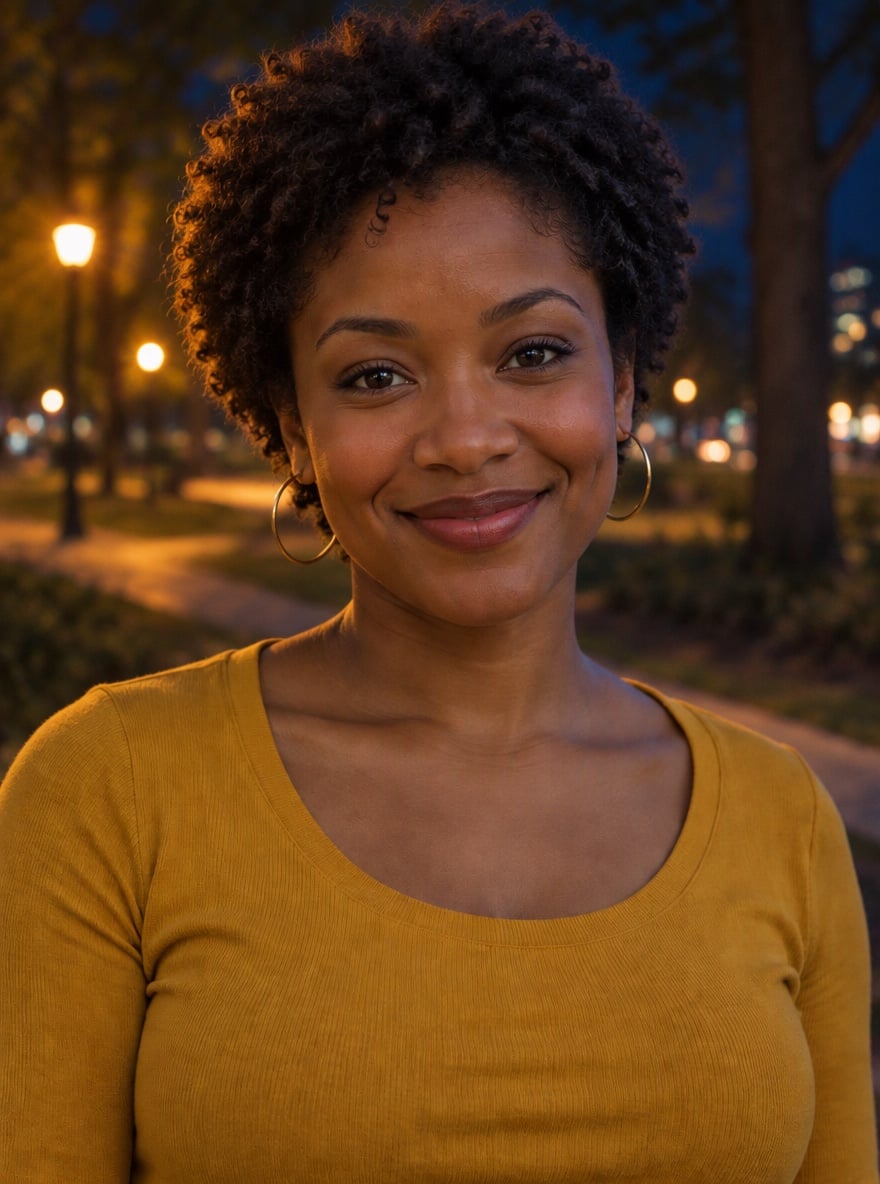
Park portrait by lamplight
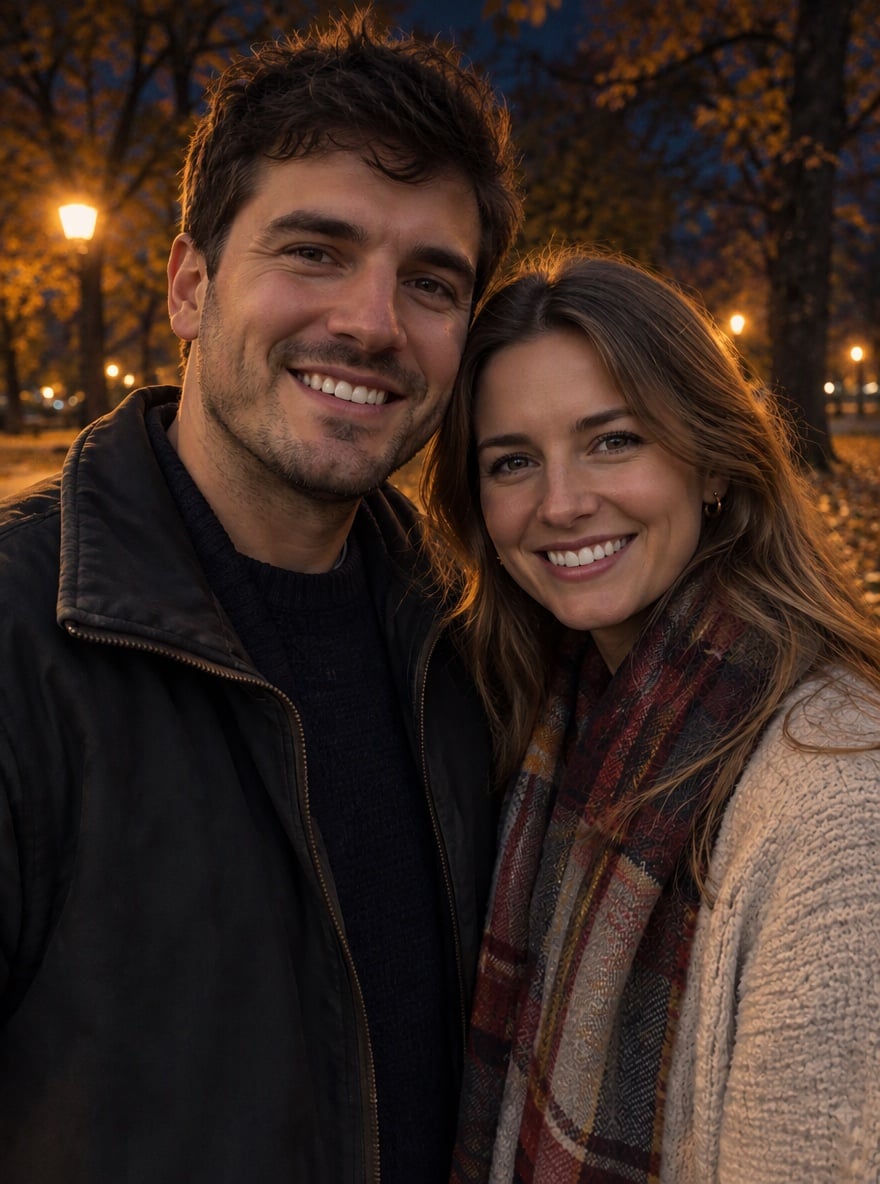
Couple selfie on a night street
Upload files
Upload a clear daytime photo with your face visible
Effect prompt
By uploading a file, you agree to GoEnhance's Terms of Use and Privacy Policy
Photo Midnight Effect: Before and After
Each result is one upload with the same prompt. Face, pose, outfit and framing come from the original daytime photo; the night sky, streetlights and city glow were added.
Full-body street shot at midnight
Street portrait under city lights
Park portrait by lamplight
How to Use the Photo Midnight Effect
01
Upload a daytime photo
Pick a photo where your face is clear and the background shows where you are, such as a street, park, café front or rooftop. Selfies, half-body and full-body shots all work.
02
Keep or edit the prompt
The default prompt keeps you and the scene and only changes the time to midnight. You can type changes, such as more neon, rain on the street, a full moon or warmer light on your face.
03
Generate and download
Press the button, compare the day and night versions, and download the result for your profile, a story post or a cinematic photo dump.
Why Use This AI Midnight Photo Effect
More Photo Filters and Effects
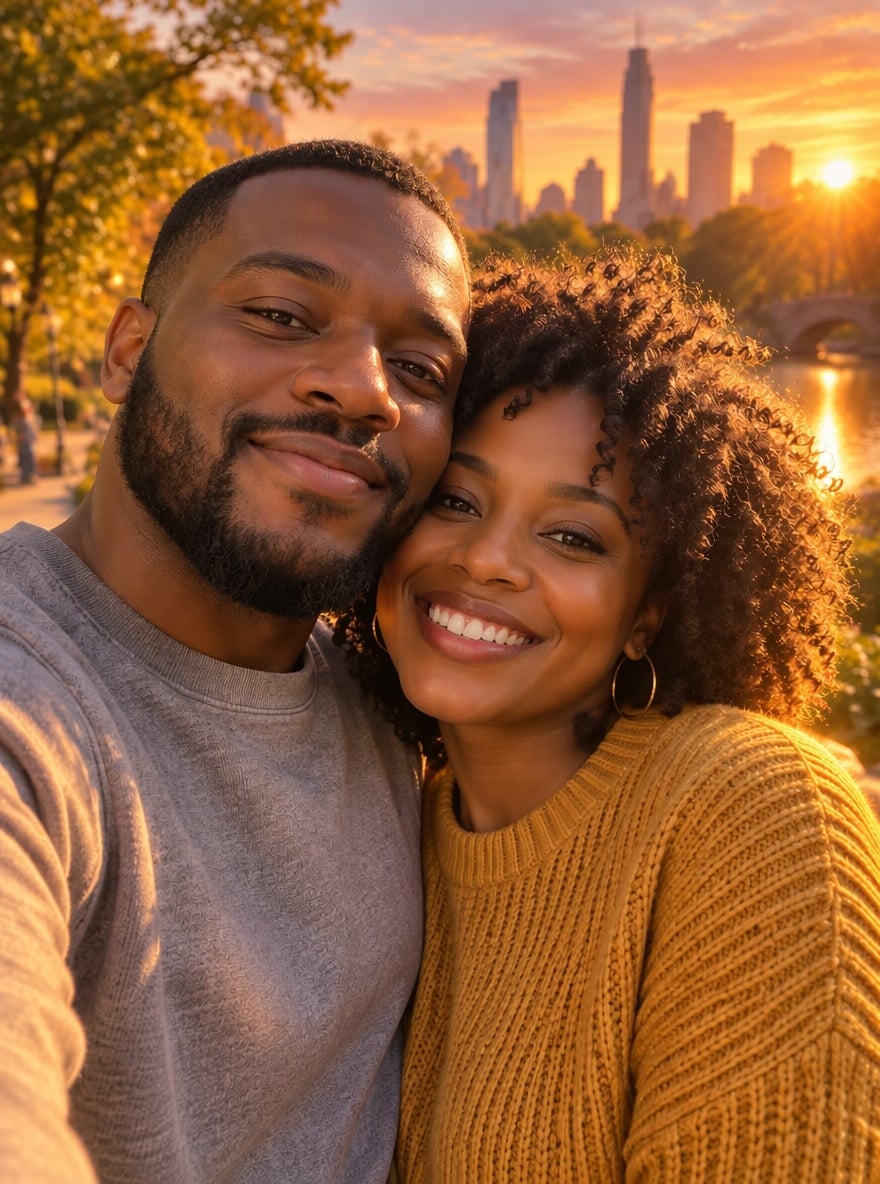
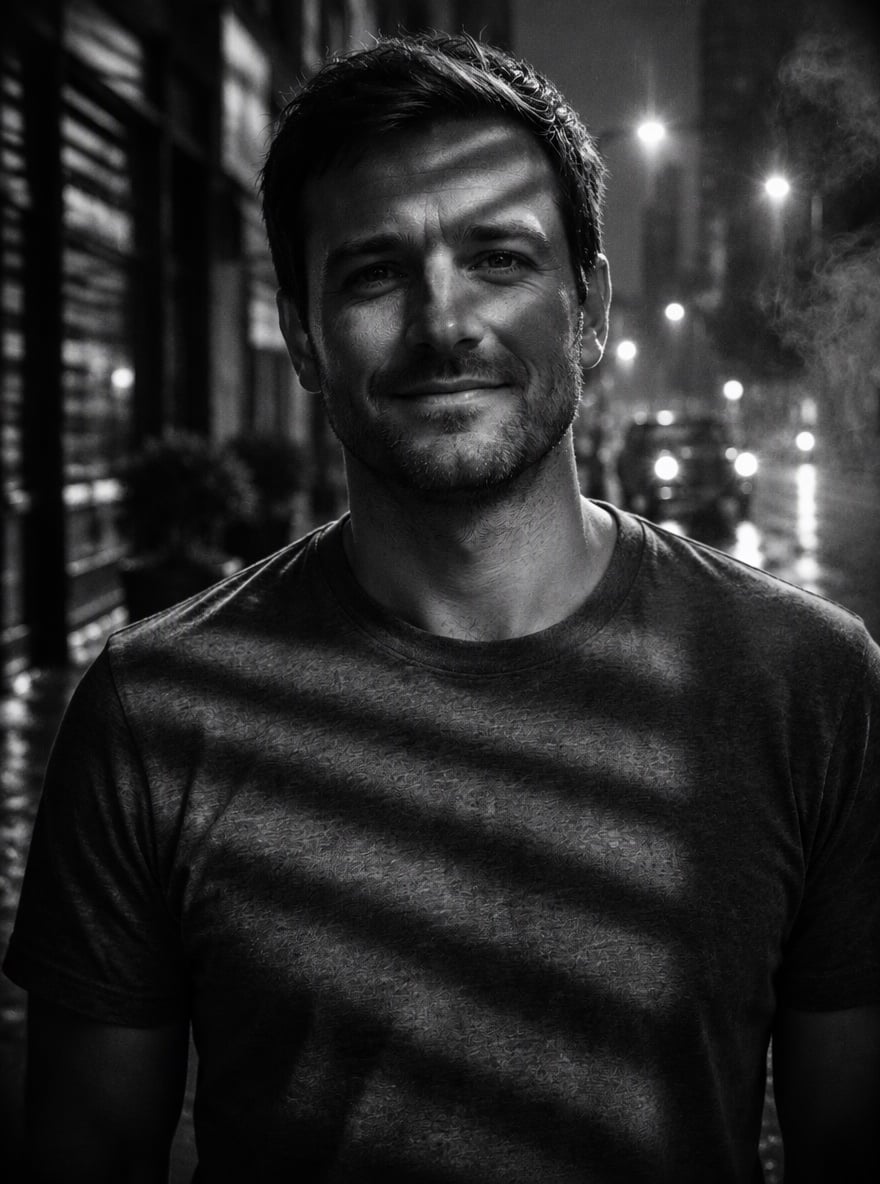
Photo Midnight Effect FAQ
Is the photo midnight effect free?
Will my face and outfit change?
Will my face be too dark to see?
Can I add neon, rain or a full moon?
What if I want golden hour instead of midnight?
Which photos work best?
Ready to See Your Photo at Midnight?
Upload a daytime photo and get a cinematic night version in under a minute.
Try the Midnight Effect