
AI City Double Exposure: Your Portrait Meets the Skyline
Upload a portrait and the AI fills your hair and shoulders with skyscrapers, bridges and city lights at dusk, then fades the city softly into your silhouette. Your eyes, nose, mouth and face outline stay sharp, so the result looks like a professional double exposure artwork, not a messy overlay. The console below runs on GPT Image 2.5.
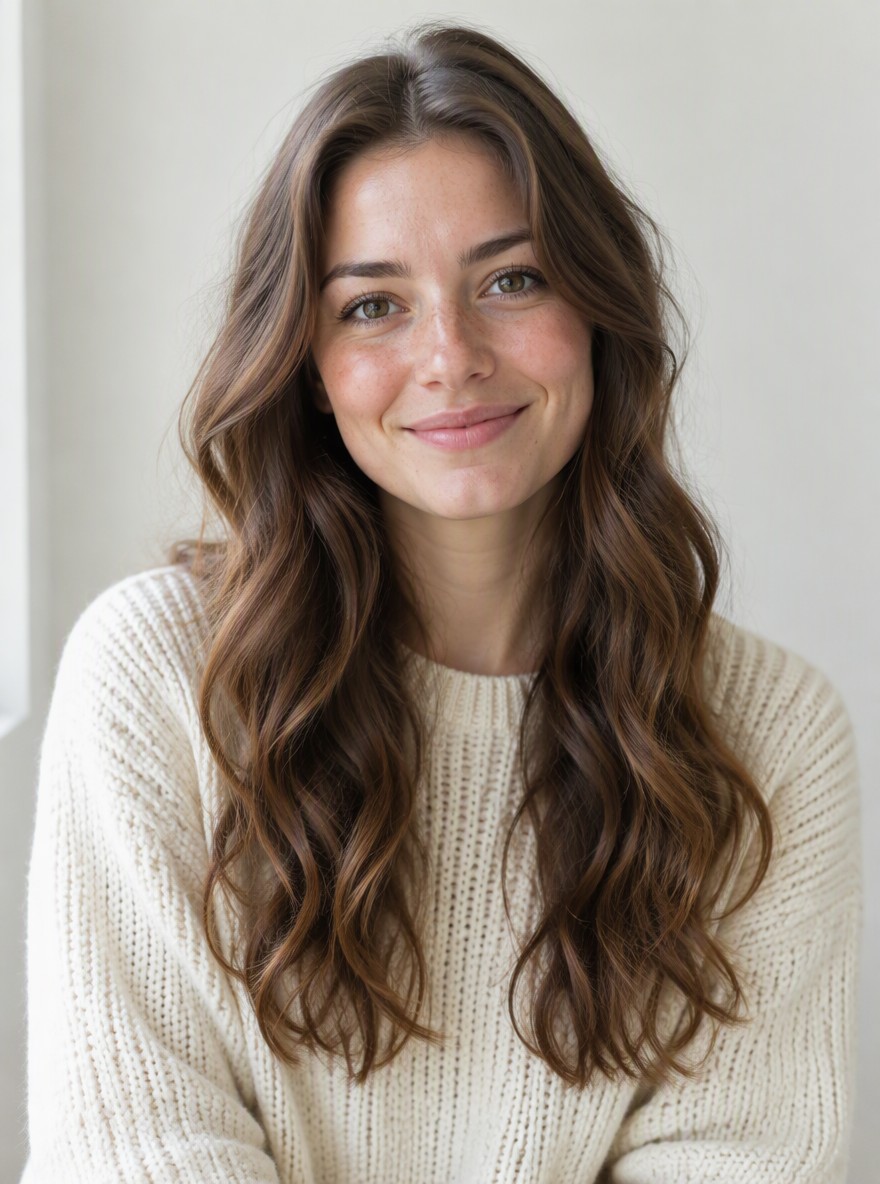
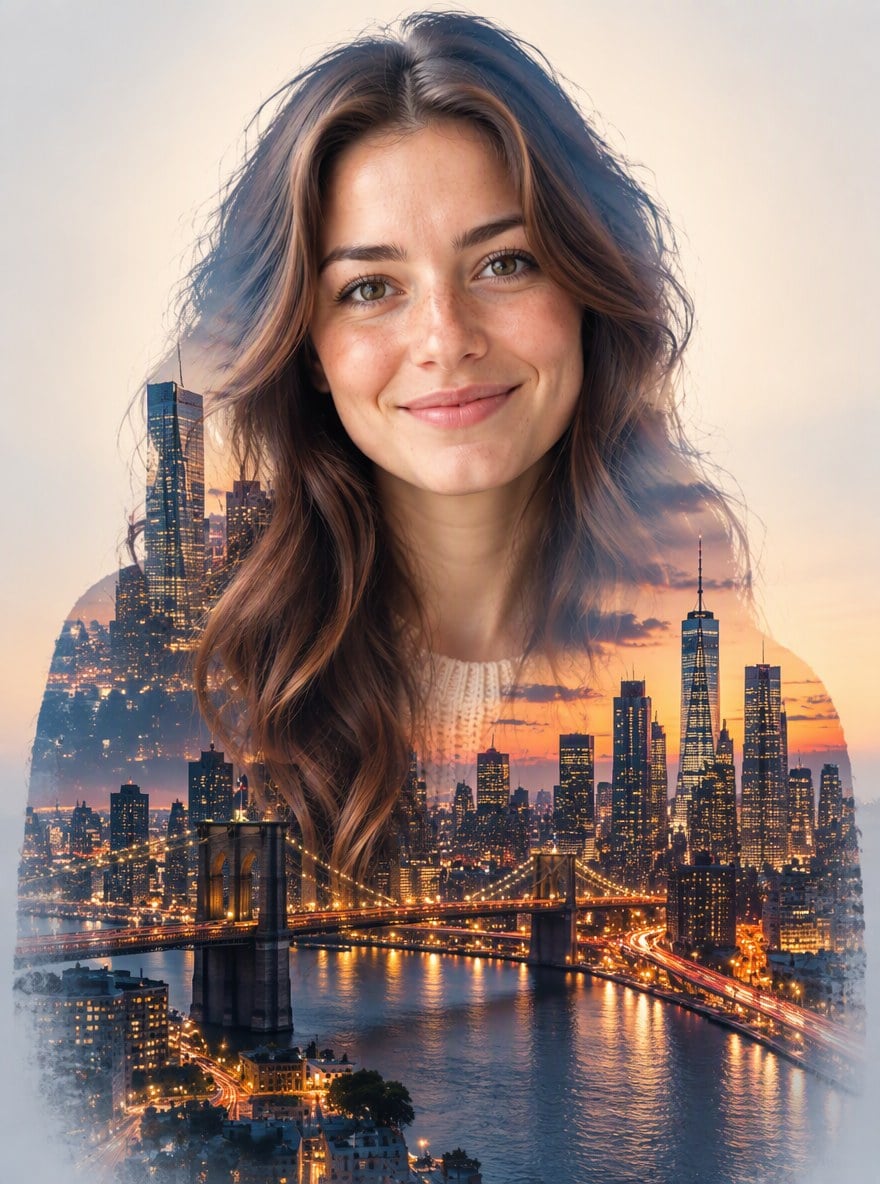
Long Hair Portrait
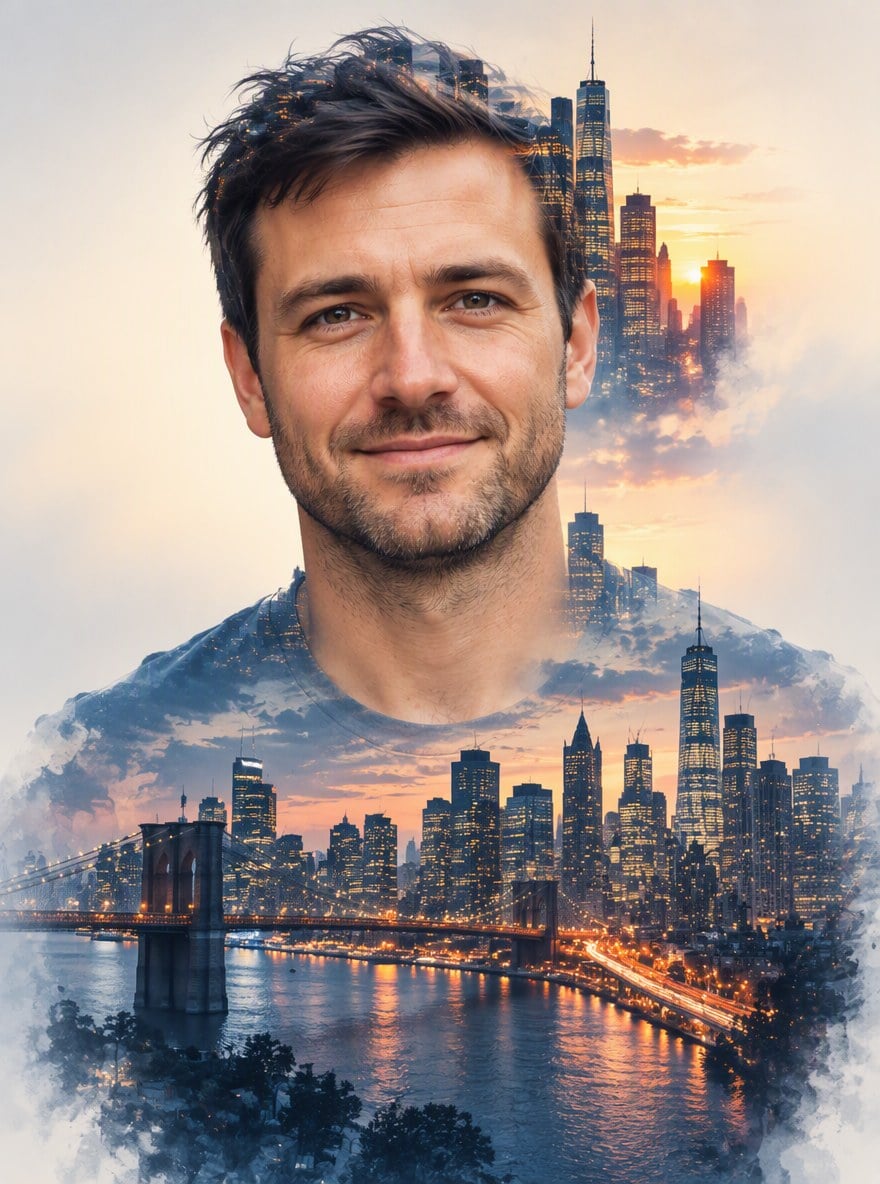
Sunset Skyline
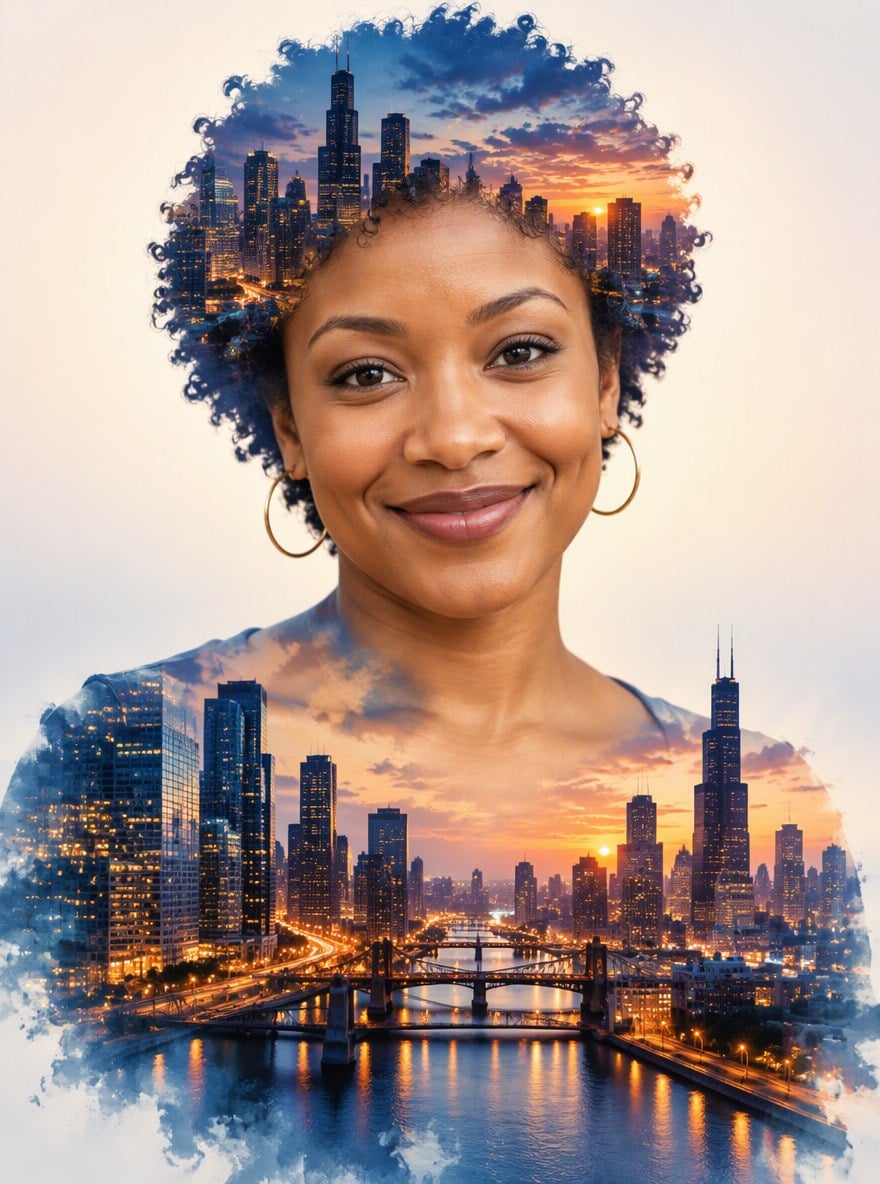
Curly Hair Portrait
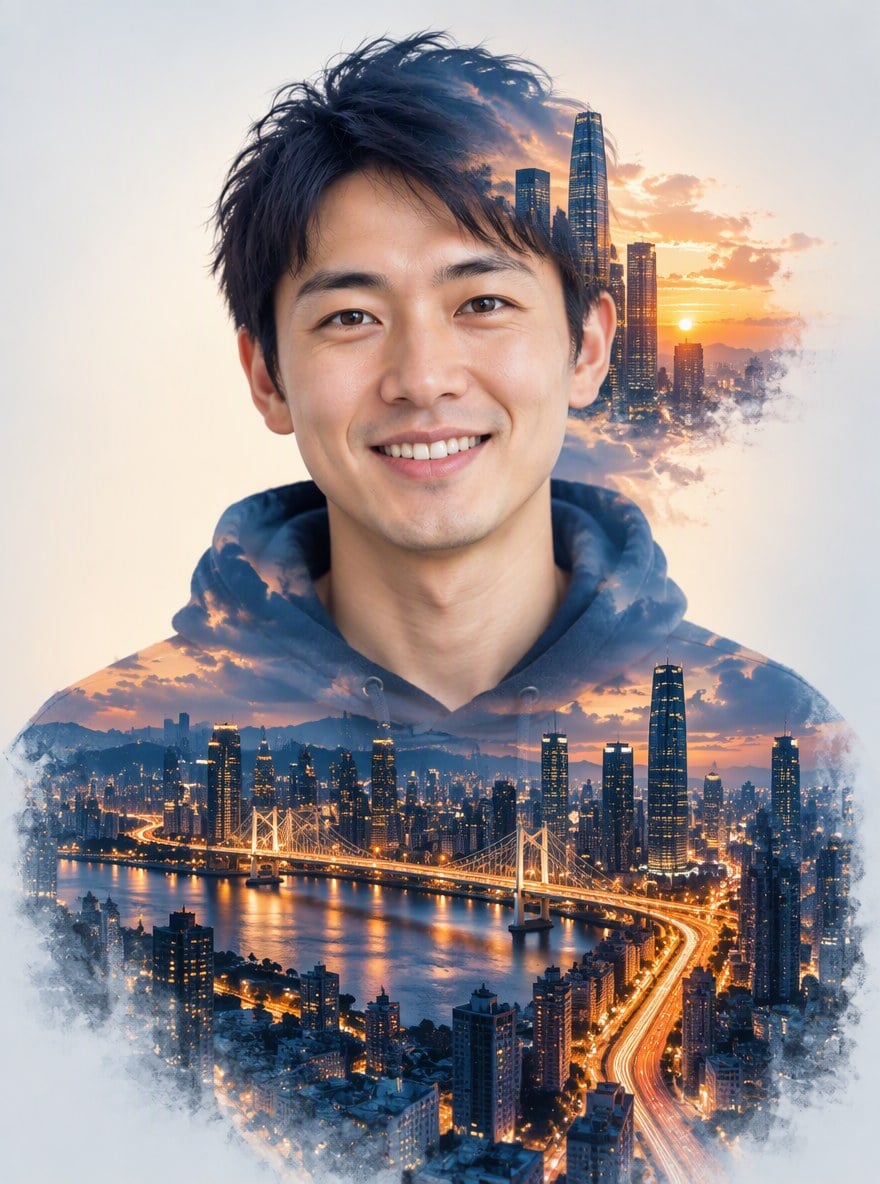
Hoodie Portrait
Upload files
Upload a portrait to blend with a city skyline
Effect prompt
By uploading a file, you agree to GoEnhance's Terms of Use and Privacy Policy
City Double Exposure Results from the Console
Each picture is one upload with the prompt above. The face stays clear and the city fills the silhouette.
Long Hair Portrait
Sunset Skyline
Curly Hair Portrait
Hoodie Portrait
How to Make a City Double Exposure
01
Upload a portrait
A front-facing head-and-shoulders photo works best. Plain or busy backgrounds are both fine.
02
Generate
The double exposure prompt is already filled in. Press the button and the AI blends the skyline into your silhouette.
03
Download and use
Use it as a profile picture, a poster, an album cover or a print.
Why Make Your Double Exposure Here
Face stays sharp
The city is kept off your eyes and face, so you are still the first thing people see.
No layers or masks
Classic double exposure takes two photos and careful masking in an editor. Here it is one upload.
Cinematic colors
Deep blue and warm amber city lights on a clean light background, ready to post or print.
Free to try
New accounts get free credits, so your first double exposure costs nothing.
More Artistic Photo Effects
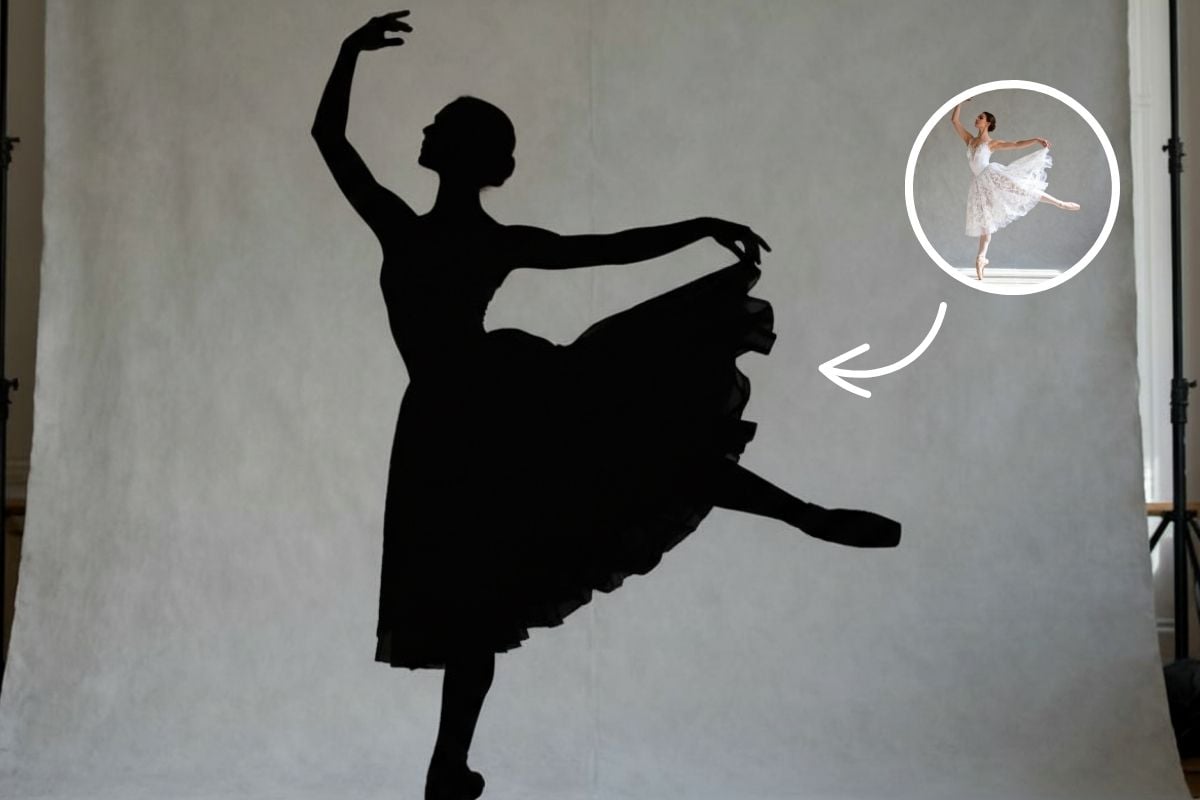
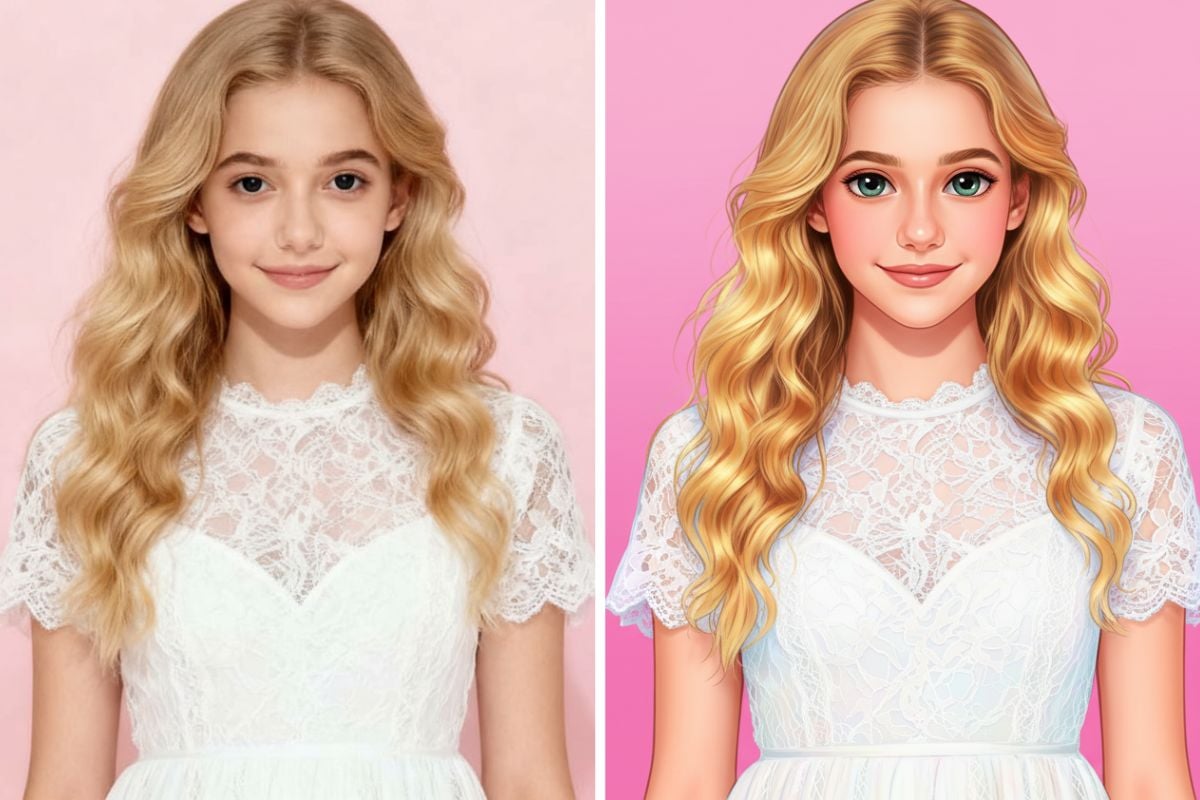

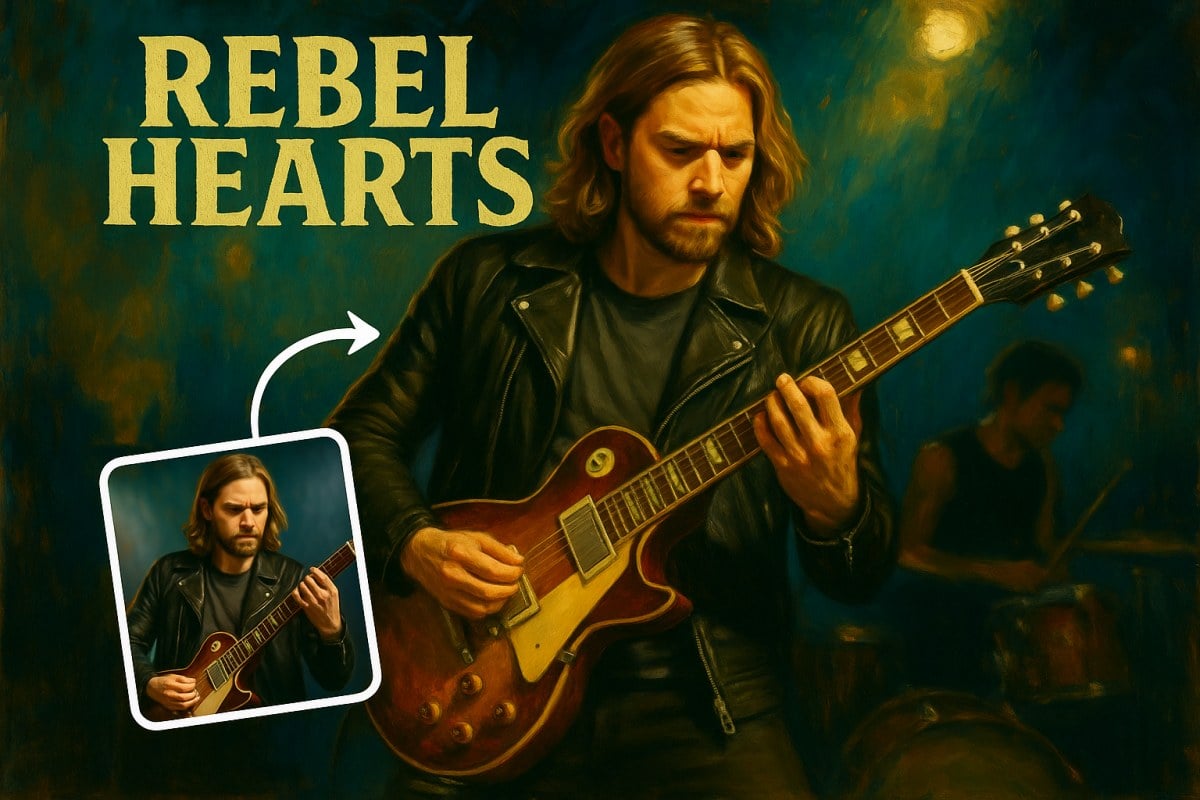
AI City Double Exposure FAQ
What is a double exposure photo?
What photo works best?
Will the city cover my face?
Can I pick the city or time of day?
Can I use a group photo?
What similar effects are there?
Ready to Put a City in Your Portrait?
Upload a portrait and get your double exposure in under a minute.
Make My Double Exposure