
AI Story Generator: Turn Texts into a Story Video
Write a short story synopsis. GoEnhance AI develops the plot, creates character three-view references and a visual storyboard, then lets you generate an AI story video in one click. Go from a rough idea to a scene-by-scene visual story without planning every shot yourself.
Bring Your Story Idea to LifeHow to Make an AI Story Video
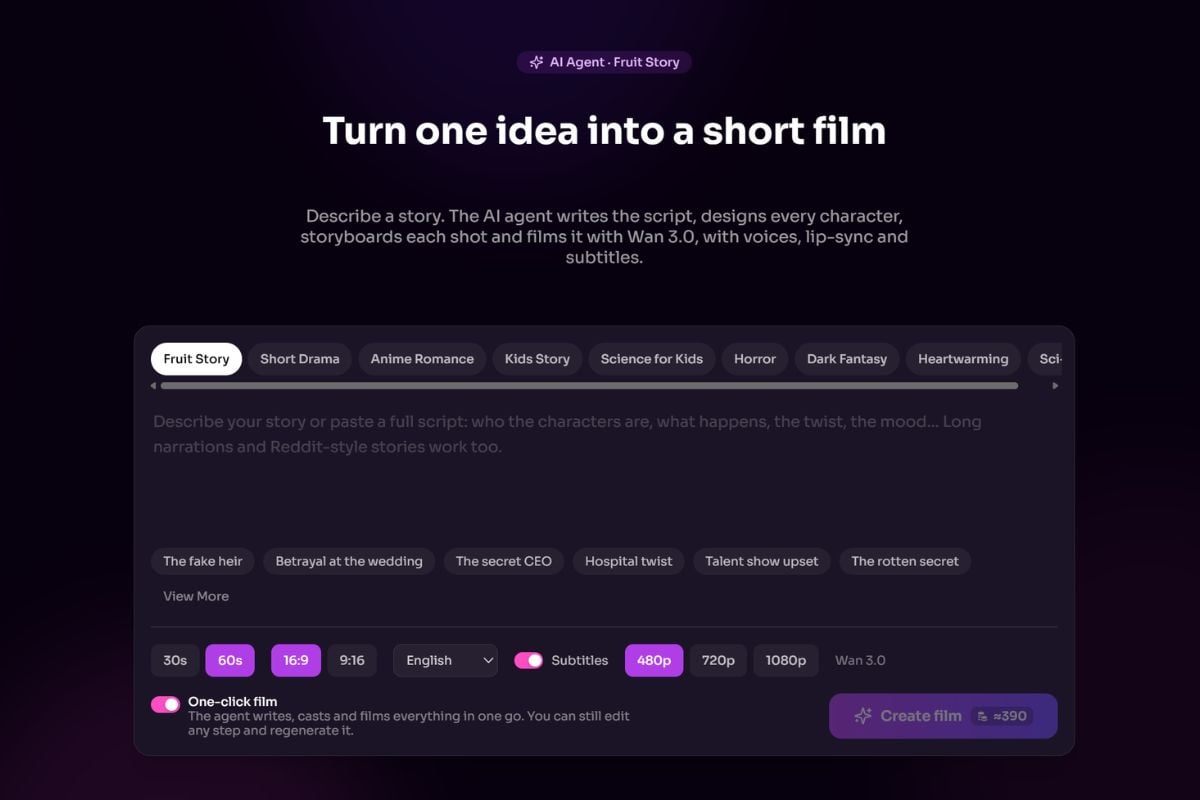
Write a Short Story Synopsis
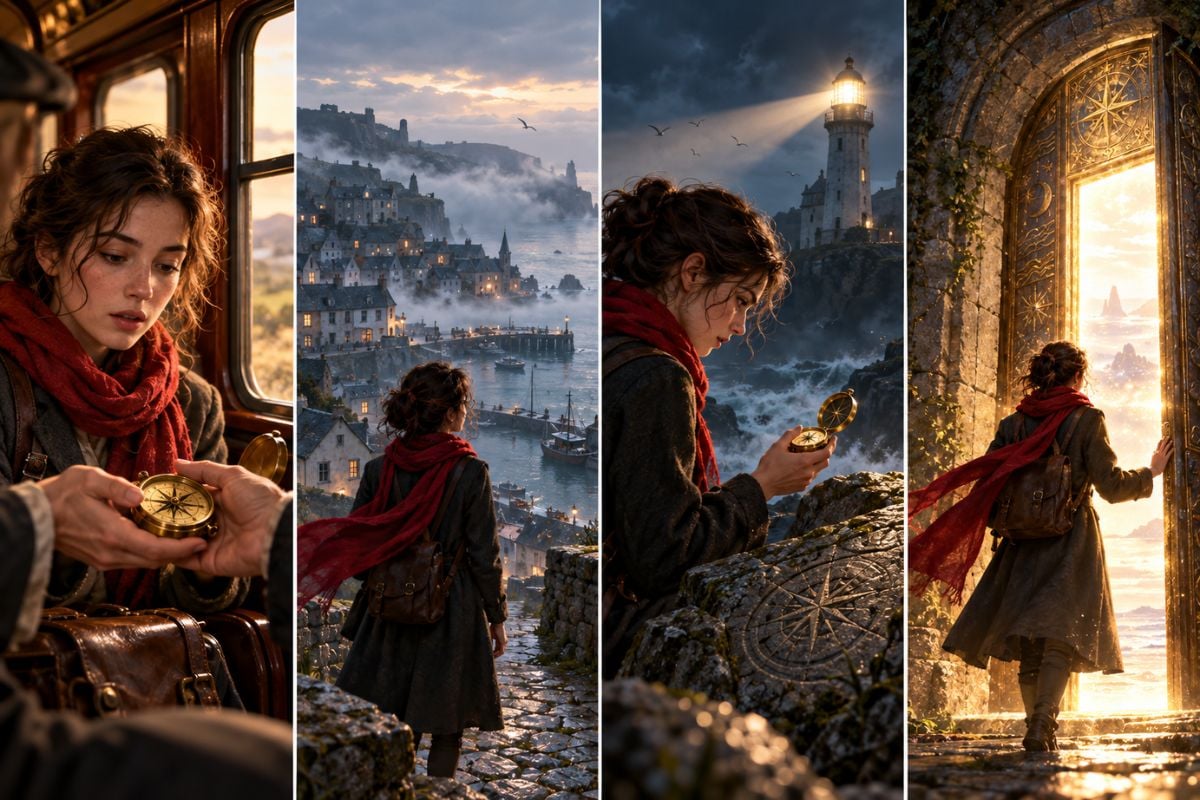
Describe the protagonist, setting, and central event in a few sentences. For example: A traveler reaches a coastal town where a compass leads her to a locked lighthouse.
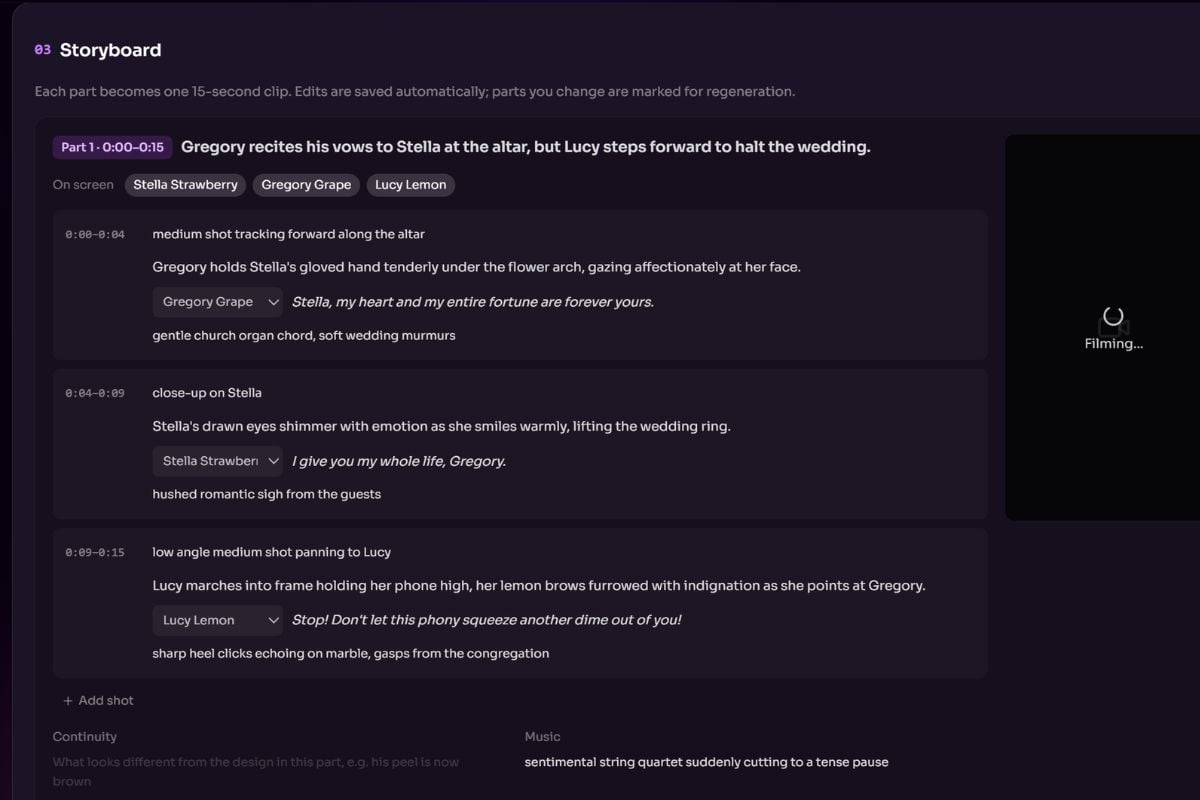
Review the Plot, Character Views, and Storyboard
The AI develops the plot, creates front, side, and back character references, and lays out the scene sequence. Check that the events and character appearance match the story you want.
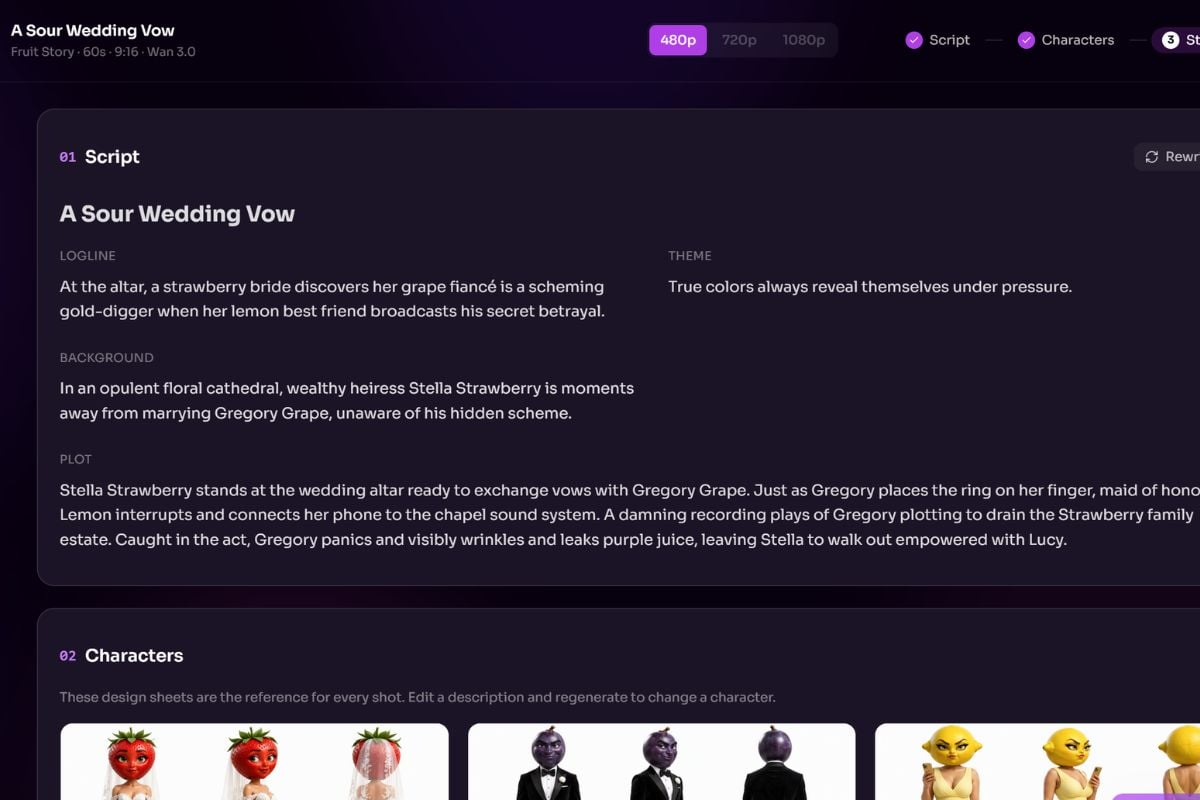
Generate Your Story Video
When the story materials look right, click generate to create the video. Watch the result and check the scene order, character continuity, and ending before sharing it.
From a Short Synopsis to a Visual Story
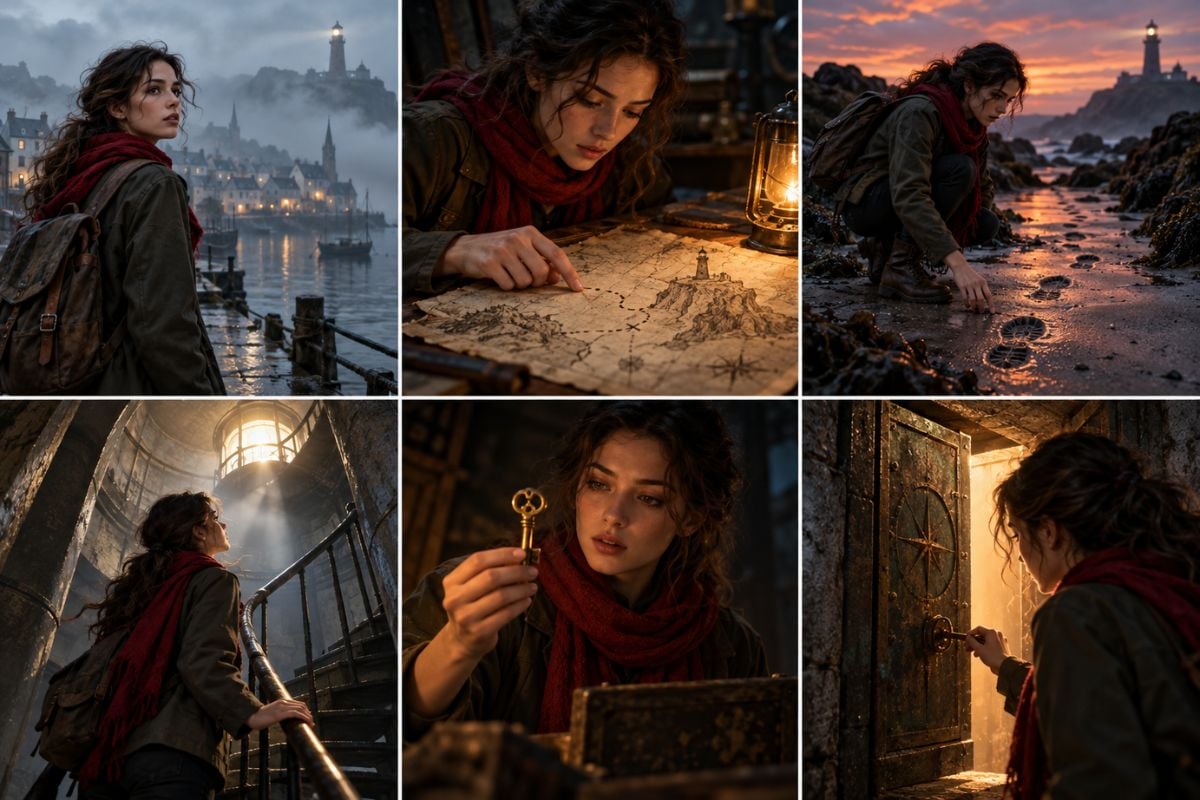
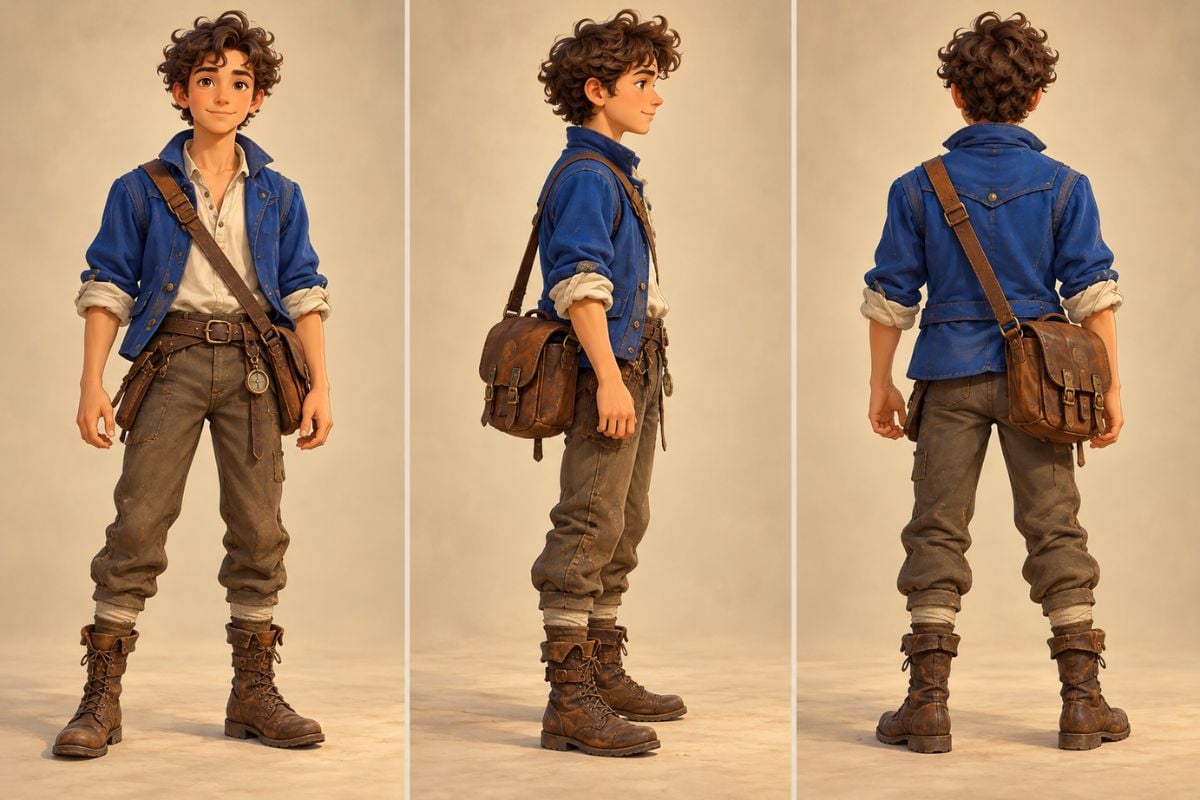
See Your Characters from Three Sides
GoEnhance AI prepares front, side, and back character views as a visual reference for the story. This makes the cast easier to recognize when the AI video generator moves through different scenes and camera positions.
Everything Your Story Needs to Take Shape
A Fast Start from One Idea
Write a concise synopsis and let the AI develop the story structure from your premise.
Connected Plot Beats
Build a sequence with a setup, a turning point, and a payoff instead of relying on unrelated scenes.
Character Three-View References
See front, side, and back views of the cast before the video stage.
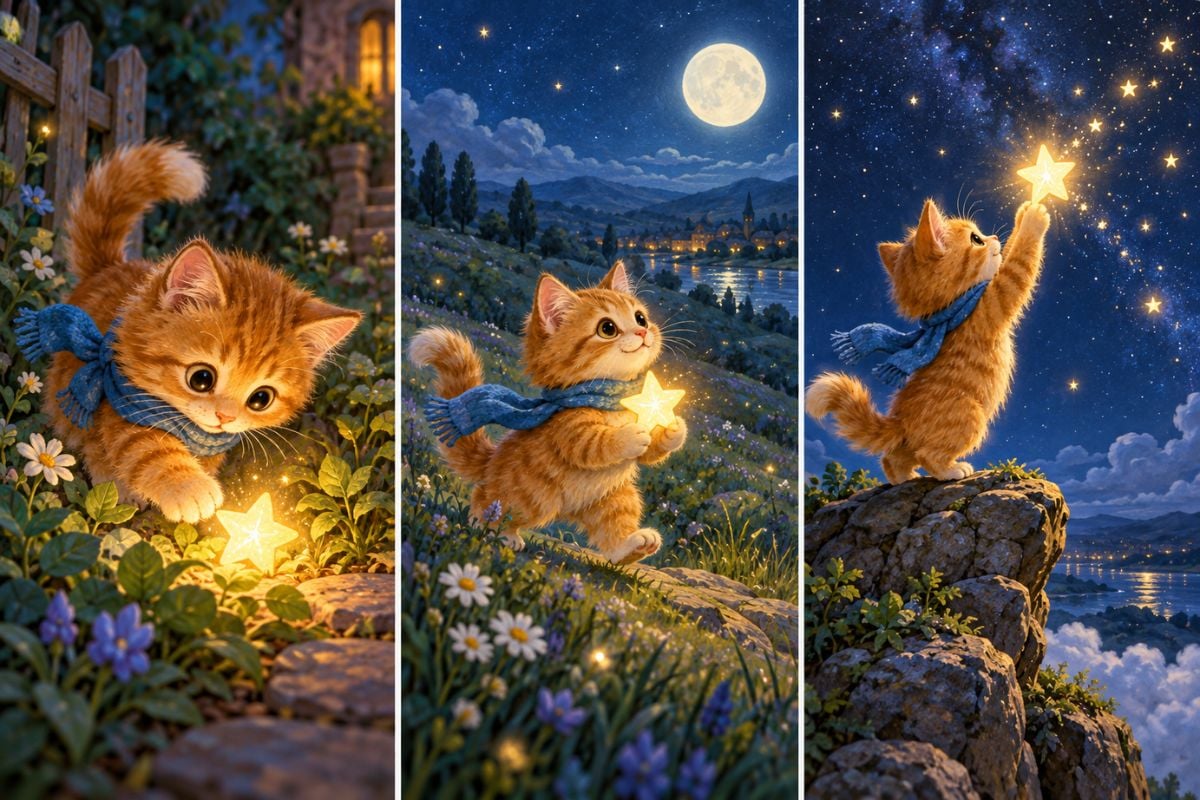
Visual Storyboard
Preview the order of scenes and the important actions in each part of the story.
One-Click Story Video Generation
Move from the prepared story materials to an AI-generated story video without building each shot from scratch.
Ideas for Different Genres
Use the same workflow for a mystery, bedtime tale, fantasy adventure, or short social story.
GoEnhance AI Story Generator Vs Others
Explore More Ways to Bring Stories to Life




AI Story Generator FAQ
What does the GoEnhance AI Story Generator make?
How much do I need to write before starting?
What are character three-view references?
Can I see the storyboard before generating the video?
Can I make different kinds of AI-generated story videos?
Is the AI story generator free to use?
How can I get a more coherent story video?
Your Next Story Starts with a Few Sentences
Describe your idea and let GoEnhance AI develop the plot, character views, and storyboard before bringing it to video.
See Your Story Come Together