
AI UGC Video Generator
Create UGC-style video concepts for product demos, app explainers, testimonials, and social ads from a focused brief. Plan the hook, creator scenario, product moment, and call to action before final review.
Wan 3.0
Prompt
Starting image (optional)
Add a photo to animate it, or skip this and generate from your prompt.
Example prompts
By uploading a file, you agree to GoEnhance's Terms of Use and Privacy Policy
How to Use AI UGC Video Generator on GoEnhance AI
Step 1
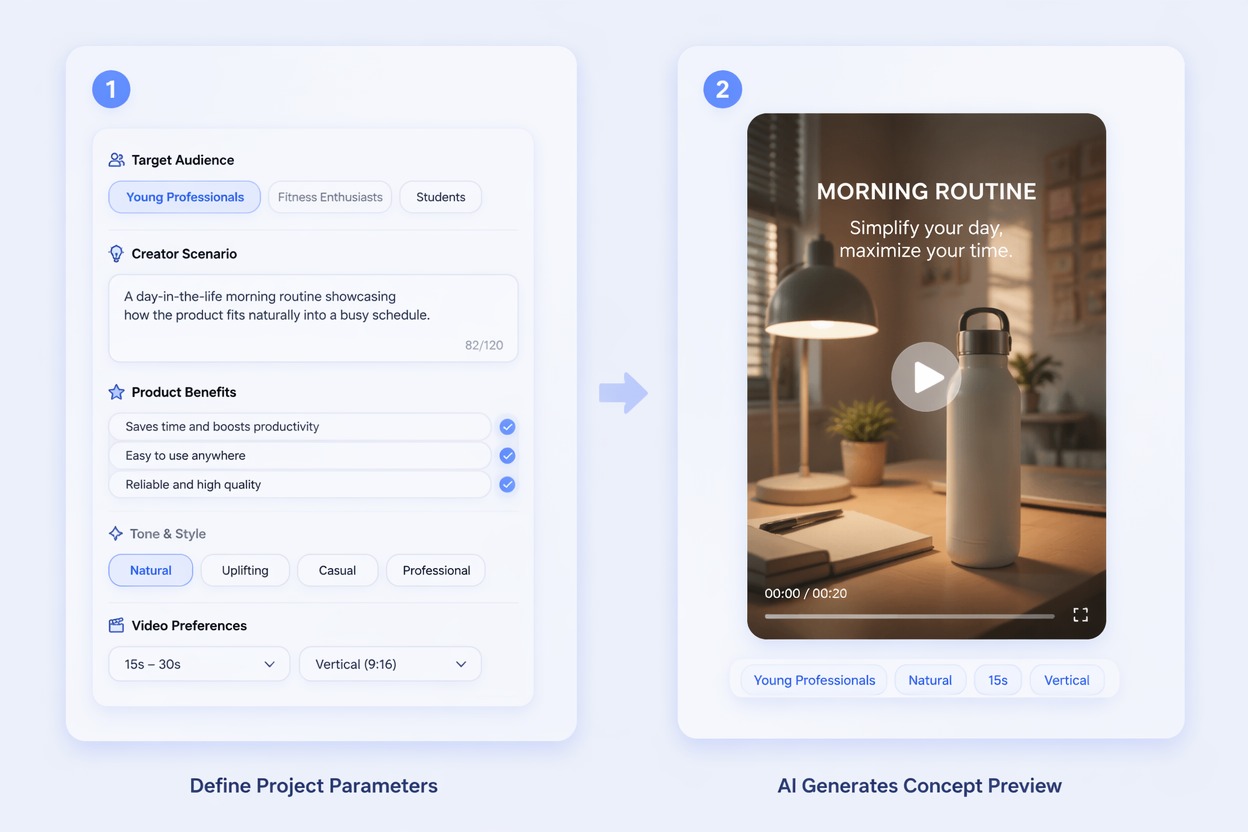
Write the UGC Brief
Define the audience, creator scenario, product, one verified benefit, tone, and desired action in a concise brief.
Step 2
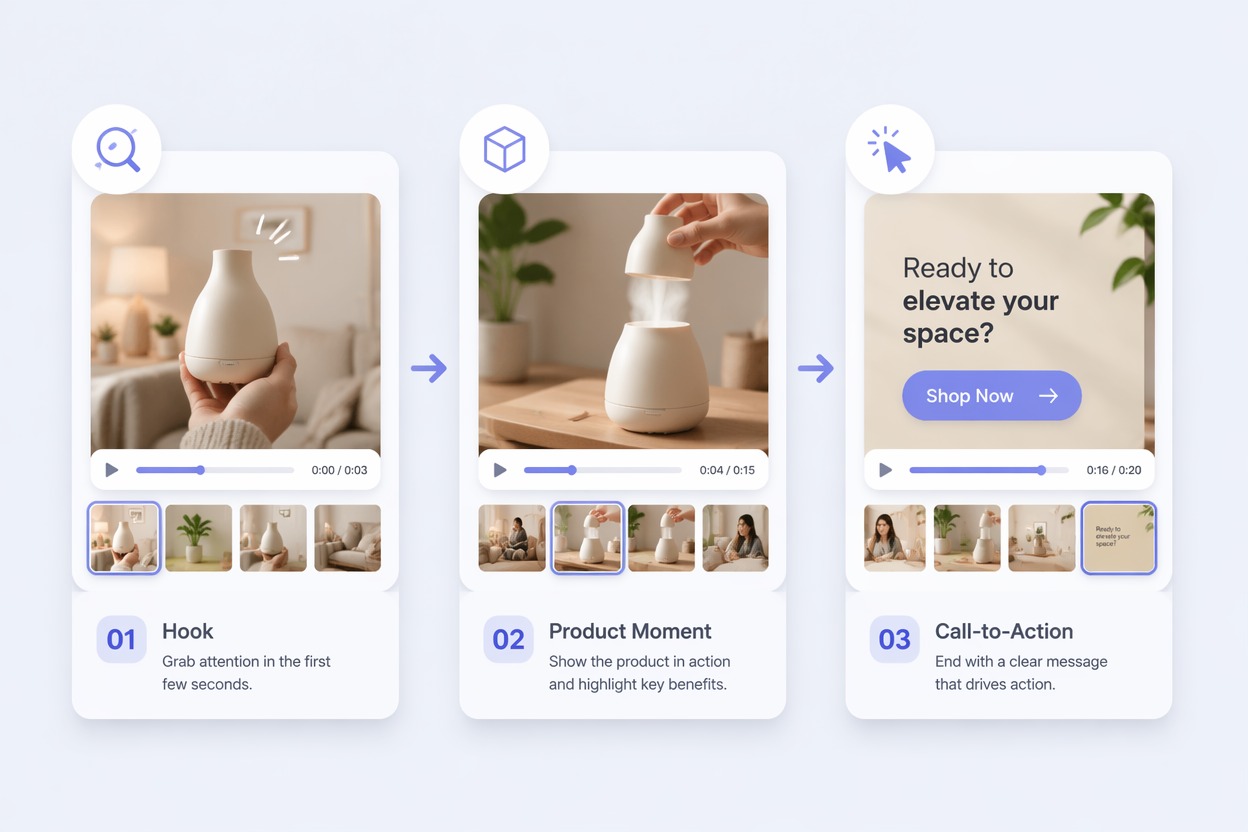
Outline Hook and Product Moment
Plan an opening hook, a visible use or demonstration, and a closing message without adding unsupported claims.
Step 3
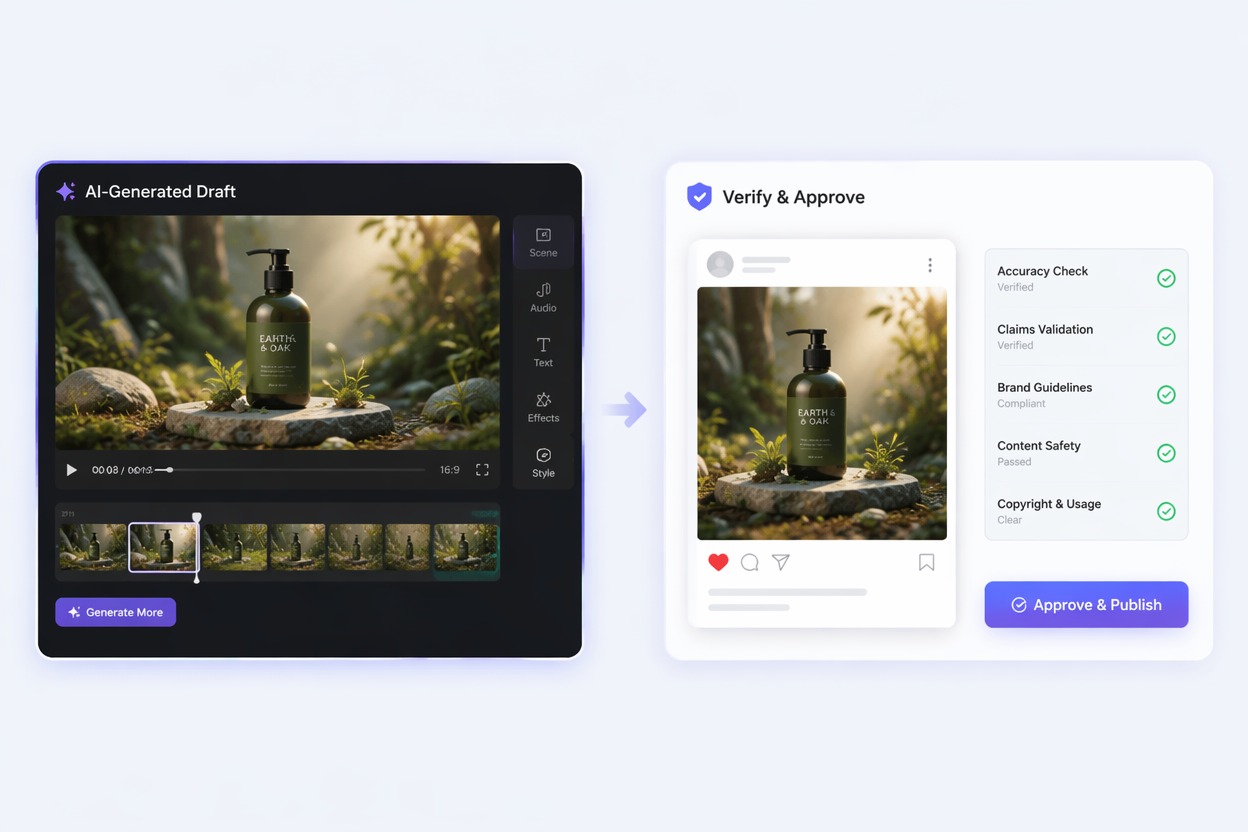
Generate and Verify the Draft
Review people, product accuracy, claims, disclosures, captions, branding, audio rights, and platform policies before launch.
Create Scroll-Stopping UGC Videos for Any Product
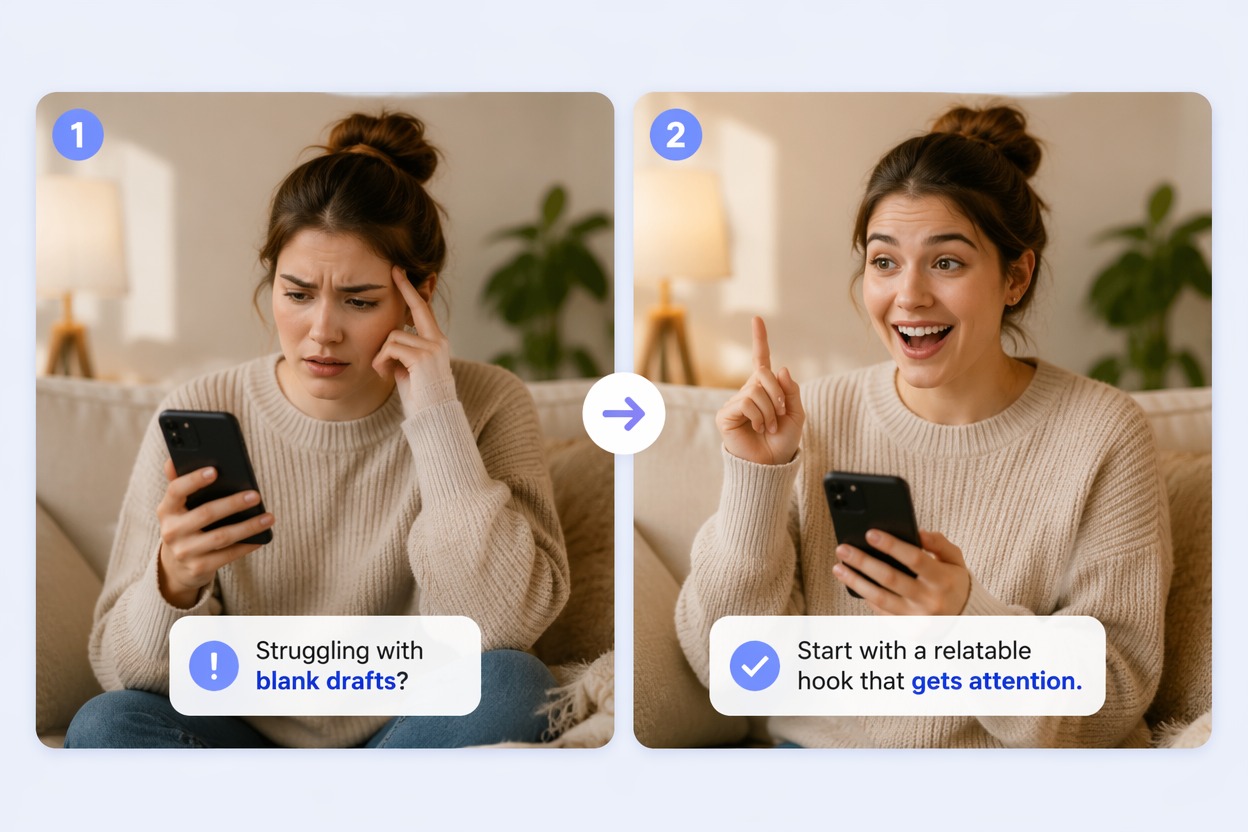
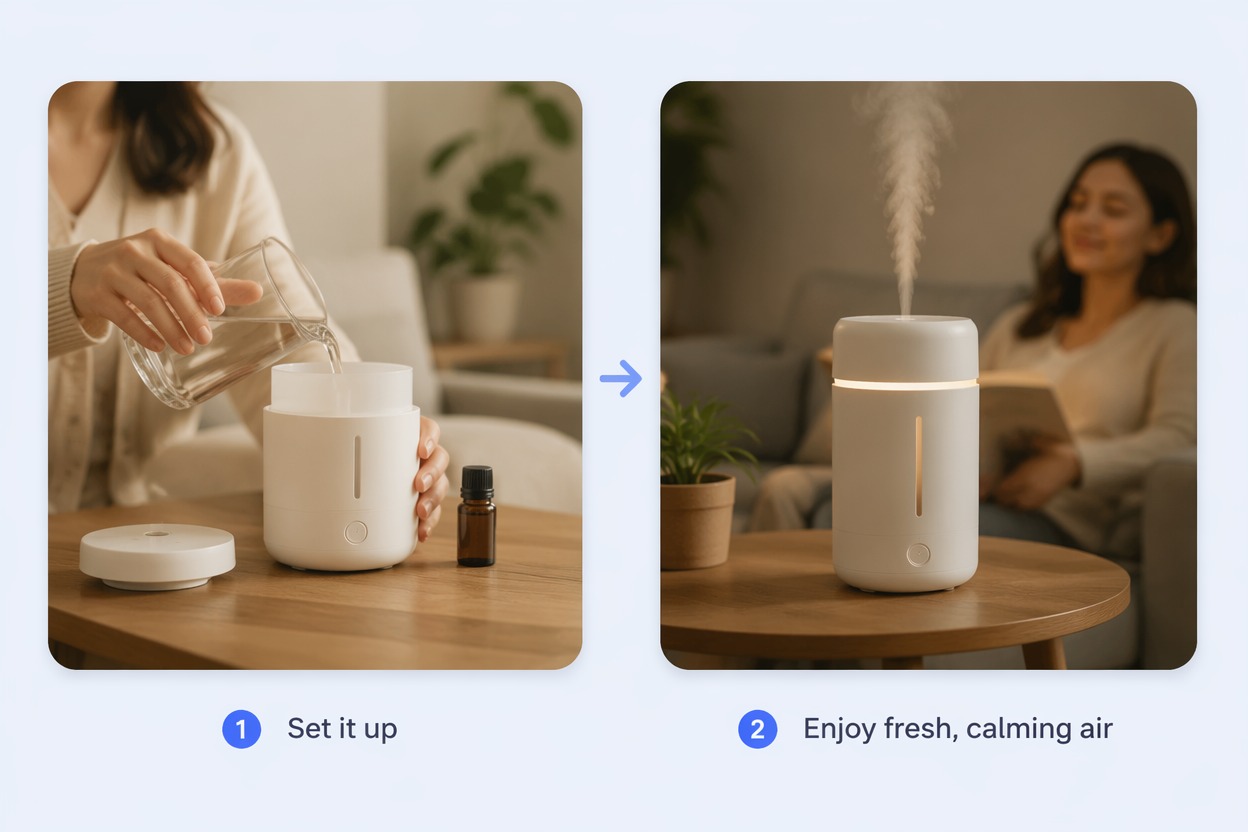
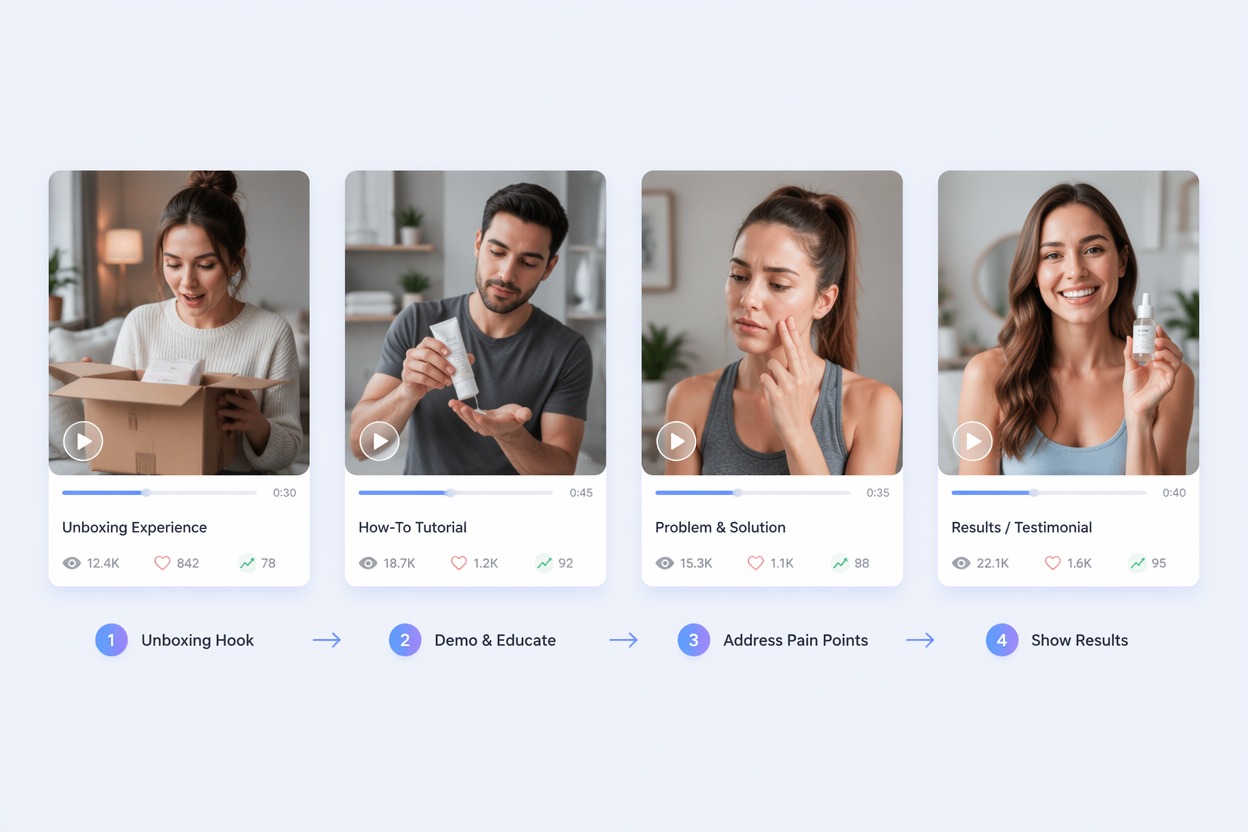
Turn Product Images Into Social Videos
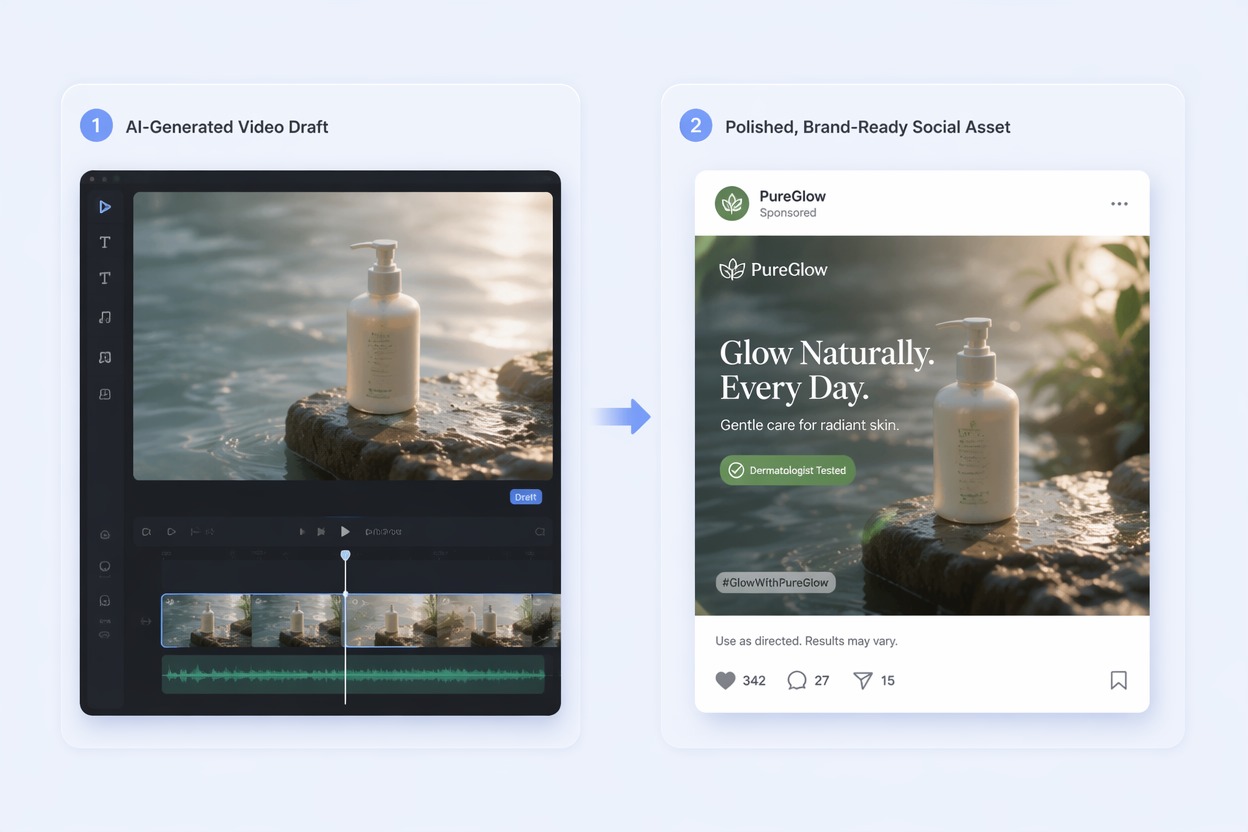
Bring an existing product photo or promotional visual to life with the image to video tool, then add captions, music, brand elements, disclosures, and a clear call to action. Prepare polished creative assets for TikTok, Instagram Reels, YouTube Shorts, and paid social campaigns.
Why Use AI UGC Video Generator?
Faster UGC Concepts
Turn a product brief into several creator-style directions before arranging production.
Audience-Specific Hooks
Draft openings around a real customer problem, use case, or product moment.
More Ad Variations
Compare demonstrations, testimonials, tutorials, unboxing concepts, and problem-solution angles.
Useful for Creative Testing
Evaluate message and scene direction before committing budget to a complete campaign.
Clear Product Context
Show how the product fits an everyday scenario instead of presenting it in isolation.
Built for Human Review
Finish accurate claims, captions, disclosures, branding, audio, and offer details before publishing.
What Our Users Say?
Explore More AI Video Tools
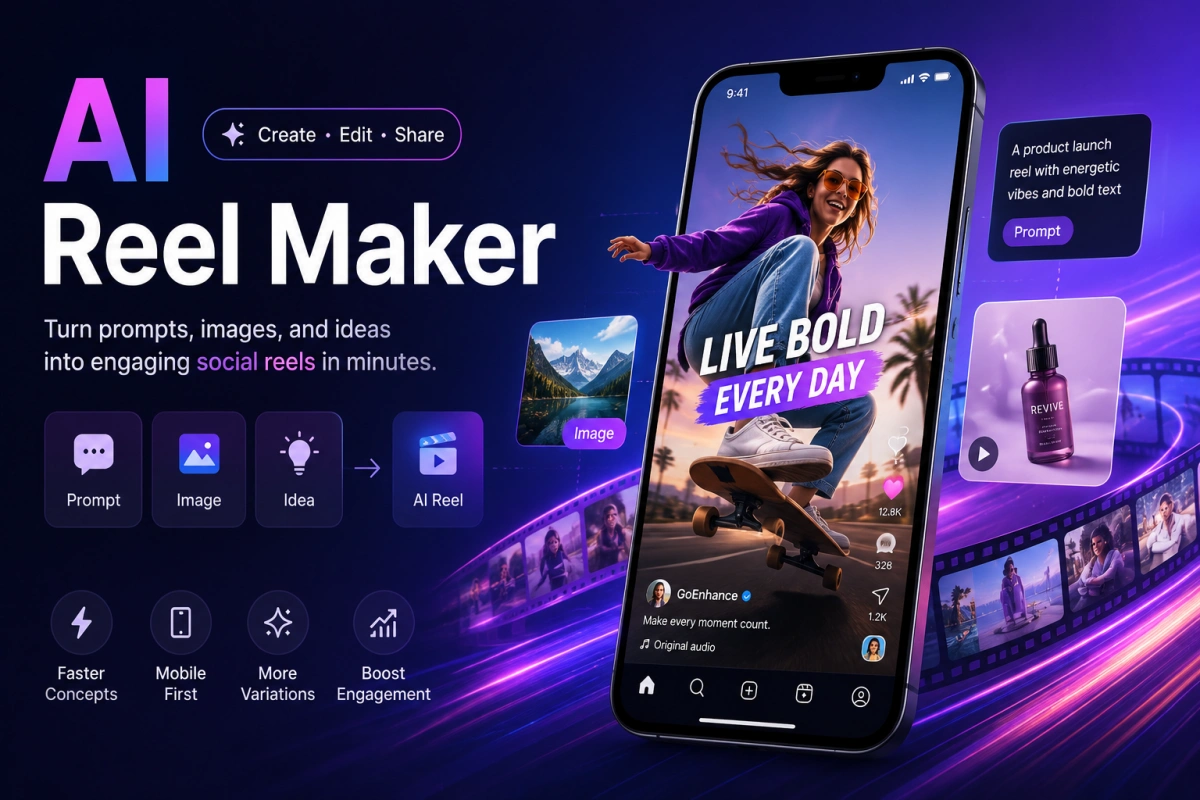
What Creators Say About AI UGC Videos
AI UGC Video Generator FAQ
What is an AI UGC video generator?
Is AI UGC video free to try?
What does a UGC video creator need from me?
How is a UGC video maker used for ads?
Can AI create customer testimonials?
Can I add product claims and pricing?
What should I review before publishing?
Start Creating With AI UGC Video Generator and GoEnhance AI
Move from a focused idea or source asset to a practical visual draft, then refine accurate text, audio, branding, and publishing details.
Create Your Video