
60 Second AI Video Maker
Turn a focused script, story, or campaign brief into a one-minute video plan and visual sequence. Develop scenes for explainers, promos, lessons, stories, and social content, then assemble and time the final cut.
Wan 3.0
Prompt
Starting image (optional)
Add a photo to animate it, or skip this and generate from your prompt.
Example prompts
By uploading a file, you agree to GoEnhance's Terms of Use and Privacy Policy
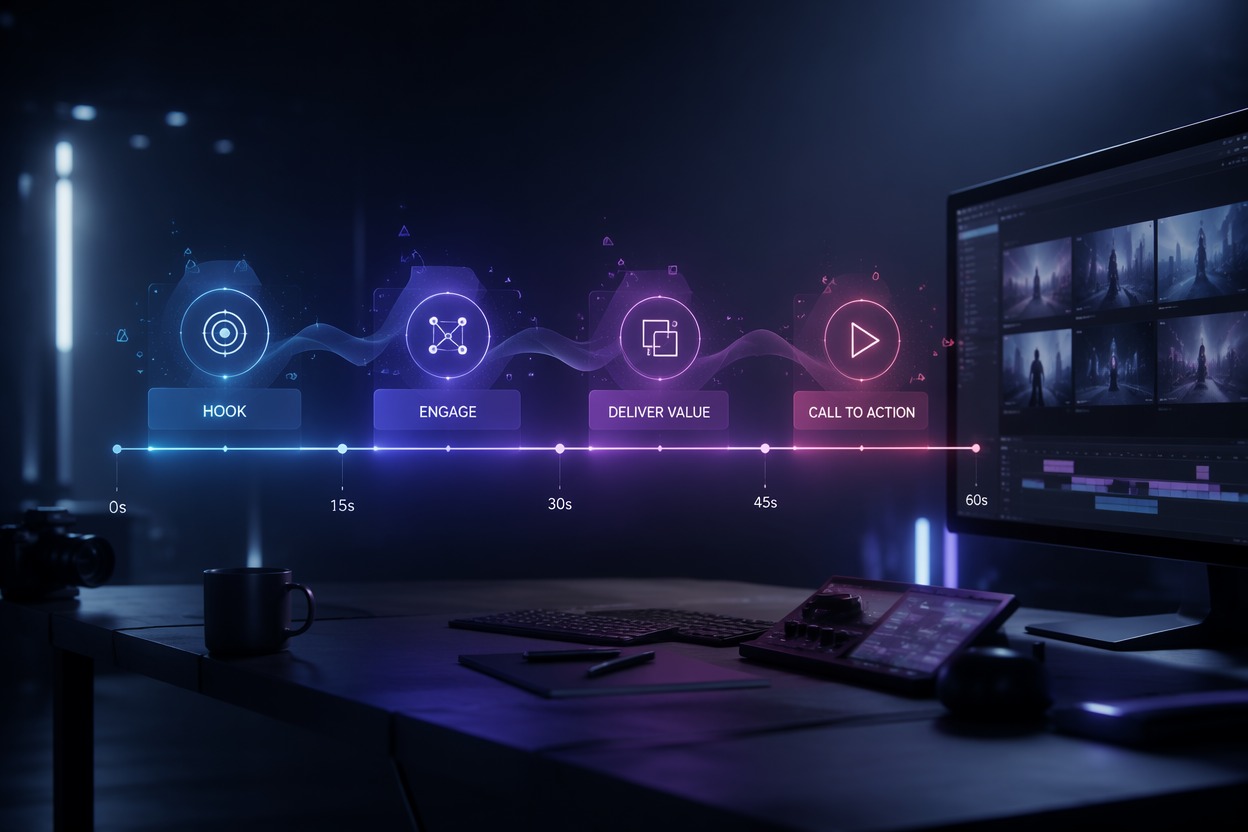
Build a Clear One-Minute Video From Script to Final Cut
Control the Final Timing
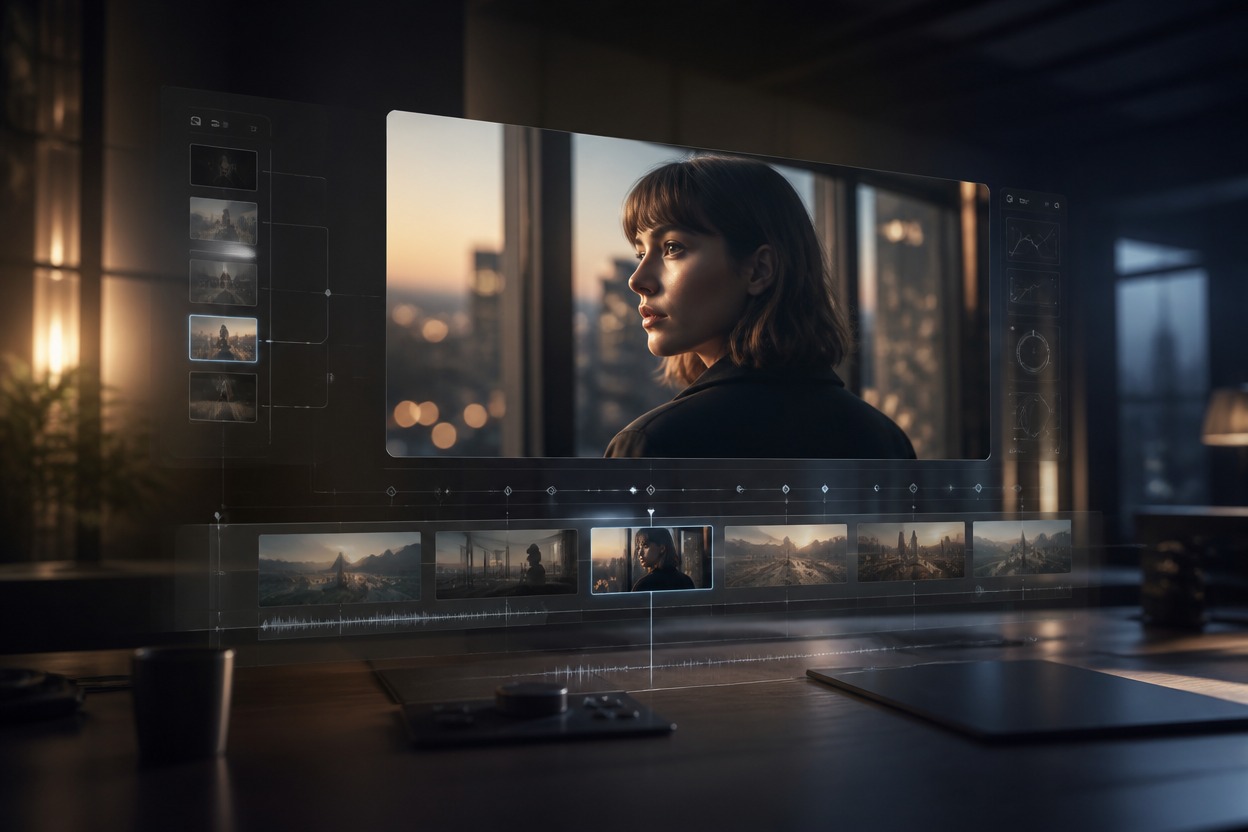
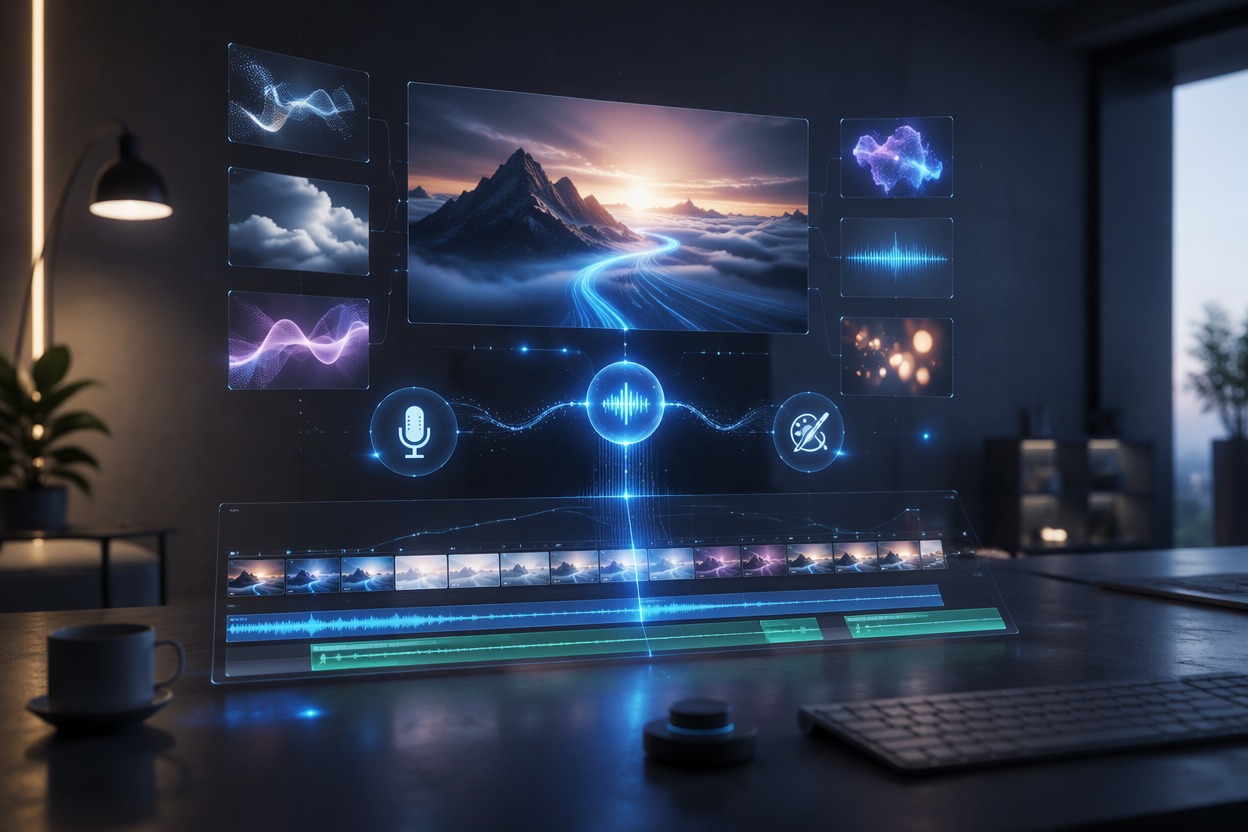
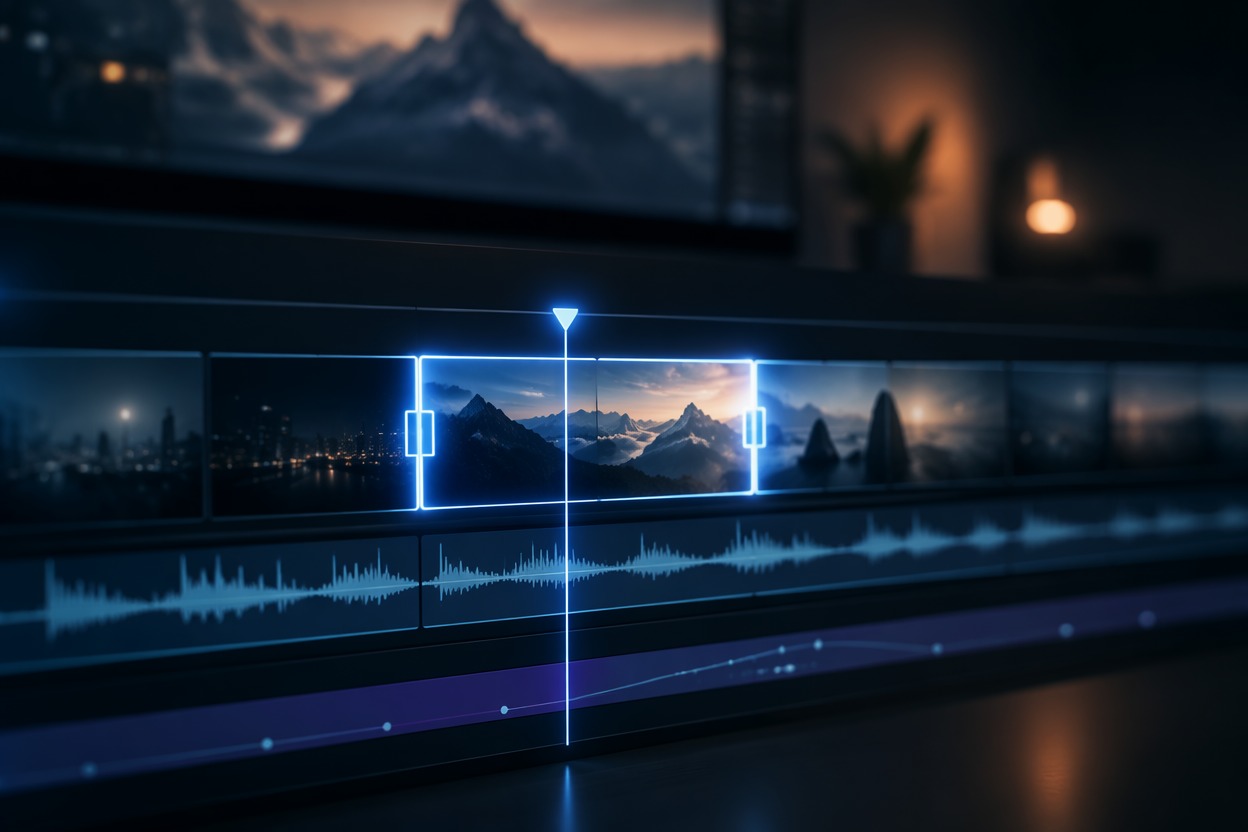
Use an editor to assemble generated clips, trim pauses, pace the narration, and reach the exact target duration. The AI video generator can support each visual scene in the sequence.
Why Use 60 Second AI Video Maker?
Structured One-Minute Planning
Break the message into timed sections instead of trying to generate every scene at once.
Flexible Scene Generation
Create and revise individual shots without rebuilding the entire video.
Useful for Explainers
Draft product, educational, promotional, and storytelling sequences around one clear takeaway.
Better Pacing Control
Trim, extend, and rearrange scenes during editing to fit the final narration.
Clear Production Handoff
Give editors, voice artists, and stakeholders a concrete visual sequence to review.
Accurate Final Assembly
Add verified copy, captions, logos, audio, and exact duration in postproduction.
How to Use 60 Second AI Video Maker
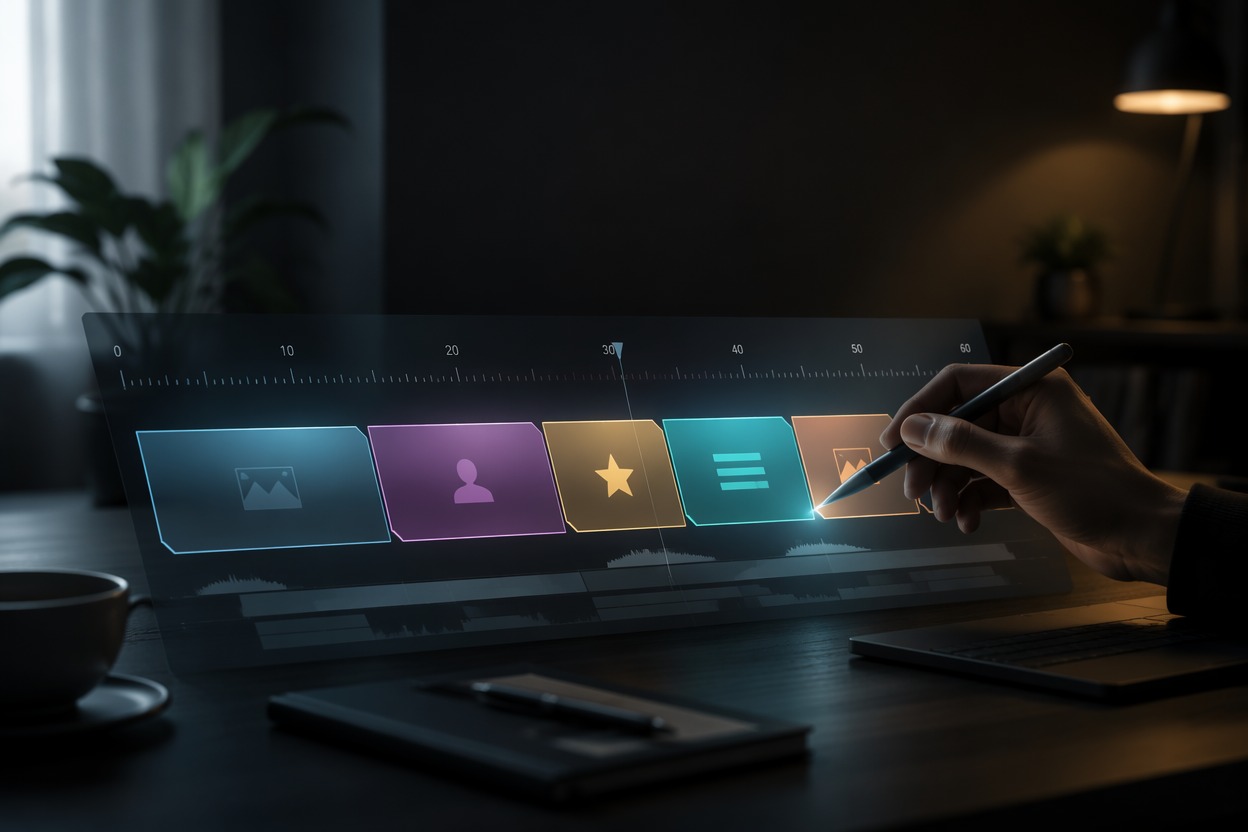
Step 1 1
Write the 60-Second Outline
Divide the message into an opening hook, key points or scenes, and a closing action with a rough time budget.
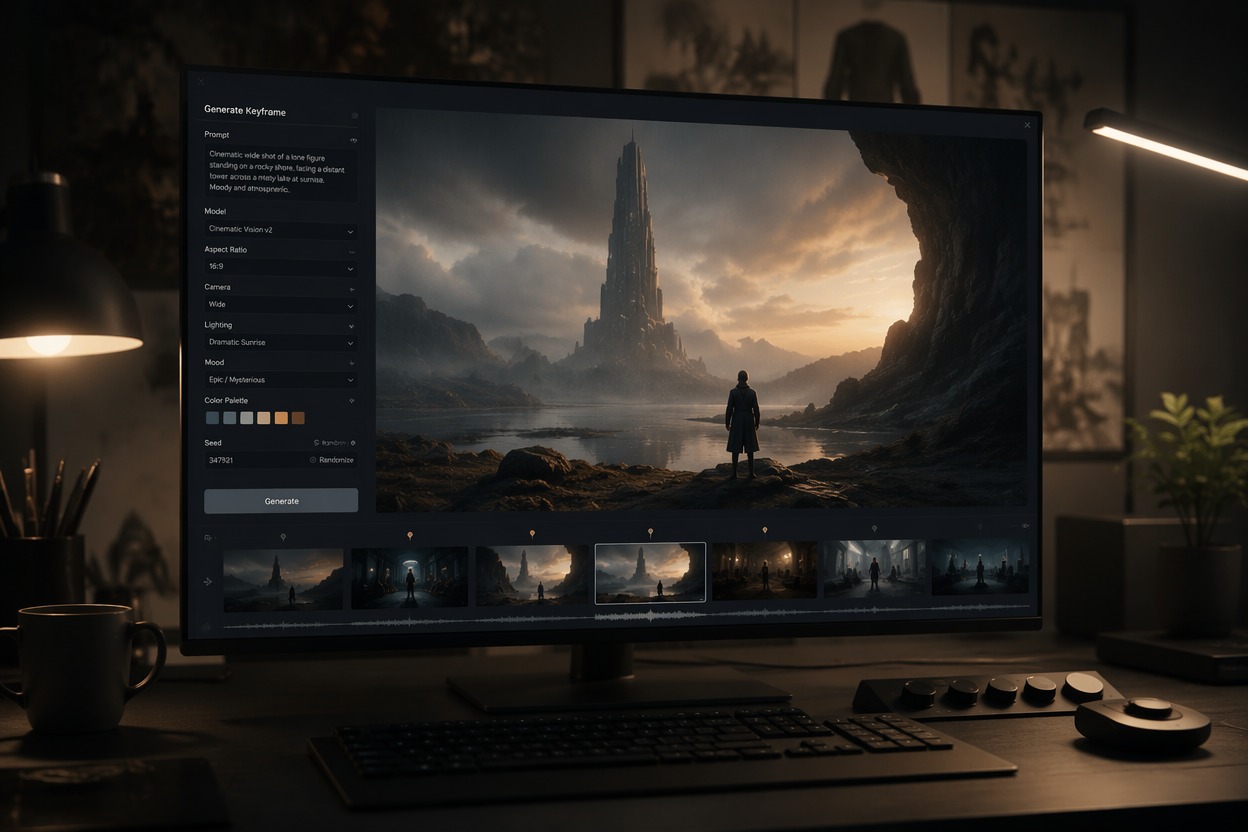
Step 2 2
Generate the Scene Drafts
Create each visual beat separately with consistent subjects, style, framing, and purpose across the sequence.
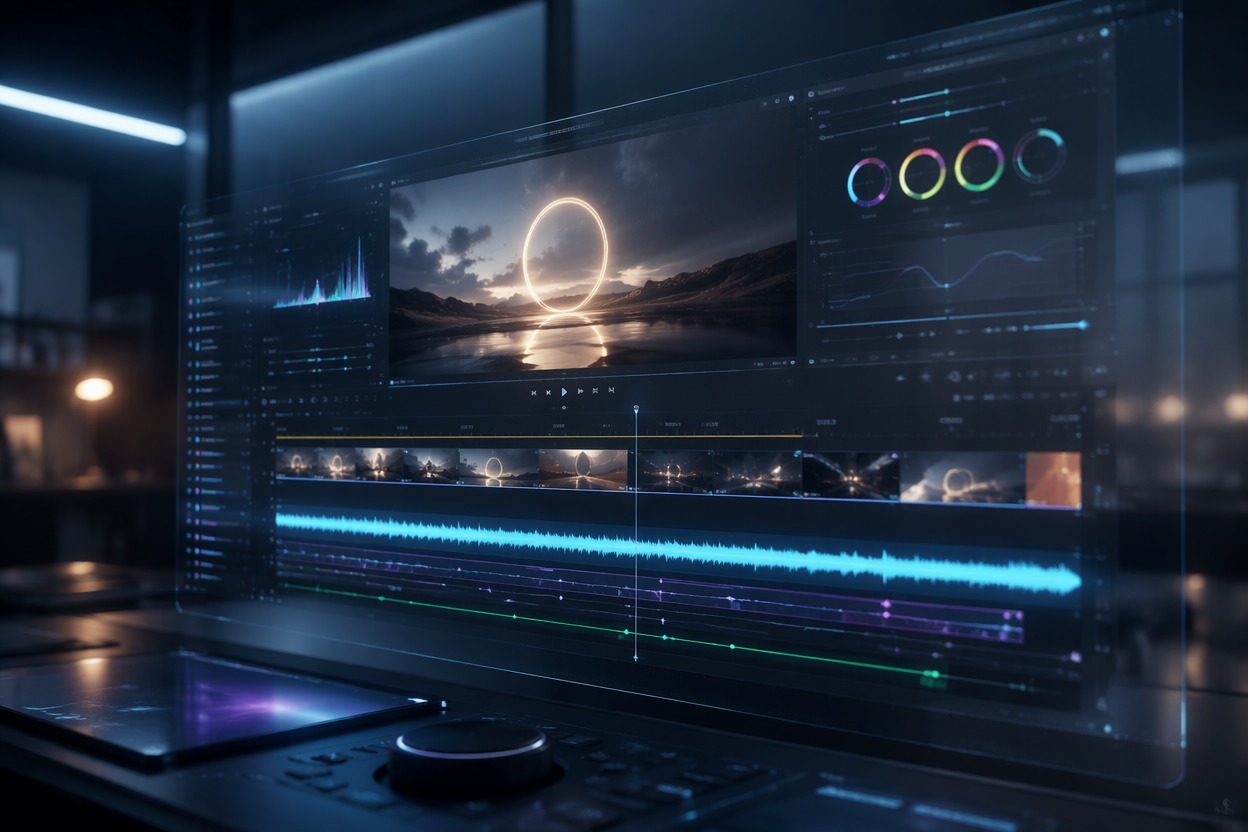
Step 3 3
Assemble the One-Minute Cut
Edit the clips to the exact duration, then add narration, licensed audio, captions, branding, and verified claims.
60 Second AI Video Maker FAQ
What is an AI 60s video generator?
Can it generate exactly 60 seconds in one step?
What can a 60 second AI video maker create?
Is there a 60 second AI video generator free option?
How many scenes should a one-minute video include?
How do I keep scenes consistent?
What should I add during editing?
Start Creating With 60 Second AI Video Maker and GoEnhance AI
Turn a focused brief or source asset into a practical video draft, then complete accurate copy, audio, branding, timing, and publishing details.
Create Your Video