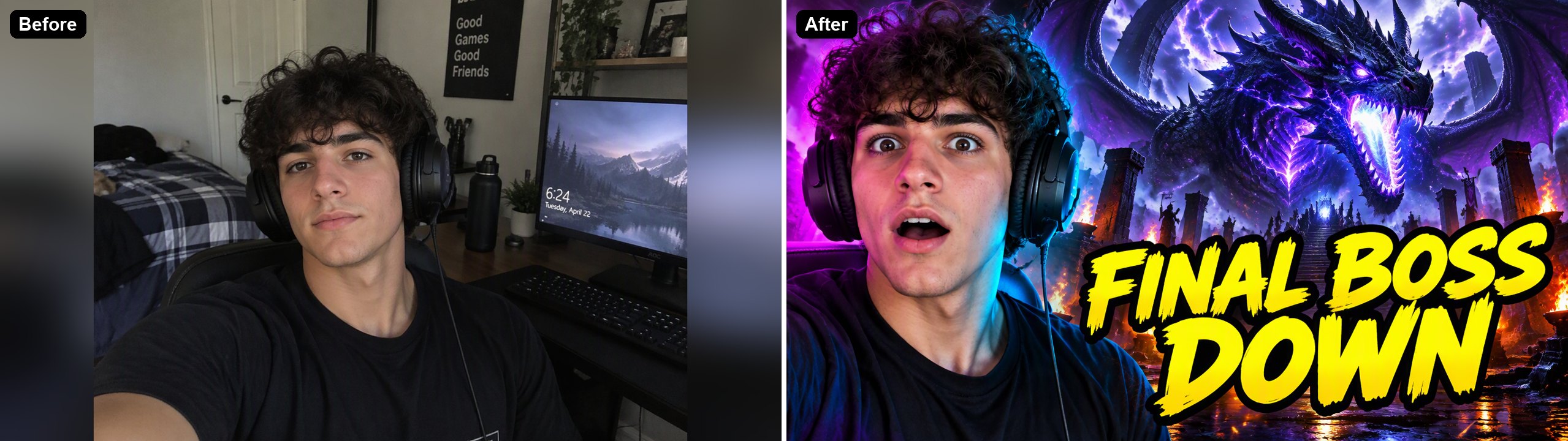
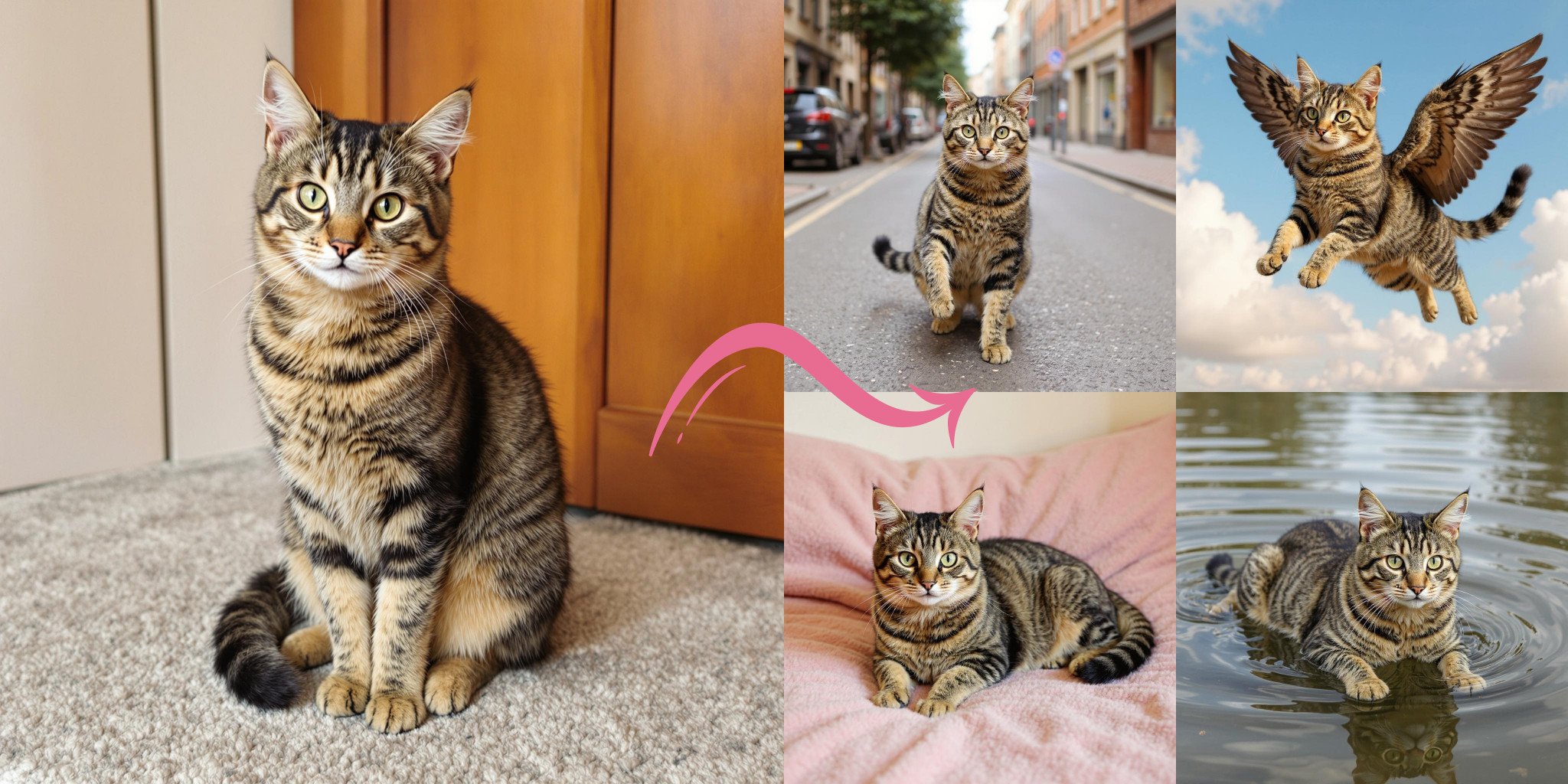
Horizontal to Vertical Photo Converter

Make a horizontal picture vertical without cropping anyone out. Upload a landscape photo and the AI extends it above and below into a 9:16 vertical image for Stories, Reels, TikTok and phone wallpapers, keeping the original photo in the middle. It can also turn a vertical photo horizontal. The console below uses GPT Image 2.5 Sunburst and costs 6 to 8 tokens per image at 1K.
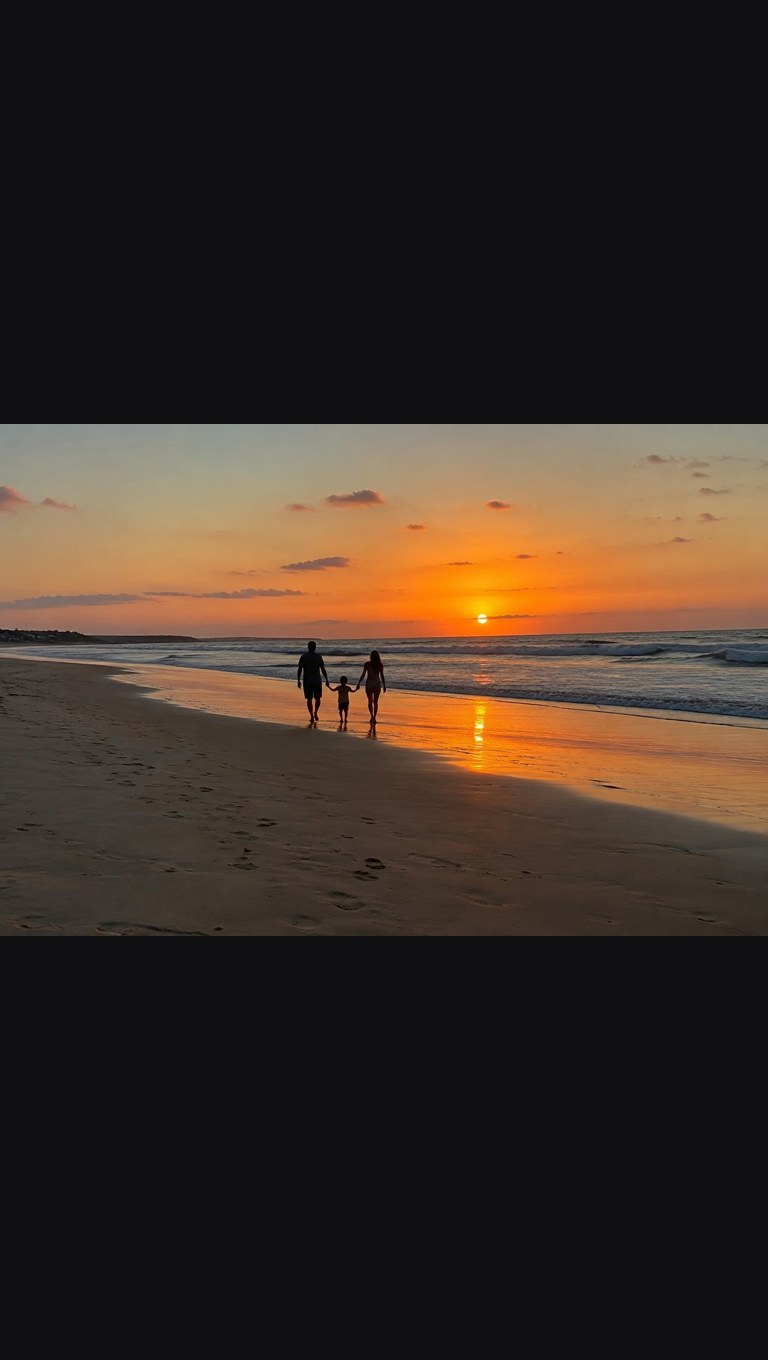
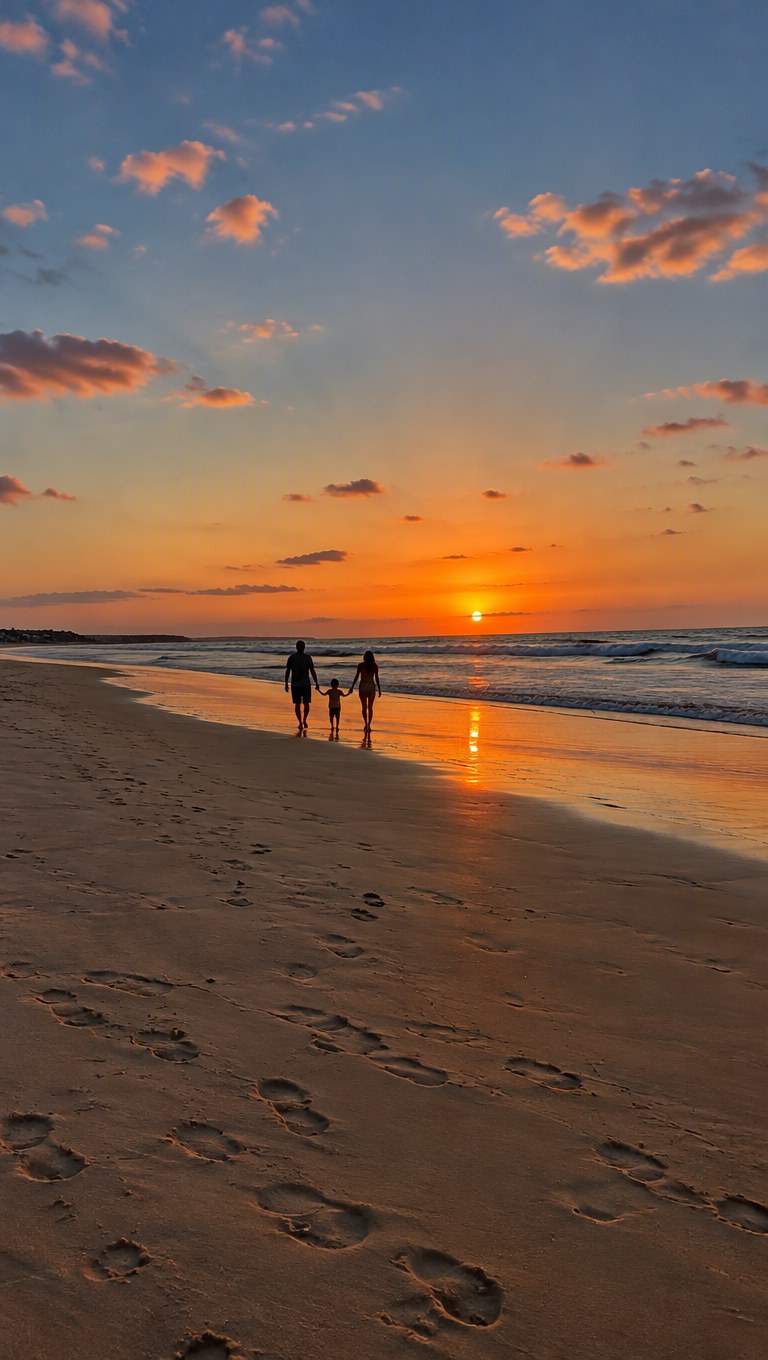
Beach sunset
Beach sunset
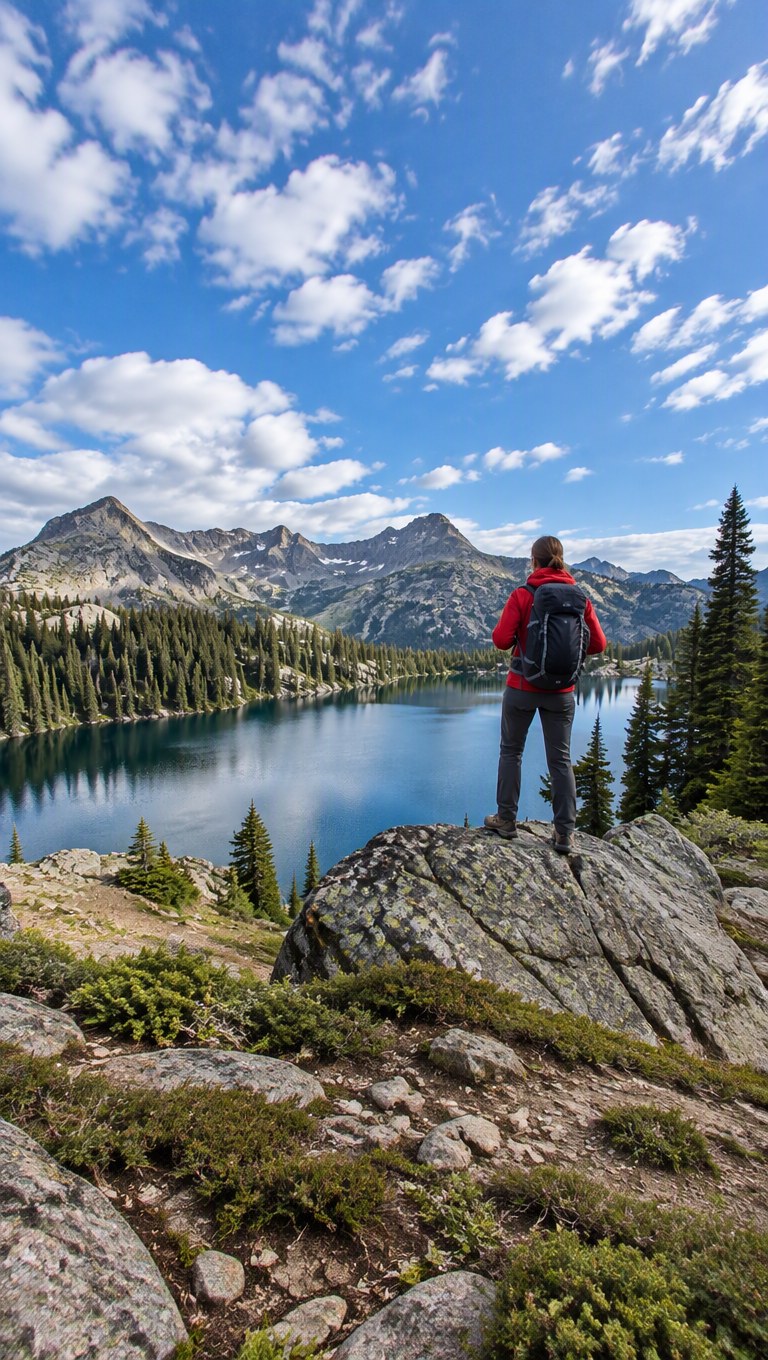
Mountain lake
Mountain lake
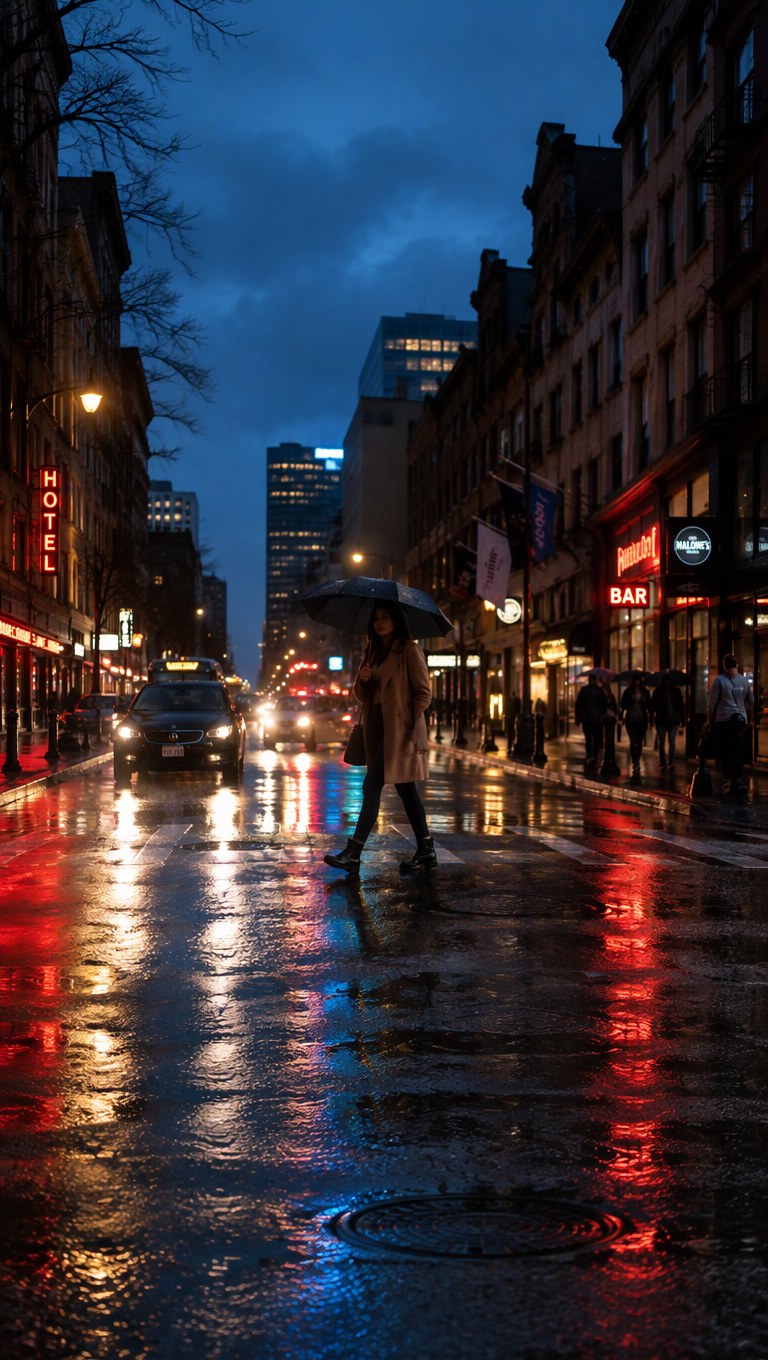
City at night
City at night
Upload a horizontal photo
By uploading a file, you agree to GoEnhance's Terms of Use and Privacy Policy

How to Make a Horizontal Picture Vertical

Extend it instead of cropping it.
01

Upload the horizontal photo

JPG, PNG or WebP. The editor opens set to 9:16.

02

The AI extends it

It keeps your photo in the middle and draws more sky, ground and scenery above and below. In our tests each image took under a minute.

03

Download the vertical image

At 1K the result was 768×1360 pixels in our tests. Pick 2K or 4K in the editor for a larger file.

Crop vs Extend for Making a Horizontal Photo Vertical

Crop to 9 by 16Add blurred or color barsGoEnhance extends the photo
People at the edgesCut offKeptKept
Fills the whole screenYesNo, the bars showYes
Adds new picture contentNoNoYes, drawn by the AI
CostFreeFree6 to 8 tokens per image at 1K

Our Tests

PhotoResult
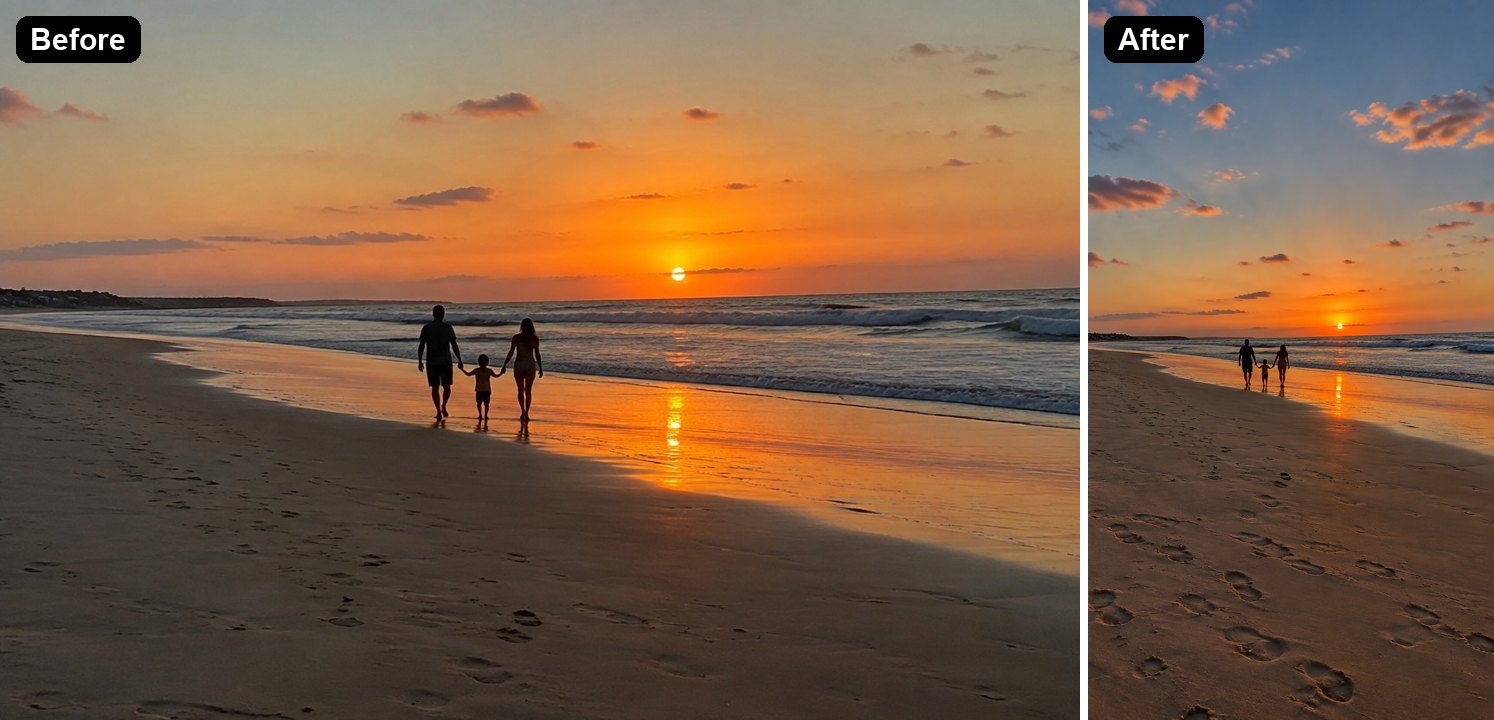
Family on a beach at sunset, 3 to 2More sunset sky above and sand with footprints below; the family unchanged
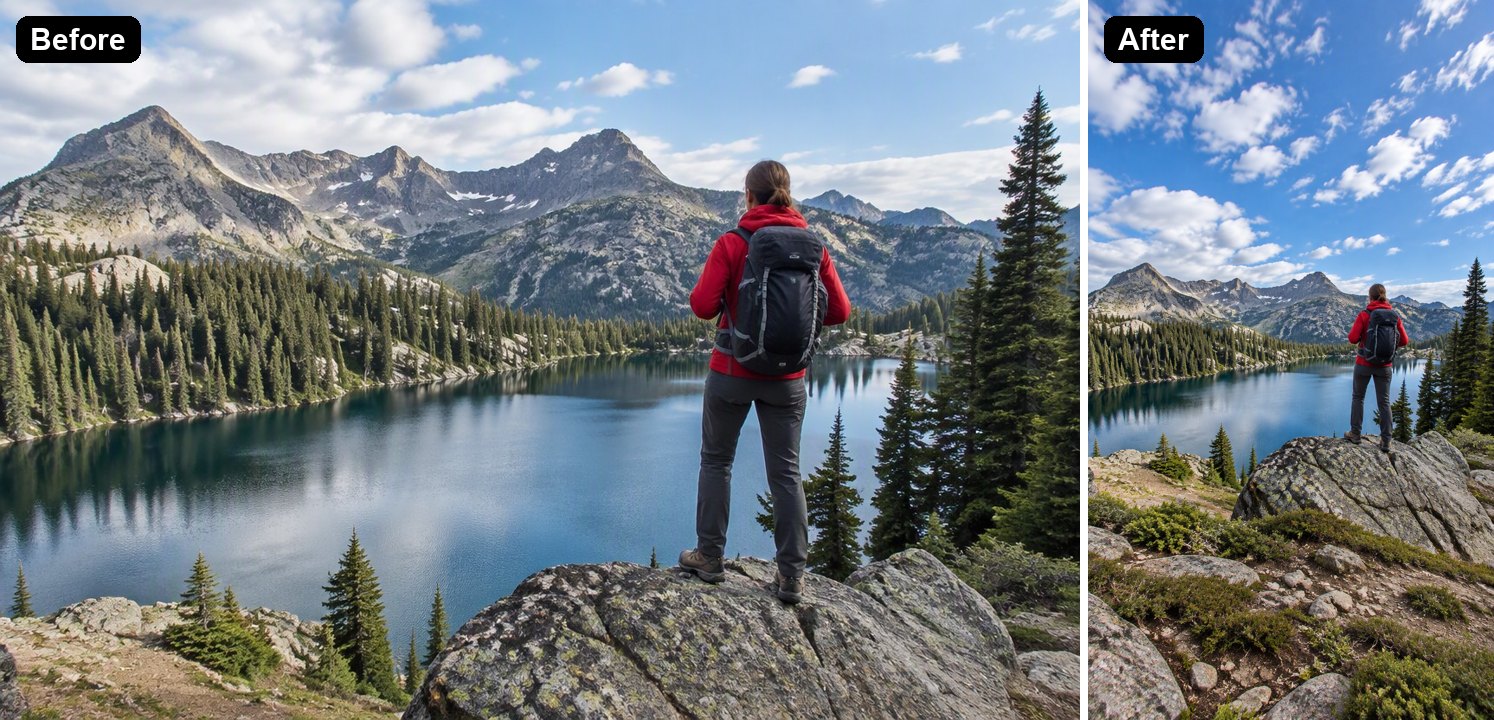
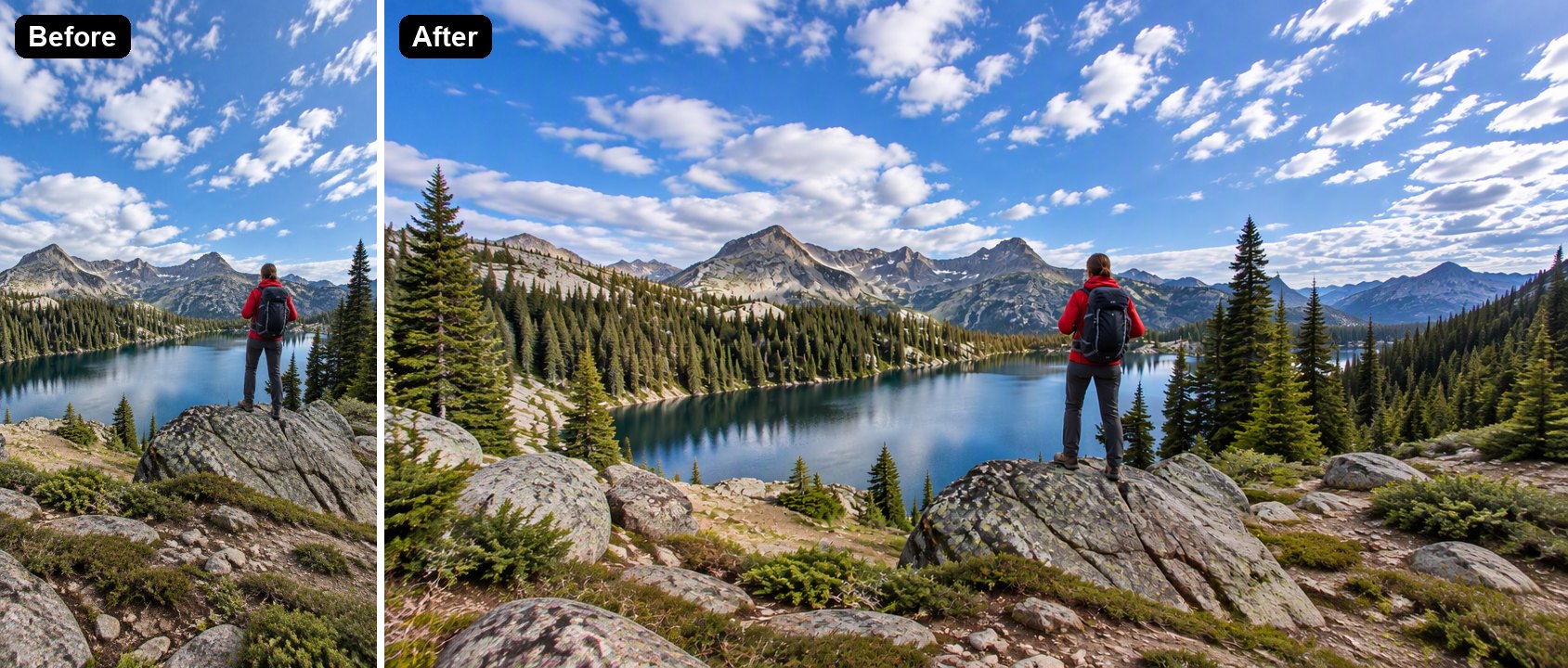
Hiker above a mountain lake, 3 to 2More clouds above and rocks and plants below; the hiker unchanged
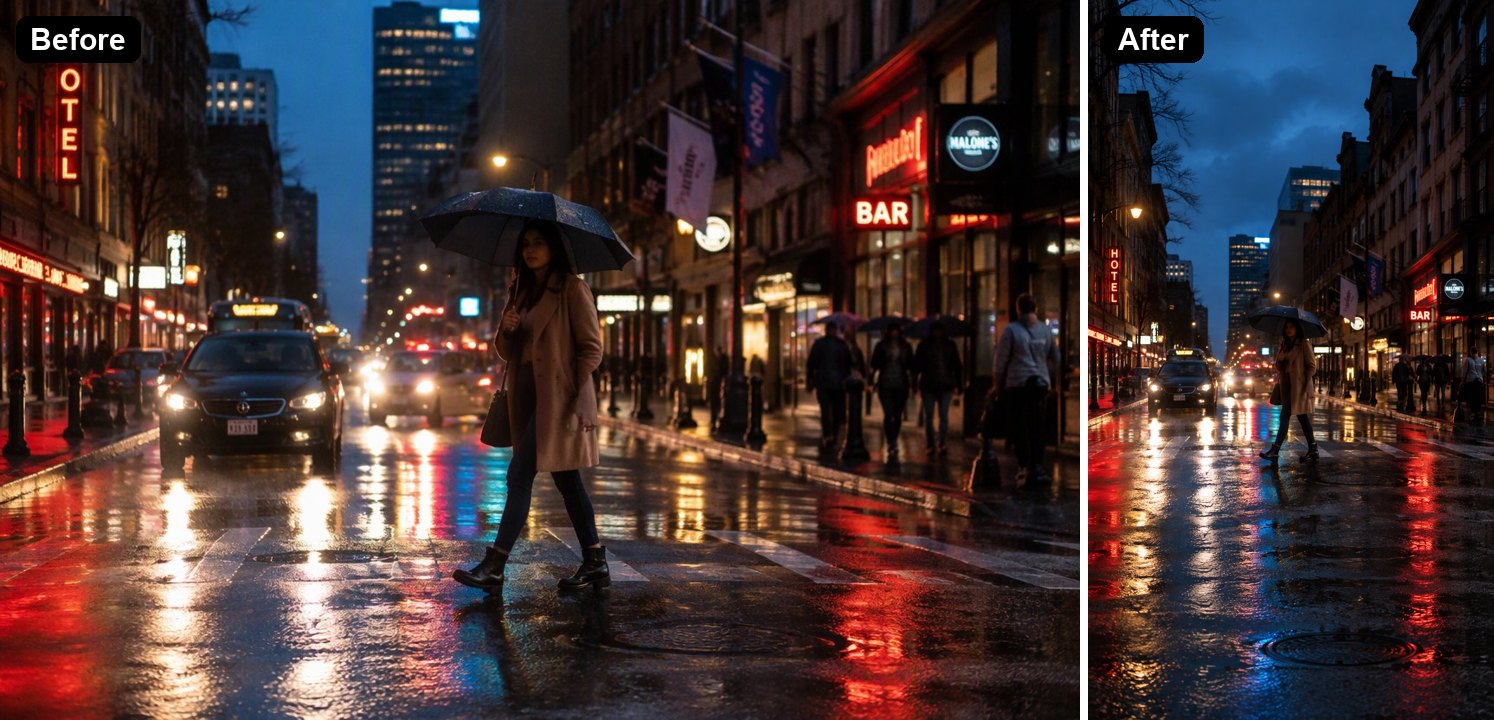
Woman crossing a rainy street at nightTaller buildings and more wet road; the scene was pulled back slightly
Vertical lake photo turned horizontal at 16 to 9Forest and mountains added on both sides

Photos Made Vertical

Beach and Sunset Shots

Wide sunset shots lose the people when cropped to vertical. The AI adds sky and sand instead, so the whole family stays in the frame.

a horizontal beach sunset photo extended to a vertical 9:16 image

Travel and Landscape Photos

Turn a landscape travel photo into a Story or Reel cover without losing the view.

a horizontal mountain lake photo extended to vertical

Street and Night Photos

City scenes get taller buildings and more reflections, which suits a phone wallpaper.

a horizontal rainy street photo extended to vertical

Vertical to Horizontal

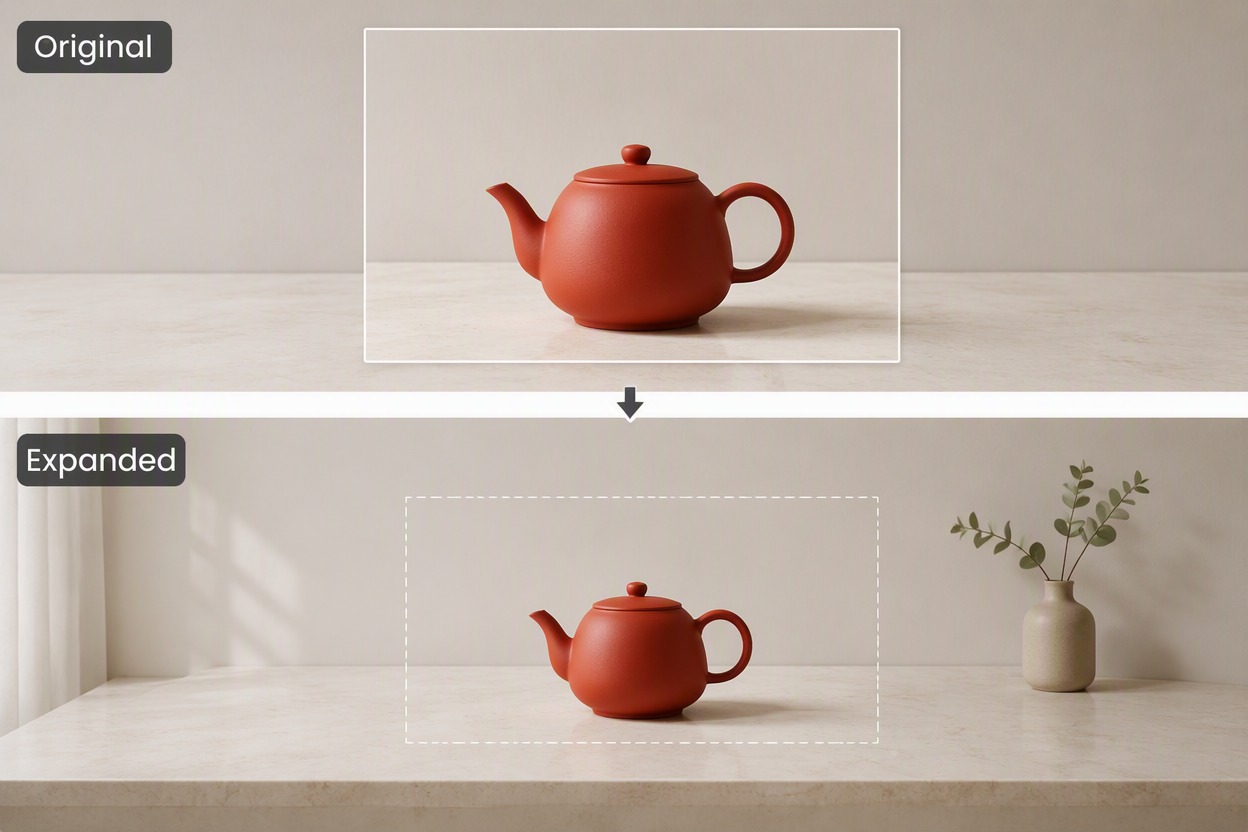
It works the other way too. Choose 16:9 in the editor and ask it to extend the photo to the left and right.

a vertical lake photo extended to a horizontal 16:9 image

Good to Know

No Cropping

Your original photo stays whole in the middle.

New Content Is Drawn

What appears above and below is made by the AI.

Any Ratio

9:16 by default; 4:5, 3:4, 16:9 and more in the editor.

Up to 4K

Pick 1K, 2K or 4K in the editor.

Horizontal to Vertical FAQ

How do I make a horizontal picture vertical?

Upload it to the Horizontal to Vertical Photo Converter above. The AI keeps your photo in the middle and extends it above and below to 9:16, so nothing is cropped. In our tests each image took under a minute.

Can I make a vertical photo horizontal?

Yes. In the editor, choose 16:9 and change the instruction to extend the photo to the left and right. We tested it on a vertical lake photo and it added forest and mountains on both sides.

Will it change the people in my photo?

It is told to keep the original photo as it is, and in our tests the people were unchanged. In one test the scene was pulled back slightly, so the people looked a little smaller.

What size is the result?

9:16 by default. At 1K our results were 768×1360 pixels. You can choose 2K or 4K, and other ratios such as 4:5 for Instagram posts, in the editor.

How is this different from the AI Image Extender?

The AI Image Extender is for expanding an image in any direction. This page is set up for one job: turning a horizontal photo into a vertical one.

Is it free?

Each image costs 6, 7 or 8 tokens at 1K, for Low, Medium or High quality (High is the default). 2K and 4K cost more. New accounts get free tokens when they sign up, so you can try it before paying. The examples on this page were made at Low quality, 1K.

Which AI model does it use?

This tool runs on GPT Image 2.5 Sunburst, the editing-focused version of OpenAI's GPT Image 2.5 image model, inside GoEnhance's image-to-image editor. GoEnhance is not affiliated with OpenAI.

Is my photo private?

We do not sell your content. Your image is processed to create the result, and the result stays in your account until you delete it. See our Privacy Policy for details.

Turn Your Horizontal Photo into a Vertical One

Upload a landscape photo and let the AI extend it to 9:16.

Make a Photo Vertical