goenhance logo

Virtual Clothes Try On in Seconds

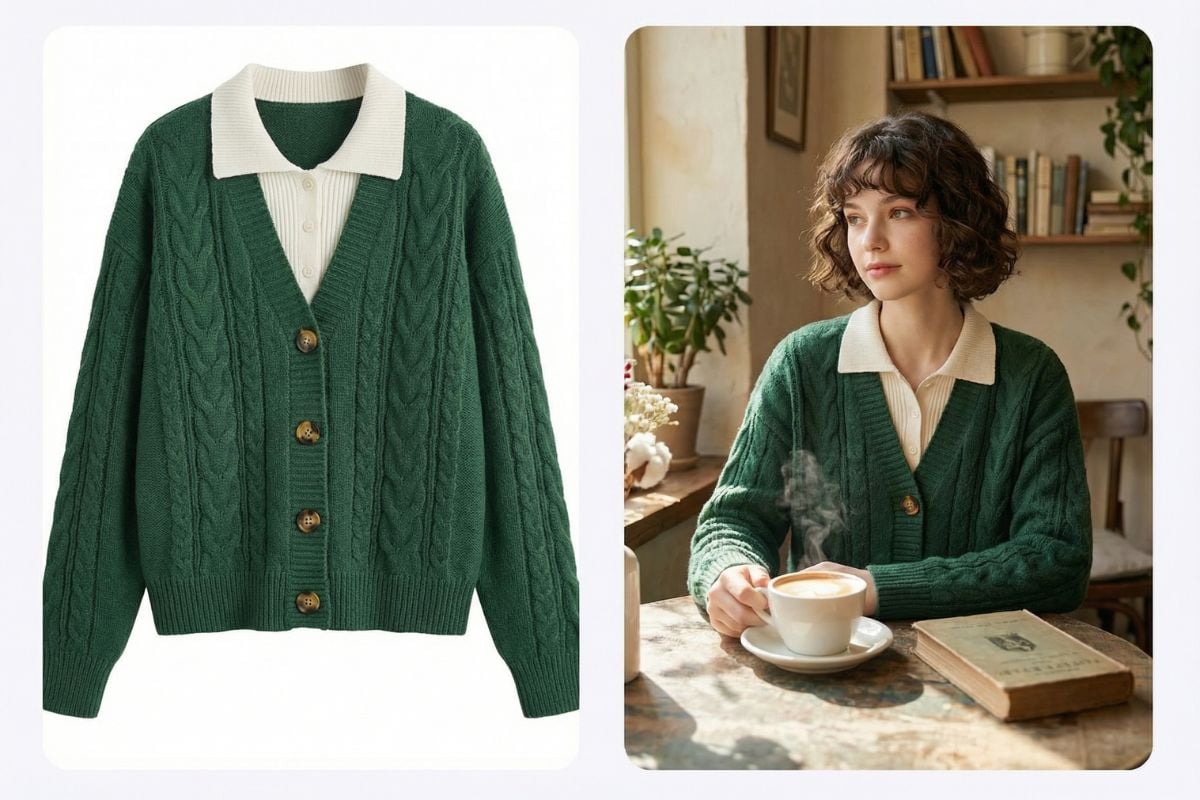
Preview how an outfit looks before a shoot or purchase. This virtual clothes try on tool helps you try clothes online from just one person image and one garment image, making outfit checks faster and more practical.

Start Virtual Try-On

3 Steps of Trying-on Virtual Clothes

Step 1

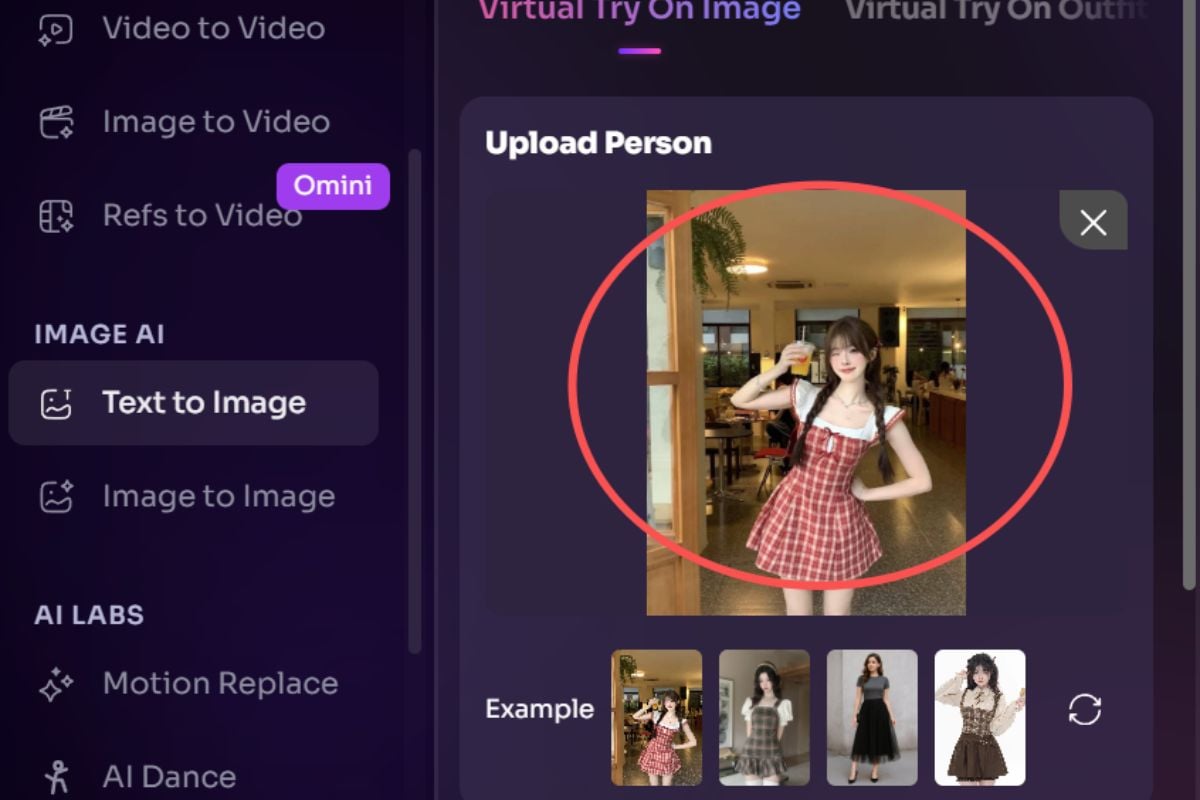
Upload Your Person

Start with a clear photo of the person. Front-facing or slight side angles usually give the cleanest outfit placement.
Step 2

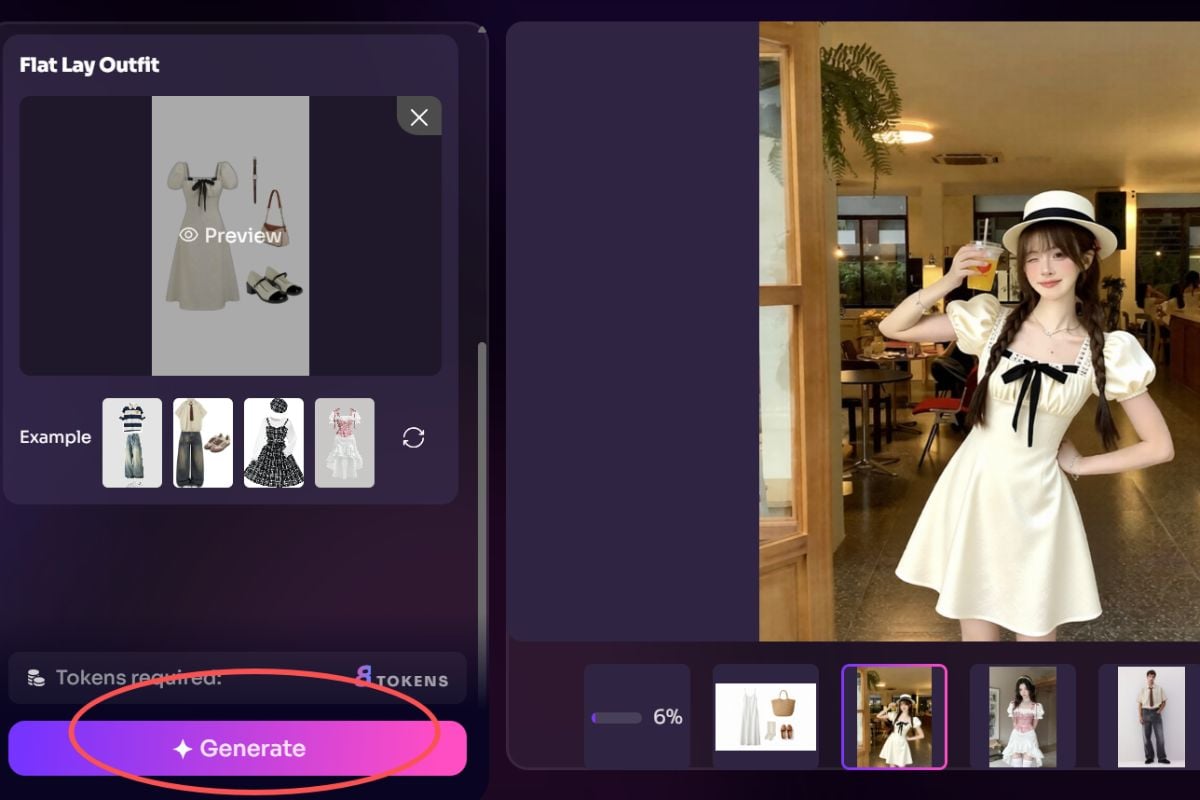
Upload the Clothing Image

Add the garment photo you want to test. Clean product shots and visible clothing edges help the result look more natural.
Step 3

Click Generate

Press generate and let the tool build your try-on image. In a moment, you will get a fresh outfit preview ready to save or compare.
Try for Free Now

Designed for Fashion Sales and Try-On Previews

From e-commerce product visuals to quick outfit validation, this tool helps brands, sellers, and creators present clothing ideas faster.
E-commerce Virtual Try-On

E-commerce Virtual Try-On

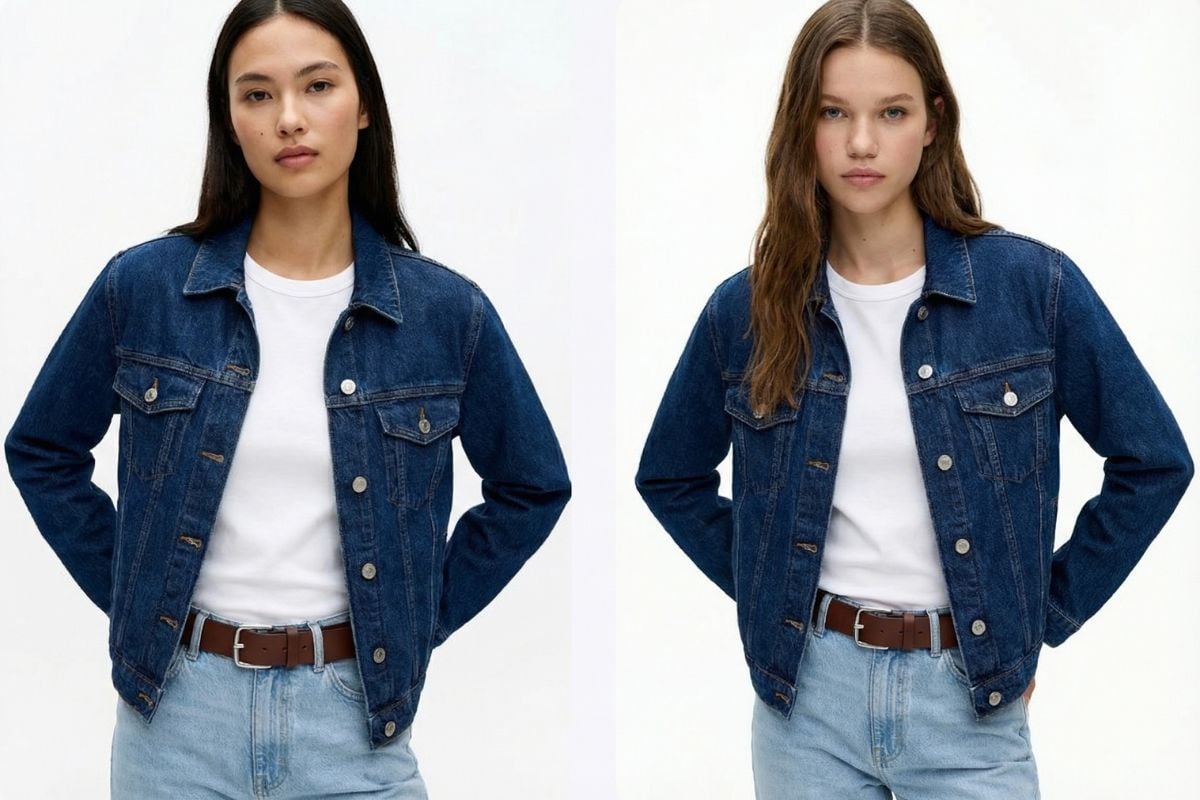
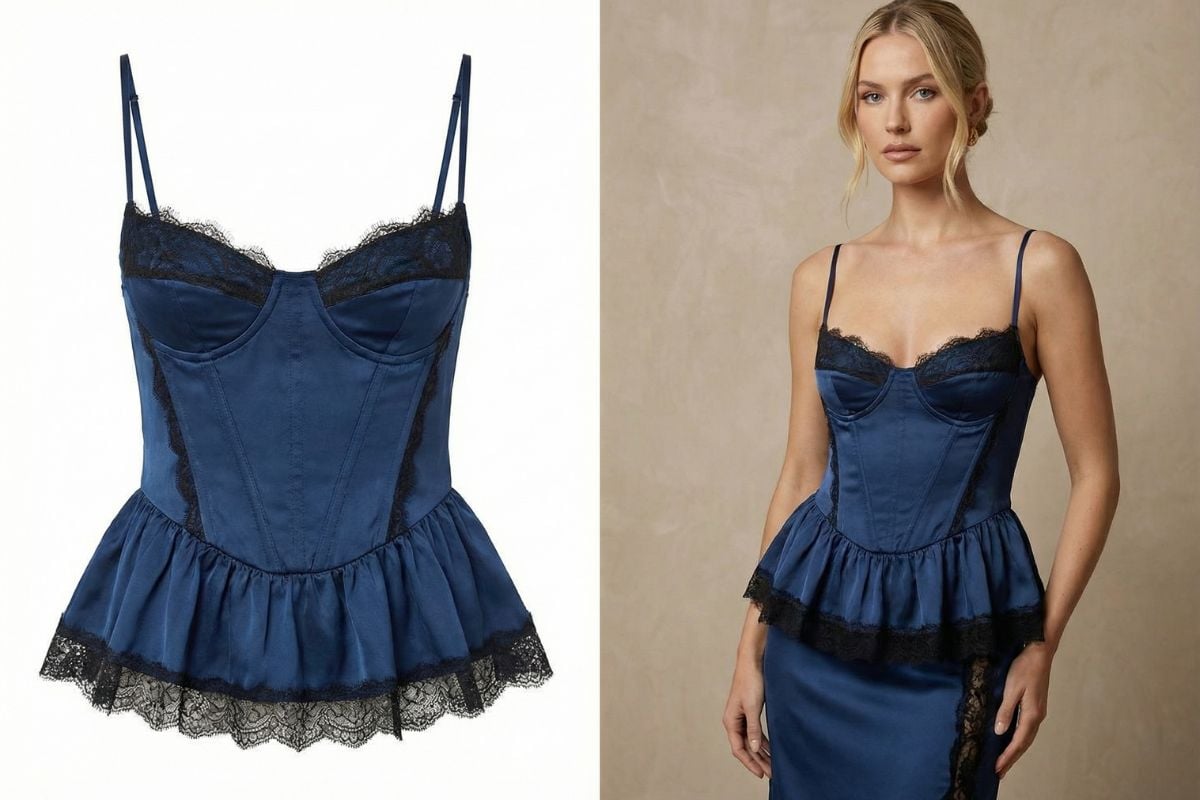
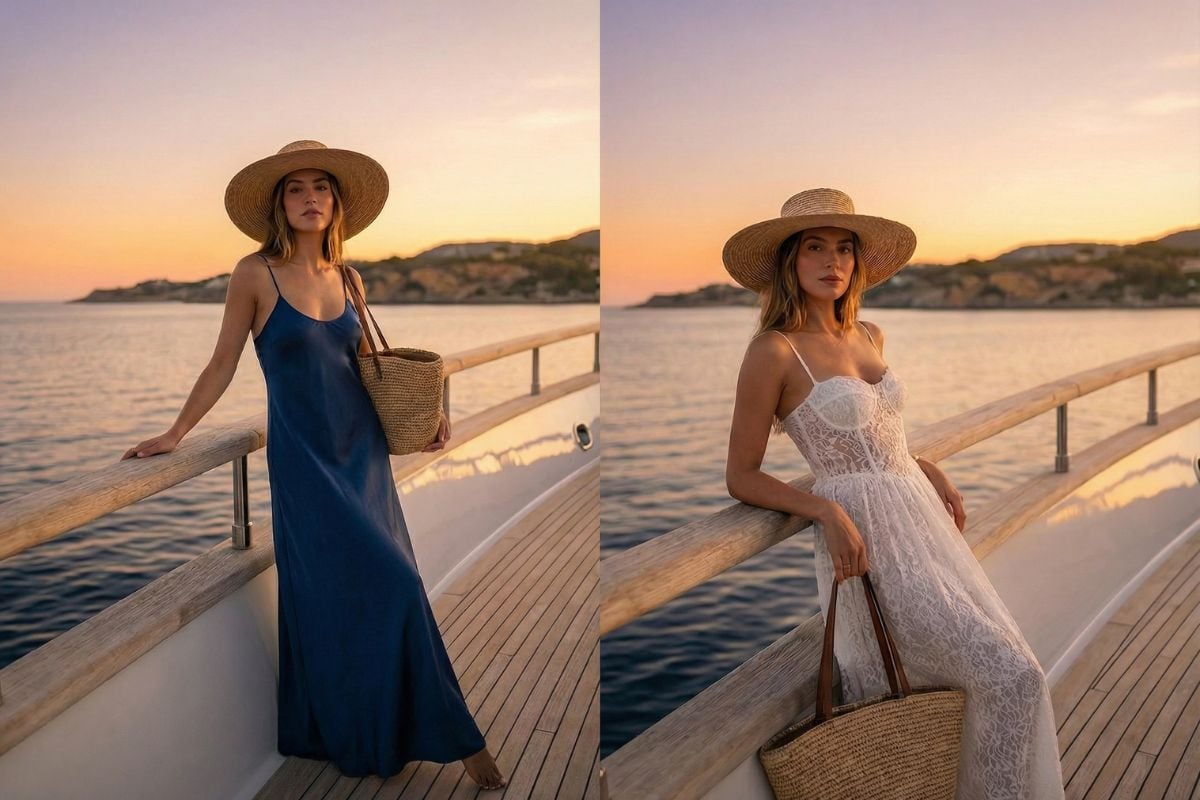
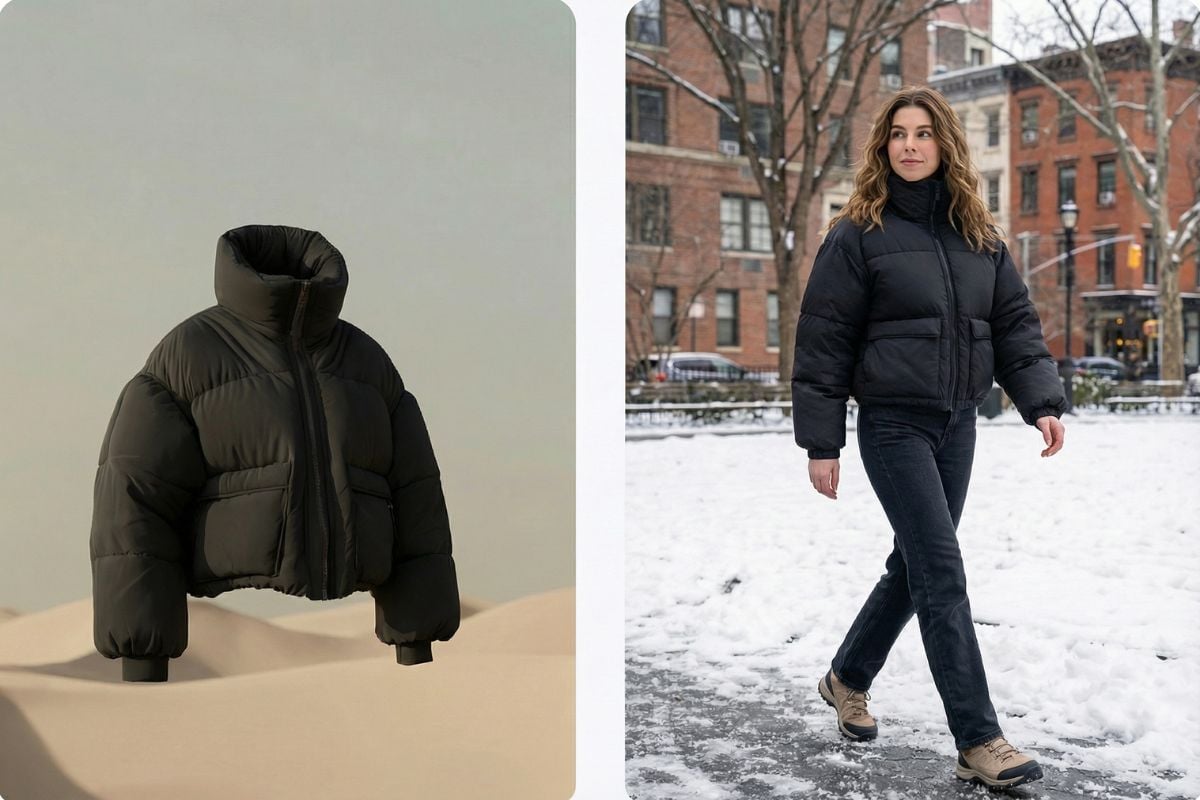
Create cleaner apparel previews without arranging a full photoshoot for every variation. It is useful for online stores that want to show how different pieces may look on a model before producing final campaign assets.

Try For Free

User Cases

Case 1

Case 2

Case 3

Explore Virtual Try-On Features

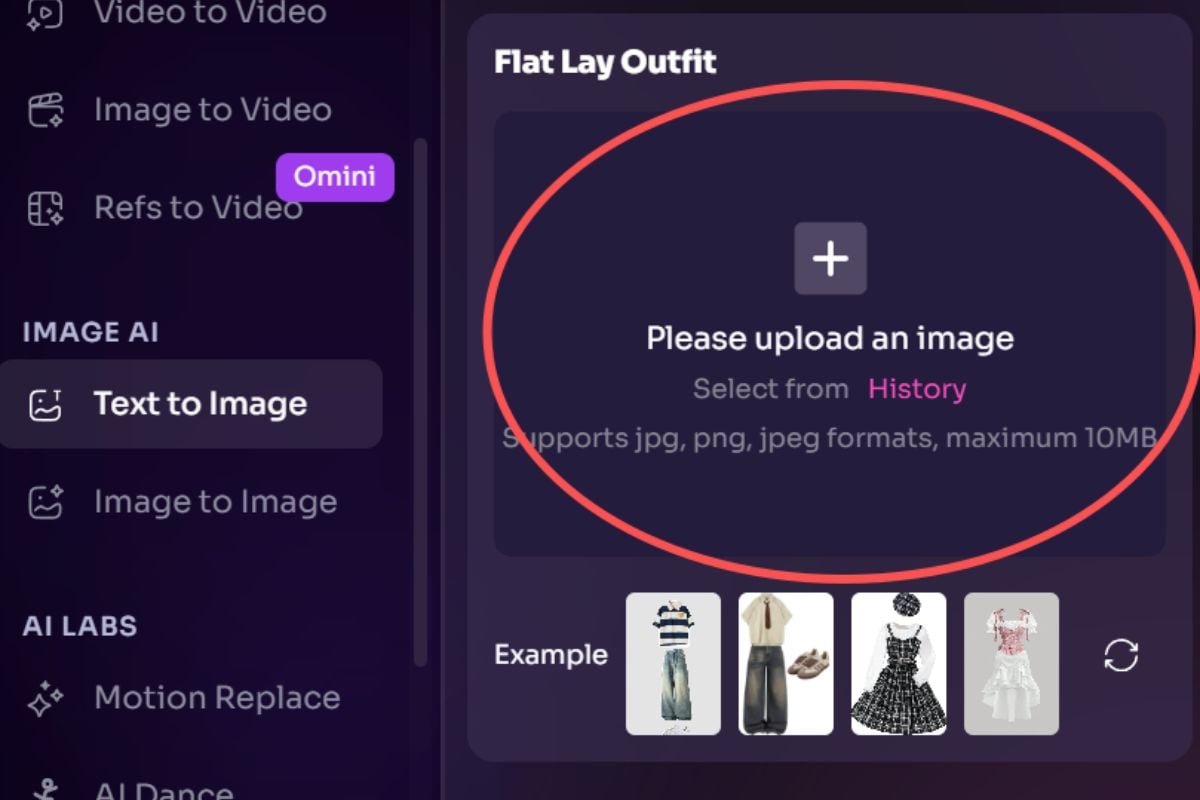
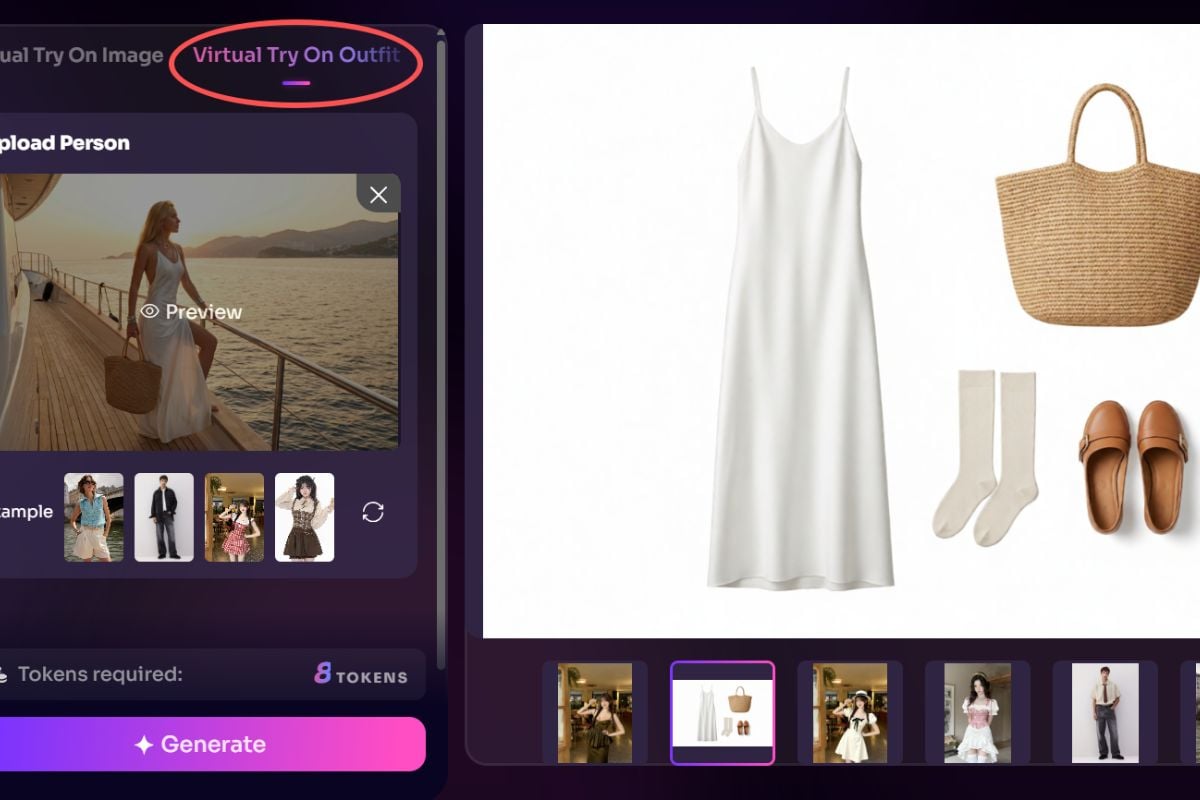
Turn Worn Looks into Flat Outfit Displays

Not just try-on. This flat outfit feature can turn the clothes and accessories shown on a person into a clean outfit display image, making it easier to present a full look for styling boards, product showcases, or e-commerce outfit inspiration.

Turn Worn Looks into Flat Outfit Displays

Natural Outfit Placement

The tool places clothing onto the person with more attention to pose, body shape, hems, and folds, so the result feels closer to a real fitting photo than a flat pasted layer.

Natural Outfit Placement

Quick AI Swap Clothes Workflow

Compare several looks on the same person in just a few clicks. This AI swap clothes workflow is useful for creator drafts, styling reviews, and faster client feedback.

Quick AI Swap Clothes Workflow

Built for Fashion Drafts and Product Pages

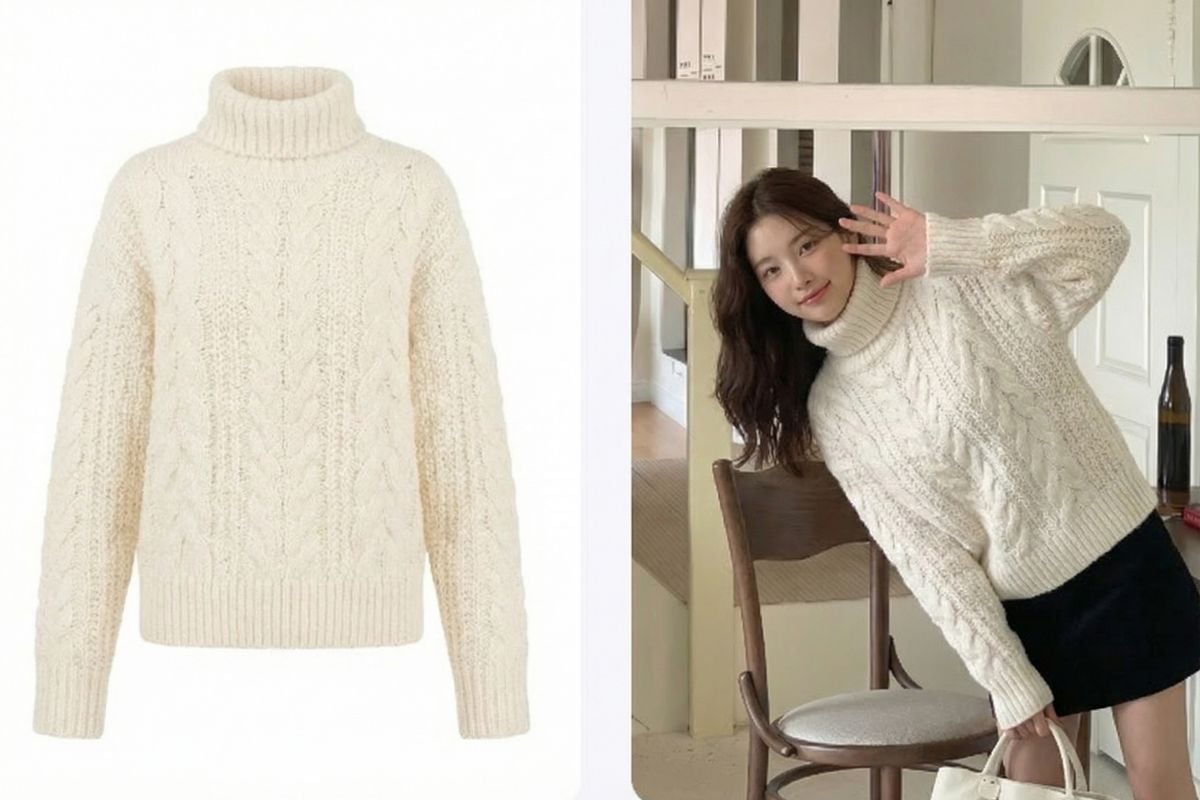
Use it alongside our AI image generator when you want more outfit concepts, alternate scenes, or cleaner fashion visuals after the try-on step.
Built for Fashion Drafts and Product Pages
Built for Faster Clothing Previews

Why Choose GoEnhance AI Virtual Clothes Try-On?

Keeps the Person Recognizable

The goal is to preserve the overall identity, pose, and feel of the original image while changing the outfit.

Good for Fast Styling Decisions

When you need to compare colors, silhouettes, or outfit mood quickly, this saves time over manual mockups.

Online and Easy to Use

You can open the tool in a browser, upload your images, and generate a result without a complicated editing workflow.
You May Want to Know

FAQs

Is virtual try-on free to use?

Yes, you can try virtual try-on with free access before upgrading. If you need more generations, faster processing, or higher usage limits, you can move to a paid plan later.

What is virtual clothes try on used for?

virtual clothes try on is useful when you want to preview how a garment may look on a person before a shoot, purchase, listing update, or styling decision. It is often used for concept testing, catalog drafts, and outfit comparisons.

What kind of photos work best?

Clear photos with one person, visible clothing areas, and even lighting usually give the best result. A clean garment image with a simple background also helps the tool read edges and fabric shape more accurately.

Can I try clothes online, including dresses, coats, and full outfits?

Yes. You can try clothes online with many common apparel types, including tops, jackets, coats, and dresses. For full looks, results are usually better when the clothing image is clean and the person photo is not heavily blocked or cropped.

Does it support virtual dresses and dress-focused styling tests?

Yes. Many users use the tool for virtual dresses when they want to check overall silhouette, skirt length, or outfit mood before moving into a final campaign or product page design.

How realistic is the result?

Realism depends on the source images. Straight poses, visible arms, natural lighting, and high-quality garment photos usually produce the most believable folds, alignment, and clothing placement.

Is it suitable for e-commerce or client previews?

Yes, it is helpful for early-stage product visuals, internal reviews, and client previews. For final commercial publishing, it is still smart to review the output carefully for fit details, fabric behavior, and brand accuracy.

Can I use generated images commercially?

You should only use outputs commercially when you have the rights to the person image, garment image, logos, and any other protected material involved. It is important to follow your own legal, licensing, and brand review process.

What file formats are supported?

Virtual try-on typically works best with common image formats such as JPG and PNG.

Does virtual try-on work on mobile devices?

Yes. You can use virtual try-on on mobile devices through your browser, including phones and tablets, without needing to install extra software.

Ready to Preview the Look Before the Shoot?

Use GoEnhance to test outfits faster, compare styling directions, and build clean draft visuals for stores, creators, or everyday outfit planning.

Try Virtual Try-On Now