Replace Text Inside an Existing Image Free in Seconds

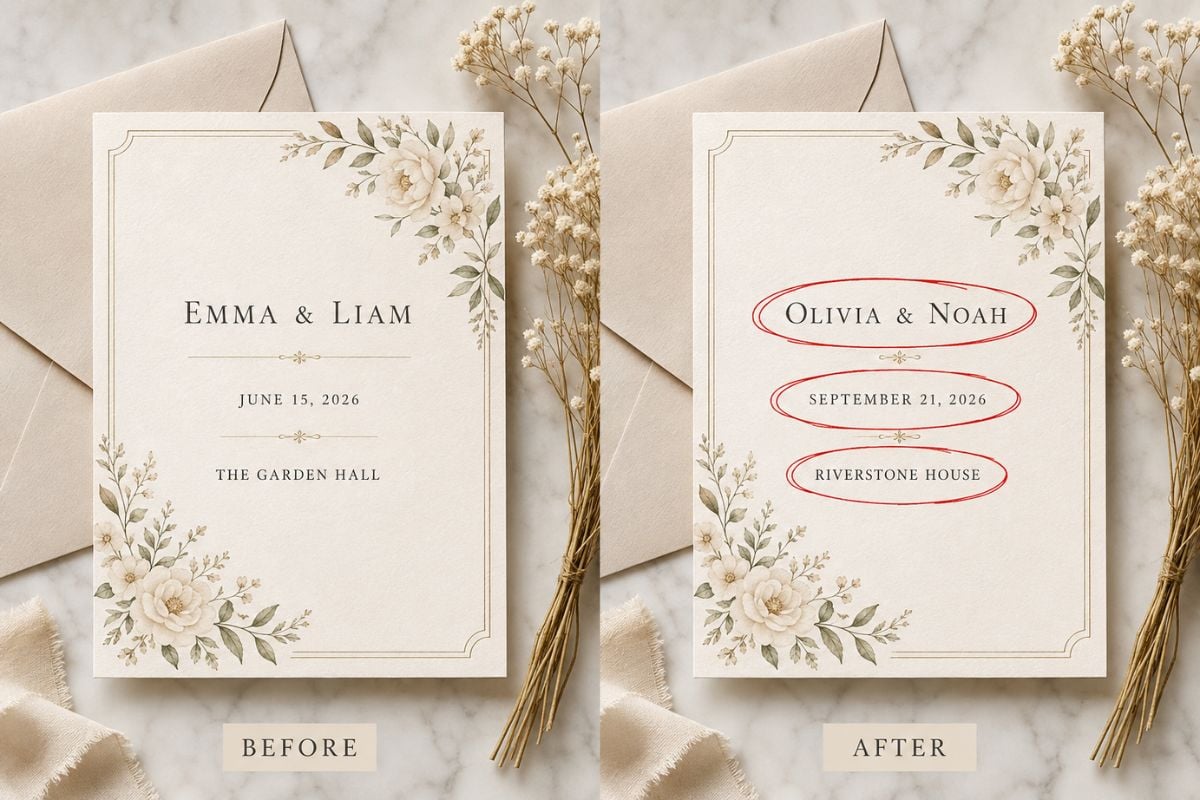
Generate an updated image that preserves the photography, typography placement, colors, spacing, and layout while changing only selected text.
Edit Image Text

Update Important Copy Without Rebuilding the Design

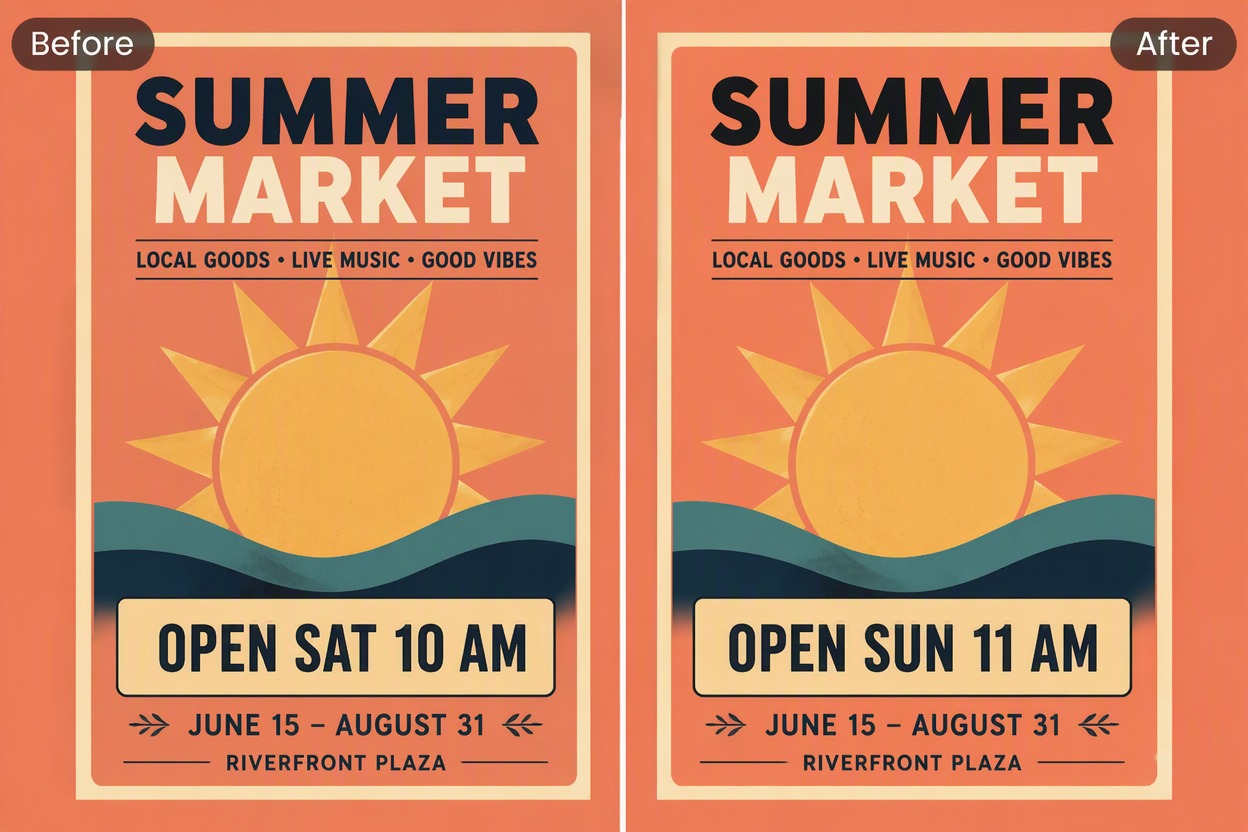
Correct Dates on Event Graphics

Replace an outdated day or time inside a poster while retaining the original background, type position, color palette, and visual hierarchy. Refresh event assets with image-to-image AI without recreating the layout.
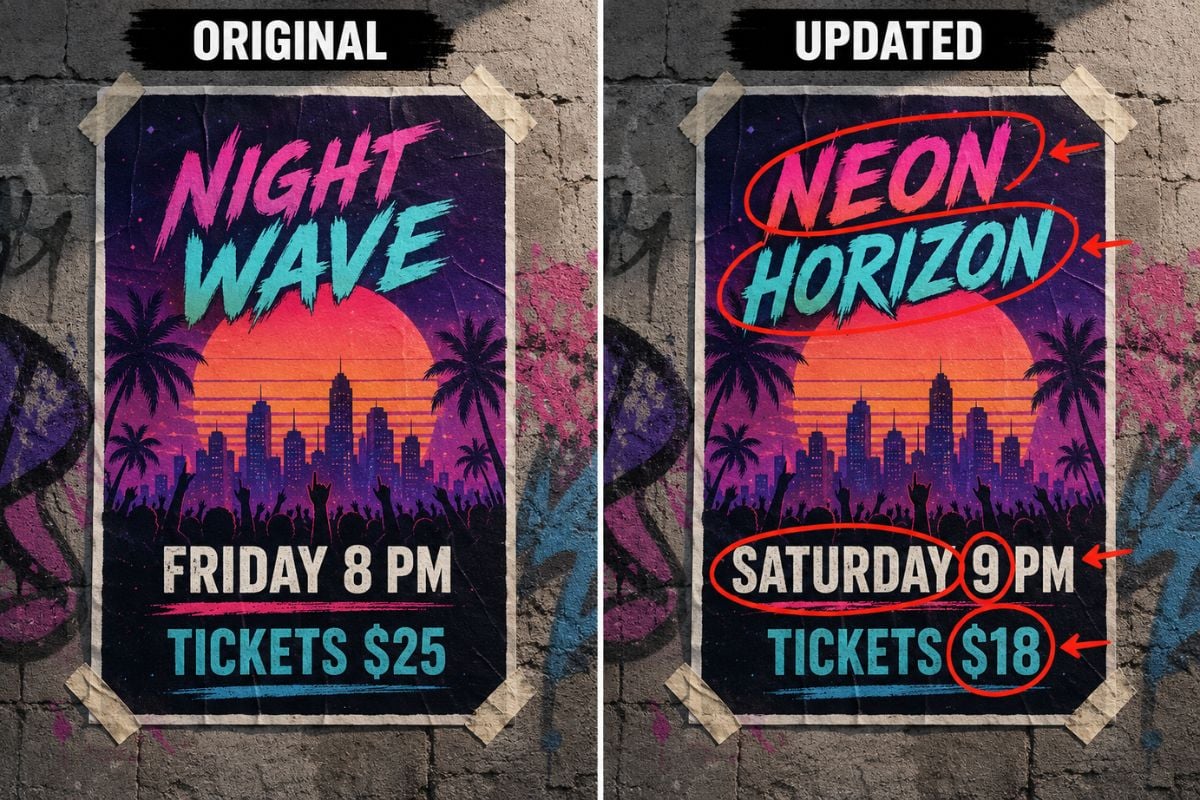
Edit Text in Image: correct dates on event graphics

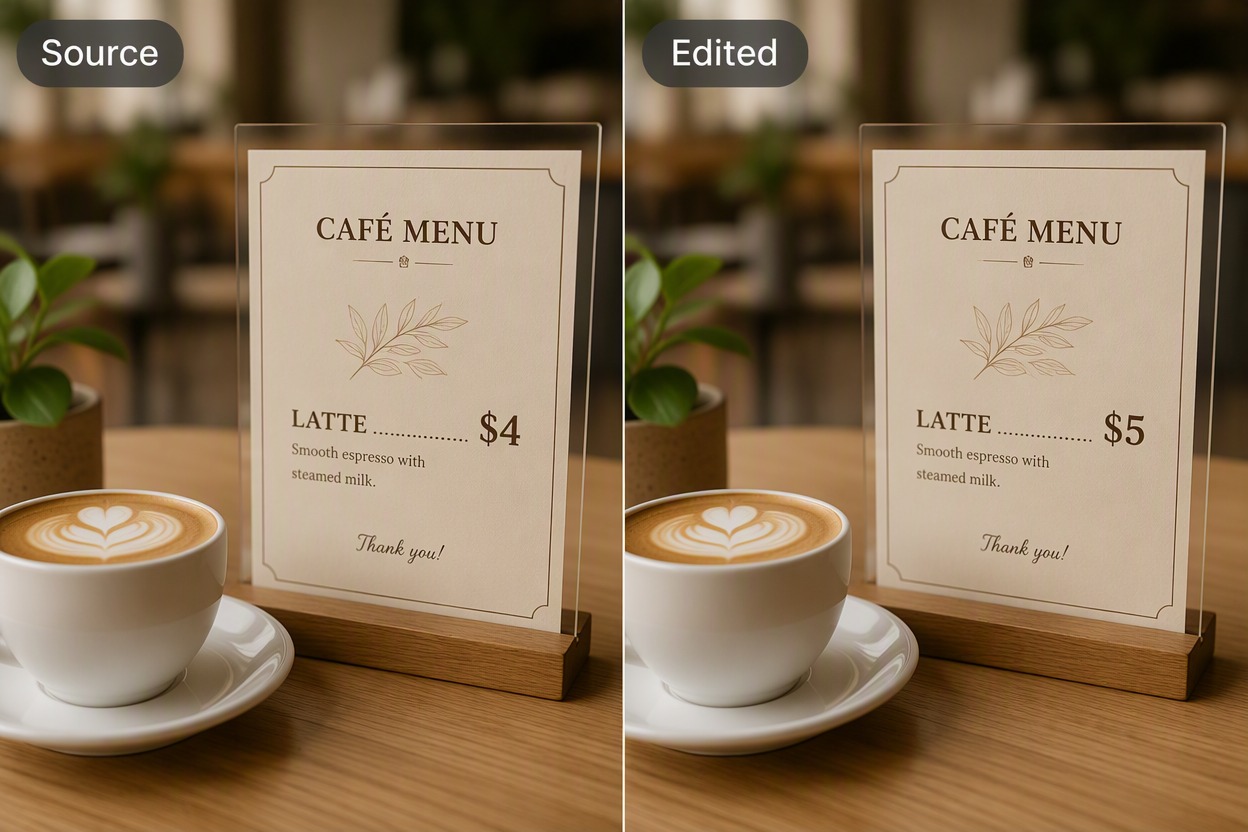
Revise Prices and Menu Details

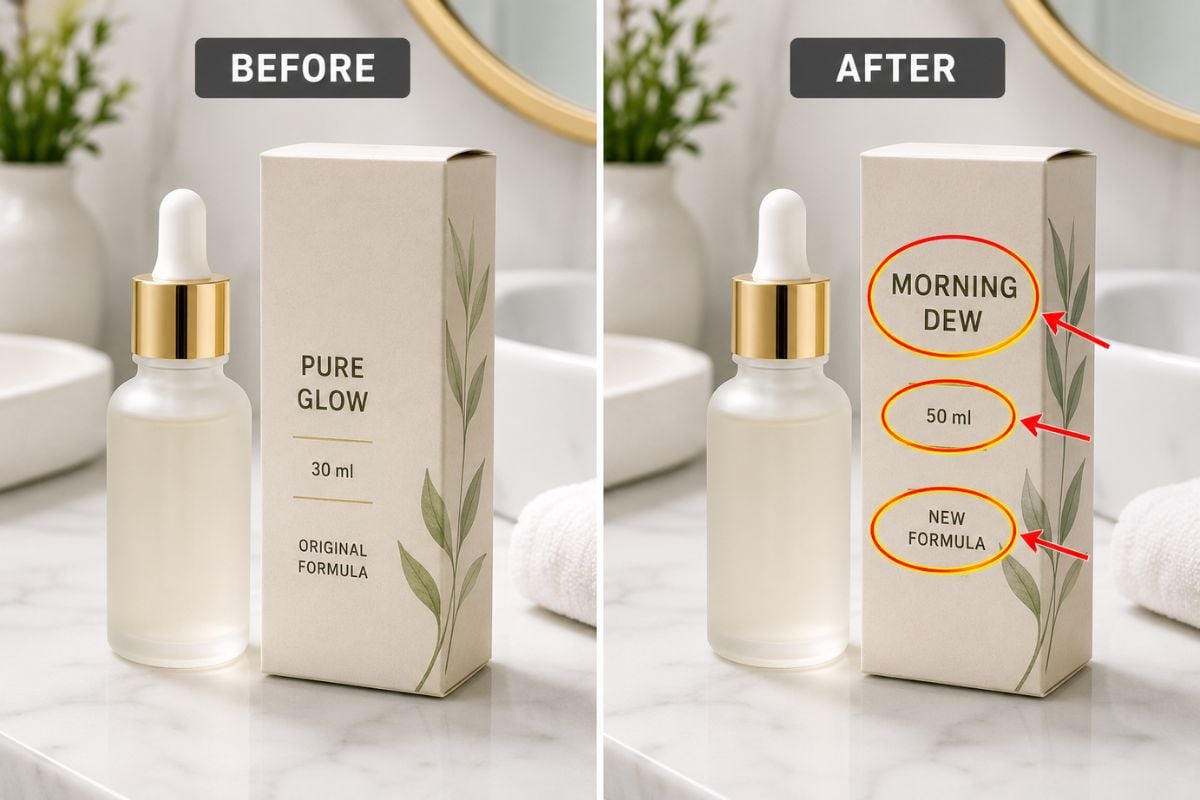
Change a price or short menu line while keeping the product photo, surrounding copy, spacing, and style aligned. Prepare updated café, retail, or marketplace graphics with less manual reconstruction.

Edit Text in Image: revise prices and menu details

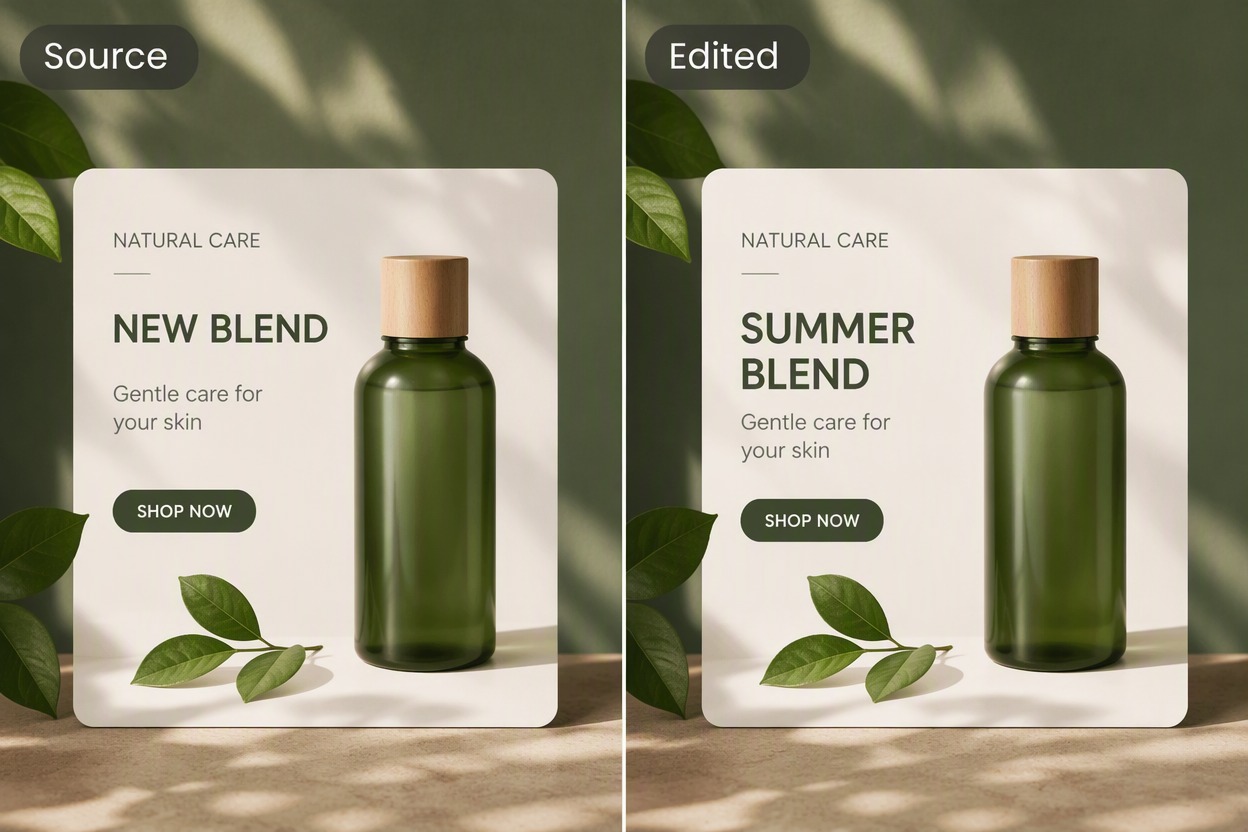
Refresh Product and Campaign Headlines

Replace one headline inside a product card or promotional visual while preserving the item, composition, and supporting design. Adapt existing assets for a new season or message.

Edit Text in Image: refresh product and campaign headlines

Adapt Social Graphics for New Messages

Change a short callout in a social banner without replacing the background image or entire layout. Reuse a strong design across announcements and campaign variations.

Edit Text in Image: adapt social graphics for new messages

How to Use Edit Text in Image

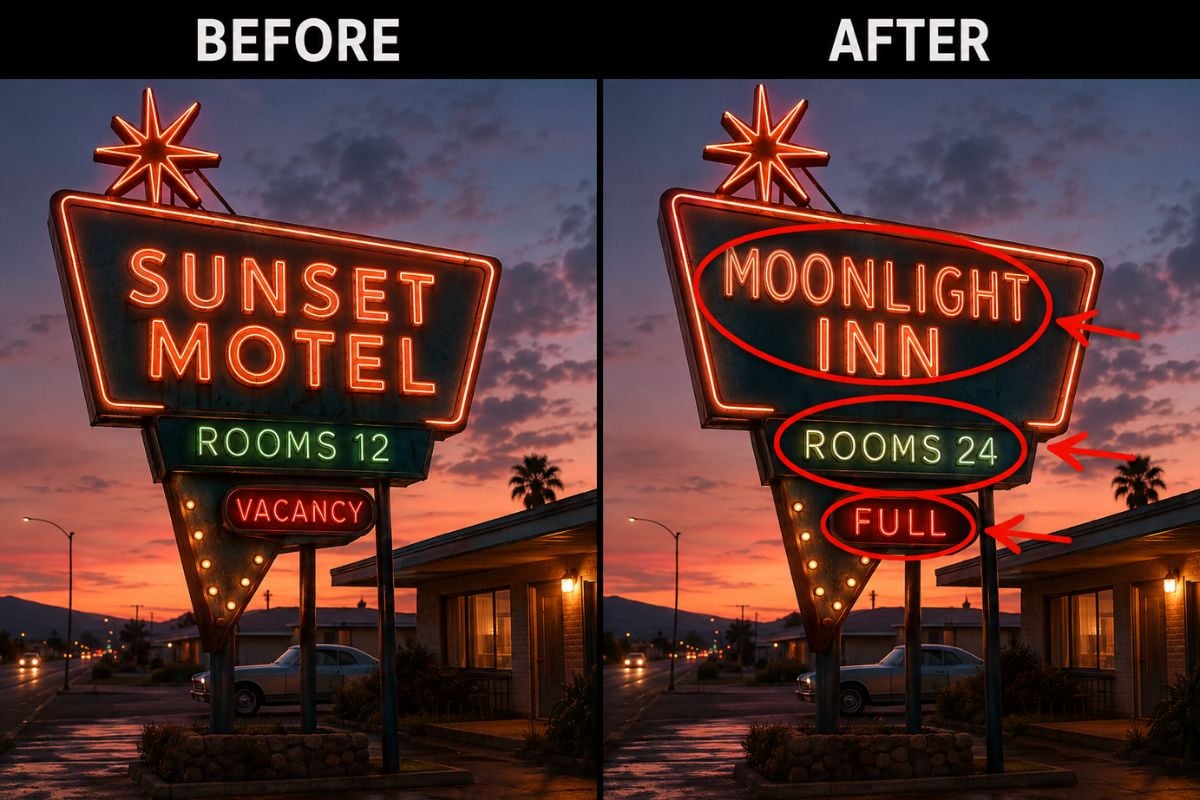
Step 1

Upload the Image and Select the Text

Choose a clear source image and identify the exact text region, original wording, and replacement wording. Keep the requested edit short and specific.
Step 2

Generate the Text Replacement

Replace the selected words while retaining the original photo, text position, scale, color, spacing, and surrounding design.
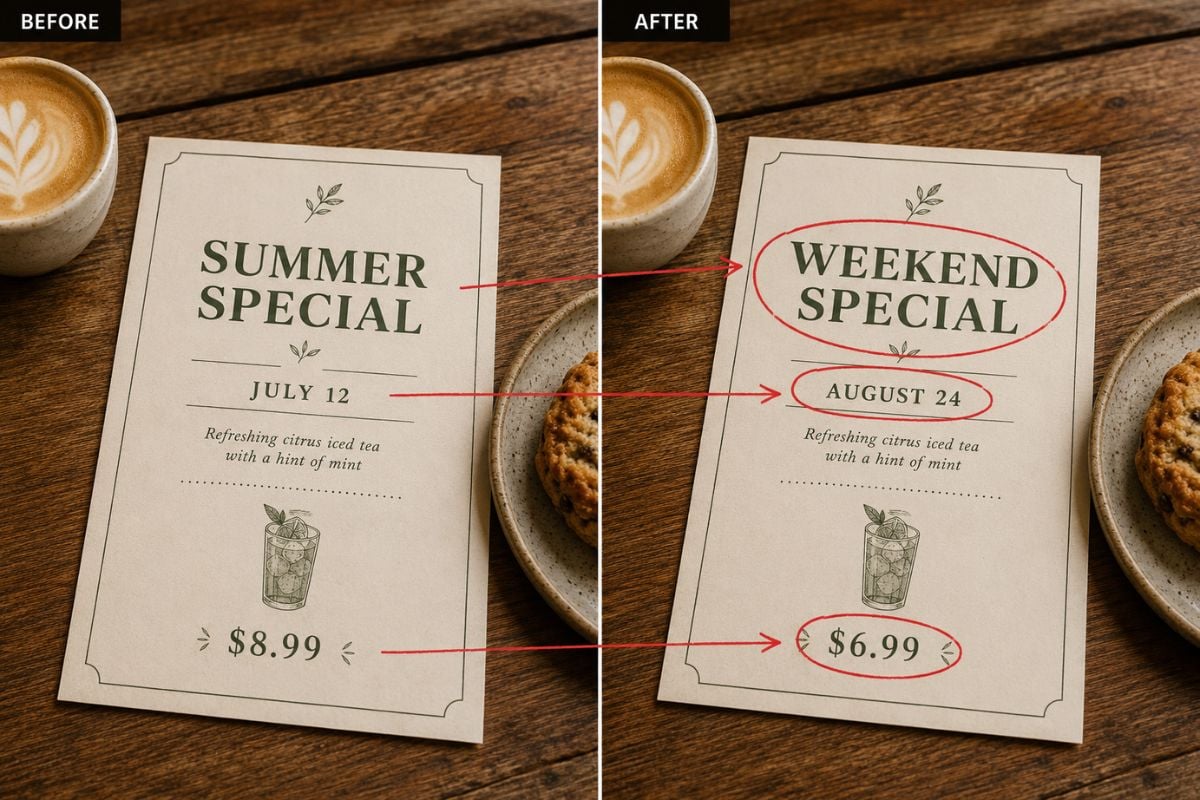
Step 3

Compare and Download the Updated Image

Read every changed word at full size, compare the source and edited versions, and download the result that preserves the design most accurately.

Edit Text in Image FAQ

Can I edit text in image online?

Yes. This workflow is designed to edit text in image online by replacing selected words while preserving the surrounding photo and layout.

How do I edit text from photo files?

Upload the clearest available file, identify the original words and their location, then provide the exact replacement. Short, high-contrast text is usually easier to reproduce.

Can I change text in photo without changing the background?

The goal is to change text in photo while retaining the surrounding image and layout. Complex textures, overlapping objects, decorative lettering, and low resolution may require additional correction.

What kinds of text can I replace?

Common tasks include dates, times, prices, short headlines, labels, calls to action, and brief menu lines. Long paragraphs and tiny text are more difficult.

Will the font match perfectly?

The result may approximate the existing typography rather than recover the exact font file. Compare letter shapes, weight, spacing, alignment, and color at full size.

Is image text editing free?

GoEnhance AI may provide free credits for trying image editing. Credit availability, account rules, exports, and continued usage can change in the live app.

Can I edit any sign, document, or receipt?

Use the tool for authorized creative and business assets. Do not falsify identity records, financial documents, evidence, credentials, medical records, or deceptive claims.

Update Text in Your Image With GoEnhance AI

Replace a date, price, headline, or label while keeping the surrounding photo, colors, and layout recognizable.

Edit Image Text