goenhance logo

AI Flyer Maker

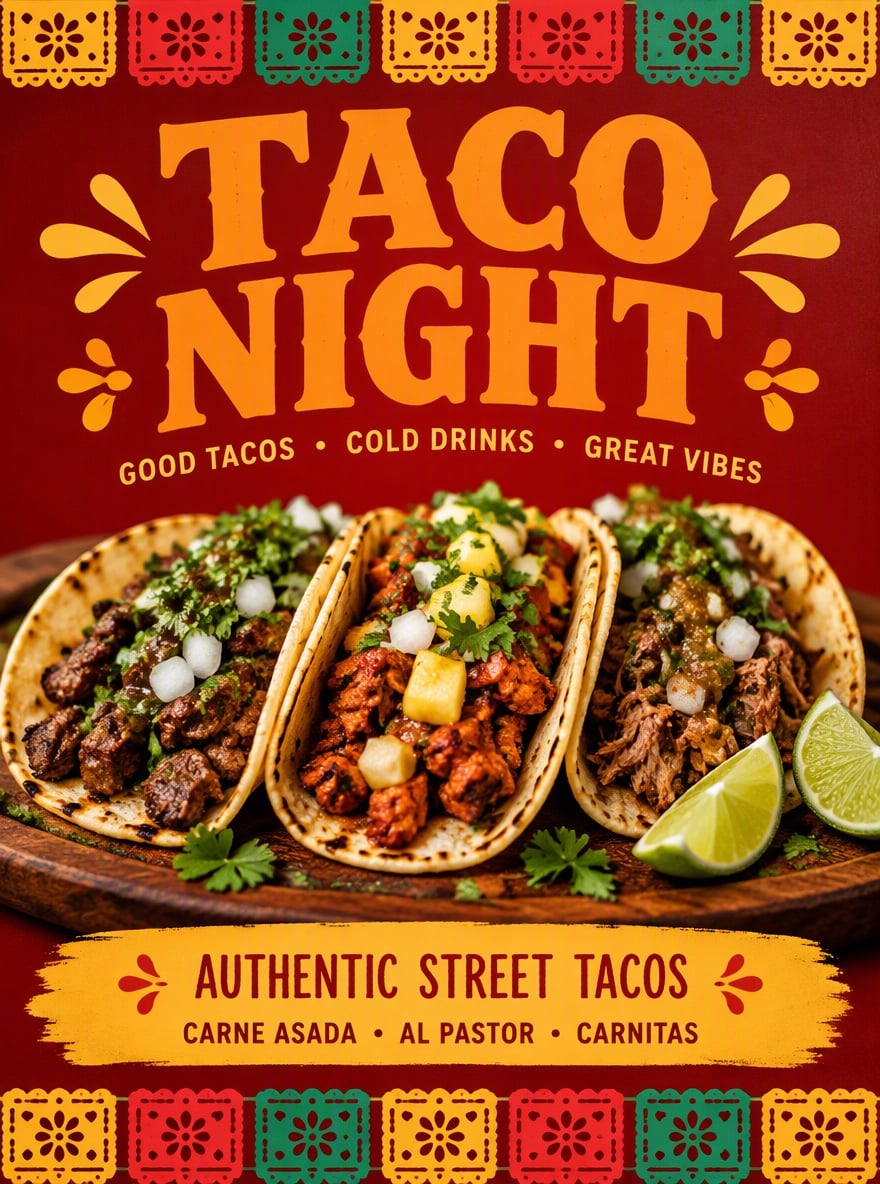
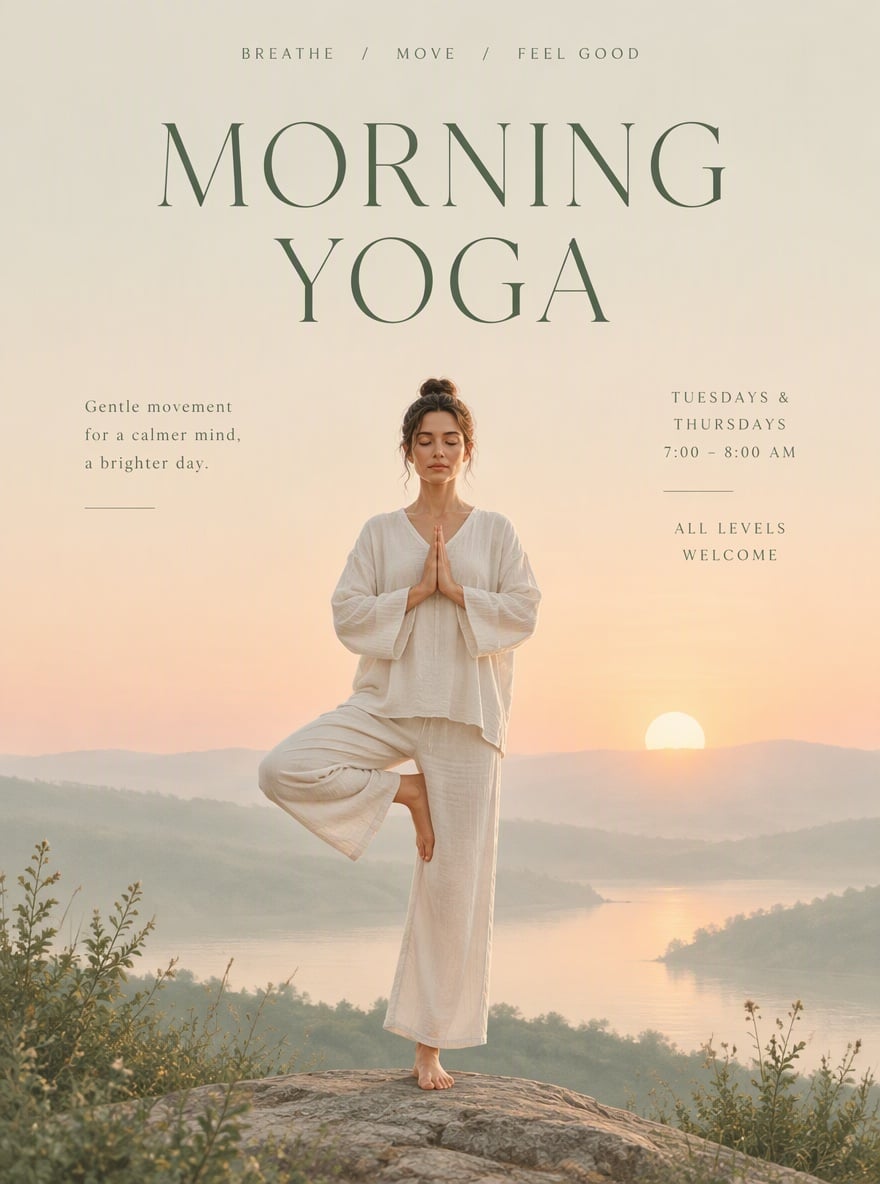
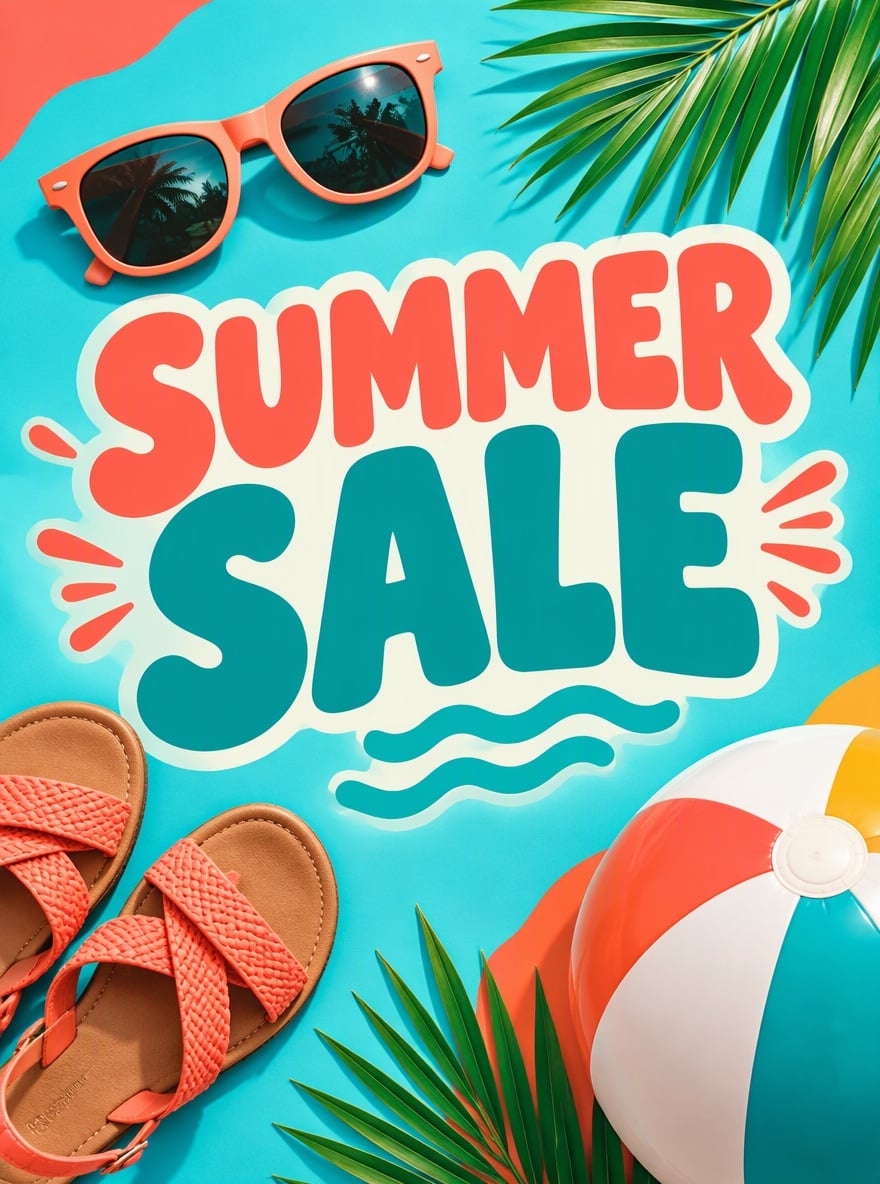
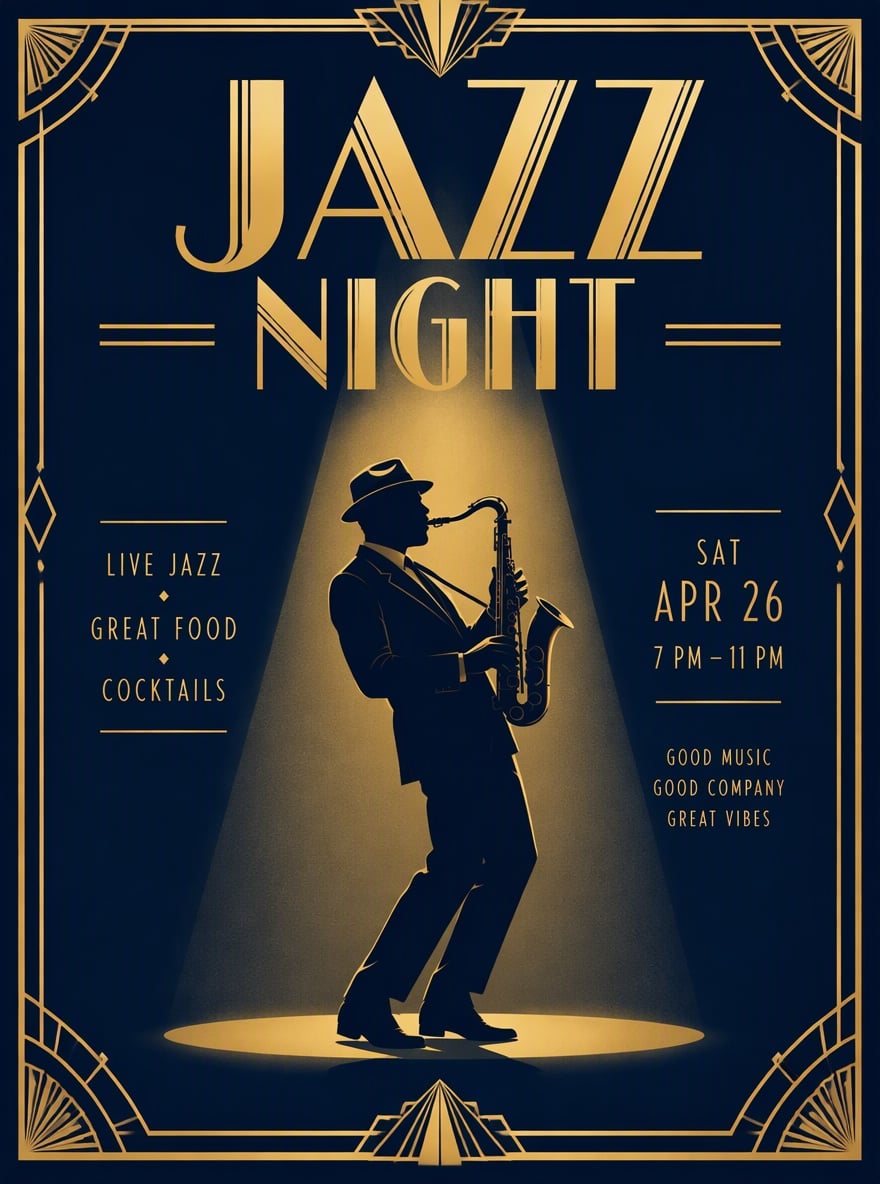
GoEnhance AI helps you create eye-catching flyers from simple text prompts. Use it as an AI flyer generator for event posters, sale flyers, class announcements, party invites, product promos, and social media designs without starting from a blank canvas.

Try It Free Now
Text to Image
Image to Image
Select Model
Prompt

How To Use GoEnhance AI Flyer Maker?

01

Enter Your Flyer Idea

Start with a short prompt. Tell GoEnhance AI what kind of flyer you need, such as a sale flyer, event flyer, party flyer, class flyer, restaurant flyer, or product promotion design.

02

Describe the Style and Details

Add the key message, target audience, visual style, colors, theme, headline, and any important text you want the flyer to include. Clear details help the AI flyer maker create a more useful first draft.

03

Generate and Review

Generate your flyer design, review the layout and visual direction, then refine your prompt if needed. You can create more versions until the flyer fits your campaign, brand, or social post.

Create Flyers for More Real-World Uses

Turn Simple Prompts Into Flyer Designs

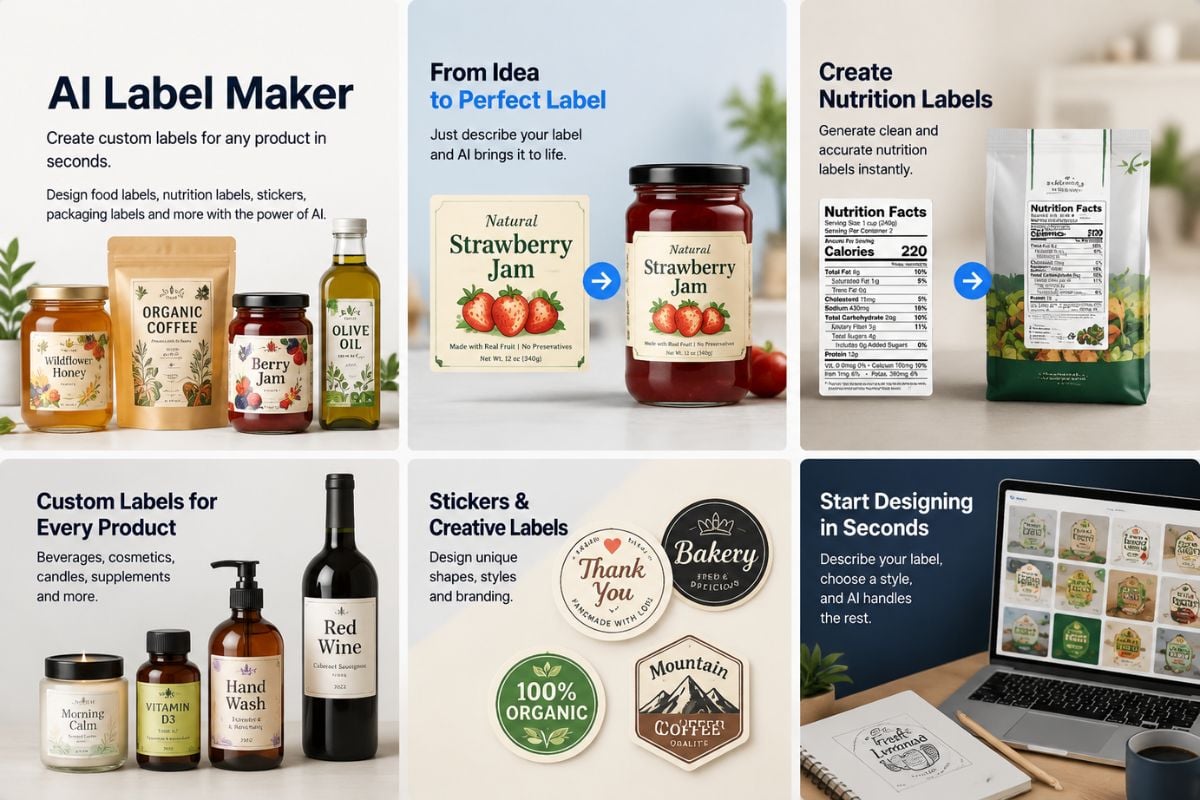
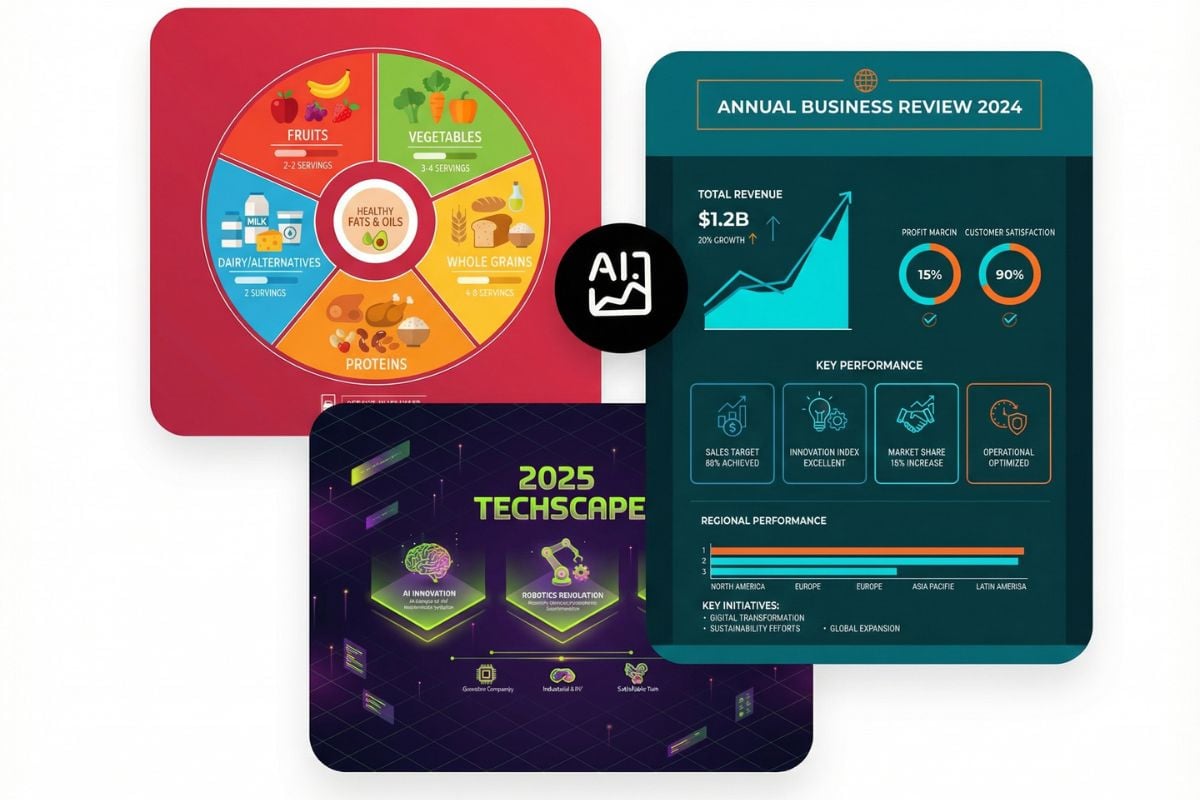
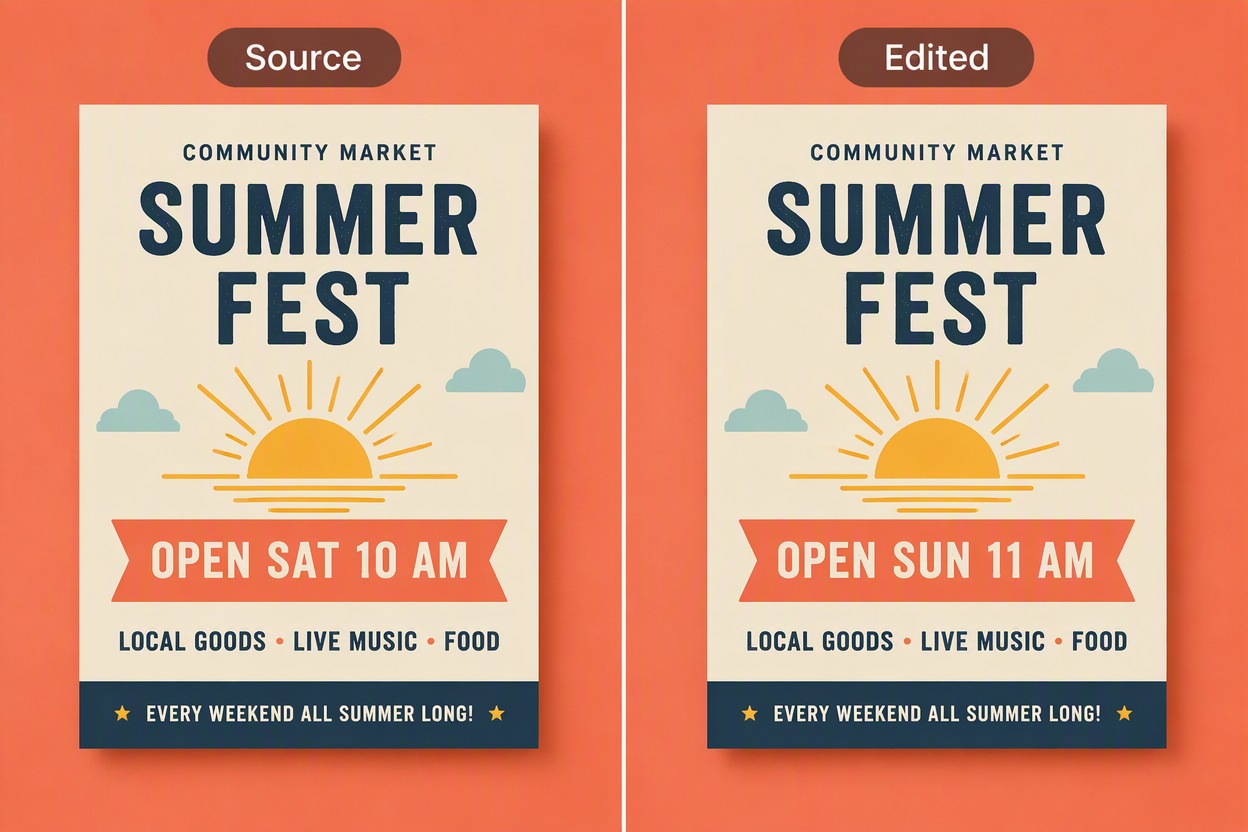
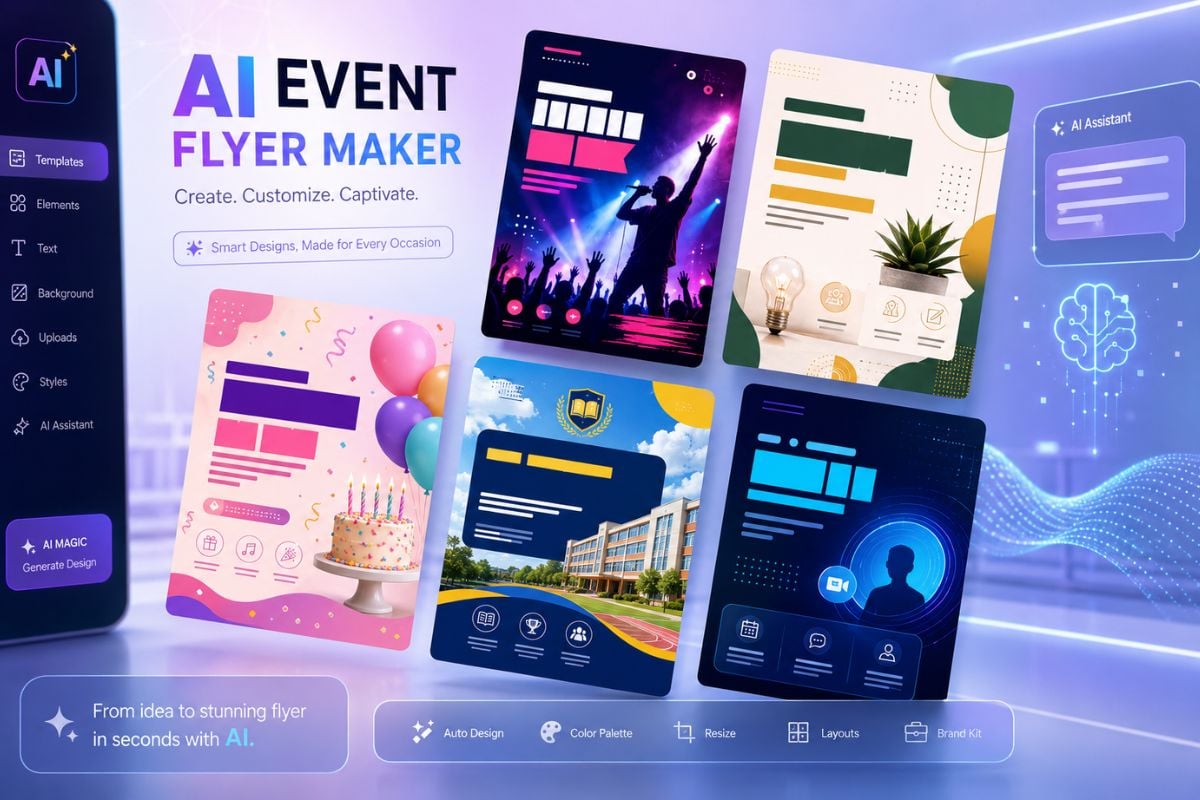
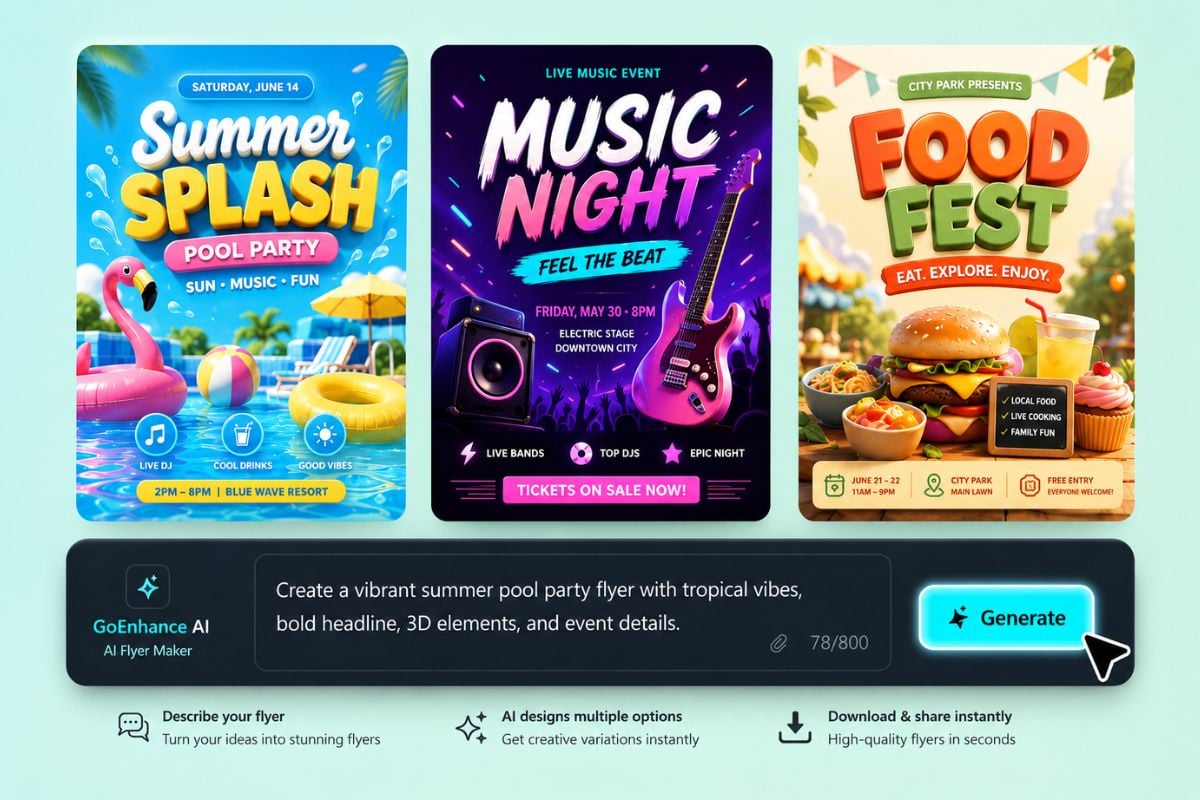
Describe your flyer idea in plain words and let GoEnhance AI turn it into a visual design draft. It is useful when you need a fast layout idea for promotions, announcements, launches, local events, or online campaigns, and the built-in AI image generator can also help you create matching visuals for your flyer.
Make Promotional Flyers Faster

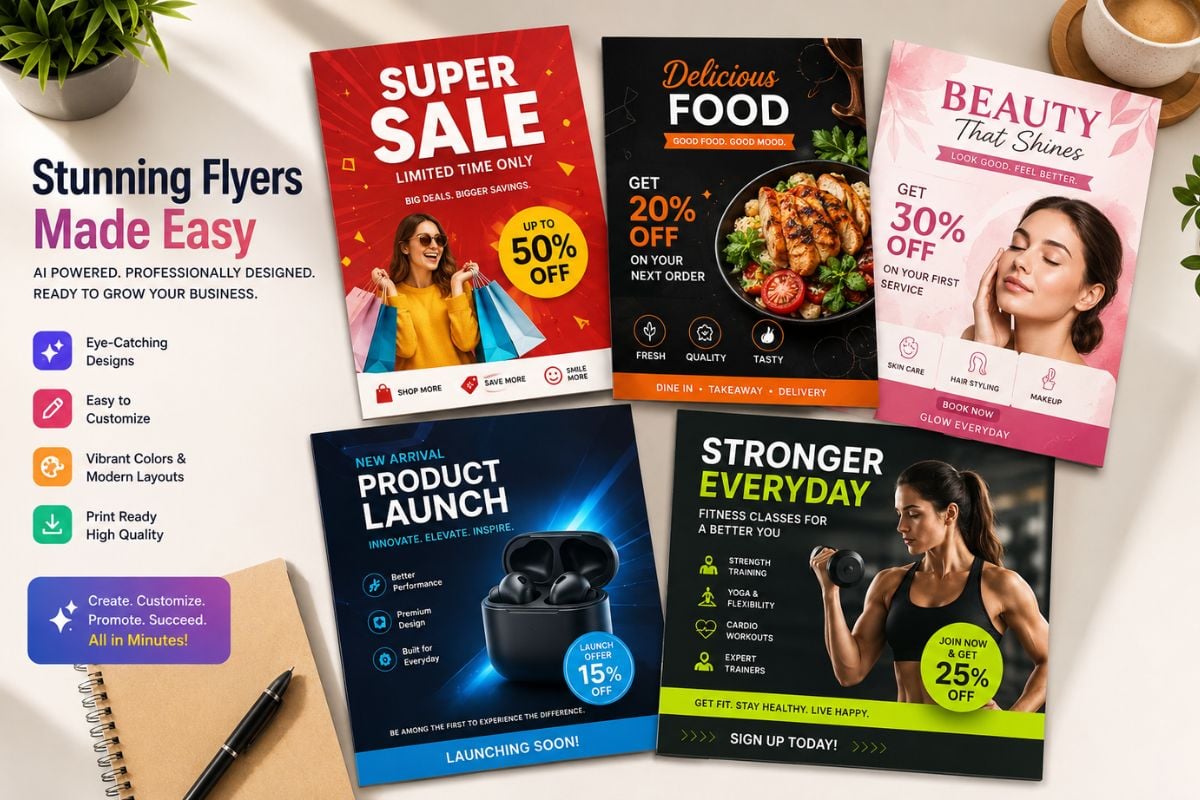
Use the AI flyer generator to create designs for discounts, holiday sales, product drops, restaurant offers, gym classes, beauty services, and small business campaigns. It helps you test more creative directions before choosing the final version.

Design Event Flyers Without Starting From Scratch

Create flyer concepts for concerts, workshops, school events, birthday parties, community activities, online webinars, and seasonal campaigns. If you also need original visuals, the GoEnhance AI image generator can help you create matching artwork for your flyer.
Frequently Asked Questions

AI Flyer Maker FAQ

What is an AI flyer maker?

An AI flyer maker is a tool that helps turn a text prompt into a flyer design draft. With GoEnhance AI, you can describe the flyer topic, style, audience, and message, then generate visual ideas for events, sales, promotions, and social campaigns.

Can I use GoEnhance AI as an AI flyer generator?

Yes. GoEnhance AI can work as an AI flyer generator for creating flyer concepts from prompts. You can use it to explore layouts, colors, themes, and visual directions before final editing or publishing.

How do I make a flyer with AI?

Enter a clear prompt that explains the flyer purpose, main headline, audience, style, colors, and key message. Then generate the design and review the result. If the flyer needs changes, adjust the prompt and create another version.

What kinds of flyers can I create?

You can create flyer ideas for business promotions, local events, music shows, parties, school activities, workshops, restaurant offers, product launches, beauty services, fitness classes, real estate campaigns, and online announcements.

Is GoEnhance AI a free AI flyer maker?

GoEnhance AI offers free credits for trying AI creation features. After the free credits are used, you may need to recharge or choose a paid plan to continue generating more flyer designs.

What should I include in an AI flyer prompt?

Include the flyer type, headline, target audience, visual mood, color direction, layout style, important text, and where the flyer will be used. For example, you can mention whether it is for Instagram, printing, a store promotion, or an event announcement.

Can I use AI flyers for marketing?

Yes, AI flyer designs can be useful for marketing drafts, campaign ideas, social media posts, and promotional visuals. Before using them commercially, review the output, check text accuracy, and make sure your brand assets and source materials are allowed for that use.

How can I get better flyer results?

Use specific prompts instead of very short ones. Mention the scene, design style, headline, audience, product or event type, color palette, and mood. If the first result is not right, refine the prompt with clearer layout and text instructions.

Create Flyers with GoEnhance AI

Start with a simple idea and create flyer designs for events, promotions, launches, classes, parties, and social campaigns. Use GoEnhance AI to make a flyer with AI and explore more visual directions in less time.

Try AI Flyer Maker