
Free Discord PFP Maker
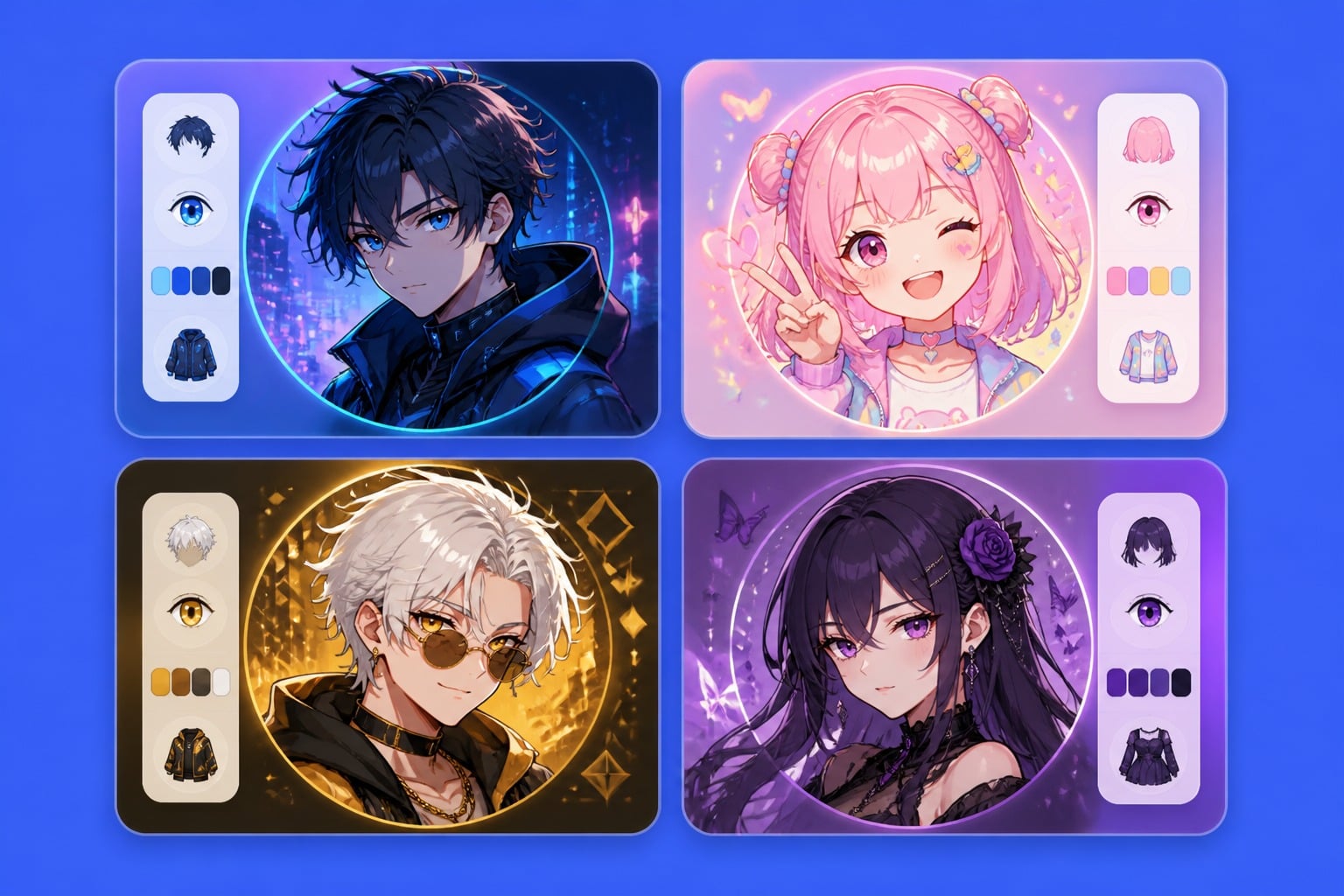
Create a custom Discord PFP with GoEnhance AI. Turn a simple idea into a clean avatar, anime icon, gaming profile picture, cute mascot, fantasy portrait, or Discord server PFP without drawing from scratch.
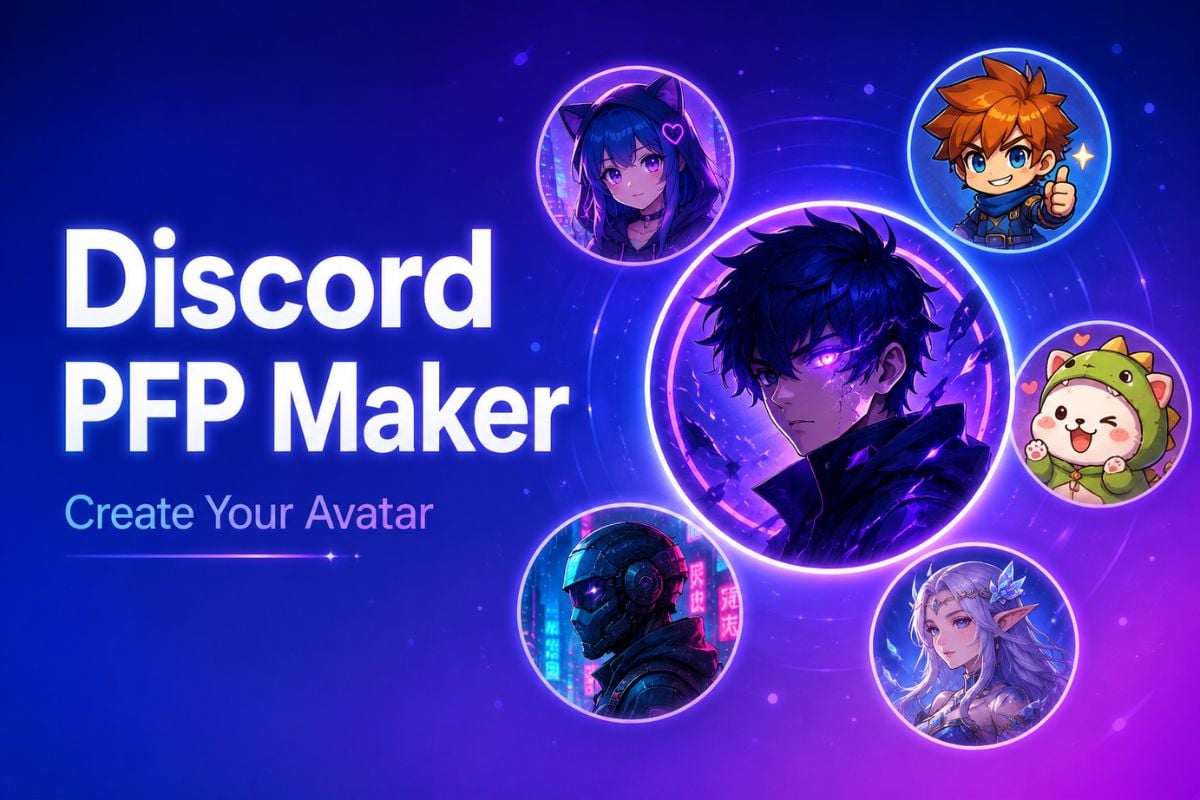
How To Use GoEnhance AI Discord PFP Maker?
Describe Your PFP Idea
Enter a short prompt for the avatar you want, such as an anime gamer, cyberpunk mascot, fantasy character, cute chibi icon, or clean Discord server PFP.
Describe Your Avatar Style
Add details like hair color, expression, outfit, mood, background, lighting, and profile picture style to guide the Discord PFP generator.
Generate and Use
Create your AI profile picture, review the result, and export a clean square avatar that works well as a Discord PFP.
Discord PFP Maker Features for Avatars, Icons, and Server Profiles
Generate Custom Discord PFPs From Text
Turn a short idea into a polished Discord profile picture with GoEnhance AI. Describe the look, mood, outfit, expression, background, and avatar style, then use this AI image generator to create an original PFP that fits your online identity.
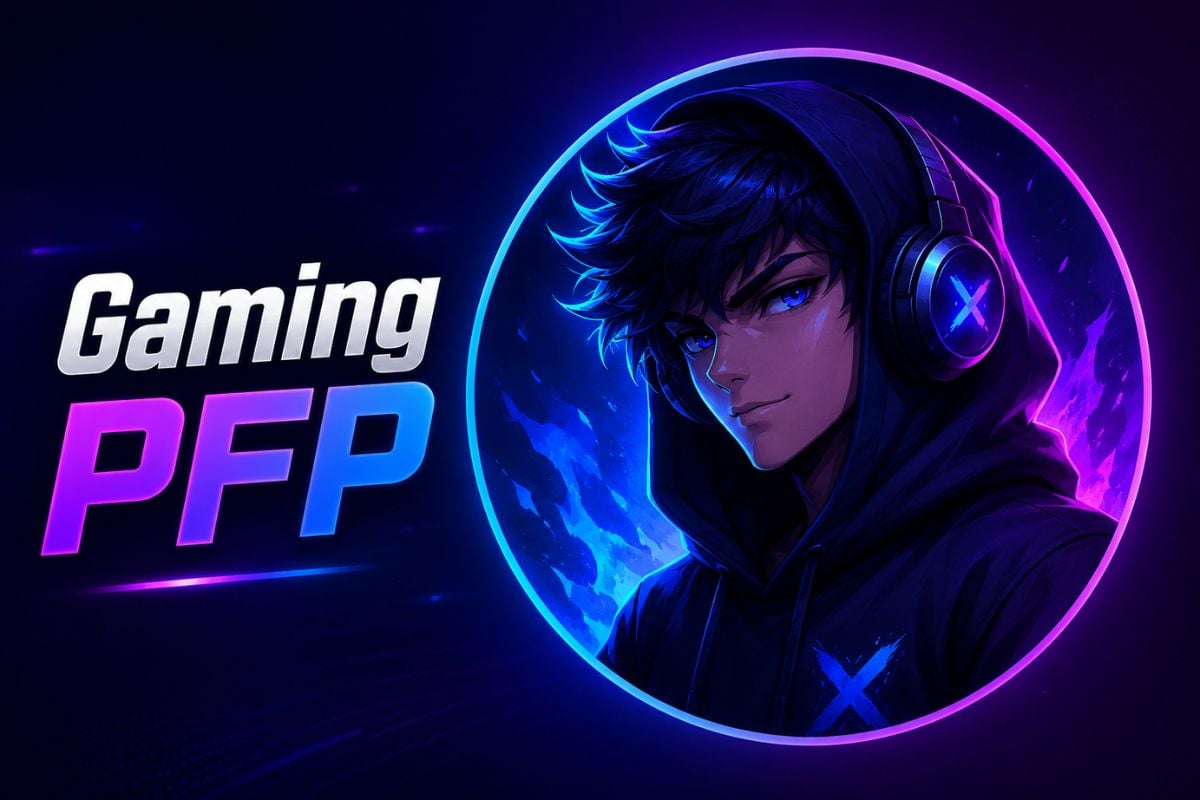
Choose Styles for Any Discord Vibe
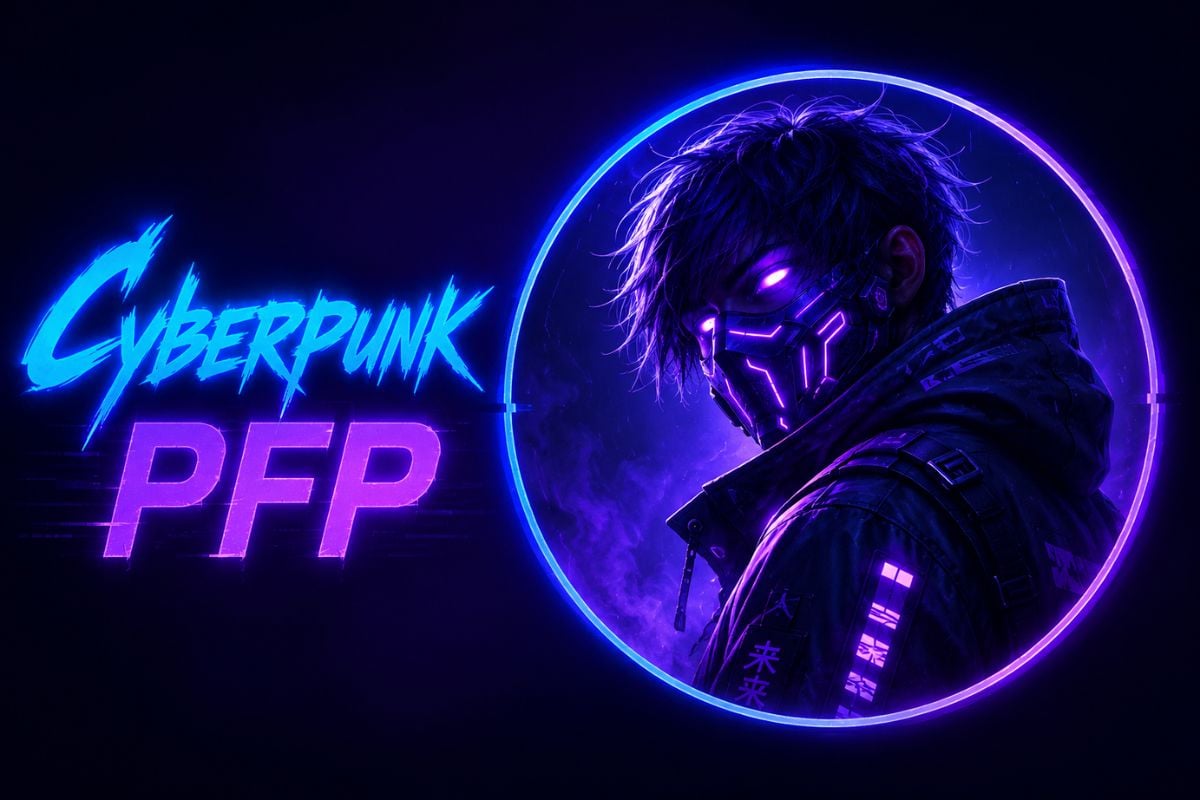
Create anime avatars, gaming icons, cute chibi characters, cyberpunk portraits, fantasy heroes, mascot-style icons, and clean cartoon PFPs. Each result is designed with a clear face, strong silhouette, and simple composition so it still looks good as a small circular Discord avatar.
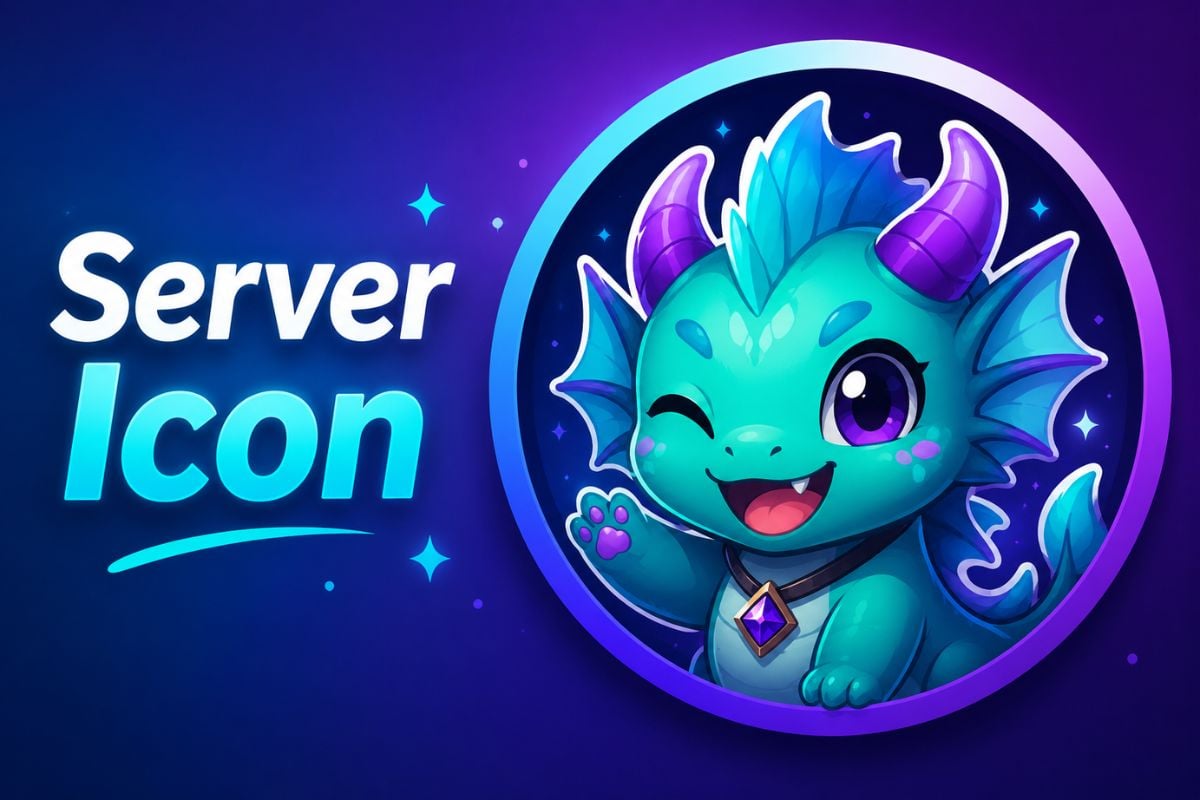
Make Discord Server Icons and Community Avatars
Use the Discord server PFP maker to design icons for gaming groups, anime communities, friend servers, roleplay channels, creator spaces, and themed clubs. Generate mascots, emblem-style characters, fantasy creatures, or simple server icons that are easy to recognize in the sidebar.
Prompt Tips for Better Discord PFPs
Keep the Face Centered
Ask for a centered face portrait with circular avatar-safe framing so the profile picture still looks good after Discord crops it.
Use a Clear Style
Add a style such as anime, chibi, cyberpunk, fantasy, mascot, gaming avatar, cartoon, or minimalist icon to make the result more consistent.
Make It Readable at Small Size
Use simple backgrounds, strong silhouettes, clean expressions, and vivid colors. Avoid too many tiny details because Discord PFPs display very small.
Avoid Logos and Text
For cleaner results, tell the AI not to include text, usernames, real UI, watermarks, official logos, or copyrighted characters.
Discord PFP Maker FAQs
What is a Discord PFP maker?
Can I use this as a Discord PFP generator?
What makes a good Discord PFP?
Should I include text in my Discord PFP?
Can I make original characters instead of existing characters?
Create Your Discord PFP With GoEnhance AI
Use GoEnhance AI to generate a custom Discord profile picture from a simple prompt. Create a clean avatar, gaming icon, anime PFP, cute mascot, or Discord server PFP in just a few steps.
Create Discord PFP