goenhance logo

Free AI Kawaii Generator

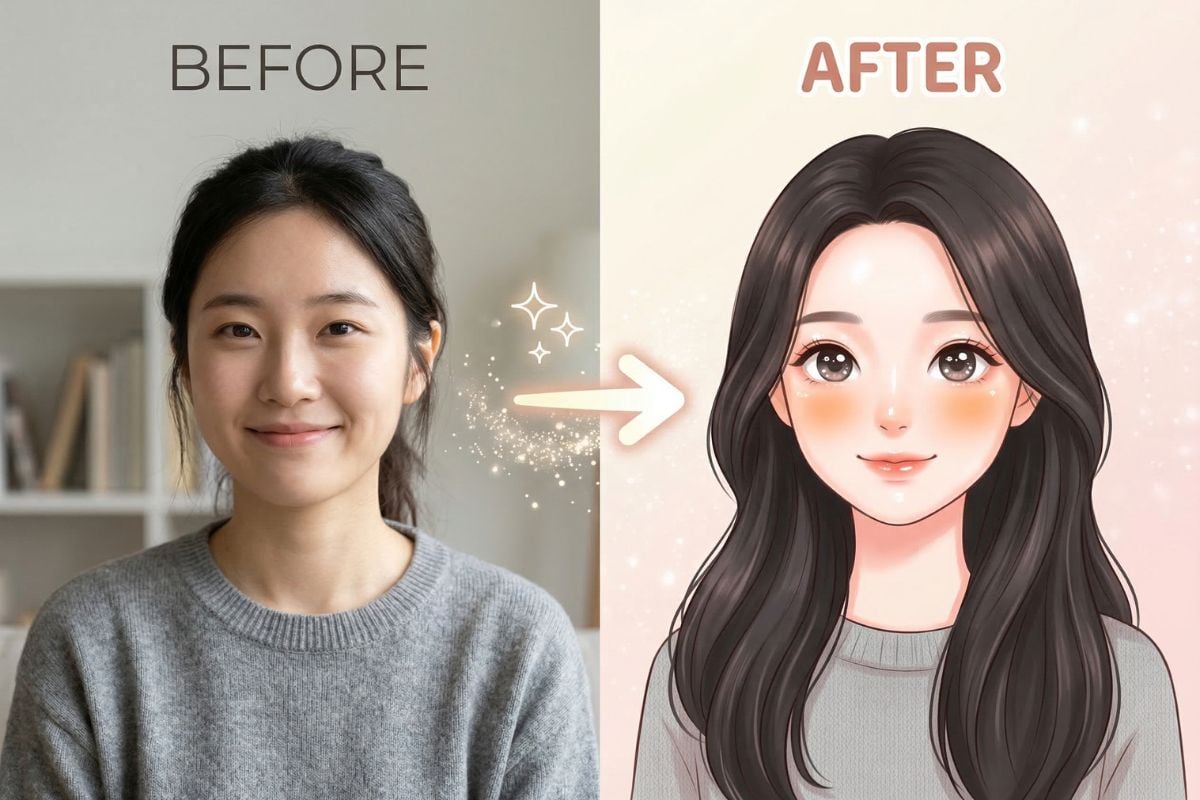
Turn any photo into a soft, cute look in just a few clicks. This AI Kawaii generator makes it easy to create sweet portraits, playful avatars, and custom cute edits. Upload one image, click generate, and get a charming result fast. You can also describe your own style for a more personal finish.

Try It Free Now
Text to Image
Image to Image
Select Model
Image

Use Cases

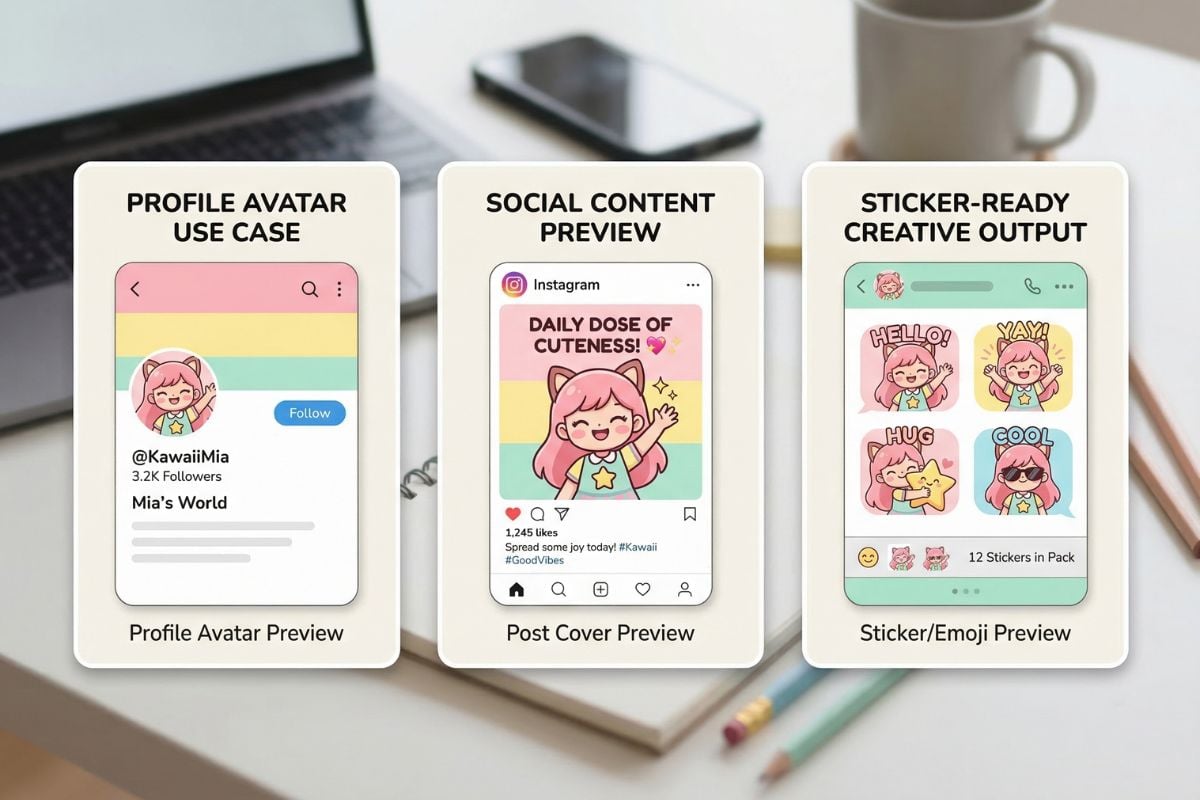
From selfies to profile pictures and fun social content, this tool helps turn everyday photos into bright, adorable kawaii-style art.

How To Use Our AI Kawaii Filter?

01

Upload Your Photo

Choose a clear selfie, portrait, pet photo, or character image you want to turn into a cute kawaii-style result.

02

Click Generate or Describe Your Style

You can keep it simple and generate right away, or type your own kawaii ideas such as pastel tones, softer eyes, blush, stickers, or a more dreamy cute look.

03

Save Your New Image

In seconds, you get a ready-to-use result for avatars, social posts, stickers, mood boards, or just for fun.

Explore AI Kawaii Generator Features

Turn Photos into Cute Kawaii Art

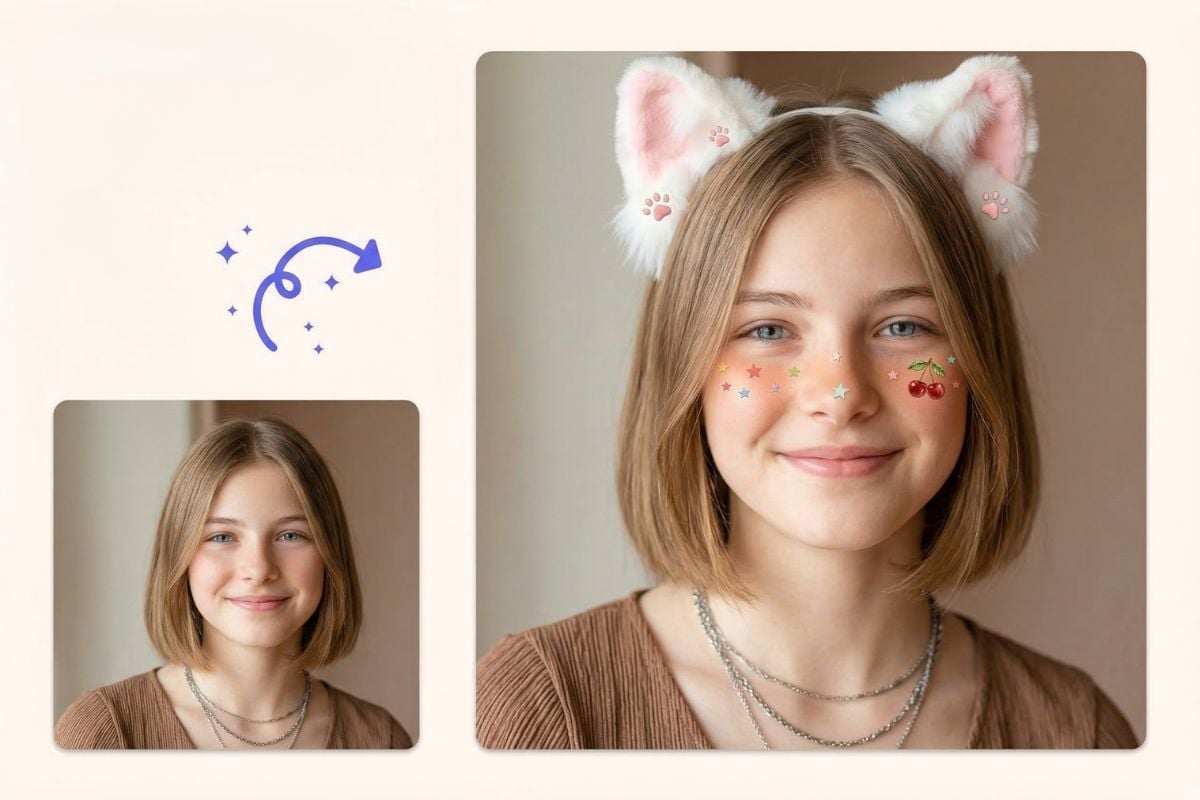
Use this AI Kawaii generator to turn an everyday photo into a softer, cuter image with a clean kawaii-inspired look. It works well for portraits, avatars, and playful content you want to make feel more warm and charming.

AI kawaii generator online free

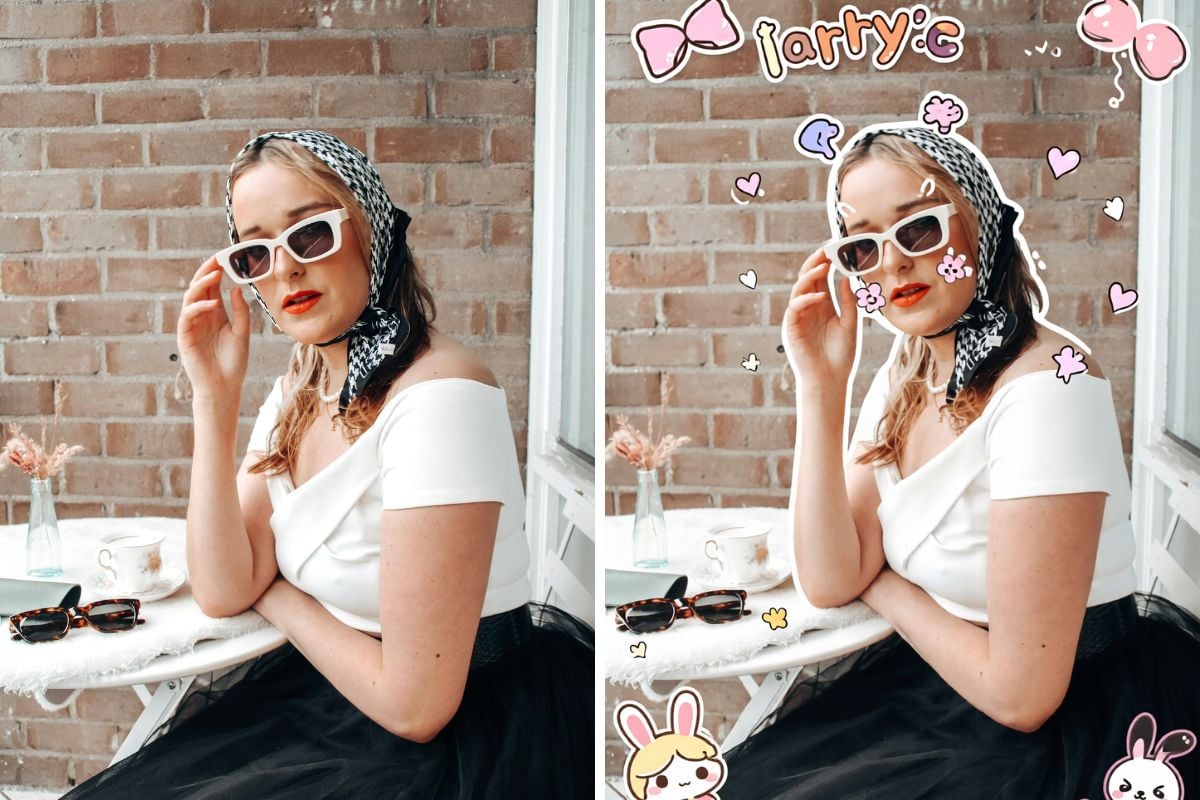
Apply a Kawaii Photo Filter in One Click

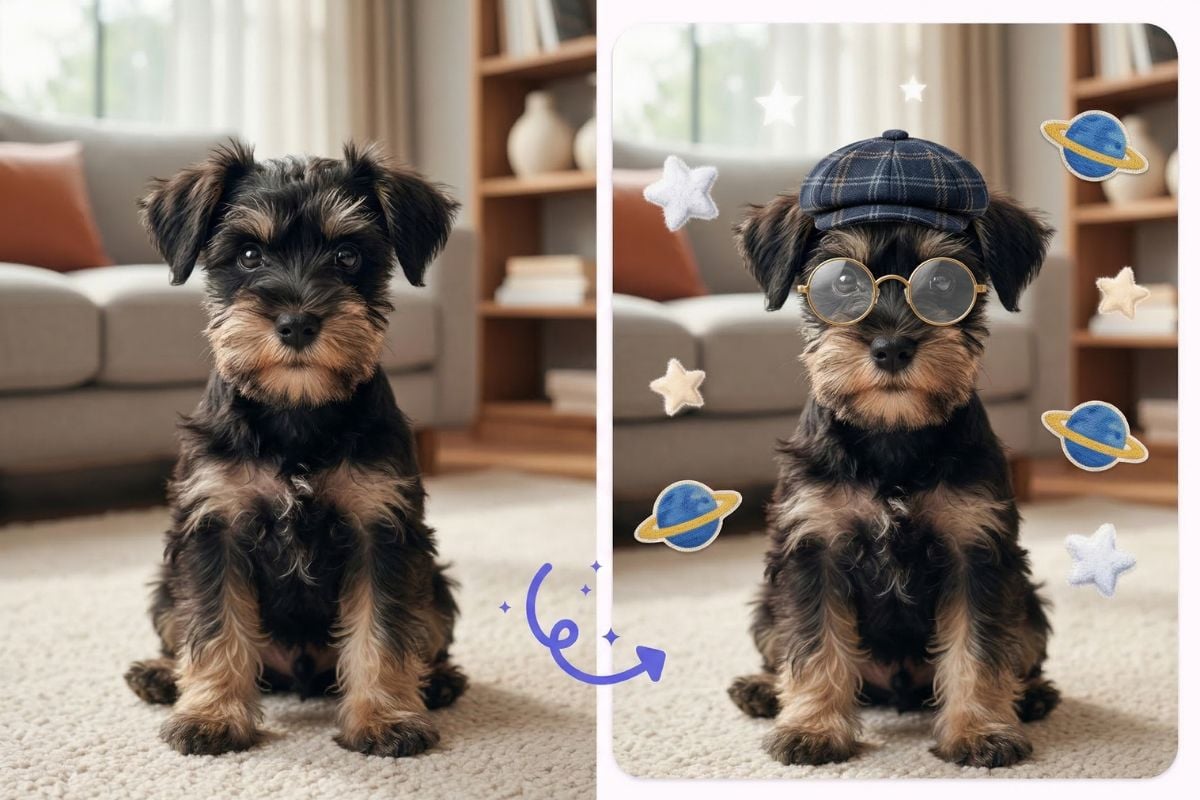
Upload one image and get a polished result fast with a gentle Kawaii photo filter. This simple workflow is useful when you want quick Kawaii editing for selfies, pet photos, or character pictures without spending time on manual adjustments.

generate kawaii photos with one click

Customize Your Own Cute Style

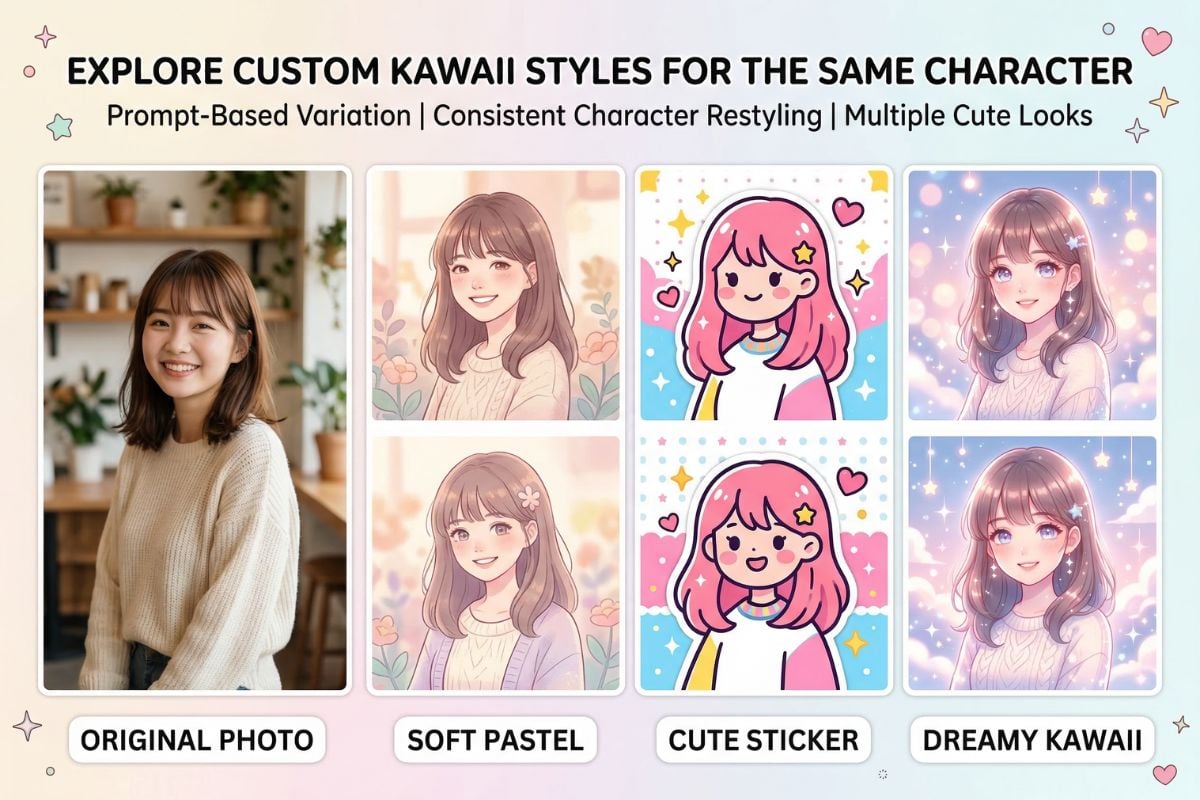
Beyond one-click results, this AI Kawaii filter also lets you describe the look you want, such as pastel colors, blush details, soft lighting, or sticker-like charm. You can also explore more styles with our AI image generator and image to image tools.

kawaii photo editor on GoEnhance

Why People Use It

Easy to start, simple to control, and flexible enough for both quick edits and custom cute styles.
One-Click Cute Results

One-Click Cute Results

Upload a photo and get a soft kawaii-style image without dealing with a complicated editing workflow.

Try For Free
Frequently Asked Questions

You May Want to Know

What does this AI Kawaii generator do?

It turns an uploaded image into a cute, soft, stylized result with a kawaii-inspired look. Many people use it for portraits, avatars, playful edits, and social content that feels lighter and more expressive than the original photo.

Do I need editing skills to use it?

No. The basic flow is simple: upload a photo and click generate. If you want more control, you can also type your own prompt to shape the style, colors, mood, or level of cuteness.

Can I use it as a Kawaii AI art generator for selfies?

Yes. A normal selfie usually works well, especially when the face is clear and the lighting is even. Clean portraits tend to give more stable results than blurry photos or images with heavy shadows.

Is this also a Kawaii photo filter?

Yes. You can treat it like a Kawaii photo filter when you want a fast cute makeover for an existing image. It changes the visual style while still trying to keep the main subject recognizable.

What is the difference between this and a regular Kawaii photo editor?

A traditional editor often requires manual adjustments, overlays, and more time. This tool creates the kawaii-style result for you automatically after upload, while still allowing custom style instructions if you want a more specific look.

What kind of photo works best for AI Kawaii filter results?

A sharp, well-lit image with one clear subject usually works best. Front-facing or slightly angled portraits are often easier for the tool to interpret than crowded group photos, tiny distant subjects, or very dark images.

Ready to Make Your Own Cute Kawaii Art?

Upload a photo, click generate, and turn an ordinary image into a soft, charming kawaii-style result. Keep it quick with one tap, or customize the look to match your own favorite cute style.

Try for Free Now