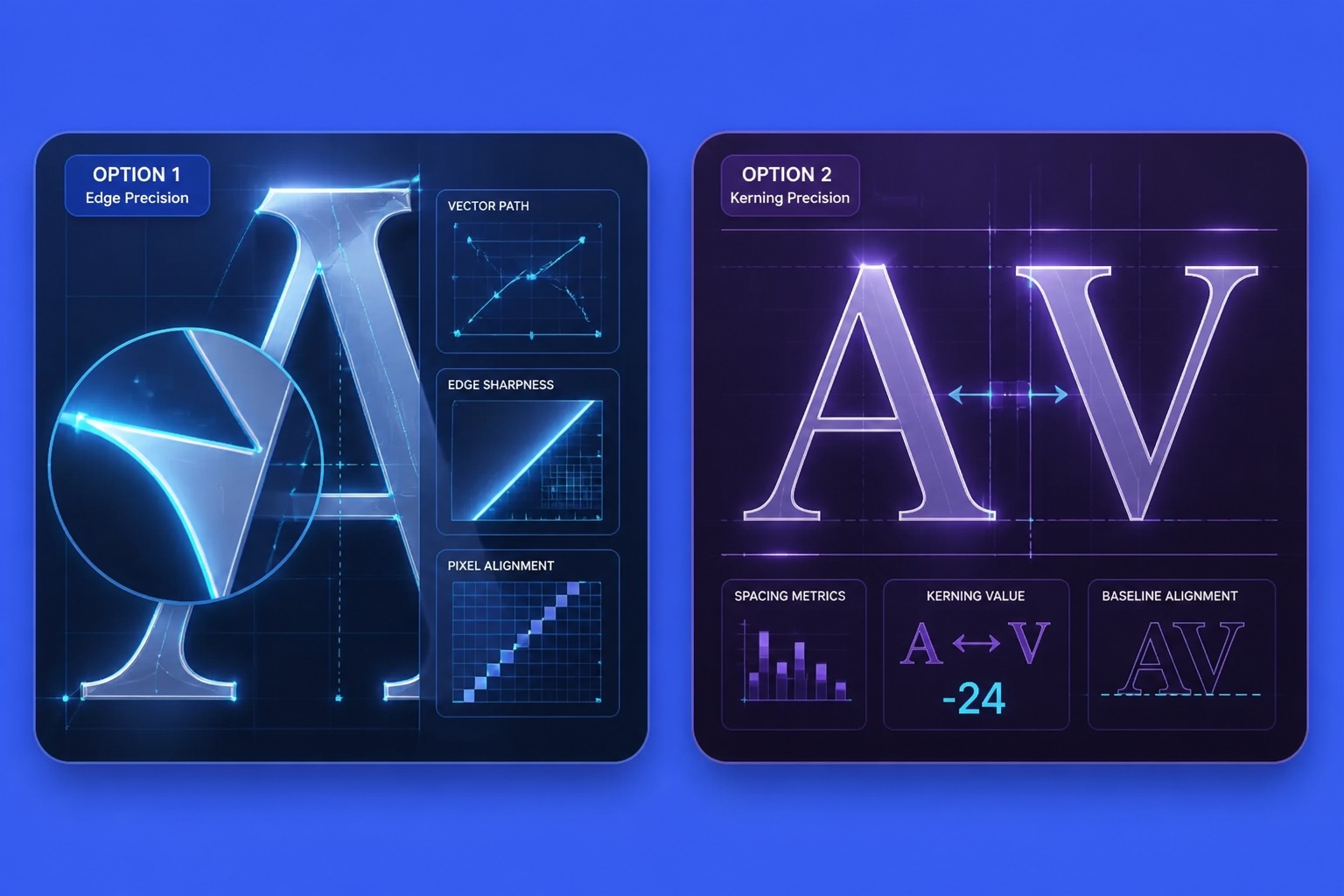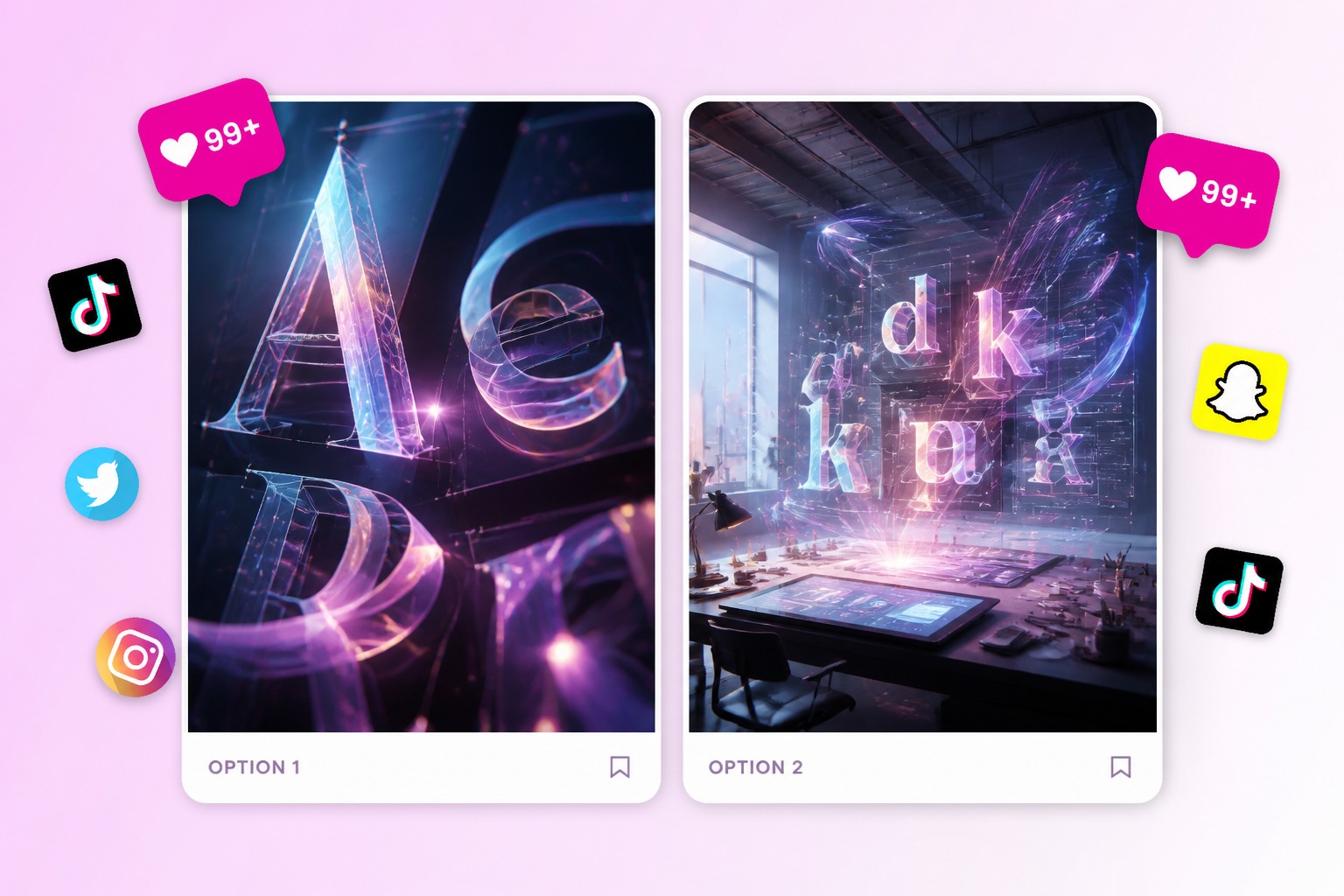
goenhance logo

AI Font Generator

Create font-inspired lettering ideas, text style concepts, poster type, logo mood boards, and brand typography directions from prompts or visual references. Use it for creative exploration, then review readability, spacing, and rights before publishing.
Create Font Style
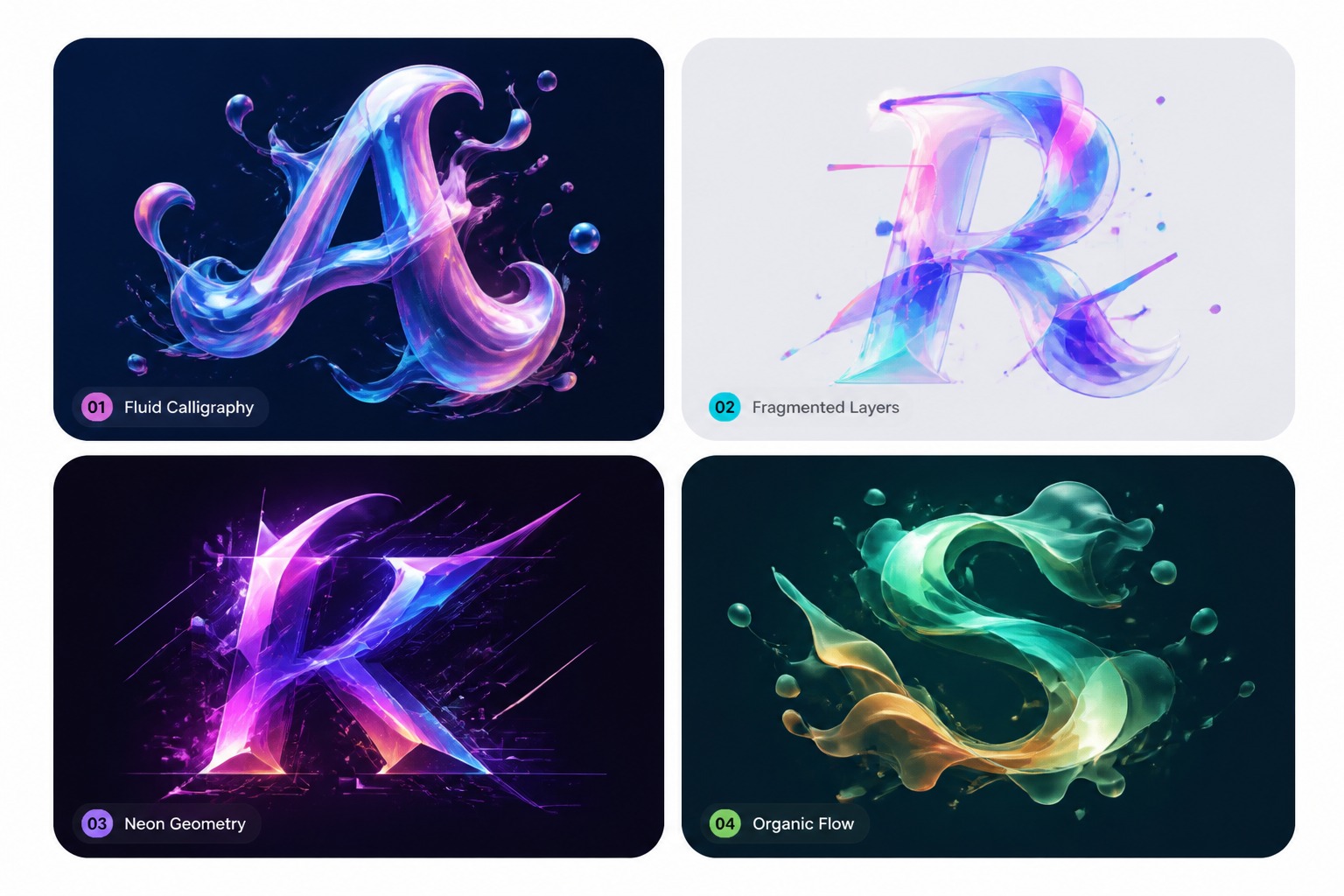
AI font generator hero image showing stylized lettering concept

Font Style Directions to Explore

Use AI to test the visual personality of type before turning it into a finished brand, poster, or design asset.
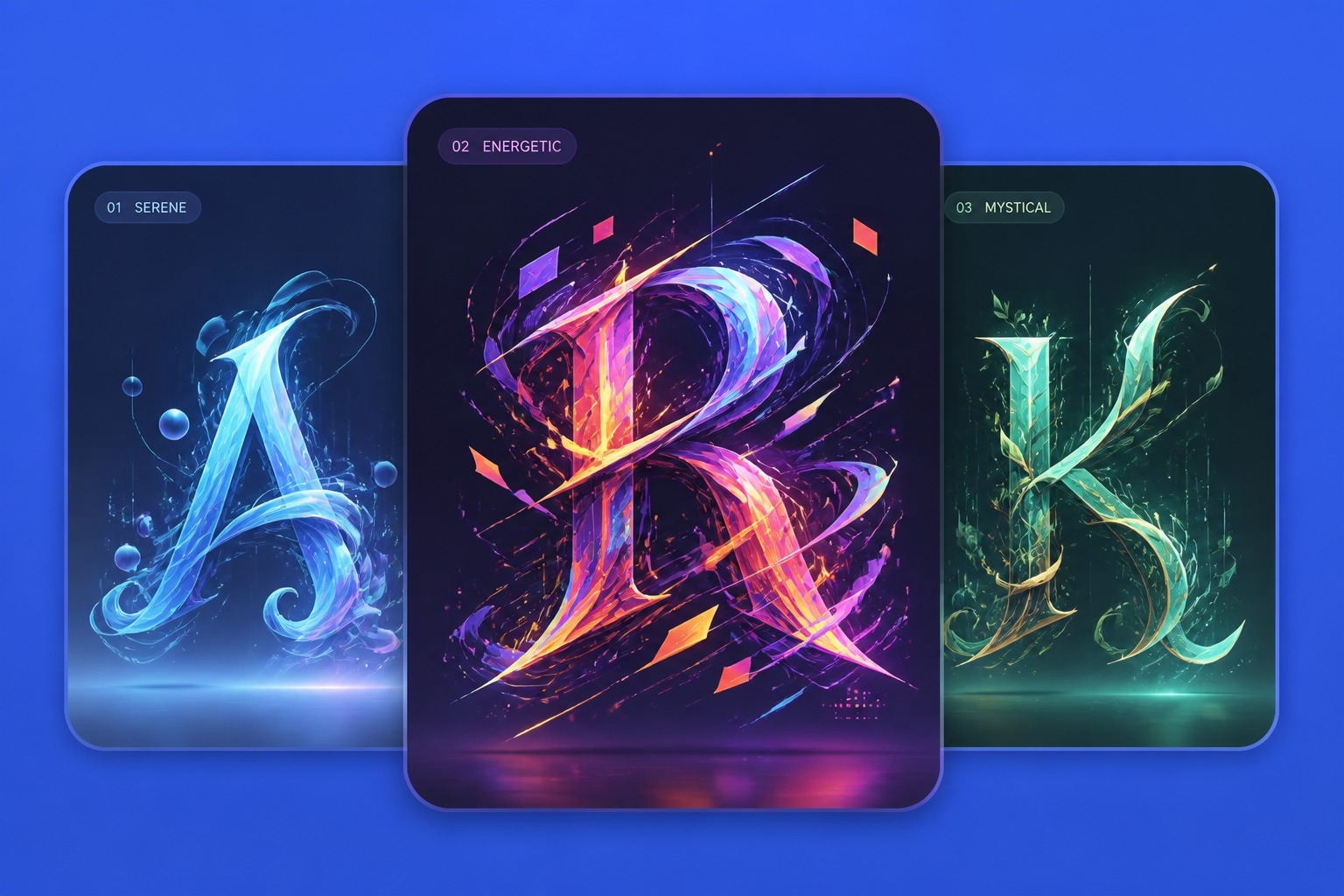
AI font generator brand lettering style concept

Brand Lettering Mood

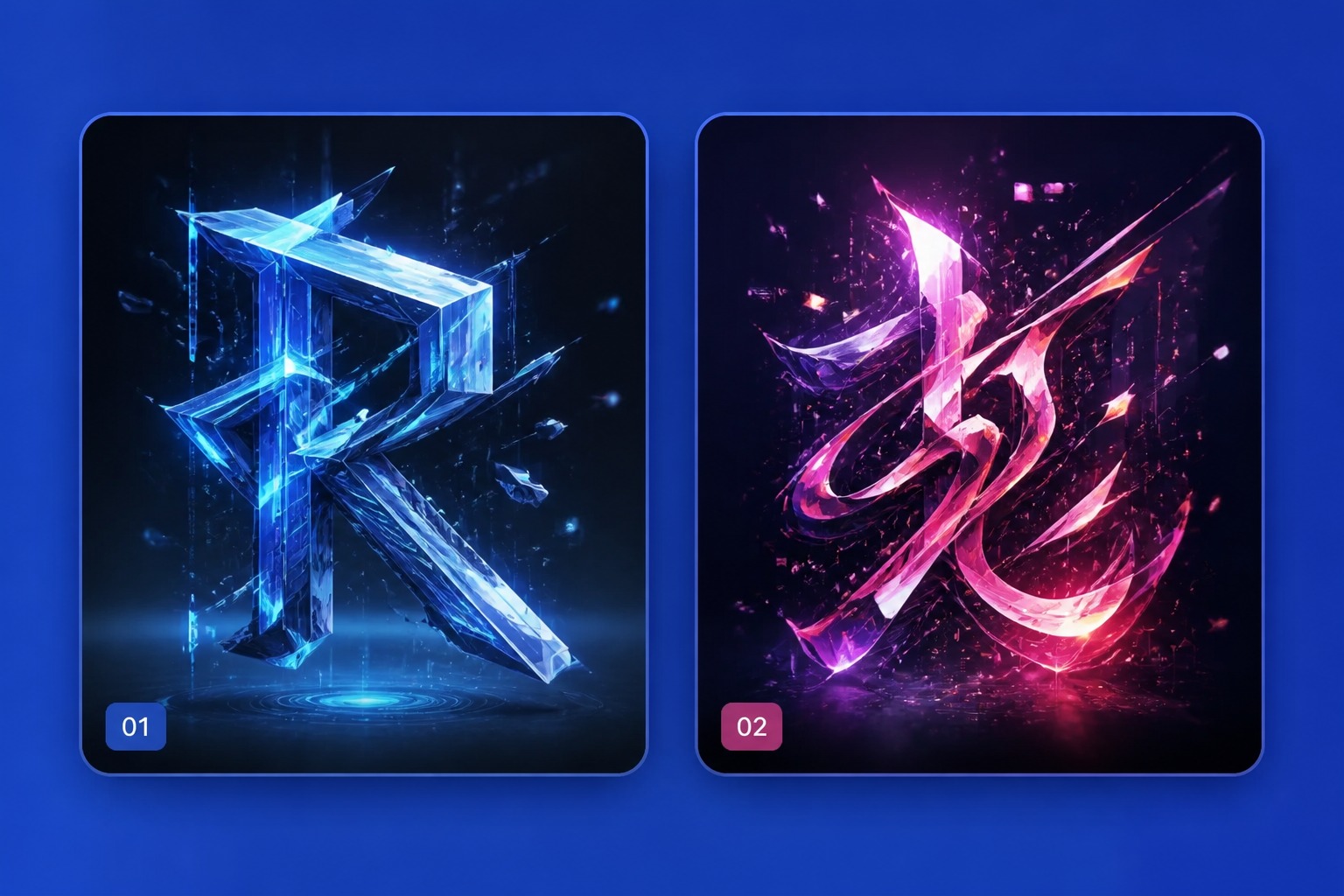
AI generated poster typography style idea

Poster Type Ideas

AI font generator from image reference concept

Image Reference Style

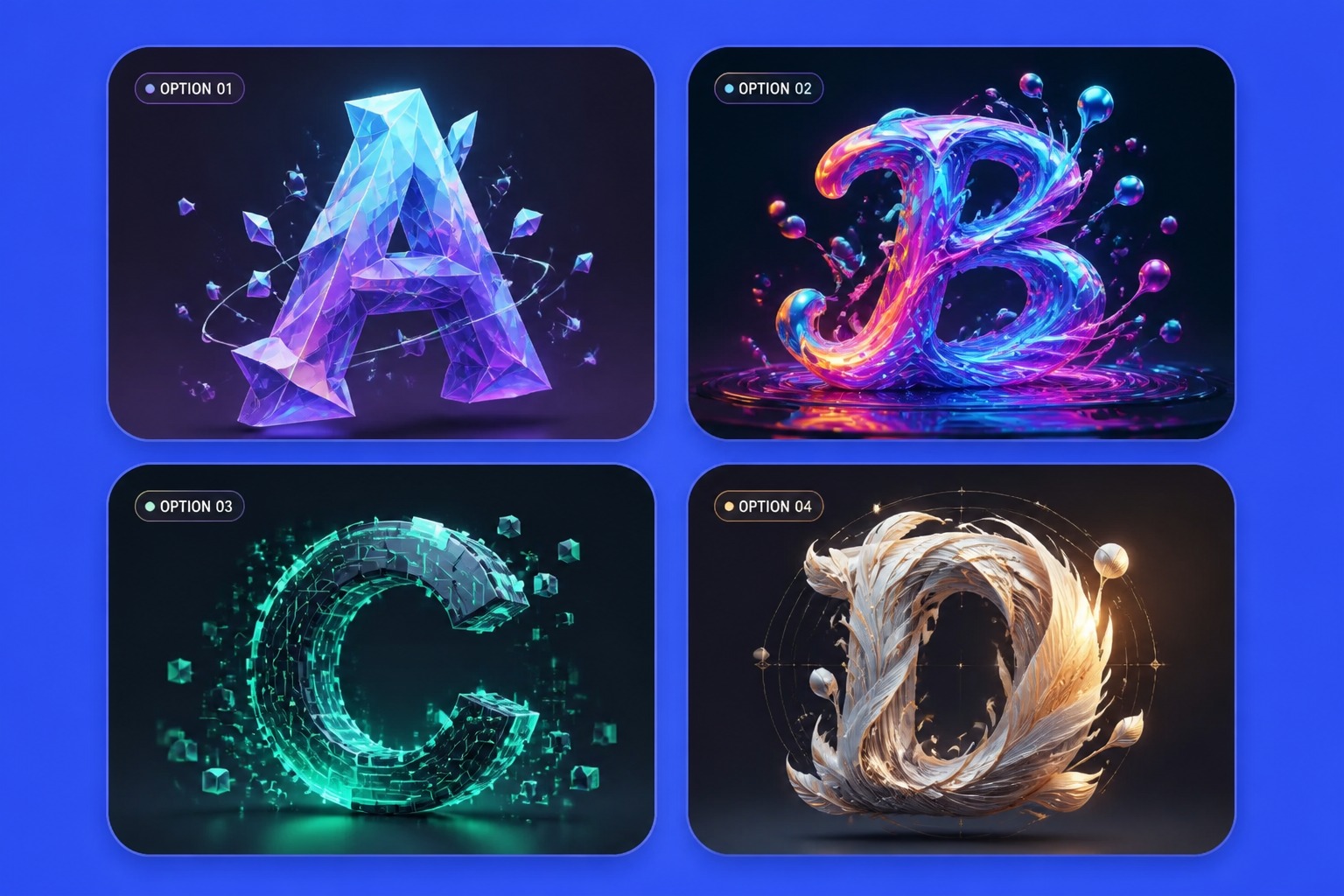
AI Font Generator for Lettering Concepts

Draft Text Style Concepts

Use an AI image generator when you need a direction before committing to a typeface. Describe the mood, era, surface, weight, and use case so the result feels like a design concept instead of random decorative letters.
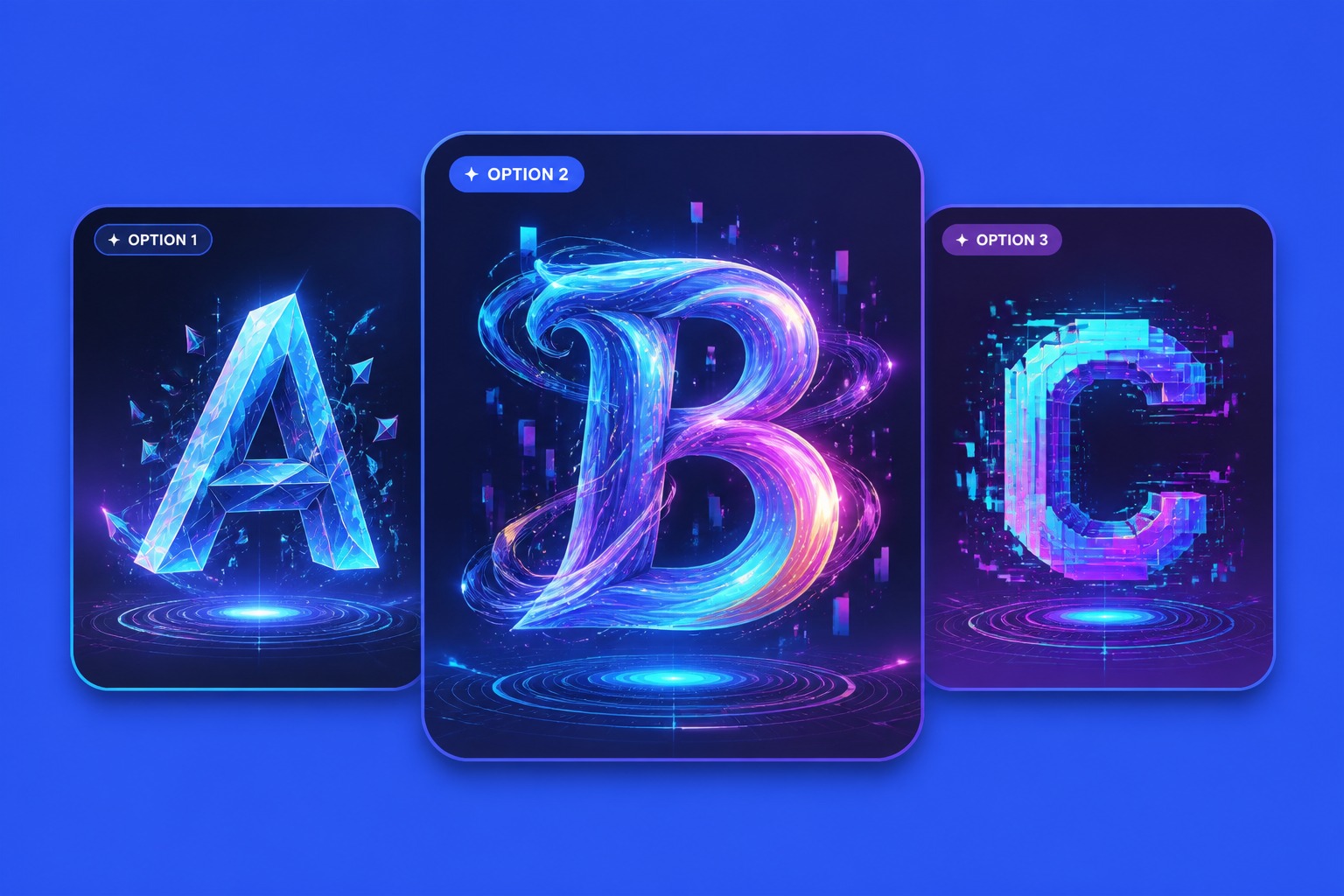
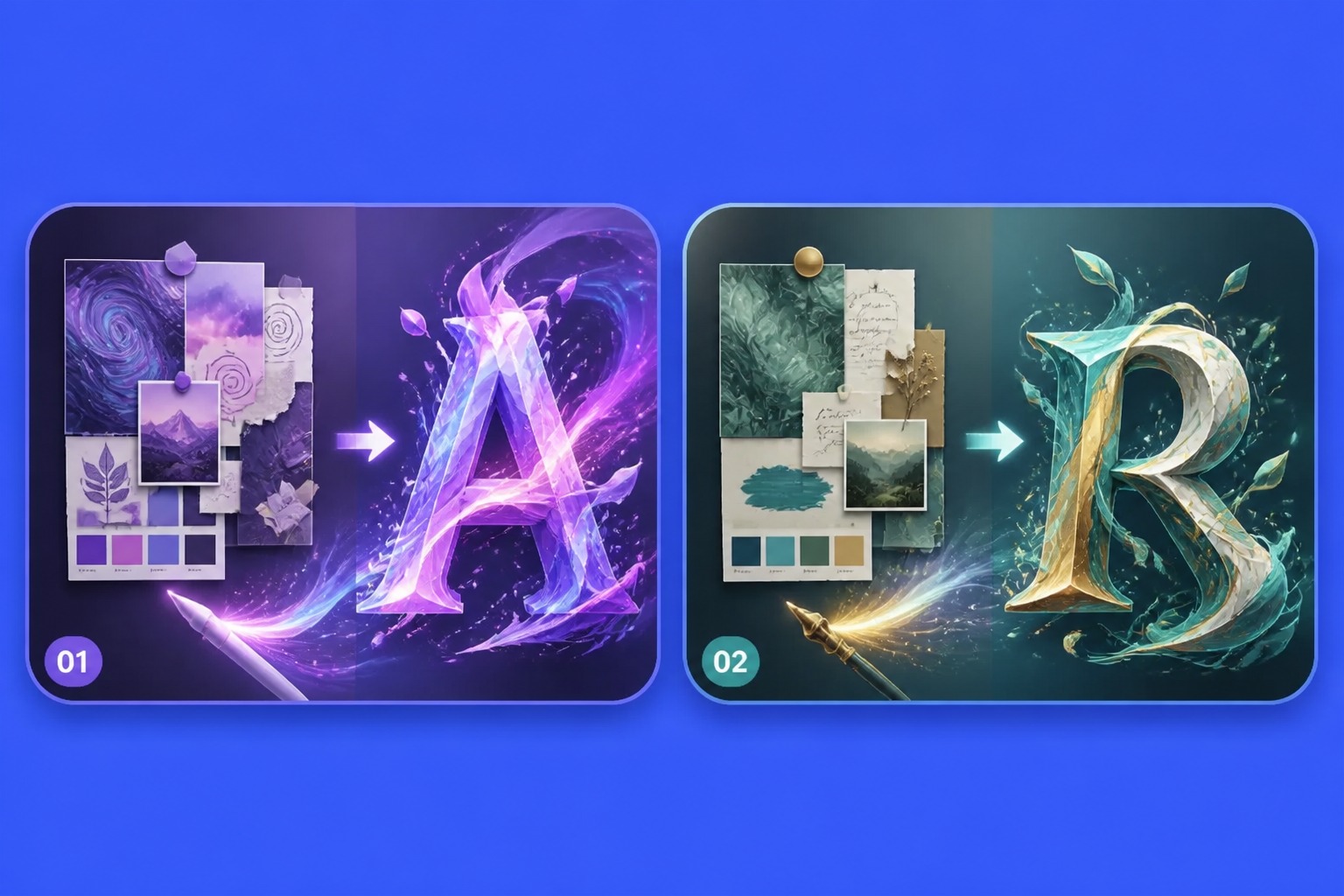
AI font generator drafting decorative text style concepts

Reference an Image Mood

An AI font generator from image workflow can translate texture, color, lighting, or design mood into lettering inspiration.

AI font generator using image mood as lettering reference

Shape Brand Assets Faster

Preview lettering directions for logos, product names, channel art, packaging tests, or campaign visuals. Treat outputs as concept art for typography, not as a fully licensed font file ready for every use case.

AI font generator previewing brand lettering assets

Review Readability Early

AI-generated text can look stylish while failing at exact spelling or spacing. Use the result to judge mood and layout first, then manually check letter clarity before placing it in a final design.

AI font generator readability review for generated lettering
Typography concepts work best when style, readability, and design purpose are evaluated together. AI helps explore directions before final production.

Why Use an AI Font Generator

Faster Lettering Ideas

Move from a vague style phrase to visible type concepts for posters, logos, thumbnails, or brand mood boards.

Prompt and Image Inputs

Explore font-inspired visuals from written descriptions or reference-image moods without starting from a blank canvas.

Stronger Design Direction

Compare weight, texture, contrast, era, and personality before choosing a final typography path.

Useful for Visual Drafts

Create concept images for campaigns, social graphics, packaging tests, channel art, and creative presentations.

Better Readability Checks

Review spacing, letter clarity, and spelling risk early because stylish AI text can still need manual correction.

Free Credit Testing

Try font-style generation with GoEnhance AI free credits, then continue with more credits or a paid plan if needed.

How to Generate AI Font Ideas

01

Define the Design Use Case

Decide whether the font style is for a logo mood board, poster headline, thumbnail, packaging test, game title, or social graphic. The use case controls how bold or readable it should be.

02

Describe Style or Add Reference Mood

Name the era, weight, texture, mood, and visual references. If using an image, treat it as mood guidance for color and shape rather than a source to copy exactly.

03

Generate and Check Letter Quality

Review the output for readable forms, spacing, spelling, and brand fit. Use the best result as a concept direction, then refine or typeset final text when accuracy matters.

Answers about AI font ideas, image references, free credits, text accuracy, commercial use, and typography review.

AI Font Generator FAQ

What is an AI font generator?

An AI font generator creates font-inspired visuals, lettering concepts, and typography mood ideas from prompts or references. It is best for design direction and visual drafts, not guaranteed production-ready font files.

Can I use it as a text font generator for styles?

Yes. You can describe the text style, mood, era, thickness, texture, and intended design use. Review spelling and letter clarity carefully because AI typography may need manual correction.

Is there an AI font generator free option?

GoEnhance AI provides free credits that can be used for image generation. After free credits are used, continued font-style generation may require additional credits or a paid plan.

Can I use an AI font generator from image references?

Yes. Use a reference image for mood, color, texture, or shape direction. Avoid copying protected logos or proprietary type styles too closely if you plan to publish the result.

Can it create an installable font file?

This page is best for visual font concepts and lettering ideas. If you need a full installable font family, you may still need dedicated font-design software and manual glyph production.

Can I use generated lettering commercially?

Check GoEnhance AI terms, source references, and any brand or trademark concerns before commercial use. For client work, verify that the final lettering is original and manually reviewed.

Why does AI text sometimes look wrong?

AI can create attractive letter-like forms while missing exact spelling, spacing, or character consistency. Use it for visual direction first, then typeset or edit final wording when accuracy matters.

What prompts work best for font ideas?

Mention the design use case, mood, weight, era, texture, contrast, and readability target. A prompt for bold retro game title lettering gives better direction than only cool font.

Create Font Ideas With GoEnhance AI

Generate font-inspired visuals, lettering concepts, and typography mood boards from prompts or image references with GoEnhance AI.

Start Creating Font Ideas