goenhance logo

Free Lock Screen Maker

Create a custom phone lock screen wallpaper from a photo idea, mood, subject, or color palette. Build vertical artwork with clean clock space, a clear focal point, and a style that feels personal instead of generic.
Try It Free Now
Texto para Imagem
Imagem para Imagem
Select Model
Prompt

Lock Screen Wallpaper Gallery

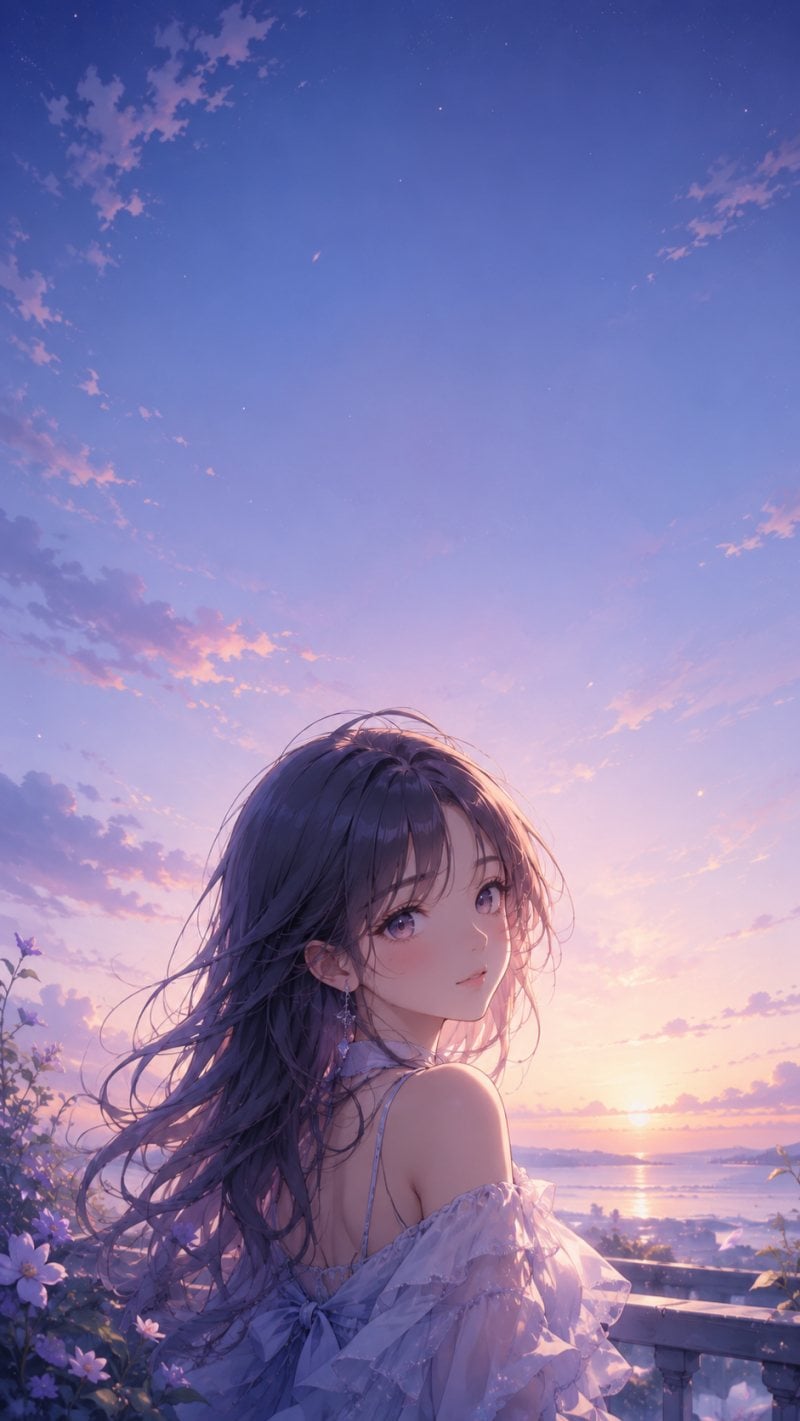
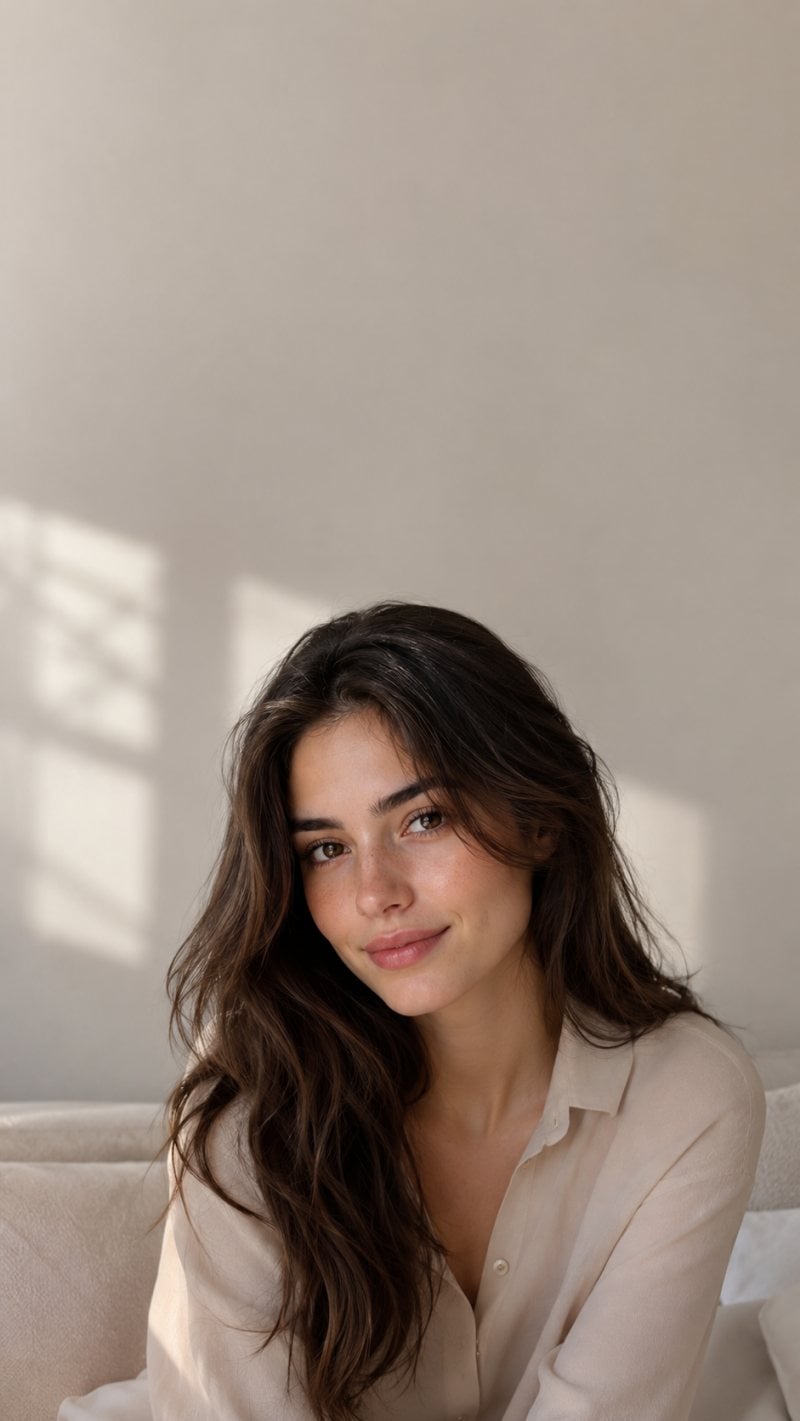
Explore a gallery of vertical wallpapers for phone lock screens, featuring anime-style characters, realistic portraits, and scenic landscapes. Each design is made to feel polished, focused, and visually balanced on a mobile screen.

Anime Girl Lock Screen

Realistic Portrait Wallpaper
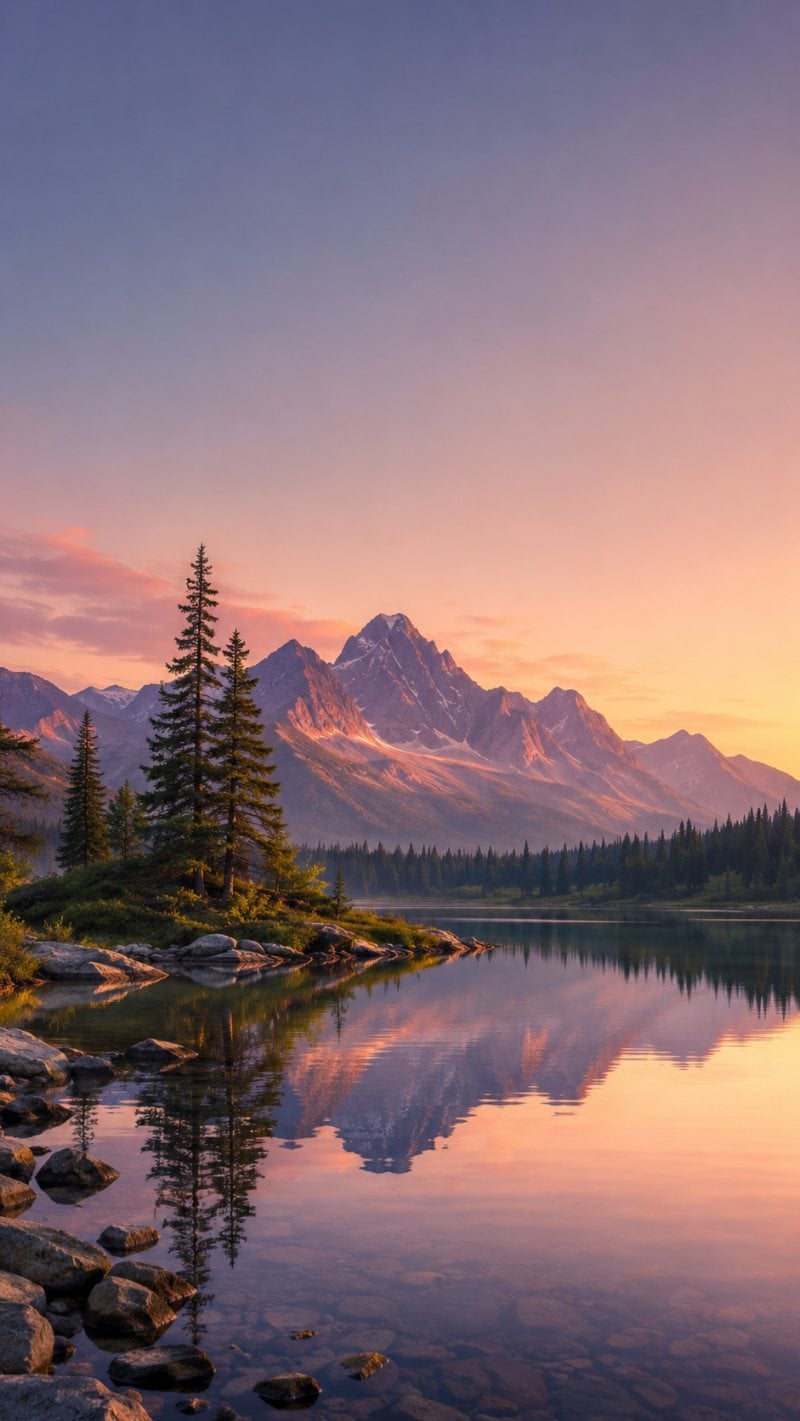
Scenic Landscape Lock Screen

How to Use Lock Screen Maker
Step 1

Describe the Lock Screen Style

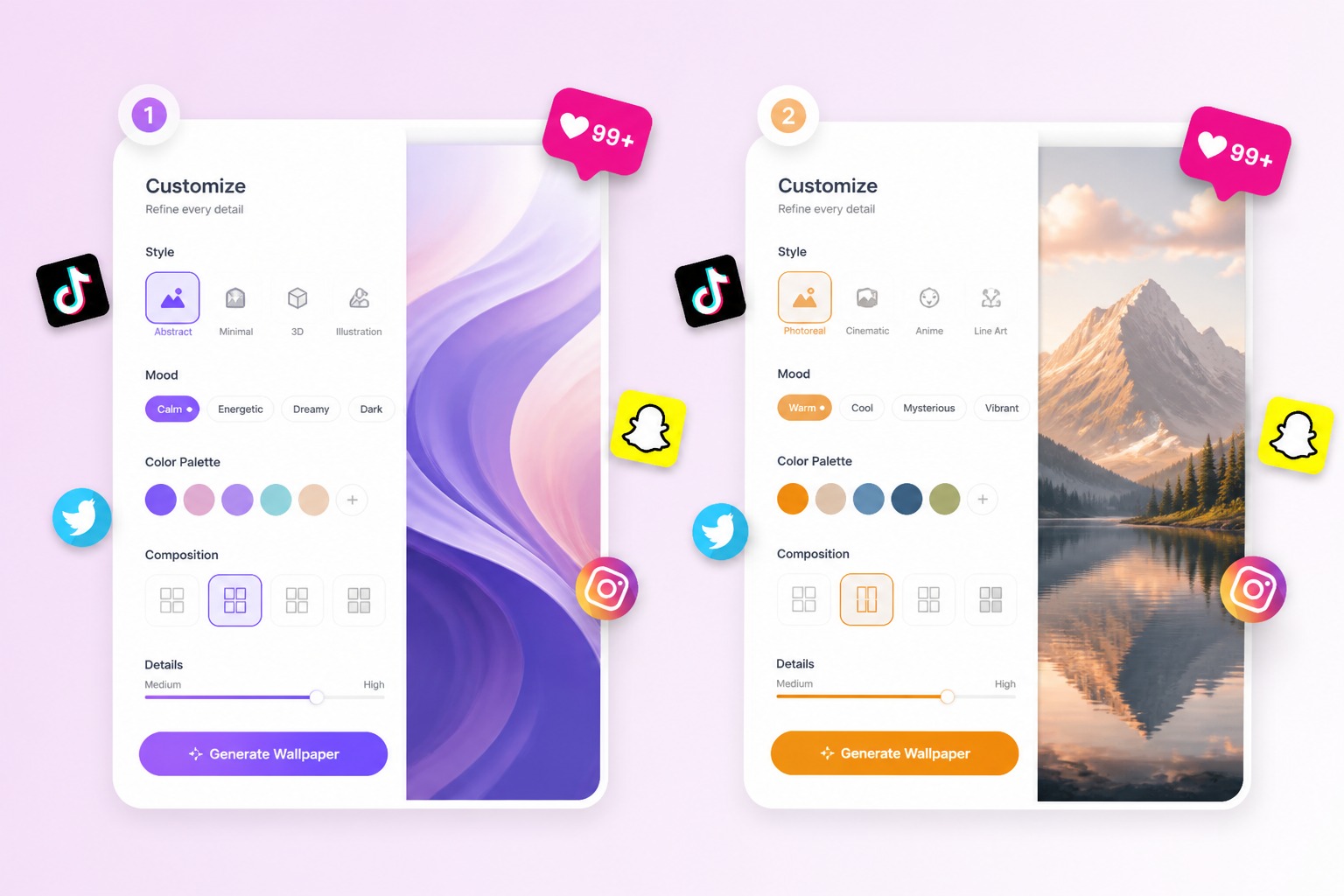
Write the subject, mood, colors, season, or aesthetic you want. Mention that the image should be vertical and leave space for the clock or widgets.
Step 2

Choose Key Visual Details

Add details such as portrait placement, background texture, lighting, color contrast, or whether the design should feel minimal, cute, cinematic, or abstract.
Step 3

Save and Test on Phone

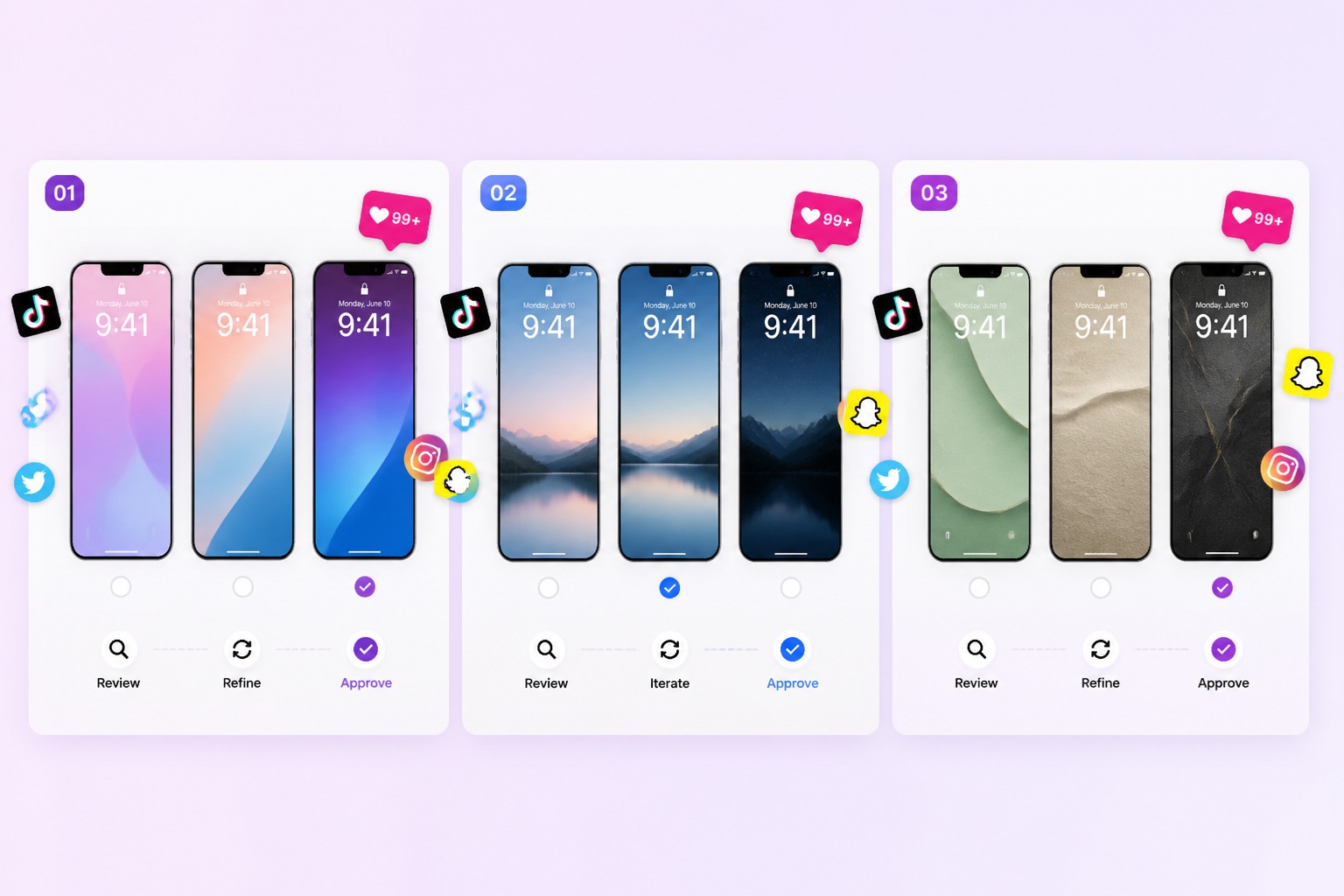
Preview the wallpaper behind your lock screen UI. Choose the version where the clock stays readable and the main subject is not hidden by icons.
Describe Wallpaper Style

Create Lock Screens That Feel Personal

Design Around Your Daily Screen

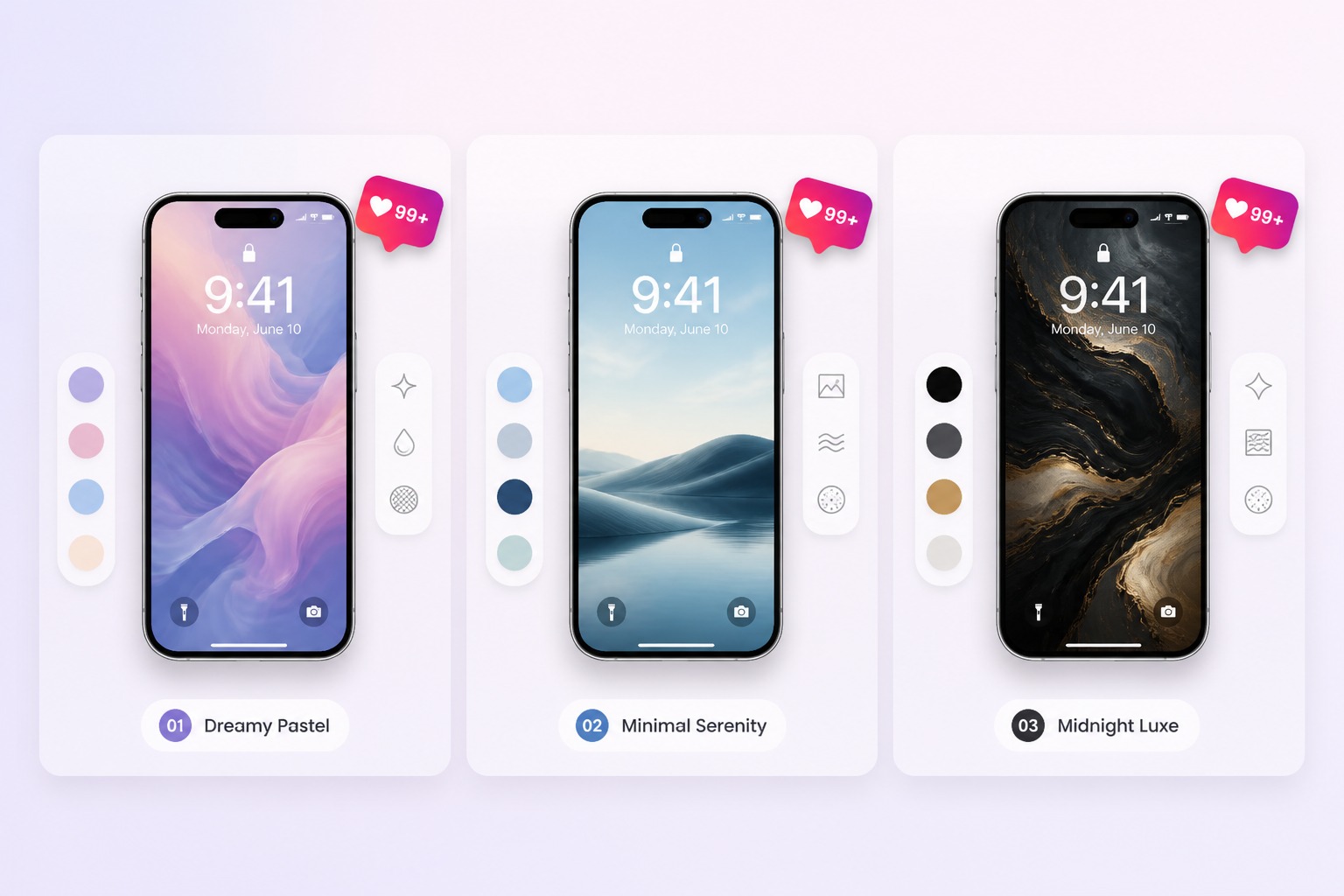
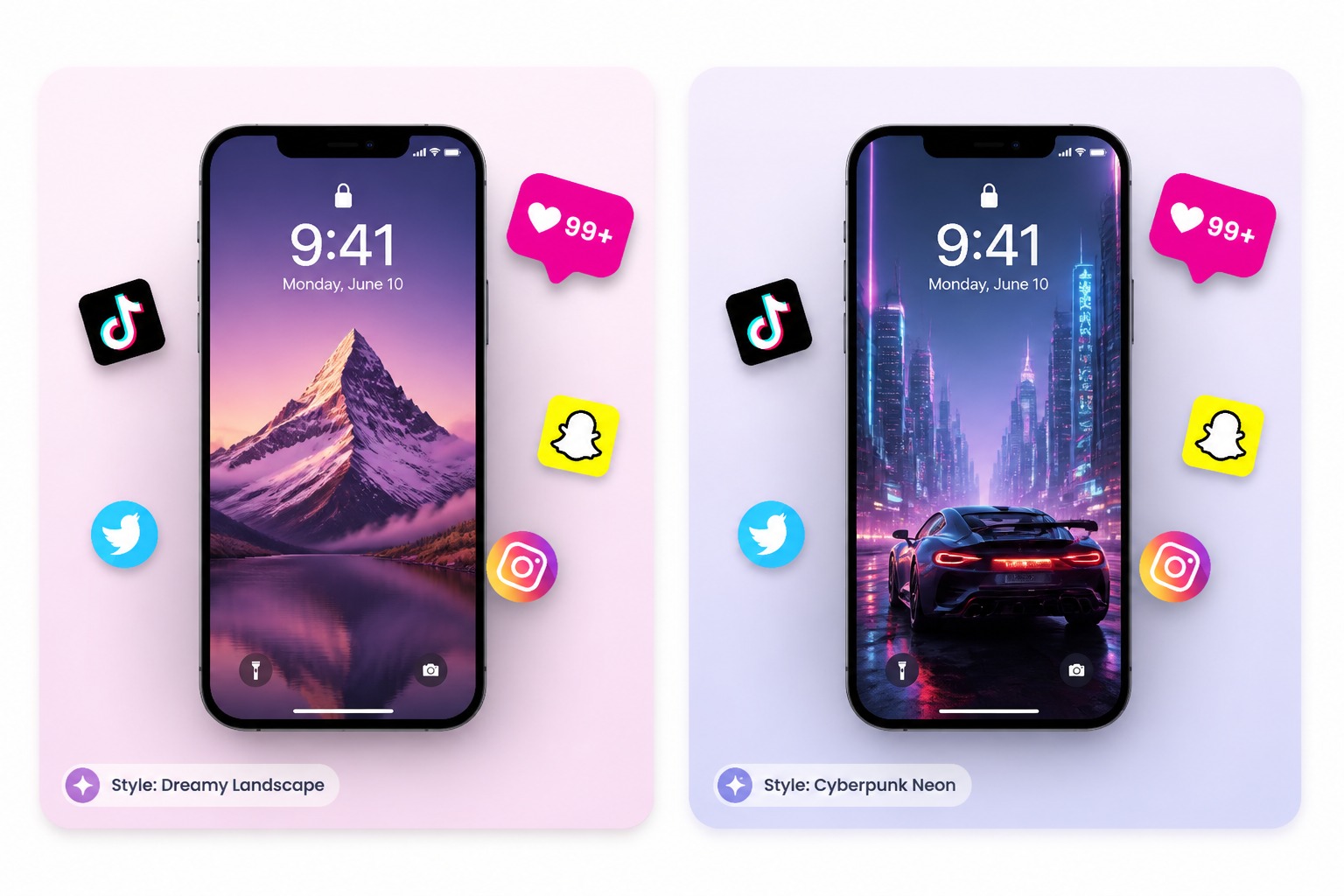
Create vertical wallpapers with our text to image tool so they feel made for the way you actually see your phone: clear clock space, calm widget areas, and a focal point that still looks good behind notifications. It is a better fit than cropping random art after the design is finished.
Design Around Your Daily Screen example for lock screen maker

Turn Photos Into Personal Wallpaper

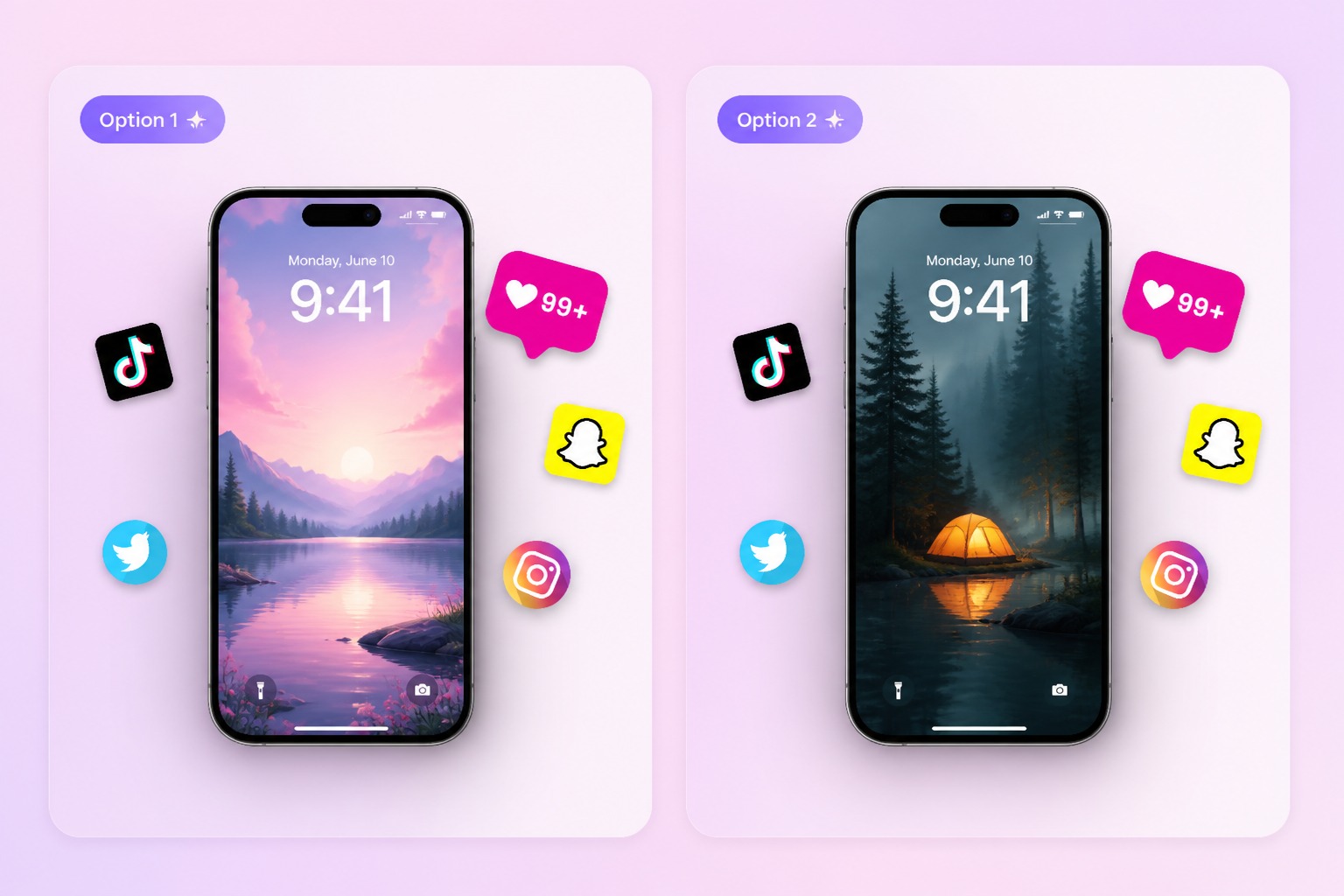
Use our AI image generator to turn a pet, portrait, travel memory, character idea, or favorite object into the heart of a lock screen visual. The result keeps the emotional subject visible while giving the whole screen a cleaner, more polished wallpaper feel.
Turn Photos Into Personal Wallpaper example for lock screen maker

Refresh Your Phone for Every Mood

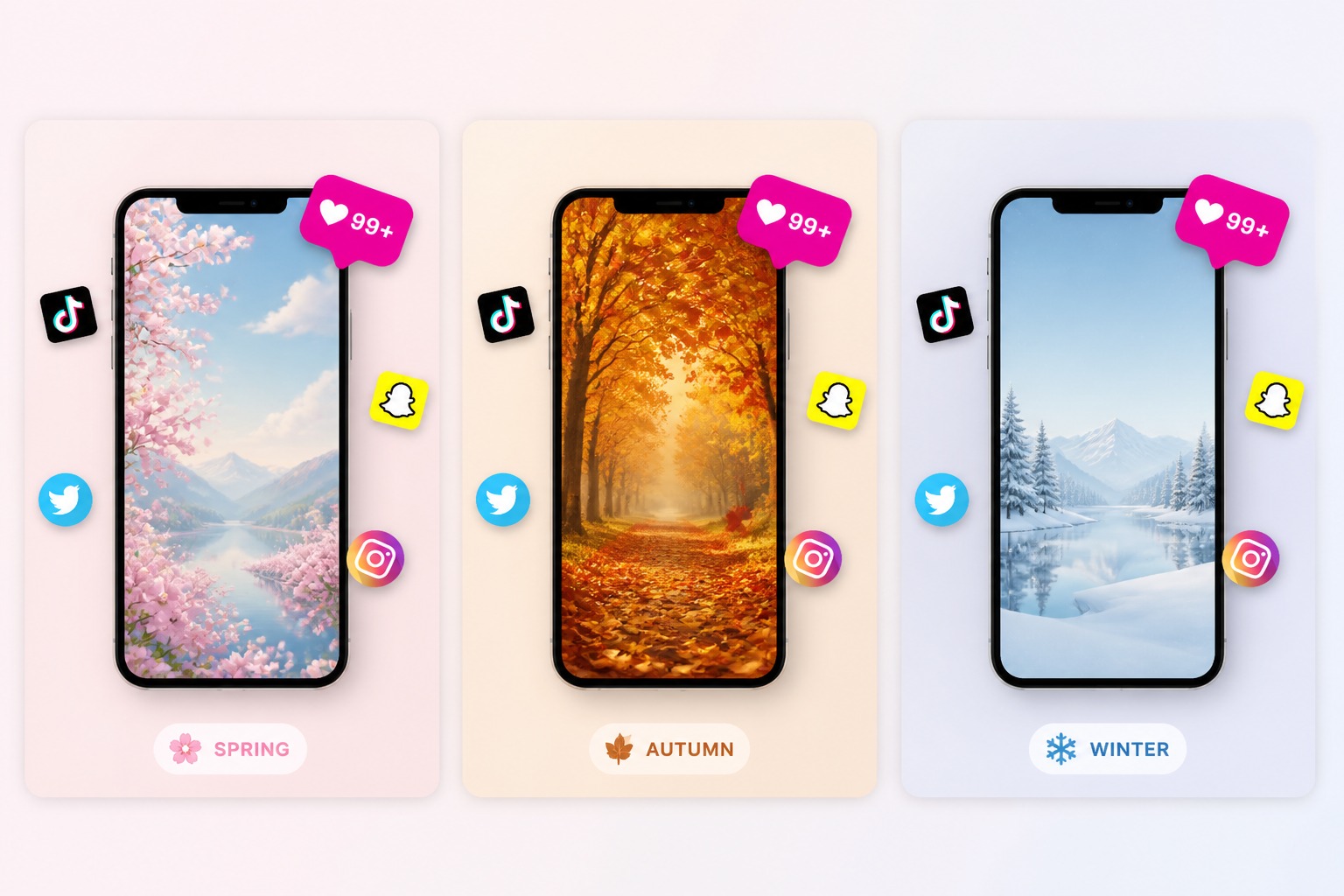
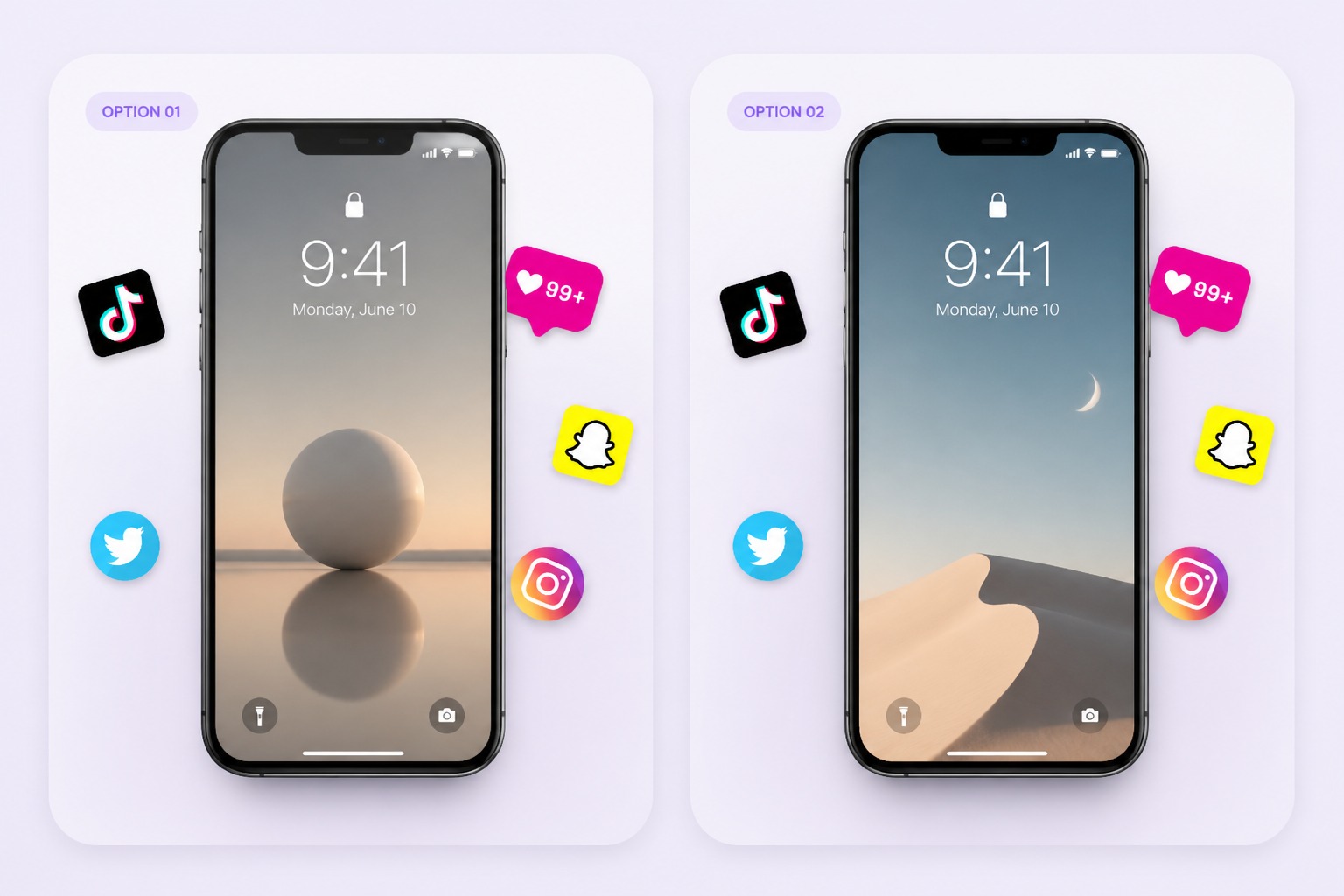
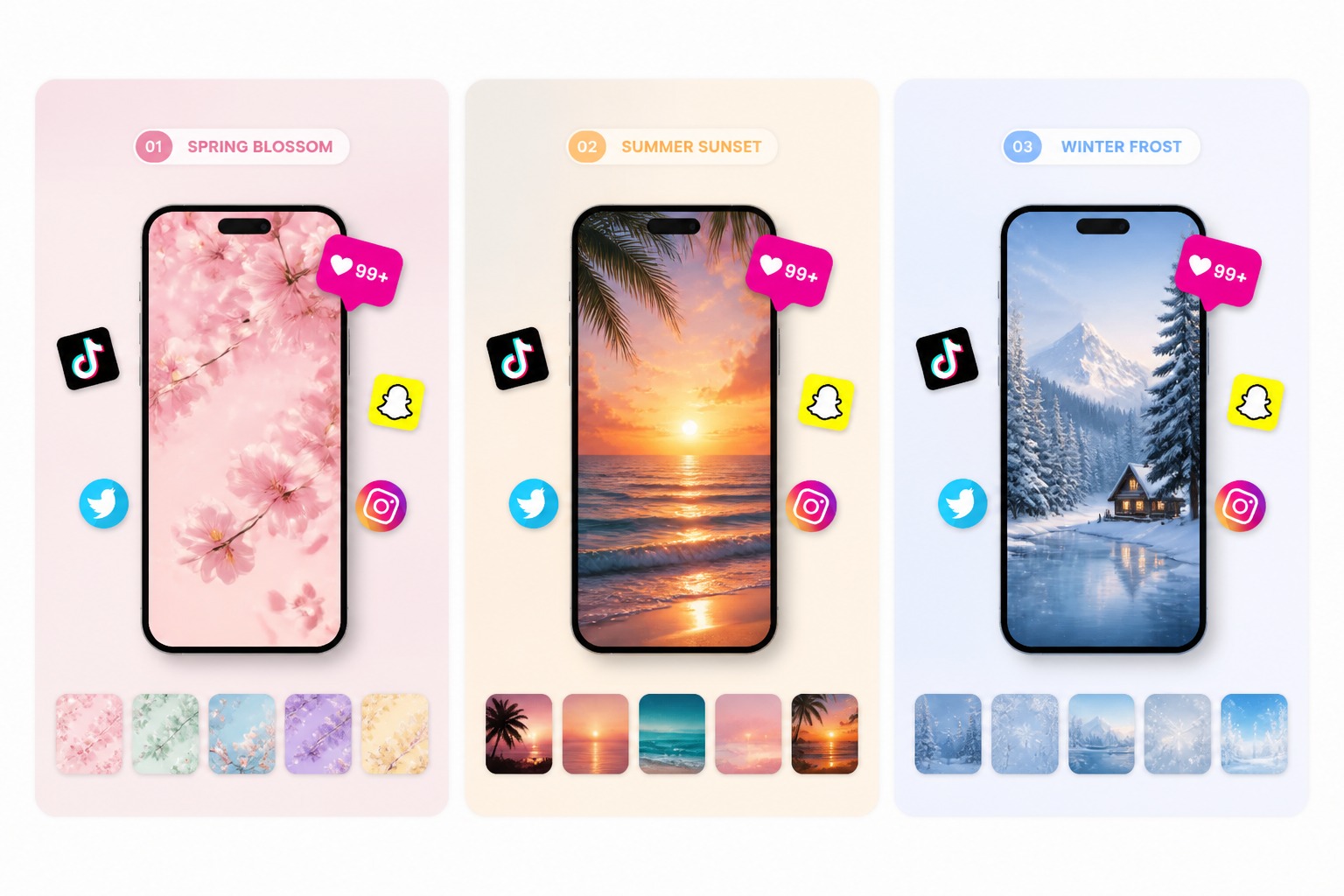
Build soft minimal looks, cute seasonal backgrounds, cinematic night scenes, birthday themes, or matching creator packs without searching through the same generic wallpaper collections. Each version can feel tailored to a moment or style.

Refresh Your Phone for Every Mood example for lock screen maker

Create Ready-to-Use Phone Art

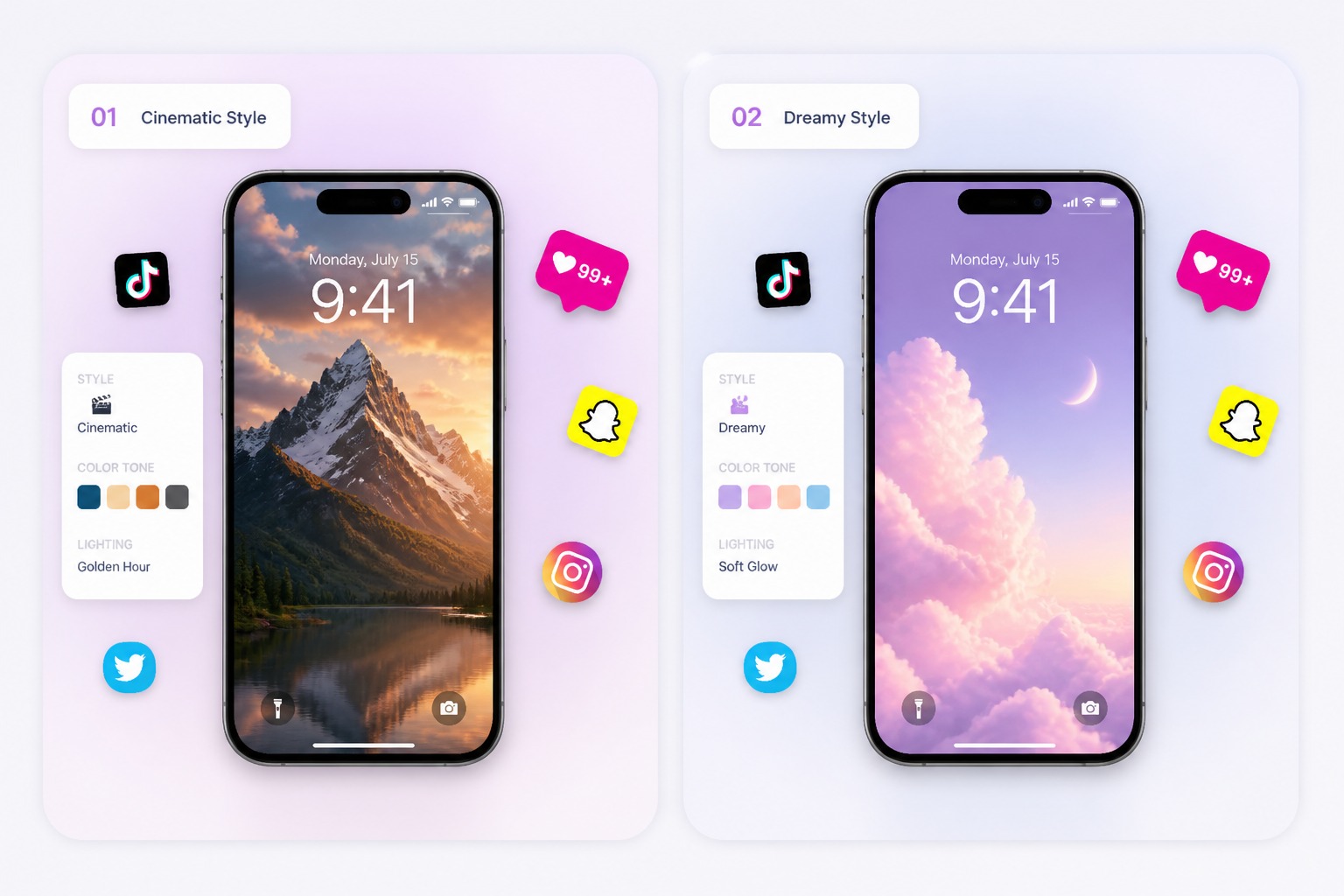
Generate lock screen visuals that are easier to save, share, and reuse because the composition already considers vertical format and screen readability. It works best for personal phone setups, social packs, and quick visual refreshes.

Create Ready-to-Use Phone Art example for lock screen maker
Custom wallpapers built for real phone screens

Why Use Lock Screen Maker?

Made for Vertical Screens

Create wallpapers that start in a phone-first format, so the main subject does not get lost in an awkward crop.

Cleaner Clock Space

Leave calmer areas for time, widgets, and notifications, making the final wallpaper feel usable instead of visually crowded.

Personal Photos Feel Polished

Turn pets, portraits, travel shots, or favorite objects into lock screen art that feels more intentional and ready to use.

More Styles Without Searching

Explore cute, minimal, seasonal, cinematic, colorful, or abstract directions without digging through generic wallpaper packs.

Faster Theme Refreshes

Make new phone backgrounds for holidays, birthdays, launches, creator packs, or everyday mood changes in less time.

Ready for Saving and Sharing

Get a cleaner visual result that is easier to use as a personal lock screen or share as part of a coordinated wallpaper set.
FAQ

Lock Screen Maker FAQ

What can I make with a lock screen maker?

You can create vertical wallpapers for phones, including aesthetic backgrounds, pet or portrait wallpapers, seasonal themes, abstract designs, creator packs, and minimal lock screens.

What makes a lock screen wallpaper feel phone-ready?

A phone-ready wallpaper has vertical composition, clear contrast, a readable focal point, and calmer space where your clock, widgets, and notifications sit. It should still look intentional after the phone UI appears.

Can I make lock screens for different moods or seasons?

Yes. You can create cozy winter screens, birthday themes, minimal daily setups, cute pet wallpapers, cinematic night scenes, or creator-style packs by keeping the same palette and changing the mood or subject.

Can I turn a personal photo into a lock screen?

Yes. A pet, portrait, couple photo, travel memory, or favorite object can become the starting point for a more polished wallpaper. Clear subjects usually produce stronger, more recognizable results.

Can I use free credits for lock screen wallpapers?

GoEnhance AI provides free credits for image generation, so you can test a lock screen design before creating more wallpaper versions.

What makes a good lock screen design?

A good lock screen has clear contrast, enough breathing room for phone UI, a strong focal point, and details that still look good after cropping.

Can I make a matching wallpaper set?

Yes. Keep the same color palette, subject, and mood while changing seasons, backgrounds, or small visual details for a coordinated set.

Make a Custom Lock Screen

Describe your style, generate a vertical wallpaper, and choose the version that looks clean behind your phone clock and widgets.

Create Lock Screen